How to Find a Lost Phone That Is Switched Off

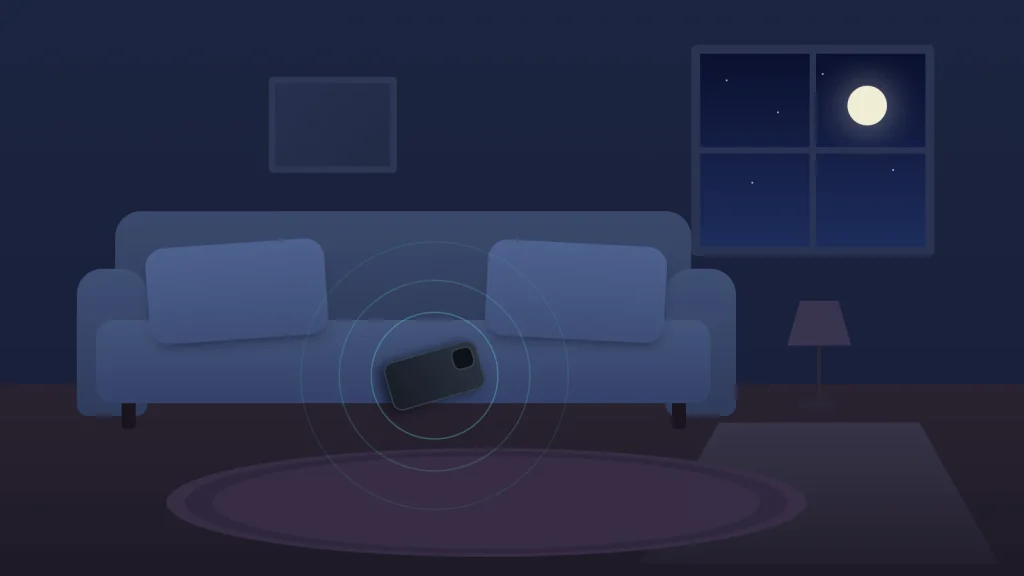
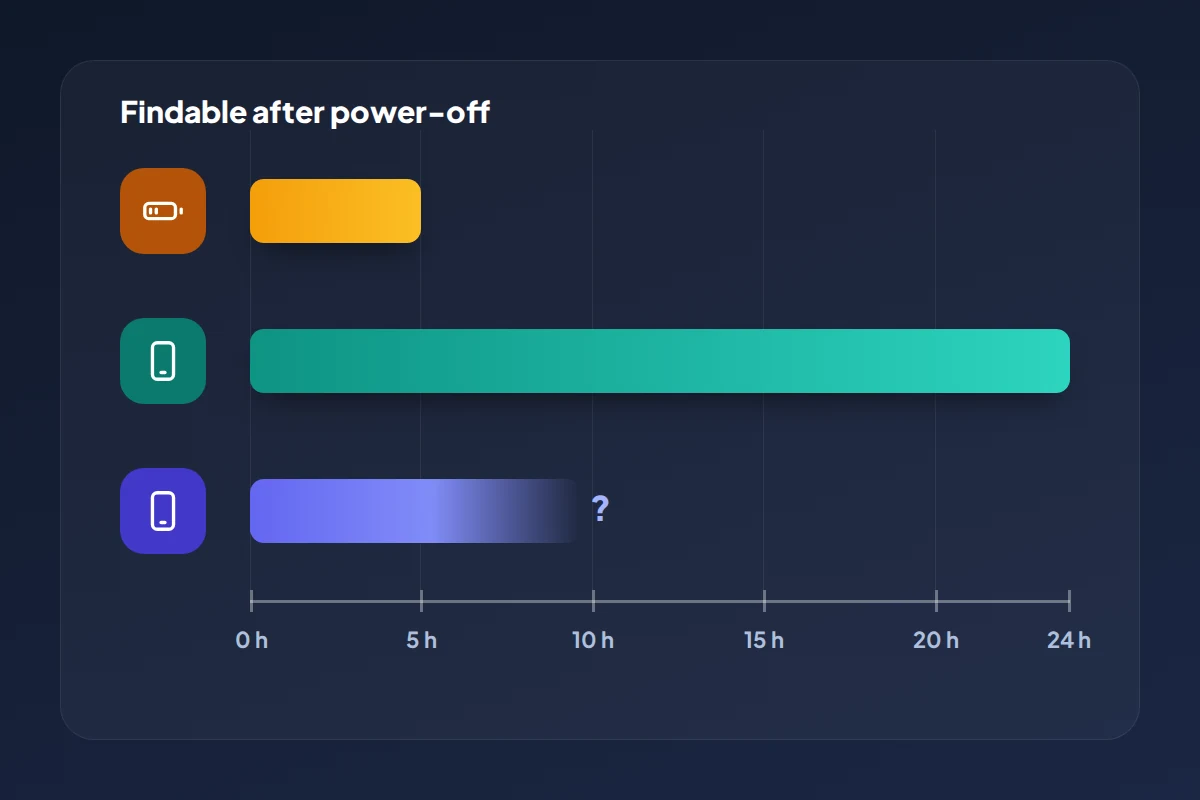
Can you find a phone that is switched off? Sometimes, for a limited time, and only if the right settings were on before it went dark. A recent iPhone can keep reporting its position for up to a day after it powers down, and a recent Pixel for several hours. Most other Android phones can only show where they were last.
That gap between “where it is now” and “where it was last” decides what you do next. The dot on the map may be the phone itself, or just the last place it had signal.
Below: what works in September 2026 on iPhone, Pixel and Samsung, what nobody can do, a table matching your phone and its state to your real options, and the steps to take in order.
The short version
- An iPhone 11 or later on iOS 15 or later can be found through the Find My network for up to 24 hours after it is switched off, if Find My network was on.
- Pixel 8, 9 and 10 series phones can be found for several hours after switching off or going flat, if Bluetooth, Location and one of Find Hub’s “with network” options were on.
- Most other phones show only a last known location, so check it early and treat it as a starting point, not the answer.
- Nobody can switch a phone on remotely, and no public website can track a phone by its IMEI.
- Mark the phone as lost straight away; the lock and your message apply the moment it comes back online.
What decides whether a switched-off phone can be found
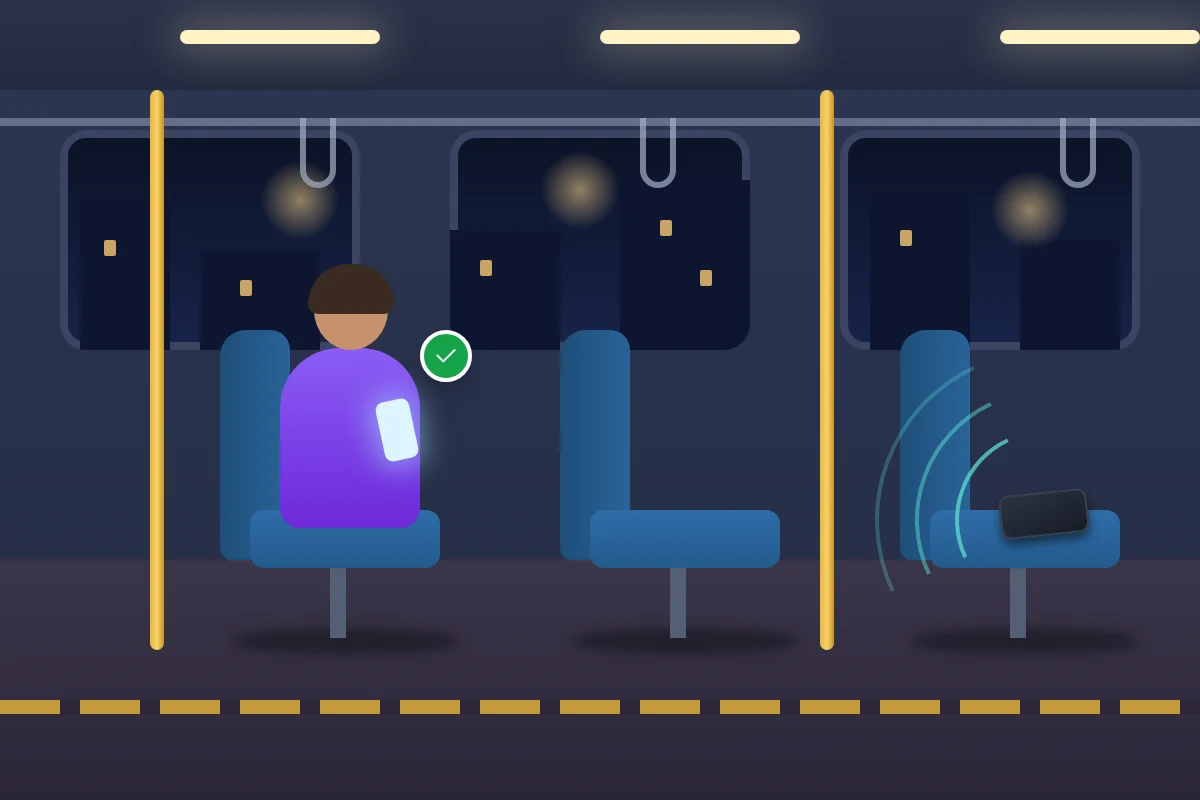
A phone that is fully off has no signal, no GPS and no internet. It can only be found in one of two ways: it saved its location before it went off, or it keeps a low-power Bluetooth beacon running that passing phones can hear and report, encrypted, to the owner.
So three things matter: which model you have, because only some keep a beacon running after shutdown; which settings were on, because both methods must be switched on in advance; and how long ago it went off, because every beacon eventually stops.
iPhone: what Find My can still do
After it is switched off or goes into power reserve
Apple says an iPhone 11 or later running iOS 15 or later can be located through the Find My network for up to 24 hours after it is turned off. When the battery runs down, these iPhones enter a power reserve state, and on iOS 15.2 or later they can be found for up to 5 hours in that state.
Both depend on Find My network being on in Settings → [your name] → Find My → Find My iPhone. The power-off screen shows “iPhone Findable After Power Off”, and tapping it lets whoever is switching the phone off turn finding off temporarily, so a phone someone shut down deliberately may not show up.
Send Last Location and the last known location
With Send Last Location on, the iPhone tries to upload its position just before the battery runs out. The Find My app shows a last known location for up to seven days; Find Devices on iCloud.com shows it for only 24 hours, so use the Find My app on another Apple device if you can.
Apple lists power-off finding only for the iPhone 11 and later. On older models, the last known location is all there is.
Android: Find Hub, Pixel and Samsung
Pixel 8 and later
Google says the Find Hub network can locate Pixel 8, Pixel 9 and Pixel 10 series phones for several hours after the battery runs out or the phone is switched off. Bluetooth and Location need to have been on when the phone shut down, and Find your offline devices set to With network in busy places only or With network everywhere. Google doesn’t give an exact number of hours.
Other Android phones
On most other Android phones, a switched-off phone can’t be heard by the network at all. What you get instead is its encrypted recent location, stored with your Google Account while it was still online. That only works if Find your offline devices wasn’t set to Off; on Android 8.0 and lower, the switch is Store recent location.
Samsung Galaxy phones
Galaxy phones can use Find Hub and Samsung’s own service, Samsung Find, side by side. Its switches are in Settings → Security and privacy → Lost device protection, listed under Find My Mobile or Samsung Find depending on the software version. Send last location uploads the phone’s position before it loses its data connection, or when the battery reaches 5%. Offline finding lets nearby Galaxy devices report the phone when it has no connection.
Samsung says that if the phone is powered off, only its last known location is available. Check both Find Hub and Samsung Find, and go with the more recent time stamp.
Match your phone and its state: what’s possible
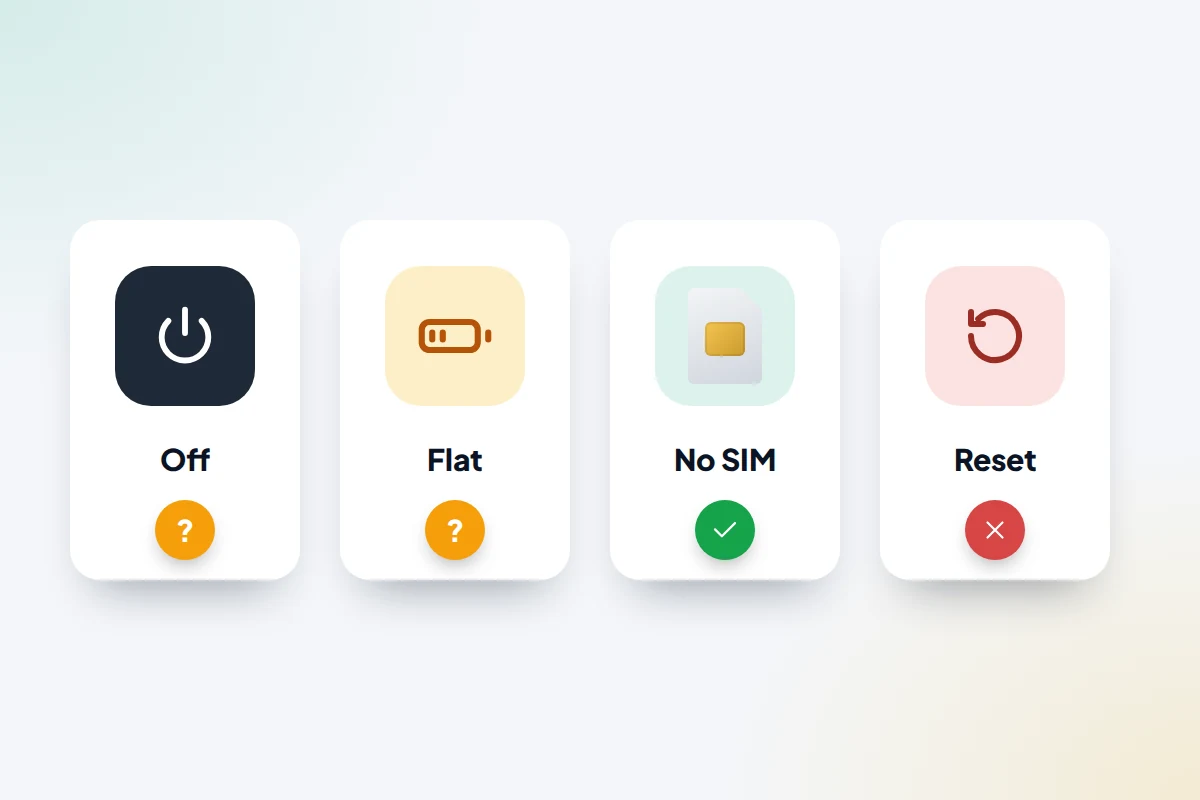
Find the row for what has happened to the phone and the column for your model. “Last location” means the last place it reported before going dark; “live” means it can still be picked up by the network.
| What happened | iPhone 11 or later | Older iPhone | Pixel 8 or later | Other Android, including Samsung |
|---|---|---|---|---|
| Switched off | Findable for up to 24 hours if Find My network was on | Last location only | Findable for several hours if Bluetooth, Location and a network option were on | Last location only |
| Battery died | Up to 5 hours in power reserve (iOS 15.2 or later), then last location | Last location, best with Send Last Location on | Several hours with the same settings, then last location | Last location; Samsung’s Send last location helps |
| On but no signal (no data, no Wi-Fi) | Findable through nearby Apple devices if Find My network is on | Same | Findable through nearby Android phones with a “with network” option | Same; on Samsung Find, with Offline finding on |
| SIM removed | Still findable over Wi-Fi or the Find My network; Lost Mode still works | Same, while it’s on | Still findable over Wi-Fi or the Find Hub network | Same, while it’s on |
| Erased or factory reset | Still findable if it ran iOS 15 or later, and Activation Lock stays on, unless you remove it from your account | Same on iOS 15 or later; otherwise gone | Disappears from Find Hub; setting it up again needs your Google Account password | Same as Pixel |
Every live window closes within a day, so check the map now rather than tomorrow.
What nobody can do, whatever a website says
- Switch a phone on remotely. No command, from you, Apple, Google or your network, powers up a phone that is off.
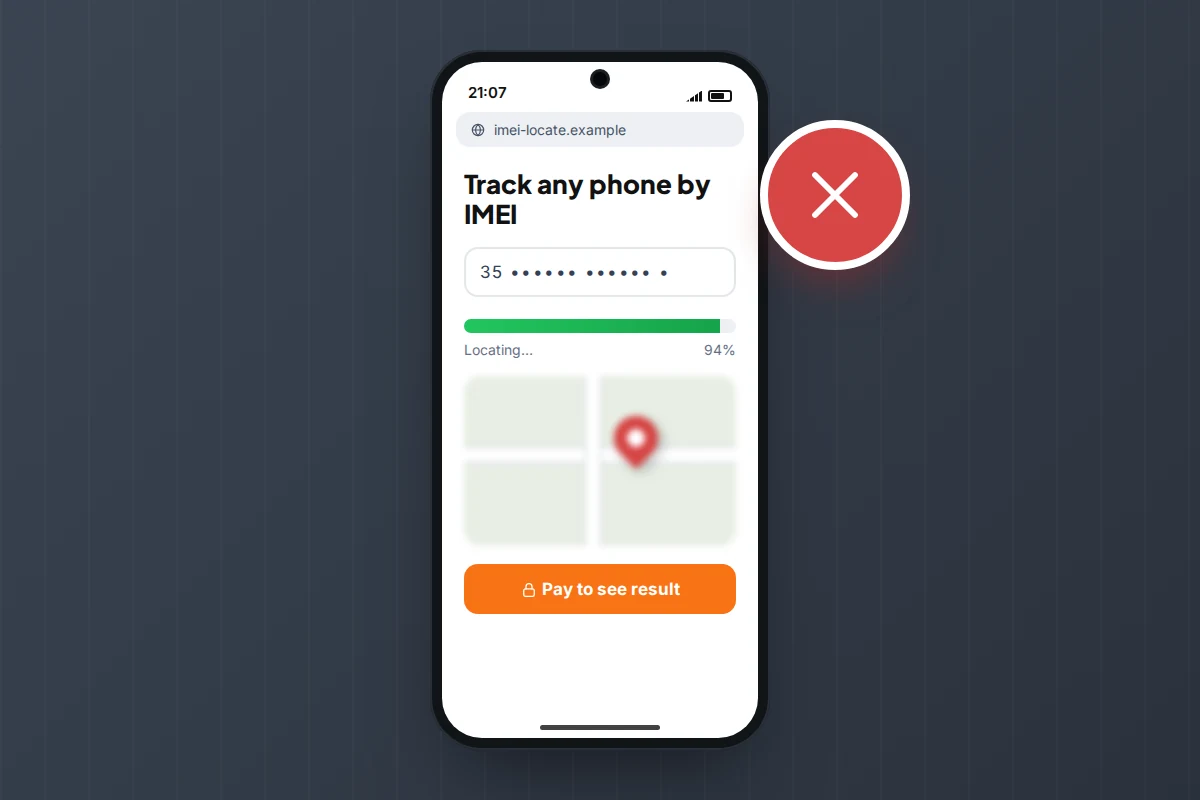
- Track a phone by its IMEI as a member of the public. The IMEI identifies the handset to mobile networks. Networks can use it to block a phone, and police can ask networks for information as part of an investigation. There is no public service that turns an IMEI into a location.
- Find a phone from its number on a website. “Enter an IMEI or number” sites show a convincing search animation, then ask for payment. Our guide to phone number tracking sites explains how they work and how to get your money back.
What to do now, step by step
1. Check the last location from another device
Use a laptop, tablet or borrowed phone. For an iPhone, use the Find My app on another Apple device, or go to icloud.com/find and select Find Devices if you are asked for a code sent to the lost phone. For Android, go to google.com/android/find. For Samsung, also check samsungfind.samsung.com.
Note the time stamp and the size of the accuracy circle, and take a screenshot. If the location later moves, you want the earlier one too.
2. Mark it as lost now, not later
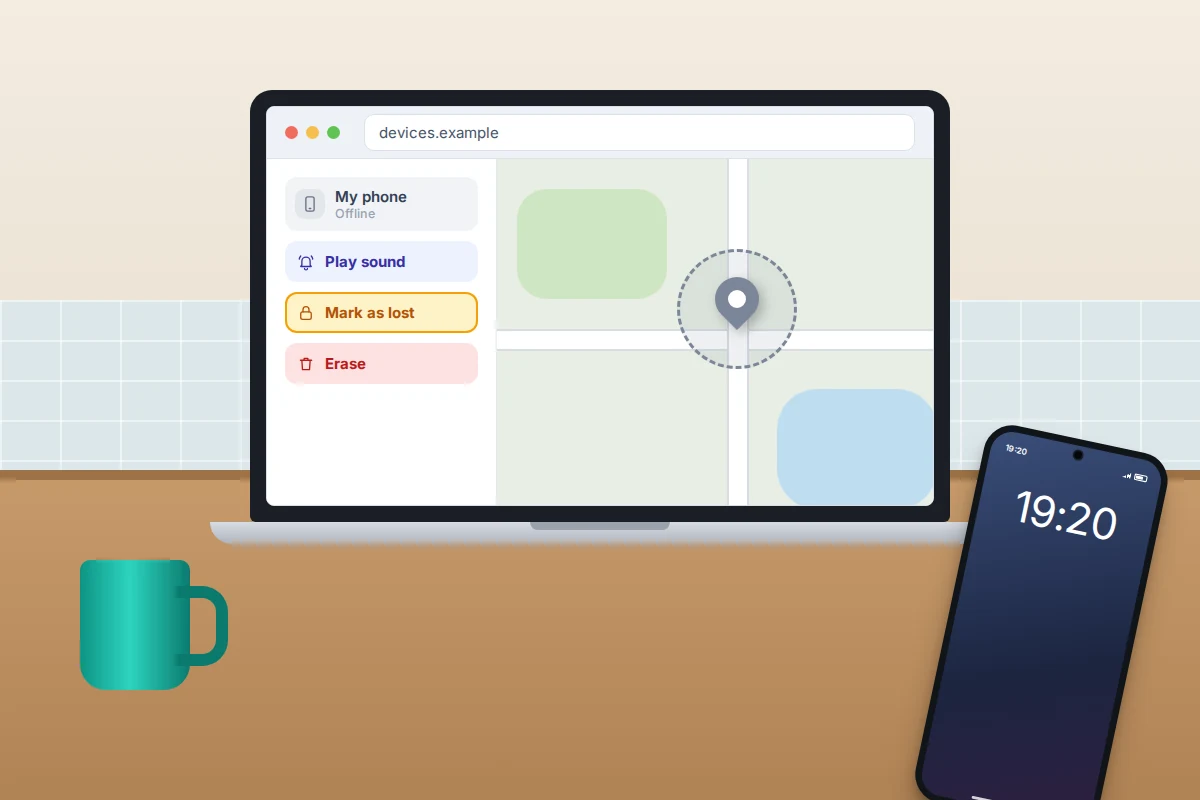
Marking a phone as lost while it is off still works: the lock and your message are applied the moment it reconnects.
- iPhone: in Find My, choose the phone, then Mark As Lost (Lost Mode on older versions). Add a number you can answer and a short message. Turn on Notify When Found (on iCloud.com, Notify me when found), so you get an alert when it next appears.
- Android: in Find Hub, choose the phone, then Mark as lost. This locks it and puts your contact details on the lock screen once it is back online.
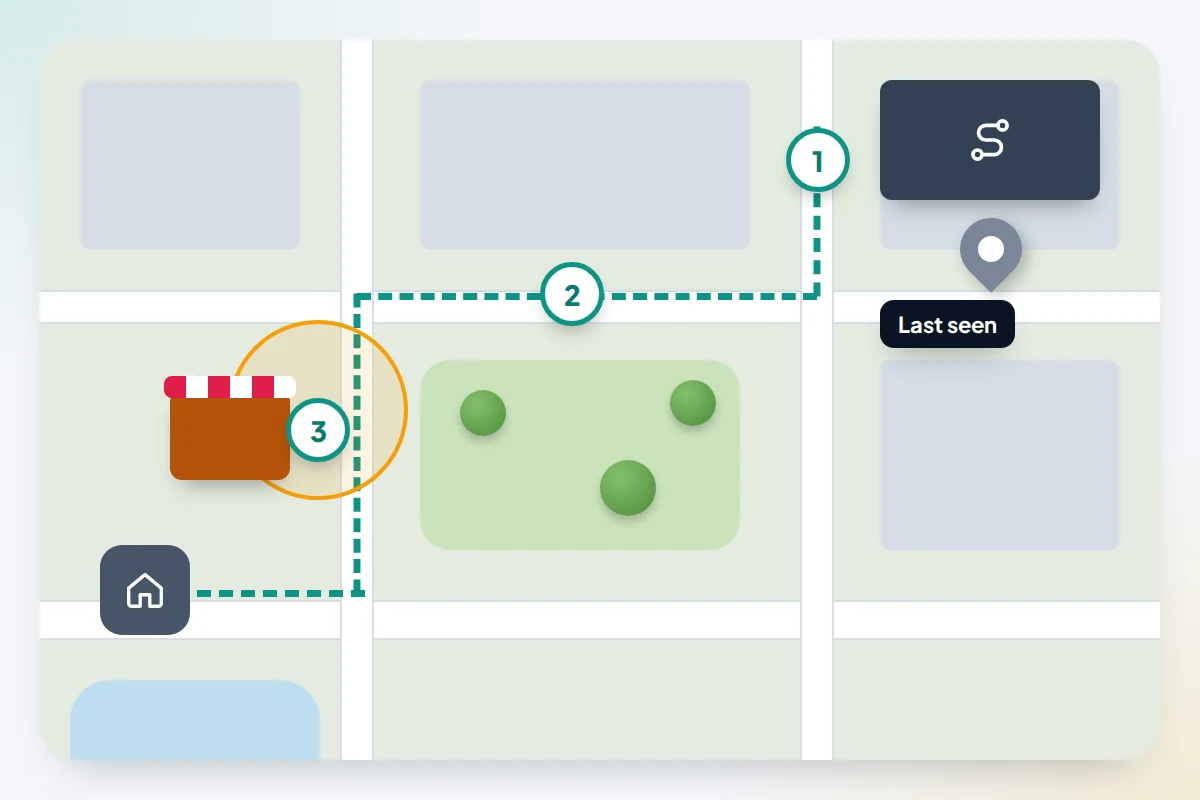
3. Retrace from the last location, not to it
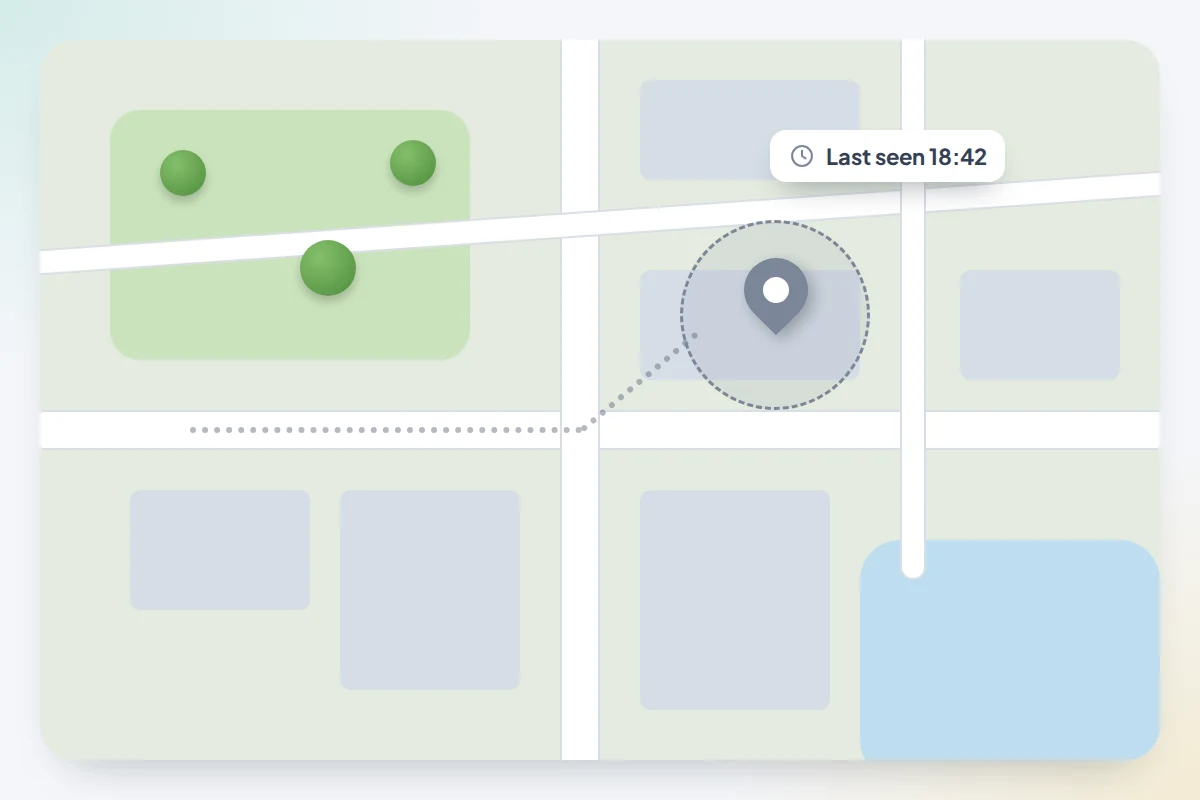
The pin shows where the phone was when it last reported, not where it ended up. Whatever happened next happened after that time stamp. Say it last reported at the station at 18:42; you then walked home, stopping at a café whose basement has no signal. The phone could be anywhere on that walk, and the café is the likeliest spot. Start at the pin and work forward through everywhere you went after that time.
Never go alone to a private address shown on the map. If you think the phone has been taken, pass the location to the police instead.
4. Ring round and report it to lost property
Phone the places on your route: the café, the gym, the station, the bus or taxi company. Give the time, a description of the phone and its case, and a number to reach you on. Transport operators often log found items after a delay, so call again. If you left it in a cab, our guide to getting a phone back from a taxi covers ride apps and lost property offices.
5. Keep checking, and keep calling
A finder may plug the phone in to charge, and that is when it reappears. Leave Notify When Found on, check the map a few times a day, and ring the number now and then. Ignore any text saying your phone has been found that links to a sign-in page: Apple says it never contacts owners this way, and such messages are after your password.
If it doesn’t turn up: SIM, accounts and a police report
If the phone hasn’t reappeared by the end of the day, or you think it was stolen, protect everything else.
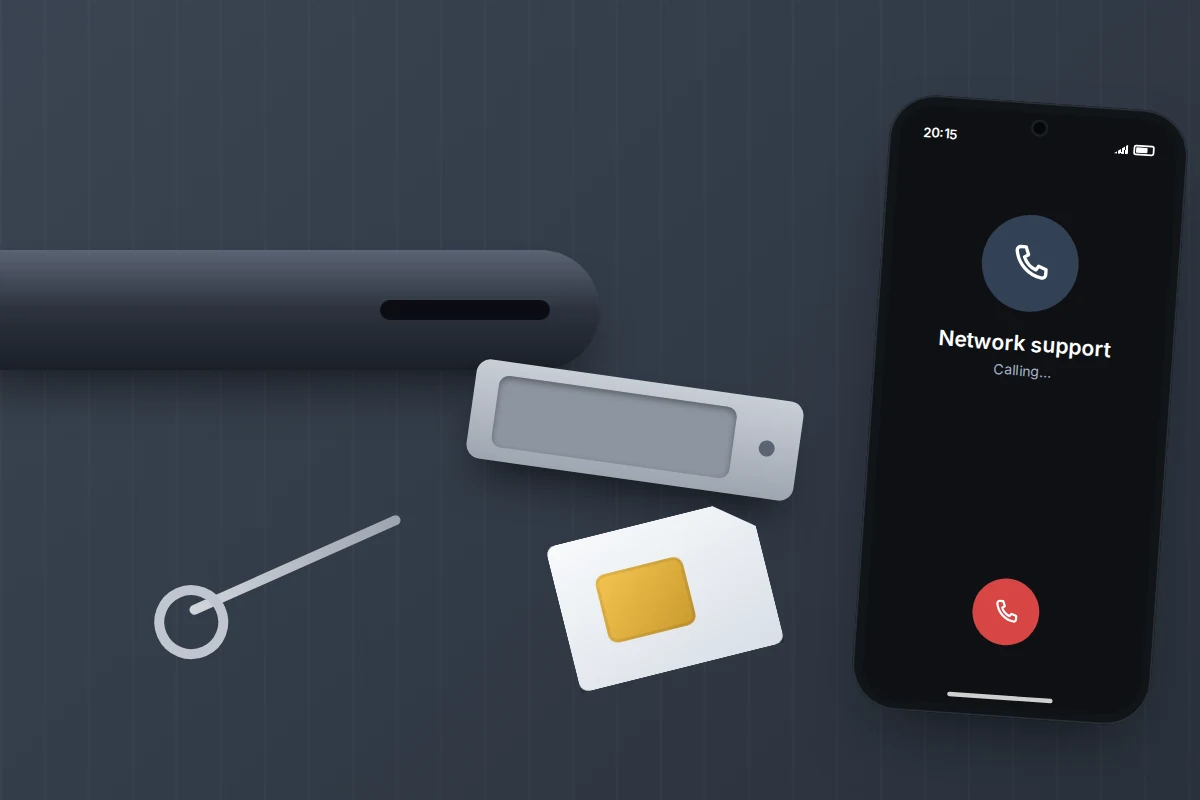
- Ask your network to block the SIM. This stops calls and texts, including sign-in codes, going to whoever has it. It also stops location updates over mobile data, though Wi-Fi and the finding networks still work. Ask for a replacement SIM or eSIM on the same number. Citizens Advice notes you are usually liable for charges until you report it, so don’t wait.
- Change important passwords, starting with email, banking and your Apple or Google Account. Tell your bank if payment apps were on the phone.
- If it was stolen, report it to the police. In the UK, call 101 or report online, and give the IMEI (dial *#06# on the phone, or look in Find My, Find Hub or on the box). Keep the crime reference number for your insurer, and ask your network to block the handset using the IMEI. Forces differ on whether they take reports of lost, rather than stolen, phones, so check your force’s website.
- Erase it only as a last resort. On Android, an erased phone no longer appears in Find Hub, so erasing ends the search. An iPhone on iOS 15 or later can still be located after erasing, as long as you don’t remove it from Find My: that also removes Activation Lock.
Registering the phone on the free Immobilise property register, as Citizens Advice suggests, helps police match it to you if it is recovered.
What if this doesn’t work
- The phone isn’t listed at all. Check you signed in with the account the phone uses. If Find My or Find Hub was never on, the phone can’t be located; move straight to lost property, the SIM and a police report.
- It says “No location found”. On iPhone, this appears once more than seven days have passed without an update. On Android, it can mean offline finding was off. The phone may still turn up if someone charges it, so keep the lost message in place.
- You can’t sign in without the lost phone. On iCloud.com, use the Find Devices button on the code screen. For Google, use backup codes, or android.com/lock if Remote Lock was set up.
- The location keeps jumping. Positions reported by passing phones are approximate. Look at the pattern over several updates.
Once it is back, or once you have a replacement, take ten minutes to set up the phone so it can be found next time.
Frequently asked questions
Can I find a phone that has been off for several days?
Not live. The Find My network window is up to 24 hours on recent iPhones, and several hours on recent Pixels. After that you only have the last known location, which Find My keeps for up to seven days.
Does taking out the SIM stop Find My or Find Hub?
No. Both work over Wi-Fi and through nearby phones, so a phone without a SIM can still be located while it has power.
Can the police track my phone by its IMEI?
Police can request information from mobile networks as part of an investigation, and networks can block a phone by its IMEI. Whether they do depends on the case; for a lost phone, don’t expect it. Always give the IMEI when you report a theft.
Will a thief see my lost message?
Yes, once the phone is switched on and connects. The lock screen shows your message and number, and the phone stays locked with your passcode.
Sources and further reading
- Apple Support: Use Find My to locate your lost Apple device or AirTag
- Find My User Guide: Locate a device, including iPhones that are turned off
- Apple Support: If your iPhone or iPad was stolen
- Pixel Phone Help: Be ready to find a lost Pixel phone
- Android Help: Find, lock or erase a lost Android device
- Samsung Support: How to locate your lost Galaxy phone or tablet
- Citizens Advice: What to do if your mobile phone is lost or stolen
- Metropolitan Police: Protect your phone
Using a monitoring app for this? TheTruthSpy is a free parental control app for Android that stays visible on the child's phone. If it fits your family, see what the app does.
Related guides
How to Find Lost AirPods or Earbuds
How to find lost AirPods, Pixel Buds or Galaxy Buds: which method suits your model, what to do when they…
How to Recover a Phone Left in a Taxi
Left your phone in a taxi? What to do in the first five minutes, hour and day: ring and lock…
How to Check If a Used Phone Is Stolen Before Buying
Before paying for a second-hand phone, match the IMEI, run a stolen-phone check, see the seller's account removed and know…
Free parental control app for Android
GPS tracking, screen time limits, web filtering, SMS and call monitoring — visible on your child's phone. Pair a phone in about ten minutes.
Android · Free to set up · Visible on your child's phone