Are Phone-Number Tracking Sites Real or a Scam?

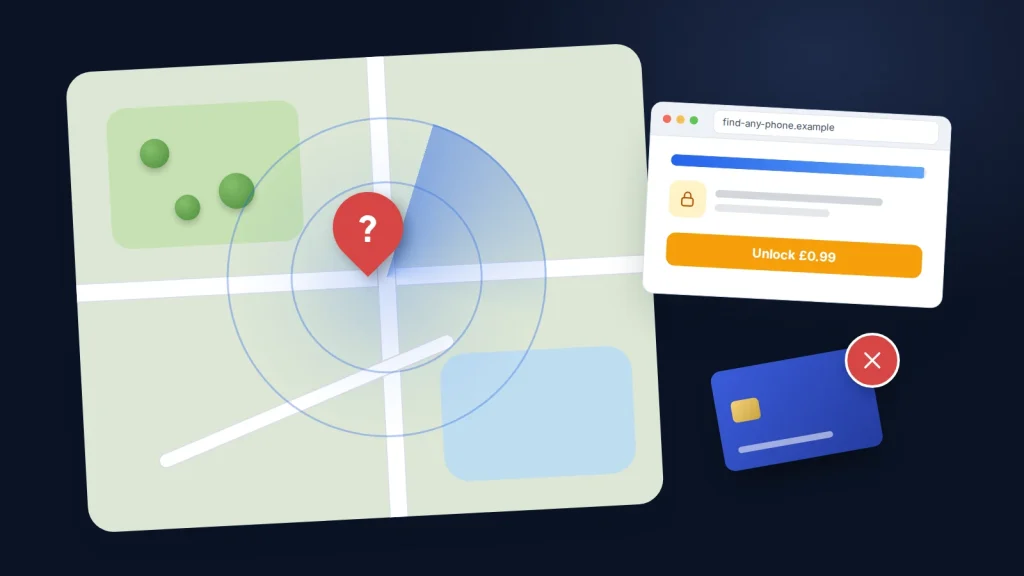
Search for a way to find where a phone is and you will see plenty of websites promising to “locate any phone by number” in seconds, with no app, no access to the phone and no need for the owner to know. Type in a number, watch a map zoom in and a progress bar tick up, and at the last moment you are asked to pay a small fee to see the result.
What is really going on matters whether you have just come across one of these sites, have already paid one, or simply want to find a lost phone or keep in touch with family in a way that works. It comes down to how phone location actually works, who can genuinely see it, what these sites do instead, how to get your money back, and the legitimate tools you can use today.
The short version
- No public website can pinpoint a phone’s live location from its number alone. Location is known by the phone itself, the mobile network and, in an emergency, the emergency services.
- Most phone-number tracking sites show a fake “searching” animation, then charge a small trial fee that turns into a recurring subscription.
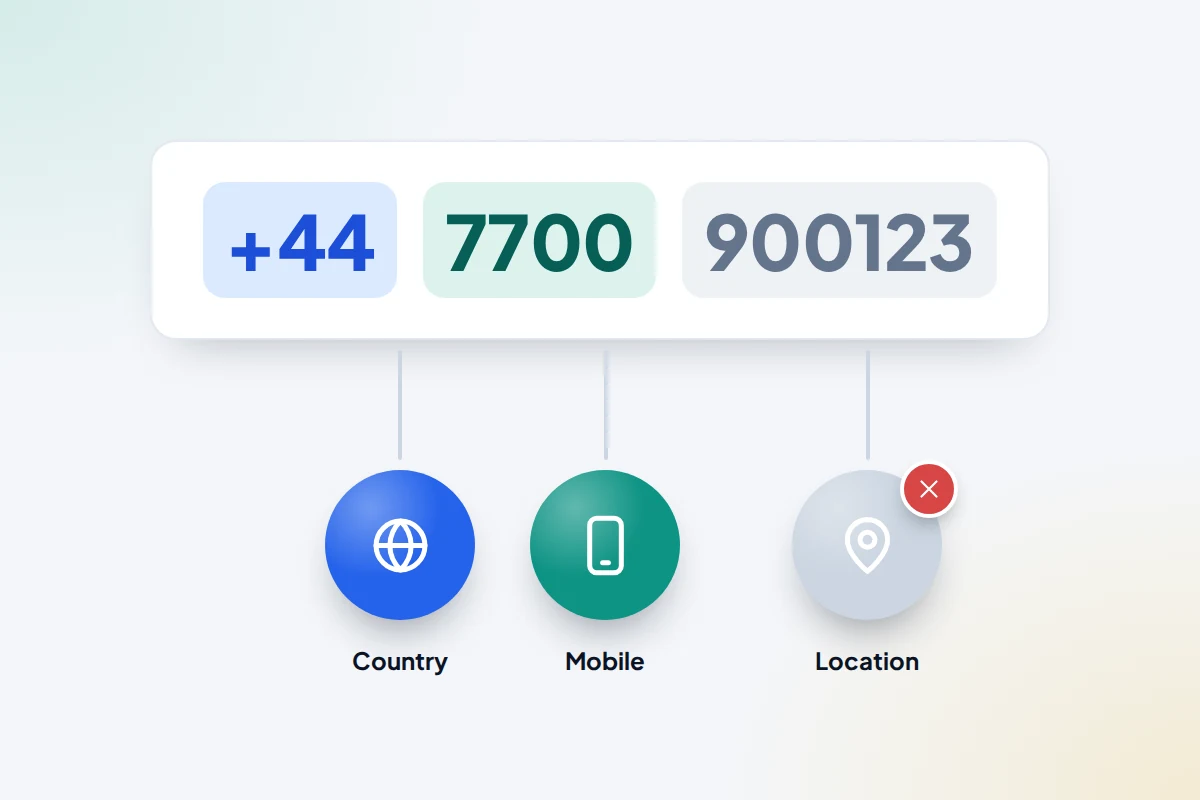
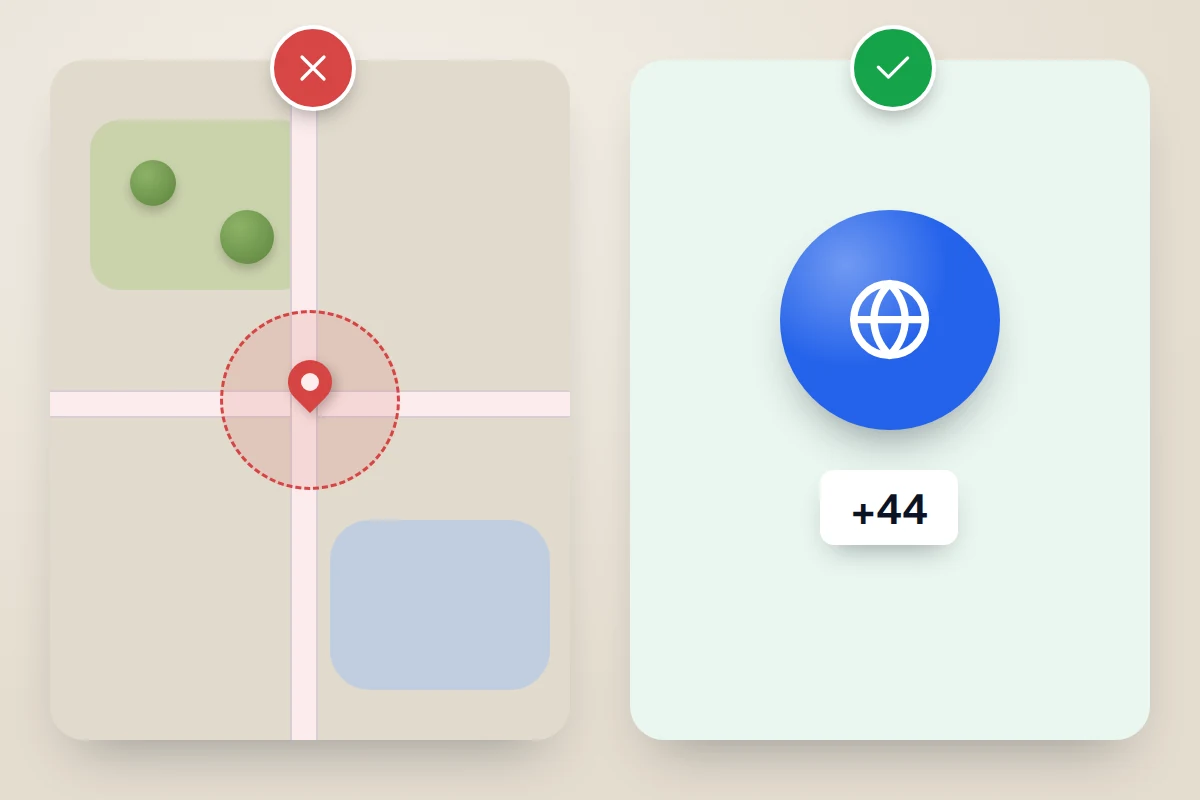
- A number only reveals basic details, such as the country and the network the number range was first issued to.
- If you paid, contact your card provider, cancel the subscription in writing, and report the site.
- For your own lost phone, use Find Hub (Android) or Find My (iPhone). For family, use mutual location sharing that everyone has agreed to.
Can a website really find a phone from its number?
No. A phone number is an address for calls and texts, not a live tracking beacon that anyone can query. There is no public database that links a number to a real-time position, and mobile networks are not permitted to hand out a customer’s location to any website that asks. In the US, the Federal Communications Commission fined the largest carriers nearly $200 million in 2024 for selling access to customers’ location data through third-party aggregators without proper consent, which shows how seriously regulators treat it.
That is why the sites that claim to do it either fake the result, show information that anyone could work out from the number itself, or quietly change the task to something else, such as asking the other person to open a link. Understanding how location really works makes the gap obvious.
How phone location actually works
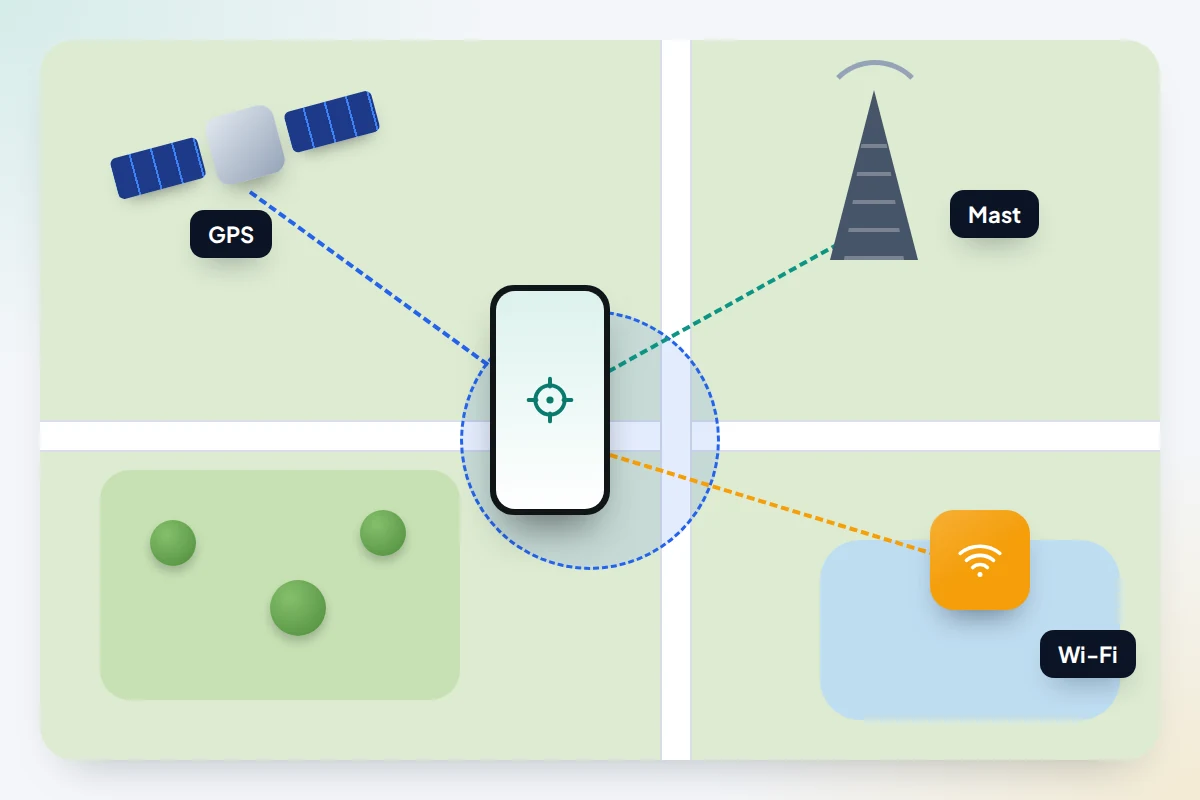
A modern phone works out its own position using several sources at once:
- Satellite positioning (GPS and similar systems). The phone receives signals from satellites and calculates where it is, often to within a few metres outdoors.
- Wi-Fi networks. Nearby Wi-Fi networks help the phone estimate its position indoors and in cities.
- Mobile masts. The network always knows roughly which masts a phone is connected to, because it needs that to route calls and data. In towns this can be fairly narrow; in the countryside it can cover a wide area.
The precise position is calculated on the phone itself. It only leaves the phone when the owner, or the phone’s software on their behalf, sends it somewhere: to a maps app, a find-my-device service, a family sharing feature, or the emergency services.
Who can genuinely see where a phone is
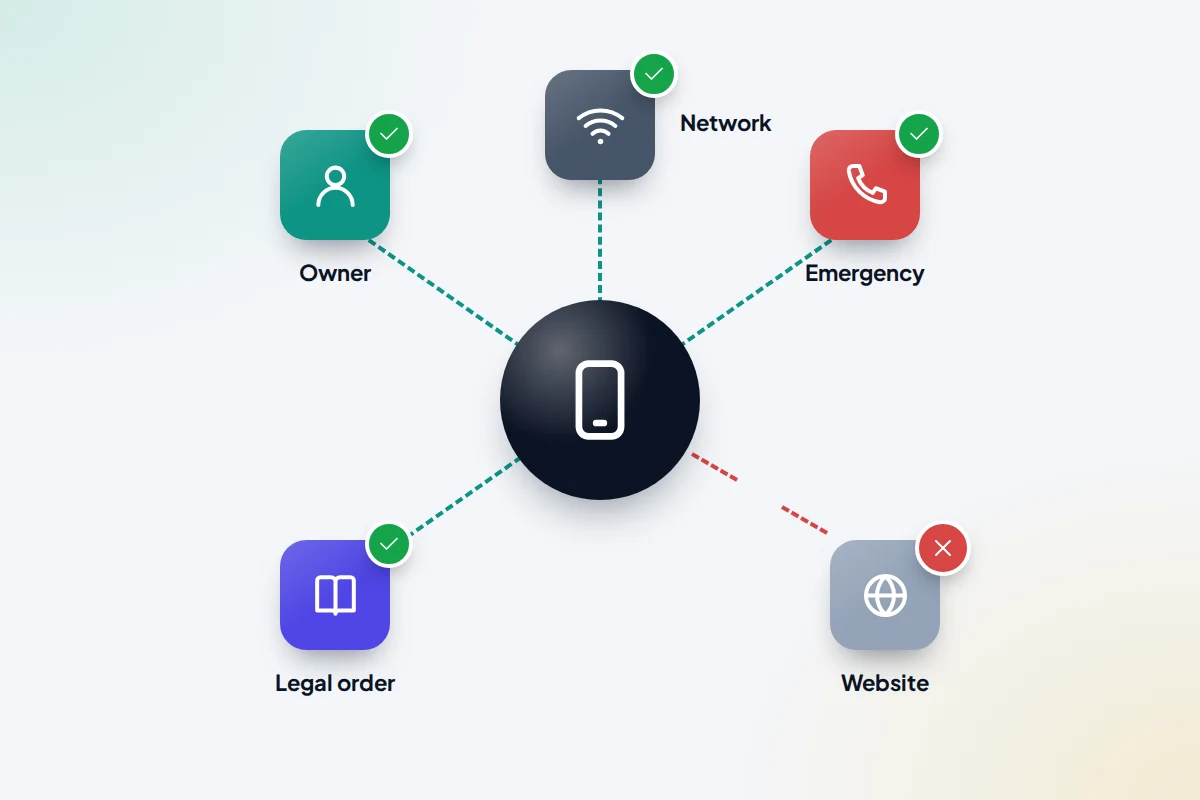
The owner, and the people they choose
The phone’s owner can see its location through the built-in find-my-device service linked to their account. They can also choose to share it with friends or family through features such as Google Maps location sharing or Apple’s Find My. The other person can see it because the owner switched this on.
The mobile network
Networks hold approximate location information from mast connections as part of running the service. They are bound by data protection and telecoms rules and do not give it to members of the public on request.
Emergency services
When you call the emergency number from a smartphone in many countries, a system called Advanced Mobile Location (AML) automatically sends your phone’s location to the emergency call centre. It was developed in the UK in 2014, works on Android and iPhone, and only switches on during an emergency call. In the US, wireless carriers must meet location accuracy requirements set by the Federal Communications Commission for 911 calls.
Police, with legal authority
Law enforcement can obtain location records from networks, but only through legal process. In the UK, requests for communications data are governed by the Investigatory Powers Act 2016 and are generally approved by the Office for Communications Data Authorisations, now part of the Investigatory Powers Commissioner’s Office. In the US, the Supreme Court held in Carpenter v. United States (2018) that police generally need a warrant to obtain historical cell-site location records.
What phone-number tracking sites actually do
These sites vary, but most follow the same pattern. Knowing it makes them easy to recognise.
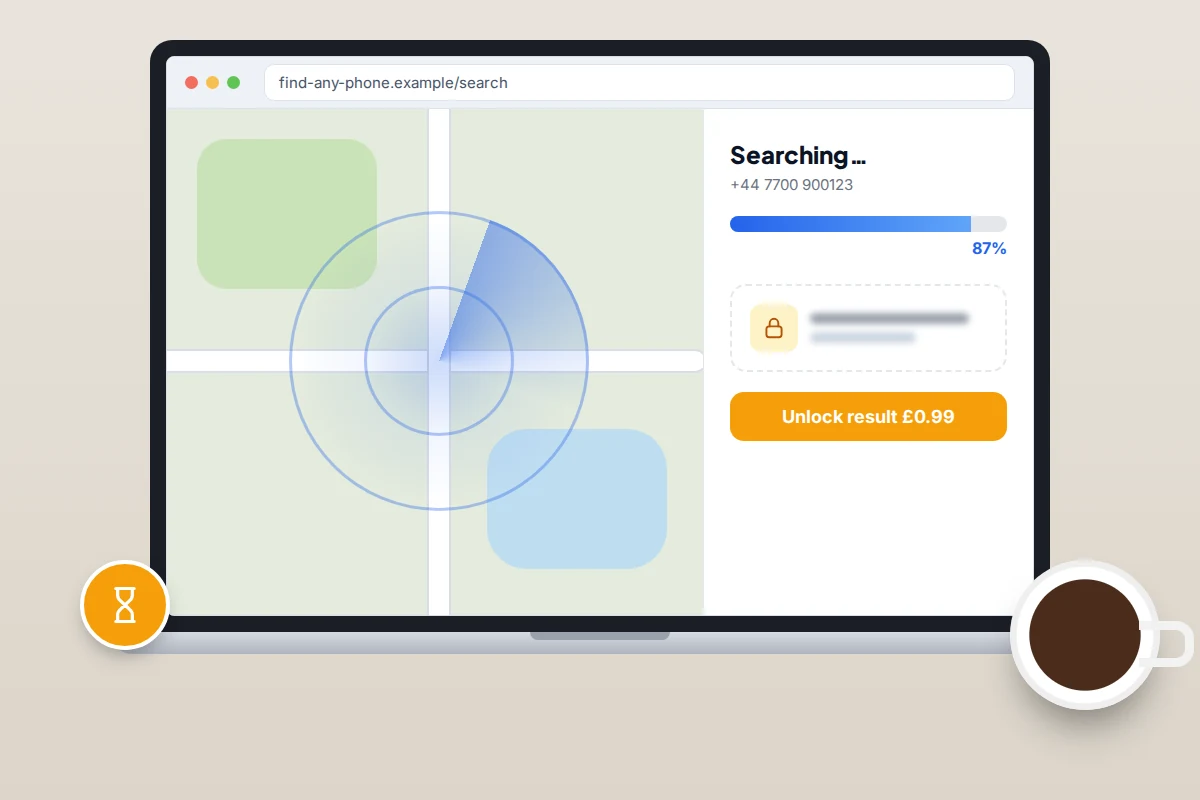
- A fake search. You enter a number and see a map, a spinning radar, a “connecting to satellite” message or a progress bar. None of it is connected to the phone. The animation simply runs for a set time to build anticipation.
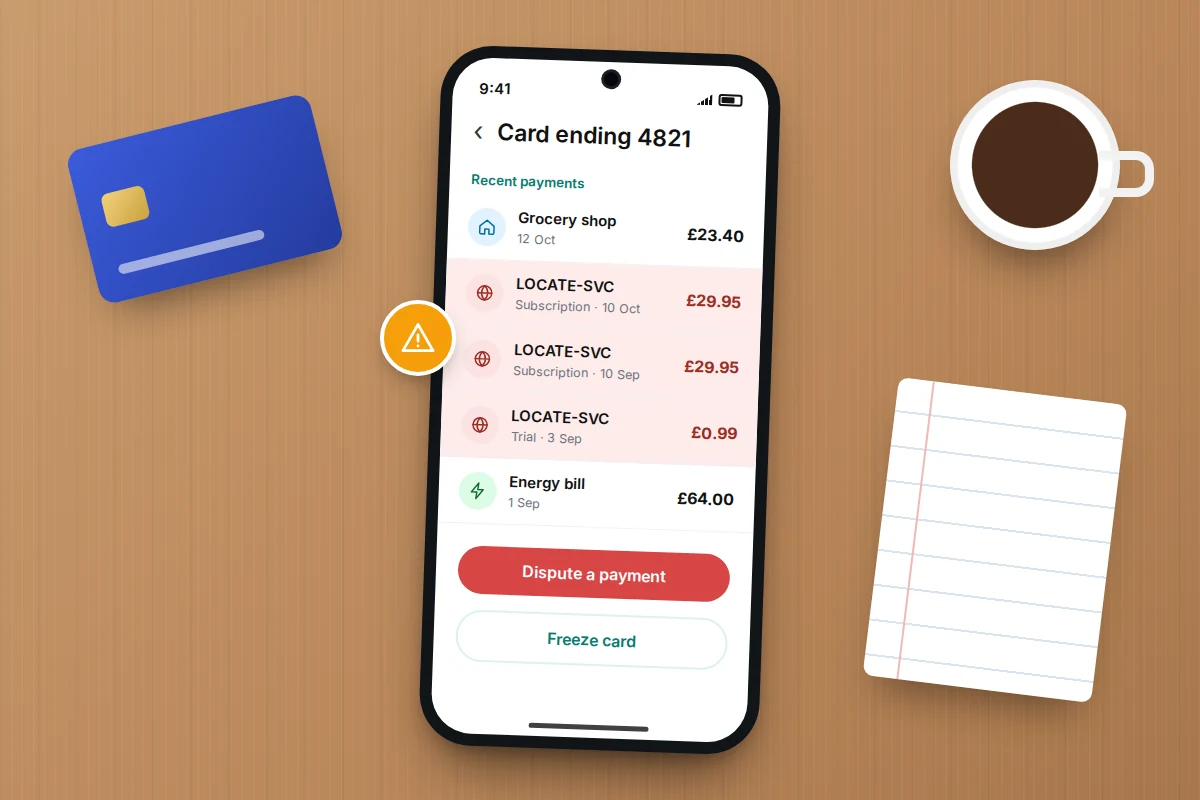
- A small payment to unlock the result. Just before the “result” appears, you are asked for a low trial fee. The terms, often in small print, sign you up to a recurring subscription that can cost far more each month and can be hard to cancel.
- Collecting your details. Your email address, your card details, the number you searched and sometimes your own phone number are gathered. These can be used for marketing, sold on, or used for further scam attempts.
- A result that says very little. If you do get a result, it is typically the country and the network that issued the number range, a vague area, or a line saying the phone “could not be reached”.
What a phone number really reveals
A number’s prefix tells you the country (for example, +44 for the UK or +1 for the US and Canada) and whether it is a mobile or landline range. It can also show which network the number range was originally issued to, but that may be out of date, because people keep their numbers when they switch provider. None of this says where the phone is right now.
Claims versus reality
| What the site claims | What is actually happening |
|---|---|
| “Locate any phone by number” | No public service can do this. At most, the number reveals a country and an original network. |
| “Connecting to satellites…” | Satellites do not respond to queries about a phone number. It is an animation on a timer. |
| “Just £0.99 to see the result” | Usually a trial that rolls into a recurring subscription, often monthly. |
| “100% anonymous, they will never know” | Anything that genuinely reveals a location needs the owner’s action or permission. |
| “Works on any phone and network” | A sign the site is not connected to any phone or network at all. |
| “Legal and approved” | Tracking another adult without consent can be a criminal offence in many places. |
Sites that ask the other person to tap a link
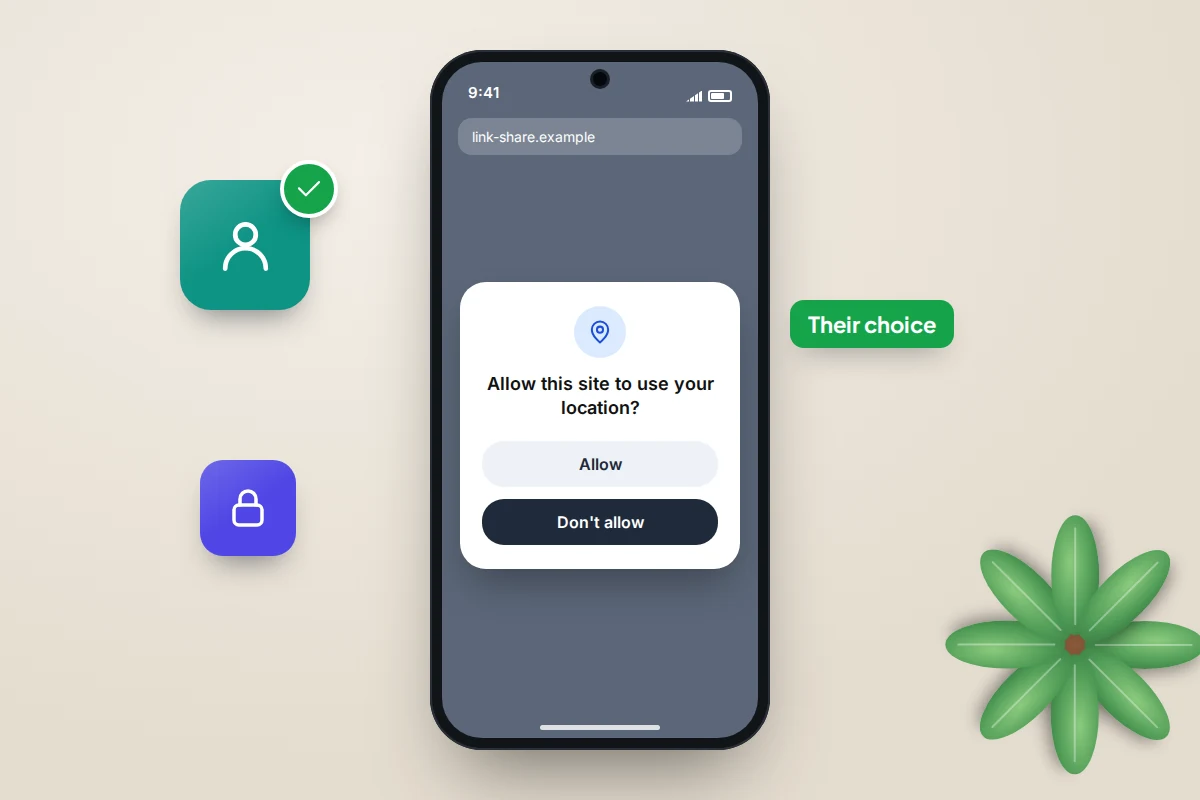
Some services admit they cannot trace a number and instead send the other person a message containing a link. Any location that appears only comes from that person opening the link and choosing to allow their browser or phone to share where they are. Phones and browsers ask for this permission clearly, and it can be refused.
So this is not a way to find someone. It depends entirely on the other person’s action and consent. If a service suggests disguising the link as something else so the person does not realise what they are agreeing to, treat that as a serious red flag: tricking someone into sharing their location can be unlawful, and it is exactly the kind of message you would want your own family to ignore.
Reverse lookup is not location tracking
A reverse phone lookup tries to tell you who a number belongs to, not where it is. Some directory and caller-identification services can show a business name or a name the number has been associated with, and your phone’s own spam protection can label known nuisance callers. Results for personal mobile numbers are often incomplete or wrong. If a number is harassing you, report it to your network and, where it is threatening, to the police, rather than paying a site for a name.
Is it legal to track someone’s phone without their consent?
Laws differ between countries and states, and this is not legal advice, but the general picture is clear. In England and Wales, monitoring someone’s use of electronic communications is listed as an example of behaviour associated with stalking under the Protection from Harassment Act 1997, and accessing another person’s phone or account without permission can breach the Computer Misuse Act 1990. Scotland and Northern Ireland have their own stalking laws.
In the US, the federal stalking law covers using electronic communication services in a course of conduct that causes someone reasonable fear or substantial emotional distress, and many states have their own laws on electronic tracking. For children, parents generally have more latitude, but openness and age-appropriate agreement work far better than secrecy. If you are worried that someone is tracking you, our guide on how to tell if a phone has spyware can help.
What to do if you already paid
- Contact your card provider. Tell them the payment was for a service that was not provided as described and that you did not knowingly agree to a subscription. Ask them to stop future payments and, if you are worried about your card details, to replace the card.
- Ask for a chargeback or dispute. In the UK, chargeback is available on debit cards and can also be used on credit cards. Section 75 protection only applies to single items over £100, so small trial fees usually go through chargeback. In the US, the Fair Credit Billing Act lets you dispute a credit card billing error; your letter must reach the issuer within 60 days of the first statement showing the charge.
- Cancel with the site in writing. Use any cancellation option on the site or email the address in its terms, and keep screenshots and emails as evidence.
- Check your statements for other unfamiliar charges over the next few months, as some sites bill under a different name.
- Change your password if you created an account on the site using one you use elsewhere.
- Report it. In the UK, report to Report Fraud (England, Wales and Northern Ireland) or Police Scotland on 101, and you can get advice from Citizens Advice. In the US, report to the Federal Trade Commission at ReportFraud.ftc.gov.
Legitimate ways to find a phone
Your own lost phone
Android phones use Google’s Find Hub (previously called Find My Device). To check it is ready, go to Settings → Security → Find Hub (on Pixel phones Settings → Security & privacy → Device finders → Find Hub; other makers use similar paths) and make sure Allow device to be located is on. If the phone goes missing, sign in at android.com/find or open the Find Hub app on another device.
On iPhone, go to Settings → [your name] → Find My → Find My iPhone and make sure it is on. To find a missing iPhone, use the Find My app on another Apple device or sign in at icloud.com/find. Menu names vary by phone maker and software version. Our guide to setting up a phone so you can find it later covers this in more detail, and what to do when a phone is lost or stolen walks through the next steps.
Family members, by agreement
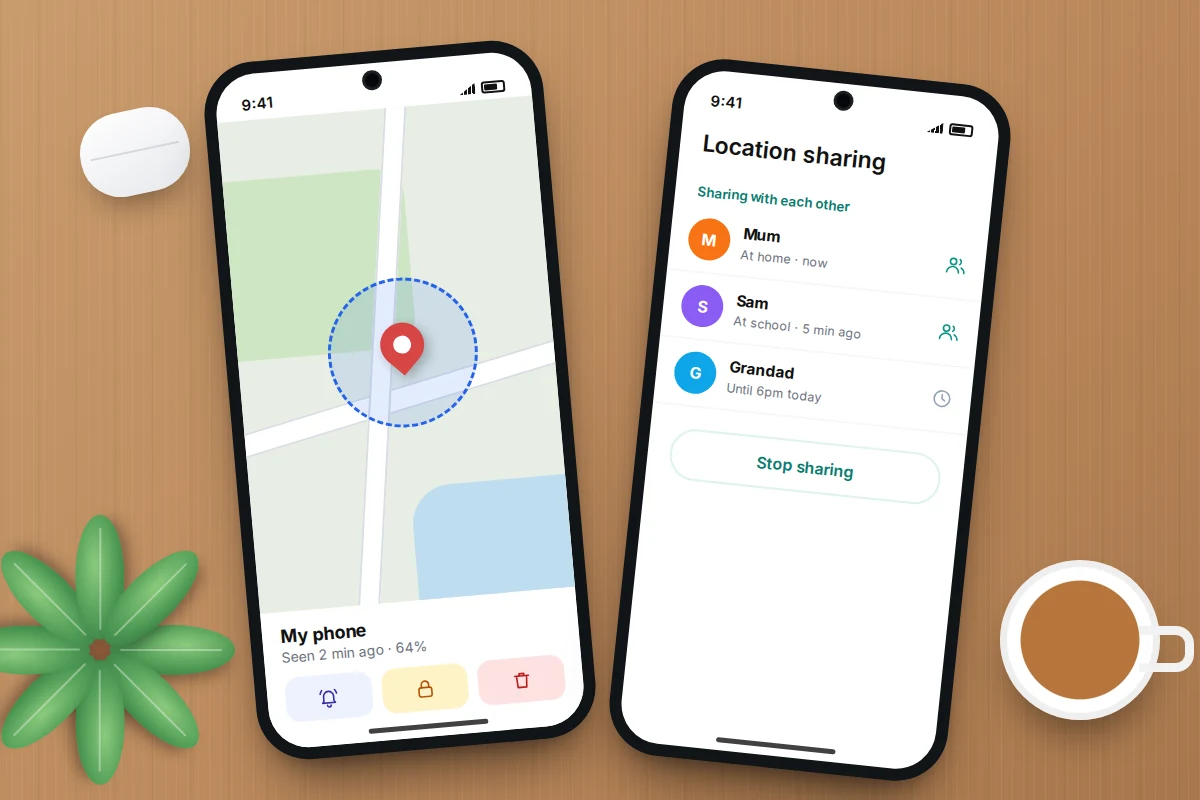
For partners, older children or relatives who agree to it, built-in location sharing is free and transparent:
- Google Maps (Android and iPhone): tap your profile picture, then Location sharing → New share, choose how long, pick the person and tap Share. You can stop at any time from the same screen.
- Find My (iPhone): open Find My, go to the People tab, tap +, then Share My Location, and choose one hour, until the end of the day, or indefinitely.
The best arrangements are mutual: everyone can see that sharing is on, everyone knows why, and anyone can raise it if they want to change it.
Frequently asked questions
Can I find a phone’s location just by calling or texting it?
No. Calling or texting a phone does not reveal its location to you. Only the owner’s own sharing settings, the network, emergency systems or a legal order can do that.
Are all paid phone-tracking services scams?
Not all location services are scams, but any site claiming to locate any phone from its number, without the owner’s involvement, is not telling the truth. Legitimate services always involve the phone’s owner setting something up or agreeing to share.
Why did the site show a town near the person?
Some results are guesses based on the number’s area code, the area linked to the number range or your own internet connection. A result that looks roughly right can still be a coincidence.
Can the police trace a phone if someone is missing?
Yes, in genuine emergencies and investigations police can request location information from networks through legal channels. If you are worried about someone’s safety, contact the police rather than a website.
My child has a phone. What is the most reliable way to know they are safe?
Use your phone’s built-in family features or an openly installed family location app, agree the rules together, and keep talking. Transparent sharing is more reliable, and far better for trust, than anything done in secret.
Sources and further reading
- European Emergency Number Association: Advanced Mobile Location explained
- US Supreme Court: Carpenter v. United States (2018) opinion
- Protection from Harassment Act 1997, section 2A (stalking)
- FTC: getting in and out of free trials and subscriptions
- Citizens Advice: getting your money back if you paid by card
- FTC: using credit cards and disputing charges
- Google Help: be ready to find a lost Android device
- Apple Support: share your location with iPhone
Looking for a tool to go with this? TheTruthSpy is a free parental control app for Android that stays visible on the child's phone. If it fits your family, see what the app does.
Related guides
How to Recover a Hacked Instagram Account
Get a hacked Instagram account back: use the revert email, instagram.com/hacked and the video selfie check, avoid recovery scams, then…
How to Spot a Scam Call Pretending to Be Your Bank
Recognise fake bank fraud-team calls, know the exact words to end them, call back safely on 159 or your card's…
How to Check If Your Email Was in a Data Breach
Check if your email was in a data breach for free, then act on what leaked: passwords, card details or…
Parental controls your child can see
Location, screen time limits, a web filter and alerts from notifications — free, and visible on your child's phone. Pair a phone in about ten minutes.
Android · Free to set up · Visible on your child's phone