How to Recover a Phone Left in a Taxi

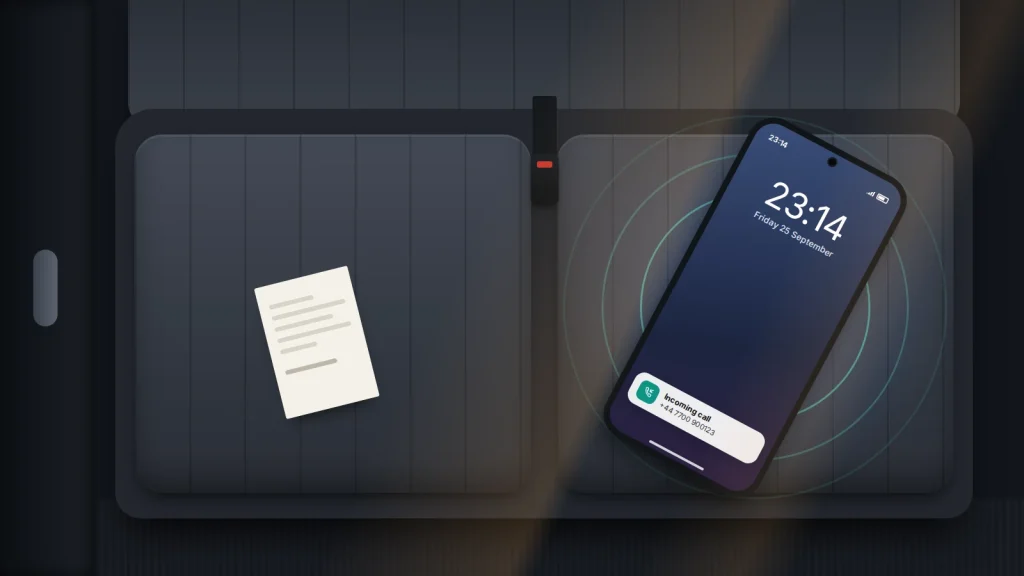
The taxi pulls away, you reach for your pocket, and the phone is not there. It is probably on the back seat or in the gap by the door, and for the next few minutes it is still close by and still switched on.
What you do in that window matters more than anything you do later. A phone that rings while the driver is still on the same street is far easier to recover than one found by the next passenger two hours later.
Everything here works from a borrowed phone or a browser, in the order you will need it: the first five minutes, a timeline for the rest of the day, how ride-app and taxi lost property work, and the scams aimed at people in exactly this position.
The short version
- Call your own number from a friend’s phone straight away, then ring the phone and mark it as lost with Find My (iPhone) or Find Hub (Android), adding a number you can answer.
- For app-booked rides, report it through the trip in your ride history. For London black cabs, use TfL’s lost property form; elsewhere, contact the taxi firm or local council.
- Never go alone to a location shown on the map, never pay a “finder” in advance, and ignore texts saying your phone has been found.
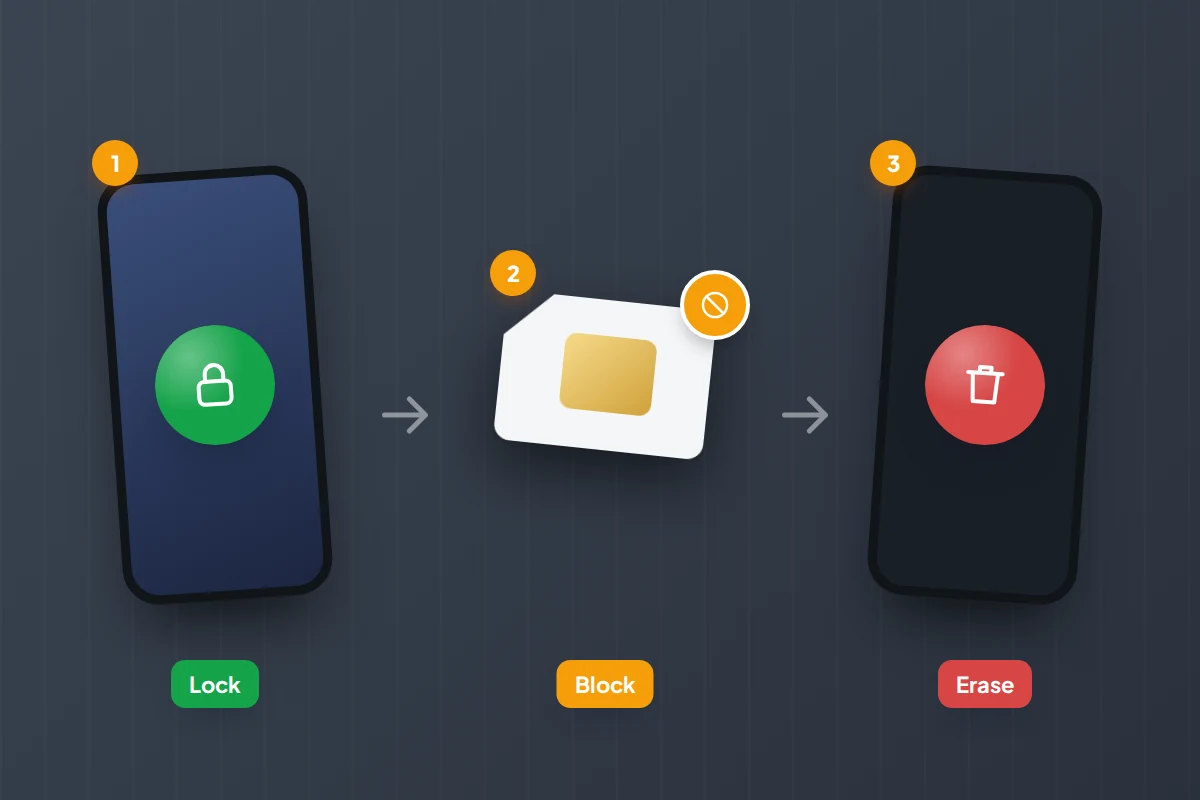
- Lock it immediately, block the SIM if it has not turned up by the evening, and erase it only as a last resort.
The first five minutes: ring it, then lock it with a message
Borrow a phone from the person you were with, or from staff wherever you were dropped off, and call your own number. Drivers often hear a phone ringing and answer it, and a call made while the taxi is nearby gives them the easiest chance to turn round.
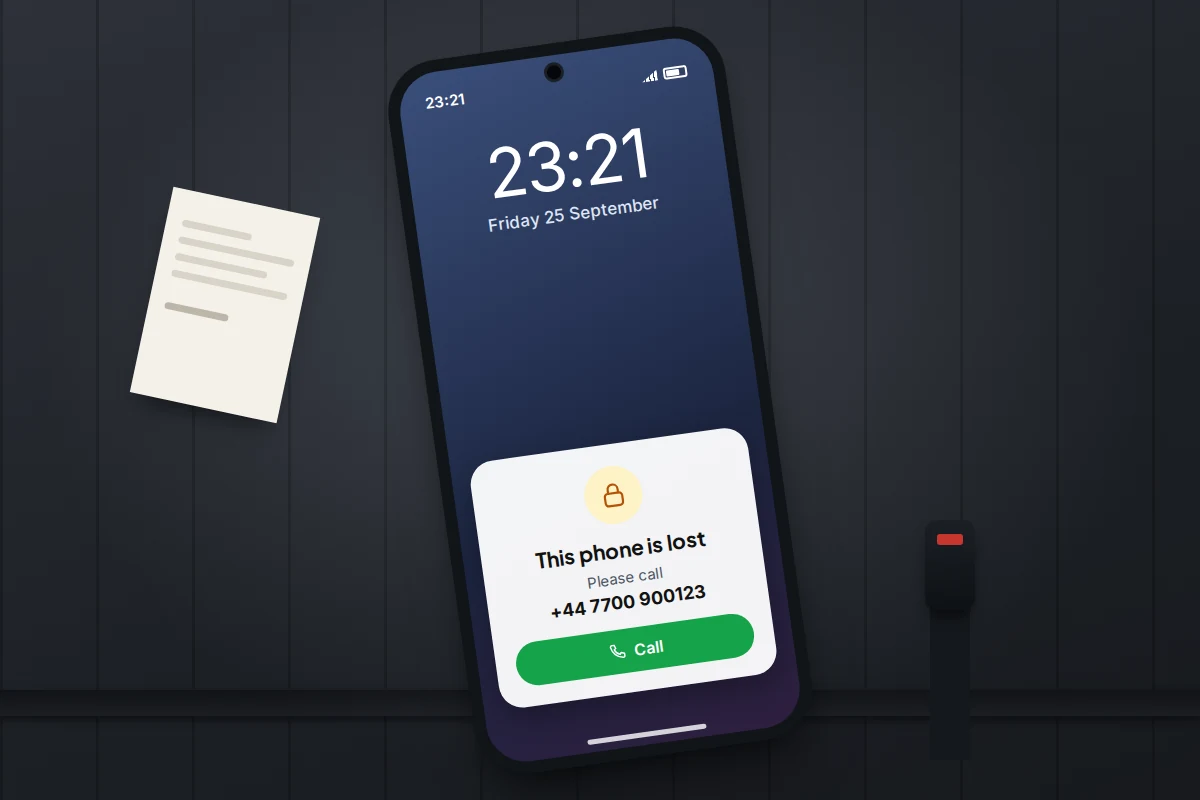
If nobody answers, text your own number: “This phone was left in a taxi. Please call 07700 900123.” Depending on your settings, it may show on the lock screen.
Then use the finding service. Both work from any web browser.
iPhone: Find My on the web
- Go to icloud.com/find and sign in. If you are asked for a verification code that would go to the lost phone, select the Find Devices button at the bottom of the window to continue without it.
- Choose the phone and select Play Sound.
- Select Mark As Lost and add a number someone can reach you on now, plus a short message.
Lost Mode locks the phone with your passcode, suspends Apple Pay, and shows your message on the lock screen. Calls still come through, which is what you want. If the phone is offline, the message appears once it reconnects.
Android: Find Hub on the web
- Go to google.com/android/find and sign in with the Google Account on the lost phone.
- Select the phone, then Play sound. It rings at full volume for five minutes, even on silent.
- Select Mark as lost. This locks the phone and adds your contact details and a message to the lock screen.
If you cannot sign in because the verification step goes to the lost phone, try android.com/lock. Remote Lock needs only your phone number and a security check, but it must have been switched on beforehand in Settings → Google → All services → Theft protection (Android 10 or later).
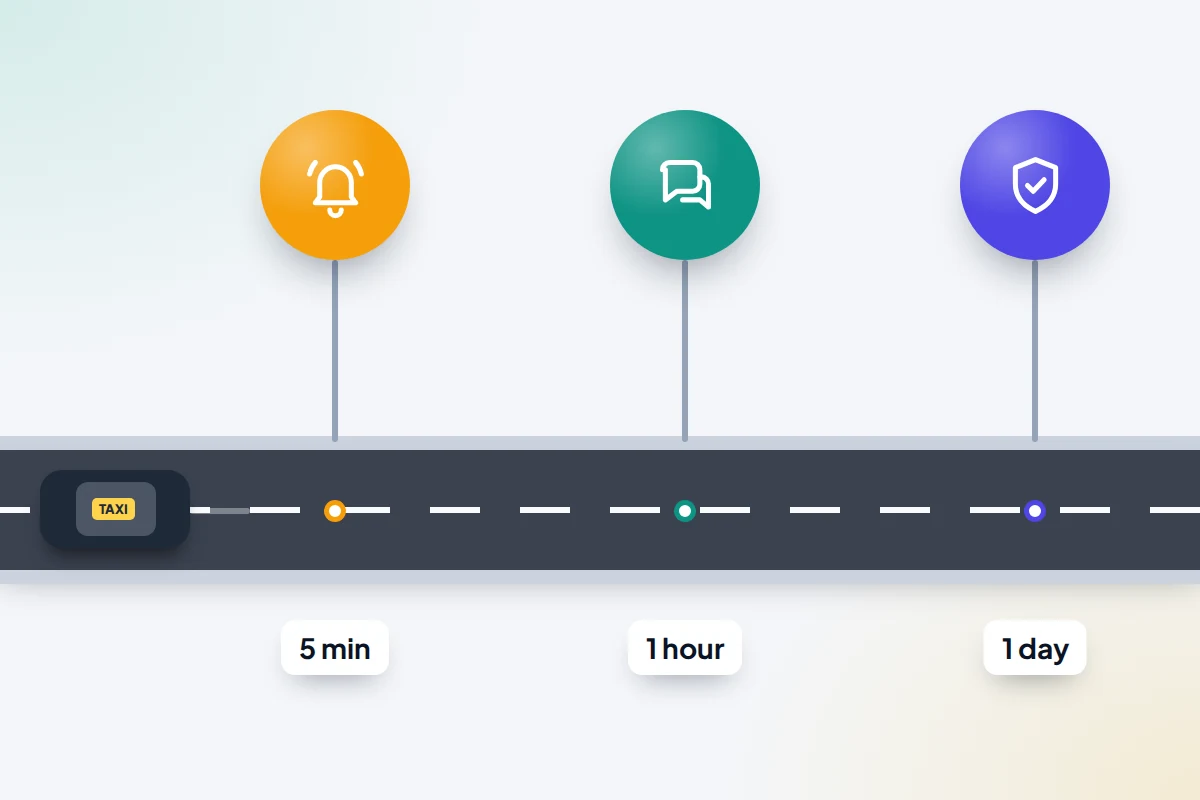
From the first minute to the first week: a timeline
Some actions only make sense later. Blocking your SIM in the first minute, for example, stops the driver calling your number back.
| When | What to do | Why now |
|---|---|---|
| 0–5 minutes | Call your number from another phone. Note the time, the drop-off point and anything you remember about the car. | The driver may still be a street away, and details fade fast. |
| 5–15 minutes | Play a sound and mark the phone as lost with a reachable number. | Locks it and gives an honest finder a way to reach you. |
| 15–60 minutes | Report it through the ride app, or phone the taxi firm. Find your receipt. | An early report reaches the driver before the shift ends. |
| 1–6 hours | Check the map and call again at intervals. Keep the alternative number switched on. | The phone may move to an office, a depot or the driver’s home. |
| Same evening | No news? Ask your network to block the SIM and send a replacement on the same number. | Stops charges and protects text-message security codes. |
| Next day | Contact app support or lost property. Tell your insurer if you plan to claim. | Drivers often hand items in after a shift; insurers set deadlines. |
| Days 2–7 | Check back with lost property. | In London, cataloguing can take up to seven working days. |
Ride-hailing apps: the trip record is your best evidence
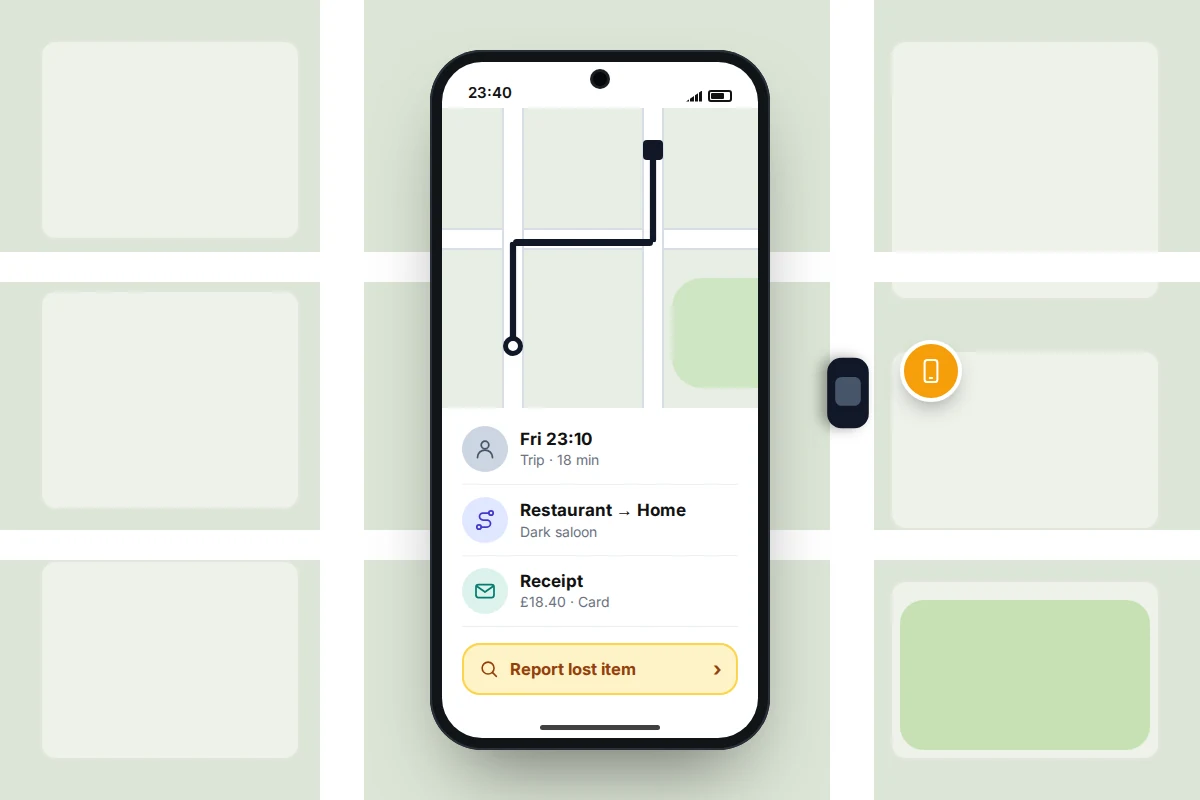
If you booked through an app, you already have the driver’s name, the car and the exact time. The catch is that the app is on the lost phone, so sign in to your account on a friend’s phone or in a web browser.
Uber
Open your trip history, choose the trip and pick the option to report a lost item and contact the driver. You are asked for a number to be called on, so give a friend’s number rather than your own. If the driver does not respond, report the item to Uber support from the same trip. Uber may charge a return fee, which goes to the driver and varies by country.
Bolt
Go to Activity, select the ride and contact the driver through the app within 24 hours; after that, contact Bolt’s support team with the ride details. If the missing item is your phone, Bolt has a separate form that asks for an alternative number so its team can reach you.
Other apps follow a similar pattern with different menu names. Be specific: “black phone in a green case, rear seat behind the driver” helps a busy driver far more than “my phone”.
Black cabs and licensed taxis hailed in the street
Taxis you hail or pick up at a rank are regulated by the local licensing authority, and lost property follows its rules. In London, black cab drivers usually hand found items to TfL’s Lost Property Office.
- Report it using TfL’s online lost property enquiry form. Items can only be searched for once collected and catalogued, which can take up to seven working days.
- TfL keeps items for up to three months from the date of loss. Collect them with ID from the Lost Property Office at 200 Baker Street (weekdays) or pay extra for a courier. There is a collection fee.
- Property found in taxis carries an extra fee based on the item’s value, which goes to the driver.
TfL does not handle items left in minicabs; contact the operator you booked with. Outside London, arrangements vary: some councils’ licensing teams take reports for hackney carriages, while private hire passengers are usually sent to the operator. Search for your council’s name plus “taxi lost property”.
If you paid by card, check your banking app or emailed receipt. It may show a payment provider or reference that helps identify the taxi.

Local taxi firms and airport rides
With a phoned-in booking, the dispatcher can usually reach the driver quickly. Call the firm and give them everything at once: pickup time and addresses, the number you booked from, how you paid and how much, a description of the phone and case, and a number to call you back on.
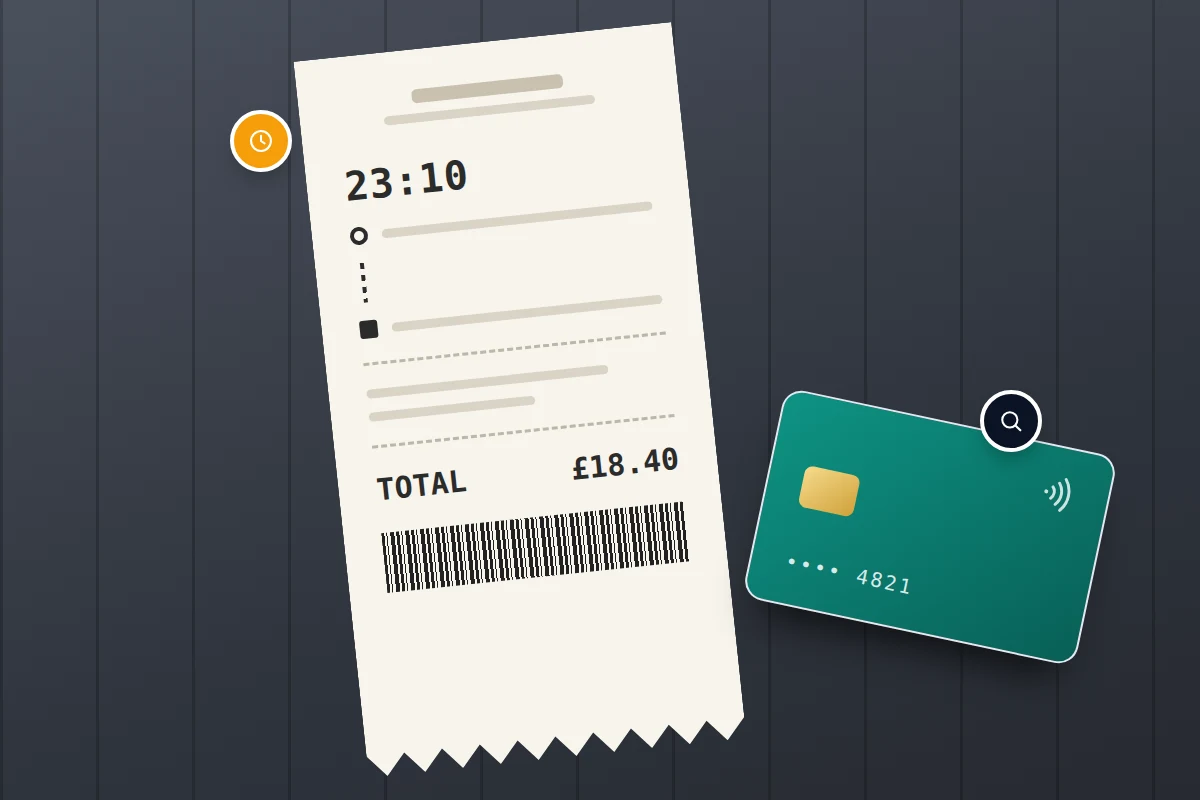
Say you booked a 23:10 pickup from a restaurant and were dropped home 20 minutes later. That lets a dispatcher identify the car in seconds, whereas “a taxi last night” may not.
For airport journeys, work out which kind of taxi it was. A car from the official rank is usually a licensed taxi, so the council’s or TfL’s process applies. A pre-booked transfer belongs to the company you booked, and a hotel shuttle to the hotel. Check the airport’s own lost property service too. Abroad, hotel reception staff can often phone local firms for you.
What not to do while you wait
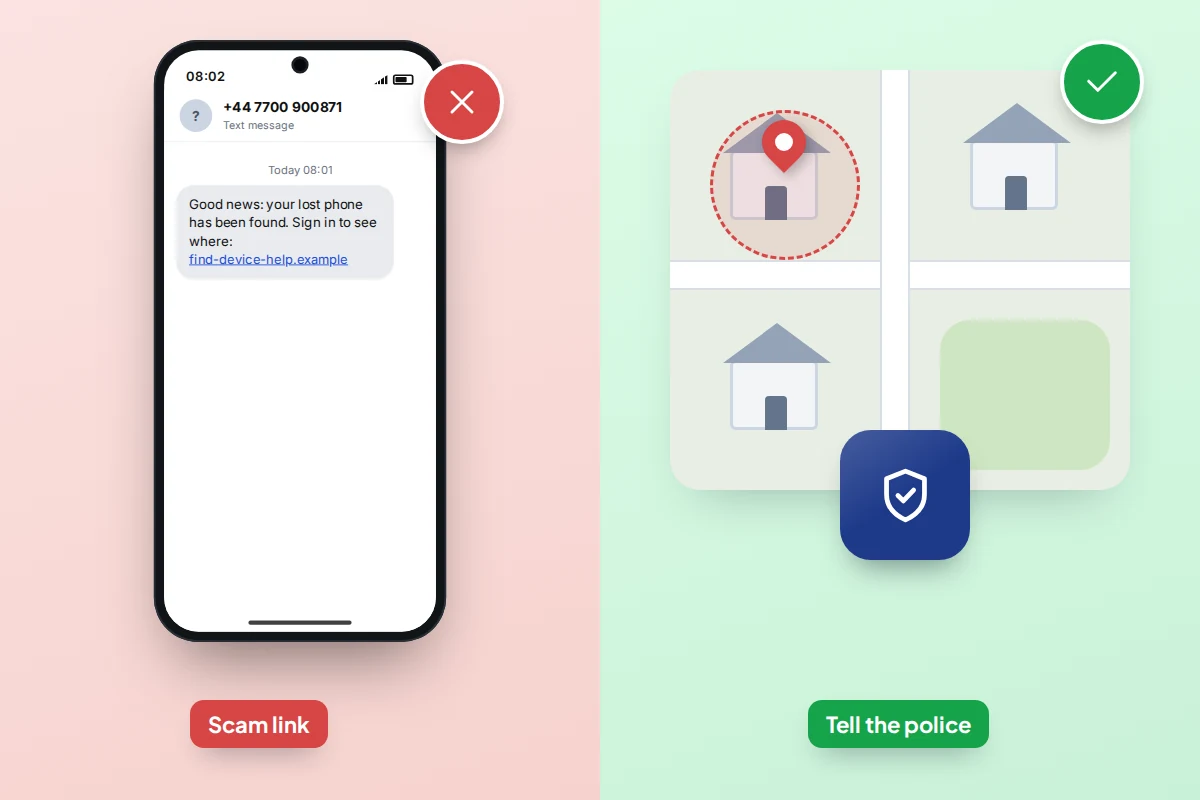
Do not go alone to a place shown on the map
If the map shows your phone at a taxi office, arrange to collect it. If it shows a private house and the driver or firm denies having it, do not go there. Location can be imprecise in built-up areas, and confronting someone is risky. Call the police on 101 (or 999 if someone is in danger) and give them the location.
Do not pay a “finder” in advance
Someone who genuinely has your phone can return it through the driver, the firm, lost property or a police station. Be wary of anyone asking for money upfront, a “courier fee” or your passcode. A reward on return is your choice; payment before you have seen the phone is not.
Ignore texts saying your phone has been found
Criminals holding a locked iPhone sometimes text the owner claiming it has been located, quoting its model and colour, with a link to a fake Find My sign-in page. They want your Apple Account password so they can remove Activation Lock and resell the phone. Apple says it will never contact you to say your device has been found. Treat similar messages about Google accounts the same way, and in the UK forward scam texts to 7726.
And do not remove the phone from your account. The lock only protects you while the phone stays linked to it.
Lock now, block the SIM later, erase last
- Marking as lost has no downside. Do it straight away.
- Blocking the SIM stops calls, data and text-message codes reaching whoever has the phone. It also stops the driver ringing your number and stops the phone reporting its location over mobile data, although Wi-Fi and the finding network still work. If the phone is probably in a taxi office, waiting a few hours is reasonable; if there is no news by the evening, call your network and ask for a replacement SIM on the same number. Citizens Advice notes that some networks cap what you pay for unauthorised use at £100 on monthly contracts if you report within 24 hours.
- Erasing cannot be undone, and on Android an erased phone no longer appears in Find Hub. Keep it for when you are sure the phone is not coming back.
If the phone had no screen lock, or someone may have seen your passcode, change your email, bank and main account passwords from another device now.
Police reports and insurance
A phone left in a taxi is usually lost rather than stolen, and police forces differ on whether they take reports of lost property, so check your local force’s website. If you believe the phone has been kept dishonestly, for example it shows at an address and the firm denies having it, report a theft on 101 or online and keep the crime reference number.
You may be asked for the IMEI, the phone’s unique number. Without the phone, look on the box or receipt, or ask your network.
Check your insurance wording before you call: some policies cover theft but not loss, and most set a reporting deadline. If you have AppleCare+ with Theft and Loss, do not remove the phone from Find My until the claim is approved.
If none of this works
- The map shows no location. The battery may be flat. Note the last known location and keep the phone marked as lost; the lock and message apply when it reconnects.
- The sign-in code goes to the lost phone. Use the Find Devices button on icloud.com, or on Android use backup codes, another signed-in device or Remote Lock.
- You do not know which taxi it was. Work back from your card payment, the rank or the venue that called it.
- The driver never replies. After 24 hours, go to the app’s support team or the lost property office.
If the phone does not come back, see what to do when a phone is lost or stolen. If it does, take ten minutes to set up your phone so it is easier to find next time.
Frequently asked questions
Will a taxi driver hand in a phone they find?
Many do, and licensed drivers are expected to. Often they do not notice it until the end of a shift, which is why items reach lost property a day or more later.
Will I have to pay to get my phone back?
Possibly. Uber may charge a return fee. TfL charges for collection and adds a value-based fee for items found in taxis, paid to the driver. Local firms set their own terms, so ask first.
Can I track the driver?
No. Find My and Find Hub show where your phone is, not who has it. Use the app, the firm or the police to reach the driver.
My teenager left their phone in a taxi. What can I do?
The same steps apply. If your family has agreed to share locations, the phone may already appear on your map, and you can help them sign in to Find My or Find Hub on your device.
Should I erase my phone straight away?
Usually not. Marking it as lost locks it and keeps it findable. Erase only when you are confident it will not be returned.
Sources and further reading
- Apple Support: If your iPhone or iPad is lost or stolen
- Apple Support: Use Lost Mode in Find Devices on iCloud.com
- Android Help: Find, secure or erase a lost Android device
- Android Help: Protect your personal data against theft (Remote Lock)
- Transport for London: Lost property
- Bolt Support: Recovering a lost item
- Citizens Advice: What to do if your mobile phone is lost or stolen
- BleepingComputer: Phishing texts claiming a lost iPhone has been found
Looking for a tool to go with this? TheTruthSpy is a free parental control app for Android that stays visible on the child's phone. If it fits your family, see what the app does.
Related guides

What to Do If You Lose Your Wallet
Lost your wallet? Freeze your cards first, then use this 30-minute checklist, a who-to-contact table for UK and US cards…
How to Find Your Parked Car With Your Phone
How to make your iPhone or Android phone remember where you parked, why pins drift in multi-storeys, and what to…

How to Find a Lost or Stolen Laptop
What Windows, Mac and Chromebook can each do to locate, lock or erase a lost laptop, why encryption matters more…
Parental controls your child can see
Location, screen time limits, a web filter and alerts from notifications — free, and visible on your child's phone. Pair a phone in about ten minutes.
Android · Free to set up · Visible on your child's phone