Free. All of it, for every family.
No subscription, no card, no trial that turns into a bill, and no locked tier underneath the free one. Location and geofencing, screen time limits, the web filter, app rules, browsing and Wi-Fi history, social alerts and chores are free to use for as long as you want. This page explains how that is paid for, because “free” deserves a straight answer.
- Live location, history and place alerts
- Screen time budgets, schedules and per-app limits
- App rules and approval for new installs
- Web filter, Safe Search and the browsing log
- Wi-Fi history
- Social alerts and keyword matches from notifications
- Chores that earn screen time
- Two parents on one family, as many children as you have
- The read-only live demo
The features page describes each of these, with what the child sees and the permission it needs.
The guides on this website carry advertising. The app does not.
TheTruthSpy is a small team. The app is free because the website is not just a brochure for it: it is a library of guides for parents, written by named people, about phones, apps, screen time and online safety, and those guides carry ordinary display advertising. Enough parents read them for the ads to pay for the servers and the people, so the app does not have to.
Three rules follow from that. Ads never appear inside the parent panel or in the app on your child's phone. Nothing collected from a child's phone is ever used to target advertising, sold, or shared with an ad network; the privacy policy sets that out in detail. And a guide is never written to sell the app: several of ours conclude that the right tool for a particular family is Family Link, Apple's Screen Time, or nothing at all, and the editorial standards page explains how we keep that honest.
- No ads in the panel or the child's app. Only on the public guides.
- No data from a child's phone touches advertising. Ever.
- No locked features, no “pro” tier. There used to be an earned tier of advanced tools; it was removed in 2026 along with the tools.
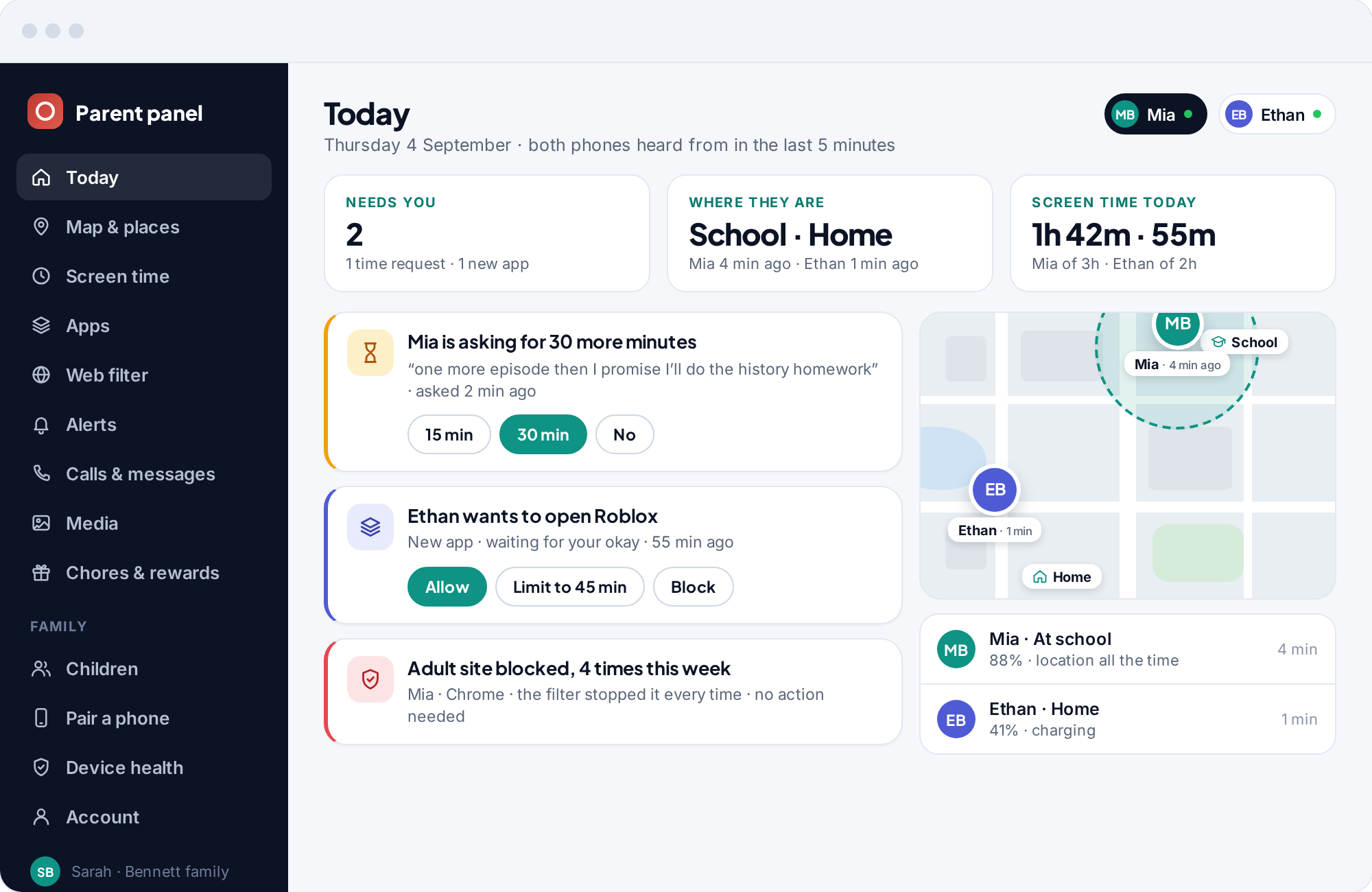
Children earn screen time by doing chores.
Set a chore, and finishing it adds minutes on top of the day's budget. “No, you can't have more time” becomes “yes, once your room is done.” It is the one thing in the app that works like a currency, and it belongs to the child, not to us.
How chores and rewards workThe questions people ask when something is free.
What is the catch?
Is there a paid plan if I would rather just pay?
Did there used to be more?
Does the site show ads to my child?
Does my family's data pay for anything?
Will it always be free?
Set it up tonight, for nothing.
No card, no trial clock, no subscription. Location, screen time limits, the web filter and alerts are free from the first minute, and stay that way.
Android · Free to set up · Visible on your child's phone