How to Find Lost AirPods or Earbuds

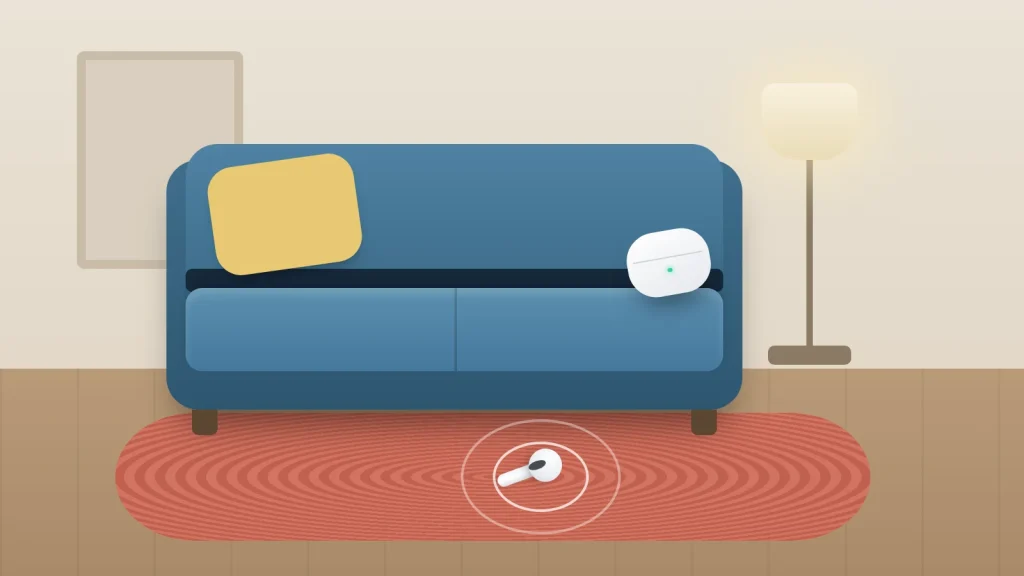
Wireless earbuds are small, silent and usually the same colour as the sofa. Most recent AirPods, Pixel Buds and Galaxy Buds can play a sound or show where they were last seen, but which of those works depends on the model and on the state the missing piece is in.
That second part is where most searches go wrong. An earbud with a flat battery cannot beep, a case without a speaker cannot ring, and a “last known location” is usually where the buds last connected to your phone rather than where they are now.
The table below shows what your model can do. The steps after it cover Find My, Find Hub and Samsung’s apps, and the home search plan picks up where the apps stop.
The short version
- AirPods: open Find My, choose your AirPods and use Play Sound. Newer models can locate each bud and the case separately, and some cases have their own speaker.
- Pixel Buds and many other Android earbuds: use Find Hub to ring them or see their last known location. Galaxy Buds use Samsung Find, or Find My Earbuds in Settings or Galaxy Wearable.
- If the battery is flat, sound will not work. Go to the last known location and search there by eye.
- At home, search methodically: sofa, laundry, bags and coats, then the car.
- If they are gone, you can usually buy a single replacement bud or case from the manufacturer.
Which method works for your earbuds
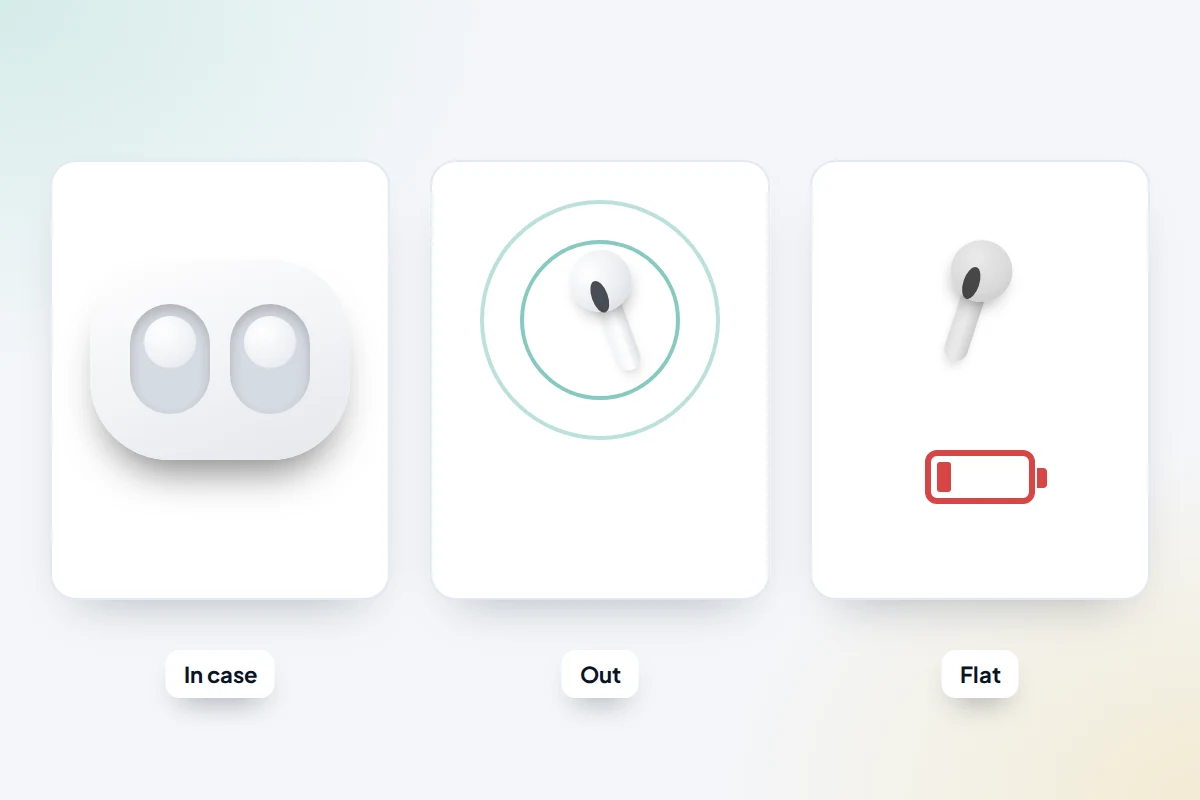
Work out two things first: whether the missing piece is a single bud, both buds or the case, and whether it is likely to have charge. Then find your row.
| Earbuds | Out of the case, charged | In the case | Flat battery or far away |
|---|---|---|---|
| AirPods Pro 2, AirPods Pro 3 | Play Sound; each bud shows separately on the map | The case has a speaker and can play a sound. With a compatible iPhone, Find shows an arrow and distance | Last known location, plus reports from the Find My network |
| AirPods 4 with Active Noise Cancellation, AirPods 5 with Wireless Charging Case | Play Sound; each bud shows separately on the map | The case has a speaker and can play a sound, but there is no directional arrow | Last known location, plus the Find My network |
| AirPods 3, AirPods Pro (first generation), AirPods Max | Play Sound in Bluetooth range; separated buds show one at a time | No case speaker, so rely on the map | Last known location, plus the Find My network |
| AirPods 1 and 2, standard AirPods 4, AirPods 5 without the wireless case | Play Sound in Bluetooth range | No case speaker | Last known location |
| Pixel Buds Pro 2, Pixel Buds 2a | Ring each bud from Find Hub | The case can ring too | Last known location, plus reports from the Find Hub network |
| Pixel Buds Pro, Pixel Buds A-Series, Pixel Buds (2020) | Ring each bud from Find Hub or the Pixel Buds settings | The case cannot ring, and a bud stops ringing once it is back in the case | Last known location in Find Hub |
| Samsung Galaxy Buds | Ring from Samsung Find or Find My Earbuds while connected by Bluetooth | The case cannot ring, and some models cannot be found while inside it | Last location in Samsung Find; newer models can be picked up by the Galaxy Find network. Nothing if buds and case are all flat |
| Other brands (Sony, JBL, Bose and others) | Depends on the maker’s app; some models work with Find Hub | Usually no case feature | Varies; some apps record where they last connected |
Features change with software updates, and Apple’s own guides disagree on whether the standard AirPods 4 use the Find My network. To check yours, go to Settings → Bluetooth, tap the info button next to your AirPods and look for Find My network.
AirPods: using Find My
Find My works for AirPods paired with an iPhone or iPad signed in to your Apple Account. You can use it on your iPhone, iPad or Mac, or in any browser at icloud.com/find, though some features may not be available on the web.
- Open the Find My app and tap Devices.
- Choose your AirPods. The map shows their current location or, if they are offline, their last known location.
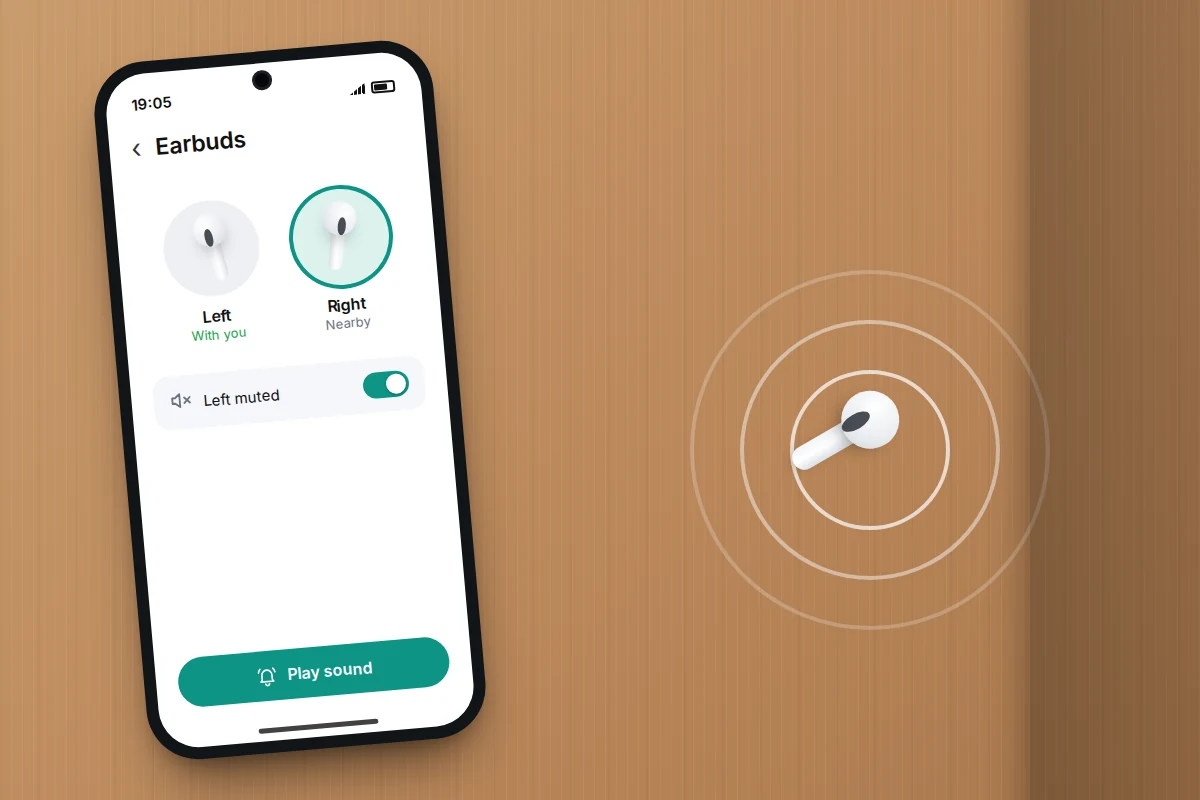
- If you are nearby, tap Play Sound and listen for a series of beeps. Turn off music and the television, and move slowly between rooms.
- If the buds are apart, the newer models in the table show each bud and the case separately, so choose the missing one. Older models show one bud at a time: find it, put it in the case, then refresh the map to see the other.
- While the sound plays, tap Left or Right to mute the side you already have, so you are only listening for the missing one.
- When you are close, tap Find and follow the prompts. With AirPods Pro 2 or Pro 3 and a compatible iPhone, you may see an arrow pointing towards them and an approximate distance.
Those same newer models let you mark each bud and the case as lost separately.
If you see “Offline” or “No location found”, sound and Find will not work. The map still shows the last known location, which is your starting point.
Pixel Buds and other Android earbuds: using Find Hub
Find Hub (Google’s renamed Find My Device) can locate Pixel Buds and a growing number of other earbuds. The buds need to be paired with an Android phone signed in to your Google Account, with Location switched on. For newer models, Find when disconnected must also be on in the buds’ settings under Settings → Connected devices; names vary by phone maker.
- Open the Find Hub app, or go to google.com/android/find in a browser.
- Choose your earbuds from the list. If they are disconnected, you will see their last known location.
- If they are nearby and connected, select Play sound. On Pixel Buds the sound starts at zero volume and rises over about 20 seconds, so wait before moving on.
- To ring one side, open the Pixel Buds settings (in the Pixel Buds app, or in the connected-device settings on Pixel phones) and choose Ring Left or Ring Right.
Ringing stops as soon as a bud goes back in the case or the lid closes, so leave the case open if you are searching with the other bud inside it.
For other brands, check the maker’s own app first. Some models gained Find Hub support through firmware updates: Sony added it to the WF-1000XM5, WH-1000XM5 and LinkBuds S in 2024, and JBL’s Tour Pro 2 and Tour One M2 were among the first to support it. If your earbuds appear in Find Hub, use that, since it can show a location as well as ring.
Samsung Galaxy Buds: Samsung Find and Galaxy Wearable
Galaxy Buds have their own finding tools, which need a Samsung Galaxy phone or tablet.
- If the buds are still connected, go to Settings → [your Galaxy Buds] → Find My Earbuds → Start on Android 16 or later, or Galaxy Wearable → Find My Earbuds → Start on Android 15 or earlier. Then tap Play sound.
- If they are disconnected, open Samsung Find and tap Devices (or SmartThings → Life → Find) to see their last known location. Newer models can also be reported by other Galaxy devices through the Galaxy Find network. Go there, then use Ring once you are in Bluetooth range.
Samsung is clear about the limits. Ringing needs a Bluetooth connection, only the buds make a sound (not the case), some models cannot be detected inside the charging case, and if the buds and case are all completely flat they cannot be located at all. Samsung Find and SmartThings Find need Android 10 or later.
When they are out of battery or out of range
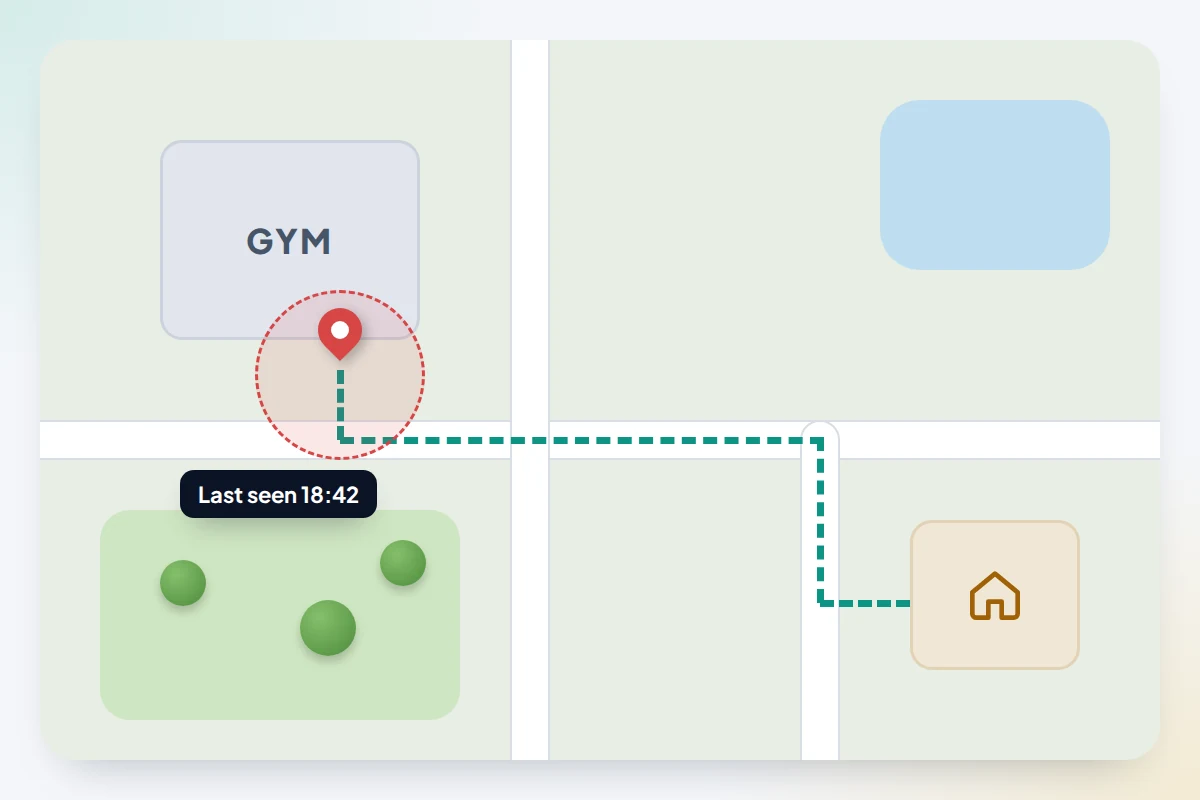
Bluetooth reaches only a short distance, often around 10 metres and less through walls. Beyond that range, or once the battery dies, your phone cannot make the buds beep. What you have is a record.
That record is usually the place where the buds last connected to your phone. Say you took them out on a bus, put them in a coat pocket and walked home; the location may show the bus stop, or somewhere along the route, rather than the pocket they are sitting in. Models on the Find My, Find Hub or Galaxy Find networks can also be reported by other people’s phones passing by, which updates the location after they have left your range, as long as they still have some charge.
- Go to the last known location and search by eye, and ask any shop, gym or venue there whether something was handed in.
- Check when you last used them. Your music or podcast app’s recently played list, or your call history, gives a time you can match to where you were.
- Keep checking the map for a day or two; a sudden change may mean someone found them.
Searching at home without the app
Search one place thoroughly before moving to the next, rather than rechecking the same three spots.
Sofas, chairs and beds
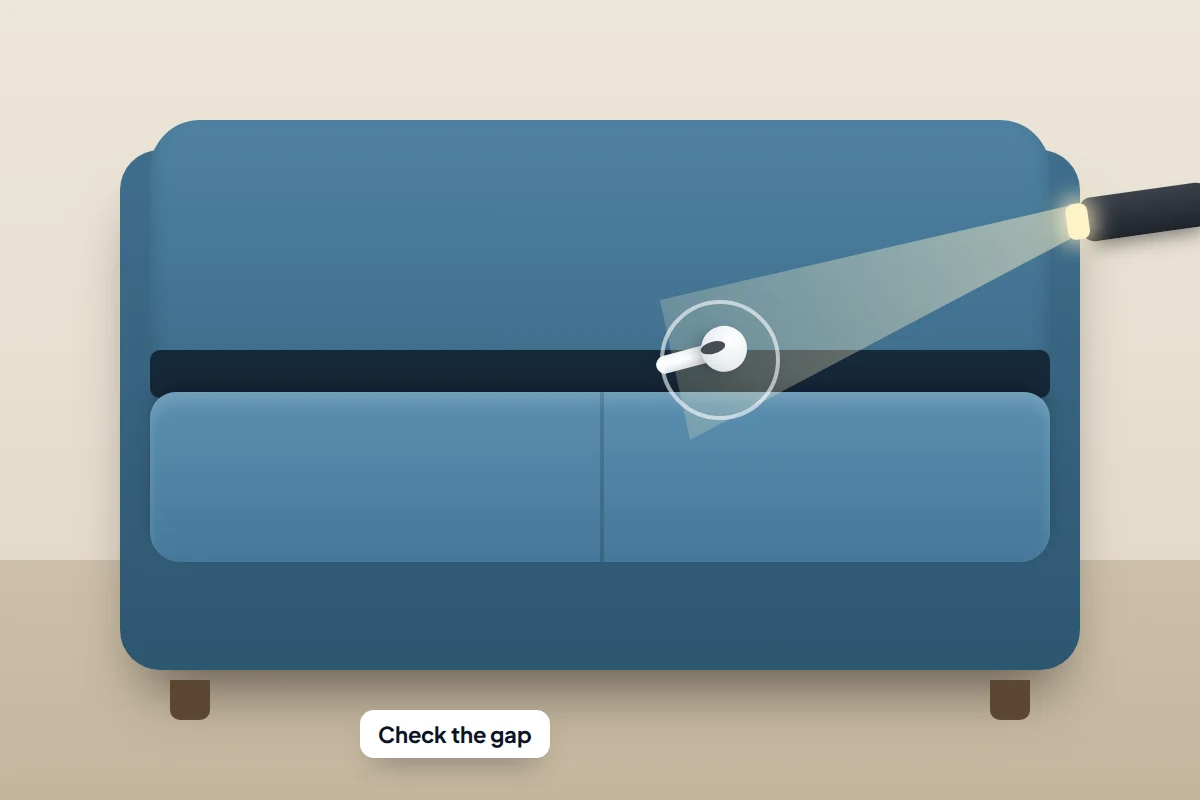
Remove every seat cushion and run your hand along the back and sides of the frame, where cushions meet. Earbuds often slip into the gap and sit on the base or under the lining. Check under beds and between the mattress and headboard.
Laundry, coats and bags
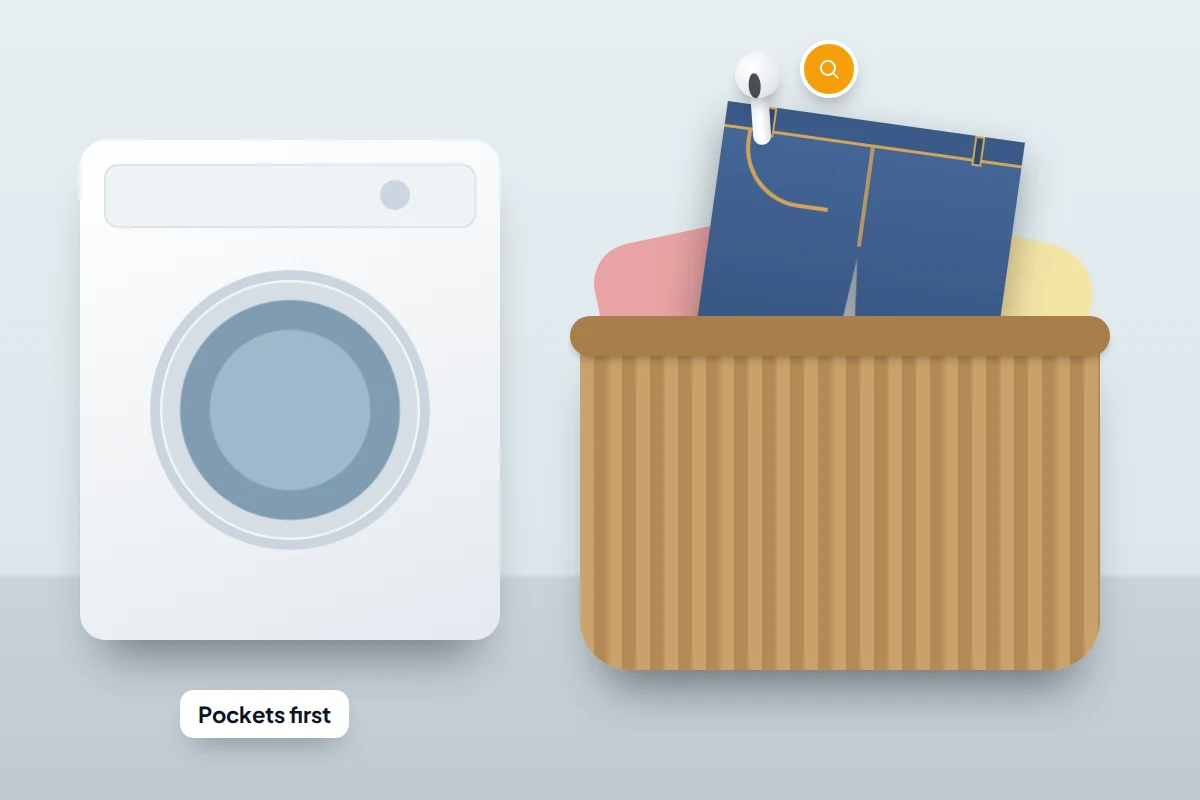
Go through the pockets of anything you wore since you last used them, including the laundry basket and the washing machine drum, and empty bags fully, inner pockets included. If a bud has been through a wash, dry it thoroughly before it goes back in the case. Most earbuds are rated only for sweat and splashes, so it may not survive.
The floor, with a torch
Turn the lights off, put a torch on the floor and shine it sideways across the surface. A white or shiny earbud throws a long shadow and catches the light in a way it does not from above.
The car
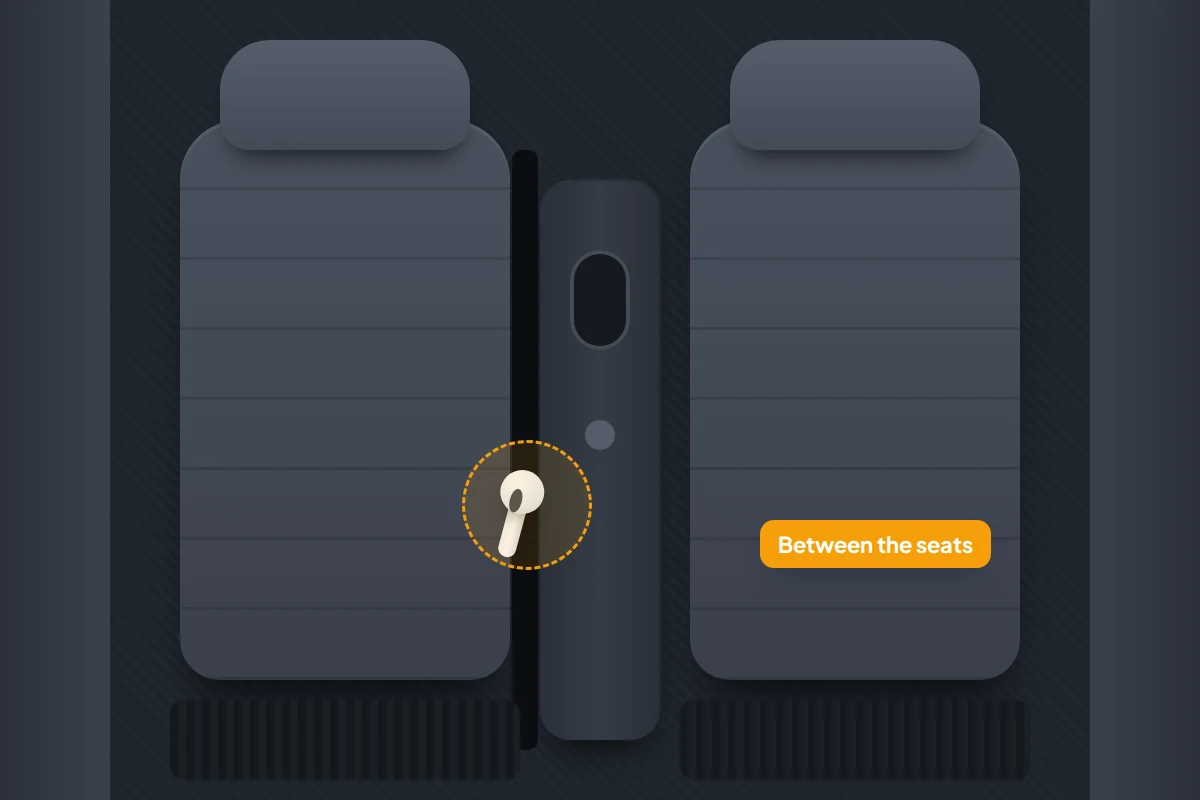
Slide each front seat fully forward and back to see the runners beneath, check between the seat and the centre console, the footwells, door pockets and under floor mats. A bud dropped while getting out often lands in the door sill.
Replacing a single earbud or case
If the search fails, you do not usually need a whole new set.
- AirPods: Apple lets you order a replacement for a lost AirPod or case through Apple Support. There is a fee, which depends on the model and country.
- Pixel Buds: the Google Store sells individual replacement earbuds, cases and ear tips for Pixel Buds Pro 2, Pixel Buds 2a, Pixel Buds Pro and Pixel Buds A-Series, though cases for some models are sold in the US only. After the part arrives, you reset your Pixel Buds and set them up again.
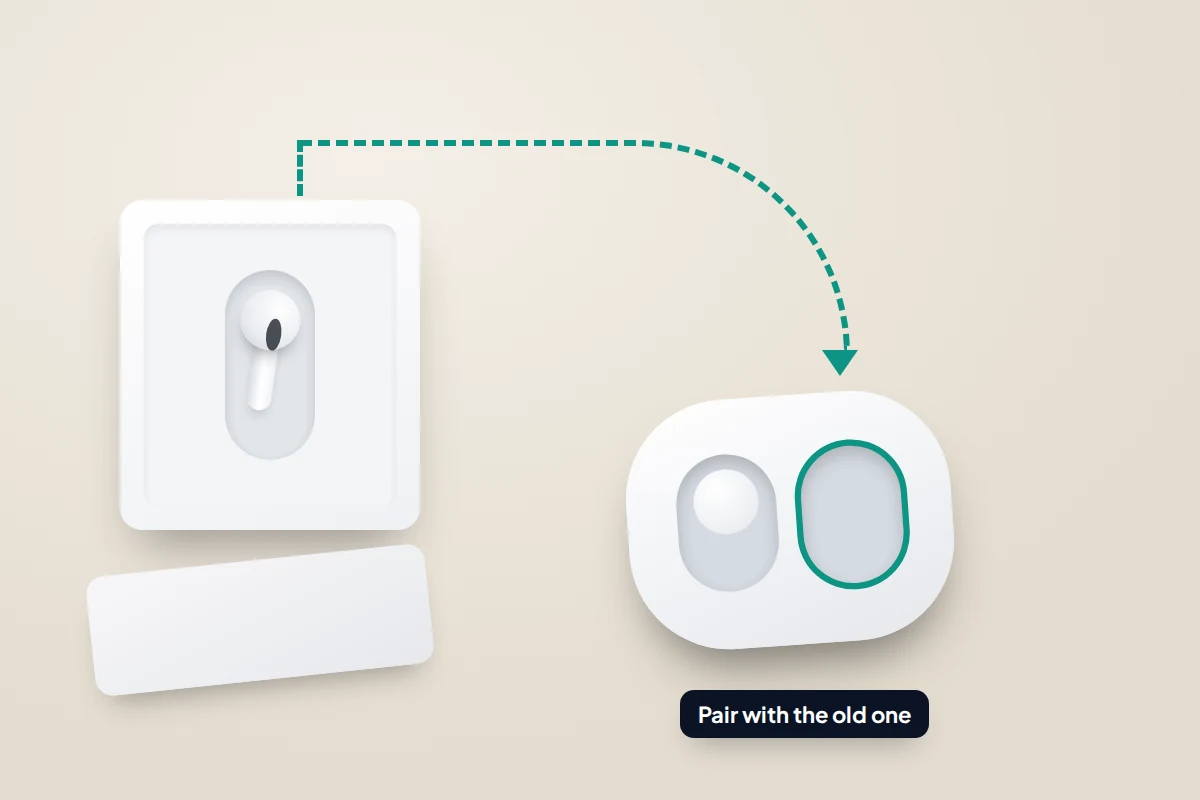
- Galaxy Buds: Samsung says you can buy a single earbud and couple it with the one you still have, by putting both in the case and holding both touch areas for about seven seconds. Availability varies by model and country.
- Other brands: contact the manufacturer’s support team. Some sell single buds or cases; others will only offer a discount on a new set.
Be cautious with single buds sold second-hand online. Some are counterfeit, and there is no easy way to confirm a used bud is genuine before you pay.
Making the next loss easier
Finding features only work if they were switched on first, so check now that your earbuds appear in Find My, Find Hub or Samsung Find. It belongs in the same routine as setting up your phone so you can find it later.
- Turn on left-behind alerts. Supported AirPods can alert your iPhone when you walk away without them (Notify When Left Behind in Find My), and Samsung Find and SmartThings Find have a Notify when left behind switch for Galaxy Buds.
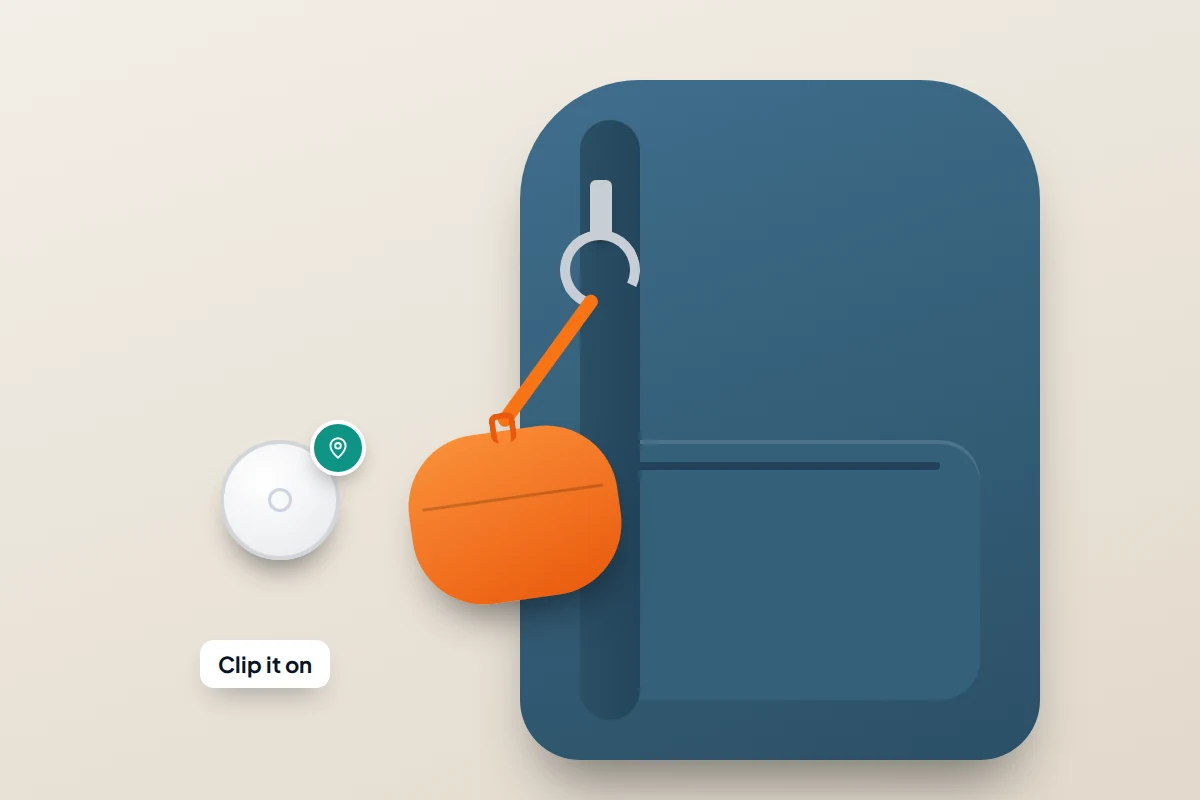
- Add a strap. The AirPods Pro 2 and Pro 3 cases have a lanyard loop. For other cases, a silicone cover with a clip lets you attach it to a bag or keys.
- Consider a tracker for the case. Some case covers hold a small tracker tag. It follows the case, not a bud that has fallen out, but helps if your case cannot be found on its own.
Frequently asked questions
Can I find AirPods with an Android phone?
Yes, in a browser: sign in at icloud.com/find with your Apple Account to see their location and play a sound, though some features are not available on the web.
The map shows a place I have already searched. Why?
The last known location is where the buds last connected, not a live position. If they left with you in a pocket or bag after disconnecting, they may be somewhere along your route. Check what you were carrying and wearing at the time.
Can I find one earbud when the other is in my ear?
Yes. On AirPods, tap Left or Right while the sound plays to mute the side you have. On Pixel Buds, use Ring Left or Ring Right. On Galaxy Buds, per-side controls vary by model, so check the Find My Earbuds screen.
Will a dead earbud ever show up again?
Not by itself. A bud with no charge cannot connect, make a sound or be picked up by passing phones. Your best clues are the last known location and your own memory of where you last used them.
Why don’t my AirPods appear in Find My?
They must be paired with an iPhone or iPad signed in to your Apple Account. If a set is used with more than one Apple Account, only the person who turned on the Find My network sees them, which often catches out families sharing a pair.
Sources and further reading
- Apple Support: Find your lost AirPods with Find My
- Apple AirPods User Guide: Find your AirPods
- Apple: Compare AirPods models (case speaker and lanyard loop)
- Google Pixel Buds Help: Find your Pixel Buds
- Google Pixel Buds Help: Replace lost or damaged Pixel Buds
- Samsung UK: How to find your Galaxy Buds when they are lost
- Samsung UK: Couple a new earbud with your old one
- 9to5Google: Sony headphones gain Find My Device network support
Looking for a tool to go with this? TheTruthSpy is a free parental control app for Android that stays visible on the child's phone. If it fits your family, see what the app does.
Related guides

What to Do If You Lose Your Wallet
Lost your wallet? Freeze your cards first, then use this 30-minute checklist, a who-to-contact table for UK and US cards…
How to Find Your Parked Car With Your Phone
How to make your iPhone or Android phone remember where you parked, why pins drift in multi-storeys, and what to…

How to Find a Lost or Stolen Laptop
What Windows, Mac and Chromebook can each do to locate, lock or erase a lost laptop, why encryption matters more…
Parental controls your child can see
Location, screen time limits, a web filter and alerts from notifications — free, and visible on your child's phone. Pair a phone in about ten minutes.
Android · Free to set up · Visible on your child's phone