How to Recover a Hacked WhatsApp Account

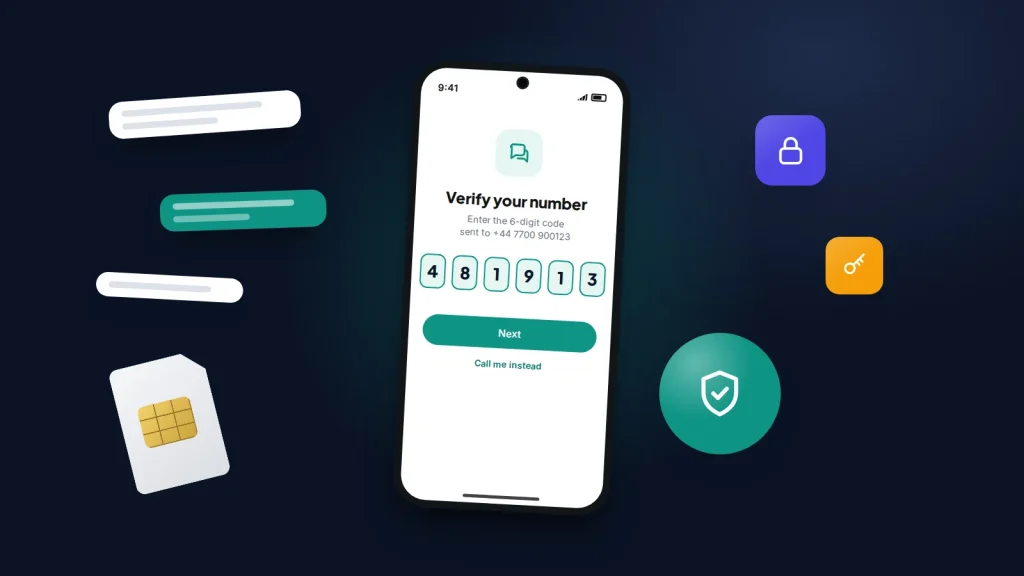
A friend messages you on WhatsApp: “Sorry, I sent you a six-digit code by mistake, can you forward it to me?” You send it, and a few minutes later WhatsApp on your phone says your number is no longer registered on this phone. Someone else now has your account, and they are already messaging your contacts as you.
In most cases you can take it back within minutes. WhatsApp accounts are tied to a phone number rather than a password, so whoever holds the SIM can usually reclaim the account. What follows covers the order to act in, what to do if the other person has set a PIN, what to send your contacts, and how to stop the same trick working twice.
The short version
- Open WhatsApp on your own phone, verify your number and enter the new 6-digit code. That signs the other person out.
- If WhatsApp asks for a two-step verification PIN you never set, the attacker set it. You will have to wait 7 days, but they are signed out as soon as you verify your number and cannot return without a new code from your phone.
- Warn your contacts by another route straight away. The attacker’s usual next move is asking them for money or codes.
- Afterwards, log out unknown linked devices, turn on two-step verification with a recovery email, and change your voicemail PIN.
How WhatsApp accounts are usually taken over
Almost none of these takeovers involve breaking WhatsApp’s encryption. They rely on getting you, or your voicemail, to hand over the registration code that WhatsApp sends when someone sets the app up with your number.
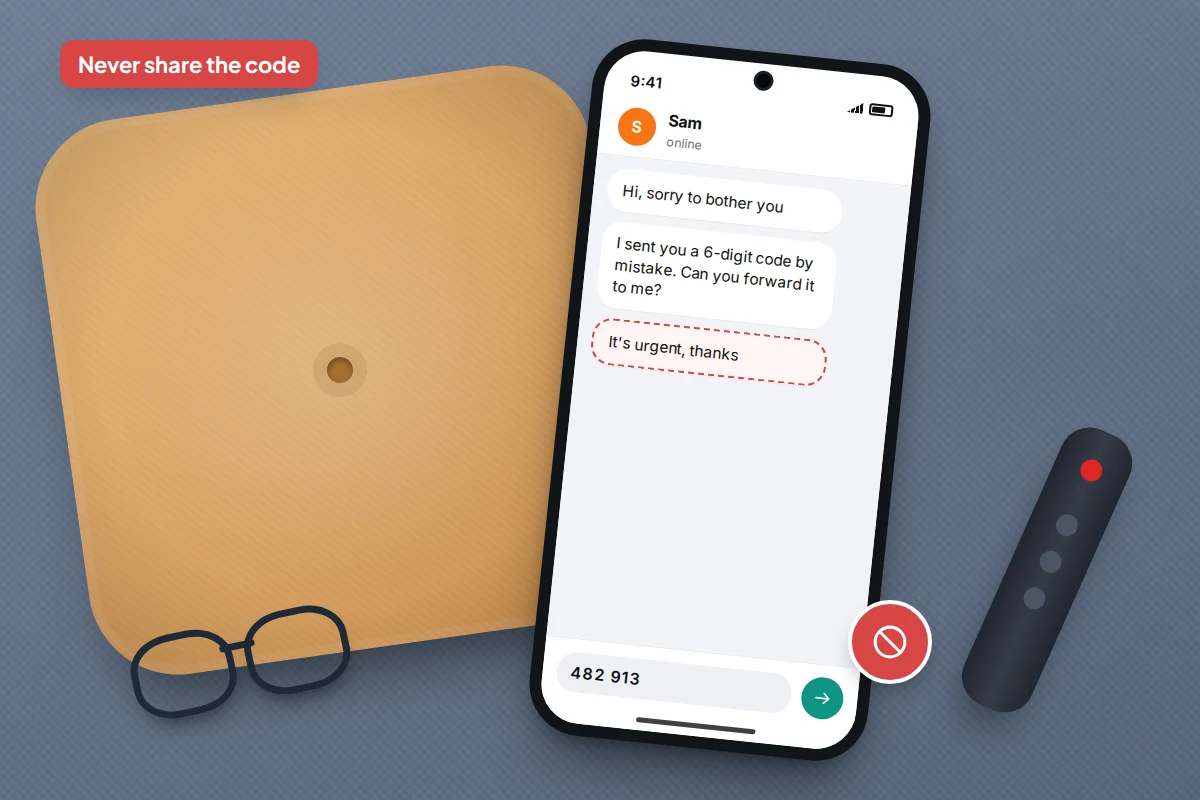
The “I sent you a code by mistake” message
This is the most common route. The message comes from a contact whose account has already been taken over, so it looks trustworthy. Meanwhile, the attacker has started registering WhatsApp with your number on their own phone, which makes WhatsApp text the code to you. When you forward it, they finish registration and your phone is signed out. UK police and local councils have issued repeated warnings about this pattern.
The tell is simple: a genuine code is never sent to the wrong person, because WhatsApp sends it only to the number being registered. Nobody else ever needs your code.
The voicemail route
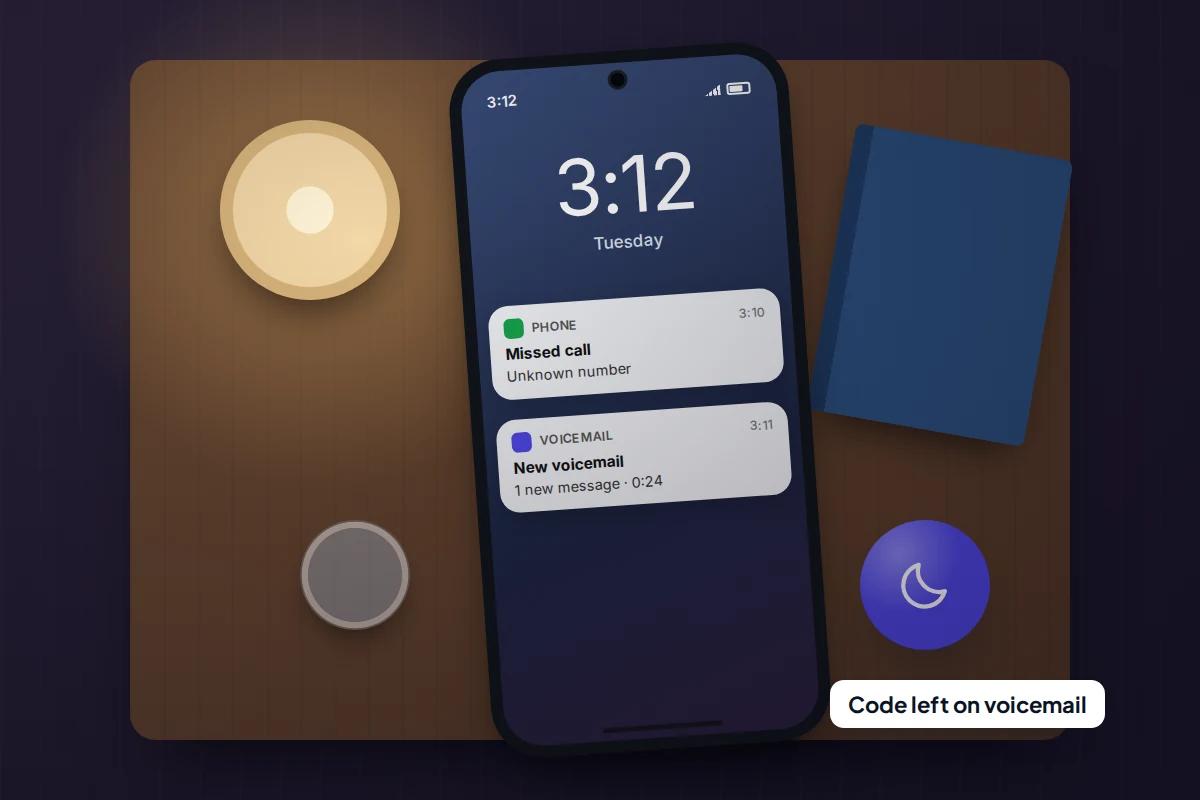
WhatsApp can also deliver the code by voice call. Security researchers have described attackers requesting a call-back late at night, when you are unlikely to answer, so the code lands in your voicemail. If your voicemail still uses a default or guessable PIN, such as the last four digits of your number, they can dial in remotely and listen to it. You would not notice anything until morning.
Linked-device tricks
A newer variation, reported in late 2025 and nicknamed GhostPairing, does not take over the account at all. A link from a “friend” leads to a page that asks for your phone number and then talks you into entering a pairing code in WhatsApp, which quietly adds the attacker’s browser as a linked device. You keep using WhatsApp normally while they read along. The fix is different, so the linked devices section below matters even if you were never signed out.
The first 30 minutes
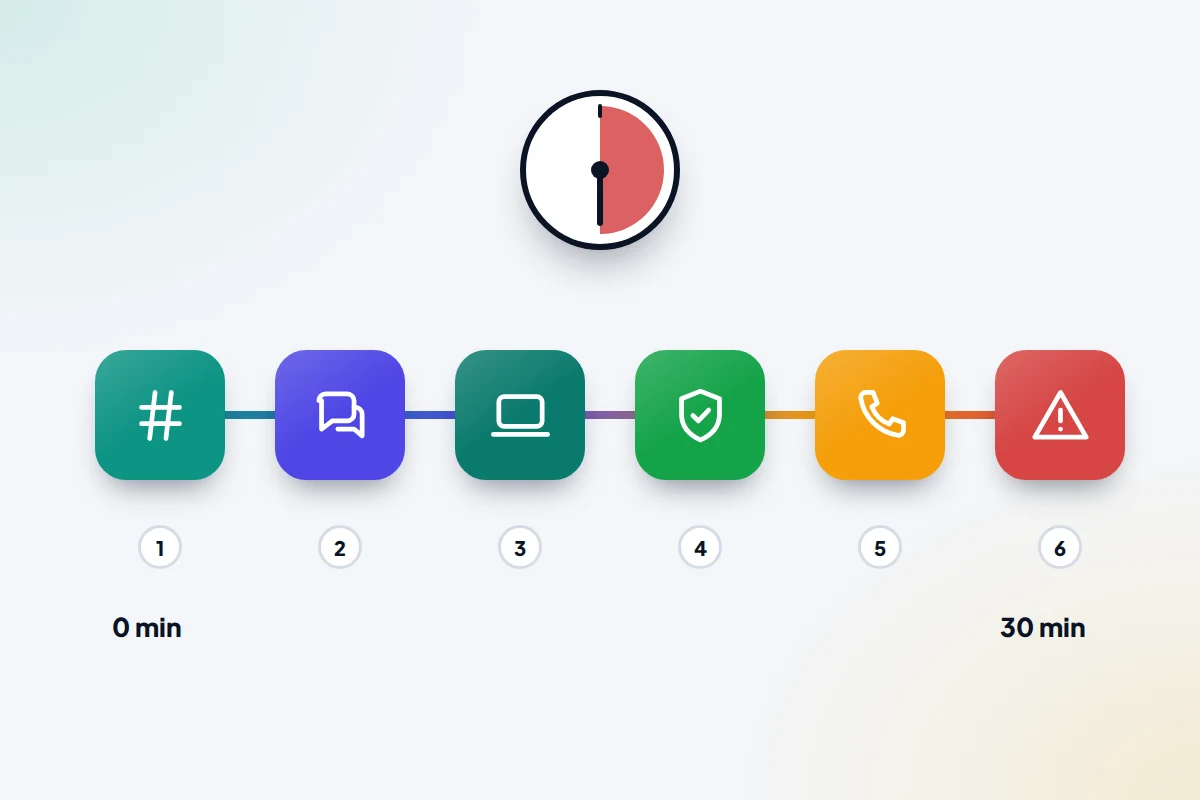
The attacker wants to use your account before anyone notices, so order matters. This sequence closes the most doors first, all from your own phone.
| Time | What to do | Why it comes at this point |
|---|---|---|
| Minutes 0–5 | Open WhatsApp, verify your number and enter the new 6-digit code. | This signs the other phone out, even if a PIN then blocks you. |
| Minutes 5–10 | Warn your contacts by text, email or another app. | Money and code requests start within minutes of a takeover. |
| Minutes 10–15 | Check Linked devices and log out anything you do not recognise. | A linked browser may keep reading messages after you are back in. |
| Minutes 15–20 | Turn on two-step verification and add a recovery email. | Stops the same code trick working again. |
| Minutes 20–25 | Change your voicemail PIN. | Closes the voice-call route. |
| Minutes 25–30 | If anyone sent money or bank details, call the bank and report it. | Banks can sometimes stop a payment if they hear quickly. |
If you only manage the first two rows, you have done the part that protects other people. The rest can wait an hour if it has to.
Take the account back by re-registering your number
A number can be registered as the main phone on only one device at a time, so registering again on your own phone ends the other registration. The steps are the same on Android and iPhone.
- Make sure the SIM for your number is in your phone and has signal.
- Open WhatsApp. If it shows a message that your number is registered on another phone, tap through to verify your number. If the app is not installed, install it from the official app store.
- Enter your phone number with the country code and tap Next.
- Choose to receive the code by SMS, or by voice call if the text does not arrive.
- Enter the 6-digit code. Do this yourself, on your own phone, and do not give it to anyone who asks for it.
Your chat history should still be on your phone, because WhatsApp keeps messages on the device rather than on its servers. If you had deleted the app, you can restore from your own backup during setup.
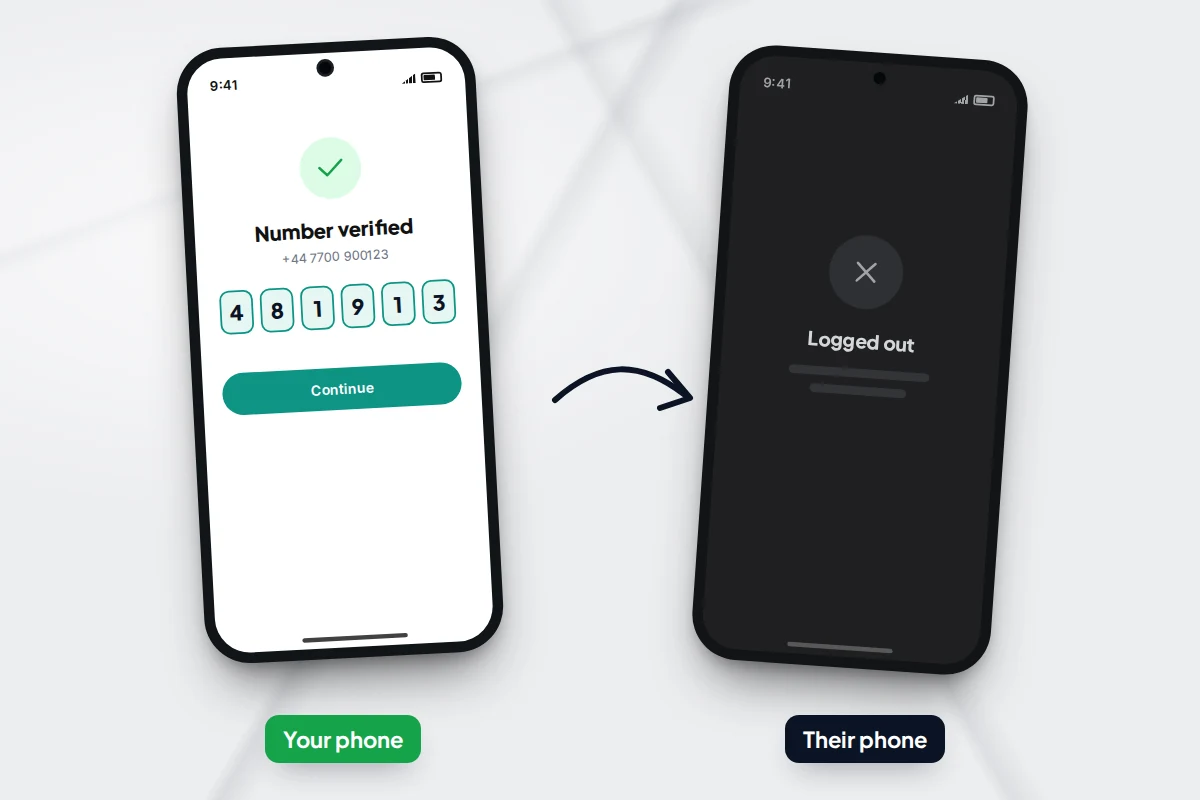
If WhatsApp asks for a PIN you never set
Attackers often turn on two-step verification straight away, so the real owner cannot get back in. If you see a PIN screen and do not know the PIN:
- The other person is still signed out once you enter the 6-digit code. The Ministry of Justice’s security guidance says the attacker is disconnected at that point, even though you then face a wait.
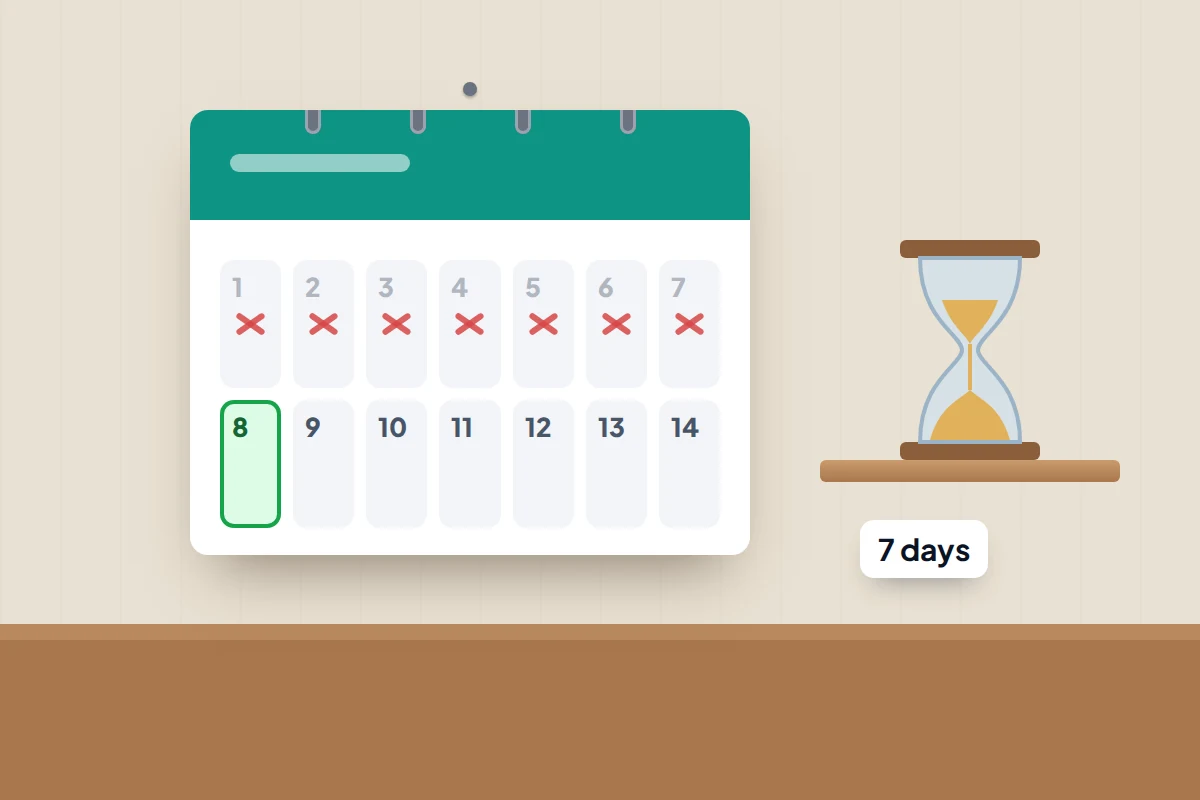
- You will need to wait 7 days before WhatsApp lets you in without the PIN. The attacker knows the PIN, but cannot register again without a fresh code sent to your phone, so treat any code that arrives during the week as an attack and share it with nobody.
- If it turns out you set a PIN yourself long ago and added your email, tap Forgot PIN? and use the email reset link instead of waiting.
Messages sent to you during the wait may not reach you, and some may be lost when the account is reset. Tell important contacts where to reach you meanwhile.
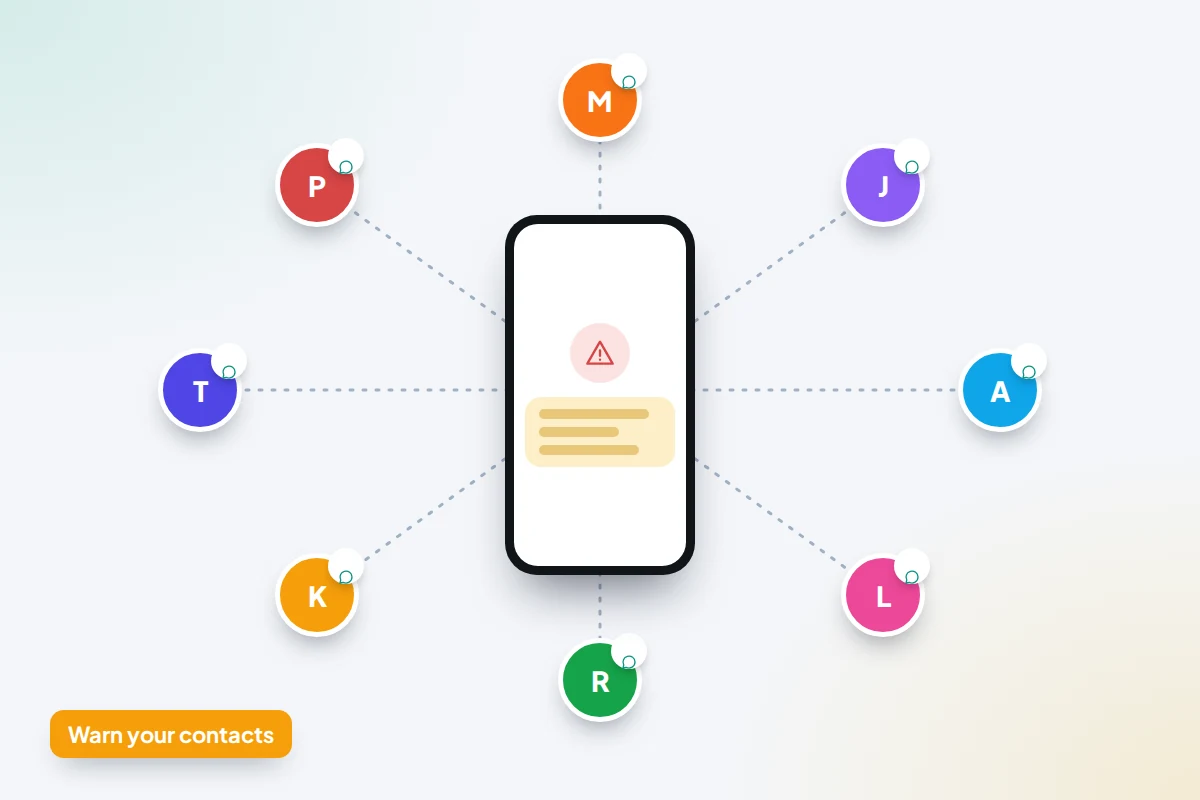
Warn your contacts before the scammer does
Typical follow-ups are “Can you lend me some money until tomorrow?” or the same code request that caught you. Send a warning through a channel the attacker does not control: ordinary text messages, email, another messaging app or a social media post. If your account is back, you can also post it in your WhatsApp groups.
A message you can copy:
My WhatsApp account was taken over today. If you got a message from me asking for money or for a code, it was not me. Please don’t reply or send anything, and never share a WhatsApp code with anyone. I’ll let you know when it’s safe.
If a contact has already sent money, they should call their bank using the number on the back of their card. In England, Wales and Northern Ireland, report it to Report Fraud (reportfraud.police.uk or 0300 123 2040), which replaced Action Fraud in December 2025; in Scotland, call Police Scotland on 101.
What the other person could and could not see
Because WhatsApp stores chat history on your phone rather than on its servers, someone who registers your number on a new phone does not receive your past conversations. They start with an empty chat list.
They could, however, see:
- Any new messages sent to you while they held the account.
- The groups you belong to, and new messages posted in them.
- Anything they chose to change, such as your profile name or photo, which your contacts would have seen.
- Anything a contact sent them in reply, including photos or documents.
Your chat backups are stored in your own Google Drive or iCloud account, not in WhatsApp. An attacker would need access to that cloud account as well to restore them. If you suspect your email or cloud account was also compromised, secure that next.
A linked device is different. A browser added through a pairing trick can sync some of your existing chat history as well as new messages, so treat recent conversations as seen.
Check linked devices and log out anything unfamiliar
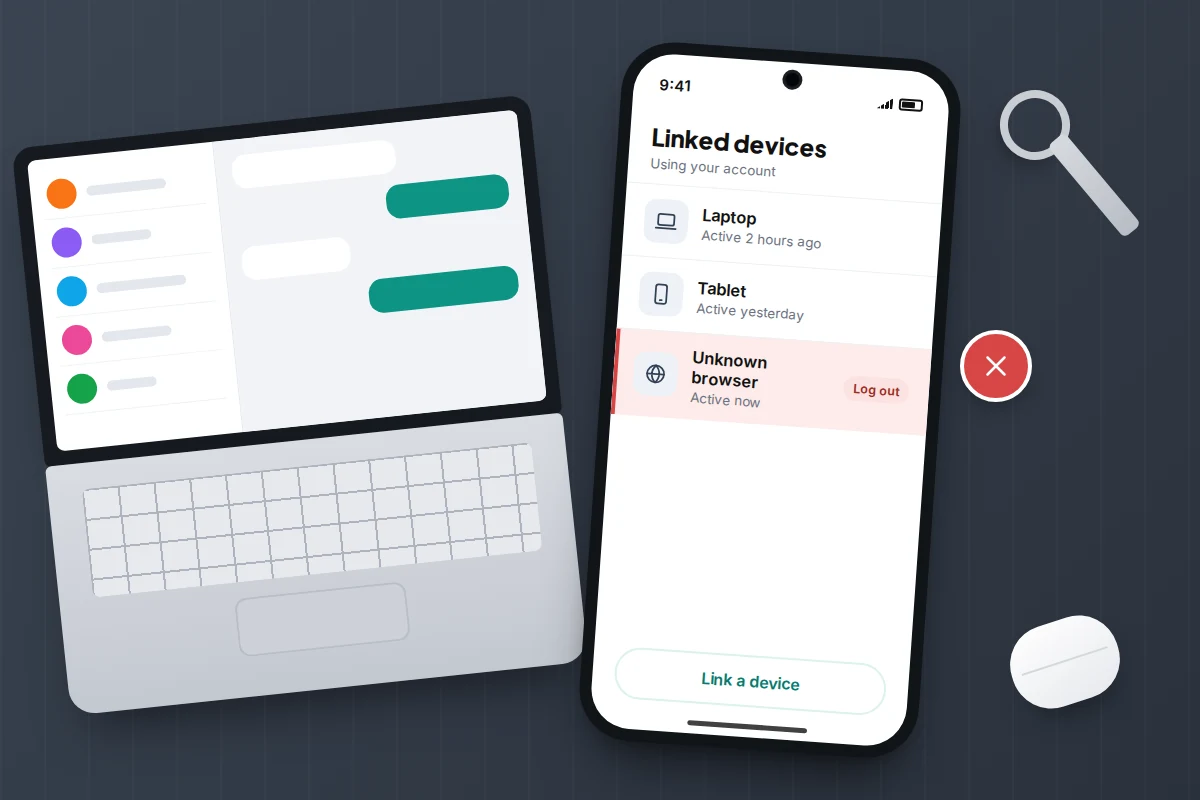
Linked devices are computers, tablets, browsers or second phones that use your account alongside your main phone. Do not assume re-registering has cleared them: this list is the one place a quiet observer shows up, and closing a browser tab does not remove a session.
- On Android: open WhatsApp and tap More options (⋮) → Linked devices.
- On iPhone: open WhatsApp and tap Settings → Linked devices.
- Tap any device you do not recognise → Log out.
Each entry shows the browser or device type and when it was last active. If you have never used WhatsApp on another device, the list should be empty. Recent versions of the app also show a warning, including the rough location of the device, when a linking request looks suspicious. If one appears and you did not start the linking yourself, cancel it.
Lock the door behind you
Once you are back in, five minutes on these settings makes a repeat far harder.
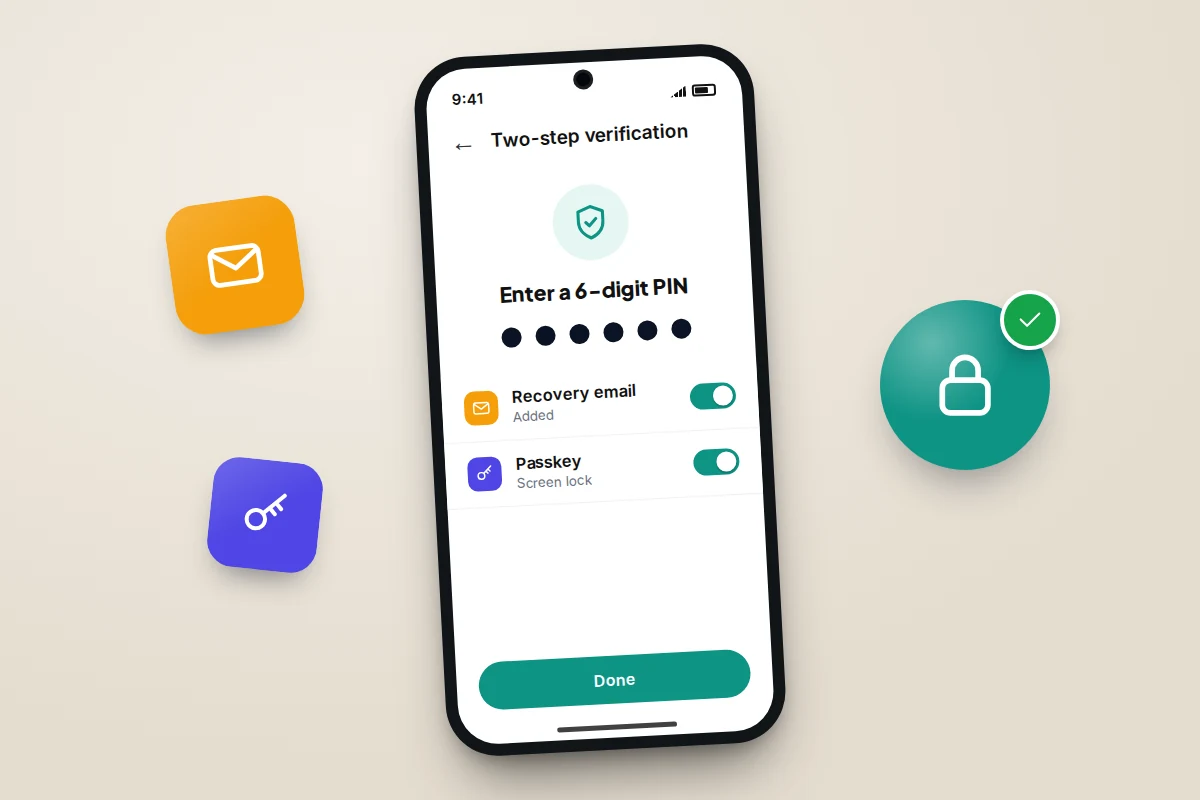
Turn on two-step verification
- Open Settings → Account → Two-step verification → Turn on.
- Choose a PIN that is not your birthday or phone unlock code. Since August 2026 WhatsApp has been replacing the six-digit PIN with a longer password that can include letters and symbols; if your app offers that, use it.
- Add an email address you can get into. This is the step people skip, and it is what lets you reset the PIN without a 7-day wait.
With a PIN set, a stolen SMS code alone is no longer enough to register your number. WhatsApp will ask for the PIN from time to time so you do not forget it. The same principle protects your email and bank too: there is more on that in our guide to turning on two-factor authentication for your main accounts.
Add a passkey
WhatsApp supports passkeys on Android and iPhone, which let you verify with your fingerprint, face or screen lock instead of a code. Go to Settings → Account → Passkeys and follow the prompts. If you use WhatsApp on both an Android phone and an iPhone, you can now add a passkey for each. If you do not see the option, update the app.
Protect your voicemail
Most people never type their voicemail PIN, so it often still sits at the default. Call your voicemail from your own phone, find the settings or security option, and change the PIN to something that is not a default, a date or part of your number. The steps differ by network, so if you cannot find the option, ask your network’s customer service. On iPhone, some networks offer Change Voicemail Password in the Phone app’s settings. If you never use voicemail, ask the network whether it can be switched off.
When recovery does not work
- The SMS code never arrives. Wait for the timer and request a voice call. Check your phone has signal and that SMS works with another sender.
- Your phone suddenly shows “No service” or “SIM not provisioned”. Someone may have moved your number to a new SIM. Call your network from another phone straight away; getting the number back comes before anything in WhatsApp.
- WhatsApp says your number is banned. Attackers sometimes send spam that gets an account suspended. Use the in-app review request, or contact support as below.
- You are stuck in the 7-day wait. There is no way to shorten it without the recovery email. Use the time to warn contacts.
To contact WhatsApp, open Settings → Help → Contact us (called Help and feedback on some versions), or use the contact form on WhatsApp’s website if you cannot open the app. Explain that the account was taken over and give your number in international format. Support cannot bypass the PIN wait, but it can deal with bans and misuse.
If it is your child’s account that has been taken over rather than yours, the steps are similar, but there is more to think about; see what to do if your child’s account gets hacked.
Frequently asked questions
Can someone hack WhatsApp without the 6-digit code?
Taking over the account itself normally needs the registration code, which is why every scam is built around getting it. The main exception is a linked device added through a pairing trick, which reads your messages without signing you out. That is why checking Linked devices matters.
Will re-registering delete my chats?
No. Your chats are stored on your phone, and verifying your number again on the same phone keeps them. If you reinstalled the app, restore from your backup when WhatsApp offers it.
Does deleting WhatsApp from my phone stop the attacker?
No. Deleting the app only removes it from your phone. The account stays with whoever last registered the number, so you need to re-register to sign them out.
Should I report it to the police?
If money was lost or someone is being impersonated, yes, using the services listed above. Screenshot the scam messages, including the sending number and times, before anyone deletes them.
Sources and further reading
- WhatsApp Help Center: How to recover a compromised account
- WhatsApp Blog: passkeys and stronger two-step verification (August 2026)
- Gen Digital research: how GhostPairing abuses WhatsApp device linking
- Ministry of Justice security guidance: Protecting WhatsApp accounts
- Malwarebytes: how WhatsApp accounts are hijacked through voicemail
- City of London Police: Report Fraud replaces Action Fraud
- National Cyber Security Centre: Recovering a hacked account
Using a monitoring app for this? TheTruthSpy is a free parental control app for Android that stays visible on the child's phone. If it fits your family, see the WhatsApp monitoring feature.
Related guides
How to Turn On Two-Factor Authentication Everywhere
A one-evening plan to turn on two-factor authentication, starting with email: which method to pick, where the settings are, and…
How to Stop Spam Calls
Stop spam calls by layering defences: iPhone and Android call screening, your network's free filter, Do Not Call or TPS,…
Are Phone-Number Tracking Sites Real or a Scam?
Can a website find a phone from its number? How phone location really works, what these tracking sites actually do,…
Free parental control app for Android
GPS tracking, screen time limits, web filtering, SMS and call monitoring — visible on your child's phone. Pair a phone in about ten minutes.
Android · Free to set up · Visible on your child's phone