How to Stop Spam Calls

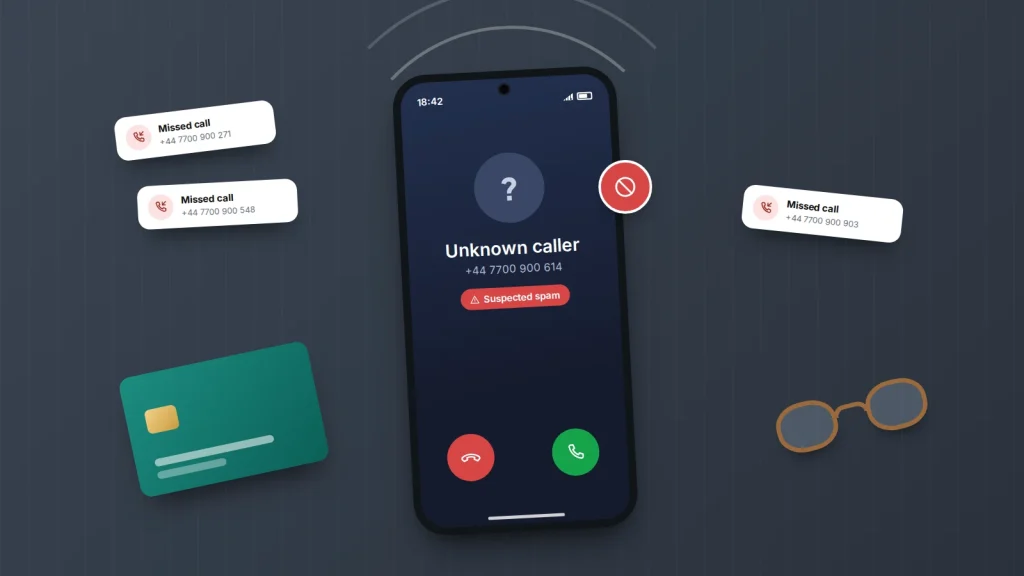
The phone rings during dinner. It is a number you do not recognise, often one that looks local, and when you answer there is a pause, a click and a recorded voice about an accident you never had. You block the number. Tomorrow a different one calls with the same script.
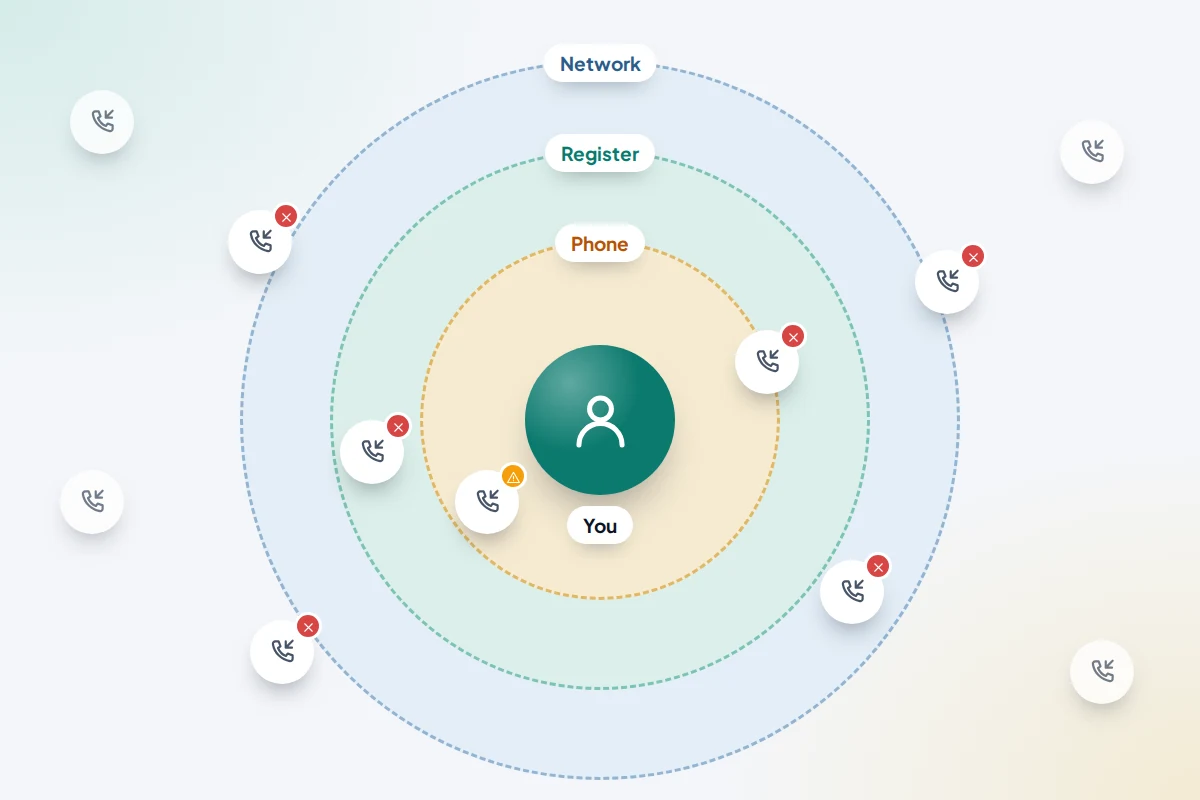
Blocking one number at a time feels useless because it mostly is. Spam callers rotate through thousands of numbers and often fake the one that appears on your screen. What does work is stacking several imperfect filters: one on the phone, one on the network, a national opt-out list for legitimate sales calls, and a few habits for the calls that still get through. Together they catch far more than any one of them alone.
Below are the exact settings on iPhone and Android, what your network and the US and UK opt-out registers can do, and a table matching settings to real people, from a parent who answers everything to someone who needs strangers to get through for work.
The short version
- No single setting stops every spam call. Combine phone screening, your network’s filter and a national opt-out register.
- On a recent iPhone, set Screen Unknown Callers to Ask Reason for Calling. On Android, turn on Filter spam calls (Google Phone) or Caller ID and spam protection (Samsung).
- The US Do Not Call Registry and the UK Telephone Preference Service cut legitimate sales calls but do nothing against scammers.
- If you answer a robocall, hang up. Do not press a number to “opt out” and do not answer questions.
- Report scam calls: 7726 in the UK, DoNotCall.gov or ReportFraud.ftc.gov in the US.
Why one setting never stops all of them
Unwanted calls come from very different sources, and each filter catches only some of them. A legitimate company cold-calling to sell insulation will respect an opt-out register. A scam operation abroad will not, and it may display a random local number or even your bank’s. This trick is called spoofing, and it is why blocking the last number rarely helps.
Your phone can check a number against a spam database or ask an unknown caller to explain themselves. Your network can spot huge bursts of calls from one source. Neither can read intentions, so a fresh number with a convincing script will sometimes slip through. The aim is fewer calls reaching you and a clear plan for the ones that do.
iPhone: screen or silence unknown callers
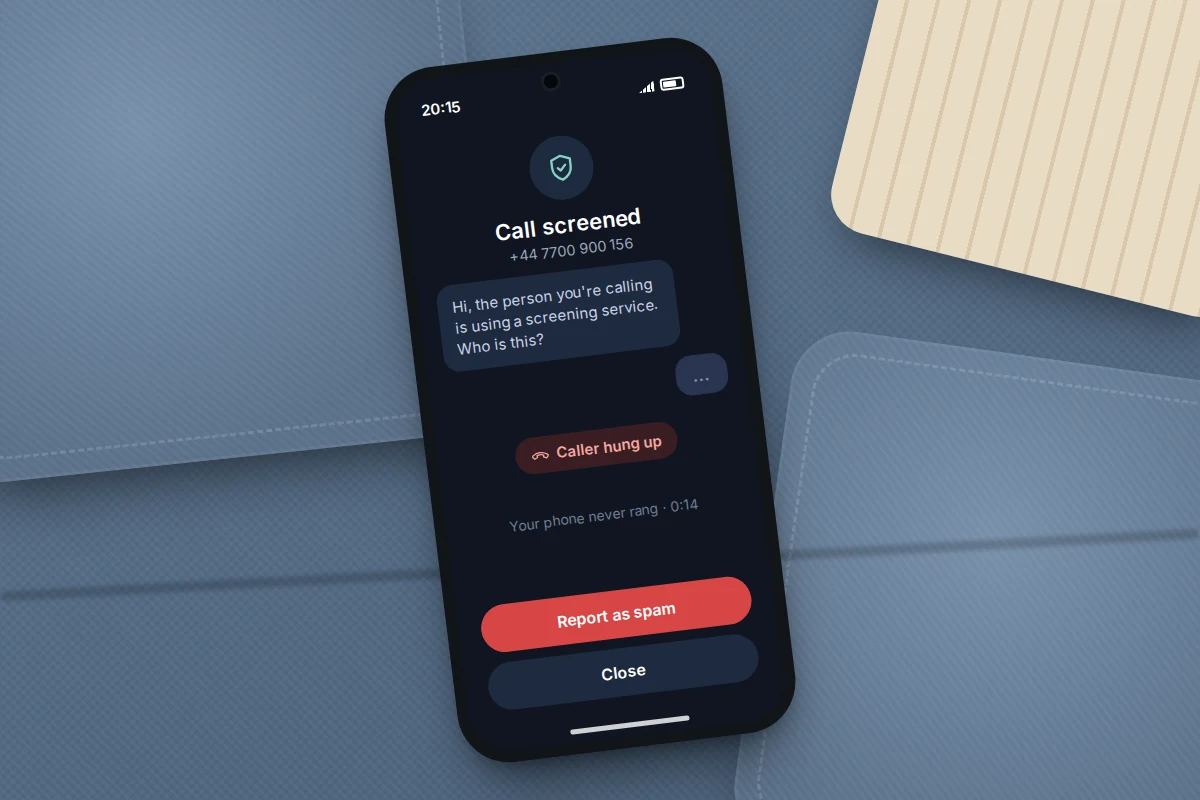
iOS 26 added call screening to the Phone app. When a number that is not in your contacts rings, the iPhone answers quietly, asks the caller for their name and reason, and shows you what they say as text before your phone rings. Many robocalls simply end at this point, because there is nobody on the line to answer.
- Open Settings → Apps → Phone.
- Tap Screen Unknown Callers.
- Choose Ask Reason for Calling to screen them, or Silence to send them straight to voicemail. Never lets them ring as normal.
Screened and silenced calls go into an Unknown Callers list, which you can see with the Filter button in the Phone app. Apple notes two exceptions worth knowing: screening switches off for 24 hours after you call emergency services, so a call-back from them gets through, and calls are not screened while you are roaming abroad. On older versions of iOS the equivalent switch is called Silence Unknown Callers.
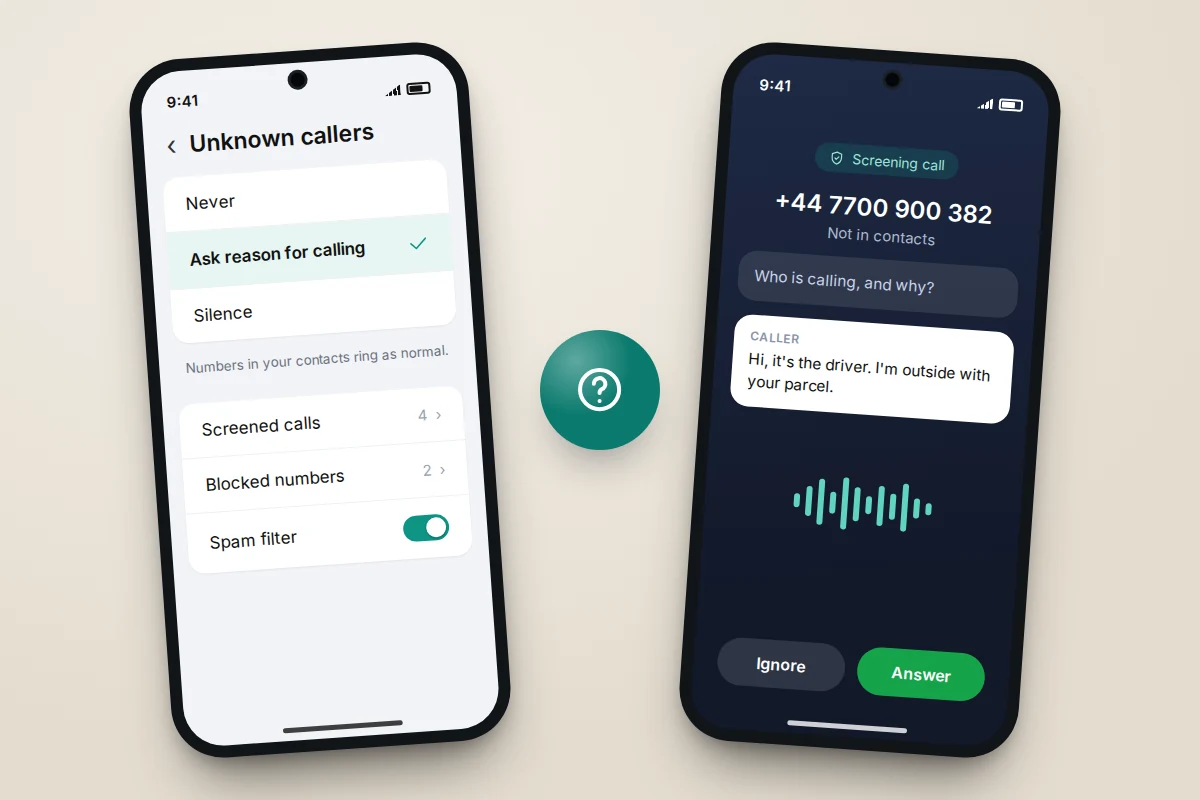
The catch is that screening shows text, not a voice, and a scammer can simply say “It’s the surgery about your appointment”. Treat the transcript as a filter for robots, not proof of who is calling. Before switching on either option, add the numbers you cannot miss to your contacts: GP surgery, pharmacy, school, workplace and carers.
Android: Google Phone, Pixel Call Screen and Samsung
Android settings depend on which Phone app your phone uses, and menu names vary by maker and version. Most phones use either Google’s Phone app or the maker’s own, such as Samsung’s.
Google Phone app (Pixel and many other Android phones)
- Open the Phone app and tap More options (three dots) → Settings.
- Tap Caller ID and spam.
- Turn on See caller ID & spam, then Filter spam calls.
Filtered calls do not ring or send missed-call notifications, but they still appear in your call history, so you can check later if you are waiting for something.
Call Screen on Pixel phones
Pixel phones can also screen calls automatically, much like the iPhone feature. Go to Phone → More options → Settings → Spam and Call Screen → Call Screen and choose Maximum, Medium or Basic protection. Higher levels screen more: suspected spam, then possibly faked numbers, then first-time callers. Automatic screening works only on Pixel phones, and only in the UK, US, Ireland, Canada and Australia.
Samsung Galaxy
- Open Phone → More options → Settings → Caller ID and spam protection and turn it on.
- Choose Block all spam and scam calls, or Only block high-risk scam calls if you would rather see borderline ones.
- Under Phone → Settings → Block numbers, you can also block calls from unknown or hidden numbers.
Samsung notes that this feature may not be available on every model or network.
What your mobile network can block for you
Networks see calls before your phone does, which makes them good at catching mass robocall campaigns. In the US, the three largest carriers each offer a spam tool with a free basic tier: AT&T ActiveArmor, T-Mobile Scam Shield and Verizon Call Filter. The free versions are not always on by default, so check the carrier’s app or account page and switch them on.
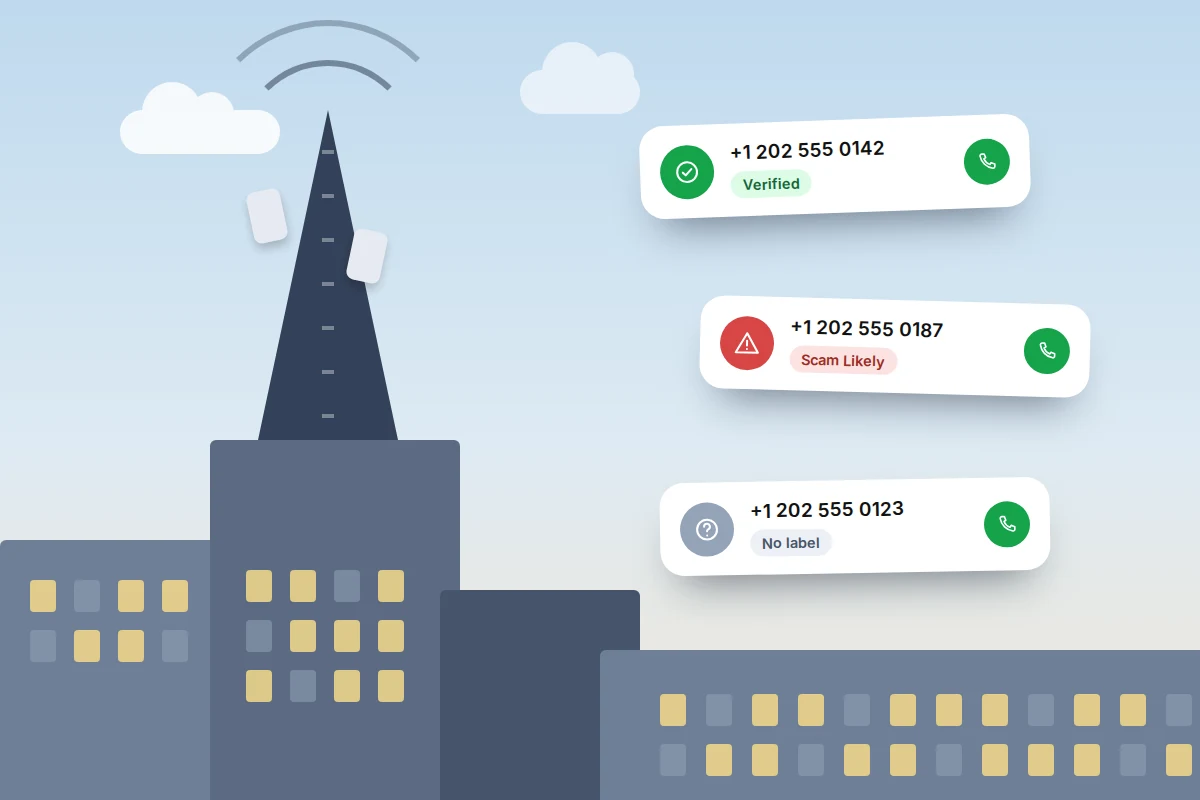
US calls also carry caller ID authentication, a system known as STIR/SHAKEN that the FCC requires. It checks that the number shown was not faked, but only when the call travels through networks that support it. That is why you may see a label such as “Verified”, “Spam Risk” or “Scam Likely” on some calls and nothing on others. A verified number means the caller really owns it, not that they are honest.
In the UK, Ofcom requires networks to block calls from abroad that falsely show a UK landline number, and it is bringing in similar protection against calls from abroad that fake UK mobile numbers. Some providers also offer network-level filtering of known scam numbers, and landline providers often offer anonymous call rejection. Ask your provider which of these you have, because they are not always switched on by default.
Do Not Call and TPS: what they stop, and what they don’t
Opt-out registers tell law-abiding companies not to make sales calls to your number. They are free and do cut legitimate cold calls, but they cannot stop anyone who is already breaking the law.
- US: National Do Not Call Registry. Register at DoNotCall.gov or call 1-888-382-1222. Your number is added the next day, but sales calls can take up to 31 days to stop, and registration does not expire. Political calls, charities, debt collectors, surveys and purely informational calls are still allowed.
- UK: Telephone Preference Service (TPS). Register at tpsonline.org.uk or call 0345 070 0707; both landlines and mobiles can be registered. From a mobile you can also text “TPS” and your email address to 85095. It takes up to 28 days to take full effect.
If sales calls keep coming once registration has taken effect, the caller is breaking the rules. Report them (see below), and rely on the other layers.
Which setting for which person
The right combination depends on how much you rely on calls from strangers. Silencing all unknown numbers is very effective, but it also silences the courier who cannot find your door, the hospital calling from a switchboard and the new client ringing about a job. Use this table as a starting point and adjust after a week.
| Person | Main setting | Add this | Watch out for |
|---|---|---|---|
| Older parent who answers every call | Silence unknown callers, or Samsung’s “block all spam” | Contacts for GP, pharmacy, family and carers; TPS or Do Not Call; ask the network about scam filtering | Missing a hospital or care call from a new number; check voicemail daily together at first |
| Someone who needs unknown calls for work | Screening (Ask Reason for Calling or Pixel Call Screen), not silencing | Filter spam calls; carrier spam tool | Clients hanging up on the screening prompt; mention it in your email signature or voicemail greeting |
| Waiting for a delivery or medical results | Screening for that period | Save the surgery and courier numbers in advance | Couriers and hospital switchboards often call from numbers you will not recognise |
| Teenager with a first phone | Filter spam calls or Samsung spam protection | A family rule: never read out a code or personal details to a caller | Callers pretending to be a parent’s bank or the school |
| Home landline, mostly used by an older relative | A call-blocking handset or the provider’s blocking service | TPS or Do Not Call; anonymous call rejection | Spoofed calls that look local; agree to call family back on a known number |
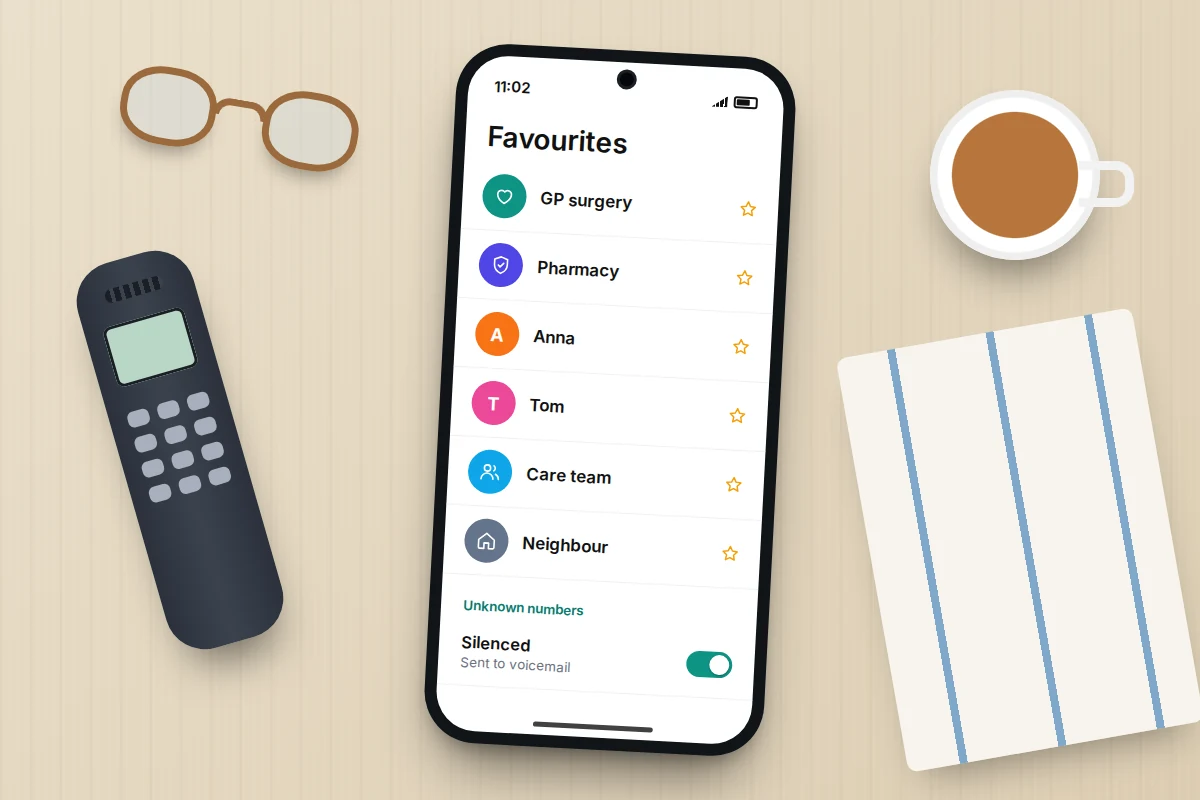
If you are setting this up for a parent, go through their last week of calls together. Every number they would want to hear from goes into contacts first, then switch on silencing or screening, and show them where the Unknown Callers or spam list lives.
When one gets through: don’t press, don’t say yes
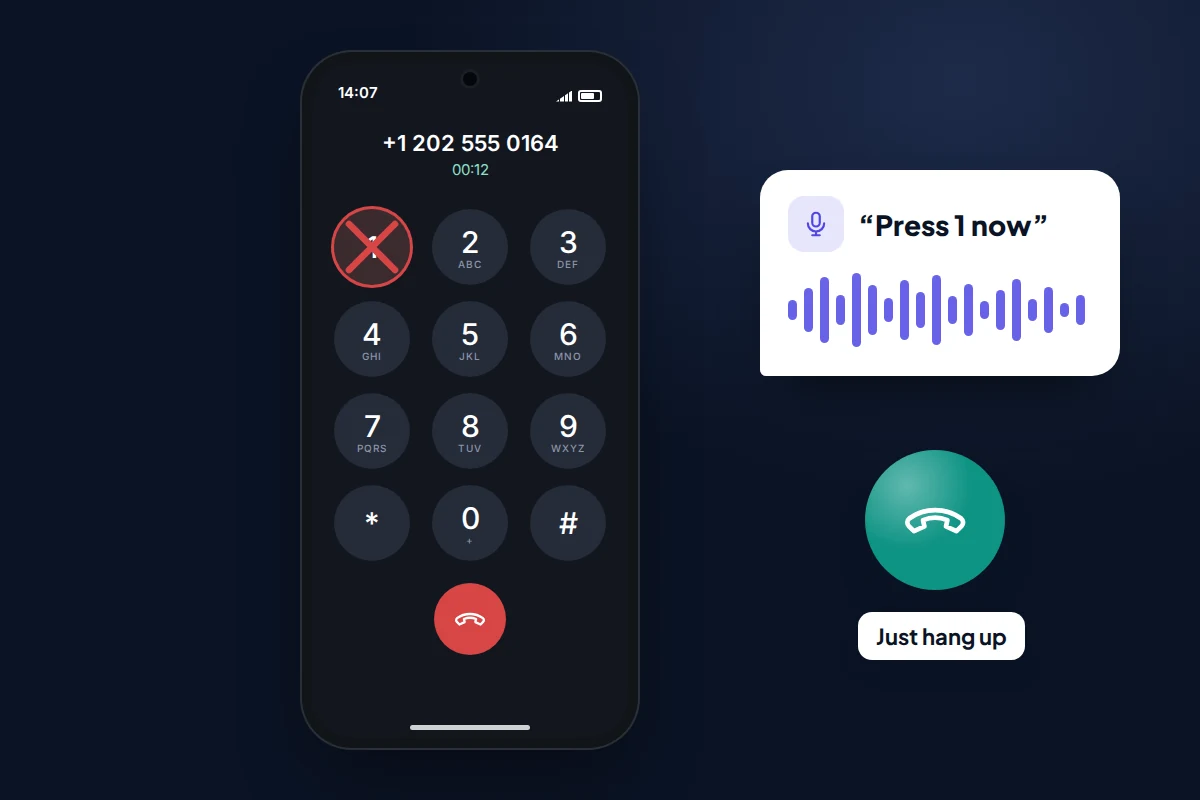
When a call does get through, hang up without engaging. Robocalls often invite you to “press 1 to speak to an agent” or “press 9 to be removed from our list”. The FTC’s advice is not to press any number, because doing so can lead to more calls: it tells the system a real person is listening.
You may also have heard warnings about calls that open with “Can you hear me?”, hoping you will say yes. The FCC warned about these in 2017. There is little public evidence of recorded answers being misused, but the advice still stands for a simpler reason: any answer confirms your number is live and keeps you on the line with someone who is working from a script. You owe an unexpected caller nothing, not even politeness.
If a caller claims to be your bank, the police or a government department, hang up and call back on a number you find yourself, such as the one on your card. In the UK, you can call 159, a Stop Scams UK service that connects you to participating banks’ fraud teams. You can read more about the same tactics in our guide to spotting fake delivery texts, which often arrive alongside these calls.
Blocking and reporting individual numbers
Blocking still makes sense when the same number calls repeatedly, such as a persistent sales company. It does little against spoofed numbers.
- iPhone: in the Phone app, find the call in your recent calls, tap the info button next to it, then Block Caller.
- Android: in the Phone app’s call history, tap or long-press the call, then Block or Report spam (Google Phone) or Block (Samsung and others).
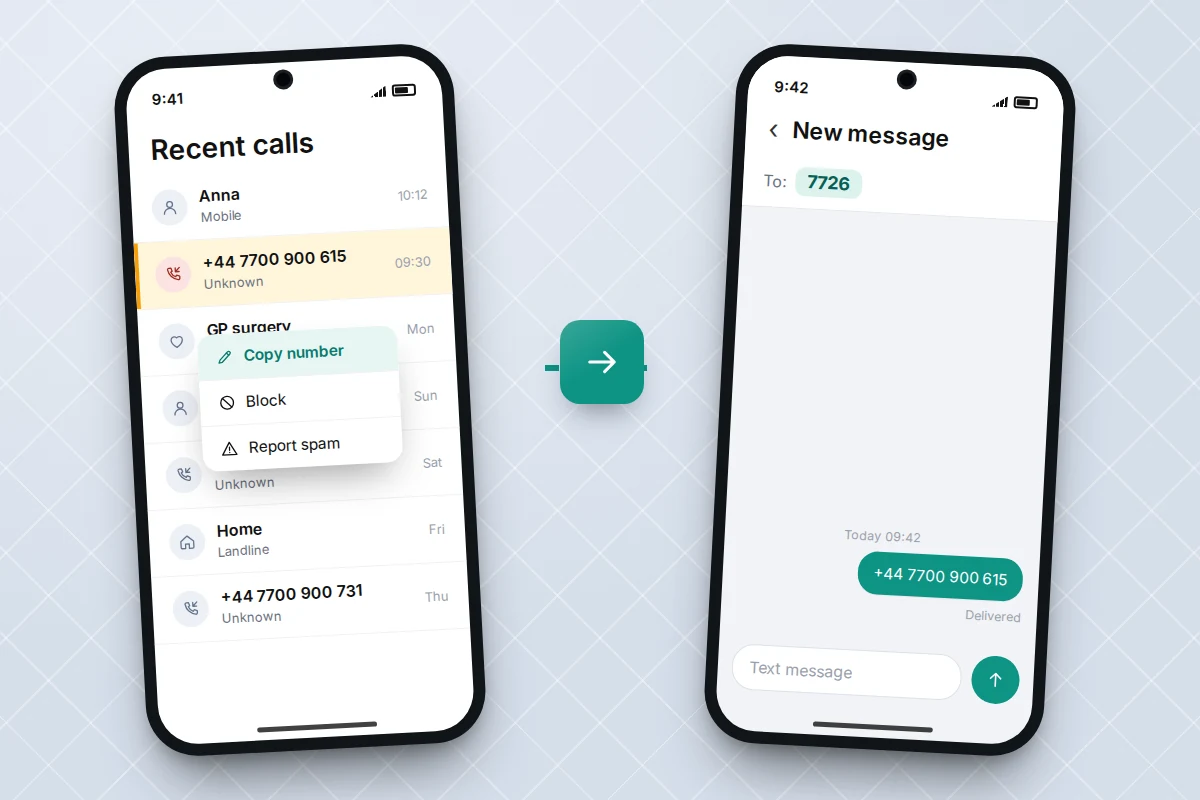
Reporting takes a minute and feeds the databases that power every filter above. In the UK, copy the number from your recent calls and send it in a text to 7726, which is free and alerts your network. Report unwanted sales calls to the Information Commissioner’s Office (ICO). In the US, report unwanted calls at DoNotCall.gov, or at ReportFraud.ftc.gov if you lost money or shared details. You can also file a complaint with the FCC at consumercomplaints.fcc.gov. Include the number shown, the date and time, and any call-back number the caller gave.
If you did share bank details, a one-time code or a password during a call, act straight away. Call your bank using the number on your card, change the password on any account you mentioned, and report it to Report Fraud in the UK or ReportFraud.ftc.gov in the US.
If spam calls keep coming
- The setting is missing. Your phone may use a different Phone app or an older software version. Update the phone, then search Settings for “spam” or “unknown”.
- Genuine calls are being filtered. Add the number to contacts. On Android, open the call history and mark the number as not spam.
- The calls use your own area code. This is usually spoofing. Screening and network filters help more than blocking.
- Calls started after you entered your number somewhere. Competitions, quote sites and free trials can pass details to marketers. Withdraw consent where you can.
- Nothing helps. Ask your network about stronger filtering or, as a last resort, a new number that you share sparingly.
Frequently asked questions
Will screening unknown callers stop calls from my doctor?
It can delay them. A surgery calling from a number in your contacts will ring as normal. One calling from a switchboard number you have not saved will be screened or silenced, so check the Unknown Callers or spam list, and your voicemail, when you are waiting for news.
Do I need a paid call-blocking app?
Most people do not. The free features on recent phones, plus your network’s free tier, cover most of the same ground. A paid app can make sense if your phone lacks these features.
Why do scam calls show a number that looks like mine?
Scammers fake numbers that share your area code or first digits, betting you will answer a local-looking call. The real owner of that number is usually unaware, so blocking it achieves little.
Does the Do Not Call Registry or TPS ever expire?
The US registry does not expire unless your number is disconnected and reassigned, or you ask to be removed. In the UK, TPS registration belongs to the number, so if you change number, register the new one.
Sources and further reading
- Apple Support: Manage unknown callers on iPhone
- Google Phone app Help: Use caller ID and spam protection
- Google Phone app Help: Screen your calls before you answer them
- Samsung Support: Block spam calls on your Galaxy phone
- FTC Consumer Advice: How to block unwanted calls
- FTC: National Do Not Call Registry FAQs
- Ofcom: How to protect yourself from nuisance calls and messages
- Ofcom: How to report scam texts and mobile calls to 7726
Looking for a tool to go with this? TheTruthSpy is a free parental control app for Android that stays visible on the child's phone. If it fits your family, see what the app does.
Related guides
How to Recover a Hacked Instagram Account
Get a hacked Instagram account back: use the revert email, instagram.com/hacked and the video selfie check, avoid recovery scams, then…
How to Spot a Scam Call Pretending to Be Your Bank
Recognise fake bank fraud-team calls, know the exact words to end them, call back safely on 159 or your card's…
How to Check If Your Email Was in a Data Breach
Check if your email was in a data breach for free, then act on what leaked: passwords, card details or…
Parental controls your child can see
Location, screen time limits, a web filter and alerts from notifications — free, and visible on your child's phone. Pair a phone in about ten minutes.
Android · Free to set up · Visible on your child's phone