Is My Phone Listening to Me? What’s Real

You mention a brand of walking boots over dinner, and the next morning an advert for those boots appears on your phone. It is a common experience, and it is easy to conclude that the phone must have been listening.
It is one of the most common worries about phones, and a fair one to ask about a family phone too. The answer is more interesting than yes or no: it depends on how voice assistants actually listen, what researchers and regulators have found when they looked, and the many ways adverts can feel uncanny without any eavesdropping at all.
You will also learn how to see when your microphone is in use, how to limit which apps can use it, how to cut down ad tracking on Android and iPhone, and which signs mean you should take a closer look.
The short version
- Voice assistants listen for a wake word on the phone itself and only send audio once they think they have heard it. Accidental activations do happen.
- Large studies have not found apps secretly recording conversations for ads, and the best-known “we listen to you” ad pitch turned out, according to US regulators, not to use voice data at all.
- Ads feel accurate because of location, browsing, app activity, contacts and data brokers, plus a memory trick called the frequency illusion.
- Both Android and iPhone show a coloured dot when the microphone is on, and let you remove microphone access app by app.
- An unknown app with microphone access, or a phone someone else has had unsupervised access to, is worth checking properly.
How voice assistants listen for a wake word
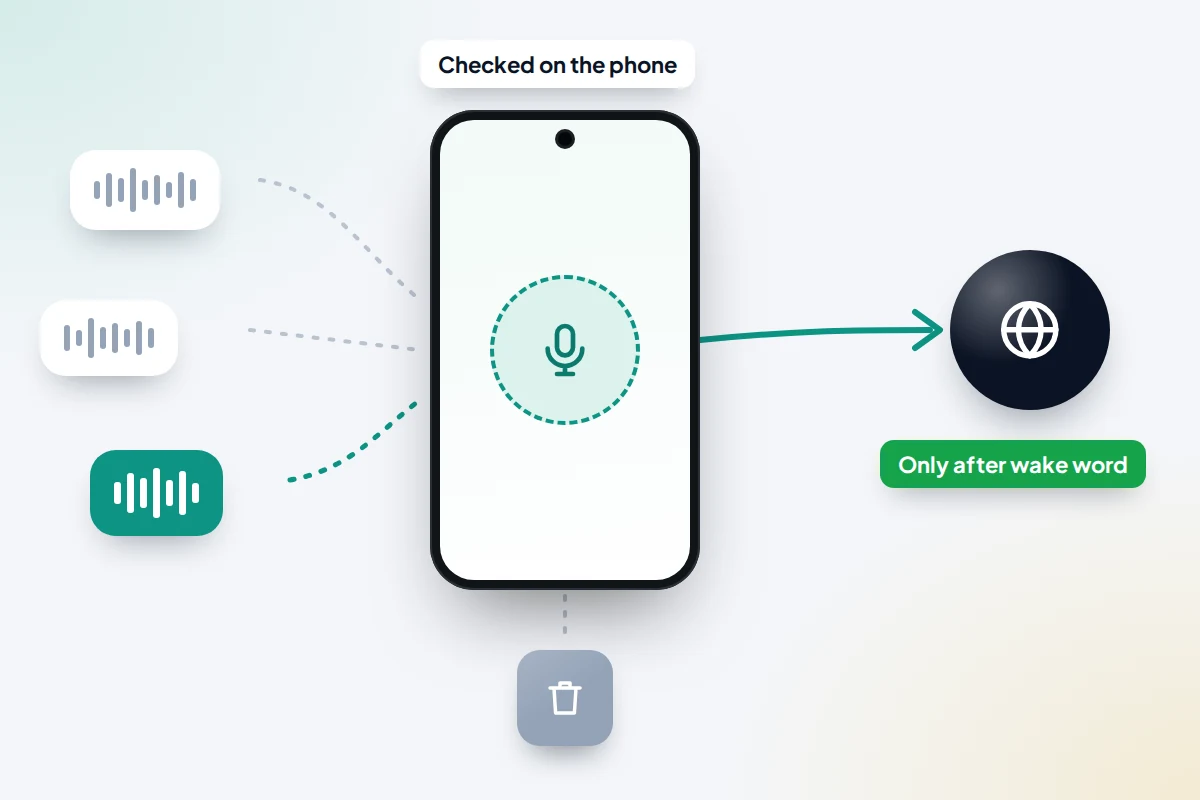
Voice assistants such as Siri and Google’s assistants do need the microphone to be on, but only in a limited way. The phone runs a small detector that listens for a specific phrase, such as “Siri” or “Hey Google”. That check happens on the device, and the audio is not sent anywhere unless the detector thinks it heard the phrase.
Google says its assistant waits in standby mode until it detects an activation, and that in standby it does not send what you say to Google’s servers. Apple says it has never used Siri data to build marketing profiles, never made it available for advertising and never sold it.
The weak point is the detector itself. Words that sound like the wake phrase can trigger it, and the assistant then records a few seconds you did not mean it to. In the US, Apple agreed a 95 million dollar settlement over Siri recordings from accidental activations, approved in 2025, and Google agreed a 68 million dollar settlement over similar Google Assistant claims in January 2026. Both companies denied wrongdoing. These cases were about accidental recordings, not proof of ads built from conversations.
Turn off wake-word listening
- iPhone: go to Settings → Siri (called Apple Intelligence & Siri on some versions) and switch off the option to talk to or listen for Siri. You can still use Siri by holding the side button.
- Android: in the Gemini app, tap your profile picture → Settings, then turn off the hands-free “Hey Google” option. Depending on your version it may be labelled Hey Google & Voice Match or Talk to Gemini hands-free. Phone makers’ own assistants have separate settings.
How to tell when your microphone is on
Both major phone systems now show you when an app is using the microphone, so you do not have to guess.
On iPhone
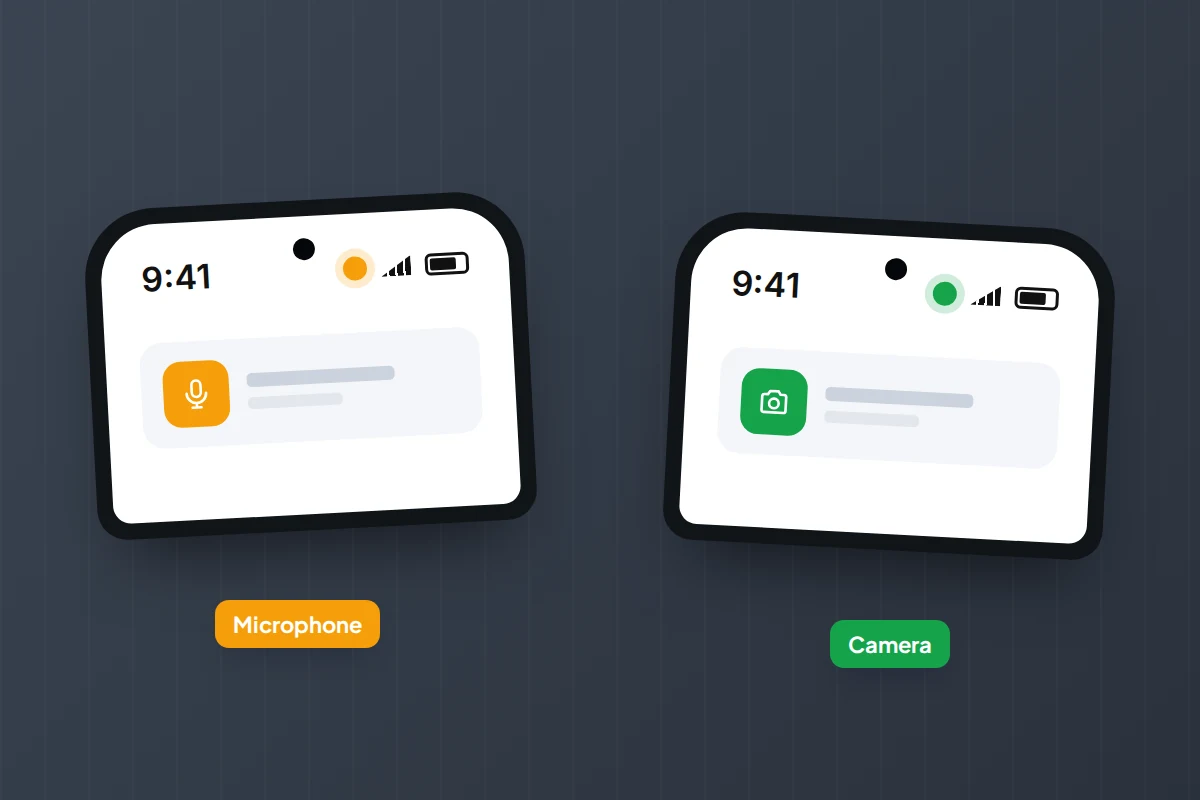
- An orange dot at the top of the screen means an app is using the microphone. A green dot means the camera, or the camera and microphone together.
- Open Control Centre and the app that used the microphone or camera recently is named at the top.
- For a week’s history, turn on Settings → Privacy & Security → App Privacy Report. It shows how often and when apps accessed sensors such as the microphone over the past seven days.
On Android
- From Android 12 onwards, a small icon appears at the top right when an app uses the microphone or camera, then shrinks to a green dot. Swipe down and tap it to see which app is responsible.
- The Privacy dashboard shows which apps used the microphone, camera and location over the last 24 hours, and on newer Pixel phones the last seven days. On many phones it is at Settings → Security & privacy → Privacy → Privacy dashboard; menu names vary by phone maker and version.
Seeing a dot while you are on a call, recording a voice note or using dictation is normal. What matters is a dot, or a dashboard entry, that you cannot explain.
What research has actually found
The 2018 Northeastern University study
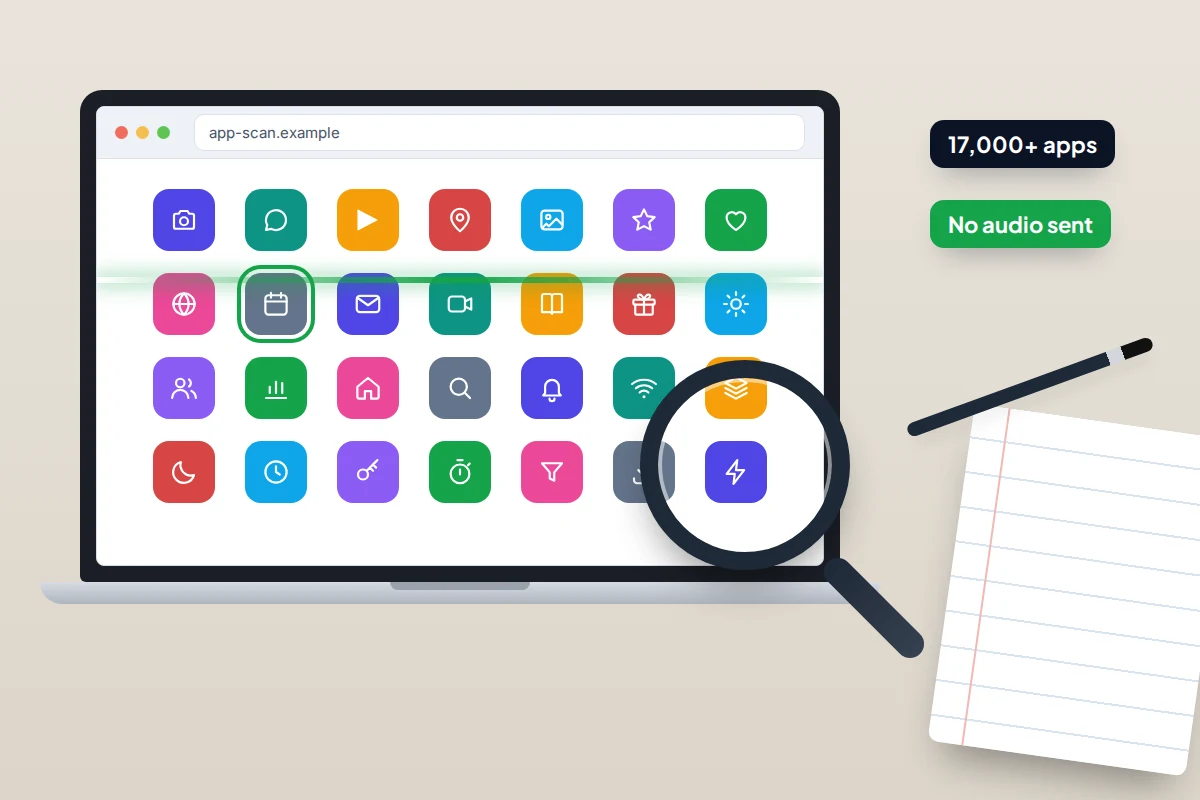
Researchers at Northeastern University in Boston tested more than 17,000 popular Android apps using an automated system that watched what each app sent over the internet. They were specifically looking for audio being sent without the user’s knowledge.
They found none: in the researchers’ words, not a single app activated the microphone in that way. What they did find was arguably more surprising. Some apps sent screenshots or screen recordings to third parties, including one food delivery app whose screen activity went to an analytics company, without telling users.
The study has limits. An automated test cannot copy every real conversation, and it covered Android only. But it is the largest direct search for secret ad-driven listening, and it came back empty.
The “Active Listening” pitch
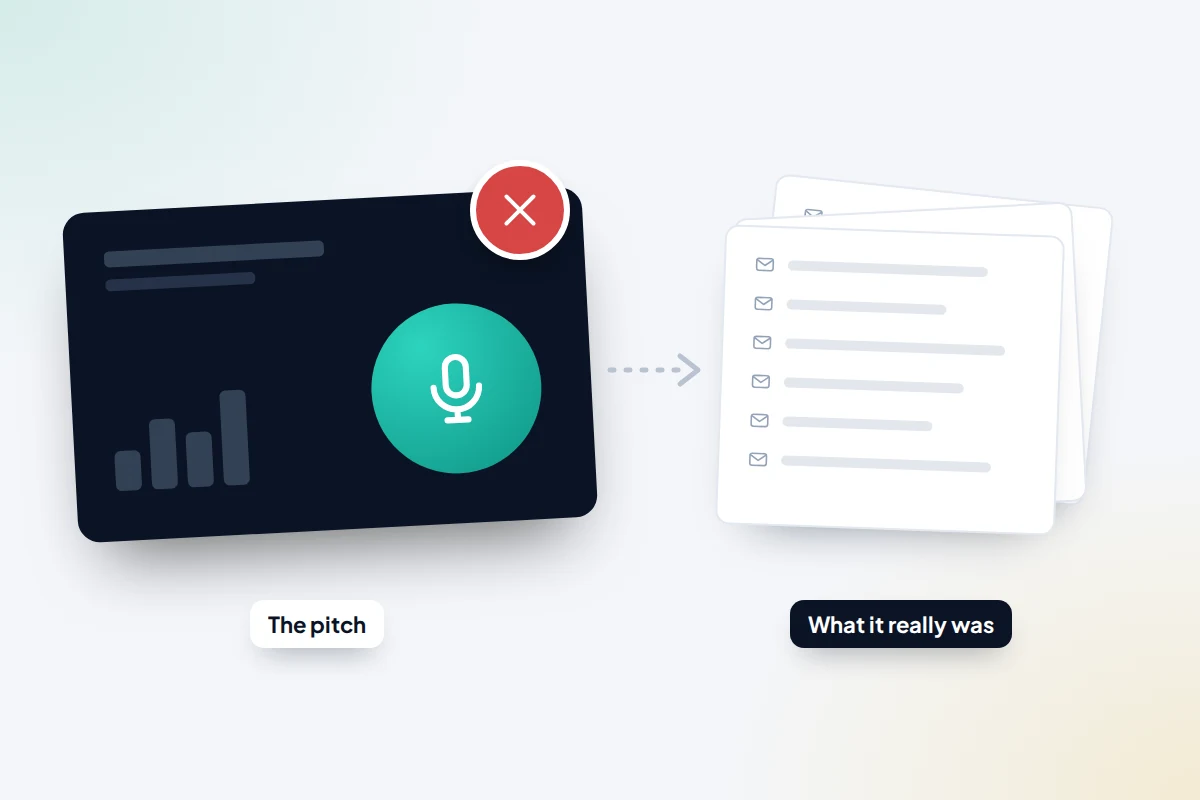
In 2024, the technology news site 404 Media published a sales pitch deck from Cox Media Group, a US marketing company. It claimed a service called “Active Listening” could target ads based on what people said near their phones and smart devices. The story spread widely as proof that phones listen.
The platforms named in coverage distanced themselves. Google removed the company from its Partners Program. Amazon said it had never worked with the company on the programme. Meta said it does not use your phone’s microphone for ads and was contacting the company to clarify its claims.
In May 2026 the US Federal Trade Commission announced settlements with Cox Media Group and two other firms. The FTC said the service did not listen to conversations or use voice data at all; it resold email lists bought from other data brokers at a mark-up. The companies agreed to pay a combined 930,000 dollars, and the orders were finalised in August 2026. In other words, the most famous piece of evidence for ad-driven listening was a sales claim that regulators found to be false.
Why ads feel so accurate anyway
If phones are not listening for ads, why do the ads seem to know so much? Because they have plenty of other information, most of it far more reliable than a snippet of overheard audio.
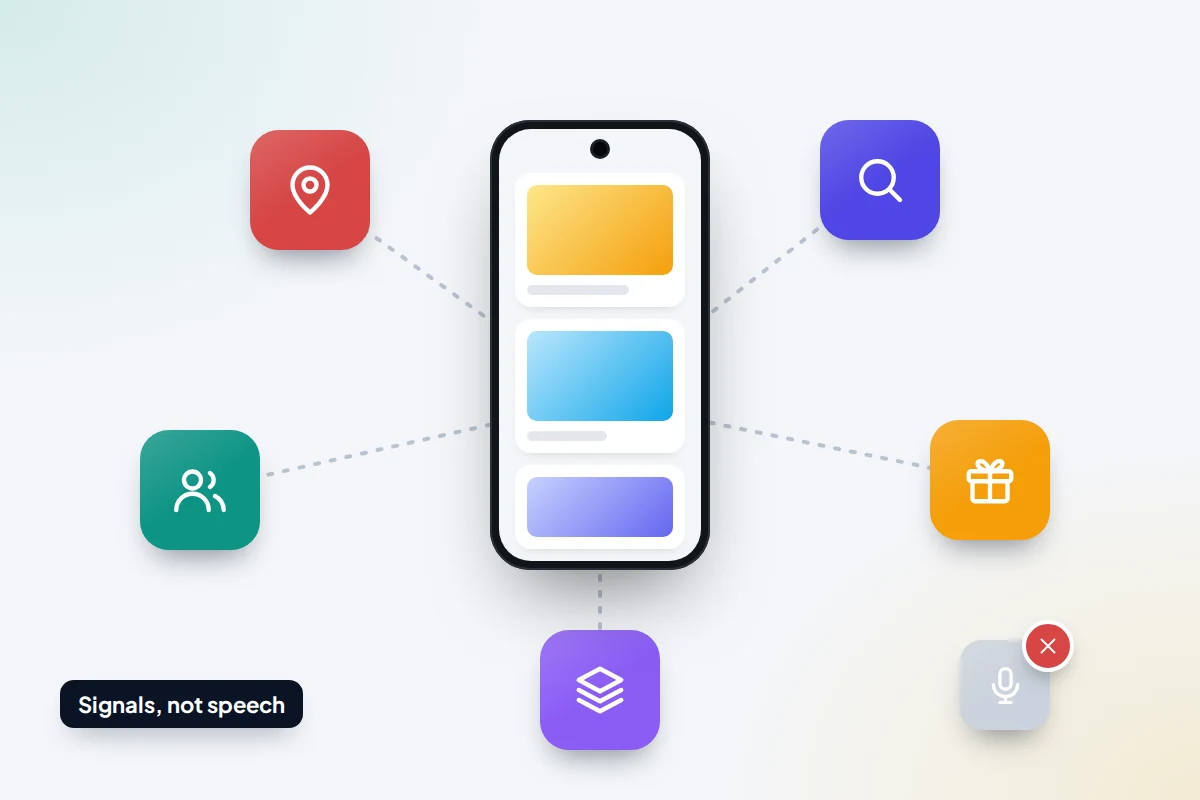
- Location. Apps with location access can tell which shops, gyms or venues you visit, and how long you stay.
- Searches, browsing and app activity. Your own searches and the pages you read feed ad profiles. You may have looked something up days before the conversation and forgotten.
- The people around you. Ad systems can link people who share a home network, a location or each other’s contact details. If a friend searched for those boots after your dinner, that interest can spill into ads you see.
- Data brokers. Companies buy and combine data from apps, loyalty schemes and websites. Your phone’s advertising ID lets them link records across sources, as the Electronic Frontier Foundation has explained.
- The frequency illusion. Once something is on your mind, you notice it everywhere. You remember the one advert that matched a conversation and forget the hundreds that did not.
Myth vs what’s real
| Myth | What’s real |
|---|---|
| My phone records everything I say and sends it to advertisers | Wake-word detection runs on the phone; large studies have found no apps secretly sending audio for ads |
| A marketing company proved phones listen | The FTC found the “Active Listening” service used resold email lists, not voice data |
| Voice assistants never record by mistake | Accidental activations happen, which is why you can turn wake words off and delete recordings |
| If the ad matches my conversation, it must be the microphone | Location, searches, people nearby, data brokers and the frequency illusion explain most matches |
| I would never know if an app used my microphone | Both Android and iPhone show a dot in the status bar and keep a history of access |
| Nobody could ever listen through my phone | Stalkerware can, but it has to be installed on your phone, usually by someone with access to it |
How to check and limit microphone access
Most apps never need your microphone. A quick review takes a couple of minutes.
On iPhone
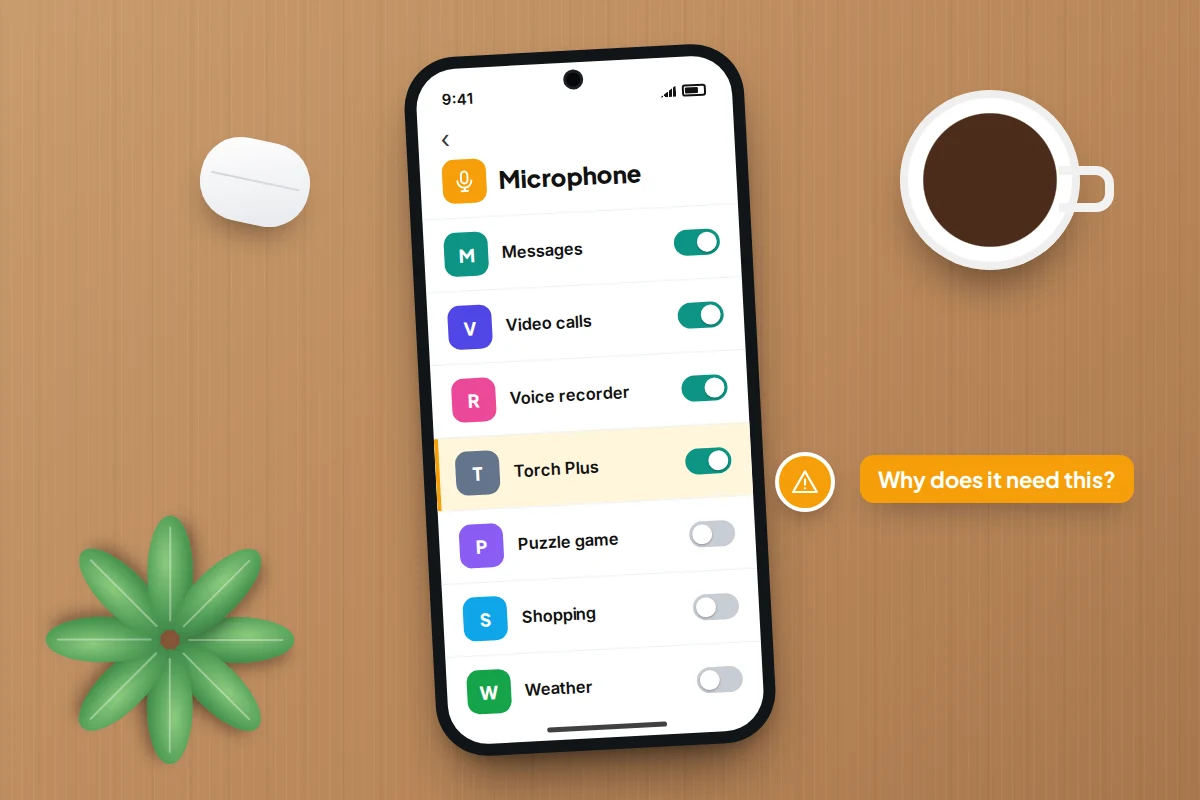
- Go to Settings → Privacy & Security → Microphone.
- Turn off any app that does not need it. Messaging, video calling and voice recording apps do; games, shopping and torch apps usually do not.
- If an app later needs the microphone, it will ask again.
On Android
- Go to Settings → Security & privacy → Privacy → Permission manager → Microphone. Menu names vary by phone maker and version.
- Tap any app that does not need it and choose Don’t allow. For apps you use occasionally, Ask every time or Allow only while using the app is a good middle ground.
- To block the microphone for all apps at once, use Privacy controls → Microphone access, or the microphone access tile in Quick Settings.
- Under each app’s settings, turn on Pause app activity if unused so forgotten apps lose their permissions automatically.
How to reduce ad tracking
Limiting tracking will not stop adverts, but it does make them less personal and cuts down how much is shared about you.
On iPhone
- Go to Settings → Privacy & Security → Tracking and turn off Allow Apps to Request to Track. Apps then cannot use your advertising identifier to follow you across other companies’ apps and sites.
- Go to Settings → Privacy & Security → Apple Advertising and turn off Personalised Ads.
On Android
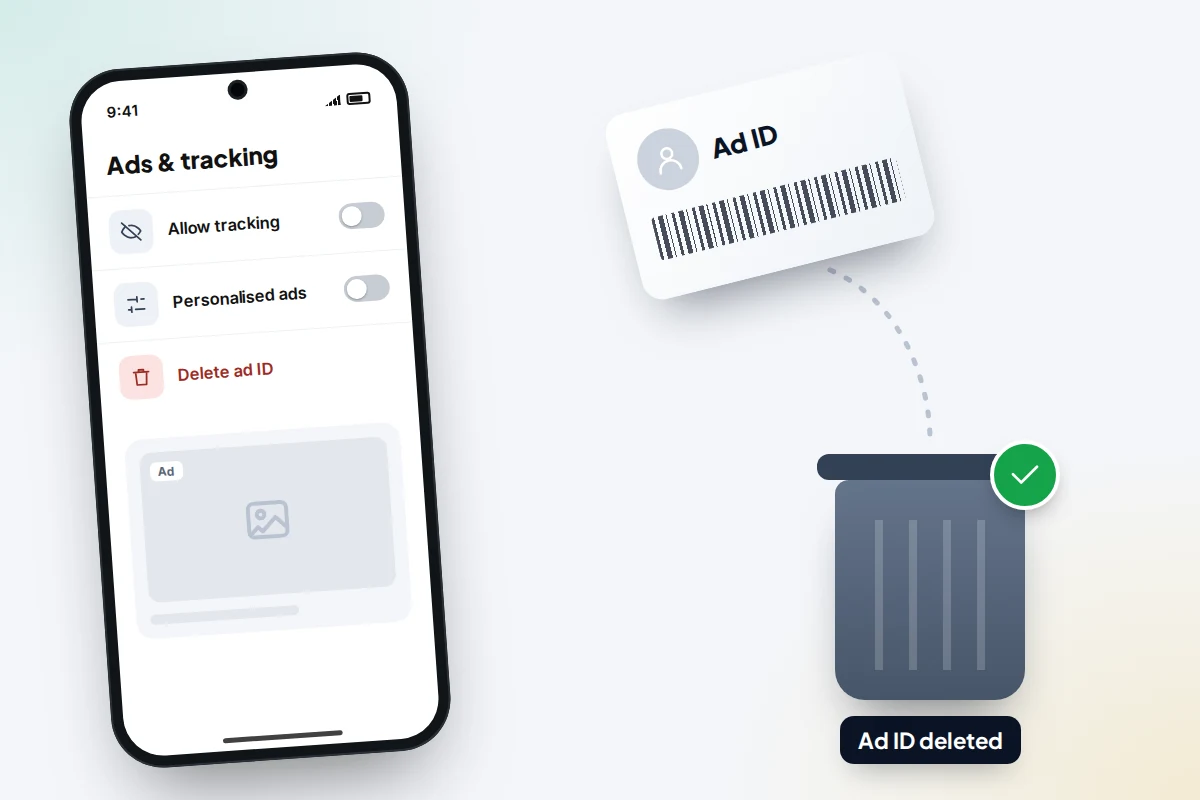
- Go to Settings → Google → All services → Ads (on some phones Settings → Security & privacy → Privacy → Ads).
- Tap Delete advertising ID. Apps then see a blank ID instead of one that identifies your phone.
In your Google Account
Open My Ad Center (myadcenter.google.com) and turn personalised ads off. Google says you will still see ads, but they will be based on general factors such as the time of day or what you are looking at, not on your account activity.
It also helps to review location access and give it only “while using the app” to apps that need it. Our guide to seeing which devices are logged into your Google account covers the rest of a quick account check.
When to take it seriously
Ordinary apps are not the main risk. Stalkerware is: monitoring software someone installs on your phone to read messages, track location and sometimes record audio. It usually needs someone to have your phone in their hands, or your account password.
Look more closely if you notice any of the following.
- An app with microphone access that you do not remember installing, or one with a vague name such as “System service”.
- The microphone indicator appearing when you are not using any voice features.
- Someone knowing details of private conversations they could not have heard.
- A partner, ex-partner or family member who has had unsupervised access to your phone and insists on knowing your passcode.
Our guide on how to tell if a phone has spyware goes through the checks step by step. On iPhone, Settings → Privacy & Security → Safety Check helps you review who and what has access. On Android, run a scan with Google Play Protect from the Play Store app.
If you think someone who could harm you installed it, think before removing it, because they may notice. In the UK, the free, 24-hour National Domestic Abuse Helpline run by Refuge is on 0808 2000 247, and the Coalition Against Stalkerware has guidance for survivors.
Frequently asked questions
Is my phone listening to me for ads?
There is no good evidence that mainstream apps or phone makers record conversations to target ads. Studies have not found it, the platforms deny it, and the best-known claim that it happens was found by the FTC to be untrue.
Does covering the microphone or turning off Siri stop all listening?
Turning off the wake word stops the assistant listening for its phrase. Apps you allow can still use the microphone when you open them, which is why reviewing permissions matters.
Why did I see an ad for something I only talked about?
Usually a mix of your location, your own or a companion’s searches, and shared interests in your area, plus the fact that you notice matching ads far more than the rest.
Should I delete my voice assistant recordings?
You can, and it does no harm. Apple says it does not keep Siri audio unless you opted in to help improve Siri. Google lets you review and delete saved assistant activity in your Google Account.
Is it safe to give my child’s phone microphone access for games?
Only if the game has voice chat you have agreed to. Otherwise, set it to Don’t allow; you can switch it on later if needed.
Sources and further reading
- Northeastern University: Is your smartphone spying on you? (2018)
- Pan et al., Panoptispy: Characterizing Audio and Video Exfiltration from Android Applications (PETS 2018)
- 404 Media: Here’s the pitch deck for “Active Listening” ad targeting
- Federal Trade Commission: Cox Media Group and two other firms settle “Active Listening” charges (May 2026)
- Apple Support: About the orange and green indicators in your iPhone status bar
- Android Help: Change app permissions on your Android phone
- Electronic Frontier Foundation: How to disable ad ID tracking on iOS and Android
- Coalition Against Stalkerware
Using a monitoring app for this? TheTruthSpy is a free parental control app for Android that stays visible on the child's phone. If it fits your family, see what the app does.
Related guides
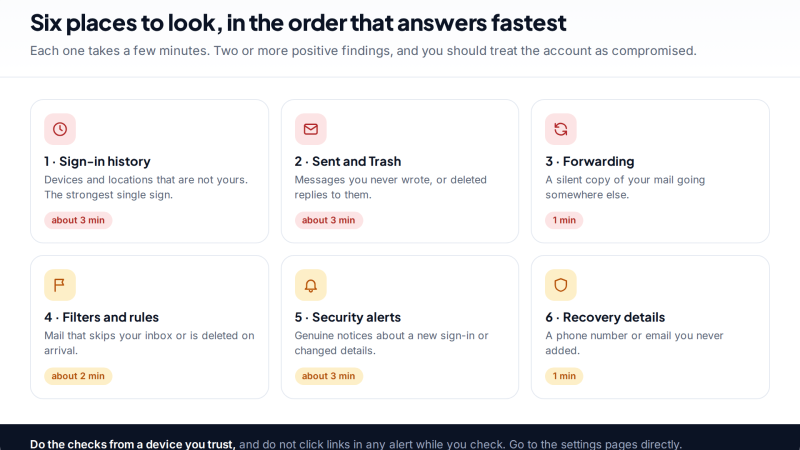
Was Your Email Hacked? The Evidence Inside Your Own Inbox
How to tell if your email was hacked using evidence you can check yourself: sign-in history, the Sent folder, hidden…
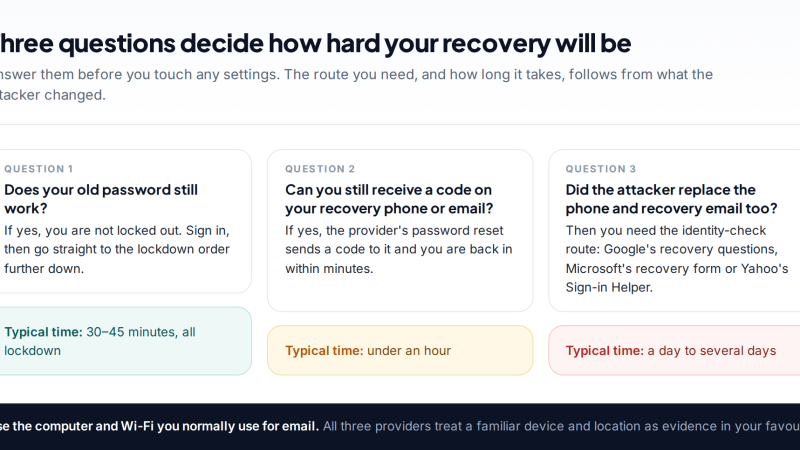
Hacked Email Account Recovery for Gmail, Outlook and Yahoo
How to recover a hacked email account on Gmail, Outlook or Yahoo: the official recovery page for each, how to…
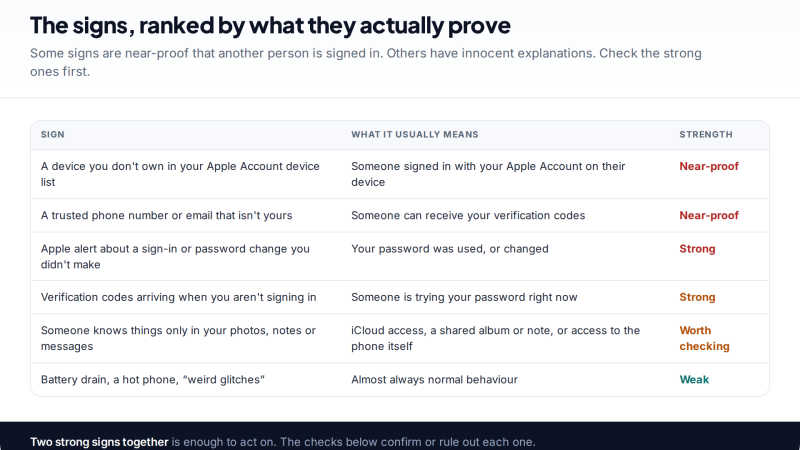
Signs Someone Else Has Access to Your iCloud, and How to Cut Them Off
If you think someone has access to your iCloud, check the devices on your Apple Account, iCloud.com sessions, trusted phone…
Free parental control app for Android
GPS tracking, screen time limits, web filtering, SMS and call monitoring — visible on your child's phone. Pair a phone in about ten minutes.
Android · Free to set up · Visible on your child's phone