How to Set Up Check-Ins Instead of Constant Tracking

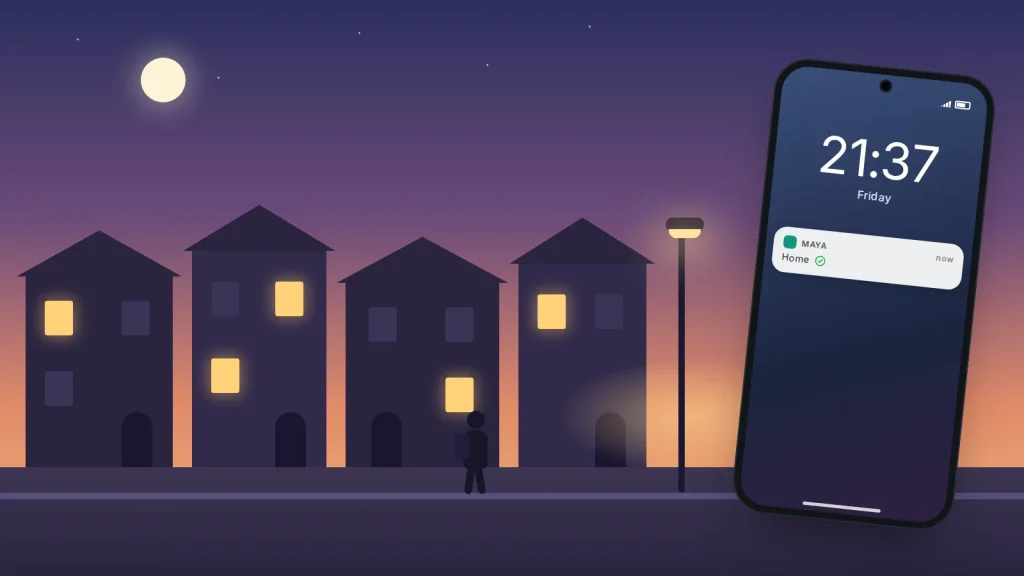
Say your son’s dot on the family map has sat outside the chip shop for twenty minutes when he should be home. You message, then ring, then start picturing things. He walks in five minutes later: the location hadn’t refreshed, and his phone was in his bag. Nobody did anything wrong, yet everyone ends the evening annoyed.
A check-in is the lighter-touch alternative. Instead of one person watching a live map, you agree a few moments when a short message or a tap is sent, and what happens if it isn’t. It suits a teenager starting to go out alone, an older parent who lives on their own, a partner travelling for work, or a friend walking home late.
What follows is how to agree the rules, three example agreements to adapt, a plan for a missed check-in, and the phone features that help without anyone being tracked all day.
The short version
- A check-in is an agreed message at an agreed moment, such as “home” when you get in, not a map left open.
- Agree three things together: when check-ins happen, what counts as one, and what happens if one is missed.
- Build in a grace period and a step-by-step plan, so a flat battery doesn’t become a panic.
- iPhone Check In and Android’s Safety Check only share location if the check-in isn’t completed.
- Make it two-way, and loosen it as children get older.
What a check-in is, and what it isn’t
A check-in is a small signal at a moment you have both agreed on: “at Priya’s”, “home”, a thumbs-up at 22:00, a photo of the kettle every morning. It tells the other person the one thing they need to know: the plan is going as expected.
It is not a minute-by-minute report, and it is not a test. Between those moments, the person checking in runs their own day. That is what makes check-ins feel respectful, especially to teenagers and to older adults used to their independence.
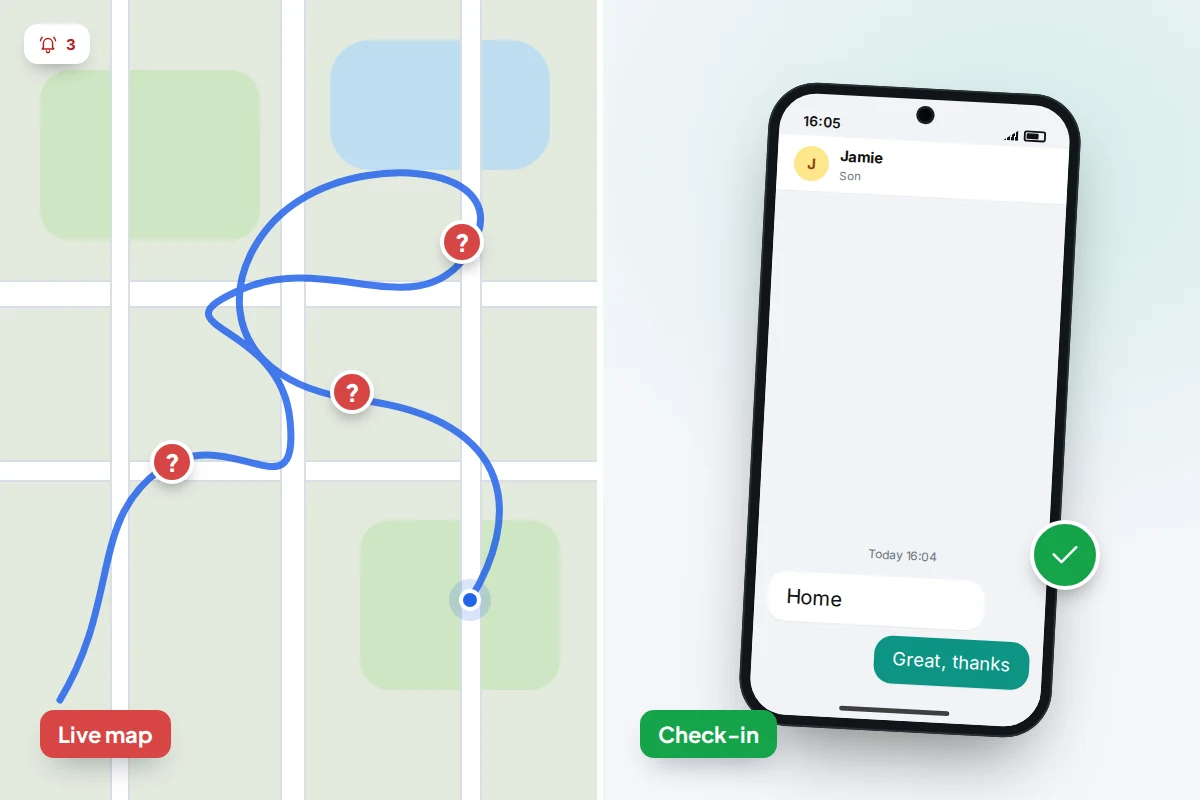
Why check-ins often work better than a live map
- Fewer false alarms. Live locations drift, freeze when signal drops and stop when a battery dies, and a map invites you to read meaning into a dot that has simply stopped updating. A check-in is sent or not, and your plan covers the “not”.
- Less anxiety for the watcher. A map you can open any time is a map you will open any time. Knowing a message is due at 16:00 lets you stop thinking about it until 16:00.
- More autonomy for the person checking in. Teenagers need to practise managing their own time and safety. An agreed check-in hands them that responsibility; constant tracking takes it away.
- More honesty. A teenager who feels watched has a reason to switch location off. One who agreed a light arrangement has a reason to keep to it.
Live location still has a place at a crowded event such as a festival, on an unfamiliar journey, or when someone asks for it: for a set time and a reason, not as the default. For the wider question, see how much monitoring is too much.
Agreeing the rules together
Have the conversation when nothing is going on, not at the door on a Friday night, and settle three things.
When
Pick moments tied to events, not the clock where possible: arriving, leaving, getting home. Two or three check-ins in an evening is plenty. More than that starts to feel like tracking by another name.
What counts
Keep it effortless: any message, a single emoji, a missed call, a tap on a phone feature. If a check-in takes effort, it will be skipped. Agree a quiet signal for “I’m fine but can’t talk” and, for teenagers, a codeword that means “come and get me” with no questions that night.
What happens if one is missed
This is the easiest part to skip, and the one that prevents arguments. Agree a grace period and a sequence of steps (below), and write the agreement down where you can both see it.
Make it mutual. If you are asking a teenager to check in when they get home, you check in when you are running late from work. It turns a rule into a family habit.
Three example agreements
These are starting points to adapt to your child, your area and the person involved.
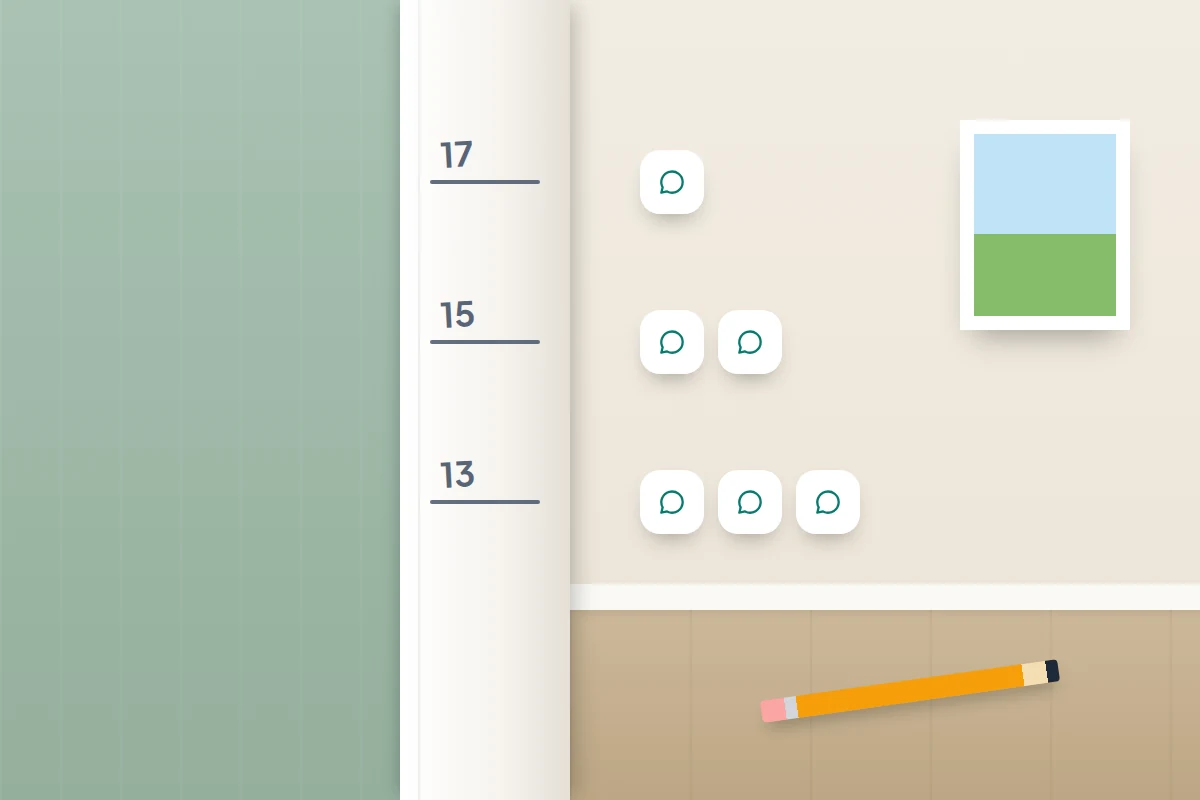
A 13-year-old walking home from school
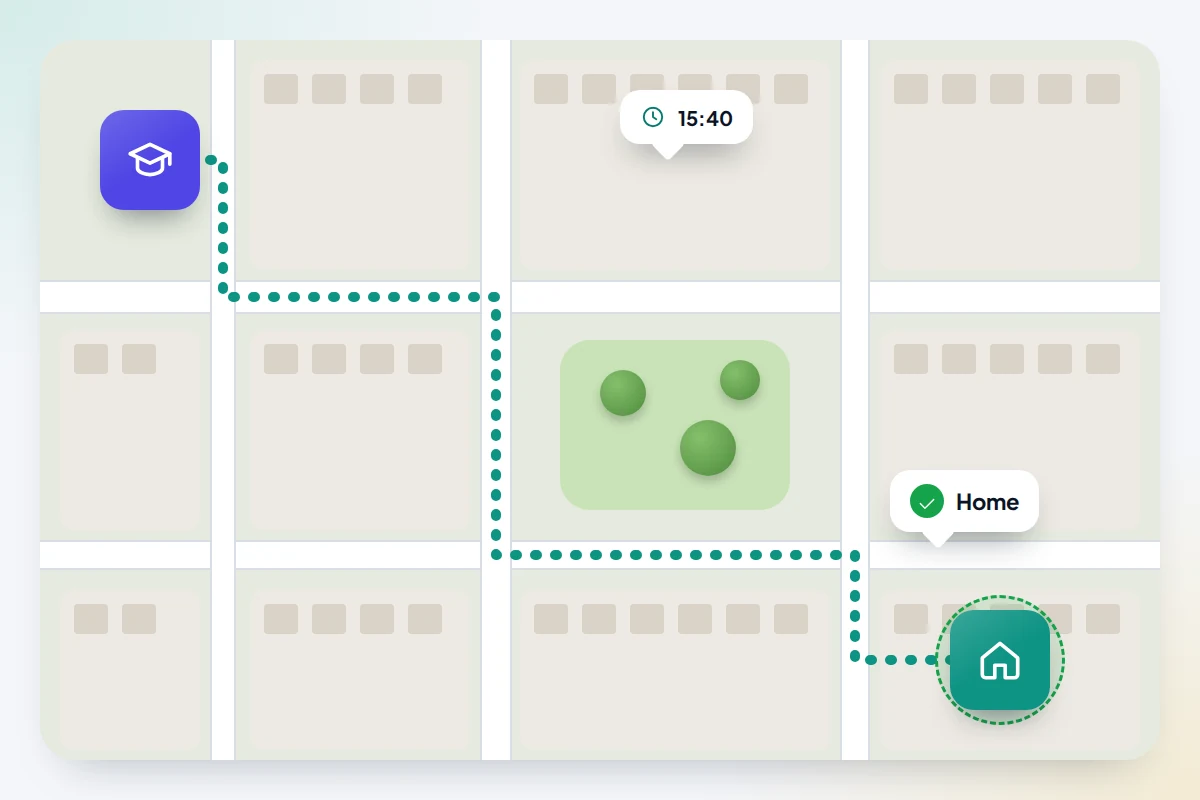
- Check-in: one message when they are inside the front door, for example “home”.
- Grace period: 20 minutes after the usual time, to allow for chatting at the gate or a slow bus.
- Change of plan: message before going anywhere else, such as “going to Sam’s, back by 5”.
- Your side: reply with a thumbs-up, not questions. Tell them if you will be home late.
- Optional tool: an arrival notification for home that the child set up themselves, so the check-in happens automatically.
A 17-year-old at a party
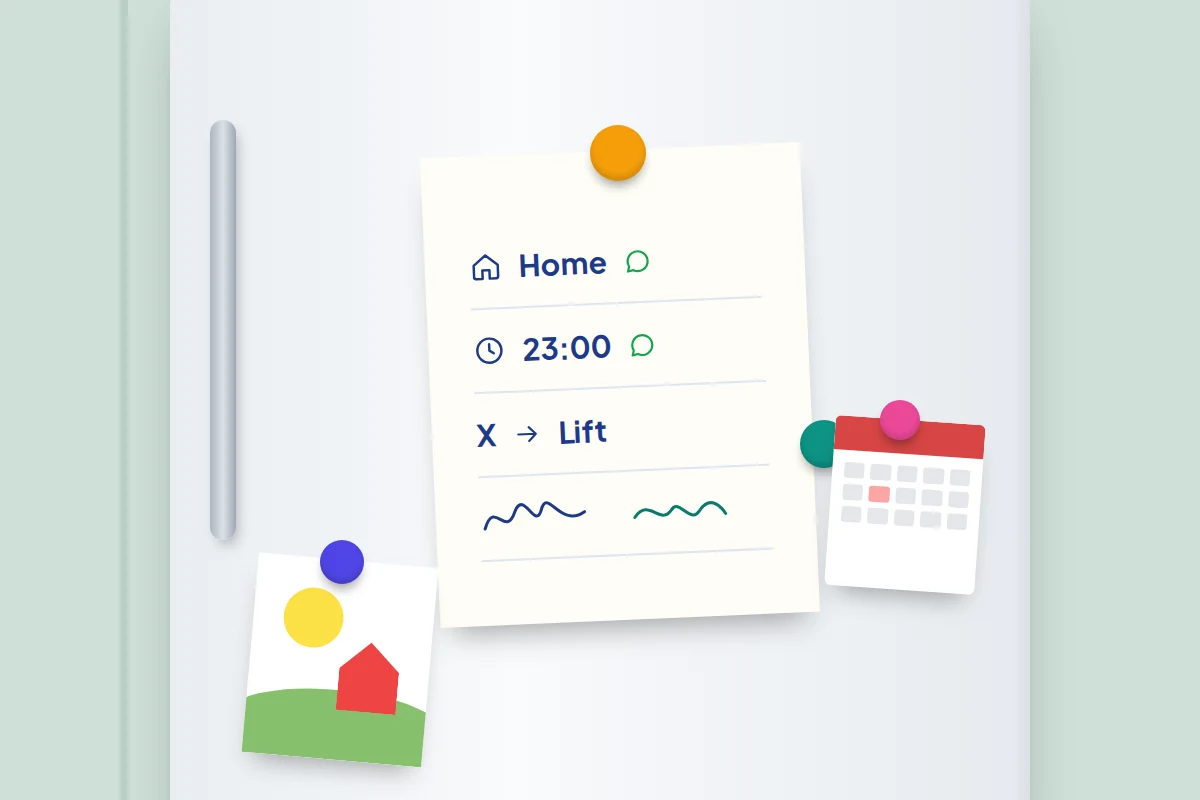
- Check-ins: “here” on arrival, one message at an agreed time (say 23:00), and “home” or “leaving now” at the end.
- Getting home: the journey home is planned before they go: a lift, a taxi or friends walking together.
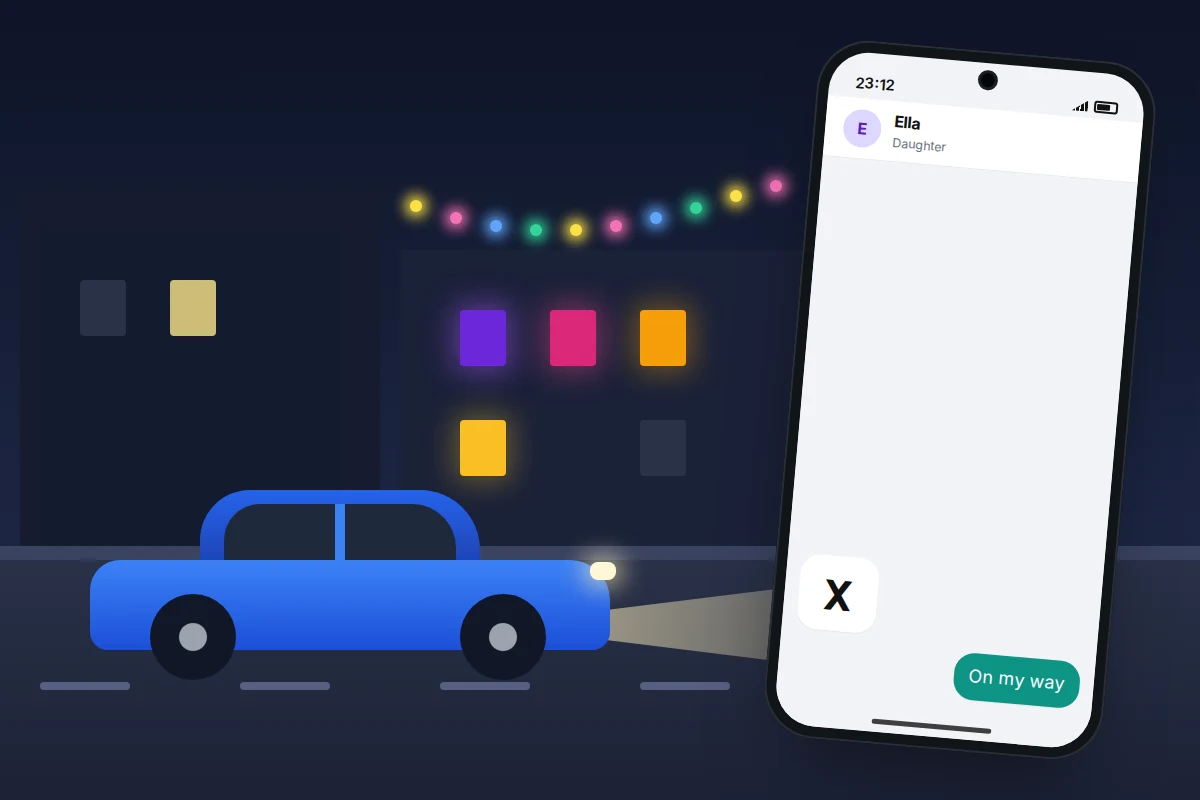
- Codeword: a text with just “X” means “ring me with a reason I have to leave, then come and get me”. No questions that night; talk the next day if needed.
- Location: not shared by default. They may choose to share it for the journey home only.
- Grace period: 30 minutes for the mid-evening check-in; the end-of-night one matters most.
An older parent living alone
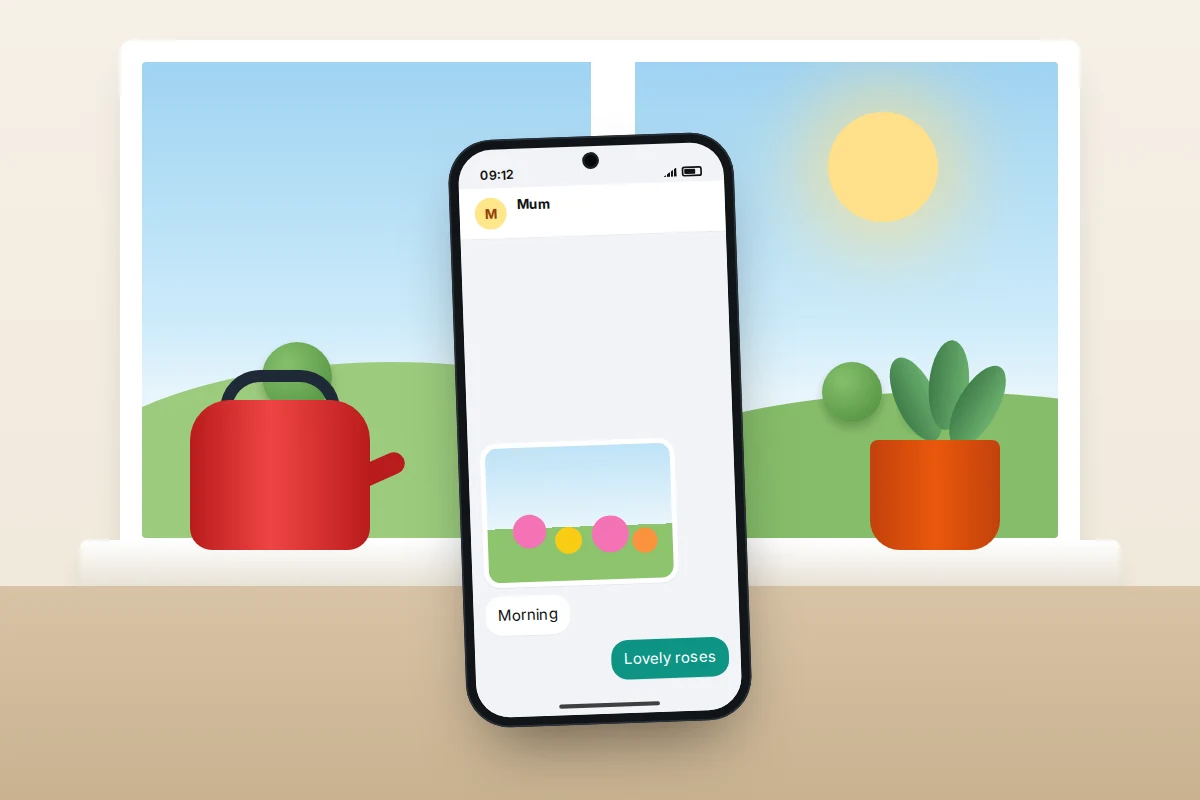
- Check-in: a daily “morning” message or photo by a time they choose, such as 10:00. A reply to yours counts too.
- Pauses: they tell you when they will be away or busy (“at your aunt’s till Friday”), so silence isn’t misread.
- Going out alone: for a long walk or a drive, they can start a timed check-in on their phone (see the tools below).
- Backup person: a neighbour or friend nearby who has agreed to knock, ideally with a key.
- Your side: it is a conversation, not a welfare check. Ring for a chat on the days nothing is due.
If falls or a medical condition are the real worry, a daily message is not enough. A personal alarm pendant or a watch with fall detection is designed for that job; talk it through with them.
The missed check-in ladder
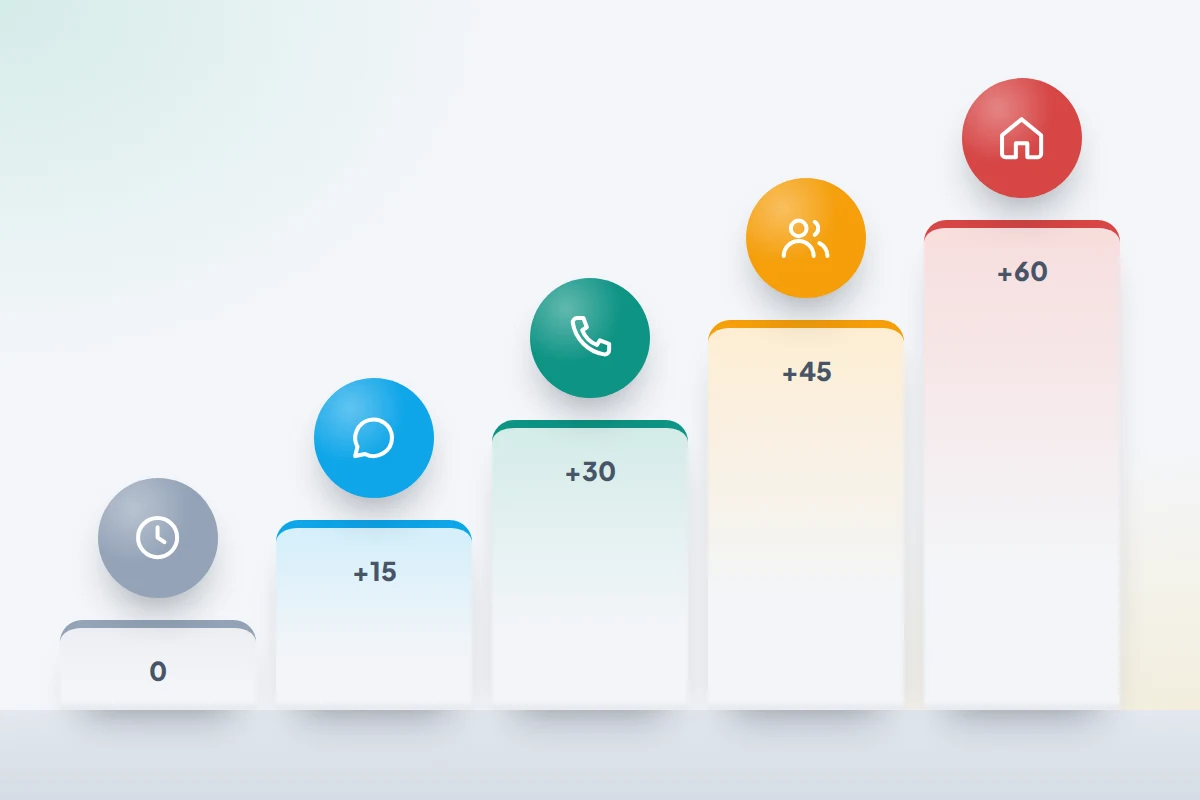
A missed check-in usually has a dull explanation: a flat battery, no signal, a phone on silent. The ladder below keeps your response proportionate while still acting if something is wrong. Agree the steps and timings in advance.
| When | Teenager out for the evening | Older parent at home |
|---|---|---|
| Due time | Nothing yet; grace period starts | Nothing yet; grace period starts |
| +15 to 30 minutes | One short message: “All OK?” | One short message or a missed call |
| +30 to 45 minutes | Call once, then again 10 minutes later | Call the landline and mobile |
| +45 to 60 minutes | Contact the agreed friend or the host’s parent | Ask the agreed neighbour to knock |
| +1 hour | Check location if agreed for this; go to the address | Go round, or ask the neighbour to use the key |
| Any time you believe they are in danger | Call 999 (UK) or your local emergency number | Call 999 (UK) or your local emergency number |
Afterwards, talk without blame. A dead battery suggests a power bank; forgetting suggests the time is wrong. The aim is an arrangement that works next time.
Phone features that support check-ins
None of these needs a special app. Menu names vary by phone maker and software version, and some features depend on region.
Check In in Messages (iPhone)
Check In lets someone tell a friend or family member they have arrived, or set a timer, without sharing their location along the way. Both people need an iPhone with iOS 17 or later and iMessage.
- Open Messages and choose the conversation with the person.
- Tap +, then Check In (it may be under More), then Edit.
- Choose When I arrive and a destination, or After a timer and a length of time, then send it.
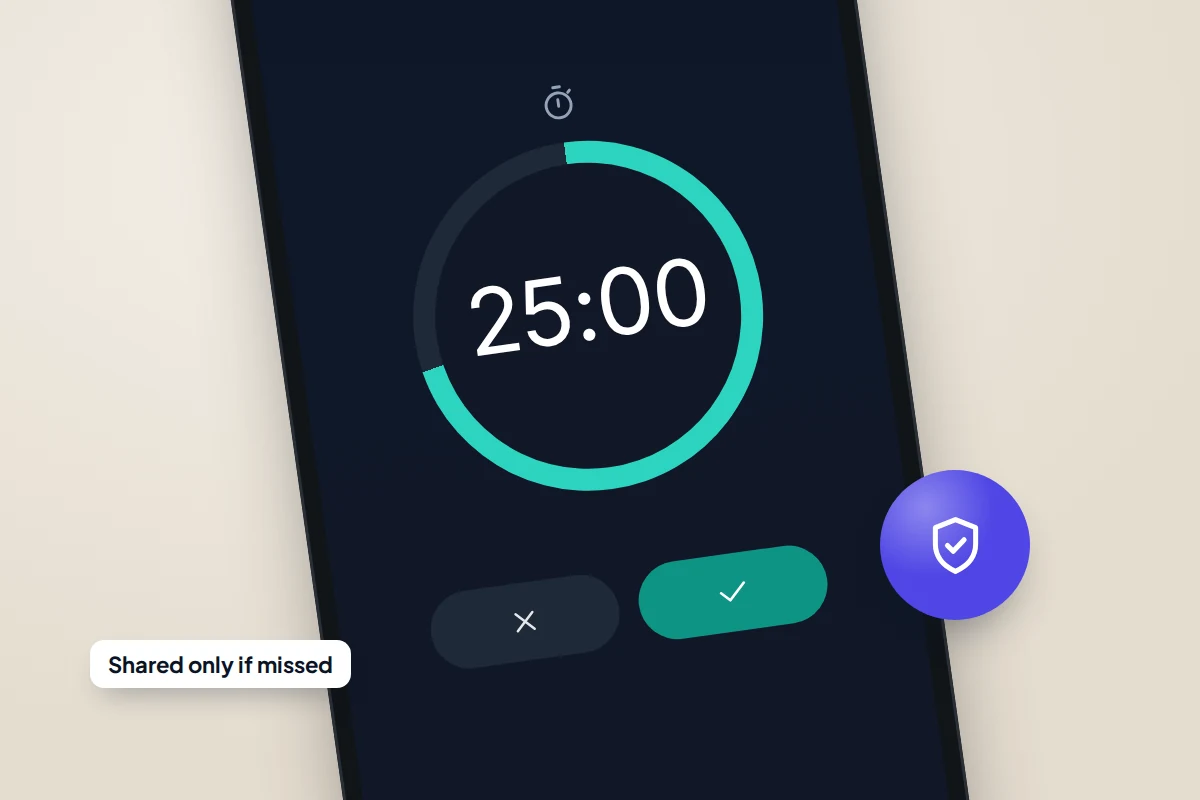
The other person is told the destination and rough arrival time, or when the timer started. If you arrive, they get a notification that you have. If you stop making progress, the phone prompts you and gives you 15 minutes to respond; if you don’t, or the timer ends without a response, your contact is sent the information you chose to share. Limited shares your current location, battery and network signal; Full adds the route taken and where the phone was last unlocked. Change it in Settings → Apps → Messages → Check In Data.
Safety Check (Android)
Google’s Personal Safety app, which appears as Safety in the app list, includes Safety Check. It comes with Pixel phones and, according to Google, works on other phones running Android 12 or later; some phone makers have their own equivalents.
- Open the Safety app and tap Safety Check.
- Choose a reason and a duration. Google’s Android help now allows up to 24 hours; some Pixel help pages still say 8.
- Tap Next, pick emergency contacts, and tap Start.
Your contacts get a text with your name, how long the check runs and the reason, if you gave one. When time is up, the phone asks if you are OK; if you don’t respond within 60 seconds, it starts sharing your location with your emergency contacts. Google says Safety Check isn’t available for supervised accounts of children under the age of consent, so it suits older teenagers and adults rather than younger children.
Arrival notifications
Arrival alerts turn “text me when you get there” into something automatic. The most respectful version is the one the traveller sets up themselves.
- Find My (iPhone): the person sharing can open People, choose you, and under Notifications tap Add to notify you when they arrive at or leave a place. If you set up an alert about them instead, they are told; a repeating alert needs their approval.
- Google Maps (Android and iPhone): if someone shares their location with you, open Location sharing, tap their profile and under Notifications tap Add. Google emails them to say you did, and they can switch these alerts off. It isn’t available if they are under 13 (or the minimum age in their country).
Both need location sharing switched on underneath, so agree openly that the alert is the point and the map stays closed. Family-location apps with place arrival alerts work on the same principle.
Sharing live location for a set time
For a single journey, share for an hour rather than indefinitely. Google Maps lets you pick a duration in Location sharing → New share; Find My offers Share for One Hour and Share Until End of Day; WhatsApp lets you share live location in a chat for a length of time you choose. It ends by itself, so nobody has to remember to turn it off.
Scheduled messages and simple routines
On iPhone, Messages has Send Later under the + button in iMessage chats; in Google Messages, touch and hold the send button to pick a time. You can schedule a friendly “home yet?” for the agreed time, so you don’t have to watch the clock.
Keep it mutual, and loosen it over time
Check-ins work when the arrangement is visibly fair: parents check in too, nobody’s location is looked at secretly, and either side can ask to change it. Internet Matters’ advice on family location apps makes a similar point: ask yourself whether you want the information for safety or for control.
Put a date in the diary to review the agreement, perhaps each birthday or each school year. A 13-year-old’s after-school check-in may fade to nothing by 15. A 17-year-old may keep only the end-of-night message. An older parent’s needs can go the other way, so review theirs gently when their health or routine changes.
When check-ins keep being missed
- Batteries keep dying. A small power bank and a rule to charge before going out solves most of it.
- They forget. Tie the check-in to something they already do, such as unlocking the front door, or use an automatic arrival alert.
- It feels like too much. Cut the number of check-ins. One reliable message beats four resented ones.
- A feature doesn’t work. Check In needs iMessage on both iPhones; Safety Check needs the Safety app’s location permission and at least one emergency contact; Google Maps alerts need notifications on.
Frequently asked questions
Can iPhone Check In work with an Android phone?
No. Apple’s Check In needs iMessage, so both people need an iPhone. For a mixed family, an agreed text message, Android’s Safety Check or Google Maps arrival alerts work across both.
Does Check In share my location the whole time?
No. Your contact is told where you are heading and roughly when, or that a timer started. Your location and other details are only sent if the check-in isn’t completed.
What age should check-ins replace tracking?
There is no fixed age. A natural starting point is when a child first goes out alone, often around the start of secondary school, with fewer check-ins as they show they are reliable.
What if my teenager refuses to check in at all?
Ask what feels unreasonable and cut it back to the one moment that matters most to you, usually getting home. Agreeing to a small arrangement is better than insisting on a big one that gets ignored.
My parent doesn’t use a smartphone. Can this still work?
Yes. A missed call at an agreed time, a text from a basic phone, or a daily landline call all work as check-ins.
Sources and further reading
- Apple Personal Safety User Guide: Use Check In for Messages
- Android Help: Get help during an emergency, including Safety Check
- Pixel Phone Help: Get help in an emergency using your Pixel phone
- Google Maps Help: Get Location Sharing notifications
- iPhone User Guide: Notify a friend when your location changes in Find My
- iPhone User Guide: Schedule a text message to send later
- Internet Matters: How to best use location tracking apps within your family
Using a monitoring app for this? TheTruthSpy is a free parental control app for Android that stays visible on the child's phone. If it fits your family, see what the app does.
Related guides
How to Keep a Group Together at a Festival or Park
A practical plan for families at festivals and busy parks: meeting points, agreed location sharing, what to do with no…
How to Create Screen-Free Zones at Home
Which rooms and times work best as screen-free zones, how to agree them without a fight, sensible exceptions, and the…
Free parental control app for Android
GPS tracking, screen time limits, web filtering, SMS and call monitoring — visible on your child's phone. Pair a phone in about ten minutes.
Android · Free to set up · Visible on your child's phone