How to Keep a Group Together at a Festival or Park

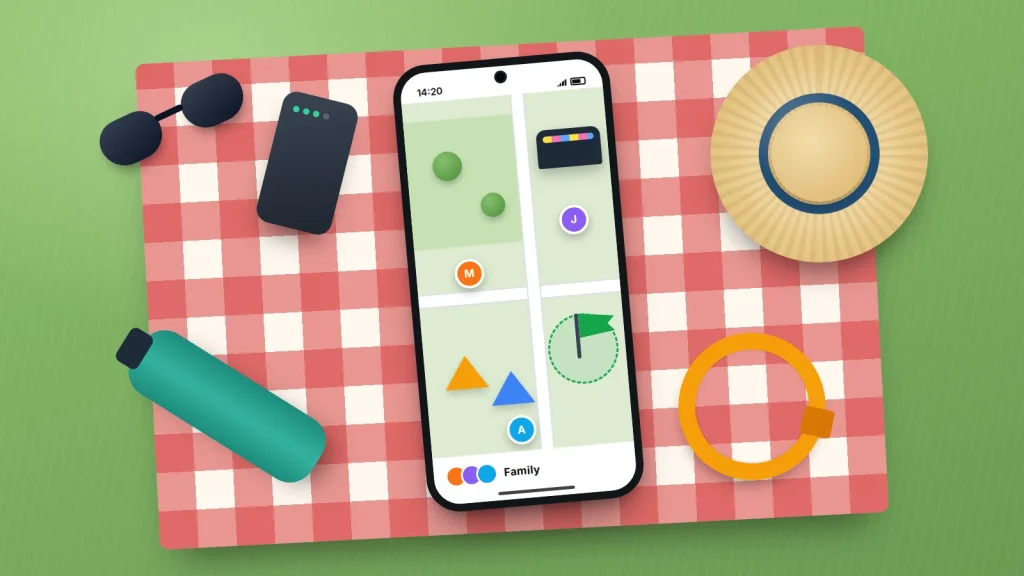
A festival field, a theme park or a busy city park on a bank holiday can swallow a small child in seconds. One minute everyone is queuing for ice cream; the next, someone has followed a balloon and the crowd has closed behind them. Phones help, but signal drops in big crowds, batteries die and young children may not have a phone at all.
A mixed group of adults, children and teenagers needs a plan that works even when phones do not. That means agreeing a few things before you leave, sharing locations openly, having a fallback for when the network jams, and preparing each child, in a way that suits their age, for the moment they look up and cannot see you.
The short version
- Agree one meeting point that is easy to see and easy to describe, and walk to it together when you arrive.
- Take a photo of each child on the day, and put a phone number on them (inside a wristband or written inside clothing).
- Share locations with each other openly and for a set time, and agree fixed check-in times in case the signal fails.
- Teach young children to stay put and ask a member of staff or a parent with children for help.
- If you lose someone, tell staff straight away and go to the lost child point rather than searching alone.
Before you go: a ten-minute plan
Most of the work happens before anyone leaves home. Ten minutes over breakfast covers the points below, and saying them out loud means everyone has heard the same plan.
Pick a meeting point everyone can find
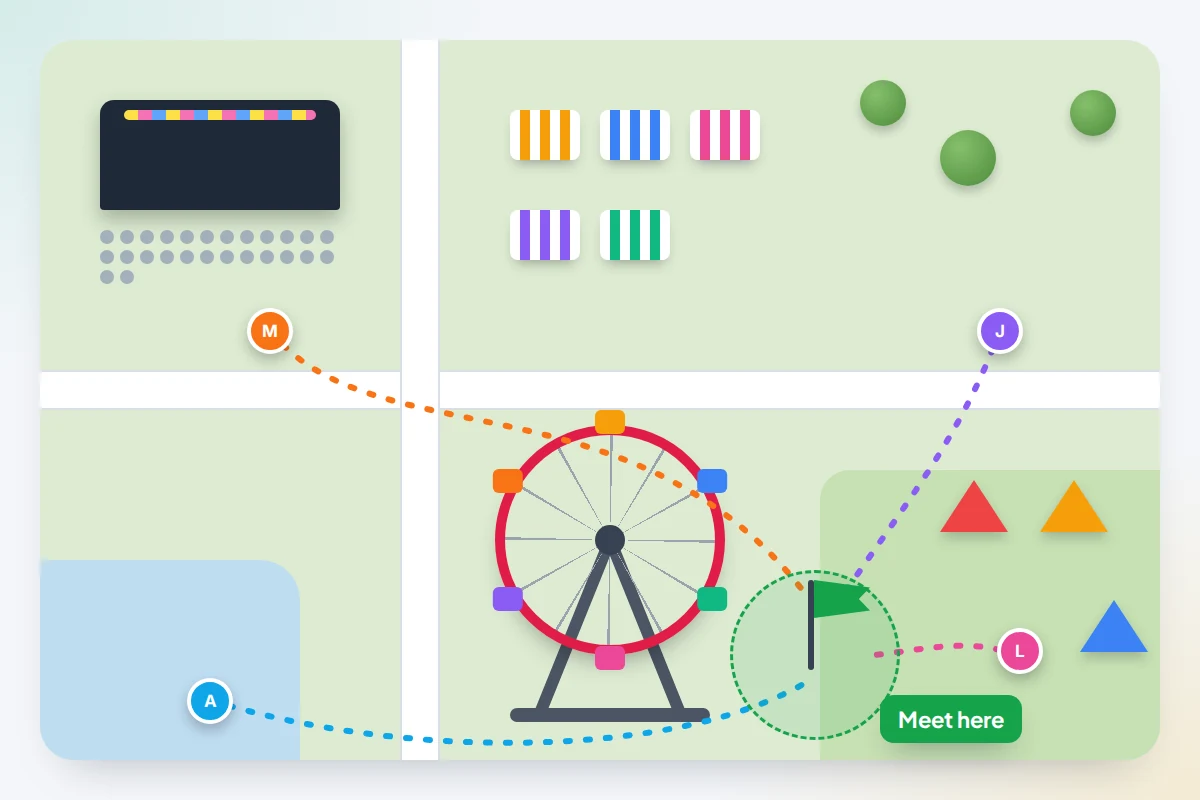
Choose something big, fixed and unmistakable: the entrance to a named tent, the foot of a big wheel, the information point, a clock tower in a park. Avoid anything that moves or repeats, such as “the blue tent”, because there may be ten of them.
When you get there, walk to the meeting point as a group and have each child point at it and say its name. For older children and adults, agree a second meeting point in case the first becomes too crowded, for example during a headline act.
Take a photo of each child on the day
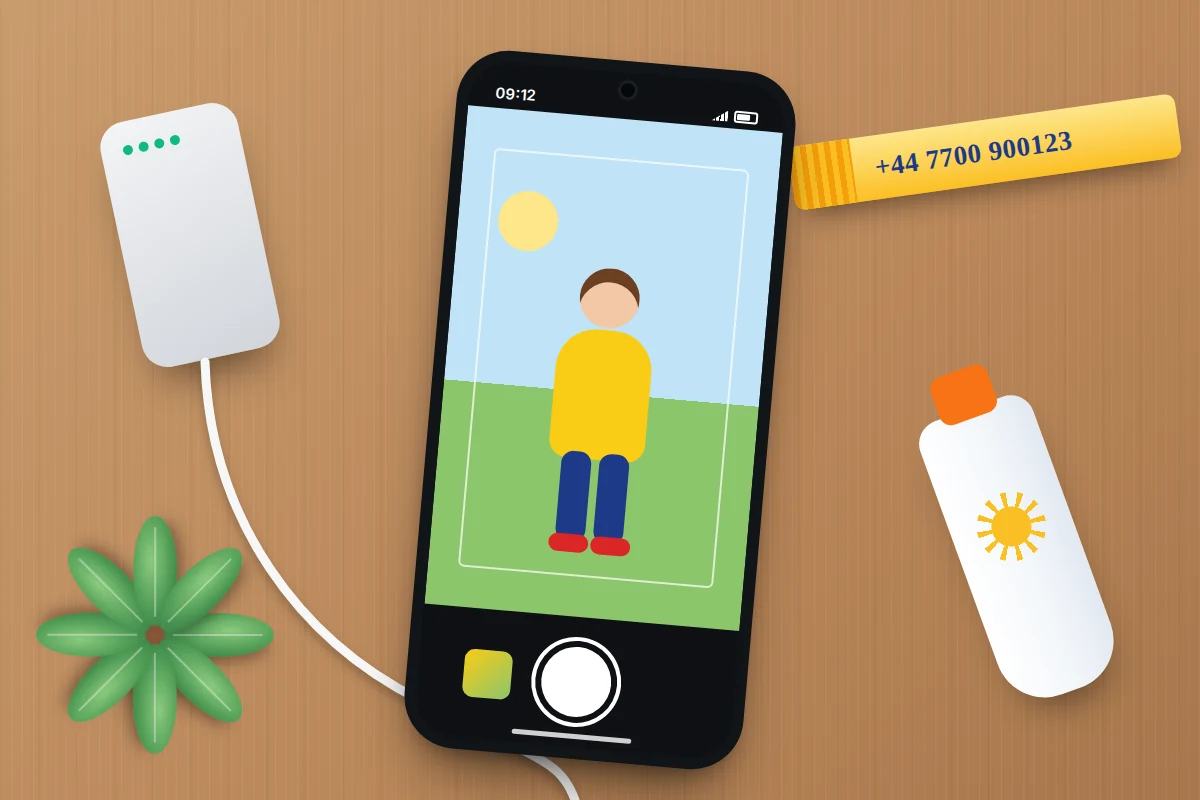
Before you set off, take a clear, full-length photo of each child in what they are wearing that day, plus a close-up of their face. Staff and police will want to know exactly what they look like today. Bright, distinctive clothing helps too.
Put a phone number on them
Young children often cannot remember a mobile number under stress. Write your number on a wristband, a sticker on the inside of a sleeve, or in pen on their arm. Some festival welfare teams suggest writing it on the inside of the wristband so it is not on show to everyone. Use a parent’s number rather than the child’s name, and add a second adult’s number if you have room. Some events run a registration scheme with matching numbered wristbands for parent and child; if yours does, use it.
Charge everything and agree check-in times
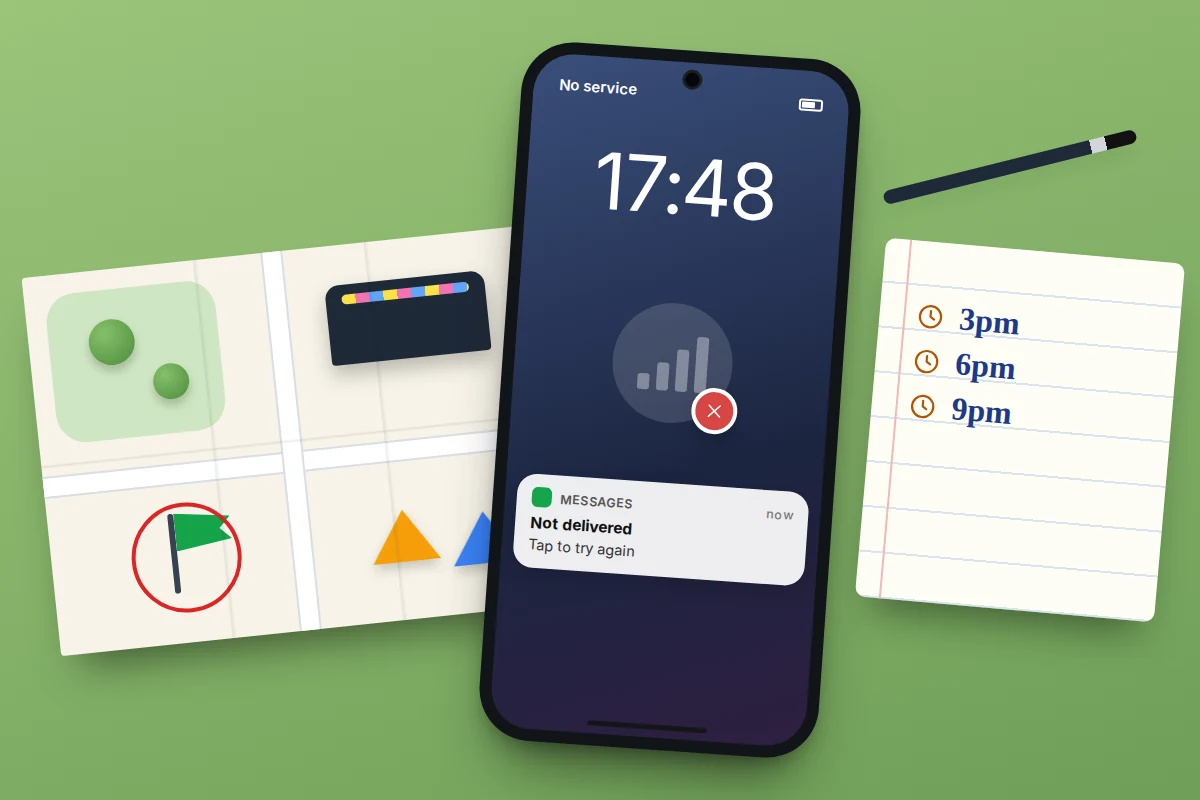
Charge every phone the night before, bring at least one power bank and a short cable, and turn on battery saver early rather than when you hit 10%. Then agree fixed check-in times, such as on the hour, or at 3pm, 6pm and 9pm. Check-ins work even when nobody can get a message through, which is why they matter so much at big events.
Share locations with each other, openly
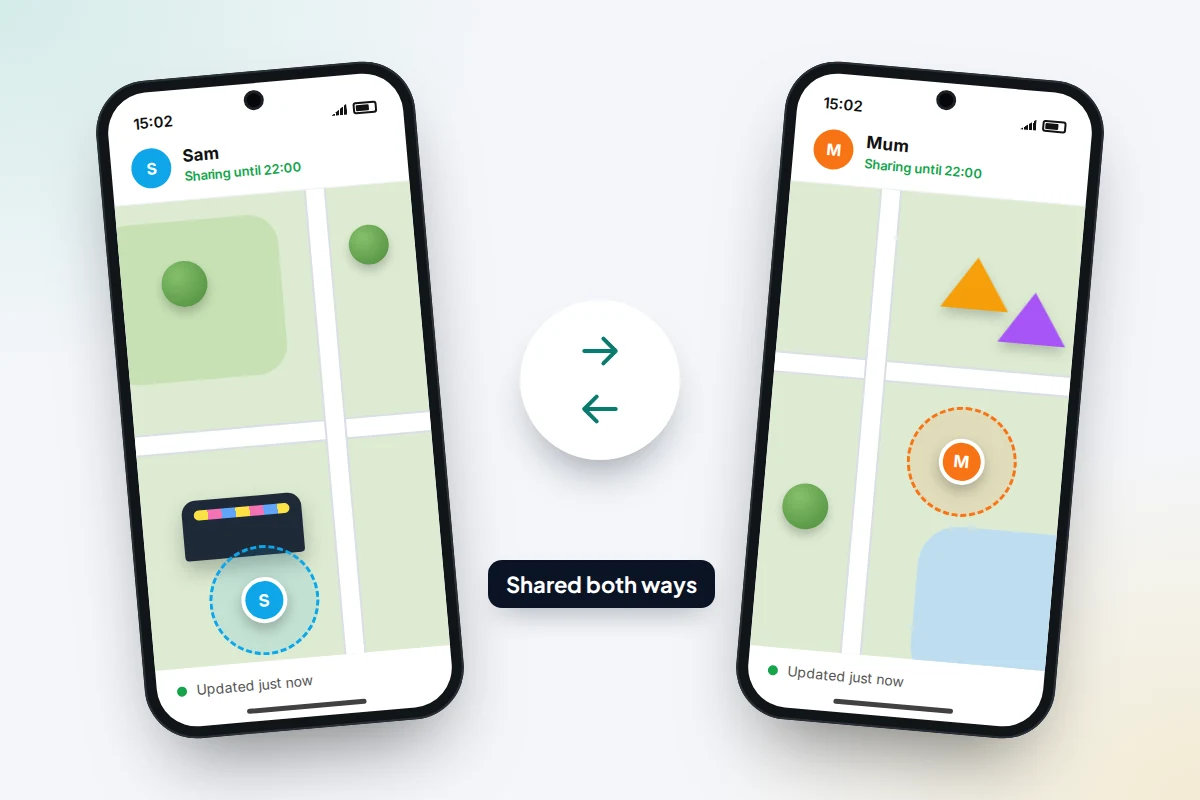
Live location sharing is useful at a crowded event, as long as it is mutual and agreed. Sit down together, show each person what the others will see, set it for the length of the day, and agree when it will stop. With older children and teenagers, sharing both ways (you share yours with them too) makes it feel like a safety plan rather than surveillance. Menu names below were correct at the time of writing but vary by phone maker and app version.
Google Maps (works on Android and iPhone)
Google Maps location sharing is the easiest option for mixed groups, because it works in the Google Maps app on both Android and iPhone. Each person needs a Google Account.
- Open Google Maps and tap your profile picture or initial.
- Tap Location sharing → New share.
- Choose how long to share for, such as one hour or until you turn it off.
- Pick the person from your contacts and tap Share.
People you share with see your name, photo, recent location and battery level. A share link for someone without a Google Account works for up to 24 hours. On Android, the same sharing shows up in Google’s Find Hub app (formerly Find My Device), where you can start a share from the people tab and choose one hour, until the end of the day, until you stop it, or a custom time.
Find My on iPhone
If everyone in the group has an iPhone, Apple’s Find My app does the same job.
- Open Find My, tap Me and check Share My Location is on.
- Tap People → Add (+) → Share My Location.
- Choose the person, then pick Share for One Hour, Share Until End of Day or Share Indefinitely.
You can also share from a conversation in Messages by tapping the person’s name at the top and choosing Share My Location. Find My sharing only works between Apple devices, so use Google Maps or a messaging app for anyone on Android.
Live location in a messaging app
WhatsApp and similar apps let you share a live location into a chat for a set time, and they work across Android and iPhone. In WhatsApp, open the chat, tap the attach button (the paperclip on Android, + on iPhone), choose Location → Share live location, pick a duration and tap send. Everyone in a group chat who shares appears on the same map.
Arrival alerts
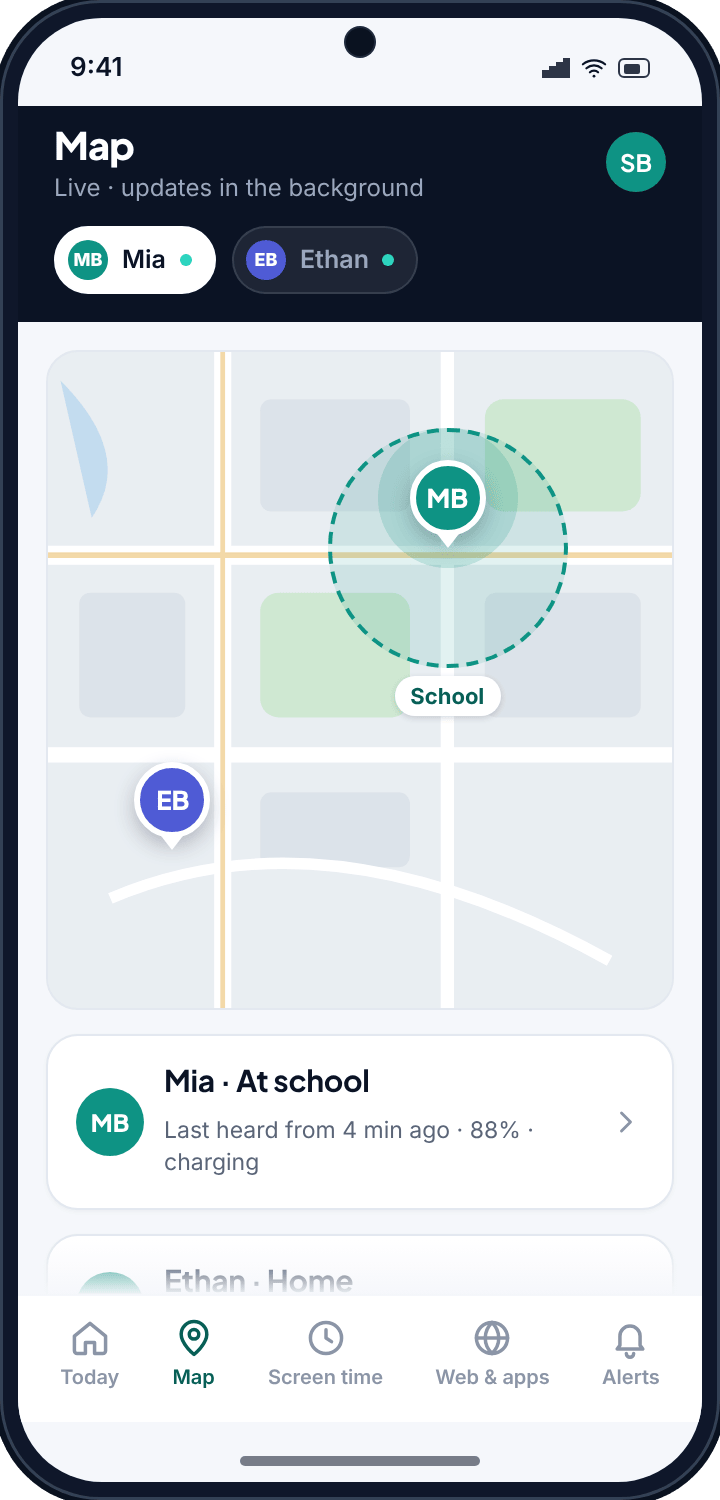
Google Maps can notify you when someone who shares with you arrives at or leaves a place: open Location sharing, tap their profile, then under Notifications tap Add. The other person is told by email when you set this up, which keeps it open. If your family uses a dedicated family-location app, our family location and place alerts work the same way, telling you when a child reaches an agreed place such as the car park or the campsite.
When there is no signal
Large crowds can overload mobile networks, especially near the main stage or at the end of the night. Plan as if phones will fail at the worst moment.
- Fixed times beat messages. If you have agreed “meeting point at 6pm”, nobody needs a signal to regroup.
- Use landmarks, not pins. “Left of the big wheel, by the bins” works when a map will not load.
- Texts often get through when data does not. Keep messages short and send a plain text if an app keeps spinning.
- Screenshot the site map so you do not need data to see it.
Download an offline map of the area before you leave home:
- Google Maps (Android and iPhone): tap your profile picture → Offline maps → Select your own map, move the box over the area and tap Download. Offline maps expire and need updating now and then.
- Apple Maps (iPhone, iOS 17 or later): tap your profile picture or initials → Offline Maps, tap the add button or a suggested map, choose the area and tap Download.
An offline map shows where you are, because GPS works without mobile data, but it cannot show where anyone else is. Location sharing needs a connection on both phones.
Teach children what to do if they get separated
Children cope better when they have practised. Rehearse it in the car and ask them to tell it back to you.
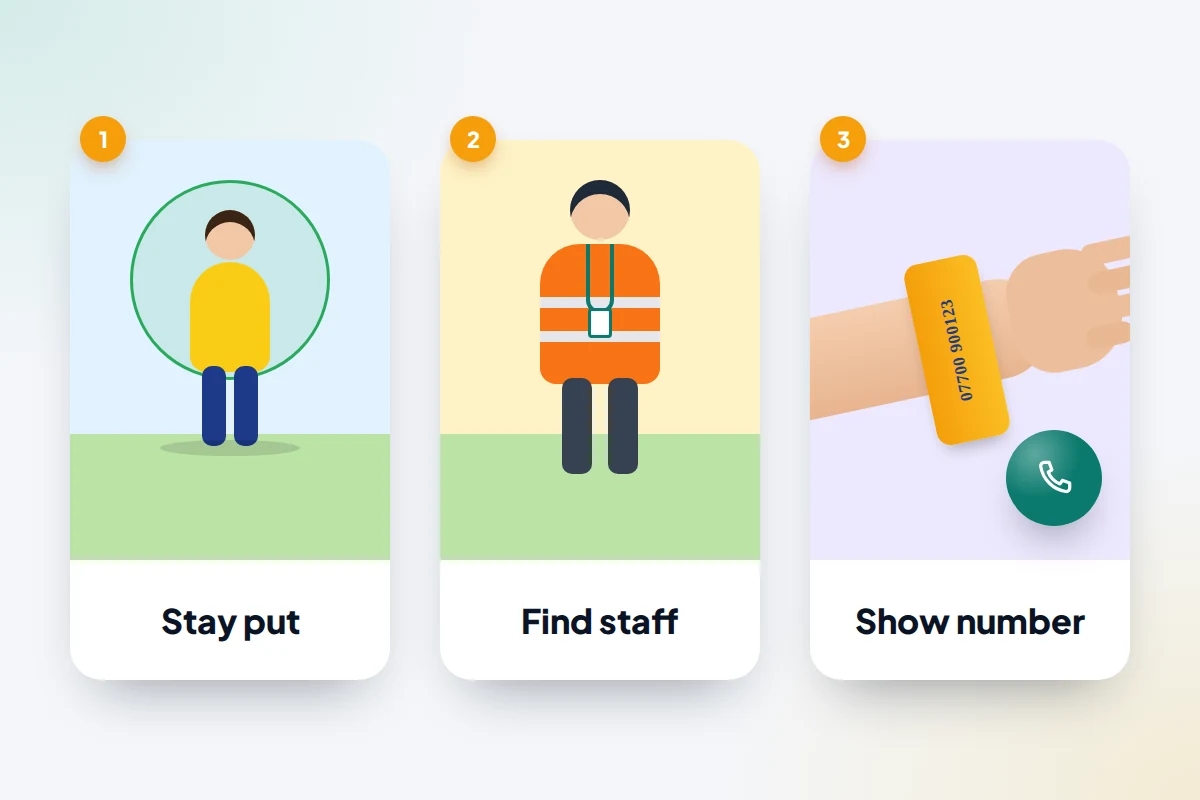
- Stop and stay put. For younger children, standing still and calling out for you is safer than wandering. You will retrace your steps; if they keep moving, you may keep missing each other.
- Ask a safe adult. Show them what staff and stewards look like when you arrive: high-visibility jackets, lanyards, a uniform. If there is no one in uniform, a parent with children is a good person to ask.
- Show the number. Teach them to hold out their wristband or sleeve and say “my mum’s number is on here”.
- Never leave with anyone else. A helpful adult should wait with them where they are, or take them to staff, not somewhere else.
Older children can go straight to the meeting point or the lost child point and wait there. Keep the plan the same every outing, so it becomes a habit.
If someone goes missing
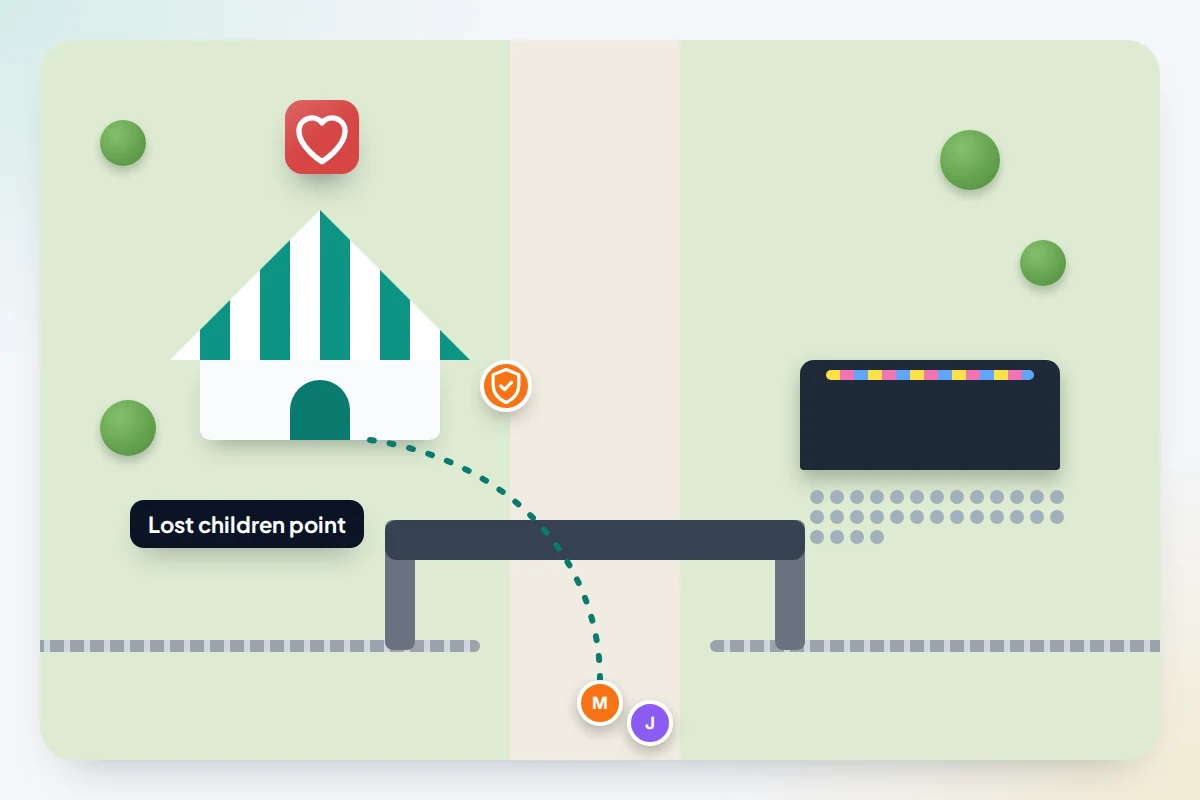
At a ticketed event, the fastest route to finding a child is the event’s own team. Stewards can radio every gate and the lost child point within seconds, which no parent running around the field can do.
- Tell the nearest steward or member of staff straight away. Give the child’s name, age, what they are wearing, and show the photo you took that morning.
- Send one adult to the meeting point in case the child goes there, and keep phones on and charged.
- Go to the lost child point and stay there if staff ask you to. Children found by stewards are brought there, and staff will check your identity before handing a child over.
- Call 999 in the UK (112 also works across Europe) if you are in a public park with no staff, or if staff cannot locate your child quickly.
Teenagers who want to go off with friends
Many teenagers will want to see a different act or wander with friends, and at 14 or 15 that can be reasonable. The aim is agreed boundaries and regular check-ins, not watching a dot on a map all day. It is worth reading how to monitor a teen without a fight if location sharing is a sore point at home.
- Agree the area. For example, the main field and the food court, but not the car park or the campsite after dark.
- Stay in pairs or threes. Nobody goes anywhere alone, including the toilets.
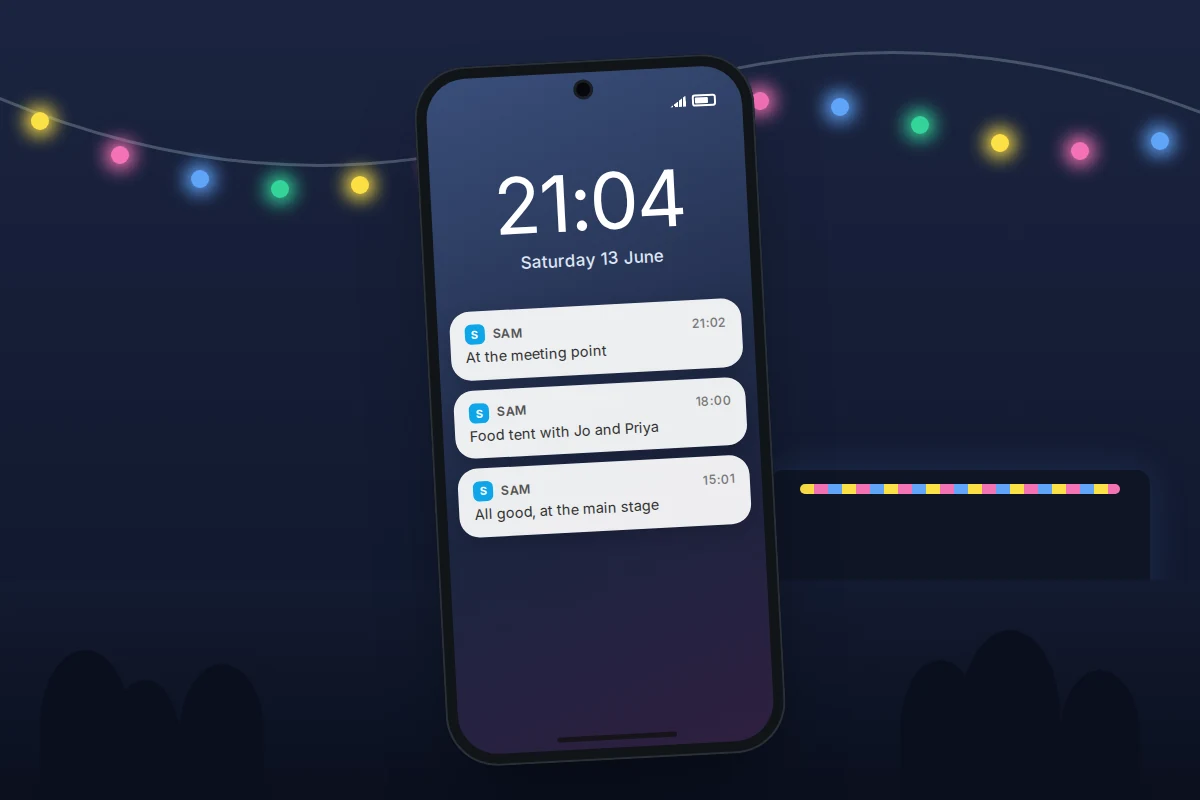
- Check in at set times. A quick “all good, at the main stage” message on the hour, or a face-to-face check-in at the meeting point.
- Share location both ways for the day, and agree it will stop when you get home.
- Agree a no-questions-asked call. If they feel unsafe or unwell, they can call and you will come, without a lecture that evening.
On iPhone, Check In in Messages (iOS 17 or later) can tell you automatically when a teen has arrived somewhere, such as back at the car, without sharing their location the whole time.
What to agree, by age
Every child is different, so use this as a starting point and adjust for your own family and the event.
| Age | Staying together | If separated | Phones and location |
|---|---|---|---|
| Under 8 | Hold hands or use a buggy in crowds; bright clothes; photo taken on the day | Stay put, call out, ask staff or a parent with children, show wristband | Usually no phone; adult’s number on a wristband or inside clothing |
| 8 to 12 | Stay within sight of an adult; buddy up with a sibling or friend | Go to the meeting point or find a steward; know one number by heart | Phone optional; if they have one, share location both ways for the day |
| Teens | Agreed area, stay in pairs, set check-in times | Meeting point or lost child point; call or text as soon as they can | Location shared both ways for the event, stopped afterwards; power bank each |
What if this doesn’t work
- A shared location is not updating. The other phone may have no signal, be in battery saver or have location turned off. Treat the last known position as a clue, not an answer, and fall back to the meeting point.
- Nobody can call or message. Use the next agreed check-in time. If a child is small and has no phone, go to staff immediately rather than waiting.
- A phone is lost at the event. Check the lost property point and use the phone’s finding service from another device. Setting this up in advance is covered in how to set up a phone so you can find it later.
- The meeting point is too crowded. Switch to your agreed second meeting point.
Frequently asked questions
Should I put my child’s name on their wristband?
Your phone number is more useful than their name. A name on show can let a stranger greet them as if they know them. Write the number on the inside of the band if you can.
Can an iPhone and an Android phone share locations?
Yes, through Google Maps location sharing or a messaging app such as WhatsApp, both of which work on both systems. Apple’s Find My only shares between Apple devices.
Does location sharing drain the battery?
It uses some extra power, as does a phone hunting for a weak signal in a crowd. A power bank matters more than any single setting.
At what age can a child go off alone at a festival?
There is no fixed age, and many events set their own rules for under-16s. Base it on your child’s maturity, how well they know the site, and whether they will be with trusted friends and able to reach you.
What if my child has no phone?
That is normal for younger children. The wristband, photo, meeting point and knowing what staff look like are more reliable than a phone in a crowd.
Sources and further reading
- Google Maps Help: share your real-time location with others
- Android Help: find your friends and family with Find Hub
- Apple Support: share your location with iPhone
- WhatsApp: share your live location
- Google Maps Help: download areas and navigate offline
- Apple Support: download maps to use offline on iPhone
- MissingKids.ca (Canadian Centre for Child Protection): lost child prevention
Looking for a tool to go with this? TheTruthSpy is a free parental control app for Android that stays visible on the child's phone. If it fits your family, see what the app does.
Related guides

How to Share Photos With Family Without Social Media
Share family photos privately with iCloud, Google Photos or a photo frame: what changed in iOS 27, who pays for…
How to Set Up a Phone for an Elderly Parent
Set up an iPhone or Android phone with an older parent: bigger text, Assistive Access, captions, SOS and fall detection,…
How to Set Up Google Family Link on Your Child’s Android Phone
Set up Google Family Link on your child's Android phone: under-13 and teen accounts, time limits, School time, app approvals,…
Parental controls your child can see
Location, screen time limits, a web filter and alerts from notifications — free, and visible on your child's phone. Pair a phone in about ten minutes.
Android · Free to set up · Visible on your child's phone