How to Spot a Fake Tech Support Scam

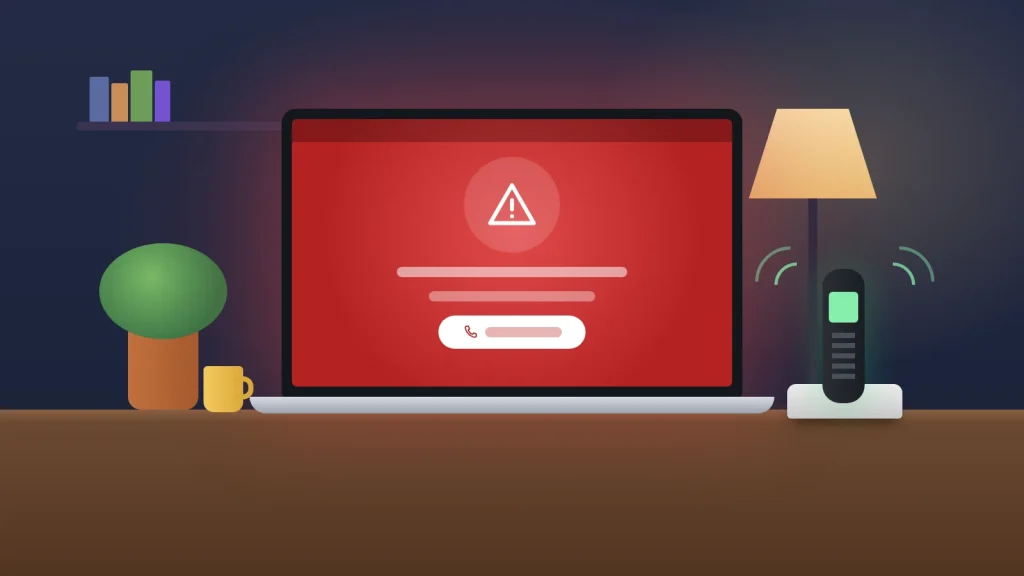
The phone rings mid-afternoon. A polite caller says they are from Windows technical support, or from your broadband provider, and that your computer has been sending them error reports. They would like to help you fix it, and it will only take a few minutes. Or there is no call at all: your laptop suddenly fills with a red warning, an alarm starts sounding, and the screen tells you to ring a number before your files are lost.
Both are the opening moves of a tech support scam, and they are far more costly than they sound. The FBI’s Internet Crime Complaint Center received 47,794 complaints about tech and customer support scams in 2025, with reported losses of more than $2.1 billion. People aged 60 and over made 21,333 of those complaints and lost just over $1 billion, close to half the total.
Here is how the scam reaches you, what the caller’s lines really mean, the exact words to end the call, and what to do if you have already let someone in.
The short version
- Microsoft says it does not make unsolicited calls offering tech support, and its error messages never include a phone number. The FTC says the same of every legitimate tech company.
- A pop-up with a phone number, a support number from a search advert, or a call about a “refund” are all ways in. The goal is always remote access to your computer, then your money.
- End the call with one sentence and hang up. You do not owe a caller a reason.
- If you let someone in: disconnect from the internet, remove the remote-access app, call your bank from another phone, then scan the computer and change passwords from a different device.
Four ways the scam reaches you
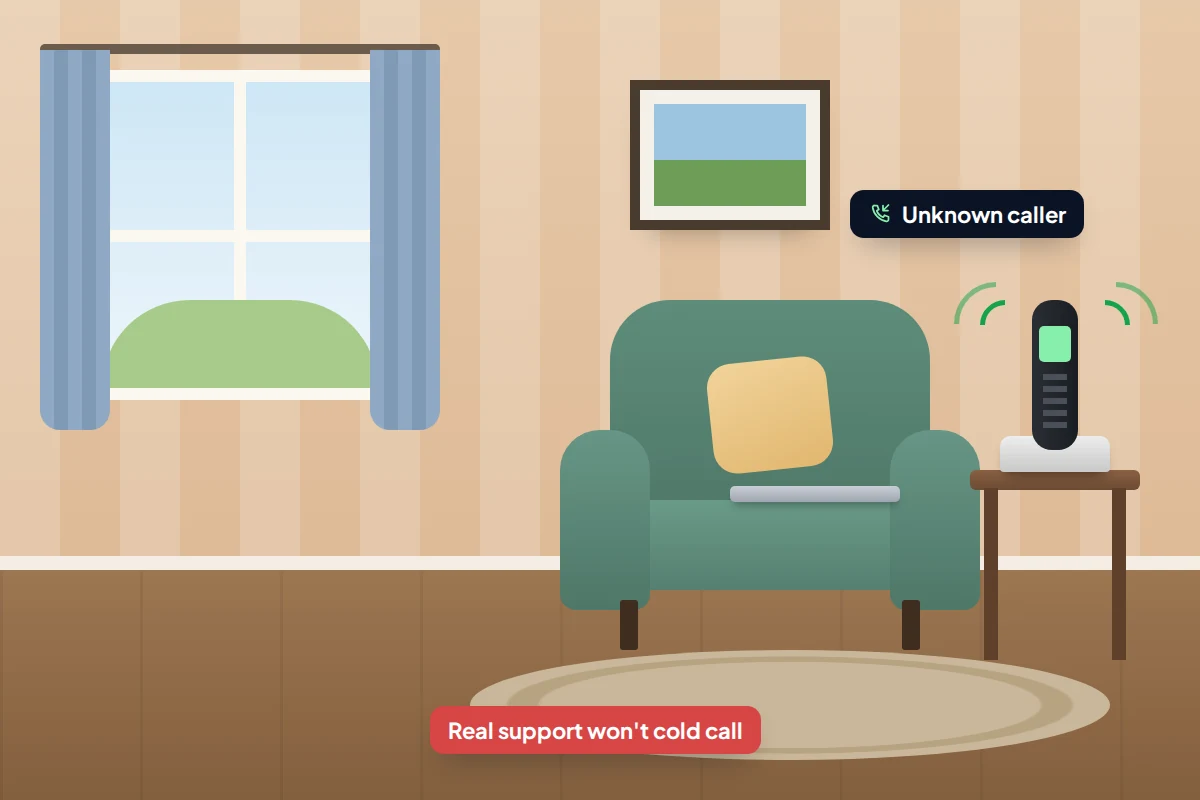
A cold call
The caller claims to be from Microsoft, a security company, or your broadband or phone provider. Your computer has a virus, your IP address has been hacked, or your internet is about to be cut off. They may walk you through opening a built-in Windows screen full of harmless warnings and tell you each one is an infection. As the FBI puts it, legitimate companies will never call you and offer tech support out of the blue.
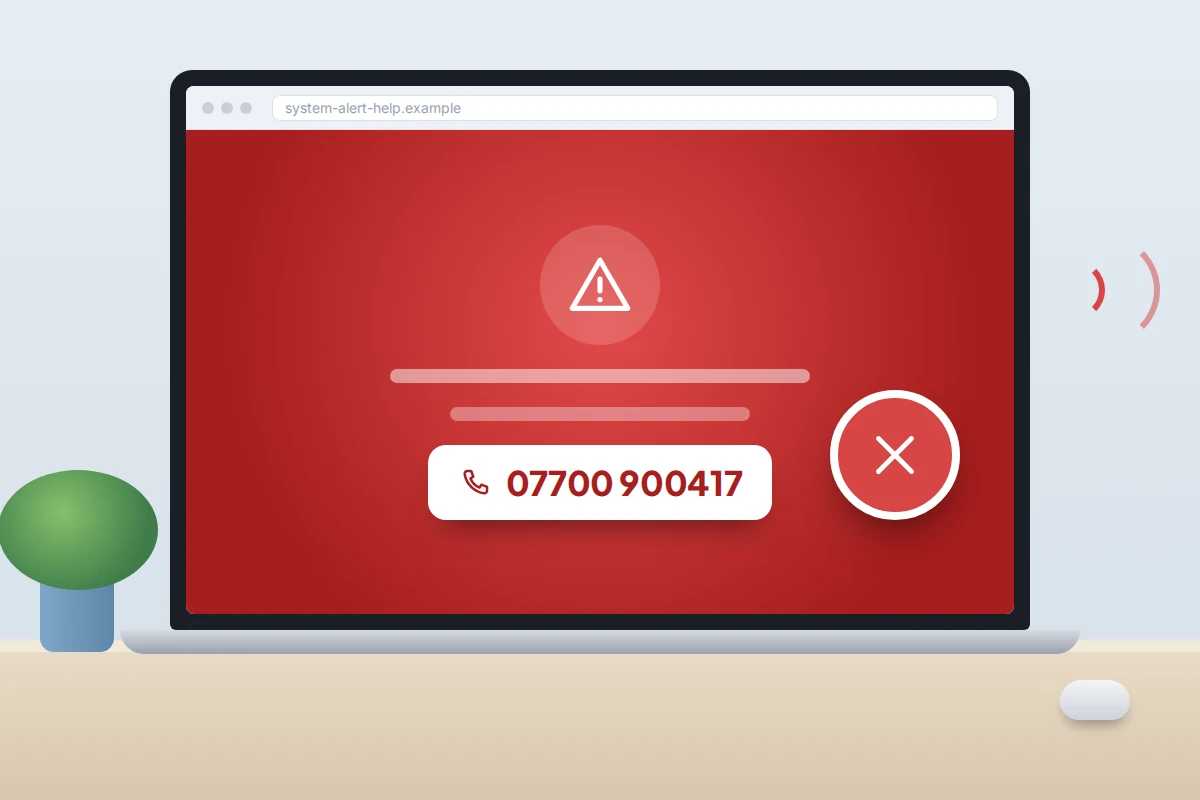
A pop-up that will not go away
A web page takes over the whole screen, plays an alarm, and claims your computer is locked or infected. It shows a support number, sometimes dressed up with a copy of a real company’s logo. Nothing has been infected: it is a web page designed to frighten you into calling. Close the browser, and if it will not close, restart the computer. The same trick appears on phones, and our guide to signs of malware on a phone covers clearing it there.
A search advert for “support”
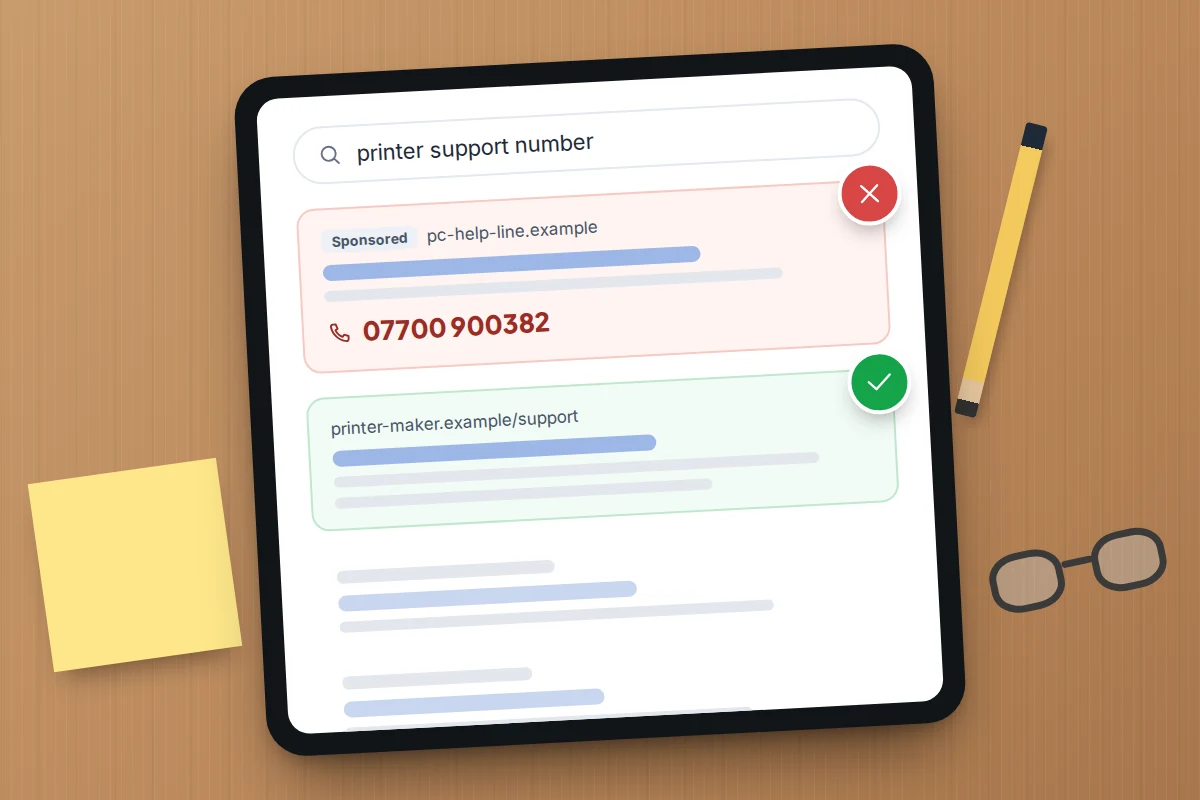
Say your printer stops working and you search for the maker’s helpline. The first results can be paid adverts, and some are placed by scammers posing as official support. The US Federal Trade Commission lists search ads alongside pop-ups and calls as a common route in. The person who answers sounds helpful, but soon needs remote access and then a fee.
A “refund” or renewal message
An email or call says you are being charged hundreds of pounds for a software renewal you never ordered, or that you are owed a refund for a service you no longer use. Ring this number to cancel, or let us connect to your computer so we can pay you back. The FTC warns about exactly these fake renewal and refund messages.
What Microsoft and the FTC actually say
Microsoft is the name used most often, and its guidance is unusually blunt. “If you receive an unsolicited call from someone claiming to be from Microsoft Support, hang up. We don’t make these kinds of calls.” And on pop-ups: “Error and warning messages from Microsoft never include a phone number.”
The FTC applies the same rule to every legitimate tech company: none will phone, email or text you out of the blue to say there is a problem with your computer. Nor will a genuine company ask to be paid in gift cards, cryptocurrency or by wire transfer. If you need support, you start the contact, using a number or website you found yourself.
What they say, and what is really happening
Every line below is designed to make the next step feel like help. Remote access is almost always the turning point.
| What they say | What is really happening |
|---|---|
| “Your computer is sending us error reports.” | Windows can send crash reports to Microsoft, but nobody reads yours and rings you. The caller knows nothing about your computer. |
| “Open this screen and look at all the warnings.” | They are showing you ordinary Windows logs, which every computer has, and calling them infections. |
| “Your internet will be cut off unless we fix it today.” | Urgency to stop you checking. A real provider does not need access to your computer to keep your line working. |
| “Download this app and read me the code.” | The code lets them see and control your screen, as if they were sitting at your keyboard. |
| “Log in to your bank so we can send your refund.” | They want to watch you sign in, or move money around while you are logged in. |
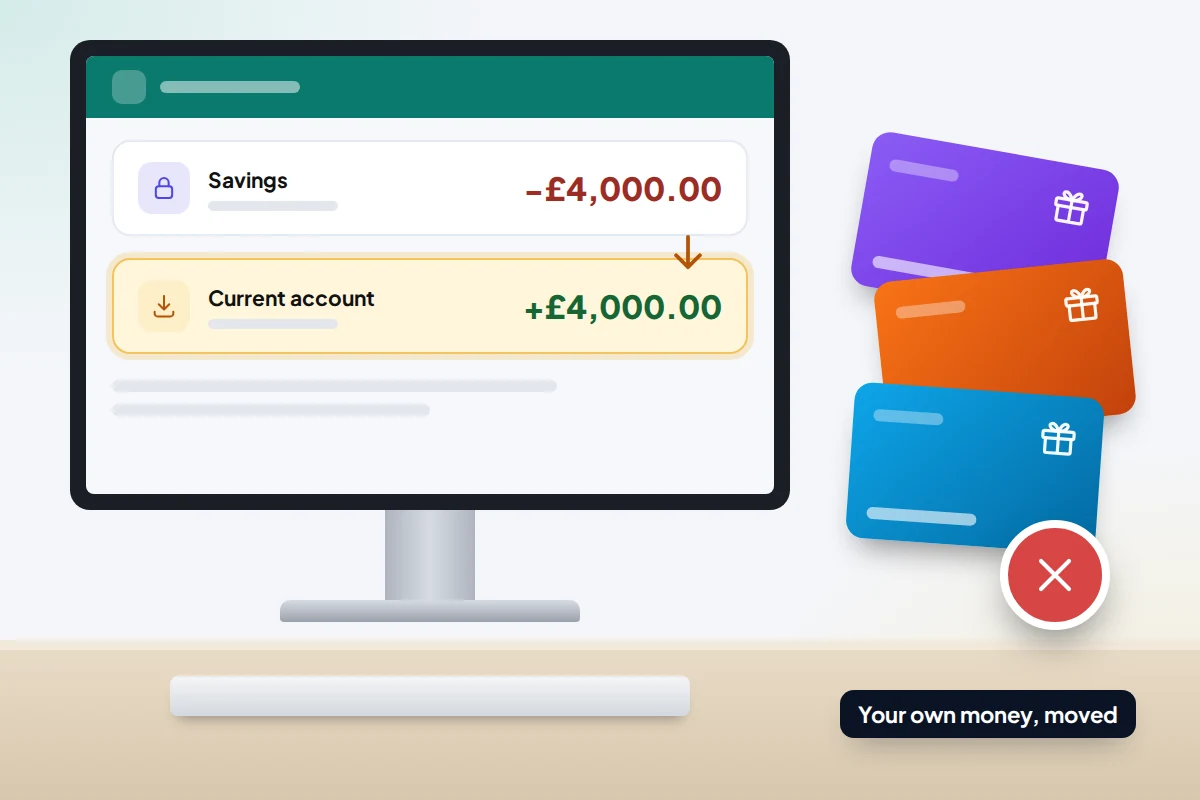
| “Oh no, I refunded £4,000 instead of £400. Please send it back.” | Nothing was refunded. They moved your own money between your accounts or edited the page. What you “send back” is yours. |
| “Your screen will go dark while we work.” | A black screen can hide what they are doing on your computer, such as setting up transfers. |
| “Pay with gift cards, it’s quicker.” | Gift card payments are hard to trace and hard to get back. No genuine company asks to be paid this way. |
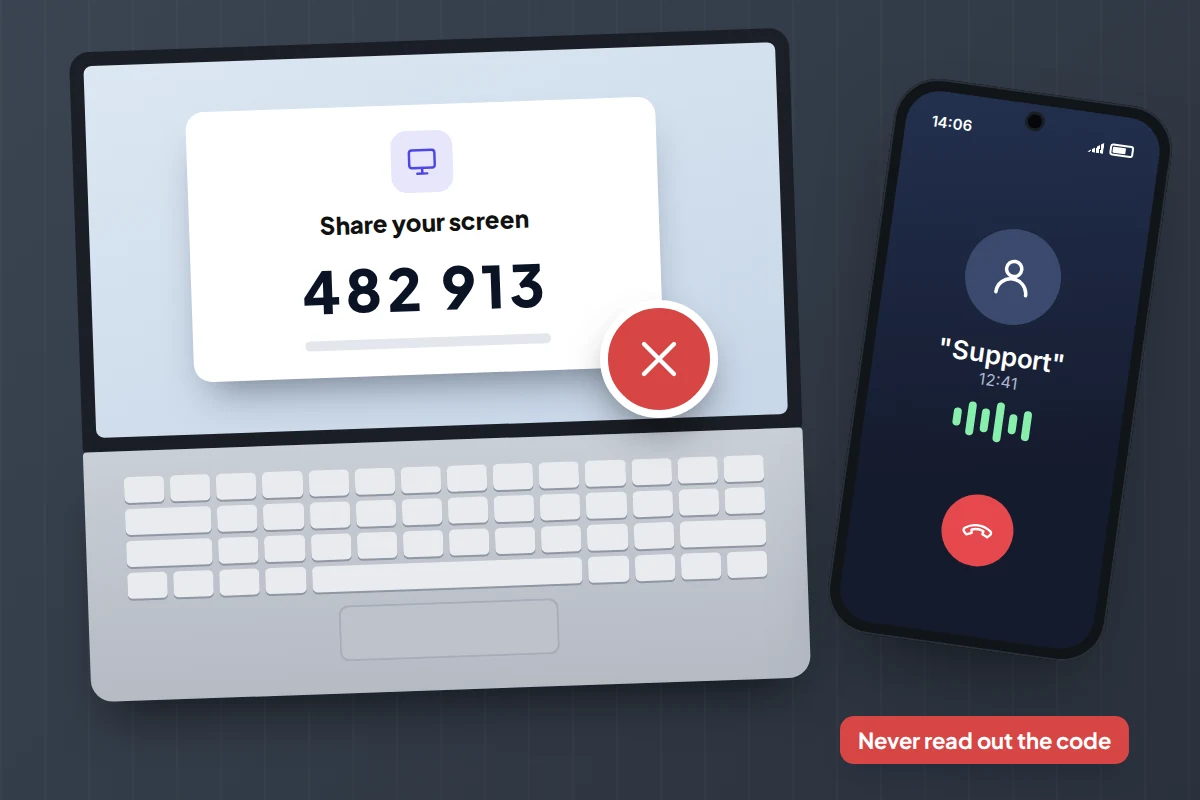
The refund trick, step by step
The refund version deserves a closer look, because it catches people who would never pay for “repairs”. NI Direct, the Northern Ireland government’s advice site, describes a typical script. The caller “fixes” a problem and offers £350 compensation for the trouble. Then a “refund department” says the smallest amount it can transfer is £4,000, so please keep £350 and send back £3,650.
The FBI warns that scammers stage this “mistake” after getting you to log in to online banking while they are connected, and may black out your screen while they make transfers. Cases investigated by AARP show where the extra money really comes from: the victim’s own savings, moved into their current account, with the page edited to hide it. The panic about the error is acted. The FBI’s advice: never do any banking while someone has remote access to your computer.
The exact words to end the call
Politeness keeps many people on the line. You do not have to explain, argue or catch the caller out. Say one sentence and put the phone down:
“I don’t accept support calls I didn’t ask for. Goodbye.”
If you are already mid-conversation, these work too:
- For an app or a code: “I don’t let anyone into my computer from a phone call.”
- For a refund: “If I’m owed money, I’ll contact the company myself.”
- For a threat to cut you off: “I’ll ring my provider on the number on my bill.”
A genuine company will accept any of these. A scammer will argue, get angry or ring back, which tells you all you need to know. Block the number afterwards.
If you already let them in: the checklist
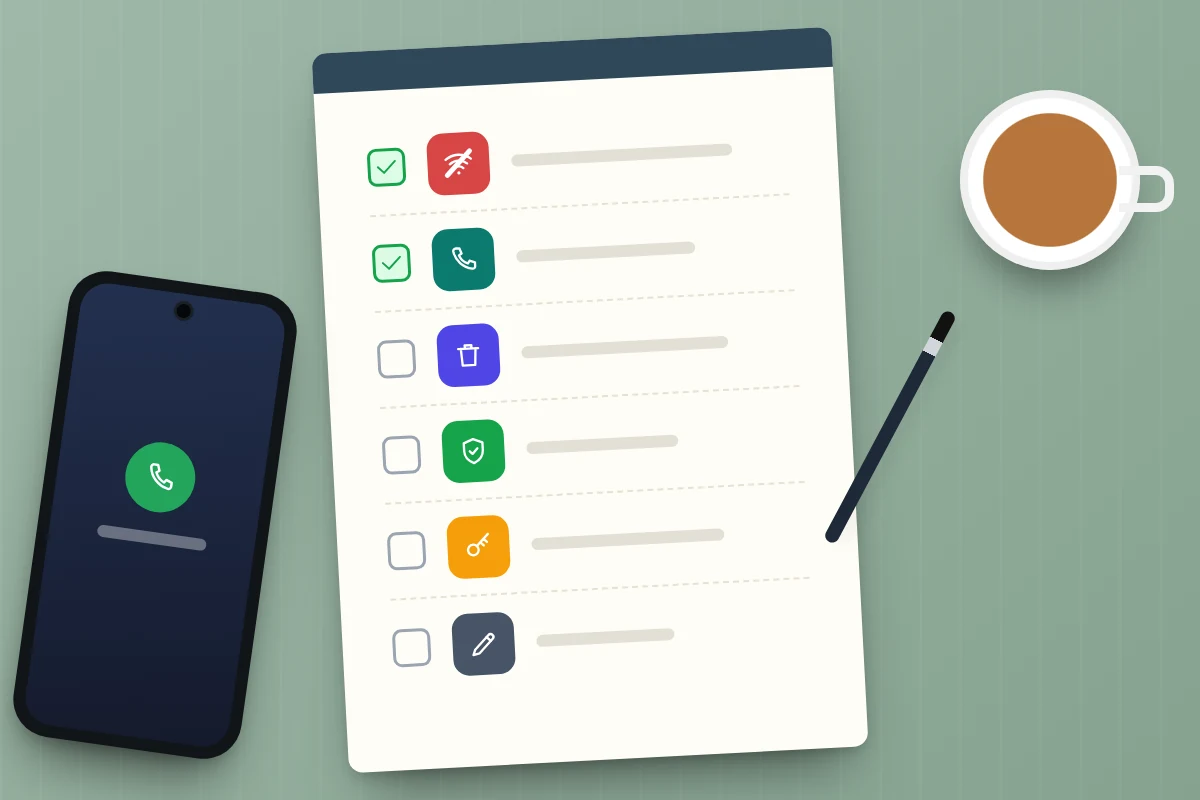
Many people only realise once the call has ended. What you do in the next hour matters more than how it happened. Work through these in order. Steps 1 to 3 are urgent; the rest can follow within the day.
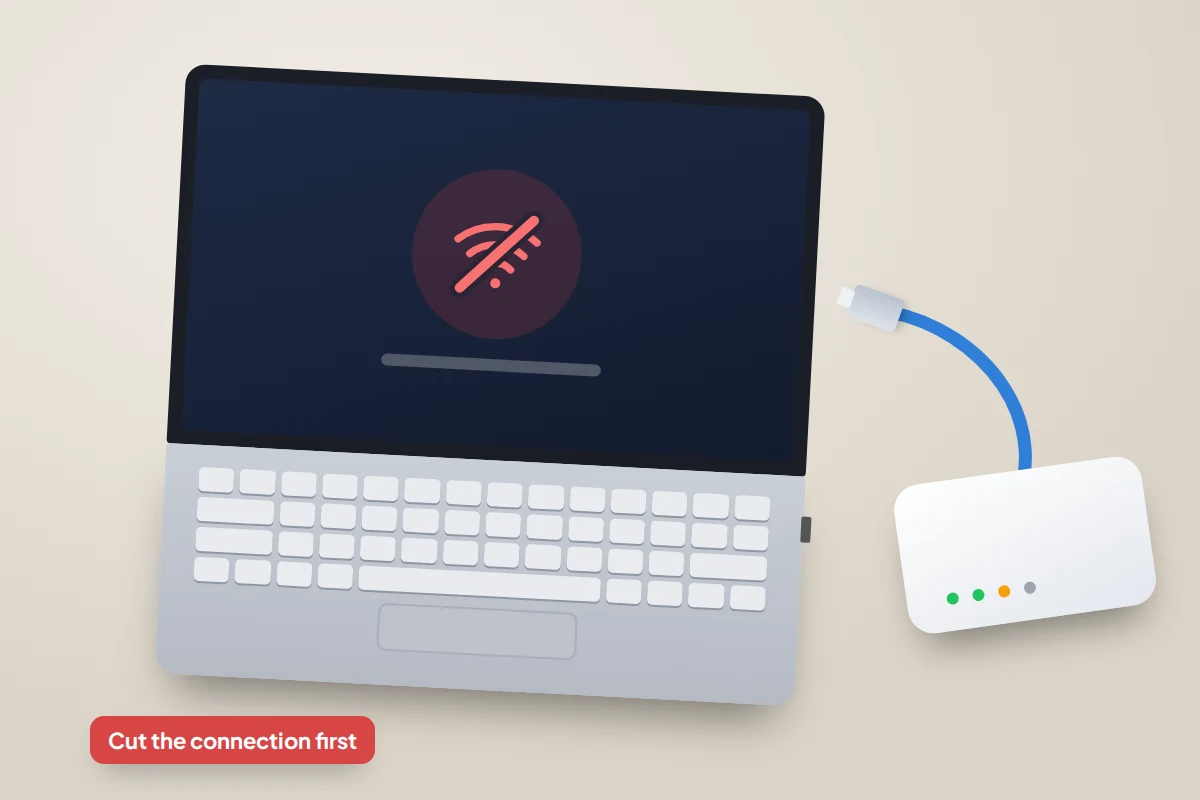
- Hang up and disconnect. Turn off Wi-Fi or unplug the network cable. If the screen has gone black or you cannot regain control, hold the power button until the computer switches off. This cuts their connection straight away.
- Do not log in to anything on that computer until the remaining steps are done.
- Call your bank and card provider from another phone. Use the number on the back of your card, or 159 in the UK. Tell them you gave remote access, and whether you logged in to banking or paid anything. Microsoft also advises contacting your card provider to dispute charges. Our guide to bank impersonation scam calls explains UK reimbursement rules for bank transfers.
- Remove the remote-access app. On Windows 11, go to Settings → Apps → Installed apps, find the app they asked you to install, select the three dots and choose Uninstall. On a Mac, drag it from Applications to the Bin, then check System Settings → Privacy & Security → Accessibility and Screen & System Audio Recording (called Screen Recording on older versions) for anything you do not recognise. If they used Quick Assist, a tool built into Windows that Microsoft has warned criminals misuse, simply make sure the session has ended.
- Run a full security scan. On Windows, open Windows Security → Virus & threat protection → Scan options, choose Full scan and select Scan now. The Microsoft Defender Antivirus (offline scan) option in the same list restarts the computer and scans before Windows loads. Then install all waiting updates.
- Change passwords from a different device. Start with your email, because it can reset everything else, then banking and any account they may have seen. Turn on two-step verification as you go.
- Consider a reset or a trusted repairer. Microsoft suggests resetting the computer if scammers had access. If that feels daunting, ask a repair shop you or a friend already know, not one that contacts you.
- Report it (details below), and write down the time, the number that called and what was said.
If they got onto your phone or tablet
Some callers ask you to install a screen-sharing app on a phone instead. On Android, go to Settings → Apps, select the app and tap Uninstall; menu names vary by phone maker. Then check Settings → Accessibility for any app you did not knowingly allow. On an iPhone, touch and hold the app, tap Remove App, then Delete App. Then follow steps 3, 6 and 8 above.
Watch for the follow-up call
Once someone has paid, their number is valuable. NI Direct warns that these scammers return to previous victims, demanding money supposedly owed for a fake malware protection service or a fee for protection from a “new threat”. Others pose as a “refund team”, a lawyer or even the police, offering to recover your losses for a fee.
The FTC’s rule is simple: if someone contacts you offering to recover money lost to a scam and wants payment up front, it is a scam. Treat any call about the original incident as a fresh scam, hang up, and contact your bank or the police yourself.
Where to report it
- England, Wales and Northern Ireland: Report Fraud, which replaced Action Fraud, at reportfraud.police.uk or 0300 123 2040.
- Scotland: Police Scotland on 101.
- US: the FBI at ic3.gov and the FTC at ReportFraud.ftc.gov.
- Microsoft impersonation: Microsoft collects reports at microsoft.com/reportascam.
Report even if you lost nothing. The numbers, web addresses and payment details in reports help police and banks spot and disrupt campaigns.
Helping an older parent or relative
The FTC’s latest report on older consumers found that people over 60 were much more likely than younger adults to report losing money to tech support scams, with $159 million lost in 2024. That is not carelessness: the same report found older adults report losing money to fraud overall at a lower rate than younger adults. Tech support scams work on politeness and on trust in a confident caller who claims to be helping.
A few agreements make the biggest difference:
- One rule, said out loud: nobody gets into the computer because of a call, pop-up or advert. If something seems wrong, they ring you first.
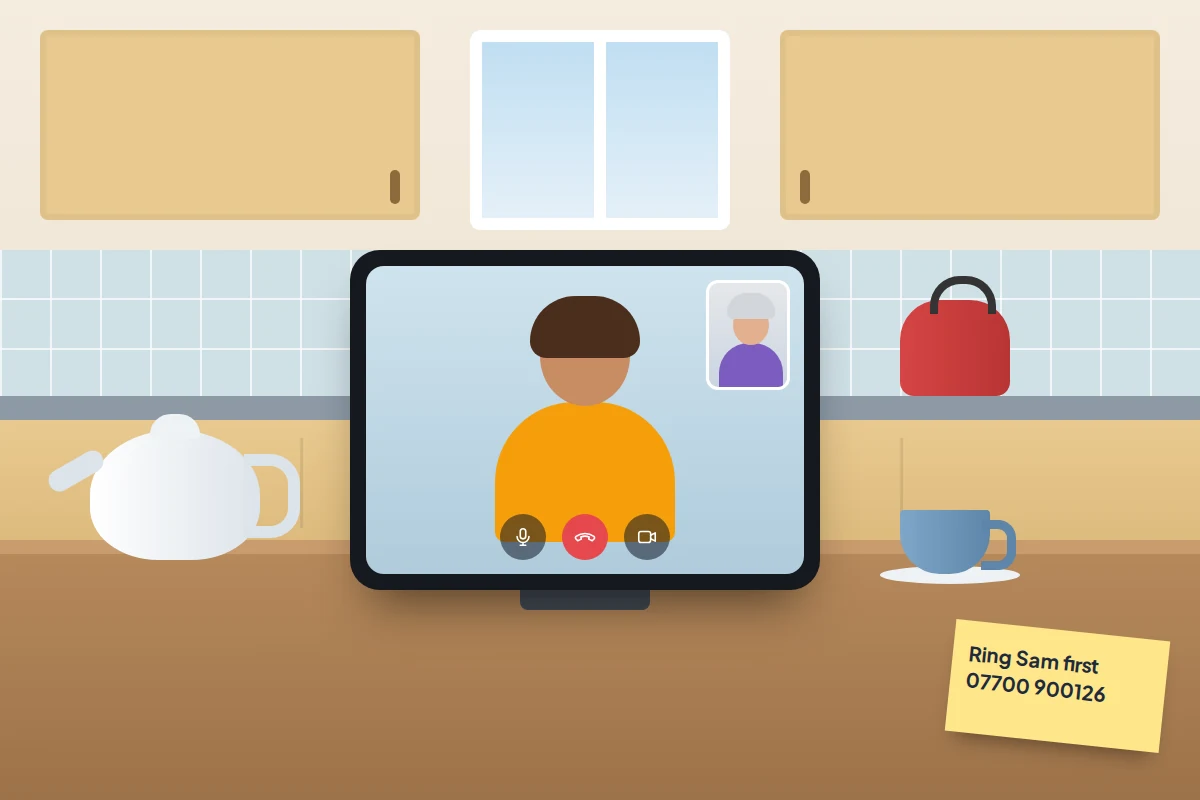
- A name and number by the computer for the family member or local repairer they should call instead.
- Permission to hang up. Many people stay on the line because it feels rude not to. Practise the one-sentence goodbye together.
- No shame if it happens. Say plainly that you would rather hear about it straight away than find out later.
If you are setting up a new phone or tablet for them at the same time, our guide to setting up a phone for an elderly parent covers simpler screens, favourite contacts and a video-call button, which makes “just ring me first” an easy habit.
Frequently asked questions
Does Microsoft ever phone customers?
Only if you have arranged it, for example after opening a support request yourself. Microsoft says it does not make unsolicited calls to provide technical support or ask for financial information.
The pop-up froze my browser. Is my computer infected?
Almost certainly not. The page is built to look like a system lock. Closing the browser from Task Manager (press Ctrl + Shift + Esc on Windows) or restarting the computer usually clears it. If it reappears when you reopen the browser, do not restore the previous session.
They knew my name and my internet provider. Doesn’t that prove they are genuine?
No. Names, addresses and providers are easy to find or buy after data breaches. Knowing details about you is part of the script.
I paid with gift cards. Can I get the money back?
Contact the company that issued the cards immediately, tell them the codes were used in a scam and keep the receipts. Recovery is not guaranteed, but speed helps. Then report it.
Is it safe to use remote-access tools with family?
Yes, when you started the session with someone you know and chose to contact. The risk is letting in someone who contacted you.
Sources and further reading
- Microsoft Support: protect yourself from tech support scams
- FTC Consumer Advice: how to spot, avoid and report tech support scams
- FBI: tech support scams
- FBI IC3: tech support scams using fake refunds and wire transfers
- FBI Internet Crime Complaint Center: 2025 Internet Crime Report (PDF)
- FTC: annual report on protecting older consumers (December 2025)
- NI Direct: computer problem cold-calling scam
- Report Fraud: report fraud and cyber crime (England, Wales and Northern Ireland)
Looking for a tool to go with this? TheTruthSpy is a free parental control app for Android that stays visible on the child's phone. If it fits your family, see what the app does.
Related guides
Is Public Wi-Fi Safe? What to Do and What to Avoid
Public Wi-Fi is safer than it was, but fake hotspots, greedy login pages and auto-joining still catch people out. What's…
How to Lock Down Your Facebook Privacy Settings
A 20-minute Facebook privacy review: posts, profile details, search, tags, Messenger, off-Meta activity and objecting to Meta's UK AI training,…
How to Spot a Romance Scam
The patterns romance scammers follow, what their lines really mean, checks that don't accuse anyone, what to do if you…
Parental controls your child can see
Location, screen time limits, a web filter and alerts from notifications — free, and visible on your child's phone. Pair a phone in about ten minutes.
Android · Free to set up · Visible on your child's phone