How to Spot a Scam Call Pretending to Be Your Bank

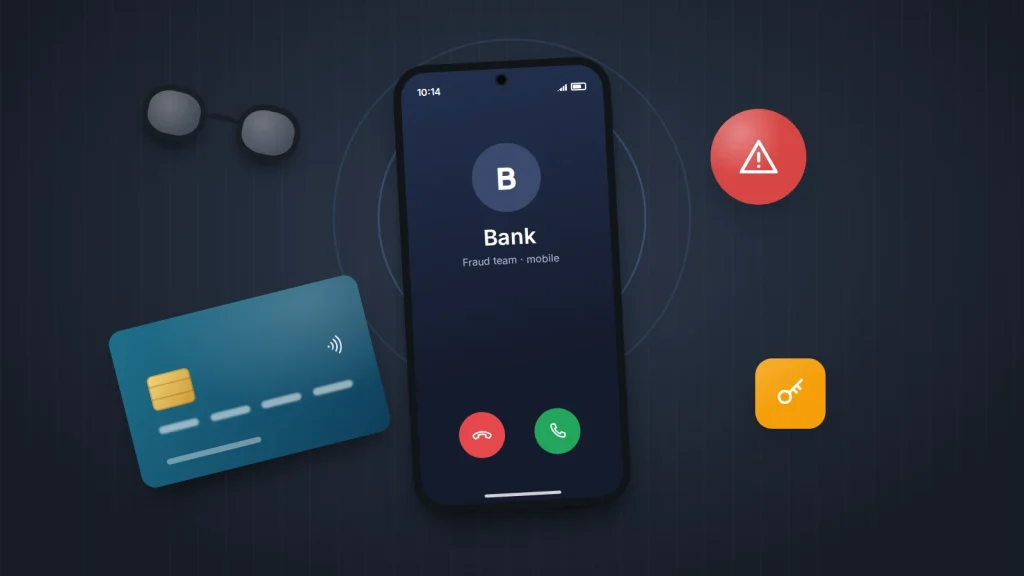
Your phone rings and the screen shows your bank’s name, or the number printed on the back of your card. A calm, professional voice says they are from the fraud team: someone is trying to take £1,900 from your account right now, and they need your help to stop it. Everything about the call feels routine, and that is exactly how it is designed to feel.
Bank impersonation calls borrow the language of genuine fraud checks, then ask for one thing a real bank never would. Once you know what that is, the call falls apart. Below: the patterns these calls follow, what common lines really mean, the exact words to end the call, and what to do if you have already given something away.
The short version
- Caller ID can be faked. A call showing your bank’s real number or name proves nothing.
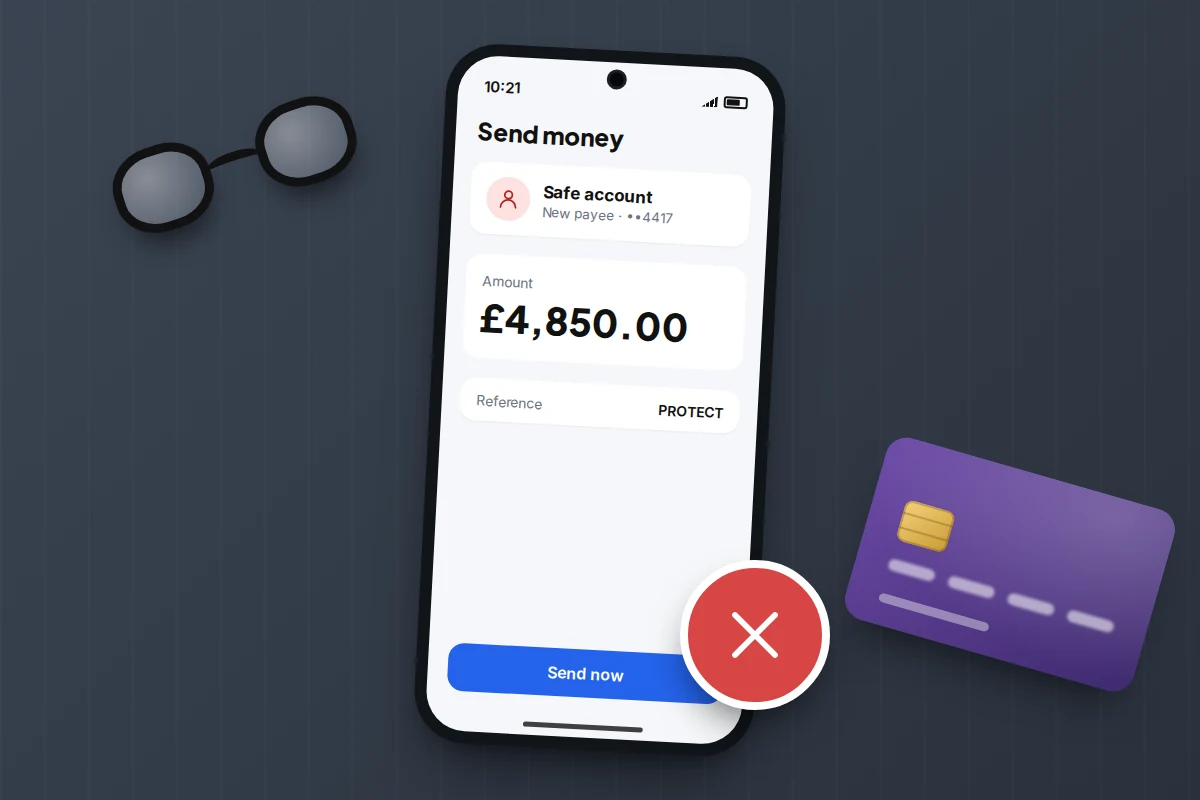
- No genuine bank, police officer or HMRC officer will ask you to move money to a “safe account”, read out a one-time passcode, install a remote-access app or hand your card to a courier.
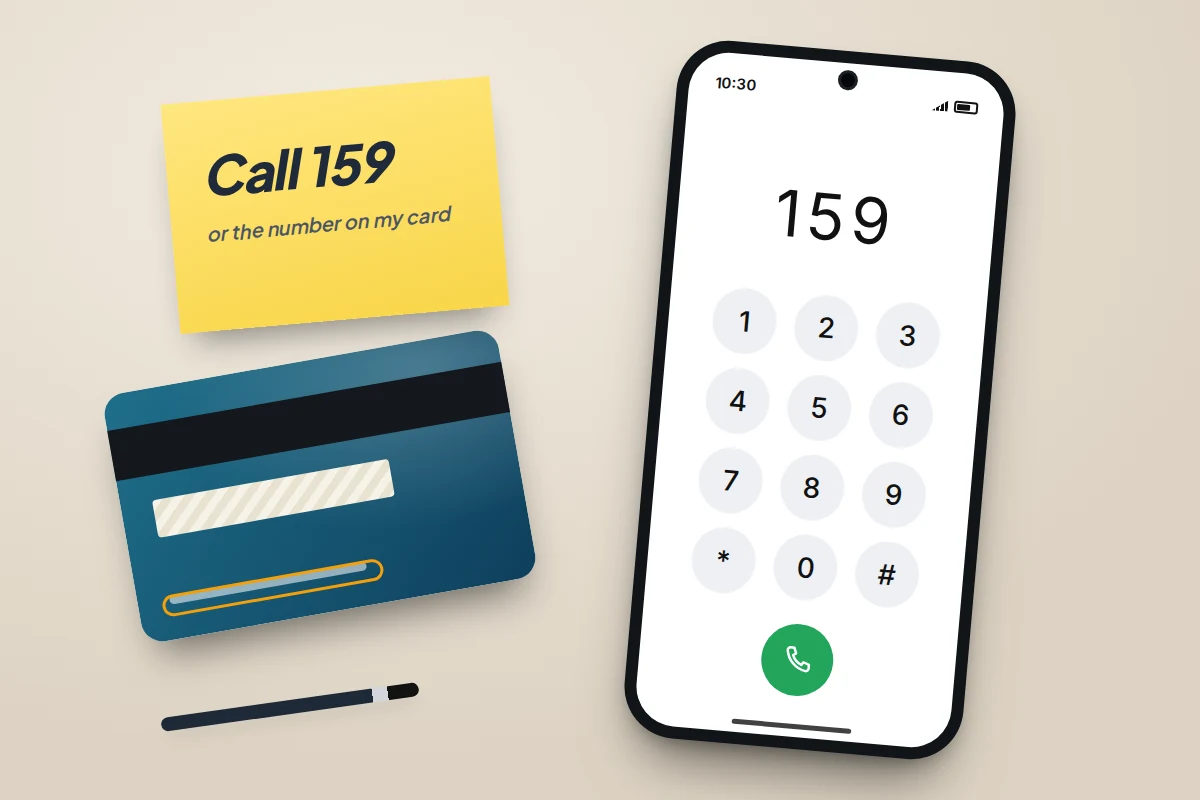
- End the call with: “I’ll call you back on the number on my card.” Then do it, from a different phone if you can, or call 159 in the UK.
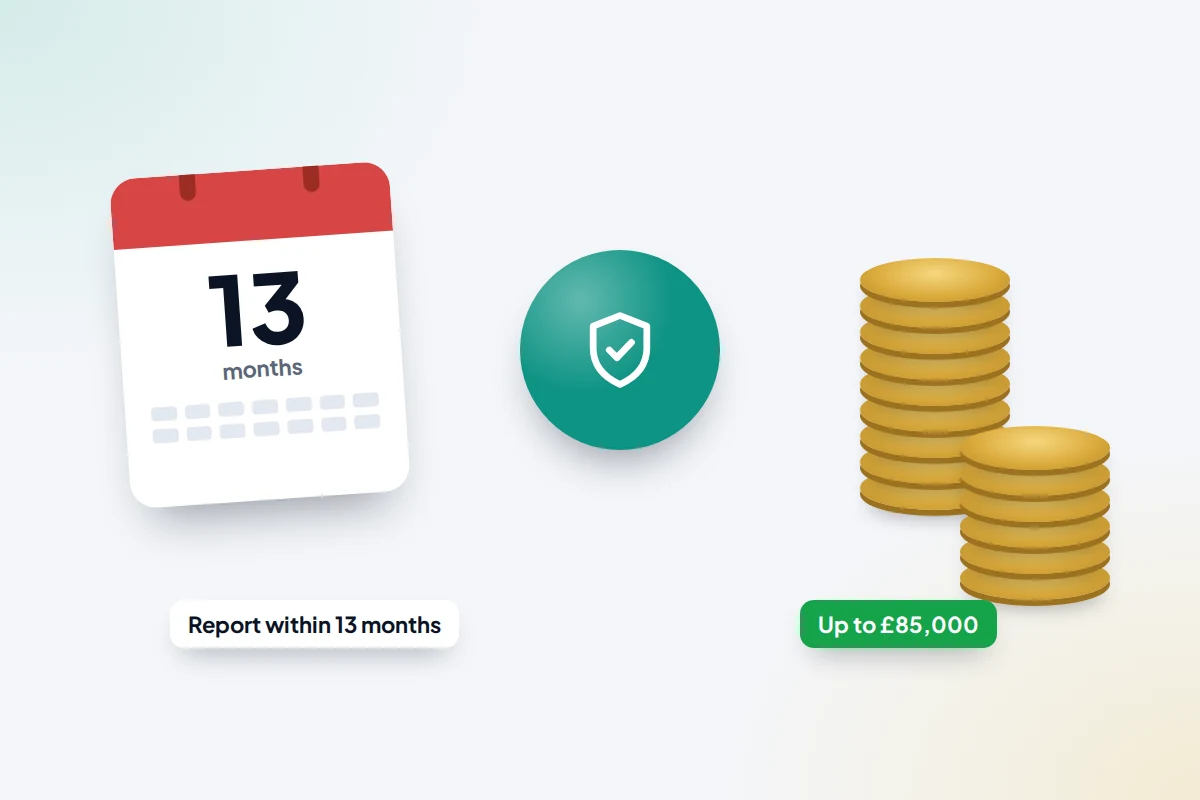
- If you gave details or sent money, call your bank straight away. In the UK, most people who are tricked into a bank transfer are entitled to a refund of up to £85,000 if they report it within 13 months.
Why the screen can show your bank’s real number
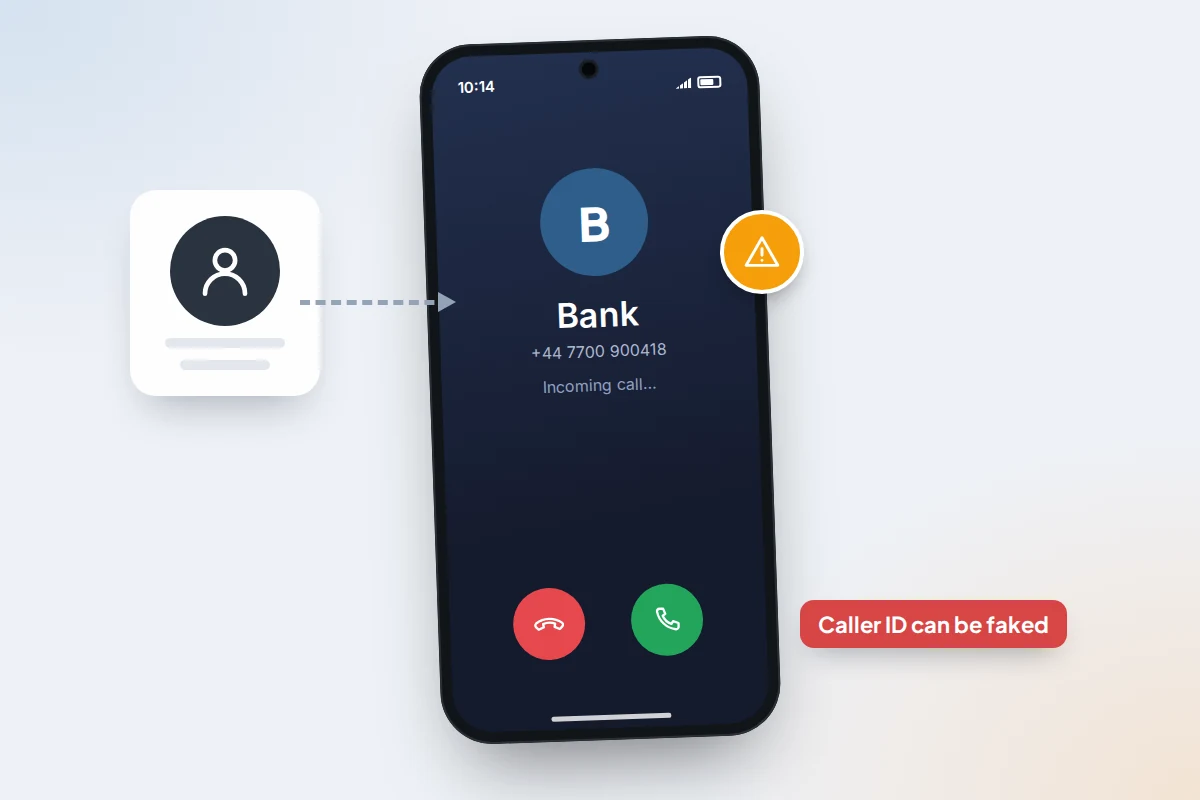
Caller ID is information the calling system sends, not something your network proves. Criminals can set it to any number they like, including the one on the back of your card, a police station or a government helpline. This is called spoofing, and Take Five to Stop Fraud, the UK banking industry’s fraud awareness campaign, puts it plainly: do not rely on caller ID, because the name or number on your phone can be faked.
If the number is already saved in your contacts as “Bank”, your phone will show that name too. It matches the digits, not the caller. Networks block some spoofed calls and phone filters catch others (see our guide to cutting down spam calls), but not reliably enough to treat a familiar number as proof.
How a fake fraud-team call usually unfolds
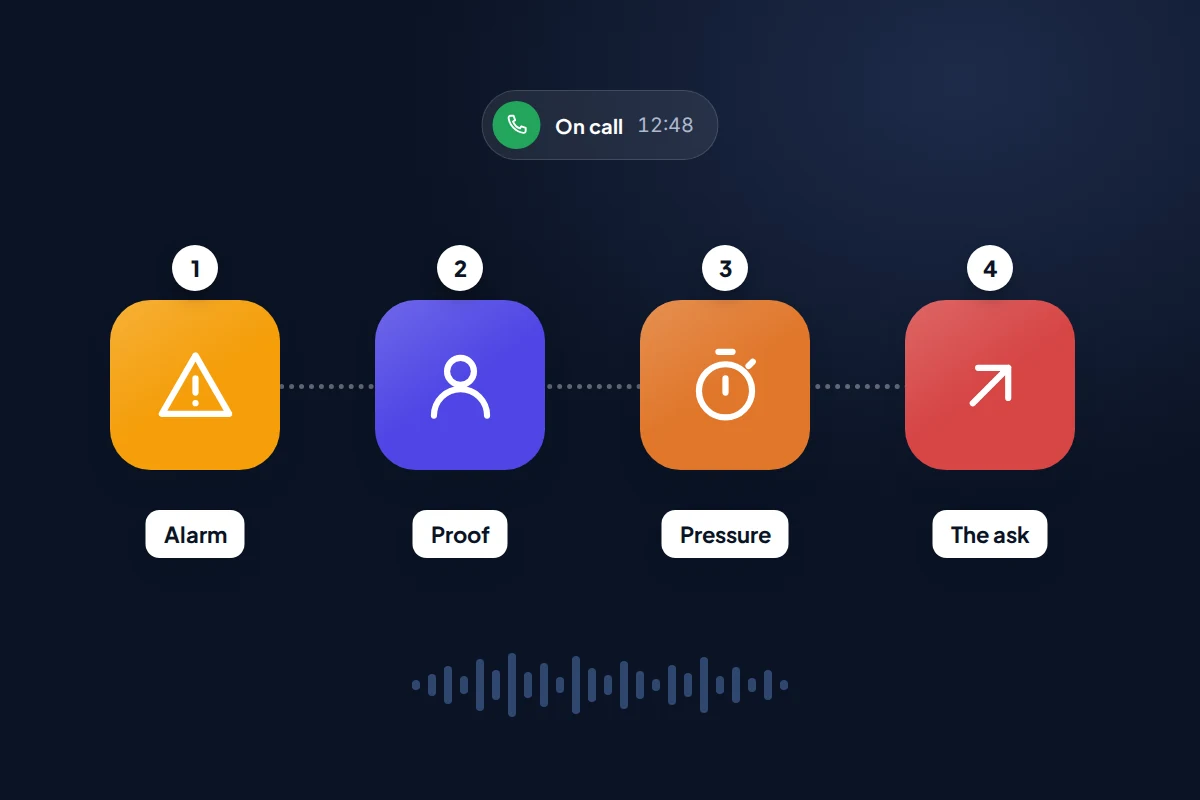
Most of these calls move through the same four stages. By the time the real request arrives, you may have been on the line for a long while and feel you are working together.
- The alarm. A suspicious payment, a new device added to your online banking, or a member of staff “under investigation”. The aim is to make you feel your money is in danger right now.
- The proof. They read out your name, address, the last digits of your card or a recent purchase. This feels convincing, but much of it comes from data breaches and earlier phishing. If you want to see what is already out there about you, our guide to checking whether your email was in a data breach shows how.
- The pressure. “We have to act in the next few minutes.” “Don’t tell the branch staff, they may be involved.” Urgency stops you checking; secrecy stops anyone else checking for you.
- The ask. Move money to a new account, read out a code, install an app, or hand over your card or cash. Everything before this was set-up.
The police and HMRC versions
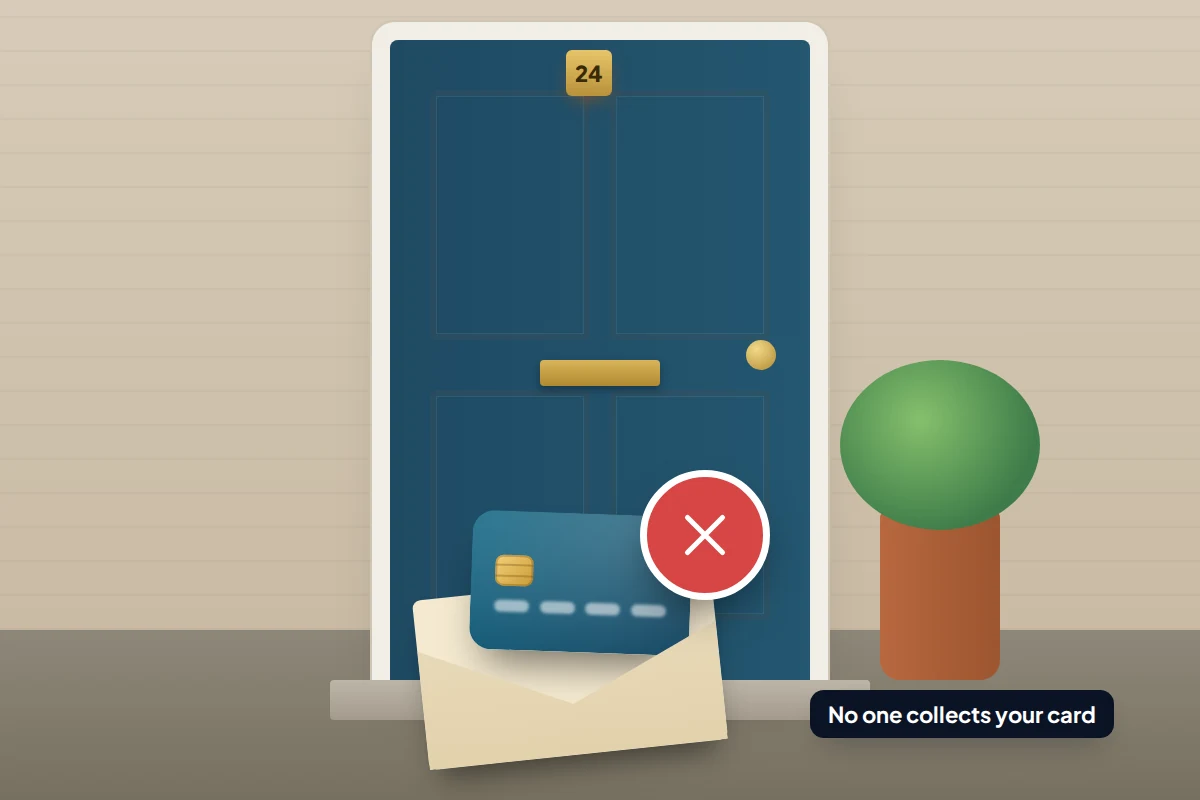
Some callers claim to be police officers asking for help with an investigation into staff at your bank, then ask you to withdraw cash or move money “as evidence”. Take Five is clear that neither your bank nor the police will ever send a courier to collect your card, PIN, cash or valuables. Others say they are from HMRC and threaten arrest over unpaid tax. HMRC says it will never threaten arrest or leave a voicemail threatening legal action.
They said, what it really means
A genuine bank might open with a similar alarm, which is why the right-hand column matters more than the left: a real fraud team asks whether you made a payment, and stops there.
| They said | What it really means |
|---|---|
| “Your account has been compromised. We need to move your money to a safe account.” | The “safe account” belongs to the criminal. Banks never ask customers to move money to protect it. |
| “I’m sending you a code to confirm it’s you. Can you read it back?” | The code is approving a payment, a new device or a new card on your account. It is meant only for you to type in. |
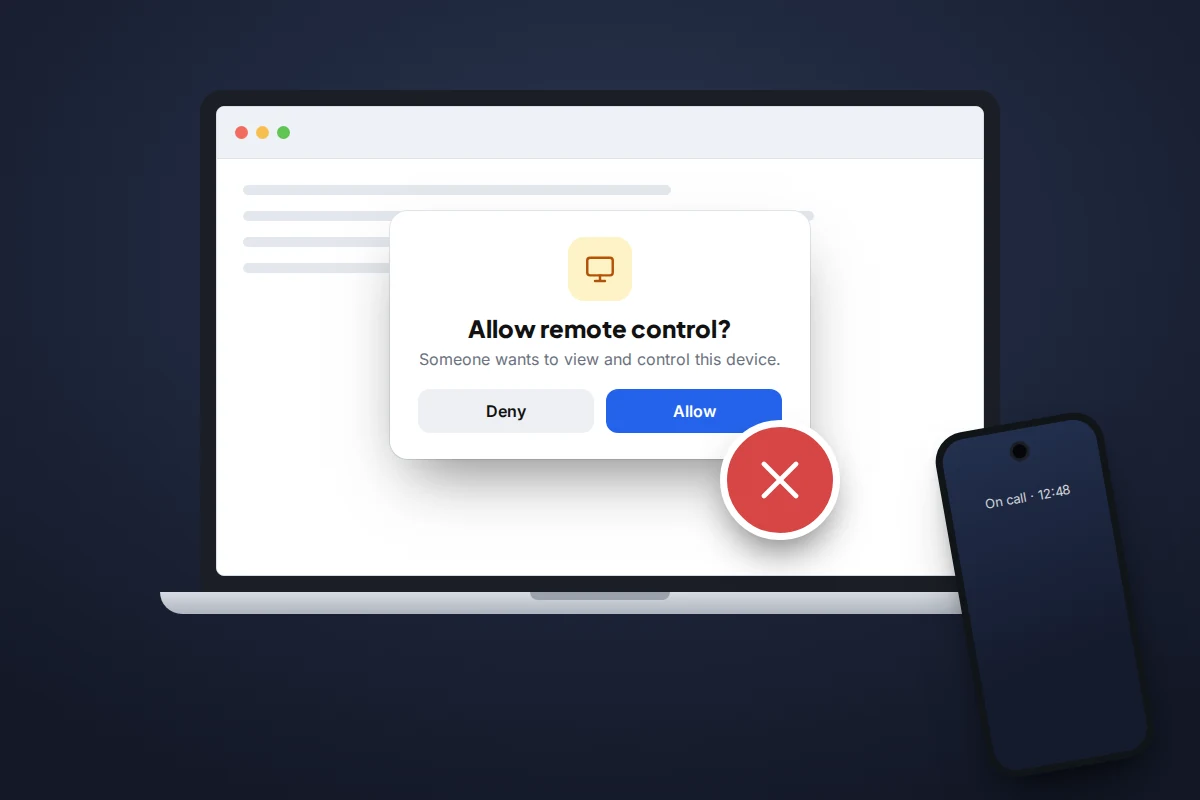
| “To secure your phone, download this app so our technician can check it.” | A remote-access app such as AnyDesk or TeamViewer lets them see your screen and use your banking app. |
| “If the bank asks, say the transfer is for building work.” | They expect your bank to question the payment and are coaching you past its warnings. Anyone who gives you a cover story for your bank is a scammer. |
| “Don’t hang up, or we can’t stop the payment.” | A real fraud team can block your card or account whether you stay on the line or not. |
| “This is the police. Staff at your branch are involved, so don’t tell them.” | Keeping you away from bank staff removes the people most likely to stop you. |
| “A courier will collect your card for investigation.” | Neither your bank nor the police send couriers to collect cards, PINs, cash or valuables. |
| “HMRC here. There is a warrant for your arrest unless you pay today.” | HMRC does not threaten arrest by phone. It is a demand for money under pressure. |
The exact words to end the call
Many people stay on these calls out of politeness, or because hanging up on “the bank” feels risky. You do not need a reason or an argument. Say one sentence, then put the phone down:
“I’m not going to do anything on this call. I’ll call you back on the number on my card.”
A genuine member of staff will accept that immediately, because it is what their own bank tells customers to do. A scammer will push back: the payment will go through, the reference will be lost. Treat any resistance as the answer, and hang up.
Useful variations if you are caught off guard:
- For a code: “I don’t read codes out to anyone. Goodbye.”
- For an app: “I don’t install anything a caller asks me to. Goodbye.”
- For “police”: “I’ll call 101 and ask for you by name.” (In an emergency, 999.)
Calling back safely: 159, your card, and the landline trap
159 in the UK
159 is a short number run by Stop Scams UK, a group of banks, phone networks and technology companies. It connects you directly to your own bank’s fraud line. Stop Scams UK says it covers more than 99% of UK retail bank current accounts, including Barclays, HSBC, Lloyds, NatWest, Santander, Nationwide, Monzo, Starling and Revolut, and it works on the major phone networks. Calls are charged, at a rate that depends on your provider.
Because 159 is a number you dial, not one that calls you, a call “from 159” is itself a warning sign.
The number on your card or in your app
Outside the UK, or if your bank is not on 159, use the number printed on the back of your card, on a statement, or in your banking app’s contact section. Do not use a number the caller gives you, or one from a text they send “to confirm”.
Use a different phone if you can
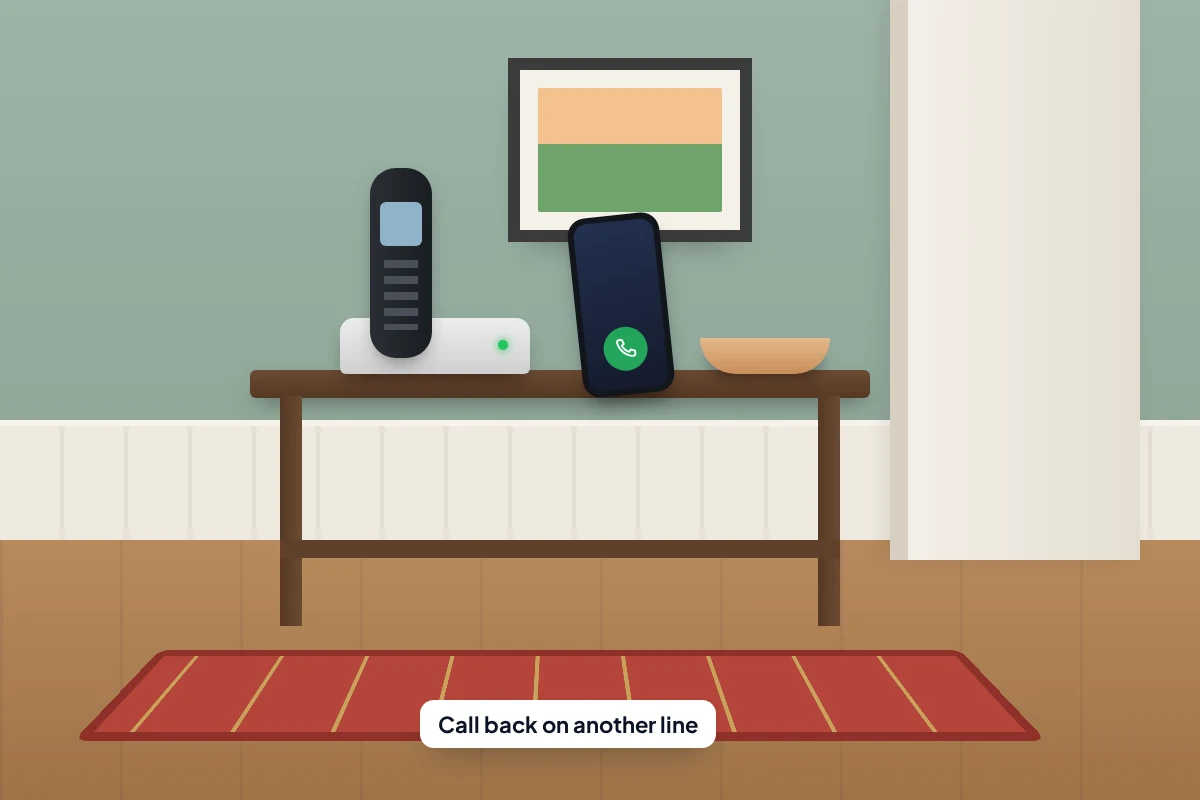
On some landlines, a call does not end the instant you put the handset down; the connection can stay open briefly if the caller does not hang up. A criminal can play a dialling tone and then answer as “the bank” when you ring. NI Direct’s advice is to wait 20 minutes before calling your bank on a trusted number, or use a different phone.
- Call your bank from your mobile if the scam call came to the landline, or the other way round.
- If you only have one phone, wait at least 20 minutes.
- Before ringing the bank, call a friend or family member you know. If they answer normally, the line is clear.
If you have already given something away
This happens to careful people every day, and speed matters far more than embarrassment. Call your bank’s fraud line first, on the number on your card or 159, then work through whatever applies.
- You read out a one-time passcode. Tell the bank exactly when. The code may have approved a payment, a new device or a card added to a phone wallet, which the bank can cancel.
- You gave card details or a PIN. The bank will cancel the card and issue a new one.
- You gave online banking passwords. Change them from a device you trust, and turn on any extra security your bank offers.
- You installed a remote-access app. Turn off Wi-Fi and mobile data, uninstall the app, and use a different device to contact your bank. Change your banking and email passwords from that other device.
- You moved money. Ask the bank to contact the receiving bank immediately. The sooner they know, the better the chance of freezing funds before they move on.
- You handed over cash or a card to a courier. Call 999 if they have just left, then your bank.
Then report it. In England, Wales and Northern Ireland, use Report Fraud, which replaced Action Fraud, at reportfraud.police.uk or 0300 123 2040. In Scotland, call Police Scotland on 101. In the US, report to your bank and at ReportFraud.ftc.gov. Write down the time of the call, the number shown and anything the caller said while it is fresh.
Getting your money back in the UK
Since 7 October 2024, UK banks and payment firms have had to reimburse most victims of authorised push payment (APP) fraud, where you are tricked into sending a bank transfer yourself. The rules were set by the Payment Systems Regulator (PSR). In April 2026 the government confirmed it will fold the PSR into the Financial Conduct Authority, with the reimbursement rules kept in force through the change.
- What is covered: transfers between UK accounts made by Faster Payments or CHAPS. Card payments fall under different rules, and cash handed to a courier is not covered.
- How much: up to £85,000 per claim.
- Time limit: report to your bank within 13 months of the payment.
- How quickly: usually within 5 business days, or up to 35 if the bank needs more information.
- Excess: firms may deduct up to £100, but not from vulnerable customers.
The main exception is if you were complicit or “grossly negligent”, which the PSR describes as a high bar. The rules also set out a consumer standard of caution: take notice of specific warnings your bank or the police give you about the payment, report promptly, answer reasonable questions from your bank, and agree to the bank reporting the fraud to the police. A bank can refuse on these grounds only if you fell short through gross negligence. If the bank refuses, you can complain to the Financial Ombudsman Service for free.
In the US: act fast, because refunds are not guaranteed
There is no US equivalent of the UK’s automatic refund for transfers you authorised yourself. The Federal Trade Commission warns that once you move money, your bank may not stop or recover it. Its advice: “Your money is fine where it is,” and moving it means losing it, not protecting it.
If you sent a wire or used a payment app, call your bank or the app’s provider straight away and ask them to recall it. If you shared a code or password, ask them to lock the account while you change it. Then report the call at ReportFraud.ftc.gov, which US law enforcement uses to build cases.
What to do next time the phone rings
- Save your bank’s fraud number from the back of your card in your contacts, so you never search for it under pressure.
- Agree a family rule: nobody reads out a code, installs an app or moves money because of a call they did not make.
- Keep the one-line script by the landline for an older relative, so they have words ready instead of an awkward pause.
Frequently asked questions
My bank really does call me about suspicious payments. How do I tell the difference?
A genuine call will ask whether you made a particular payment. It will not ask you to move money, share a code or PIN, install anything or keep secrets from branch staff. If you are unsure, hang up and ring the number on your card. A real fraud team will pick up where they left off.
They knew my name, address and recent purchases. Doesn’t that prove they are genuine?
No. Personal details circulate widely after data breaches and phishing. Knowing things about you is part of the script, not proof of identity.
I shared a code but no money has left my account. Am I safe?
Not yet. The code may have added a device or a card to a phone wallet that will be used later. Call your bank now and tell them what you shared and when.
Should I report the call even if I didn’t lose anything?
Yes. In the UK you can text the number to 7726 and report it to Report Fraud, or to Police Scotland on 101. In the US, use ReportFraud.ftc.gov. Reports help banks and police spot campaigns.
Sources and further reading
- Take Five to Stop Fraud: impersonation scams
- Take Five to Stop Fraud: courier fraud and caller ID spoofing
- Stop Scams UK: the 159 phone number and participating banks
- Payment Systems Regulator: APP fraud reimbursement protections
- NI Direct: phone scams and cold calls
- GOV.UK: identify HMRC-related scam calls, emails and texts
- FTC Consumer Advice: never move your money to “protect it”
- Report Fraud: report fraud and cyber crime (England, Wales and Northern Ireland)
Looking for a tool to go with this? TheTruthSpy is a free parental control app for Android that stays visible on the child's phone. If it fits your family, see what the app does.
Related guides
How to Check If Your Email Was in a Data Breach
Check if your email was in a data breach for free, then act on what leaked: passwords, card details or…
How to Start Using a Password Manager
Switch to a password manager without stress: built-in or standalone, protecting the main password, and a first-hour plan for the…
How to Tell If Your Phone Has a Virus or Malware
Most 'virus' signs have ordinary causes. How to check an iPhone or Android phone for real malware, remove it, secure…
Parental controls your child can see
Location, screen time limits, a web filter and alerts from notifications — free, and visible on your child's phone. Pair a phone in about ten minutes.
Android · Free to set up · Visible on your child's phone