How to Plan Your Digital Legacy

When someone dies, the paperwork in the drawer is often the easy part. The harder part is a phone nobody can unlock, a cloud account the company won’t open without a court order, or a subscription that keeps charging a card for months. None of it is dramatic, but it adds weeks of stress at the worst possible time.
The big services now let you decide in advance who gets what. Setting them up takes an afternoon, and most of it is choosing people and writing things down. The same planning also helps if you are ill or can’t manage your own affairs for a while.
Below is what Apple, Google, Meta and Microsoft offer as of September 2026, what to do about passwords, your phone number, photos and money, and a one-page note for your family with no passwords in it.
The short version
- Add an Apple Legacy Contact and set up Google’s Inactive Account Manager. Between them they cover the accounts behind most iPhones and Android phones.
- Neither passes on passwords. Use a password manager’s emergency access, or a sealed recovery kit kept with your important papers.
- Your phone number receives sign-in codes, so tell your family which network you use and ask them to keep the number active until accounts are sorted.
- Write a digital legacy note that says what exists and where to find it. Keep access details out of your will, which becomes public after probate in England and Wales.
- If you’re in England or Wales, a Lasting Power of Attorney covers the time before death, when you may not be able to manage things yourself.
Why families get locked out
Tech companies are built to keep strangers out of your accounts, and to them a grieving relative is a stranger. None of the big ones will hand over a password, and Apple can’t unlock a passcode-protected iPhone without erasing it.
Without a plan, the usual route is a formal request with a death certificate, often a court order, and a long wait. With a plan, your chosen person follows a process the company has already agreed to.
Apple: add a Legacy Contact
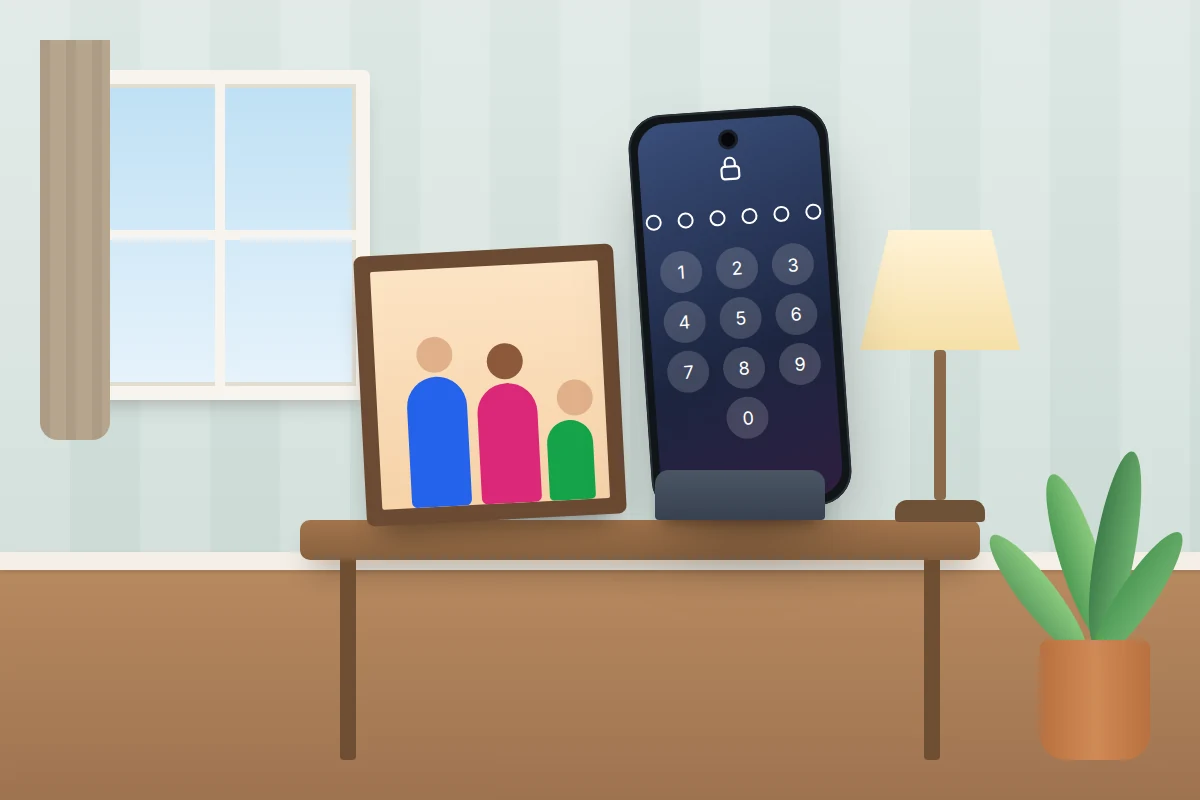
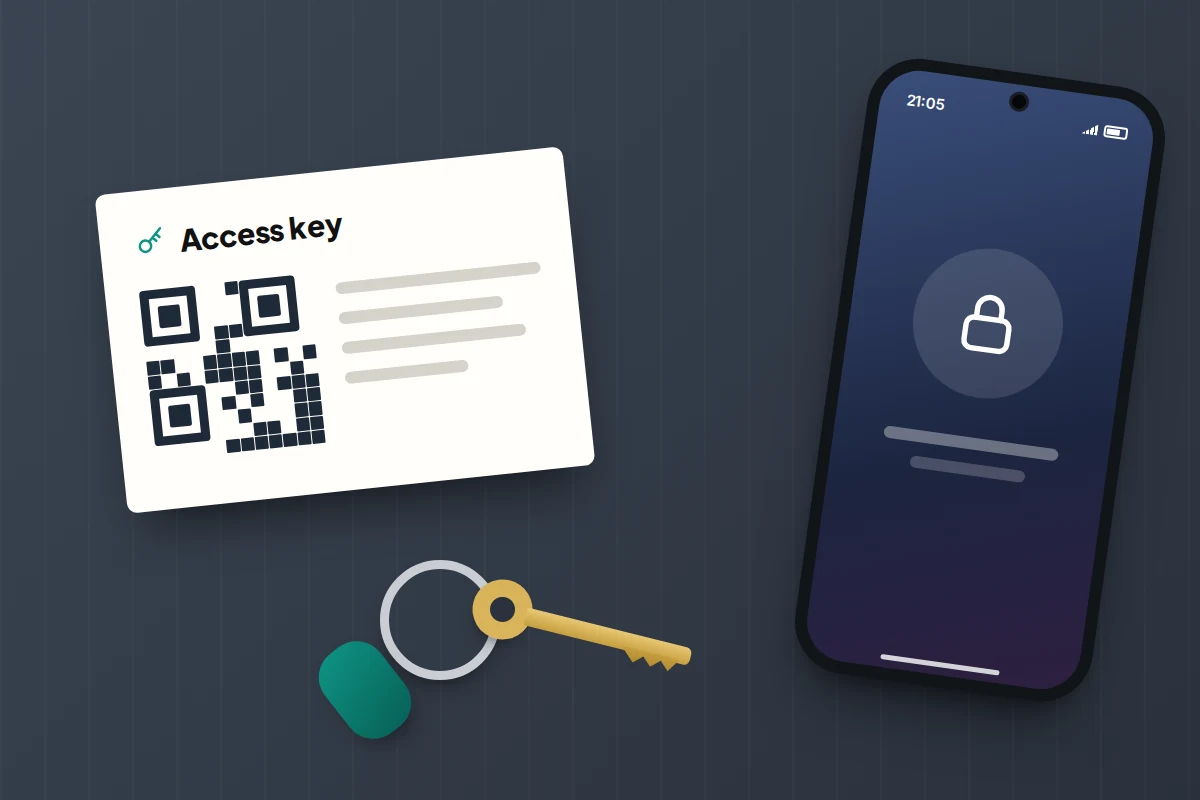
A Legacy Contact can request access to your Apple Account after your death. They need two things: the access key Apple generates when you add them, and a death certificate.
- On iPhone or iPad (iOS 15.2 or later), go to Settings → [your name] → Sign-In & Security → Legacy Contact → Add Legacy Contact. On a Mac, it’s System Settings → [your name] → Sign-In & Security → Legacy Contact.
- Choose someone over 13 (the minimum age varies by country). They don’t need an Apple device or an Apple Account.
- Share the access key. If they have an up-to-date Apple device, send it in Messages; otherwise print a copy and keep it with your important papers. You can view it again later under the contact’s name.
What they get: photos, messages, notes, files, device backups and other iCloud data, for three years from when Apple approves the first request. Activation Lock is also removed from your devices, so they can be erased and reused.
What they don’t get: films, music, books or subscriptions you bought, and anything in iCloud Keychain, which includes passwords, passkeys and payment details.
A Legacy Contact is different from a Recovery Contact, who can only help you get back into your own account if you’re locked out. Many people choose the same person for both.
Google: set up Inactive Account Manager
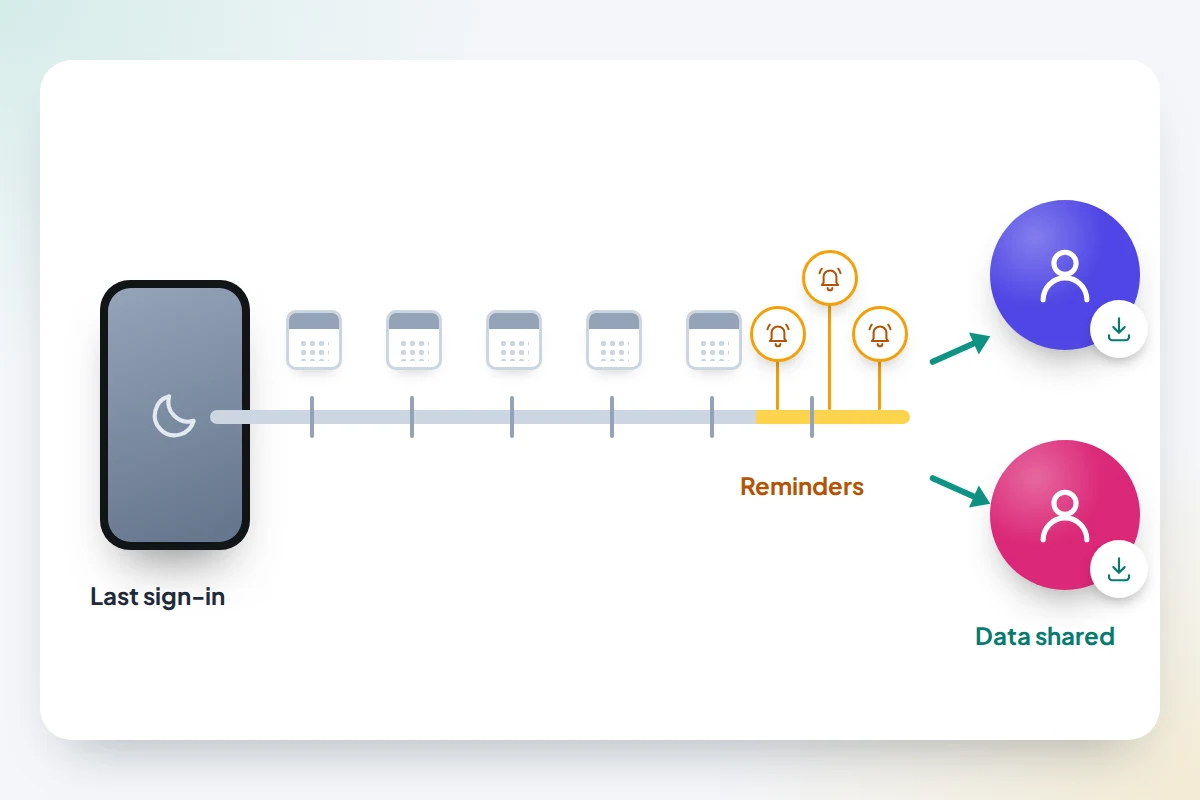
Google’s tool works differently. Instead of waiting for a death certificate, it acts when your account has been unused for a period you choose, currently between three and 18 months. Google looks at your sign-ins, activity in My Activity, Gmail use and Android phone check-ins to decide if you’re inactive.
- Go to myaccount.google.com/inactive, or on Android open Settings → Google → Manage your Google Account → Data & privacy and look for Make a plan for your digital legacy.
- Choose the waiting period and check the phone number and email Google will use to warn you. Google sends reminders by text and email before the deadline, so a long holiday won’t set it off unannounced.
- Add up to 10 people. For each, choose whether they’re simply told or can also download data, and pick which services: Photos, Drive, Gmail and so on.
- Optionally add an email auto-reply and choose whether Google should delete the account afterwards.
Contacts get an email with a download link that only works for a limited time, so warn them one may arrive. They get copies of your data, not your password or the account itself.
Without a plan, immediate family can ask Google to close the account or release some data, decided case by case. Google also reserves the right to delete accounts inactive for at least two years.
Facebook, Instagram and Microsoft
Facebook: legacy contact or deletion
Go to Settings & privacy → Settings → Accounts Center → Personal details → Account ownership and control → Memorialisation. You can choose a legacy contact, or ask for the account to be deleted after your death.
A legacy contact looks after a memorialised profile: they can write a pinned post, change the profile and cover photos, manage tributes, remove tags and request removal. They can’t log in or read your messages. If you allow it, they can also download a copy of what you shared.
Instagram: nothing to set up, so tell people
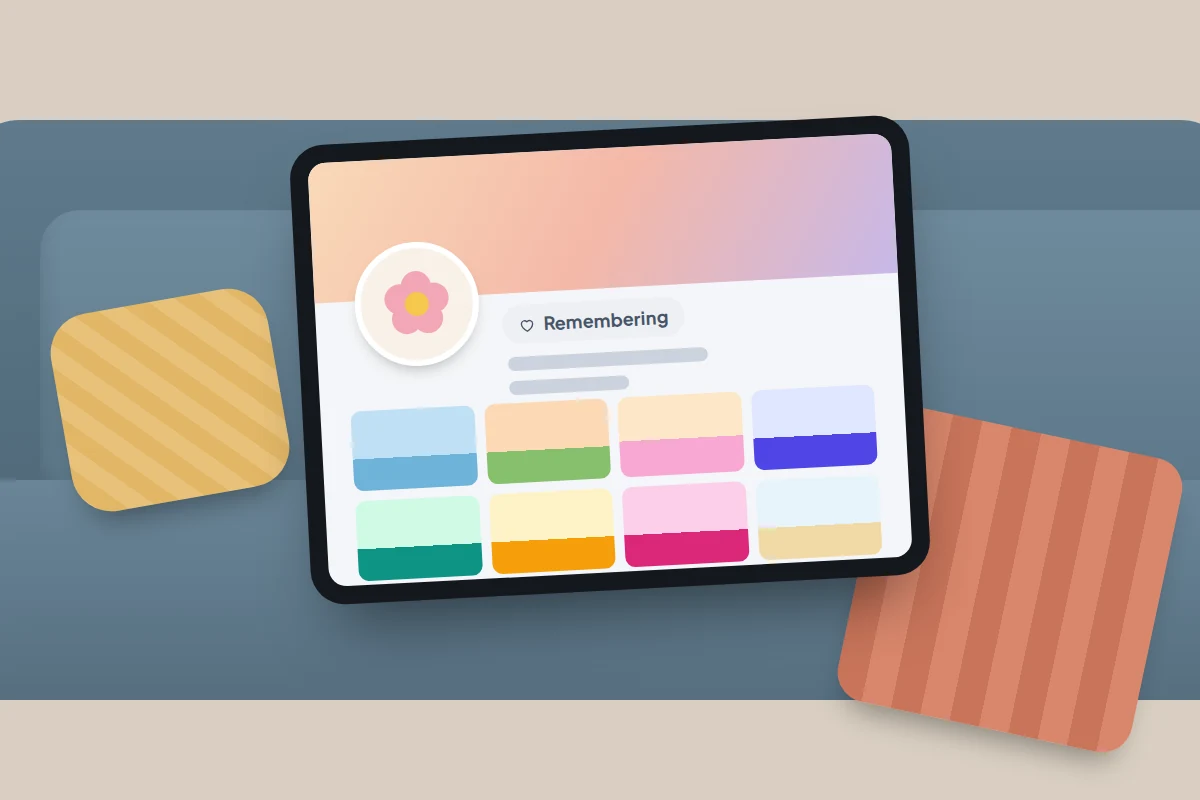
Instagram has no legacy contact. Friends or family can report a death and ask for the account to be memorialised, usually with proof such as an obituary, while immediate family can ask for it to be removed. A memorialised profile shows “Remembering” and nobody can log in. Write down which you would prefer.
Microsoft: no legacy tool
Microsoft has no legacy contact or inactive-account tool. It says it must be formally served with a valid subpoena or court order before it will even consider releasing a deceased person’s Outlook.com or OneDrive content, and there’s no guarantee even then. Outlook.com and OneDrive are frozen after a year without sign-ins, and the account itself expires after two years.
If important files live in OneDrive, keep copies somewhere your family can reach.
Passwords, two-factor codes and the phone itself
Passwords
Many standalone password managers offer emergency access: you name a trusted person, they request access, and it’s granted after a waiting period you set unless you reject it. Bitwarden, for example, lets you choose between view-only access and a full takeover. Apple Passwords and Google Password Manager have no such feature, and Legacy Contact explicitly excludes your passwords, so if you rely on a built-in manager, a sealed envelope with the recovery details is the fallback. Our guide to starting with a password manager covers choosing one.
Your phone number
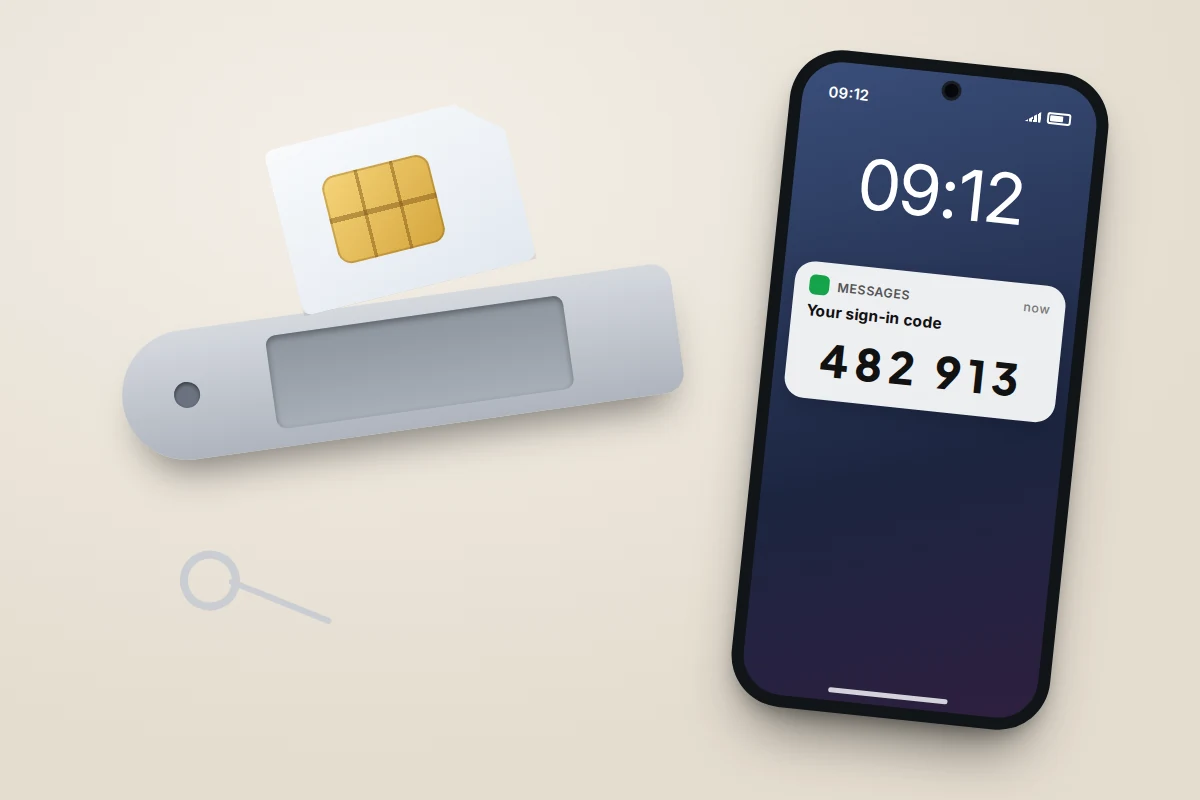
Many sign-ins send a code by text. If your number is cancelled, those codes stop arriving and some accounts become unreachable. UK networks have bereavement teams: Vodafone, for example, can transfer the account to someone else or move it to pay as you go, and asks for the death certificate registration number. Your note should say which network you’re on and ask your family not to cancel the number straight away.
The phone’s passcode
A Legacy Contact gets your iCloud data but not the contents of a locked phone. If photos or authenticator codes exist only on the device, someone needs the passcode. Keep it in the same sealed envelope as your recovery details, or in your password manager where emergency access will reach it.
Photos: make copies easy to pass on
Two habits work even without any legacy tool.
- Share as you go. An iCloud Shared Photo Library or a Google Photos shared album means your partner or children already hold copies. Our guide to sharing a family photo library compares the options.
- Keep a second copy. Once a year, download your photos to a computer or external drive (Google Takeout exports Google Photos; a Mac or iCloud for Windows can download an iCloud library). Note where the drive lives.
Money: banks, subscriptions and crypto
Banks. Don’t leave banking logins for your family; they should use the bank’s bereavement team. In the UK, the free Death Notification Service lets someone notify several banks, building societies and other member firms at once, and Tell Us Once reports a death to most government organisations in England, Scotland and Wales. In the US, the executor or administrator usually contacts each bank with a certified death certificate and the court papers appointing them.
Subscriptions. Streaming, cloud storage, apps and memberships keep billing after a death. List them in your note, including any billed through Apple or Google. If nobody can sign in, the bank can stop the payments.
Crypto. An exchange account has a bereavement process like a bank. A self-custody wallet doesn’t: if the recovery phrase is lost, so are the funds. Your note should say the wallet exists and where the device and phrase are kept, never the phrase itself. For significant holdings, ask a solicitor or estate planner how to leave access safely.
Service by service: what to set up and what your family gets
| Service | What to set up | What your family gets |
|---|---|---|
| Apple Account | Legacy Contact, plus a copy of the access key | Photos, messages, notes, files and backups for three years; Activation Lock removed. No passwords, passkeys, payment details or purchases |
| Google Account | Inactive Account Manager (3–18 months) | Chosen data for up to 10 people, downloadable for a limited time; optional deletion |
| Legacy contact, or deletion after death | A memorialised profile they can manage, and a copy of posts if allowed. No messages | |
| Nothing; write down your wishes | Memorialisation or removal on request, with proof | |
| Microsoft | Nothing; keep copies of important files elsewhere | Little without a court order; account expires after two years’ inactivity |
| Password manager | Emergency access, or a sealed recovery kit | Your logins, after a waiting period you set |
| Mobile number | Note the network and account holder | Number kept active or transferred via the bereavement team |
| Banks and savings | List providers, not logins | Handled with the bank; UK Death Notification Service, or the executor in the US |
Your digital legacy note
This is a map, not a key: it says what exists and where to look. Don’t write passwords, PINs or recovery phrases in it.
Don’t put access details in your will, either. In England and Wales, once probate is granted anyone can order a copy of the will from GOV.UK for £16. Keep the note and any sealed envelope beside the will, not inside it, and tell your executor where they are.
Template: fill in and print
- Phone: [make, colour]. Passcode is in [sealed envelope / password manager]. Network: [name]. Please keep the number active until accounts are sorted.
- Apple or Google: Legacy Contact is [name]; access key is [where]. Inactive Account Manager contacts are [names].
- Password manager: [name]. Emergency access is set up for [name]. Recovery kit is [where].
- Email addresses: [list]. Main one for bills: [address].
- Photos: Shared library or album: [name]. Backup drive is [where].
- Social media: Facebook: [memorialise / delete]. Instagram: [memorialise / remove]. Others: [wishes].
- Banks and savings: [providers only, no numbers or logins].
- Subscriptions to cancel: [list, and whether billed via Apple or Google].
- Anything else: crypto wallet [exists / where device is kept], domain names, online shop, blog.
- Updated: [date]. Check it every year.
If you can’t manage things yourself
A stroke, dementia or a long hospital stay can leave you unable to run your accounts, and legacy tools don’t help with that. In England and Wales, a Lasting Power of Attorney (LPA) lets people you choose make decisions for you. There are two types: property and financial affairs, and health and welfare. Each costs £92 to register, unless you qualify for a reduction, and registration takes 8 to 10 weeks if there are no mistakes. You have to be 18 or over and have mental capacity when you make it.
Once registered, your attorney can use the Use a lasting power of attorney service to share an access code with banks and other organisations. They should act in their own name rather than signing in as you. The Powers of Attorney Act 2023 will move more of the process online, so check GOV.UK before you apply. Scotland and Northern Ireland have their own systems, and in the US the equivalent is usually a durable power of attorney.
What if something doesn’t go to plan
- Your Legacy Contact lost the access key. While you’re alive, view it again in Legacy Contact settings and give them a new copy. After your death Apple can’t replace it, and your family would need Apple’s process for deceased family members, which requires a court order.
- Google warned you while you were away. Signing in to your Google Account counts as activity and restarts the countdown.
- Nobody knows the phone passcode. Don’t keep guessing: phones lock for longer after each wrong attempt, and some are set to erase themselves. Try the cloud routes first.
Frequently asked questions
Does a Legacy Contact see my messages while I’m alive?
No. Nothing is shared until they request access with the key and a death certificate, and Apple approves it.
What if I use both Apple and Google?
Set up both tools. They cover different accounts, and it’s fine to choose the same person for each.
What does US law say about digital assets?
Most US states have adopted the Revised Uniform Fiduciary Access to Digital Assets Act. Under it, instructions you give in a company’s own tool, such as Inactive Account Manager, generally take priority over your will. The content of messages is only released if you’ve consented.
How often should I review this?
Once a year, and whenever you change phone, network, password manager or trusted person.
Sources and further reading
- Apple Support: How to add a Legacy Contact for your Apple Account
- Apple Support: Request access to an Apple Account as a Legacy Contact
- Google Account Help: Make a plan for your digital legacy
- Meta Help Centre: Add, change or remove your legacy contact on Facebook
- Microsoft Support: Accessing Outlook.com, OneDrive and other services when someone has died
- The Death Notification Service (UK)
- GOV.UK: Search probate records for documents and wills
- GOV.UK: Make, register or end a lasting power of attorney
Looking for a tool to go with this? TheTruthSpy is a free parental control app for Android that stays visible on the child's phone. If it fits your family, see what the app does.
Related guides
How to Set Up a Family Emergency Plan on Your Phones
Prepare your family's phones for power cuts, floods, a lost child or illness: emergency alerts, SOS, medical details, meeting points…

Your Child’s First Solo Journey: A Phone Checklist
A first solo walk or bus ride: a practice run, phone setup, emergency contacts, tickets, agreed check-ins, and a paper…
How to Set Up Your Child’s First Email Account
Set up your child's first email account with Gmail, iCloud or Outlook: age rules, a safe address, recovery, what parents…
Parental controls your child can see
Location, screen time limits, a web filter and alerts from notifications — free, and visible on your child's phone. Pair a phone in about ten minutes.
Android · Free to set up · Visible on your child's phone