How to Set Up a Family Emergency Plan on Your Phones

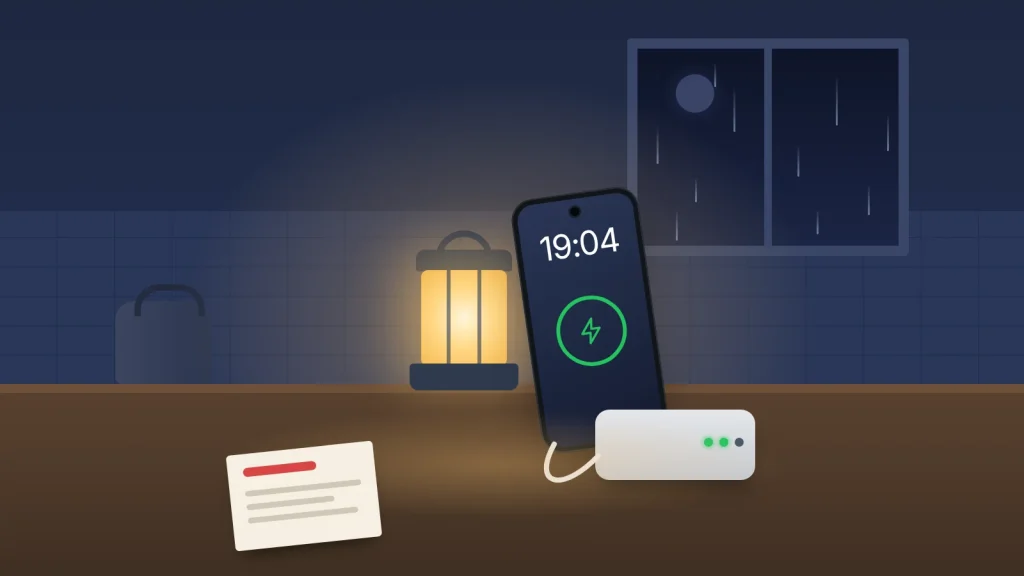
The lights go out at 7pm in a February storm. One teenager is at a friend’s house, the router is dead, the landline is silent, and your phone is on 18%. Nobody is in danger, but for the next hour everyone is guessing: who’s where, who should ring whom, and how long the battery needs to last.
A family emergency plan turns that guessing into a few agreed habits. Most of it lives on the phones you already carry, set up once in an evening, with a paper copy for when the phones can’t help.
Below are the phone settings that matter, as of September 2026, the few decisions to make together, and a family emergency card to print.
The short version
- Leave emergency alerts switched on. They’re free, they reach you by location and they sound even on silent.
- Set up Medical ID or emergency information, emergency contacts and Emergency SOS on every phone, and check whether yours has satellite SOS or crash detection.
- Agree one family group chat, one meeting point near home, one further away and one contact outside the area.
- Keep a charged power bank and a car charger, and know what happens to your landline in a power cut once it goes digital.
- Write the important numbers on a card on the fridge, because in a real emergency the phone may be flat or lost.
Plan for four situations, not every disaster
Most household emergencies look like one of these:
- A long power cut: no Wi-Fi, possibly no landline, phones slowly draining.
- A storm or flood: travel disrupted, people stuck in different places, a warning telling you to act.
- A lost or late child: a missed pick-up, a separated day out, a phone that’s gone quiet.
- Someone taken ill: a child, a grandparent or you, when whoever is with them needs your medical details fast.
The same three things help in all four: people can reach each other, phones stay charged, and key information survives without a phone.
Emergency alerts: leave them on
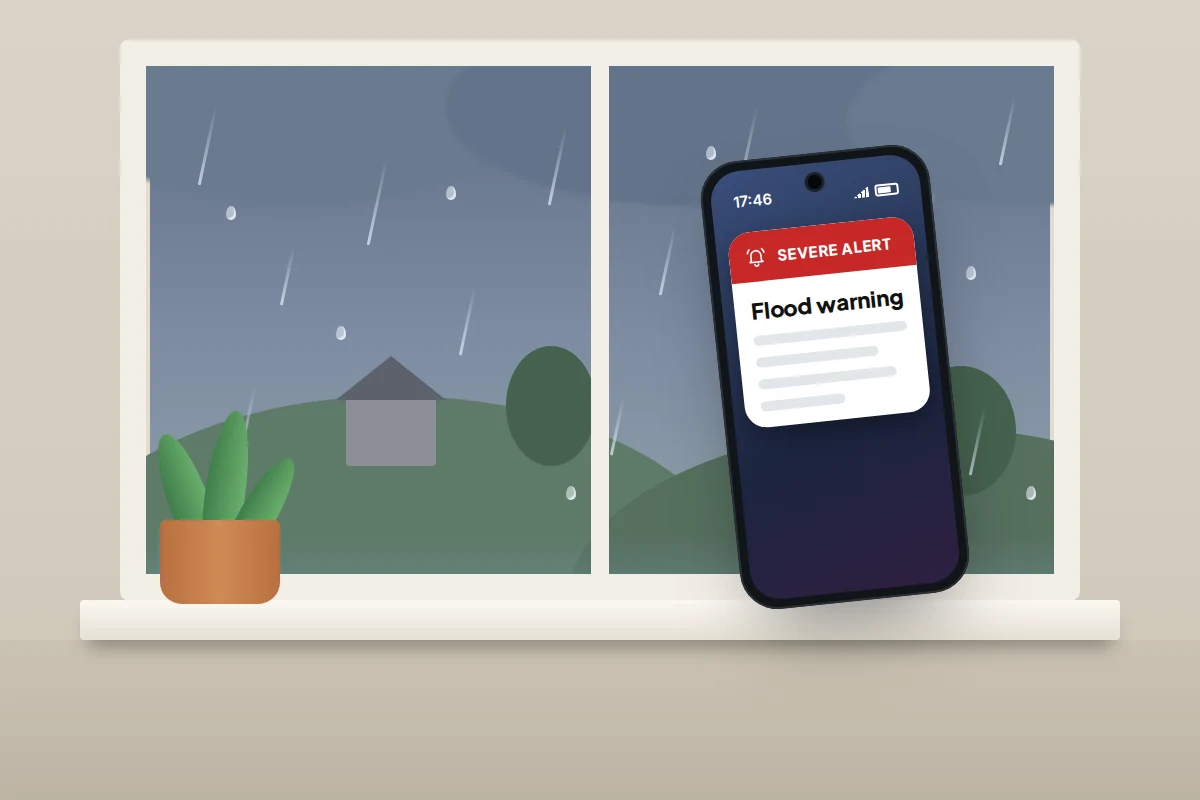
In the UK, Emergency Alerts is a government system that sends warnings to phones in an area facing a threat to life, such as severe flooding, fires or extreme storms. Phone masts broadcast the alert to every compatible phone nearby, so there’s nothing to sign up for and the government doesn’t need your number or location.
- Which phones get them: iPhones on iOS 14.5 or later and Android phones and tablets on Android 11 or later, connected to 4G or 5G. Devices that are switched off, Wi-Fi only or on 2G or 3G don’t get them, and those in aeroplane mode may not.
- What happens: a loud siren-like sound and vibration for about 10 seconds, even on silent. Stop and read it; if you’re driving, find a safe place to stop first.
- Tests: the last UK-wide test was on 7 September 2025. Future test dates are announced on GOV.UK.
GOV.UK asks everyone to keep alerts switched on, with one exception: someone with a concealed phone, such as a person living with domestic abuse, may choose to turn them off. To check they’re on, on iPhone go to Settings → Notifications and scroll to the bottom; on Android, search Settings for “emergency alerts”. Keep Extreme alerts and Severe alerts on.
In the US, Wireless Emergency Alerts work the same way: free, no sign-up, sent by location. You can turn off most types, but not national alerts from the President.
Medical details, SOS and crash detection
Every phone in the family should have three things set up: emergency contacts, medical information that shows on the lock screen, and Emergency SOS. The exact steps for iPhone and Android are in our guides to a child’s first solo journey and setting up a phone for an older parent, so they aren’t repeated here. For an emergency plan, three extra points matter:
- Medical ID is for whoever finds the phone. With Show when locked on, paramedics can read allergies, medicines and conditions without the passcode, which matters if someone collapses away from home.
- Google says Android’s Emergency SOS doesn’t work in aeroplane mode or with Battery Saver on. In a power cut, when Battery Saver is likely to be on, dial 999 directly instead.
- Everyone should know how to cancel an accidental SOS, and to stay on the line and explain if it connects.
Satellite SOS
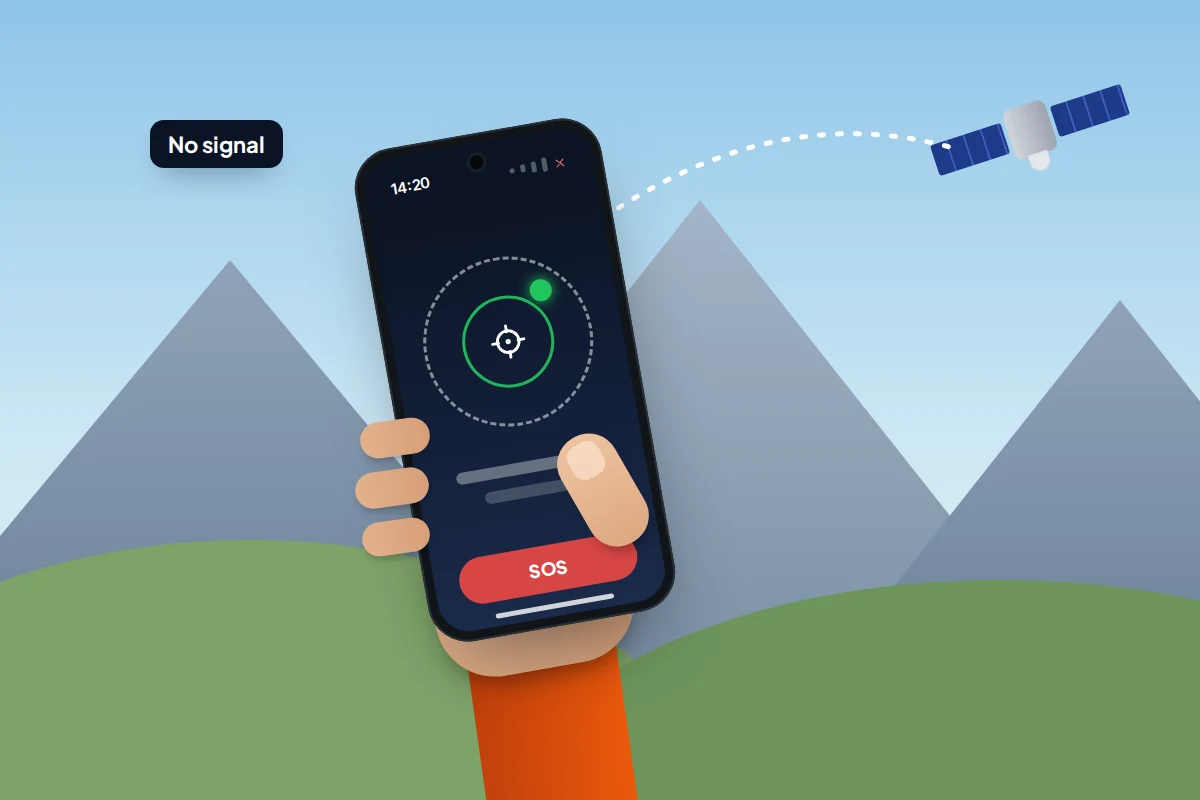
Some newer phones can text emergency services via satellite when there’s no mobile signal or Wi-Fi, which helps on a hillside or when local masts are down. You first try to call 999, 112 or 911; if the call can’t connect, the phone offers the satellite option and asks a few questions about the emergency.
- iPhone 14 or later (iOS 16.2 or later in the UK) has Emergency SOS via satellite in about 20 countries, including the UK and the US. Apple says it’s free for two years after the phone is activated. You can try the demo in Settings → Emergency SOS.
- Pixel 9 and later (except the Pixel 9a) has Satellite SOS in the UK, the US, Canada, Australia and a number of European countries. It needs Google Messages as the default texting app.
Both need a clear view of the sky. Apple says a message takes about 30 seconds in ideal conditions and over a minute under trees.
Crash detection
iPhone 14 and later can detect a severe car crash, sound an alarm and, if nobody responds, call emergency services and notify emergency contacts. Pixel phones offer Car Crash Detection in some countries; if yours does, turn it on in the Personal Safety app. It needs a SIM. Fall detection on smartwatches is covered in the older-parent guide.
One group chat, one meeting point, one outside contact
When something happens, the first question is always “is everyone OK?” Decide now where that question gets asked.
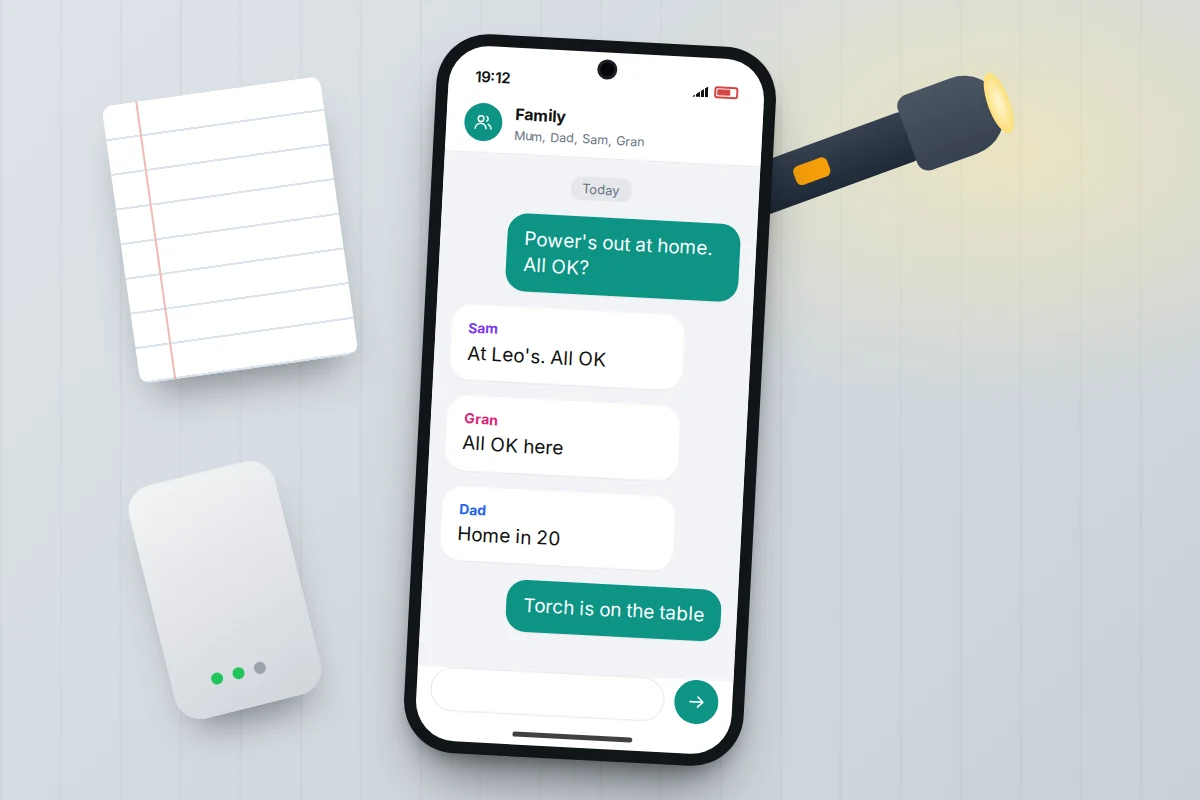
- A family group chat in an app everyone already uses, named something obvious like “Family”. Agree that in an emergency everyone sends one short message: where they are and whether they’re OK.
- Text rather than call. Texts use less network capacity than calls and the phone keeps retrying them, so they often get through when calls fail.
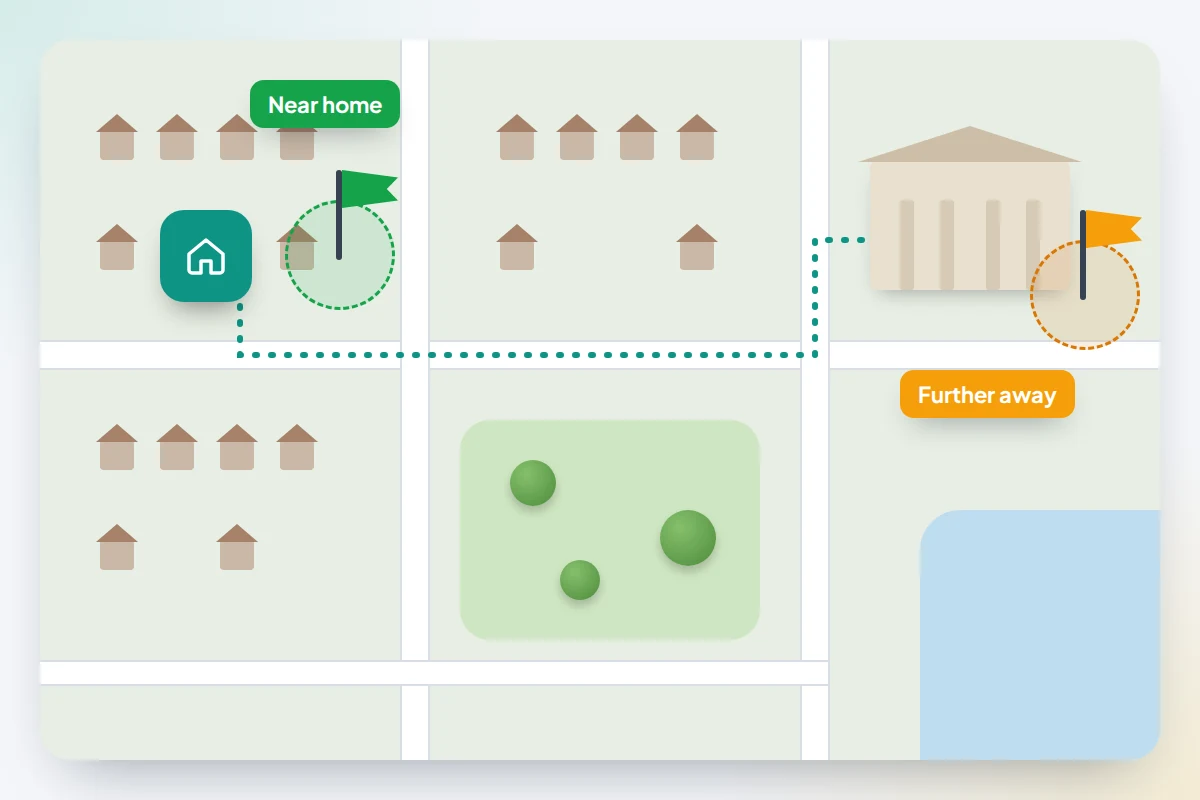
- A meeting point near home for a fire or gas leak, such as a neighbour’s gate, and one further away in case you can’t get home, such as a relative’s house or the library.
- A contact outside your area. A relative in another town is less likely to be affected by the same flood or power cut, and can pass messages between family members who can’t reach each other.
Sharing live location during an emergency can help too, as long as it’s something the family has agreed. Our guide to sharing location with family covers how to share for an hour or a day and stop afterwards.
Keeping phones powered
In a long power cut, battery is the resource that runs out first. Local mobile masts can also lose power once their own back-up runs down, so don’t assume a signal will last all night.
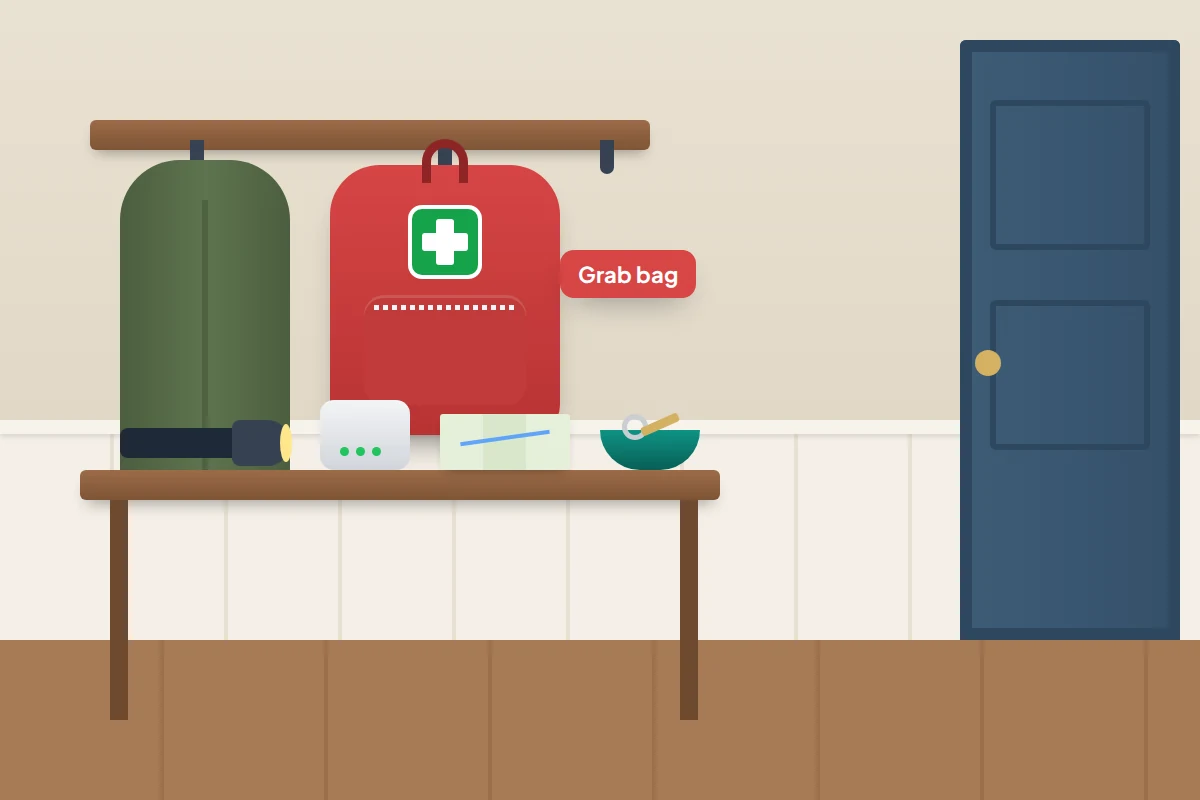
- Power banks: keep at least one charged, with the right cable attached. Put a reminder in the calendar to top it up every few months, because power banks slowly lose charge.
- Saving mode early: turn on Low Power Mode (Settings → Battery on iPhone) or Battery Saver (Settings → Battery on most Android phones) as soon as the power goes, not at 10%. Lower the brightness and close video apps.
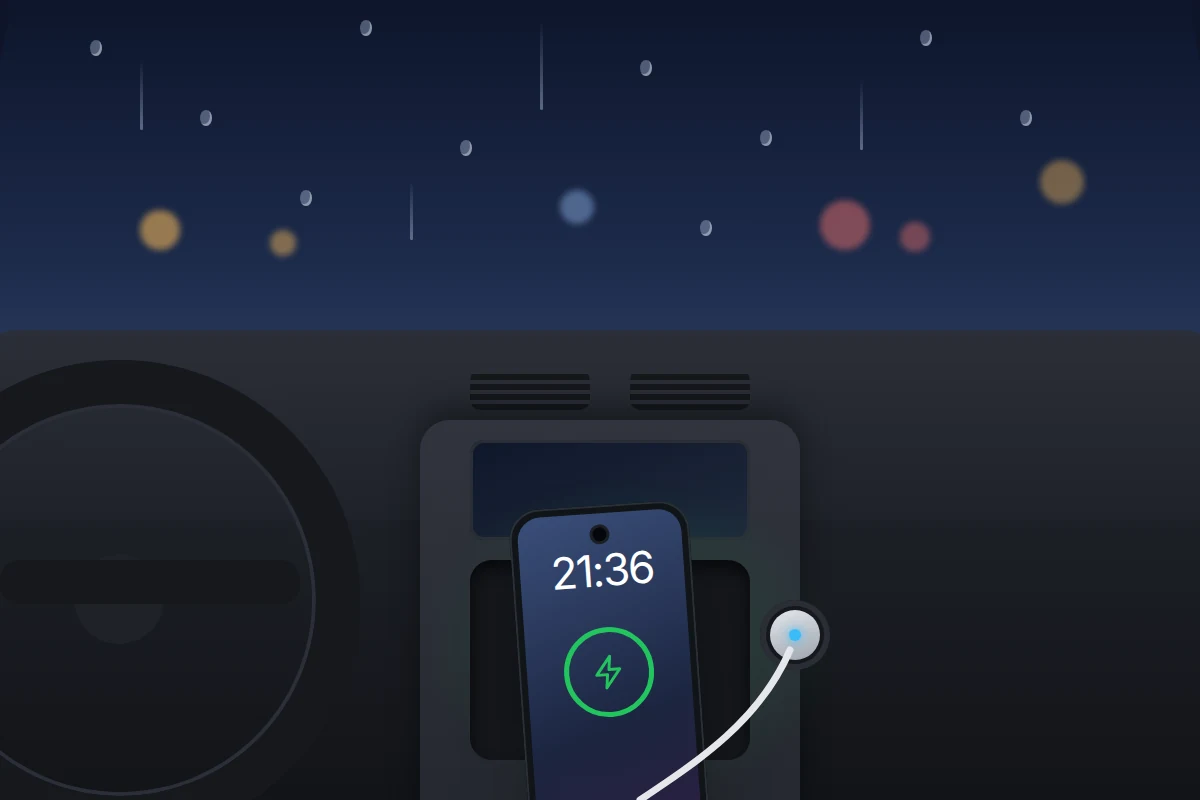
- The car: a car charger turns the car into a charging point. For long sessions, run the engine so the car battery doesn’t go flat, but never in a closed garage.
- One phone on, others off: in a very long cut, some families keep one phone on for news and alerts and switch the rest off to save them.
The UK government’s Prepare campaign also suggests a battery or wind-up torch and radio, so you can follow the news without using phone battery. A torch is safer than candles.
Your landline in a power cut
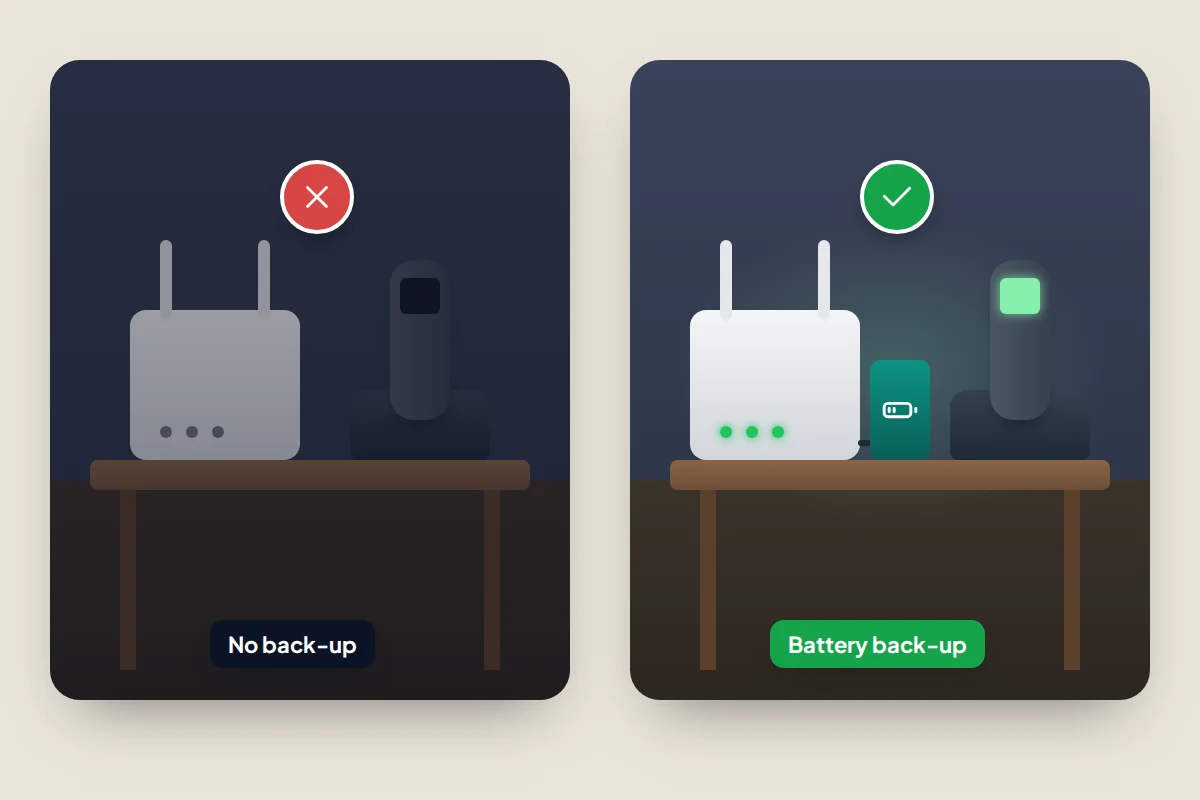
For decades, a corded landline kept working in a power cut. That’s ending. BT plans to retire its old landline network by 31 January 2027, and calls are moving to digital lines that run through your broadband router. A digital landline stops working when the power goes, unless the router has battery back-up.
Ofcom says providers must make sure customers can reach emergency services during a power cut. If you depend on your landline because you have no mobile or no reliable signal at home, the provider must offer a free solution, such as a battery unit, lasting at least an hour. If you or a relative uses a telecare alarm or has extra needs, tell the provider before the switch; don’t assume it’s been arranged.
Maps and numbers that work offline
If mobile data is patchy, a map already saved on the phone still works, because GPS doesn’t need a signal.
- Google Maps (Android and iPhone): tap your profile picture, then Offline maps → Select your own map, and download your home area and the route to your further meeting point.
- Apple Maps (iOS 17 or later): tap your profile picture or initials, then Offline Maps → Download New Map.
Then write the numbers down. The government’s Prepare campaign advises keeping important numbers on paper, and helping children learn their address and a parent’s mobile number by heart. A phone that’s flat, lost or locked is no help to the neighbour trying to ring you.
Ways to reach 999 if you can’t call
- 999 and 112 both reach emergency services in the UK, and 112 works across Europe. In the US, dial 911.
- emergencySMS lets deaf, hard of hearing or speech-impaired people text 999. You must register first: text register to 999, then reply yes. Register again if you change number. Relay UK advises using it only if there’s no other option, as it’s slower than a call.
- 999 BSL connects British Sign Language users to emergency services through an interpreter by video, using its app or website. It’s free and available 24 hours a day.
- Relay UK users can call 18000 from the Relay UK app or a textphone.
If anyone in your family relies on these, set them up and practise now.
Numbers worth saving
- 105: free, for reporting a power cut or damaged power lines in England, Scotland and Wales. In Northern Ireland, call NIE Networks on 03457 643 643.
- Floodline, 0345 988 1188: free flood warnings for England by call, text or email. Scotland uses SEPA’s Floodline and Wales uses Natural Resources Wales.
- NHS 111: urgent medical help that isn’t life-threatening, in England, Scotland and Wales.
- Priority Services Register: free support from your energy network and supplier for people who are older, disabled, medically dependent on power or have young children, including advance warning of planned cuts.
The family emergency card
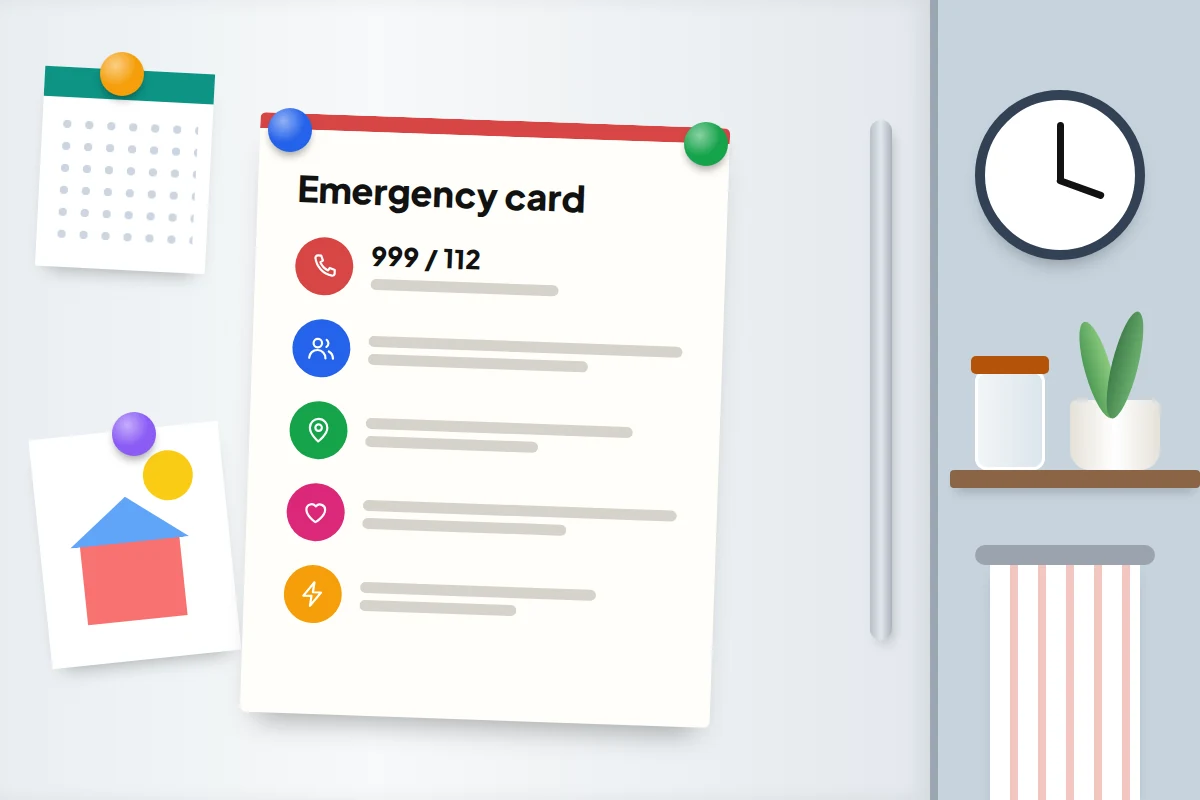
This is the part to print. Fill it in together, stick one on the fridge, and put a smaller copy in each wallet or school bag. It works when every phone in the house is flat.
| On the card | Example |
|---|---|
| Emergency | 999 or 112 (emergencySMS registered: yes/no) |
| Parents’ mobiles | Mum 07700 900123, Dad 07700 900456 |
| Contact outside the area | Aunt Jo 07700 900789 |
| Meeting point near home | Number 14’s front gate |
| Meeting point further away | The library entrance, High Street |
| Group chat | “Family”: send where you are and if you’re OK |
| Power cut / flood | 105 / Floodline 0345 988 1188 |
| Medical | Sam: asthma, inhaler in blue bag. Gran: penicillin allergy |
| GP and pharmacy | [name and number] |
| Home address | [full address and postcode] |
Checklist: what, where and who
| What | Set up where | Who |
|---|---|---|
| Emergency alerts on | Notification or safety settings | Every phone and 4G Android tablet |
| Medical ID or emergency information | Health app (iPhone), Safety & emergency (Android) | Everyone, especially anyone with a condition |
| Emergency contacts and SOS | Same place as above | Everyone with a phone |
| Satellite SOS demo, crash detection | Emergency SOS settings, Personal Safety app | Drivers and walkers with a compatible phone |
| Family group chat | Your usual messaging app | Whole family, plus the outside contact |
| Offline map of home area | Google Maps or Apple Maps | Every adult and older child |
| Power bank charged, car charger in car | Kitchen drawer, glovebox | One named adult |
| Landline back-up | Your phone provider | Anyone relying on a landline |
| Printed emergency card | Fridge, wallets, school bags | Whole family |
Practise it twice a year
A plan nobody remembers doesn’t help. Pick two dates a year, such as when the clocks change, and spend ten minutes on it: send a test message in the group chat, check the power bank, update the card, and ask the children where the meeting points are.
What goes wrong is usually small: a new number that isn’t on the card, a power bank used on holiday and never recharged, emergency contacts lost when someone changed phone. The check catches those.
Frequently asked questions
Why didn’t my phone get the emergency alert?
It may have been off, in aeroplane mode, on Wi-Fi only or 2G/3G, out of date or outside the alert area. Check the phone has the latest update and that severe and extreme alerts are switched on.
Will my mobile work in a power cut?
Usually, for a while. Your phone runs on its battery, and local masts have back-up power, but in a long or widespread cut some masts can go down. Texts are more likely to get through than calls.
Should young children have Emergency SOS turned on?
Yes, once they understand it’s only for real emergencies. Show them how to cancel it if it’s triggered by accident.
What if my child is lost and their phone is off?
Follow the plan: go to the agreed meeting point, check the group chat, and ring the outside contact. If you believe your child is in danger, call 999 straight away.
Sources and further reading
- GOV.UK: How emergency alerts work
- GOV.UK Prepare: Get ready for emergencies
- FCC: Wireless Emergency Alerts
- Apple Support: Use Emergency SOS via satellite on your iPhone
- Pixel Phone Help: Get emergency help through satellite
- Relay UK: Contact 999 using Relay UK and emergencySMS
- Ofcom: Your landline is going digital
- GOV.UK: Sign up for flood warnings
Looking for a tool to go with this? TheTruthSpy is a free parental control app for Android that stays visible on the child's phone. If it fits your family, see what the app does.
Related guides
How to Plan Your Digital Legacy
Decide who gets your photos, accounts and phone if you die or can't manage: Apple Legacy Contact, Google Inactive Account…
Your Child’s First Solo Journey: A Phone Checklist
A first solo walk or bus ride: a practice run, phone setup, emergency contacts, tickets, agreed check-ins, and a paper…
How to Set Up Your Child’s First Email Account
Set up your child's first email account with Gmail, iCloud or Outlook: age rules, a safe address, recovery, what parents…
Parental controls your child can see
Location, screen time limits, a web filter and alerts from notifications — free, and visible on your child's phone. Pair a phone in about ten minutes.
Android · Free to set up · Visible on your child's phone