What to Do If You Lose Your Wallet

You reach for your wallet at the till and your hand finds an empty pocket. The instinct is to retrace your steps first. Do one thing before that: freeze your cards. It takes seconds in most banking apps, it can be undone just as quickly, and most contactless payments don’t need a PIN.
After that, there is time to think. A lost wallet is a list of separate small problems, each with its own fix: cards, a driving licence, perhaps a passport, travel cards, keys. Doing them in the right order stops a nuisance becoming a fraud. UK details come first below, with US equivalents where they differ.
The short version
- Freeze every card in your banking apps straight away. It is reversible, so you lose nothing if the wallet turns up.
- Check your recent transactions: the last genuine payment tells you the last place you definitely had the wallet.
- If it is not found within a few hours, or anything looks wrong, cancel and replace the cards and report ID documents lost.
- Report a theft to the police. Most UK forces no longer deal with property that was simply lost.
- Keep the details you would need, such as which cards you carry and your banks’ phone numbers, in your password manager, not in the wallet.
Freeze first, search second
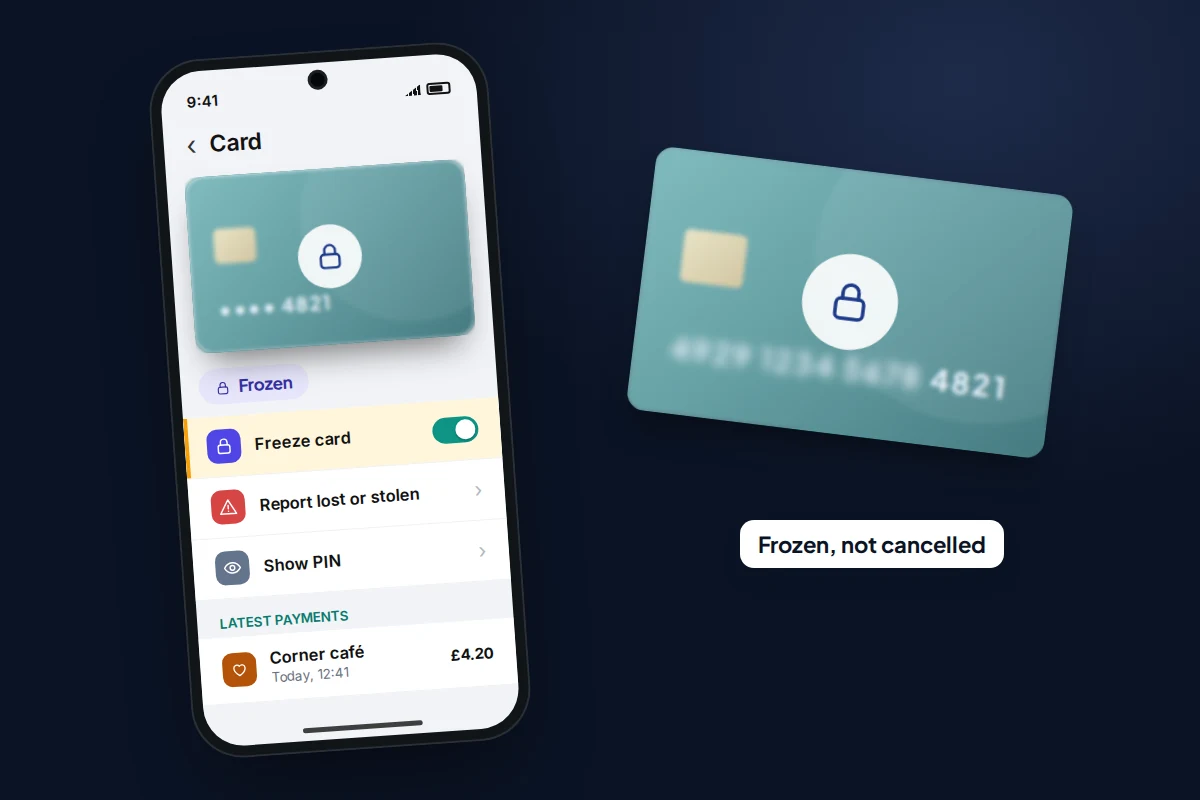
Freezing a card, sometimes called locking or pausing it, blocks new payments without cancelling the card. Most UK high-street and app-only banks offer it in their app, as do many US banks and card issuers. The option is usually on the card’s screen in the app, under names like Freeze card or Lock card; wording varies by bank.
Freezing first matters because money is the part of a lost wallet that can go wrong fastest. A finder or thief can tap a card for contactless payments without knowing your PIN. Once the card is frozen, you can search calmly, and if the wallet is under the car seat, you unfreeze in one tap.
No banking app for a card? Call the card issuer’s 24-hour lost and stolen line. The number is on the issuer’s website; the one on the back of the card is, of course, in the wallet.
The first 30 minutes
Keep this list somewhere you can find it without your wallet, such as a note on your phone.
- Minutes 0–3: freeze every card you can from your banking apps, including credit cards and any card from a second bank.
- Minutes 3–5: look at recent transactions. The last payment you recognise shows where and when you last had the wallet. Anything you don’t recognise means it is in someone else’s hands: go straight to cancelling.
- Minutes 5–15: phone the likely places. The café, the shop, the taxi firm, the bus or train operator. Give a description of the wallet and a number to call back. Check the car, coat pockets and the bag you didn’t use.
- Minutes 15–20: call about any cards you couldn’t freeze in an app, using numbers from the issuers’ websites.
- Minutes 20–30: write down everything that was in the wallet. Driving licence, passport, travel cards, keys, anything with your address on it. This list becomes your to-do list, using the table further down.
Freezing a card can also stop you paying with it on your phone (see the next section). If you are away from home, make sure you still have one way to pay, such as a card from another bank, before you freeze everything.
Cancel and replace: when, and what the law says
If the wallet hasn’t turned up after a few hours, or you have already seen a payment you didn’t make, report the cards lost or stolen in the app or by phone. The bank cancels the card and sends a new one with a new number. Ask how long it will take and whether you can use the new card details in the app before the plastic arrives.
Your protection depends on reporting. In the UK, the Financial Conduct Authority says that if a lost or stolen card is used before you report it, you may have to pay up to £35 of the unauthorised payments, unless you could not have known it was missing. Your bank can refuse a refund altogether if you failed to protect your card details, PIN or password in a way that allowed the payment, so never keep your PIN in the wallet.
In the US, the Federal Trade Commission explains that for credit cards you owe nothing if you report the loss before the card is used, and at most $50 if it was used first. Debit and ATM cards are riskier: $50 if you report within two business days of discovering the loss, up to $500 within 60 days of your statement, and potentially everything after that.
What happens to Apple Pay and Google Wallet
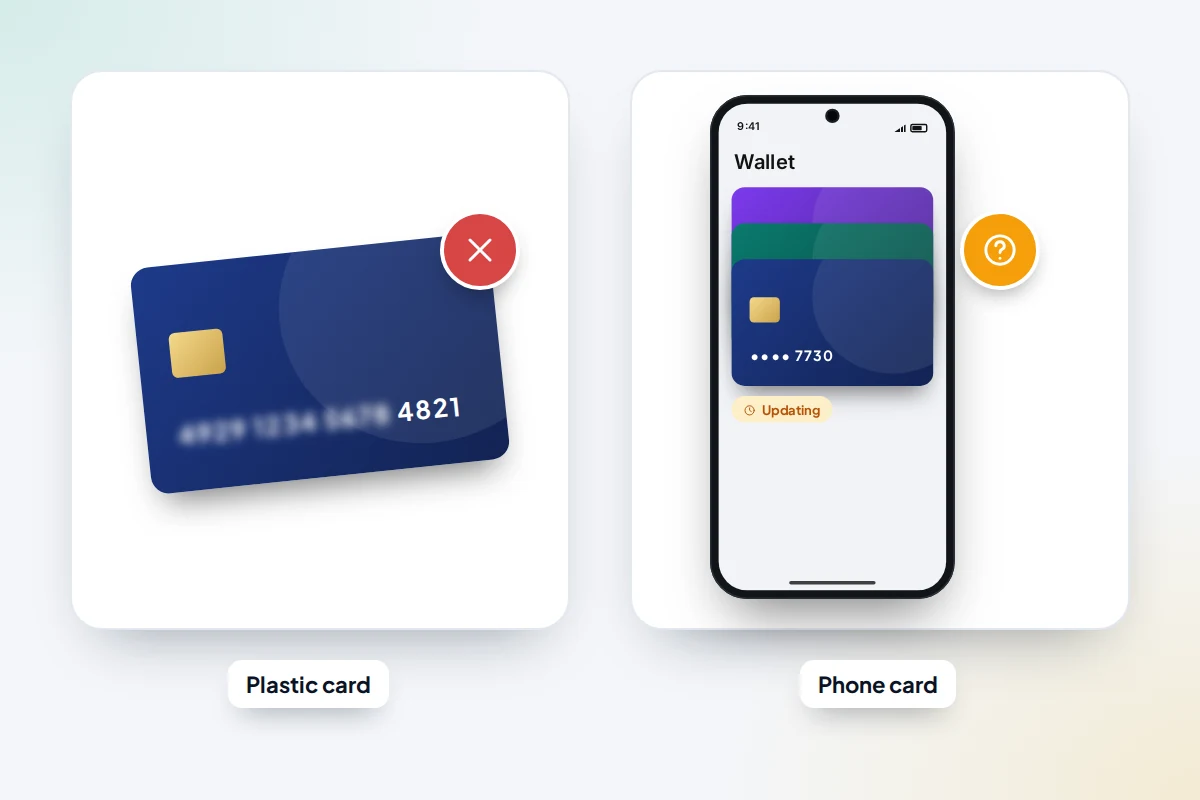
When you add a card to your phone’s wallet, the phone stores a separate digital card number, not the number printed on your card. That is why losing the plastic does not automatically stop the phone version, and why banks handle it differently.
- Freezing usually covers both. Monzo, for example, says a frozen card can’t be used for any payments, including Google Pay. Check your own bank’s help page.
- After cancelling, it varies. NatWest says you can keep paying with Google Pay while you wait for the replacement, and should then remove the old card and add the new one. Other banks switch the phone’s card over automatically or pause it for a short time; your bank’s help pages say which.
- When the new card arrives, open your wallet app and check which card it shows. If the old one is still there, remove it and add the new card.
If your phone was lost with the wallet, marking it as lost in Find My suspends the Apple Pay cards on it. On Android, mark it as lost in Find Hub and ask your bank to remove the phone’s cards.
What’s in your wallet, and who to contact
Work down this table using the list you made. Costs and times were checked in September 2026 and can change.
| Item | Who to contact | Cost and time (UK) | US equivalent |
|---|---|---|---|
| Debit and credit cards | Banking app, or the issuer’s 24-hour line | Ask your bank; the new card has a new number | Same; liability limits above |
| Driving licence (Great Britain) | DVLA, online at GOV.UK | £20 online; should arrive within a week | State DMV; fees and methods vary by state |
| Driving licence (Northern Ireland) | DVA, through nidirect | See nidirect | |
| Passport | HM Passport Office: cancel online | Cancel first, then apply for a replacement at the normal fee | State Department: form DS-64 online, by post or in person; cancelled straight away |
| Railcard (physical) | Your Railcard account, or a staffed station | £10 for most Railcards if lost; free if stolen, with a crime reference | |
| Registered travel card, such as Oyster | The transport operator’s online account | Registered balances can usually be moved to a new card; unregistered ones are usually lost | Your transit agency |
| UK Global Health Insurance Card | NHS Business Services Authority, online | Free; allow up to 15 working days. Abroad, a Provisional Replacement Certificate covers you meanwhile | |
| Social Security card | Free replacement from the SSA; often you only need the number | ||
| House or car keys | Landlord, locksmith or car dealer | Varies; urgent if your address was also in the wallet | Same |
| Loyalty and gift cards | The retailer | Registered cards can often be blocked and points kept | Same |
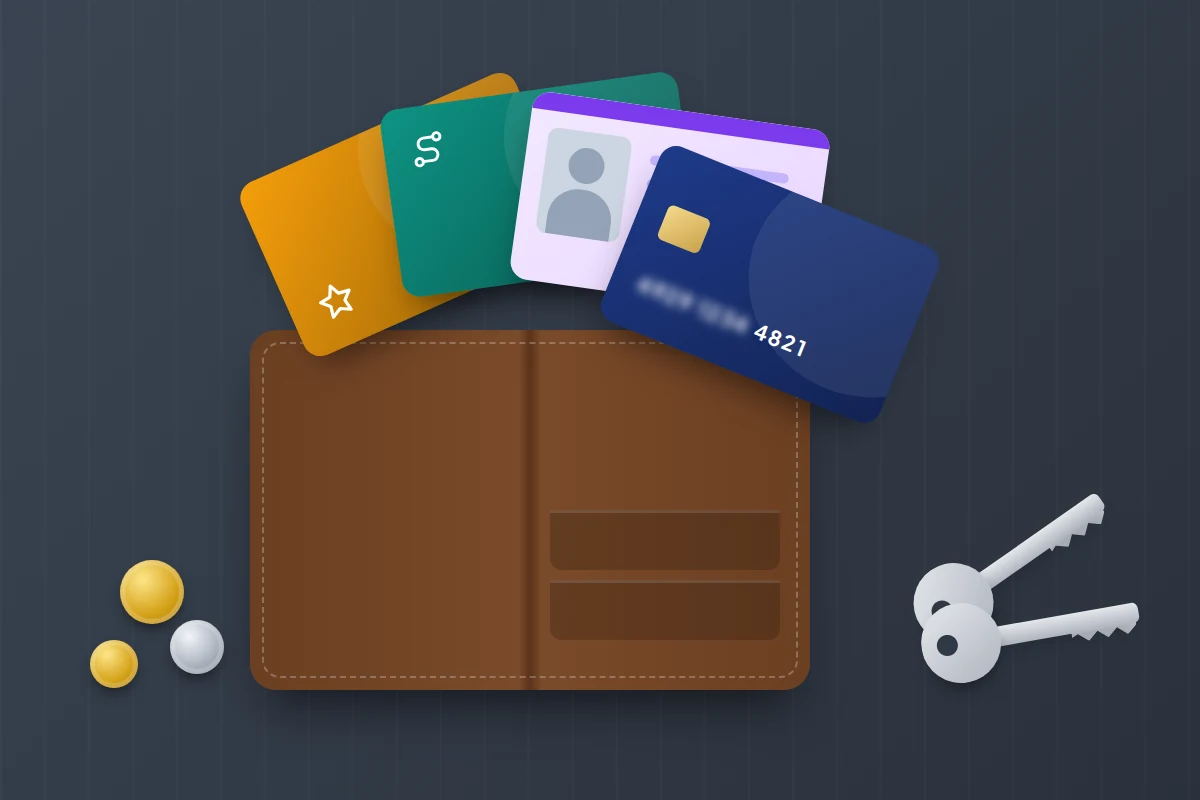
Driving licence, passport and other ID
Driving licence
In Great Britain, replace a lost or stolen licence online at GOV.UK for £20; it should arrive within a week. GOV.UK says to contact the police if your licence was stolen. If the old one turns up later, send it back to DVLA in Swansea with a note explaining what happened. In Northern Ireland, use the separate nidirect service. In the US, contact your state’s DMV.
Passport
Most people don’t carry a passport in a wallet, but if yours was inside, cancel it with HM Passport Office using the GOV.UK service. A cancelled passport can’t be used again, even if it turns up. If you are abroad and need to travel urgently, apply for an emergency travel document instead; that application cancels the lost passport for you. US citizens can report a lost passport online with form DS-64; the State Department says it will no longer be valid for travel even if found later.
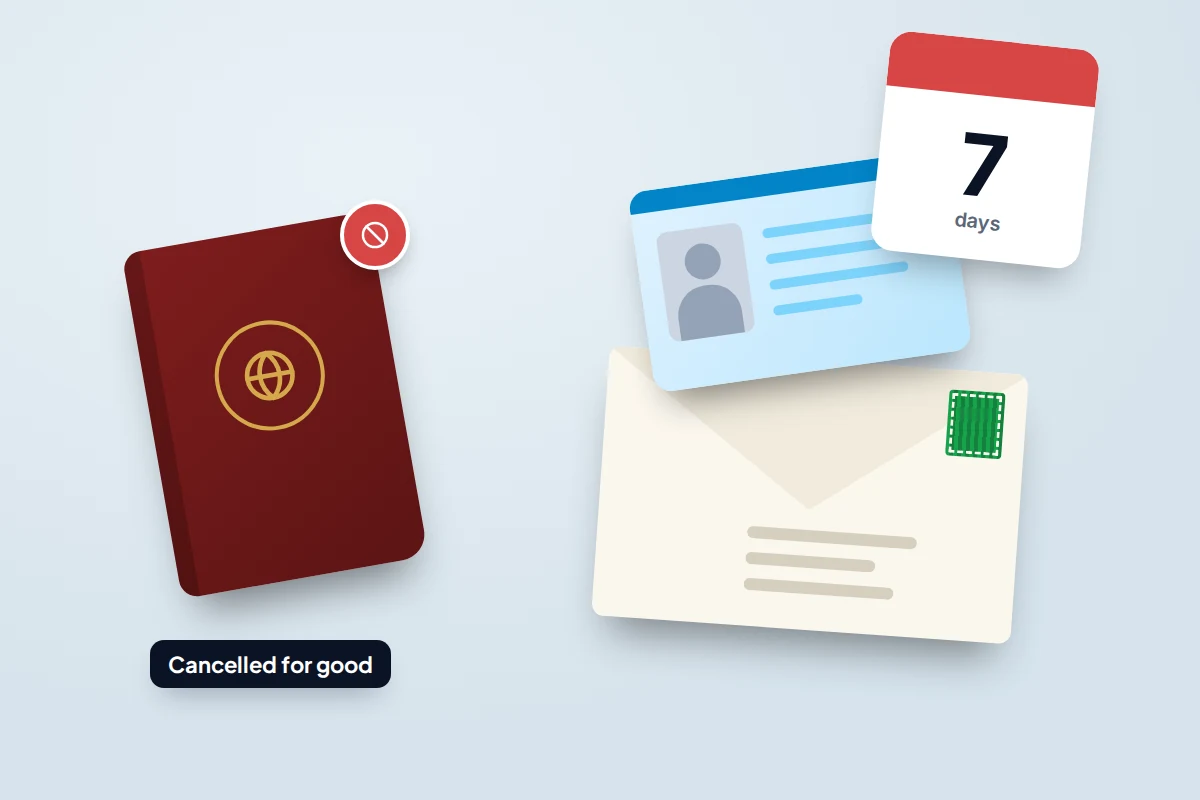
Why ID matters more than cards
A card is cancelled in minutes. A driving licence gives someone your name, address, date of birth and photo, which is enough to try opening accounts in your name. That is why the follow-up below is worth doing even if no money went missing.
Lost or stolen: when to involve the police
If the wallet was taken from you, or from a bag or car, report it as a theft: in the UK on 101 or online through your police force, and on 999 if it is happening now or you are in danger. Keep the crime reference number, since your bank, insurer and Railcard may ask for it.
If it was simply lost, don’t expect the police to take a report. West Yorkshire Police, for example, now deals only with found items that hold personal data, are illegal, or are cash or high value, and points people to the Report My Loss website; check your own force’s site. Instead, contact the lost property office of the venue, transport operator or shopping centre, and look at your council’s or the operator’s online lost-property service where one exists. Items can take a day or two to be logged, so call again.
In the US, the local police non-emergency line will tell you whether they take lost-property reports.
Watch for identity fraud in the weeks after
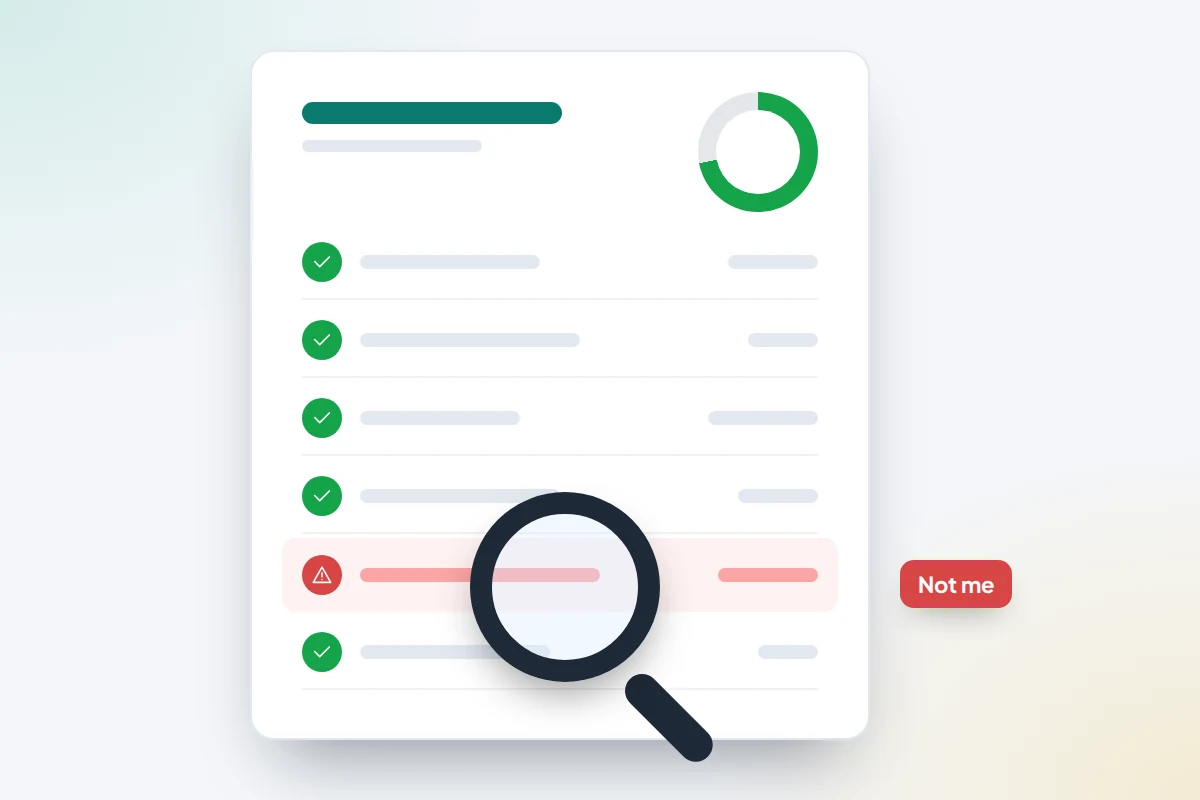
If photo ID or anything with your address was in the wallet, keep an eye out for a while.
- Check your credit reports for searches or accounts you don’t recognise, and consider Cifas Protective Registration in the UK or a credit freeze in the US. Our guide to checking whether your data has leaked explains both, with costs.
- Look out for post about accounts, loans or phone contracts you didn’t apply for.
- Distrust calls about your wallet or cards. A caller who says they are from your bank’s fraud team, or who “found your wallet” and needs your PIN to return it, is a scam. In the UK, hang up and call 159, which connects you to most banks safely. Our guide to bank impersonation scam calls has the exact words to end the call.
If you find someone else’s wallet
The quickest way home for a wallet is usually through the place it was lost or the owner’s bank.
- Hand it to staff if you found it in a shop, venue, station or bus.
- If there is a phone number or business card inside, call it. Don’t post the owner’s details on social media.
- For a bank card on its own, call the issuing bank on the number from its website and say you have found one of its cards.
- Return a driving licence to DVLA or a passport to HM Passport Office if you can’t reach the owner.
- Don’t use the cards, even for a small purchase.
Make the next time easier
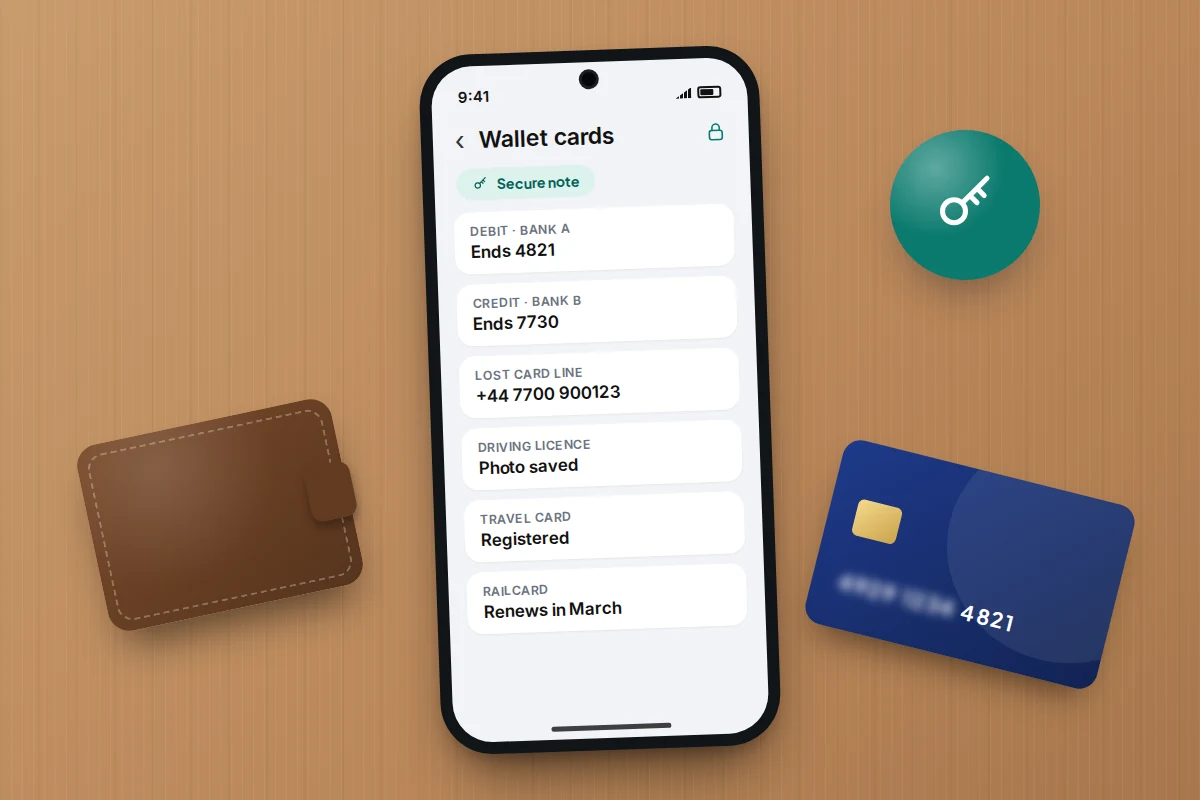
- Keep a list in your password manager of the cards you carry, with the bank, the last four digits and the lost and stolen number for each. A secure note is ideal; see getting started with a password manager.
- Store photos of your cards and ID securely, in the password manager or an encrypted folder, never in your general photo library, which syncs widely.
- Carry less. Leave the passport and anything you only need occasionally at home. With a card on your phone, one physical card can be enough for most days.
- Carry a backup payment method separately, such as a second card in a different pocket, so one loss doesn’t leave you unable to get home.
- Register travel and loyalty cards so they can be blocked and their balance moved.
Frequently asked questions
Should I freeze or cancel?
Freeze first, because it is instant and reversible. Cancel as soon as you see a payment you don’t recognise, you know it was stolen, or it hasn’t turned up within a few hours.
Can someone use my card without the PIN?
Yes, for contactless payments, and online where the retailer doesn’t ask for extra checks. That is why freezing quickly matters more than whether the thief knows your PIN.
My wallet turned up after I cancelled everything. Can I use the old cards?
No. Cancelled cards stay cancelled, and so does a cancelled passport. Cut up the old cards through the chip, and return an old driving licence to DVLA if you have already ordered a replacement.
Will losing my wallet affect my credit score?
Not by itself. Reporting cards lost and ordering replacements doesn’t normally affect your credit file. Fraudulent applications in your name can, which is why checking your reports is worthwhile.
Sources and further reading
- Financial Conduct Authority: Fraudulent payments
- FTC: Lost or stolen credit, ATM and debit cards
- GOV.UK: Replace a lost, stolen, damaged or destroyed driving licence
- GOV.UK: Cancel a lost or stolen passport
- US Department of State: Report your passport lost or stolen
- NatWest: What happens if a card added to Google Pay is lost or stolen
- West Yorkshire Police: Can I report lost or found documents and property?
- Stop Scams UK: Call 159
Looking for a tool to go with this? TheTruthSpy is a free parental control app for Android that stays visible on the child's phone. If it fits your family, see what the app does.
Related guides
How to Find Your Parked Car With Your Phone
How to make your iPhone or Android phone remember where you parked, why pins drift in multi-storeys, and what to…
How to Find a Lost or Stolen Laptop
What Windows, Mac and Chromebook can each do to locate, lock or erase a lost laptop, why encryption matters more…
What to Do If Your Phone Is Stolen on Holiday
Phone stolen abroad? What to prepare before you fly, who to call in the first two hours, UK network numbers…
Parental controls your child can see
Location, screen time limits, a web filter and alerts from notifications — free, and visible on your child's phone. Pair a phone in about ten minutes.
Android · Free to set up · Visible on your child's phone