What to Do If Your Phone Is Stolen on Holiday


At home, a stolen phone is a bad afternoon. Abroad, it can take your boarding pass, your banking app, your maps and the only way you had of calling anyone, all at once. The steps are the same as anywhere else; what changes is that you have to do them without your own device, in another language, with your network, bank and insurer in a different time zone.
The order matters more than usual. Whoever has the phone can work faster than you can reach a police station, so accounts come before paperwork.
Below: what to prepare before you fly, the first two hours in order, and what the local police and your embassy will and won’t do.
The short version
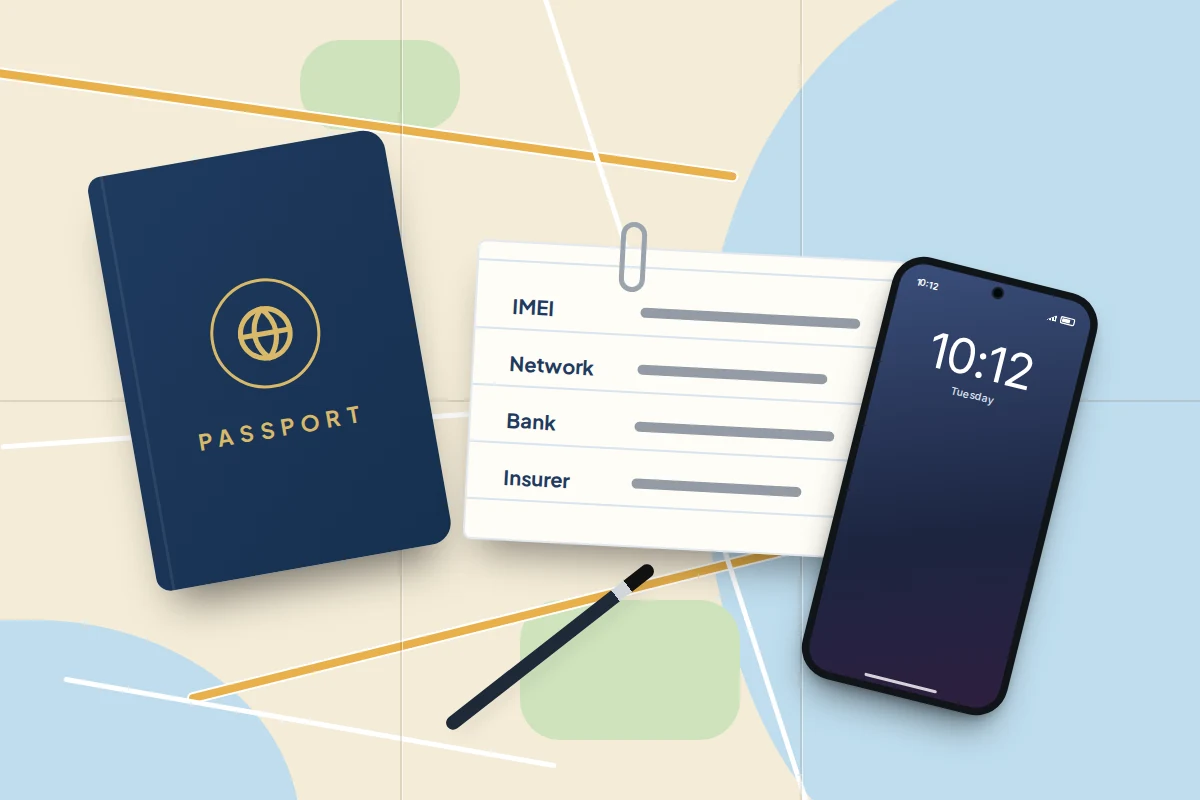
- Before you travel, write down your phone’s IMEI, your network’s number for calling from abroad and your bank’s overseas number, and keep them away from the phone.
- If it happens, borrow a device, mark the phone as lost and change your Apple or Google Account password before anything else.
- Ring your network within the hour to bar the SIM and the handset; EE, O2, Three, Virgin Mobile and Vodafone cap what you pay for misuse at £100 if you report within 24 hours.
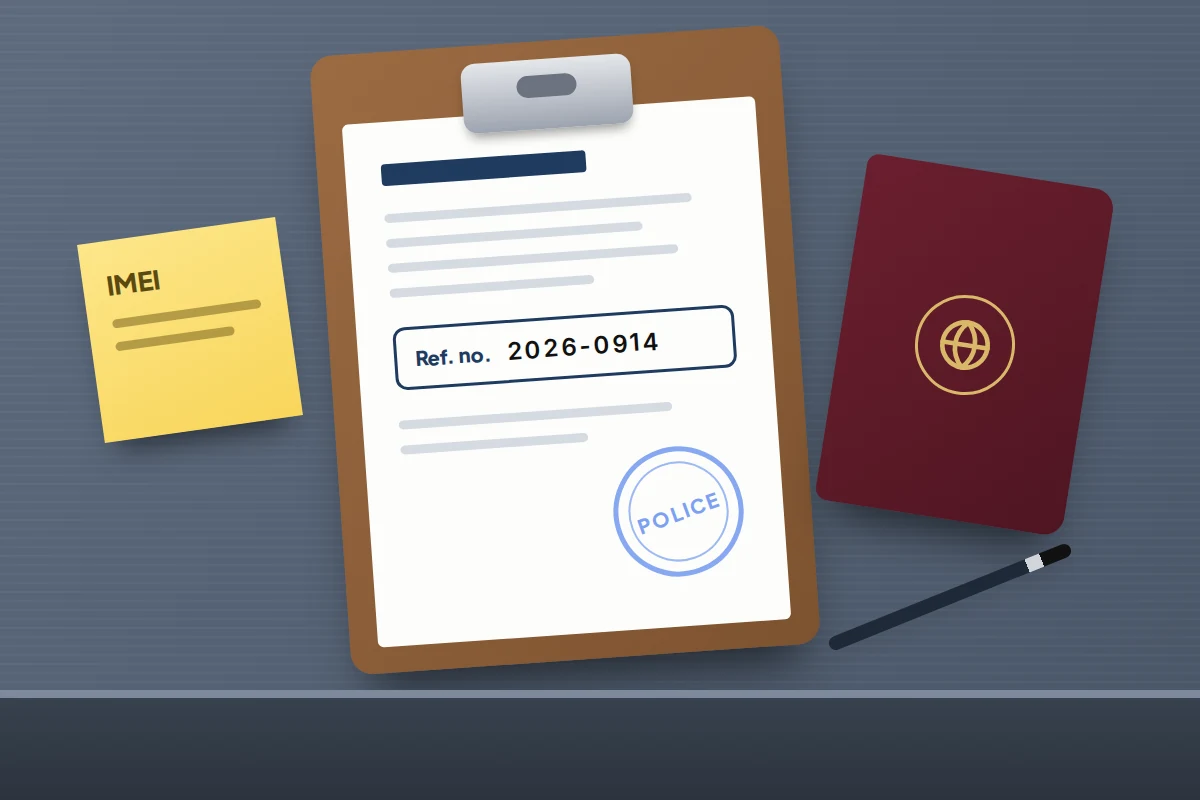
- Report the theft to the local police before you leave the country and keep the reference number: most travel insurers want one, often within 24 hours.
- Your embassy or consulate can help with a lost passport, lists of English-speaking lawyers and contacting family, but cannot investigate or get your phone back.
Ten minutes before you fly
Most of what goes wrong after a theft abroad comes down to one problem: the information you need is on the stolen phone.
- Note the IMEI. Dial *#06#, or look in Settings → General → About on iPhone or Settings → About phone on Android. Networks and police both ask for it.
- Practise signing in from another device. On a laptop or a travel companion’s phone, go to icloud.com/find (iPhone) or google.com/android/find (Android) and check you can see your phone.
- Print or save your backup codes. They get you into your Google Account and email when the phone that receives your codes is gone. Our guide to two-factor authentication explains where to keep them.
- Switch on the theft features. Stolen Device Protection on iPhone applies away from familiar places, which on holiday means everywhere. On Android, look for Theft Detection Lock and Remote Lock under Settings → Google → All services → Theft protection; menu names vary by phone maker.
- Check your travel insurance. Look for the police reporting deadline, any limit per item, and whether phones left unattended are excluded. Citizens Advice says to report lost or stolen belongings to the local police within 24 hours.
What to write down now
Keep this on paper in a different bag from your phone and wallet, or in a note on a travel companion’s phone.
| Write down | Where to find it |
|---|---|
| Phone’s IMEI, make, model and colour | *#06#, the box or your network account |
| Your network’s lost and stolen number from abroad | The table further down, or your network’s website |
| Your bank’s 24-hour number for calling from abroad | The back of your card or the bank’s website (the card may be stolen too) |
| Travel insurance policy number and claims line | Policy schedule |
| Nearest embassy or consulate for where you are going | GOV.UK foreign travel advice or travel.state.gov |
| Hotel address and phone number | Your booking |
The first two hours, in order
If someone is hurt or threatened, call the local emergency number first; 112 works across the EU and in many other countries.
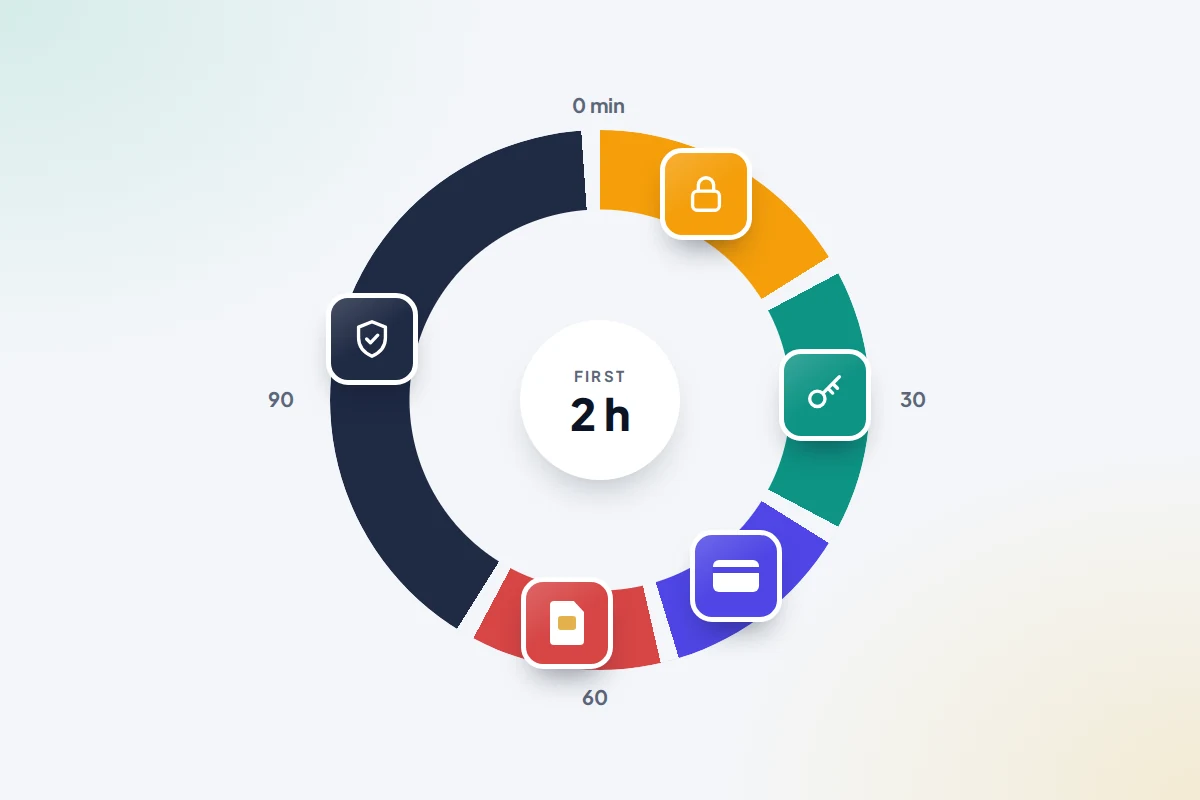
| When | What to do | Who or where |
|---|---|---|
| 0–10 minutes | Get somewhere safe. Borrow a phone or laptop. | Travel companion, hotel reception, tour rep |
| 10–20 minutes | Mark the phone as lost with a number you can answer. | icloud.com/find or google.com/android/find |
| 20–40 minutes | Change your Apple or Google Account password, then your main email. Sign out other sessions. | Borrowed device, with your backup codes |
| 40–50 minutes | Freeze or cancel cards and tell your bank a phone with banking apps was stolen. | Your bank’s 24-hour overseas line |
| 50–60 minutes | Bar the SIM and block the handset by IMEI. Ask about a replacement SIM or eSIM. | Your network’s number from abroad |
| 1–2 hours | Report the theft to the local police and get a written report or reference number. | Police station, tourist police or online service |
| Same day | Tell your insurer and, if your passport went too, your embassy or consulate. | Claims line; consulate |
Why accounts before the SIM? Phones are often snatched while unlocked, in someone’s hand, and a thief who has seen your passcode can try to change your account password within minutes. Barring the SIM does nothing to stop that; changing the password does.
Secure your accounts from a borrowed device
On a shared computer, use a private window and sign out afterwards.
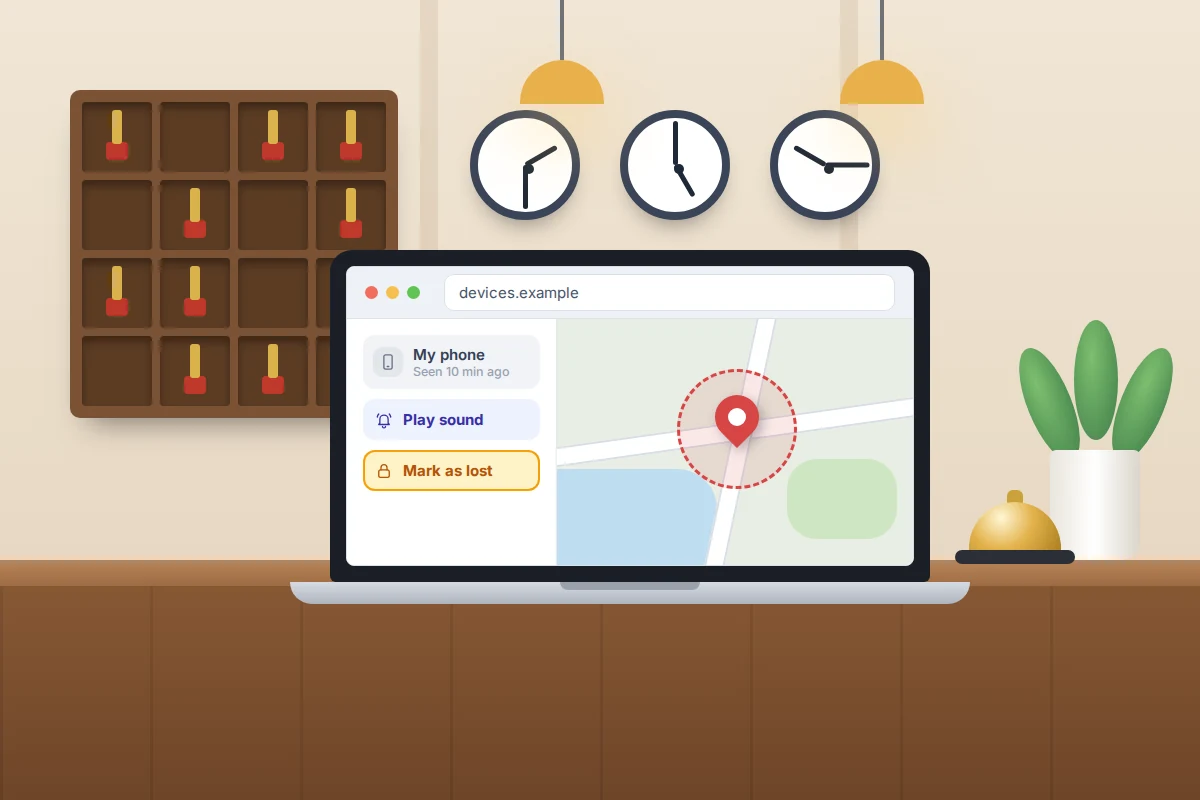
- Mark the phone as lost. On iPhone, use Mark As Lost in Find Devices; if you are asked for a code that would go to the stolen phone, choose the Find Devices button to continue without it. On Android, use Mark as lost in Find Hub; if the sign-in code goes to the stolen phone, android.com/lock locks it with just your phone number, provided Remote Lock was switched on. Add a number you can answer, such as a companion’s. Our guide to getting a phone back from a taxi walks through both screens.
- Change your Apple Account or Google Account password, then the password for the email account your bank and other services use.
- Check where you are signed in. In your Google Account, Security & sign-in → Your devices → Manage all devices lists browsers and computers; sign out any you don’t recognise. Leave the stolen phone linked to Find My or Find Hub, though: the lock only works while it stays on your account.
Don’t erase it yet: a phone marked as lost stays locked and findable. If the map shows it at an address, give the location to the police rather than going there. And ignore texts saying your phone has been found that ask you to sign in; they are after the password that unlocks it.
Call your network to bar the SIM and the handset
Barring the SIM stops calls, data and text-message codes reaching whoever has the phone. Blocking the handset by IMEI stops it working on your network. Ofcom says that if you report within 24 hours, EE, O2, Three, Virgin Mobile and Vodafone cap what you pay for unauthorised use outside your allowance at £100. Before you report it, there is no such cap.
| Network | Lost or stolen, from abroad | Notes |
|---|---|---|
| EE | +44 7953 966 150 | From EE’s help page; Ofcom’s list shows 966 250 |
| O2 | +44 344 809 0202 (Pay Monthly); +44 344 809 0222 (Pay As You Go) | Separate lines for contract and prepaid |
| Three | +44 7782 333 333 | Three says a blocked phone stops working on all UK networks within 48 hours |
| Vodafone | +44 7836 191 191 | Number from Ofcom’s list; Vodafone also takes reports online |
| Others | See your network’s lost or stolen page | Ofcom’s page lists Tesco Mobile, Virgin Mobile and others |
These numbers were checked against the networks’ and Ofcom’s pages in September 2026, but check your network’s website before you travel. Have the IMEI ready, and ask the network to confirm in writing or by email that the SIM and handset are blocked: your insurer may want proof.
A new SIM or eSIM while you are away
Your number matters because banks send sign-in codes to it.
- Physical SIM: usually posted to your UK address or collected in a UK store, so it may be waiting when you get home.
- eSIM: some networks can issue a replacement to a new phone after security checks, often through your online account or by emailing a QR code. Policies vary and change, and some checks assume you still have the old phone. Ask when you ring to report the theft.
A local prepaid SIM or travel eSIM gets you data and maps in the meantime, but codes sent to your usual number won’t reach it. Sign in to banking and email using an authenticator app, a passkey or backup codes where you can.
The police report abroad
A police report rarely gets the phone back, but you need one. The FCDO advises reporting a crime before you leave the country, because police elsewhere may not act on it later, and insurers generally will not pay for theft without a report. Citizens Advice says that if you cannot reach the police, you should get a written report from someone else, such as your tour rep, hotel manager or transport provider.
Getting past the language barrier
- Ask for help locally. Hotel staff and tour reps know the nearest station and can often phone ahead.
- Look for tourist police. In Thailand, the tourist police number is 1155 (the general police number is 191). The FCDO says some Spanish cities have a Foreign Tourist Assistance Service where you can report crimes in English, and that minor thefts can also be reported online.
- Take the details with you: passport or ID, the IMEI, the time and place, and a description of the phone and case.
Before you leave the station, check that the report names the phone, the date and the IMEI, and ask for a copy. If it is not in English, photograph it on a companion’s phone; your insurer will tell you whether it needs translating.
What your embassy or consulate can and cannot do
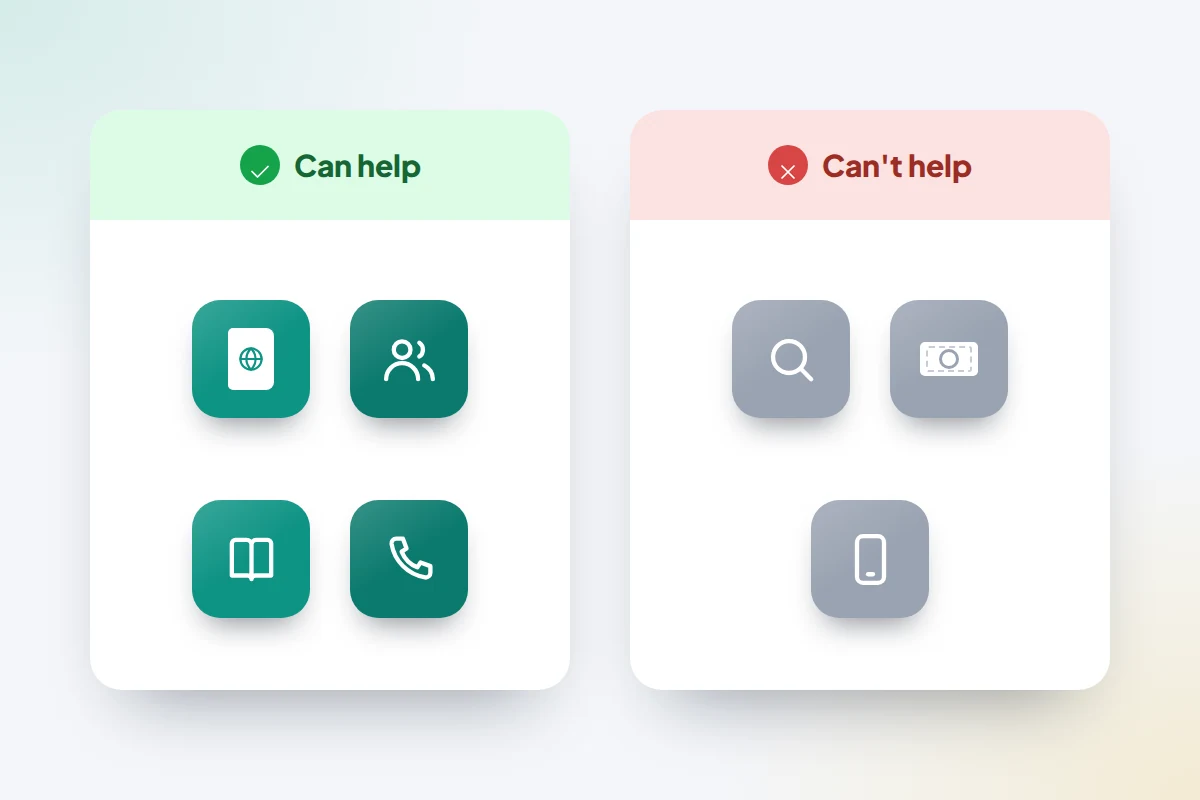
Consular staff are useful, but not for getting the phone back. The FCDO says it can help British nationals understand local police customs, find English-speaking lawyers and translators, let family and friends know what has happened, and explain how to get money transferred. It will not investigate crimes or collect evidence, give legal advice, influence the outcome of an investigation or pay to replace stolen property.
The US State Department says much the same: consular staff can replace a stolen passport, contact family and give you a list of English-speaking lawyers, but cannot investigate crimes or act as official interpreters.
If your passport went with the phone, contact the nearest embassy or consulate as soon as the report is done. The FCDO’s 24-hour line in London is +44 20 7008 5000; US citizens overseas can call +1-202-501-4444.
Banking apps, cards and payments
Many banking apps let you freeze a card instantly, but you are probably doing this without your phone, so call your bank’s 24-hour line instead and say that a phone with the bank’s app on it has been stolen.
Marking an iPhone as lost suspends Apple Pay cards on it. For Google Wallet or a bank’s own contactless payments, ask your bank to remove the phone’s cards. For the next few weeks, distrust any call or text claiming to be your bank’s fraud team; hang up and call the number on your card.
Replace it there, or wait until home?
If you are home in a few days, a companion’s phone and a cheap local SIM may be enough. If you are away for weeks, buying locally may make sense. Before you do:
- Check with your insurer first. Some policies replace the phone themselves or cap what they pay, and may not refund one bought abroad in full. Leave the stolen phone on your Apple or Google Account until the claim is settled.
- Know your passwords. Setting up a new phone needs your Apple or Google Account password and a second step, such as backup codes or a trusted device.

Habits that make a theft less likely
Thefts on holiday tend to happen in ordinary places: café terraces, busy platforms, beaches.
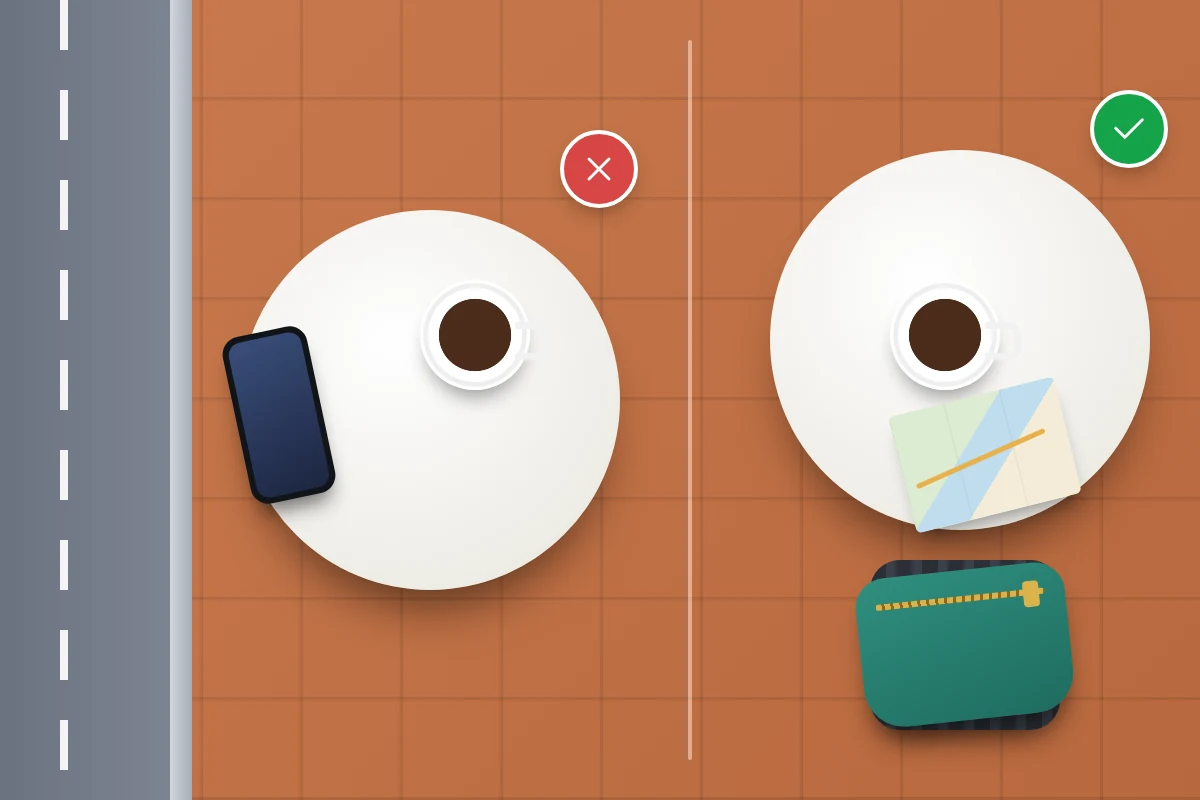
- Keep the phone off café and bar tables, especially by the street, and out of back pockets.
- Step back from the kerb or into a doorway to check maps, rather than walking with the phone held out.
- Unlock with your face or fingerprint in public, or shield the screen when you type your passcode: a thief who has watched you enter it can change your account password.
- Back up your photos before you go, and let them keep syncing over hotel Wi-Fi.
For everything that applies wherever the theft happens, such as insurance claims and checking the phone later, see what to do when a phone is lost or stolen.
Frequently asked questions
Can I report the theft to UK police when I get home instead?
You can, but it rarely helps with the theft itself. The FCDO says UK police can pass your information to police in the country where it happened, but cannot investigate it, and foreign police are under no obligation to open a case reported after you left. Report it locally before you go.
Will my network block the phone in the country where it was stolen?
Probably not. UK networks share their blocklist, and Three says a blocked phone stops working on all UK networks within 48 hours, but whether networks abroad honour a UK block varies. A blocked phone also still works on Wi-Fi, so the account lock matters more than the block.
My travel insurance says I must report within 24 hours. What if I couldn’t?
Report as soon as you can and keep evidence of why it was late, such as a hospital visit or a closed station. Get a written report from your hotel or tour rep in the meantime, and tell your insurer early.
My teenager’s phone was stolen on a school trip. What should I do?
The same steps apply. The trip leader should help with a police report; you can mark the phone as lost from home and call the network, as the account holder usually needs to make that call.
Sources and further reading
- GOV.UK: Reporting a crime abroad and getting help
- US Department of State: Help for victims of crime abroad
- Ofcom: Lost or stolen phone
- Citizens Advice: Making a claim on your travel insurance
- EE: What to do if your phone is lost or stolen
- Three: Lost your phone or had it stolen
- GOV.UK: Spain travel advice, getting help
- Android Help: Find, secure or erase a lost Android device
Looking for a tool to go with this? TheTruthSpy is a free parental control app for Android that stays visible on the child's phone. If it fits your family, see the Screen time & limits feature.
Related guides
How to Find a Lost Phone That Is Switched Off
Can you find a phone that is off or has a dead battery? What iPhone, Pixel and Samsung can still…
How to Find Lost AirPods or Earbuds
How to find lost AirPods, Pixel Buds or Galaxy Buds: which method suits your model, what to do when they…
How to Recover a Phone Left in a Taxi
Left your phone in a taxi? What to do in the first five minutes, hour and day: ring and lock…
Parental controls your child can see
Location, screen time limits, a web filter and alerts from notifications — free, and visible on your child's phone. Pair a phone in about ten minutes.
Android · Free to set up · Visible on your child's phone