How to Find Your Parked Car With Your Phone

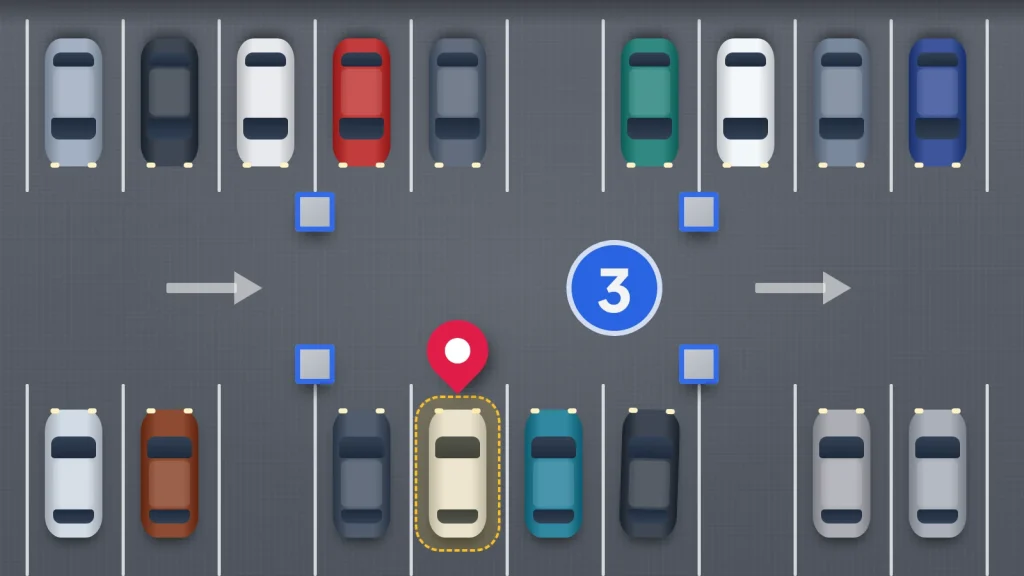
You come out of the shopping centre by a different door, the car park has six identical levels, and every stairwell smells the same. Or it is midnight in a festival field and every car is grey. Your phone can remember where you left the car, but only if something told it to at the moment you walked away.
Both iPhone and Android can drop a pin where you park, some automatically and some with one tap. What they cannot do is tell you which level of a multi-storey you are on, which is where people most often get stuck. This covers the setup on each phone, why pins drift indoors, and what to check if the car has gone.
The short version
- On iPhone, turn on Show Parked Location and Significant Locations; Apple Maps then drops a marker when you leave a car connected by CarPlay or Bluetooth.
- In Google Maps, tap the blue dot and save your parking. On Android this is manual; on iPhone, Google Maps can save it automatically.
- Phones don’t know which floor you are on. In any car park with levels, photograph the level and bay sign as you walk away.
- If the car has gone, rule out the wrong level, a tow or a clamp before reporting it stolen: 999 if it is happening now, 101 or online otherwise.
How your phone knows you have parked
A parking pin is only a location saved at the right moment. Phones use one of three triggers to decide when that moment is:
- Disconnecting from the car. When your phone drops its CarPlay, Android Auto or Bluetooth connection to the car and you walk off, the phone treats that as “parked here”.
- Motion. Some apps notice that you have stopped driving and started walking.
- You tapping a button. The most reliable trigger, and the only one that works in any car, including hire cars and a friend’s car.
Whatever the trigger, the pin goes where the phone thinks it is at that moment: outdoors, usually within a few metres; indoors, often the entrance you drove through.
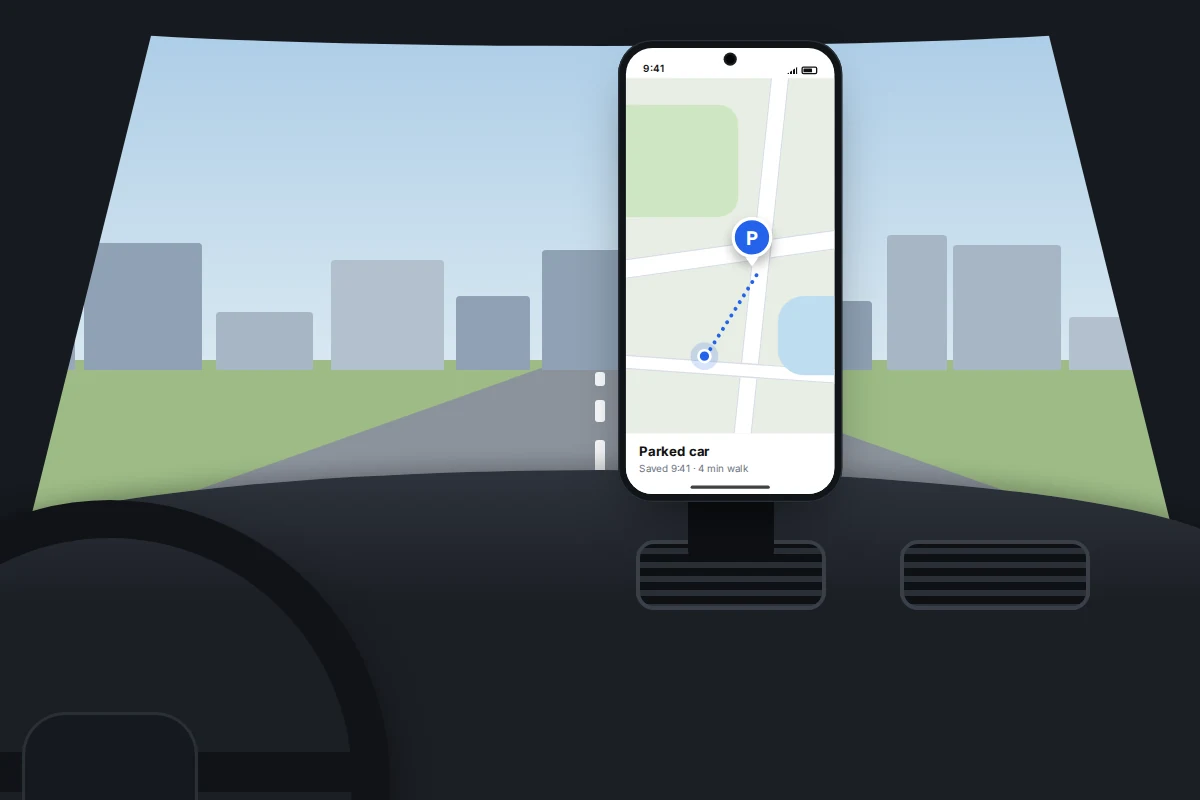
iPhone: Apple Maps’ parked car marker
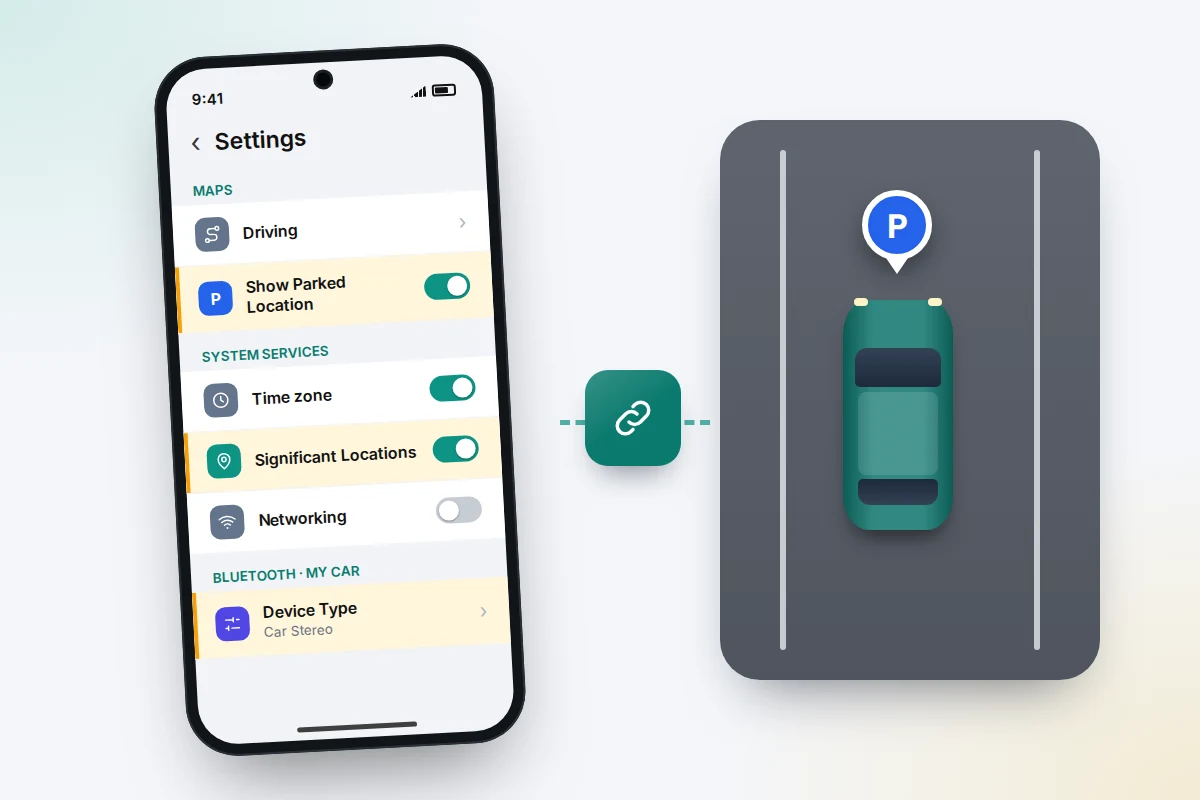
Apple Maps can drop a parked car marker automatically when you disconnect your iPhone from your car’s CarPlay or Bluetooth system and leave the car. Location Services must be on, plus two further settings; if either is off, no marker appears.
- Go to Settings → Privacy & Security → Location Services → System Services and turn on Significant Locations & Routes (called Significant Locations on older versions).
- Go to Settings → Apps → Maps (on older versions, Settings → Maps) and turn on Show Parked Location.
- If your car connects by Bluetooth rather than CarPlay, open Settings → Bluetooth, tap the i next to the car, then Device Type, and choose Car Stereo. Apple’s parking instructions don’t mention this step, but labelling the connection as a car rather than a speaker is a widely suggested fix when no marker appears.
Next time you park, search Maps for Parked Car, or tap the car marker on the map. From there you can get walking directions, edit the location if the marker is off, and add notes such as the level and bay.
Without a car connection there is no automatic marker. You can still drop a pin at your location in Apple Maps and save it, or use Google Maps’ manual option below.
Google Maps: save your parking on Android and iPhone
Android
At the time of writing, Google Maps on Android does not save parking automatically on the phone itself; Google’s help page describes only the manual method. It takes two taps.
- Open Google Maps and tap the blue dot that shows your location.
- Tap Save your parking.
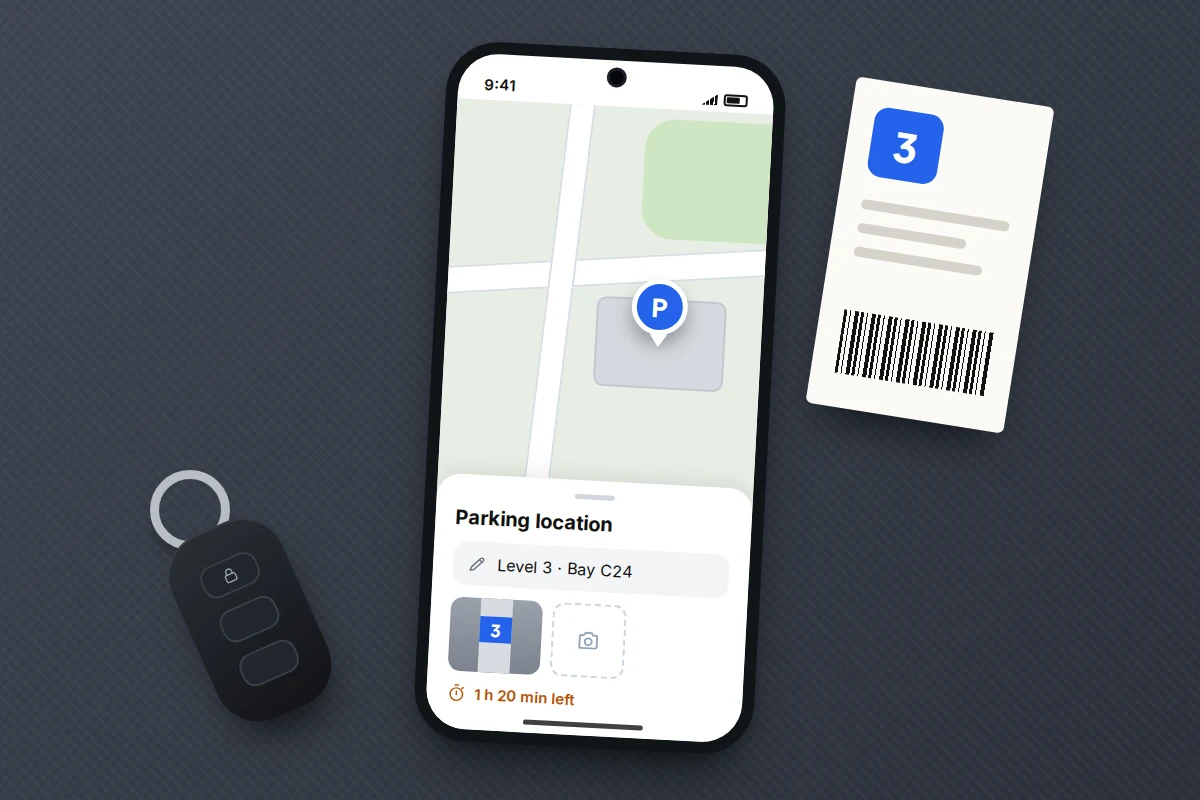
- To add details, tap the search bar, choose Parking location, then More info. Add notes and photos, such as the floor or how much time is left on the ticket. The Share button sends the spot to someone else.
- To walk back, tap the search bar, then Parking location, then Directions. Change location moves the pin; Clear removes it.
If you use Android Auto, Google Maps offers a save-parking option on the car’s screen when you arrive at your destination. It is still a tap rather than automatic, but it appears at the moment you are most likely to forget.
iPhone
Google Maps on iPhone can save parking automatically when the phone is connected to the car by Bluetooth, USB or CarPlay. There is also a motion-based option: tap your profile picture, then Settings → Navigation, and under Automatically save parking allow Maps to use your motion. Google also recommends setting Google Maps’ location access to Always (Settings → Apps → Google Maps → Location in the iPhone’s own settings), so it can notice you have parked while the app is closed. The pin is labelled “You parked here”.
One catch matters for long trips: Google says an automatically saved spot on iPhone stays for 48 hours unless you remove it or start driving. For an airport car park, back it up with a photo.
Multi-storey and underground car parks: why the pin drifts
Satellite positioning needs a view of the sky. Under a concrete deck, the phone loses the satellite signal and falls back on Wi-Fi and mobile masts, which are far less precise indoors. The result is usually one of two errors:
- The pin is at the entrance ramp, where the phone last had a clear fix, rather than where you parked.
- The pin is on a nearby street, because the phone guessed from mobile signal.
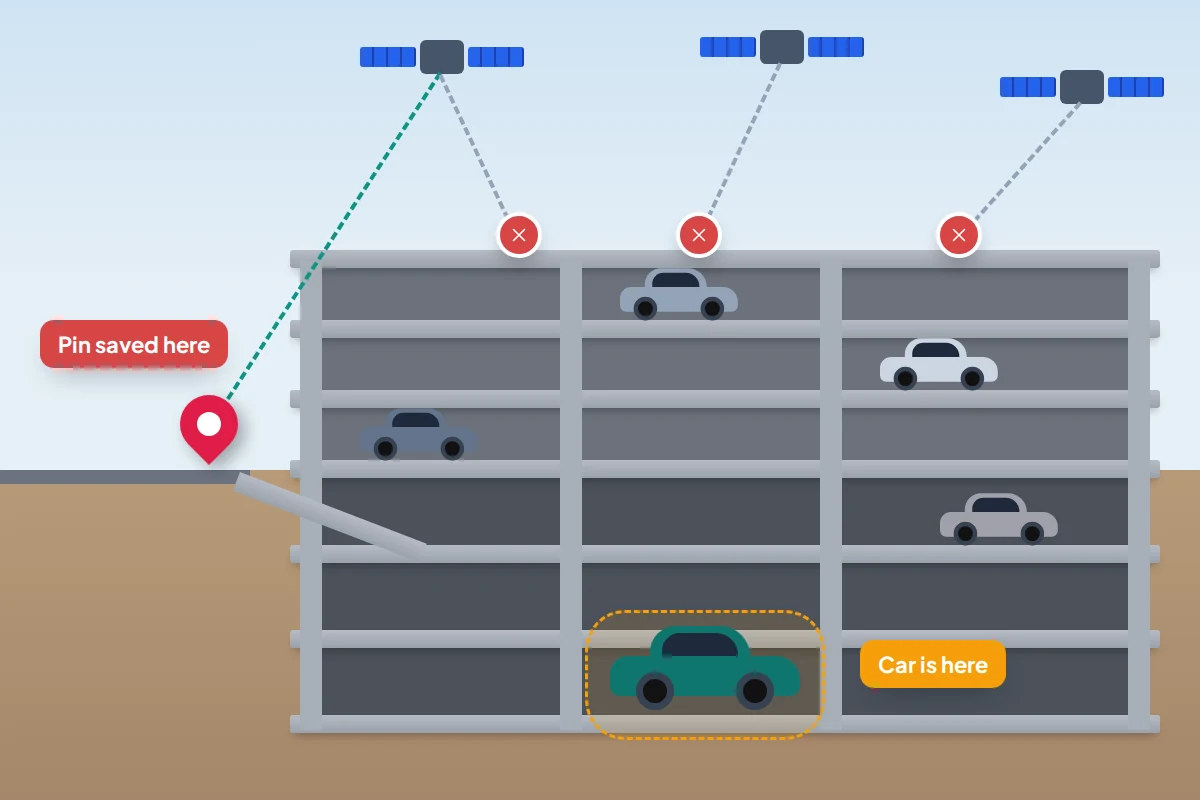
Even a perfect fix has no floor. A map pin is a point on a flat map, so it cannot tell level 1 from level 5. It still tells you which car park and which side of it; the level has to come from you.
What works indoors:
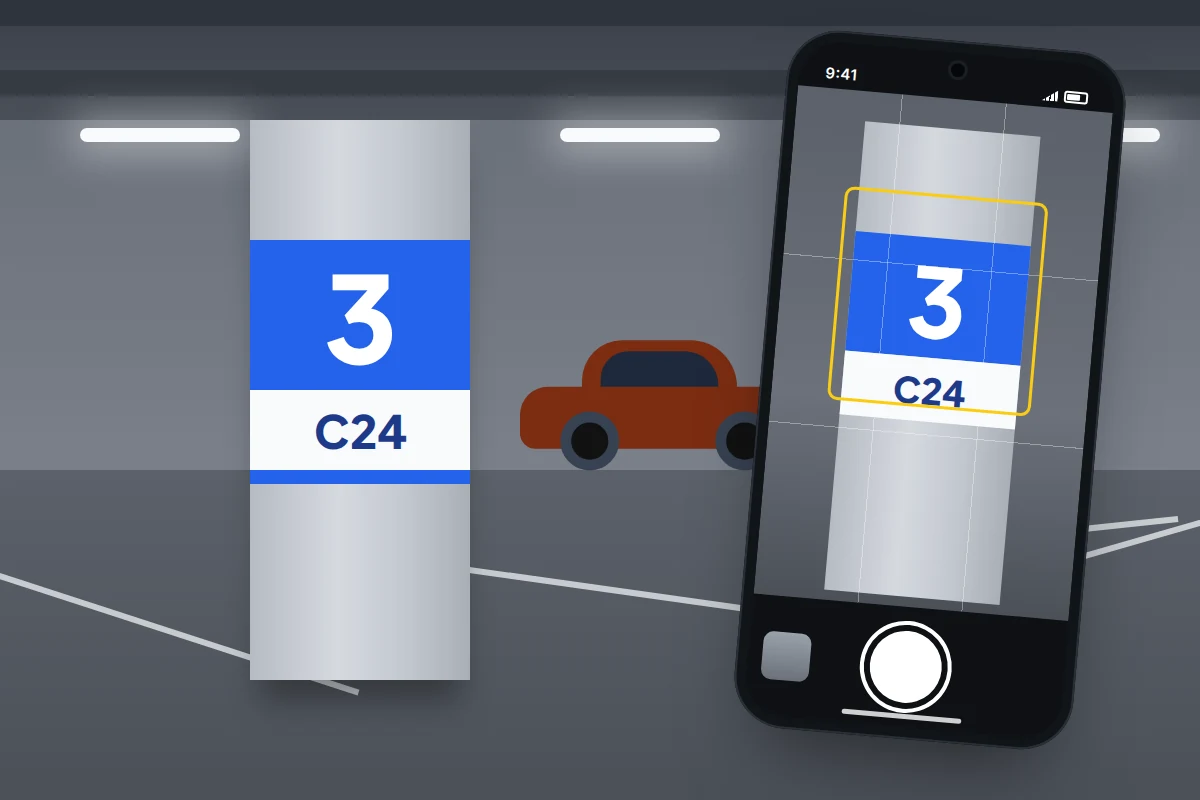
- Photograph the sign, not the car. The level number, colour and bay or row letter on the nearest pillar is what you need later.
- Note which stair or lift you used, since you will probably come back through a different entrance.
- Add the level to the pin’s notes in Apple Maps or Google Maps, so the location and the floor stay together.
Which method for which situation
Match the method to the place.
| Where you park | What tends to go wrong | What to rely on |
|---|---|---|
| Street in a town you know | Forgetting which side street | Automatic pin or a saved parking spot; usually accurate to a few metres |
| Pay-by-phone bay | Time running out while you are away | The parking app’s record of the location or zone code, plus a phone alarm for the end time |
| Multi-storey | Pin shows the building, not the level | Photo of the level and bay sign; level written in the pin’s notes |
| Underground | No satellite signal; pin at the ramp or a nearby street | Photo of the sign; note of the exit or lift you used |
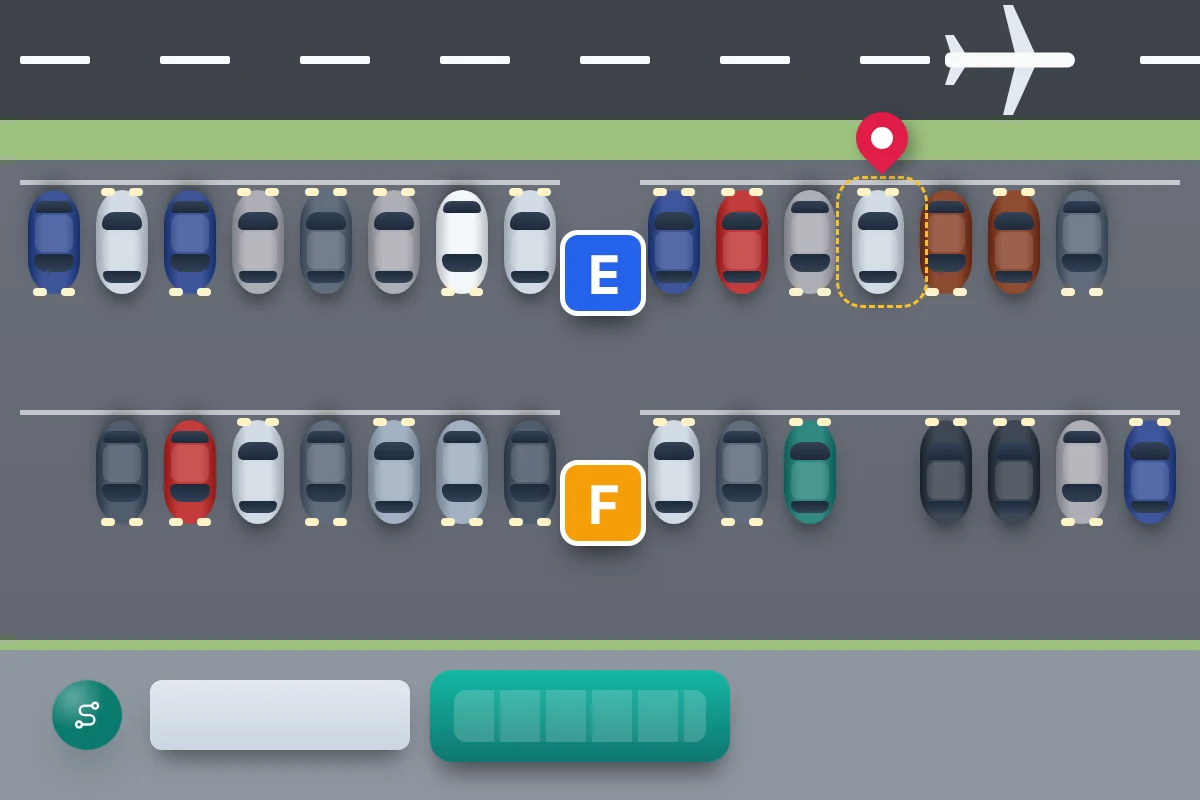
| Airport long stay | Identical rows, days away, arriving tired or in the dark | Photo of the zone or row sign and shuttle stop, rather than relying on a pin that may expire |
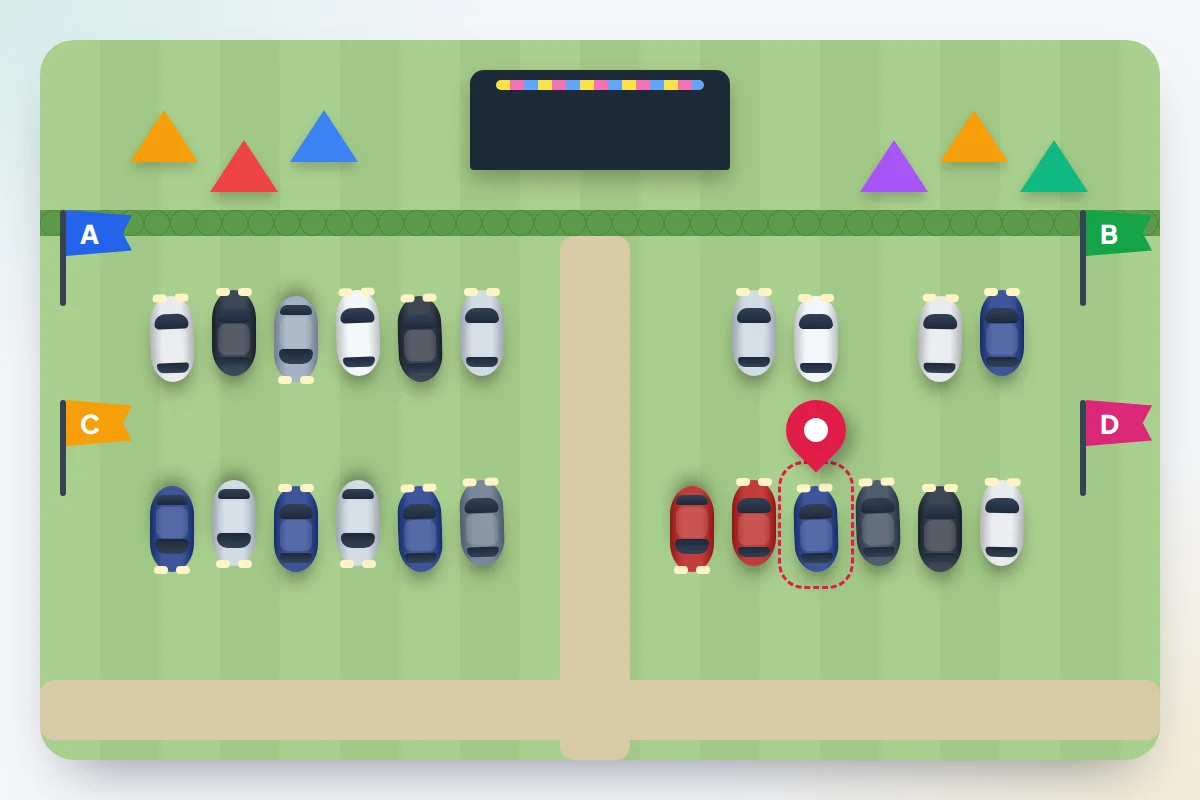
| Festival or event field | No bays, weak signal when everyone leaves, cars look alike in the dark | Pin saved on arrival, an offline map, and a fixed landmark such as a lettered flag or gate |
At a festival, save the pin as you arrive, while the mobile network is still quiet, and download the area as an offline map in Google Maps or Apple Maps. Your phone can still show your own position on a downloaded map without a data connection. If you are there as a family, agree the car as a meeting point along with the rest of the plan in keeping a group together at a festival.
The two-minute setup checklist
Do this once, before the day you need it.
- iPhone: turn on Significant Locations & Routes and Show Parked Location, as above.
- iPhone with a Bluetooth car: set the car’s Device Type to Car Stereo.
- Google Maps on iPhone: check Settings → Navigation → Automatically save parking.
- Android: save your parking once at home, then find it again with Parking location in the search bar, so you know where it is.
- Everyone: decide on one habit for car parks with levels, such as “photo of the pillar sign before I walk off”.
- Before a trip: download the area as an offline map and put the airport or event car park booking in your calendar with the zone, if you know it.
Car makers’ apps and trackers
Many newer cars have a manufacturer’s app that shows where the car is, using the car’s own mobile connection. It only works if the car’s connected services are active and linked to your account, and it may not report from underground. Set it up before you need it.
Bluetooth tracker tags hidden in a car are better thought of as theft tools than parking tools: they help you tell the police where a stolen car is, not find a bay. Both Apple and Google alert people when an unknown tracker is travelling with them, so a thief with a phone may be warned and find the tag. And anyone else who drives the car should know it is there. Never go to recover a car yourself; give the location to the police.
Location privacy: what is stored and how to switch it off
Significant Locations & Routes records places you visit often and the routes you take. Apple says this data is synced between your devices with end-to-end encryption and cannot be read by Apple. Turning it off also stops the parked car marker, and Stolen Device Protection relies on it to recognise familiar places. To keep both but remove what has been stored, use Clear History on the same page.
A Google Maps parking pin stays until you clear it or, on iPhone, it expires. Clear it when you get back to the car if you share a device or account. For a wider review, see which apps can see your location.
If the car is not where you left it
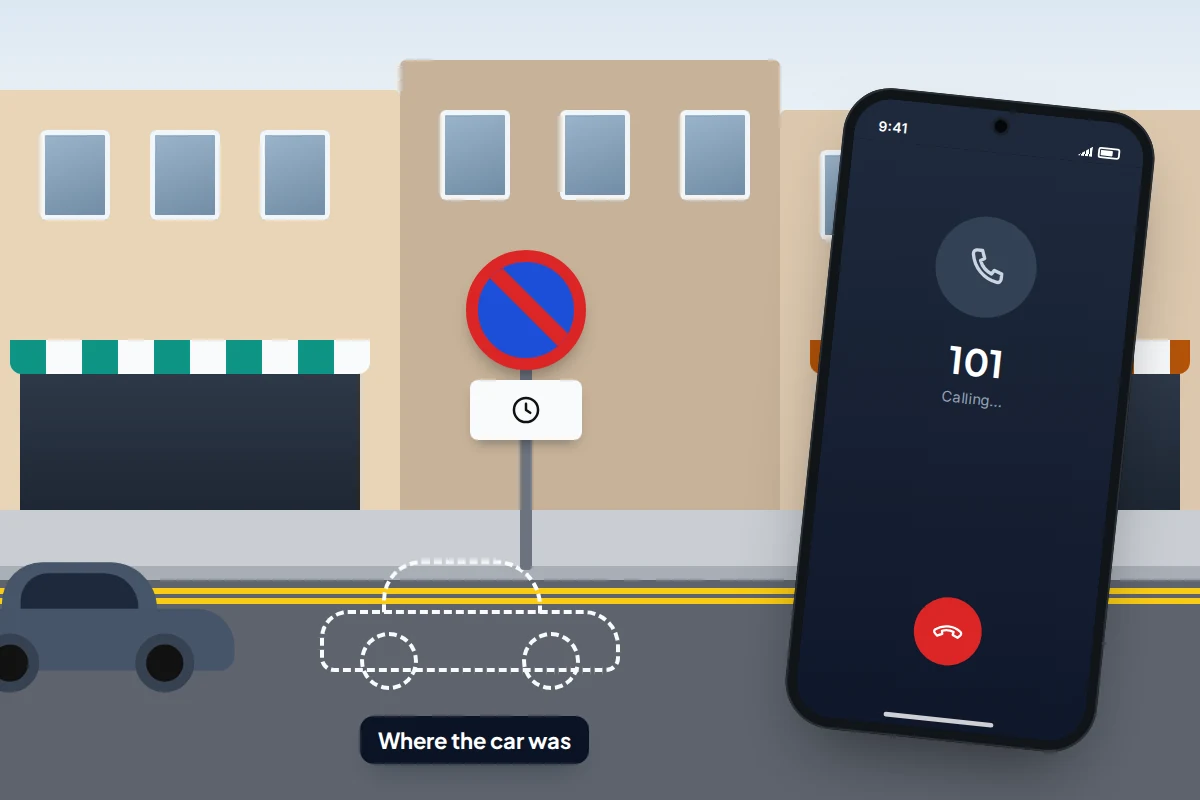
Rule out the ordinary explanations before assuming theft. The Metropolitan Police says the second most common reason for a missing vehicle is that the council has towed it for illegal parking.
- Check the evidence you have. The pin, your photo, and your parking app’s history, which records the location or zone you paid for.
- Press the key’s lock button as you walk each level. Most cars flash their lights or beep.
- Check for a tow or clamp. Look at nearby signs for restrictions and the operator’s phone number. In London, council tows are traced through TRACE on 0300 077 0100 or at trace.london, 24 hours a day. Elsewhere in the UK, contact the council’s parking service, or the police on 101, since police also remove vehicles that are causing an obstruction, untaxed or involved in an incident. Untaxed vehicles can also be clamped or taken to a pound by DVLA’s contractor, so check the car’s tax status on GOV.UK if you are unsure. In England and Wales, clamping or towing on private land without lawful authority has been banned since 2012.
- In the US, many cities have an online towed-vehicle lookup, and on private lots the posted signs name the towing company. Otherwise, call the local police non-emergency number.
- If it has been stolen, call 999 if the theft is happening now or you see the car being driven away. Otherwise report it on 101 or online through your police force, with the registration, make, model and colour. Keep the crime reference number and tell your insurer as soon as you can.
What if this doesn’t work
- No parked car marker on iPhone. Check that Show Parked Location, Significant Locations & Routes and Location Services for Maps are all on, and that the car is set as a Car Stereo in Bluetooth. The phone has to actually connect to the car on that trip.
- The marker is in the wrong place. Edit it in Apple Maps, or use Change location in Google Maps while you are standing next to the car, so it is right when you come back.
- Google Maps on iPhone didn’t save. Check the automatic parking setting and that Google Maps has location access set to Always, and remember that the spot is removed after 48 hours or when you start driving.
- Nothing happens on Android. That is expected: save it by hand, or use the button on the Android Auto arrival screen.
- The pin is right but the car park is huge. Walk the level from the stair or lift you think you used, pressing the key fob, and ask at the car park office or help point.
Frequently asked questions
Why did my iPhone save a parked car when I was only a passenger?
The marker is triggered by your phone disconnecting from the car, not by who was driving. If a passenger’s phone connects to the car’s Bluetooth or CarPlay, it can drop a marker too. Remove it from the Maps card, or stop that phone connecting automatically.
Does it work in a hire car?
Only if you pair your phone with it, so manual saving is usually simpler. If you do pair it, delete your phone from the car’s Bluetooth list before you return it.
Can other people see where I have parked?
Not unless you share it. Google Maps has a Share button on the parking card for sending it to someone deliberately, which is handy when someone else is collecting the car.
My car was towed. How quickly should I act?
Quickly. On top of the release fee, pounds add a storage charge for each day the car stays there, usually starting the day after it was removed, so call the number on the sign, the council or TRACE as soon as you know.
Sources and further reading
- Apple Support: Use Maps on your iPhone to find your parked car’s location
- Google Maps Help: Find and save parking locations (Android)
- Google Maps Help: Find and save parking locations (iPhone and iPad)
- Apple: Location Services and privacy
- London Councils: Towed vehicle tracing (TRACE)
- Metropolitan Police: Report a lost or stolen vehicle
- Thames Valley Police: Impounded vehicles
- City of Seattle: Find a towed car
Looking for a tool to go with this? TheTruthSpy is a free parental control app for Android that stays visible on the child's phone. If it fits your family, see what the app does.
Related guides
What to Do If You Lose Your Wallet
Lost your wallet? Freeze your cards first, then use this 30-minute checklist, a who-to-contact table for UK and US cards…
How to Find a Lost or Stolen Laptop
What Windows, Mac and Chromebook can each do to locate, lock or erase a lost laptop, why encryption matters more…

What to Do If Your Phone Is Stolen on Holiday
Phone stolen abroad? What to prepare before you fly, who to call in the first two hours, UK network numbers…
Parental controls your child can see
Location, screen time limits, a web filter and alerts from notifications — free, and visible on your child's phone. Pair a phone in about ten minutes.
Android · Free to set up · Visible on your child's phone