How to Recover a Hacked Instagram Account

You open Instagram and it asks you to log in. Your password no longer works. Then you notice an email from a few minutes ago saying the email address on your account has been changed, and you did not change it. Someone else is inside your account, and they are probably trying to lock you out for good.
Instagram recovery is time-sensitive, and the right route depends on what the hacker has managed to change so far. If they have only changed the password, you may be back in within minutes. If they have swapped your email and phone number and turned on two-factor authentication, you will need to prove who you are, often with a short video selfie. The routes below are in the order to try them, followed by locking the account down and handling the scam messages that tend to arrive next.
The short version
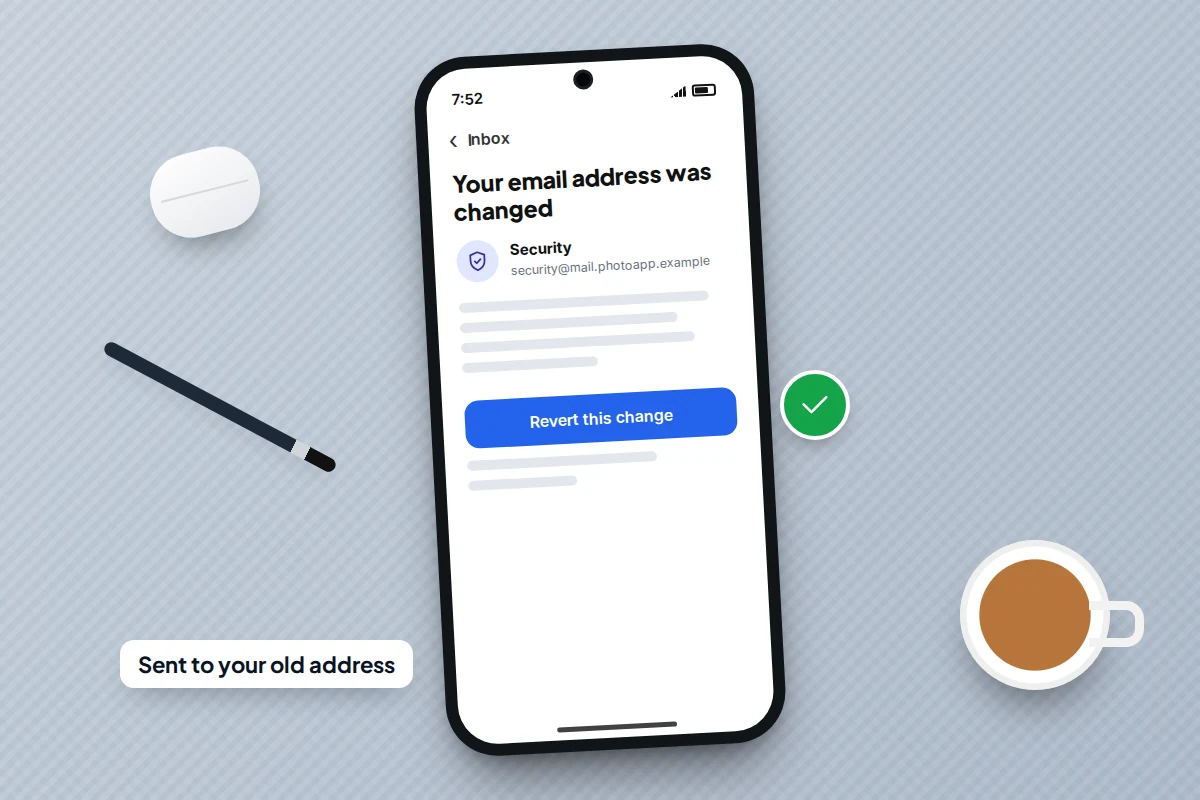
- Search your inbox, including spam, for an email from [email protected] about a changed email address. Its “revert this change” link is the fastest way back.
- If that fails, go to instagram.com/hacked from a phone or computer you have used with the account before, and ask for a login link or code.
- If your email and phone were both changed, choose the option saying you cannot access them and follow the identity check, which may include a video selfie.
- Never pay anyone who offers to recover your account, and ignore DMs from “Meta support”. Recovery through Instagram is free.
- Once you are back in, log out other sessions, remove unfamiliar contact details and turn on two-factor authentication with an authenticator app.
First, look for the “email changed” message
When the email address on an Instagram account changes, Instagram sends a message to the old address from [email protected]. It usually includes a link to undo the change, often worded “revert this change”. This is the hacker’s weak point: they control the new address, but you still control the old one.
- Open the email account you originally used for Instagram. Check the inbox, spam and any “social” or “updates” tab.
- Find the message about your email address being changed. Check the sender is exactly [email protected], not a look-alike such as “rnail” in place of “mail”.
- Tap the link to revert the change, then follow the prompts to set a new password.
- Choose a new password you have never used anywhere, and carry on to the lockdown steps below.
Use the link as soon as you find it. The longer the hacker holds the account, the more they can change.
One caution: in January 2026, Meta said it had fixed a problem that let an outside party trigger password reset emails for some users, with no breach of its systems. A reset email you did not ask for is not proof of a hack. If you can still log in normally, ignore it and do not click it.
Which recovery route to use
Match what you can see to the route most likely to work. Start at the top row that applies and move down only if it fails.
| What the hacker changed | Route most likely to work | What you need |
|---|---|---|
| Only the password | Forgot password? on the login screen, or a login link from instagram.com/hacked | Access to your email or phone number |
| Email address, but not your phone number | The “revert this change” email, or a login link by text message | Your old inbox or your phone |
| Phone number, but not your email | A login link or code sent to your email | Your email account |
| Both email and phone number | instagram.com/hacked, then the option saying you can’t access that email or phone | An identity check, often a video selfie |
| Turned on two-factor authentication | Backup codes if you have them, otherwise the identity check | Backup codes, or a device you have logged in on before |
| Deleted the account | Log in within 30 days of the deletion request to cancel it | Any of the routes above |
Using instagram.com/hacked
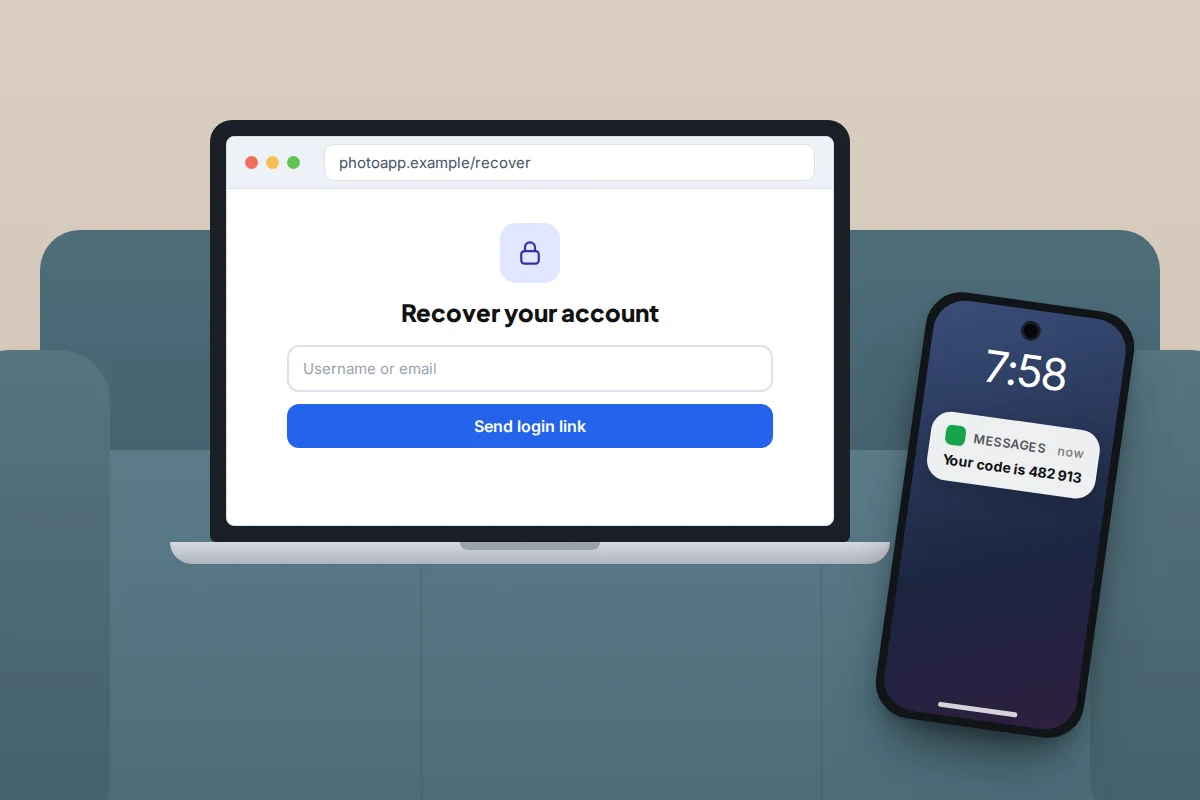
Instagram’s hacked-account page brings its recovery options together. You can reach it by typing instagram.com/hacked into a browser, or in the app by tapping Forgot password? on the login screen and following the help options. Type the address yourself; do not use a link from a message.
- Choose the option saying your account was hacked.
- Enter your username, email address or phone number.
- Ask for a login link or security code, sent to whichever email or number Instagram still has on record for you.
- Open the link or enter the code, then set a new password straight away.
If none of the contact details on record belong to you any more, look for the option saying you cannot access that email or phone number. That takes you to the identity check.
Where you try from matters. Meta says its recovery system now gives weight to familiar devices and locations, so use a phone or computer you have logged in on before, on your usual home Wi-Fi if possible. A new device, or a connection through a VPN, can make you look more like the hacker.
The video selfie identity check
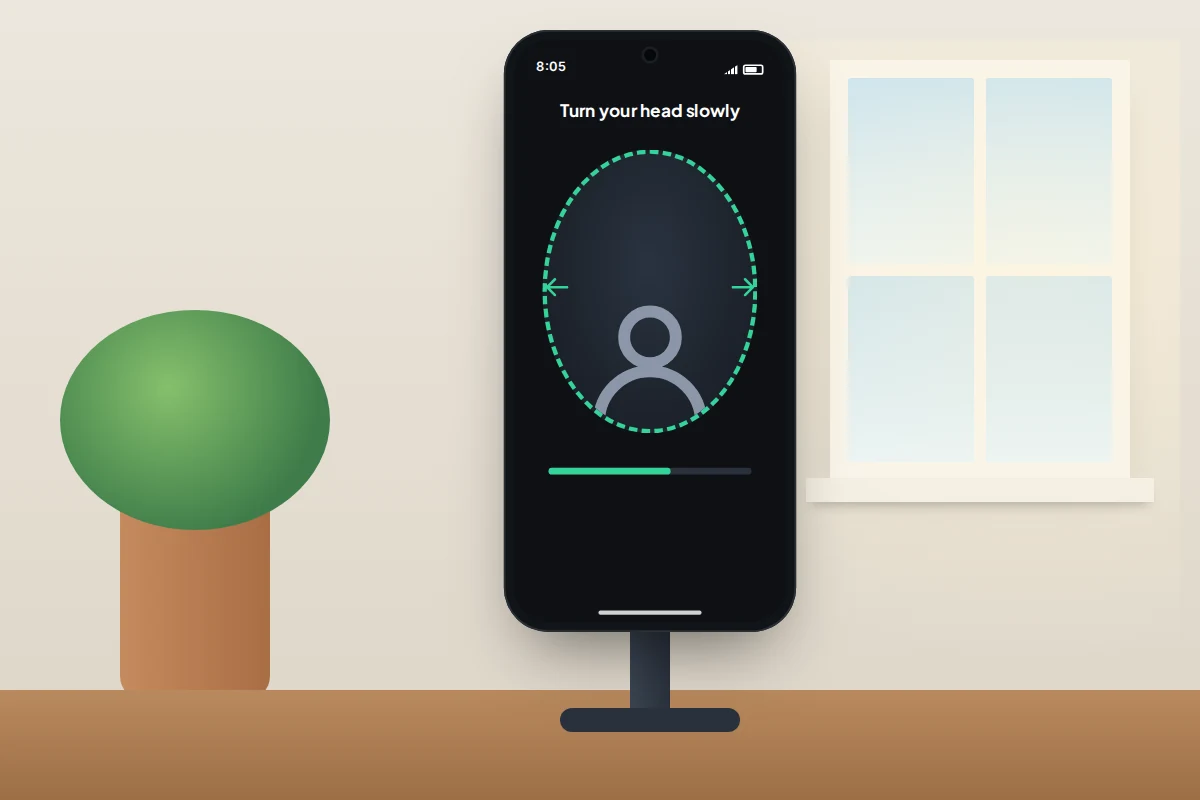
When Instagram cannot reach you through email or phone, it may ask for a short video selfie. You hold your phone at face height and slowly turn your head as the on-screen prompts direct. Meta uses facial recognition to compare the video with the profile pictures on the account.
- When it is offered: usually only when the account has photos of your face to compare against. A brand account or one with only landscapes may be offered other checks instead.
- What happens to the video: Meta says it is never visible on your profile or to other people, and facial data generated for the comparison is deleted straight afterwards, match or not.
- How long it takes: sometimes minutes, sometimes a few days. The result comes by email to the address you gave during the check.
Film in good light, without sunglasses, hats or filters, and follow the prompts slowly. If the check fails, you can usually try again, and a second attempt in better light often works.
If the hacker turned on two-factor authentication
Hackers often turn on two-factor authentication (2FA) using their own phone or authenticator app. After that, even a correct password or login link leads to a screen asking for a code you cannot get.
- If you saved backup codes when you set up 2FA yourself in the past, use one. Each works once.
- If not, look on the code screen for an option such as Try another way or “can’t get a code”. This leads to the same identity check described above.
- Stay on a device you have used before. This matters most here, because it is one of the few signals the hacker cannot copy.
You cannot switch off the hacker’s 2FA from outside the account, and emailing Instagram will not get it removed. The identity check is the way through.
Fake “Meta support” and paid recovery offers
Many Instagram takeovers start with a message, and many locked-out users are targeted a second time while they look for help.
The messages that steal accounts
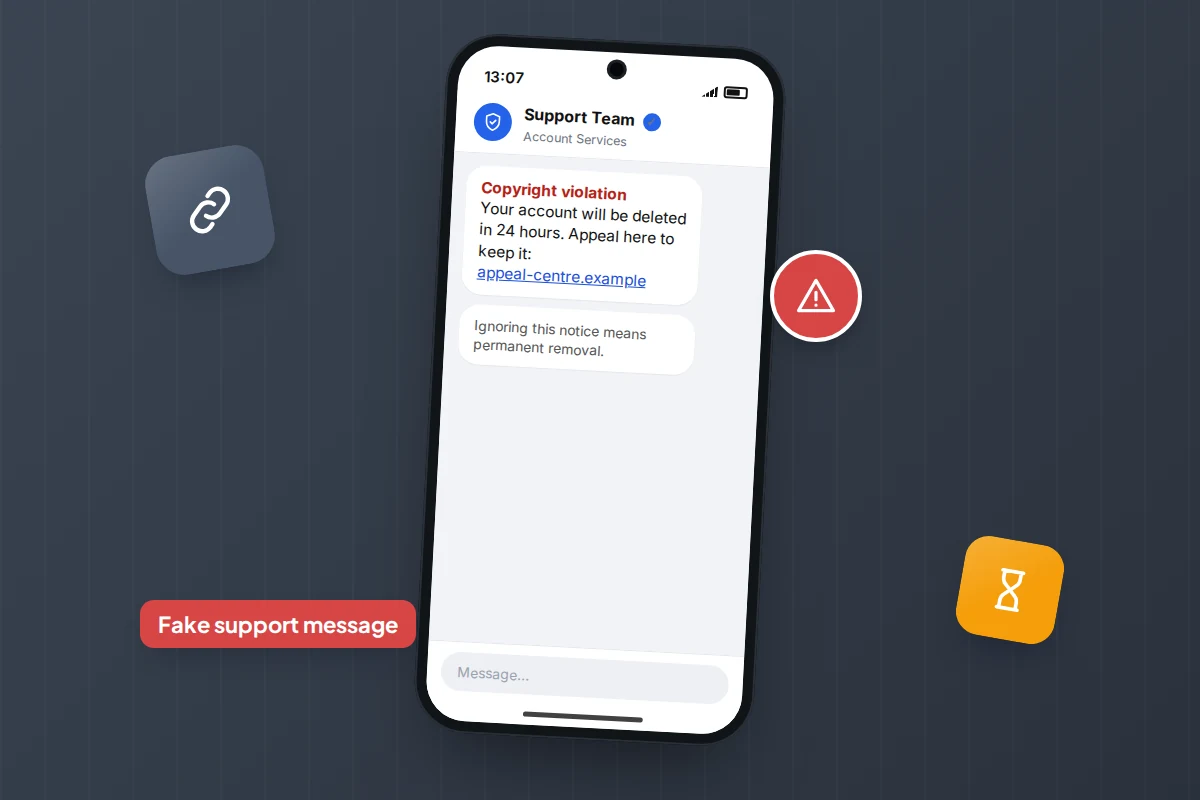
- “Copyright violation”: your account will be deleted within 24 hours unless you appeal through a link.
- “Verification badge”: you qualify for a blue tick, just confirm your login.
- “Meta support”: a profile with a tick and a support-sounding name says your account has been flagged.
- A friend’s account: “Can you vote for me?” or “I sent a code to your number by mistake”.
Each leads to a page that looks like an Instagram login, or asks for a code Instagram has just sent you. Real account warnings arrive as in-app notifications or emails from Instagram, not as DMs from “support” profiles. To check an email, open Accounts Centre → Password and security and find the list of recent emails Instagram has sent you. If an email claiming to be from Instagram is not listed there, it is fake.
People offering to get it back for a fee
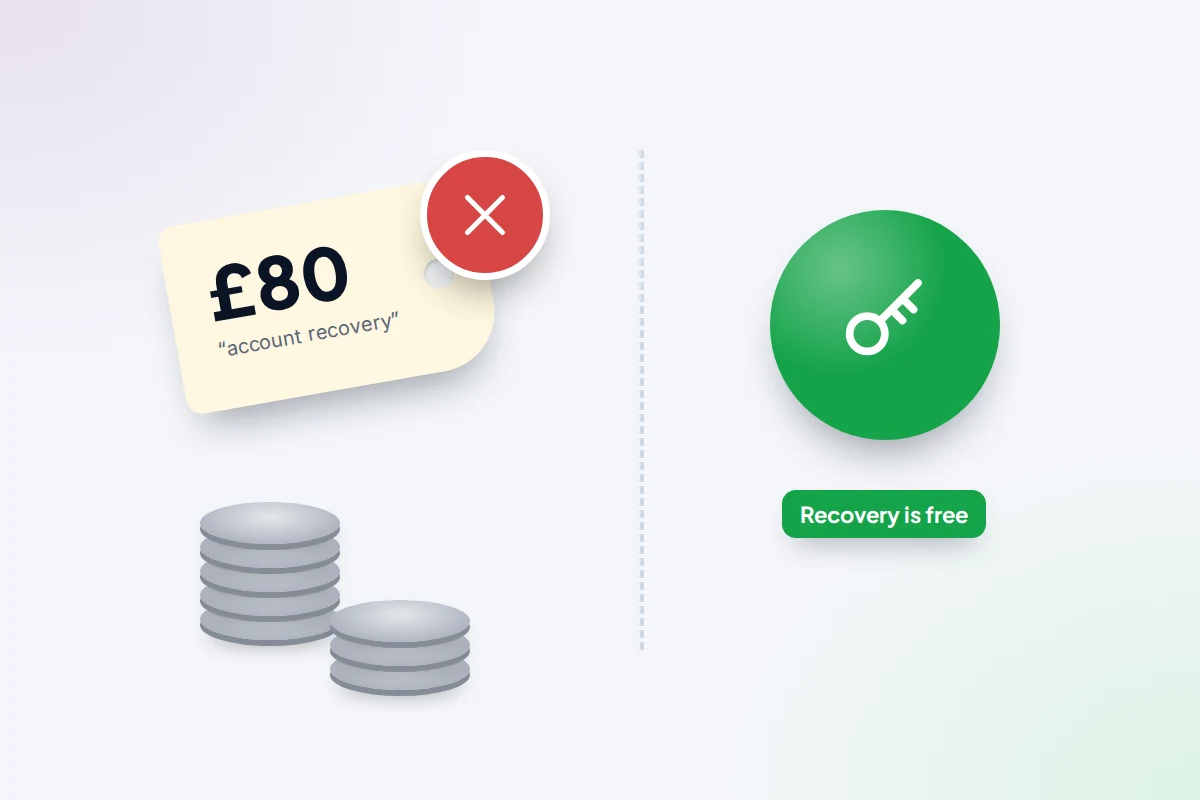
Once you post that you have been hacked, strangers reply claiming they recovered a friend’s account and can do the same for you. The Better Business Bureau’s advice is blunt: never pay someone to recover a social media account, because recovery through the platform is always free. These people have no special access. They take a fee, ask for more, and sometimes take your details too.
Meta’s own paid option, the Meta Verified subscription, includes access to account support. You sign up for it inside the app while you can still log in, never through a stranger’s DM.
Once you’re back in: lock it down in this order
The steps below are for the Instagram app on both Android and iPhone. Start from your profile, tap the menu (three lines) and open Accounts Centre. Menu names shift a little between app versions, so if something has moved, use the search bar in Settings.
- Accounts Centre → Password and security → Change password. Use a password you have never used elsewhere.
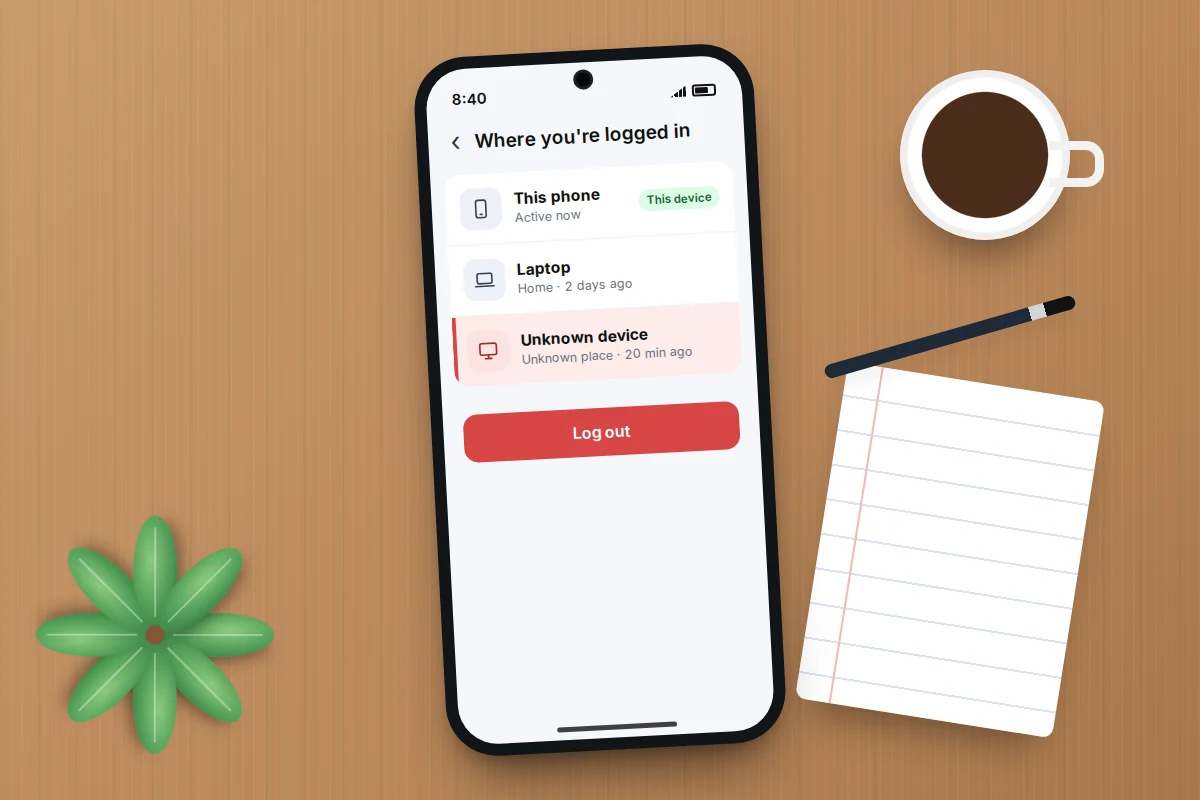
- Accounts Centre → Password and security → Where you’re logged in. Log out every session you do not recognise, or all of them except the phone in your hand.
- Accounts Centre → Personal details → Contact info. Remove any email address or phone number that is not yours.
- Accounts Centre → Accounts. Check that only your own Facebook or Threads profiles are connected. Remove anything you do not recognise.
- Settings and activity → Website permissions → Apps and websites. Remove anything you did not connect yourself.
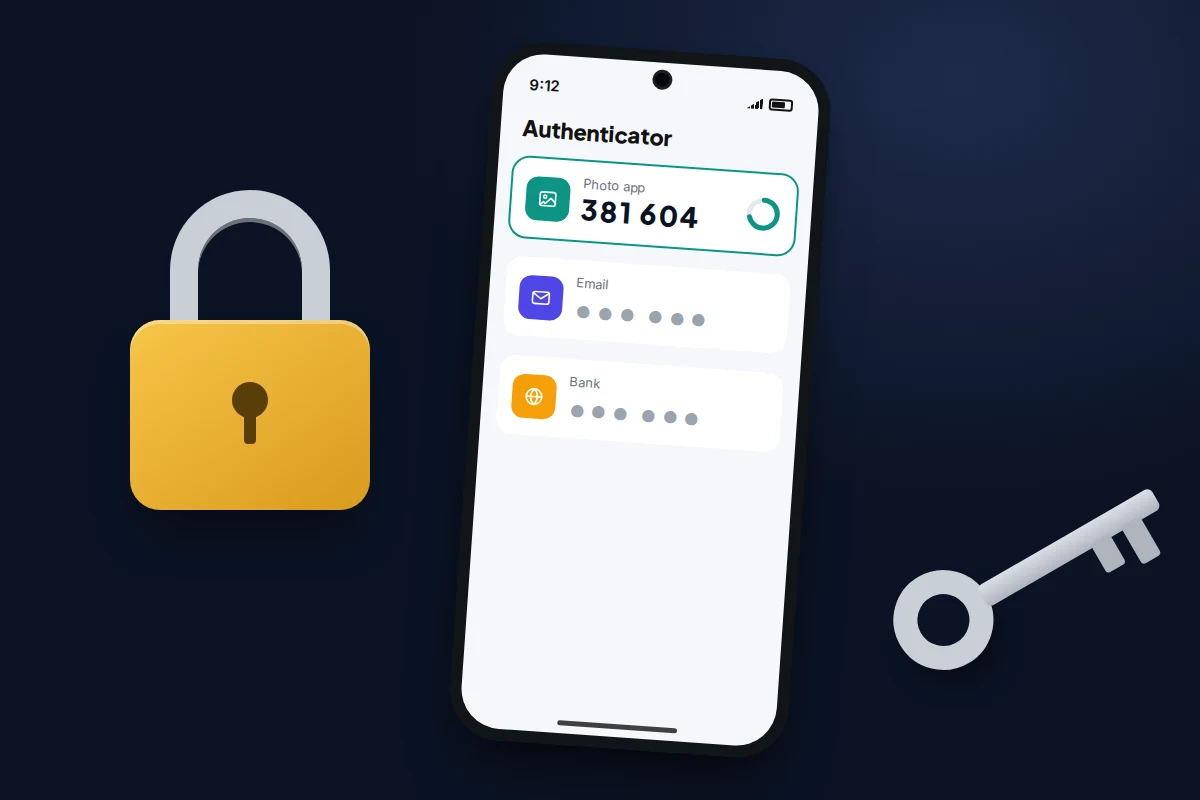
- Accounts Centre → Password and security → Two-factor authentication. Choose an authentication app rather than text messages, then save the backup codes somewhere safe. Our guide to turning on two-factor authentication for your main accounts explains why an app beats SMS.
Then secure the email account linked to Instagram with its own new password and 2FA. If a hacker got into your email, they can reset Instagram again whenever they like.
Warn your followers
While they held the account, the hacker may have posted fake giveaways, investment offers or “I’m selling my things” posts, or sent DMs asking friends for money or codes. Check your posts, stories, highlights and sent messages, and delete anything you did not write.
Then post a short story or message from the recovered account, for example:
My account was hacked earlier this week and is back under my control. If you got a message from me asking for money, a code or a vote, it wasn’t me. Please don’t click any links it sent.
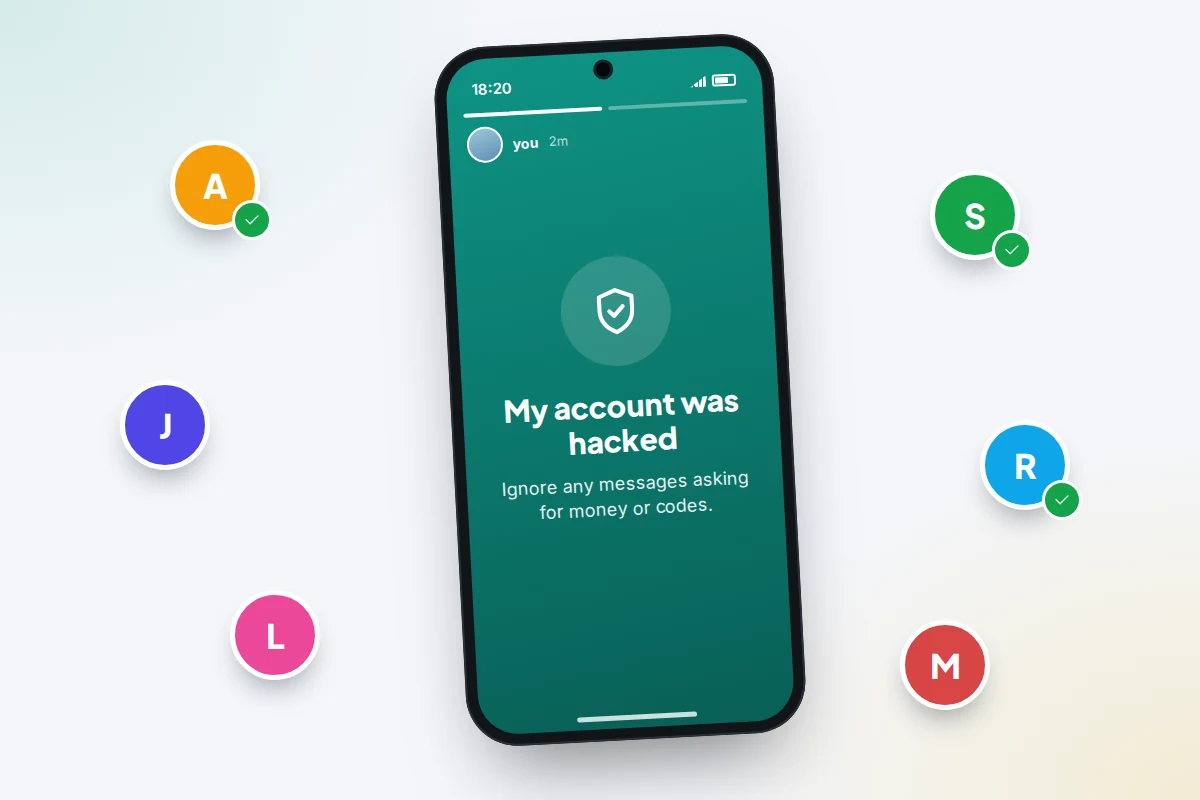
If anyone sent money, they should contact their bank straight away. The same takeover and follow-up pattern happens on WhatsApp; our guide to recovering a hacked WhatsApp account has more on warning contacts through another channel.
When recovery isn’t working
- No login link or code arrives. Check spam, wait a few minutes, and request it once more. Repeated requests can trigger a temporary block.
- The selfie check keeps failing. Try in daylight, facing a window, from a device you have used before. If the account had no photos of you, ask for other verification options.
- Nothing happens after the check. Replies can take days. Watch the email address you gave during the check, including spam.
- The account was deleted. Instagram permanently deletes accounts 30 days after a deletion request. Recovering access before then lets you cancel it.
- It’s your child’s account. The steps are the same, but there is more to think about; see what to do if your child’s account gets hacked.
Frequently asked questions
Can I phone Instagram to get my account back?
No. Instagram does not offer a public phone helpline for hacked accounts, and support numbers posted in comments or ads are scams. Recovery happens through the app and instagram.com/hacked.
How did they get in if I never shared my password?
The usual routes are a password reused from a breached site, a fake login page, or a code you were tricked into sharing. If your email account was also taken over, the hacker could simply reset your Instagram password from there.
Will I lose my photos and followers?
Usually not. Once you recover access, your posts and followers remain unless the hacker deleted them. Deleted posts may be in Your activity → Recently deleted for 30 days.
Should I just make a new account?
Try to recover the old one first, because the hacker can keep using it to scam your followers. If recovery fails, report the old account as impersonating you so it can be taken down.
Is a video selfie safe to send?
Send it only through the Instagram app or instagram.com/hacked. Never send a selfie video or ID to anyone who asks by DM or email.
Sources and further reading
- Instagram Help Centre: hacked Instagram account
- Instagram Help Centre: what to do if the email on your account was changed
- Meta Newsroom: making it easier to access account support on Facebook and Instagram
- Instagram blog: keeping Instagram safe and secure (instagram.com/hacked)
- Better Business Bureau: never pay to recover your social media account
- National Cyber Security Centre: recovering a hacked account
- The Register: Meta on the January 2026 Instagram password reset emails
Looking for a tool to go with this? TheTruthSpy is a free parental control app for Android that stays visible on the child's phone. If it fits your family, see the Social media alerts feature.
Related guides
How to Spot a Scam Call Pretending to Be Your Bank
Recognise fake bank fraud-team calls, know the exact words to end them, call back safely on 159 or your card's…
How to Check If Your Email Was in a Data Breach
Check if your email was in a data breach for free, then act on what leaked: passwords, card details or…
How to Start Using a Password Manager
Switch to a password manager without stress: built-in or standalone, protecting the main password, and a first-hour plan for the…
Parental controls your child can see
Location, screen time limits, a web filter and alerts from notifications — free, and visible on your child's phone. Pair a phone in about ten minutes.
Android · Free to set up · Visible on your child's phone