How to Check If Your Email Was in a Data Breach

An email arrives from a shop you barely remember using: “We are writing to let you know about a security incident.” Or a news story names a company you have an account with. Either way the question is the same: was my information in it, and what should I do about it?
Checking takes about two minutes and costs nothing. The more useful part comes after, because an email address on a breach list is a very different problem from a leaked password, a date of birth or a card number. Each needs a different response, and some need nothing more than extra caution with your inbox.
Below: the free checks that work in September 2026, how to read what they tell you, a table of what to do today for each type of leaked data, and how credit protection differs between the US and the UK.
The short version
- Search your email address at Have I Been Pwned, which is free, and sign up for its alerts.
- Look at what was exposed, not just the breach name. Passwords, financial details and identity data each need different action.
- A leaked password matters most if you reused it. Change it everywhere it was used.
- Expect scam messages that quote real details from the breach, and contact companies only through their app or a website you type yourself.
- You cannot pay anyone to un-leak your data. Spend the effort on passwords, two-factor authentication and, where relevant, credit protection.
The quickest check: Have I Been Pwned
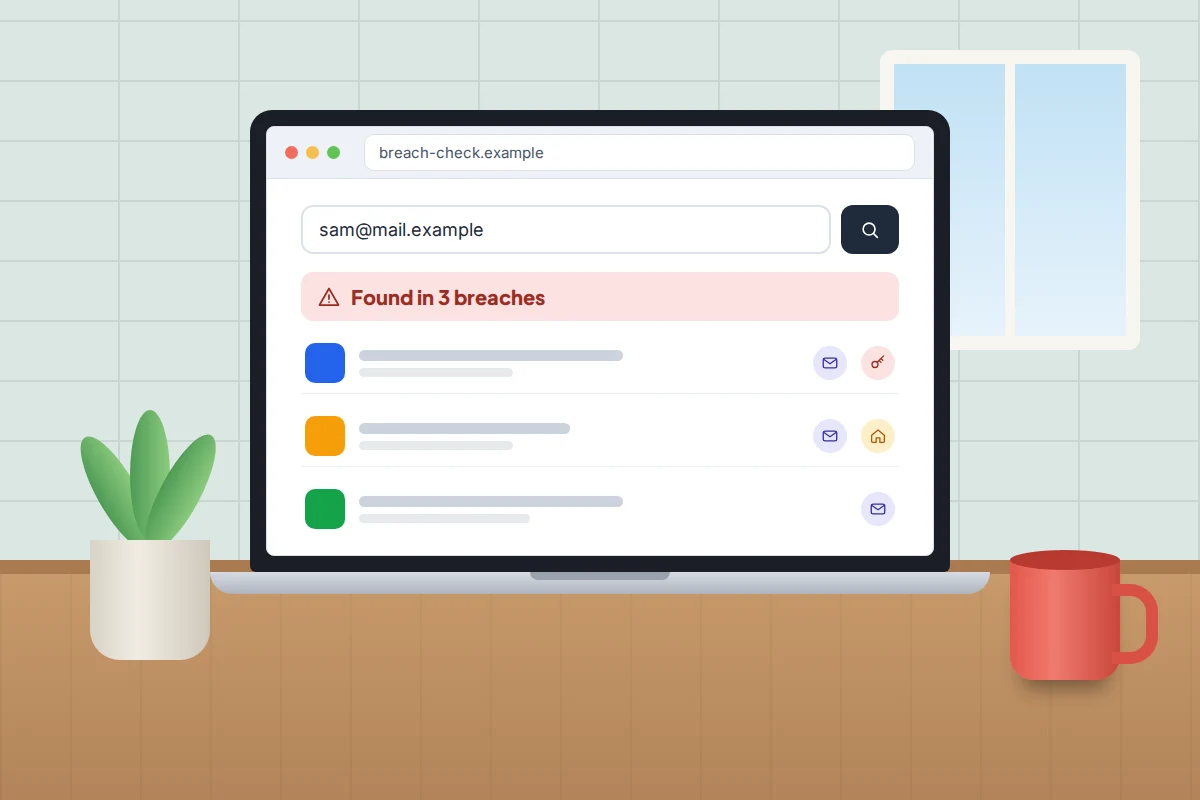
Have I Been Pwned (HIBP) is a free service run by security researcher Troy Hunt. It collects data from public breaches and lets you search by email address to see which ones include yours. The NCSC names it in its data breach guidance as one of the tools you can use.
- Go to haveibeenpwned.com by typing the address yourself.
- Enter your email address and search. You never need to enter a password.
- Read each result: the breach name, when it happened and the list of compromised data.
- Use Notify me to get an email if your address appears in a future breach. HIBP keeps only your address, the sign-up date and a verification token.
Two details are worth knowing. Some breaches are marked sensitive, such as those from dating or adult sites, and only appear after you prove you own the address. HIBP also includes “stealer logs”, which come from malware on someone’s computer rather than a hacked company; if you appear in one, treat the computers you used at the time as possibly infected, and change passwords from a device you trust, not the suspect one.
Check every email address you use, including old ones that still receive password resets.
Checks built into your phone and browser
Your password manager can check something HIBP does not: whether the actual passwords you have saved appear in known leaks.
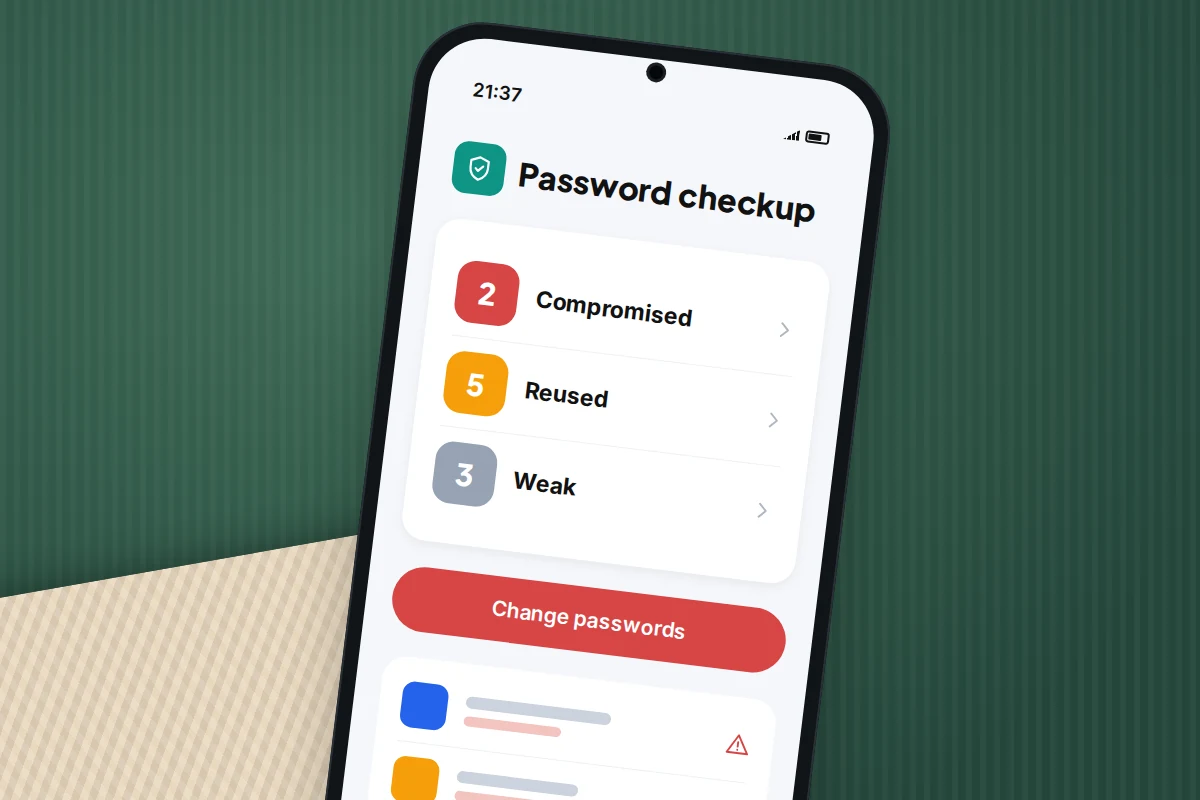
- Google Password Manager: on Android, open Chrome and go to More → Settings → Google Password Manager → Checkup, or visit passwords.google.com on any computer. It lists compromised, reused and weak passwords.
- Apple Passwords (iOS 18 and later): open the Passwords app and tap Security. It flags passwords that appear in known data leaks, as well as reused and easily guessed ones.
- Standalone password managers usually have a similar breach or watchtower report.
If you used Google’s dark web report in the past, it has gone. Google stopped running new scans on 16 January 2026 and removed the tool, along with its data, on 16 February 2026, saying it did not give people helpful next steps. Google now points people to Password Checkup and its Security Checkup instead. For email alerts, HIBP’s Notify me covers the same ground.
Your bank’s app and card alerts are the other early warning. Turn on notifications for every card payment; an unfamiliar small charge is often a test before a larger one.
Reading a result: what actually leaked
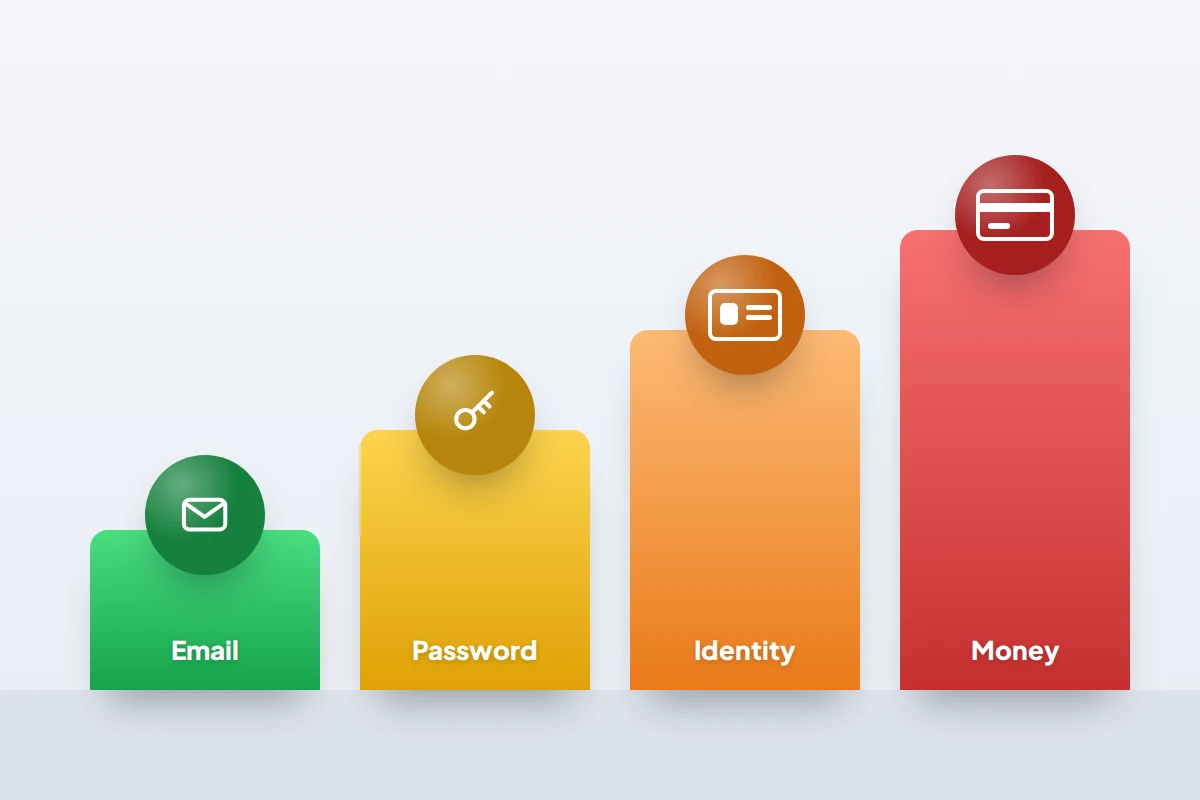
Most people see a breach name, feel alarmed and stop there. The list of compromised data is what matters. Broadly, breaches fall into four levels:
- Contact details only (email, name, perhaps phone number). Annoying, not dangerous on their own. Expect more spam and more convincing scams.
- Passwords, even when “hashed” or encrypted. Weak hashed passwords can often be cracked, so treat any leaked password as known.
- Identity details such as home address, date of birth, security answers or government ID numbers. These can be used to open accounts in your name or to pass security checks.
- Financial details such as full card numbers or bank account details. These need action with your bank the same day.
Being listed in an old breach from ten years ago is still worth acting on if you have reused that password since. Criminals trade old lists for years.
What leaked, and what to do today
Find each type of data your result lists, and do everything in its row. If several apply, work from the bottom of the table up, because financial and identity data are the most urgent.
| What leaked | What to do today | Then keep an eye on |
|---|---|---|
| Email address only | Nothing to change. Sign up for HIBP alerts. | Messages that mention the company that was breached |
| Password (any form) | Change it on that site and on every other site where you used it. Turn on two-factor authentication. | Sign-in alerts, new devices on your email account, email forwarding rules |
| Phone number | Ask your mobile network whether it offers a PIN or extra checks before a SIM swap or number transfer. | Scam texts and calls using your name |
| Security questions and answers | Change those answers wherever you used them. Use made-up answers stored in a password manager. | Account recovery emails you did not request |
| Home address and date of birth | Check your credit report. In the US, consider a credit freeze; in the UK, consider Cifas Protective Registration. | Post about credit you never applied for |
| Partial card number (last four digits) | Nothing to cancel; it cannot be used to pay. | Callers who quote those digits to seem genuine |
| Full card number, expiry or security code | Call your bank on the number on the back of the card and ask for a replacement. | Every transaction until the new card arrives |
| Bank account details, National Insurance or Social Security number, passport or licence scans | Tell your bank. Check credit reports. US: freeze credit at all three bureaus and request an IRS Identity Protection PIN. UK: consider Cifas Protective Registration. | Direct debits you did not set up; tax or benefit letters that make no sense |
For passwords, the lasting fix is a unique password for every account, which only really works with a manager. Our guide to starting with a password manager has a first-hour plan for exactly this.
The follow-up scam that quotes the breach
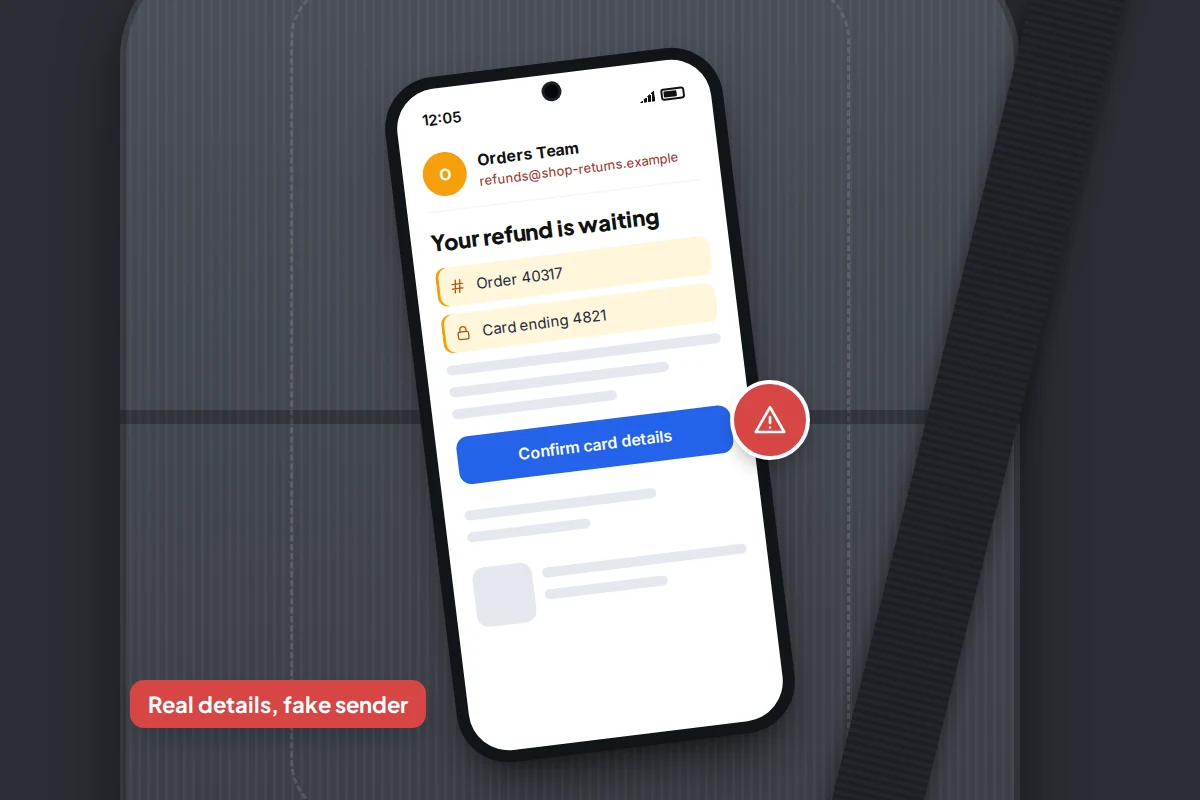
For most people, the likeliest harm from a breach is not a hacker using the data directly. It is a phishing message that uses real details to seem genuine. The NCSC warns that criminals use breached information to make phishing messages look legitimate.
Say a clothing shop you ordered from is breached. A week later an email arrives with your name, your real order number and the last four digits of your card, saying a refund is waiting and asking you to “confirm your card details”. Every detail is correct, and the message is still a scam. Knowing facts about you proves only that the sender has the breached data.
- Never use a link, phone number or attachment from a message about a breach. Open the company’s app or type its web address yourself.
- No bank or genuine company will ask you to read out a code, move money to a “safe account” or confirm your full card details after a breach.
- In the UK, forward suspicious emails to [email protected] and scam texts to 7726. In the US, report scams at reportfraud.ftc.gov.
Credit freezes in the US
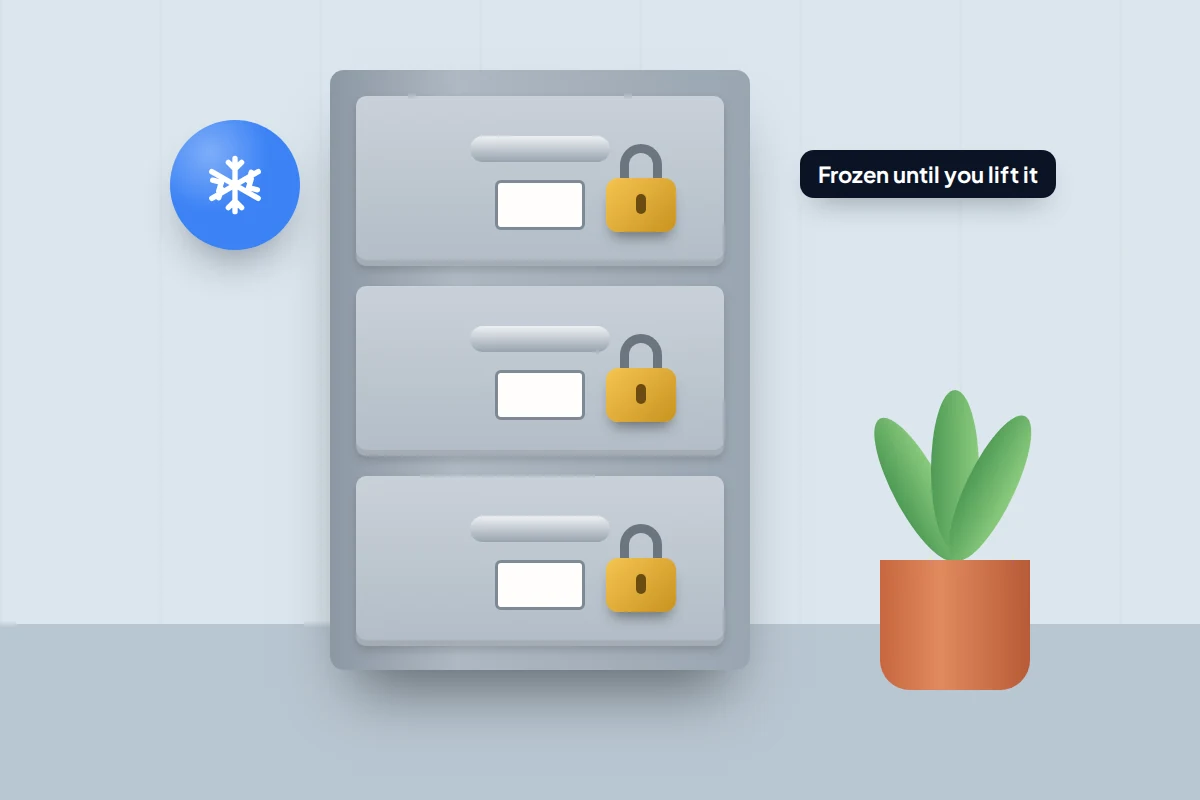
If your Social Security number, date of birth or address leaked, a credit freeze is the strongest protection. It stops lenders seeing your credit report, so nobody can open new credit in your name.
- It is free to place and lift, by law, at Equifax, Experian and TransUnion. You need to contact each of the three separately.
- It lasts until you lift it and does not affect your credit score. Lift it temporarily when you apply for a loan or a new phone contract.
- A fraud alert is a lighter option: contact one bureau and it must tell the other two. An initial alert lasts one year.
- If someone has already used your identity, report it at IdentityTheft.gov for a recovery plan.
In the UK: checks, not freezes
The UK has no free, law-backed credit freeze across all three credit reference agencies. What you can do instead:
- Check your credit reports. Experian, Equifax and TransUnion must each give you your statutory report free. Free services also give ongoing access to one agency’s data each. Look for searches, accounts or addresses you do not recognise.
- Cifas Protective Registration costs £30 for two years. It flags your name so that member organisations run extra checks before approving applications, which can slow your own applications slightly. Cifas says it is most effective in the first few months after your data is lost.
- Experian sells a paid lock as part of a subscription, but it covers Experian’s file only, so it is not a full freeze.
- If money has been taken or accounts opened, tell your bank and report it to Report Fraud (reportfraud.police.uk), which replaced Action Fraud in England, Wales and Northern Ireland. In Scotland, call Police Scotland on 101.
Don’t pay to have a breach “removed”
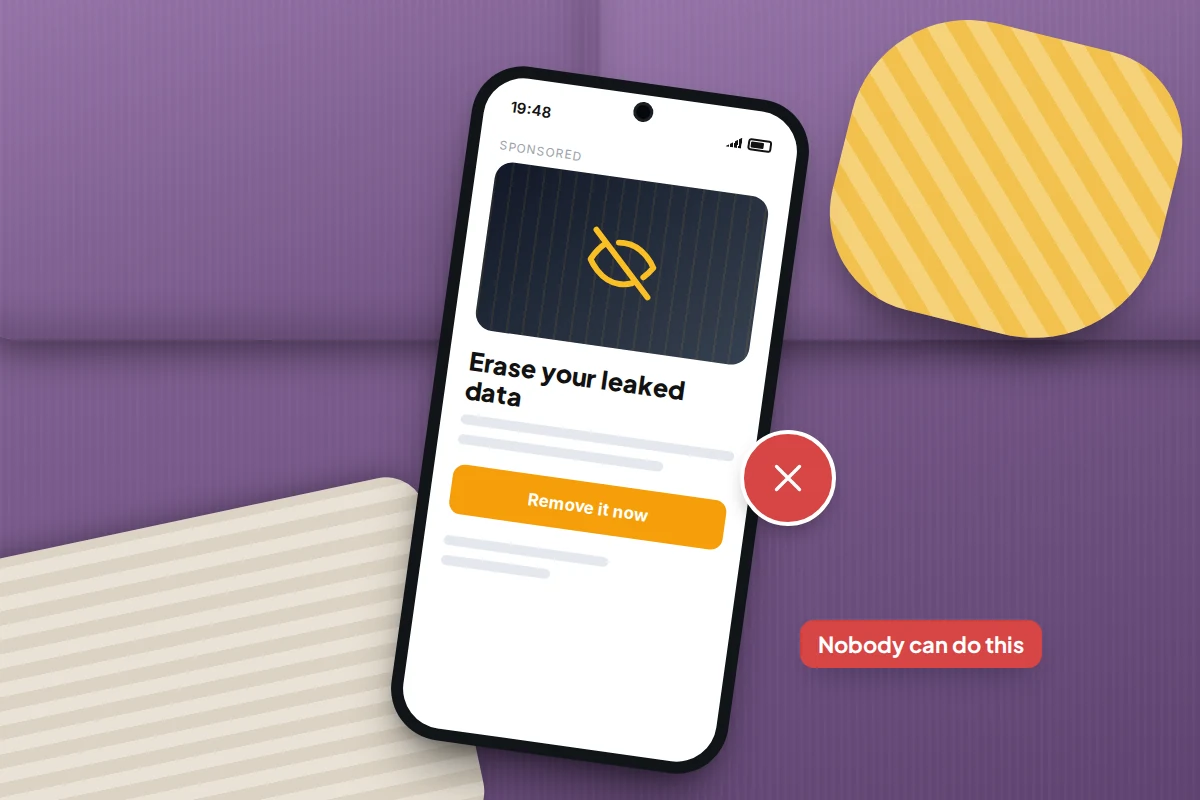
Adverts and messages sometimes promise to delete your leaked data from the dark web for a fee. Nobody can do that. Breached data is copied and resold, and HIBP itself describes being in a breach as an unchangeable fact.
Paid “data removal” services that ask people-search and data broker sites to delete your listings do something different and legitimate, but they cannot touch breach dumps. An unexpected message offering removal, especially one that quotes your leaked details, is a scam aimed at people who have just been breached.
The protection that works is free: a unique password for each account and two-factor authentication on the accounts that matter. With both in place, a leaked password on its own gets a criminal nowhere.
If you are still unsure what to do
- The breach notice is vague. Go to the company’s own website and look for a statement, or contact them through the app. Ask exactly which data was involved.
- You cannot remember if you reused the password. Assume you did. Check your password manager’s reused list.
- You cannot get into the account to change it. Use the site’s official recovery page, reached by typing its address. If it is your email, do this before anything else.
- HIBP shows nothing but you had a breach notice. HIBP only knows breaches it has been given data for. Follow the company’s notice.
Frequently asked questions
Is it safe to type my email address into Have I Been Pwned?
Yes. It asks only for an email address, never a password. Look-alike sites exist, so type the address yourself rather than following a link.
My email is in lots of breaches. Is my account hacked?
Not necessarily. A breach means a company holding your data was hacked, not your email account. Check your account’s recent sign-ins, and change any password that was leaked or reused.
Should I change my email address?
Usually not. Spam may increase, but a strong unique password and two-factor authentication protect the account itself. A new address is worth it only if the old one is overwhelmed by scams.
The company offered free credit monitoring. Should I accept?
It does no harm if you sign up through the company’s official website, not a link in an email. Monitoring tells you about problems after they happen; in the US, a freeze prevents them.
Can someone use a leaked date of birth on its own?
Rarely on its own, but combined with your name and address it helps pass security checks. Remove it from security questions and watch your credit reports.
Sources and further reading
- NCSC: Data breaches, guidance for individuals and families
- Have I Been Pwned: Frequently asked questions
- Google Chrome Help: Manage passwords and run a password checkup
- TechCrunch: Google’s dark web report will no longer be available from February
- FTC: What to know about credit freezes and fraud alerts
- MoneyHelper: How to check your credit report
- Cifas: Protective Registration
- City of London Police: Report Fraud service goes live
Looking for a tool to go with this? TheTruthSpy is a free parental control app for Android that stays visible on the child's phone. If it fits your family, see what the app does.
Related guides
How to Start Using a Password Manager
Switch to a password manager without stress: built-in or standalone, protecting the main password, and a first-hour plan for the…
How to Tell If Your Phone Has a Virus or Malware
Most 'virus' signs have ordinary causes. How to check an iPhone or Android phone for real malware, remove it, secure…
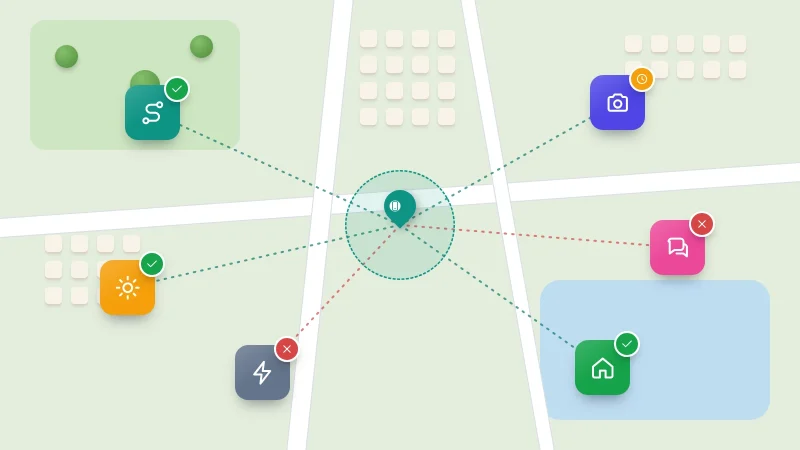
How to Check Which Apps Can See Your Location
See which apps can use your location on Android or iPhone, what each permission level allows, which apps really need…
Parental controls your child can see
Location, screen time limits, a web filter and alerts from notifications — free, and visible on your child's phone. Pair a phone in about ten minutes.
Android · Free to set up · Visible on your child's phone