How to Spot a Fake Delivery Text

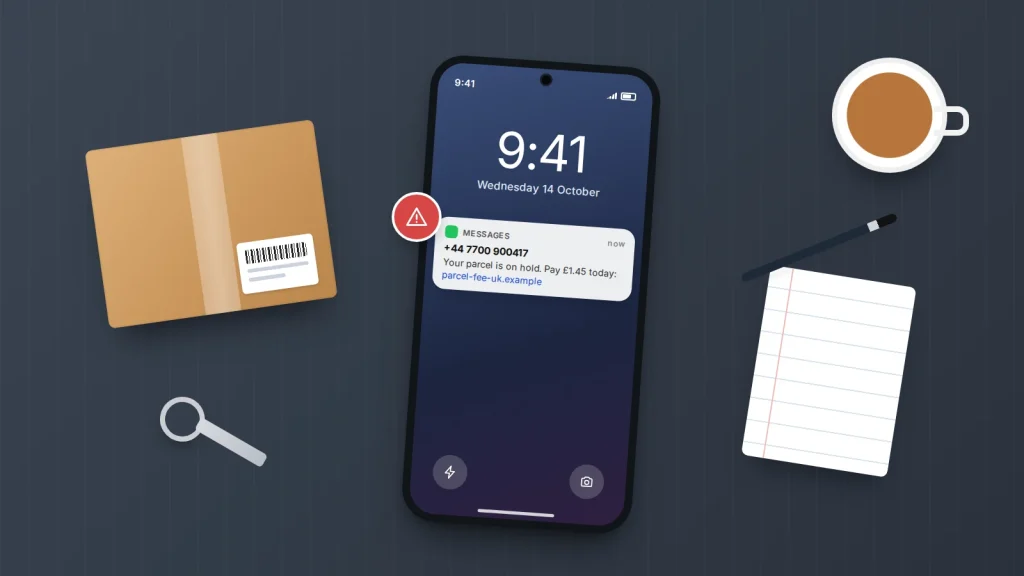
A text arrives saying a parcel could not be delivered, and all you need to do is pay a small fee or confirm your address. It looks official, it mentions a tracking number, and you may well be waiting for something. That is exactly why fake delivery texts work so well: they arrive when a delivery is plausible and ask for very little.
The good news is that these messages follow a pattern, and once you know it they are easy to spot — for you, and for a parent or teenager you want to help. Below are the tell-tale signs, how real couriers contact people, how to check a parcel without touching the link, where to report the text, and what to do if you have already tapped it or typed in card details.
These scams are often called smishing, a mix of SMS and phishing. The same tricks also turn up in messaging apps and email, so the habits below are worth having whichever way the message arrives.
The short version
- A text asking for a small redelivery, customs or “address update” fee is the classic sign of a fake delivery text.
- Never check a parcel through the link in a message. Open the retailer’s order page or the courier’s own app or website yourself.
- In the UK and US, forward the text to 7726 for free, then delete it. Report money lost to Report Fraud (UK) or ReportFraud.ftc.gov (US).
- If you entered card details, call your bank first using the number on the back of your card, then change any passwords you typed.
- Expect follow-up calls pretending to be your bank. Hang up and call back on a number you already trust.
What a fake delivery text usually looks like
In the US, the Federal Trade Commission found that fake package delivery messages were the most-reported type of text scam in 2024. Scam delivery messages change their wording constantly, but they lean on the same handful of tricks. Spotting two or three of these together is a strong reason to stop.
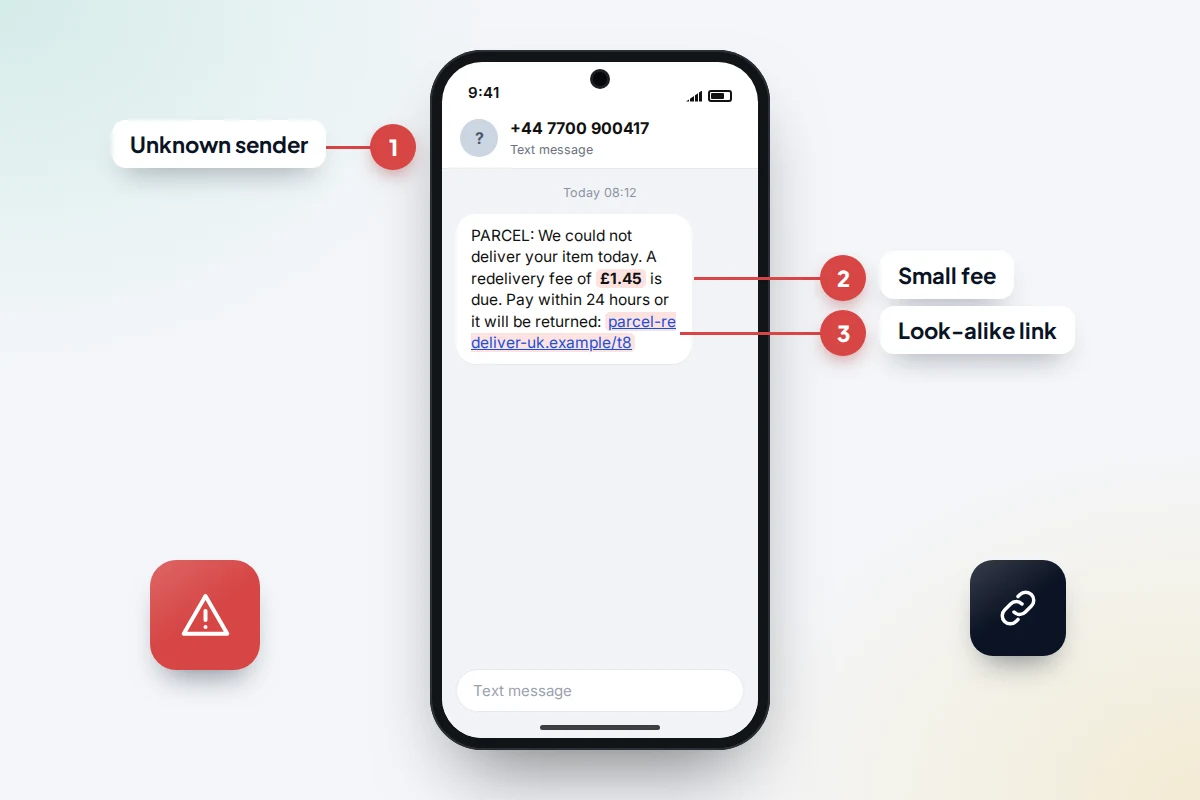
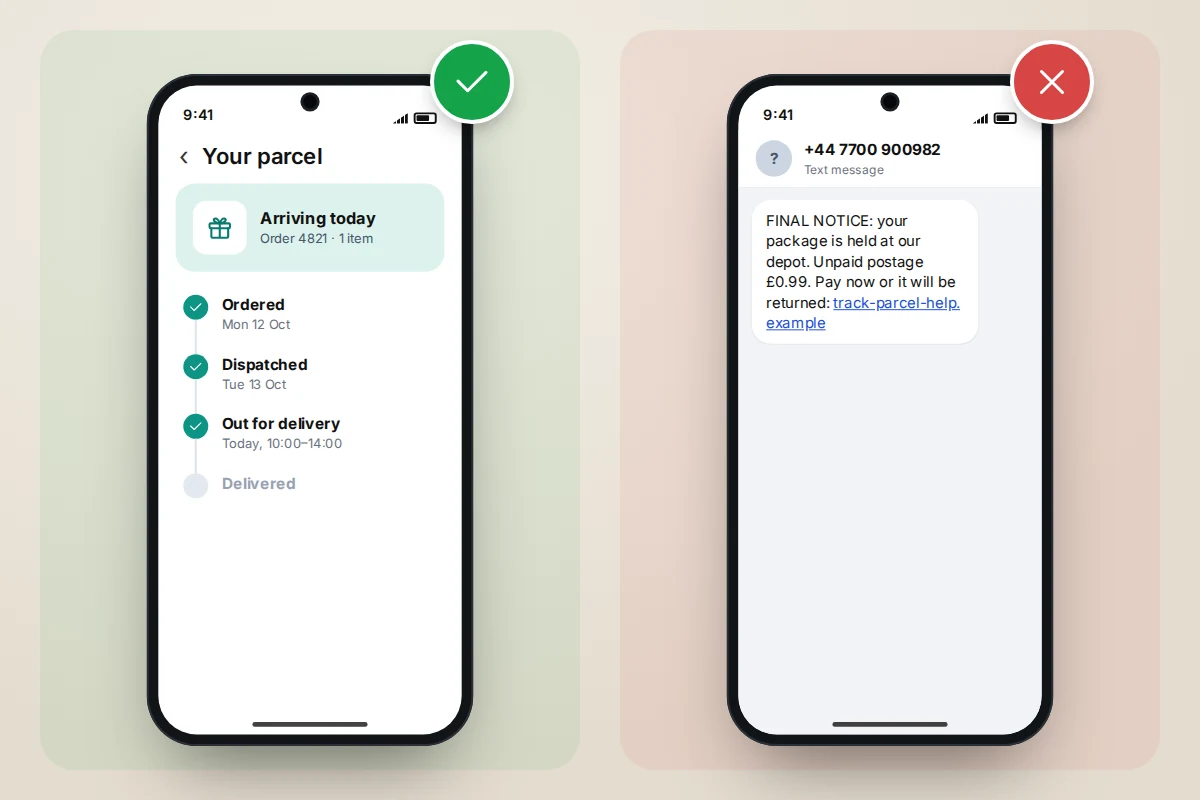
- A small fee. A redelivery charge, unpaid postage or customs duty of a pound or two. The amount is kept low so it feels not worth questioning. The real goal is your full card number, expiry date and security code.
- Urgency. “Your parcel will be returned within 24 hours” or “final attempt today”. A deadline pushes you to act before you think.
- An odd sender. A random mobile number, a number from another country, or an email address shown as the sender. Genuine couriers usually send from a consistent sender name or short code.
- A look-alike link. A web address that includes a courier-sounding word but is not the courier’s real domain, often with extra hyphens, numbers or an unusual ending. Some use link shorteners so you cannot see the destination at all.
- Vague details. No retailer name, no item description, and a tracking number that does not match anything you ordered.
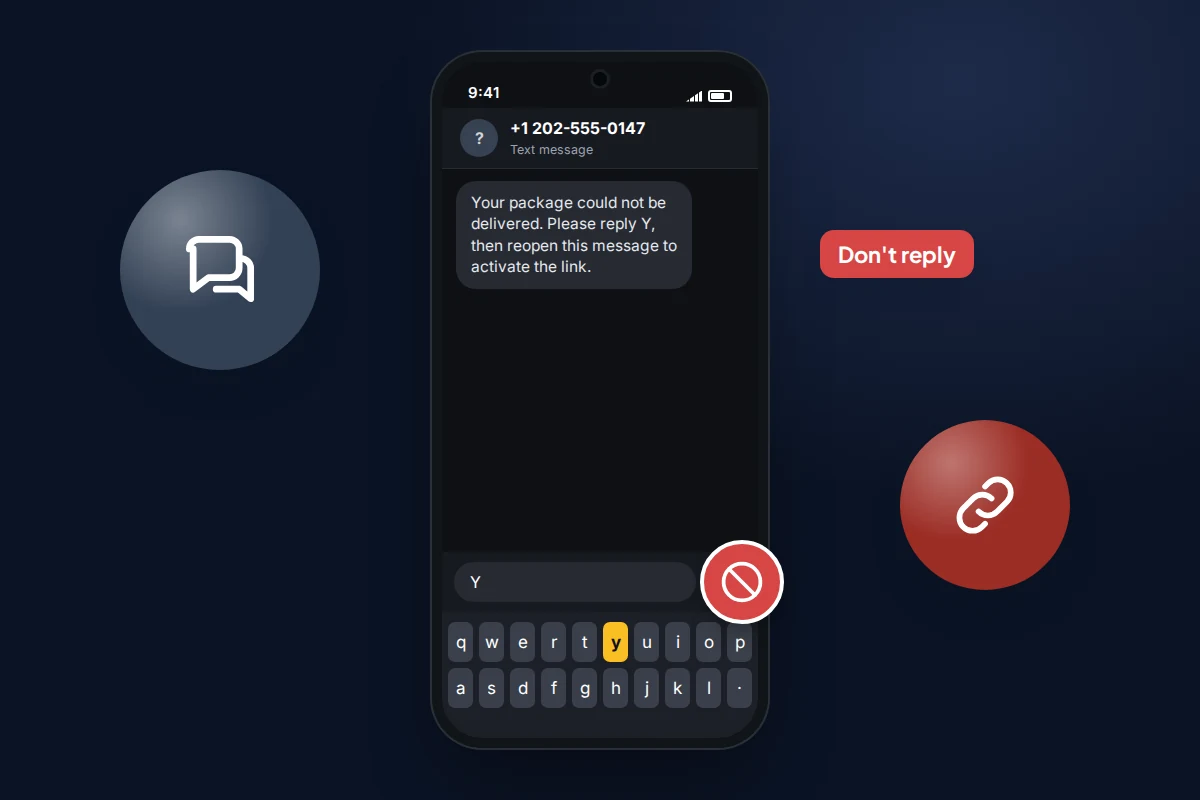
- Instructions to reply. “Reply Y, then reopen this message to activate the link.” This is a trick, covered below.
Scammers also send these messages to huge numbers of people at once. They do not know whether you are expecting a parcel; they rely on the fact that many people are. A message arriving the same week as an online order is a coincidence, not proof that it is real.
How genuine couriers contact you
Real delivery companies do send texts and emails, so a message about a parcel is not automatically fake. The difference is what the message asks you to do and whether you can confirm it independently.
| Detail | Genuine delivery message | Typical fake delivery text |
|---|---|---|
| Sender | A consistent sender name or short code you have seen before | An unknown mobile number, a foreign number or an email address |
| What it knows | Often names the retailer and matches a tracking number from your order confirmation | Generic wording with no retailer, or a tracking number you do not recognise |
| What it asks | Usually information only, or a choice of delivery slot | Payment, card details or personal details through a link |
| Web address | The courier’s real domain, which you can reach by typing it yourself | A look-alike domain, a shortened link or an odd ending |
| Tone | Plain and factual | Deadlines, threats to return the parcel, “final notice” |
| Can you verify it? | Yes: the same status appears in the courier’s app or on its website | No: the “problem” only exists inside the message |
Genuine import charges do exist for some parcels sent from abroad. If you think you might owe one, the charge will also show up when you enter the tracking number on the courier’s own website or app, so you never need the link in a text to pay it.
How to check a parcel safely
The safest rule is simple: never use the link, phone number or tracking link in an unexpected message. Go to the source yourself.
- Do not tap the link, even “just to see”. Some fake pages are designed to collect details the moment you start typing.
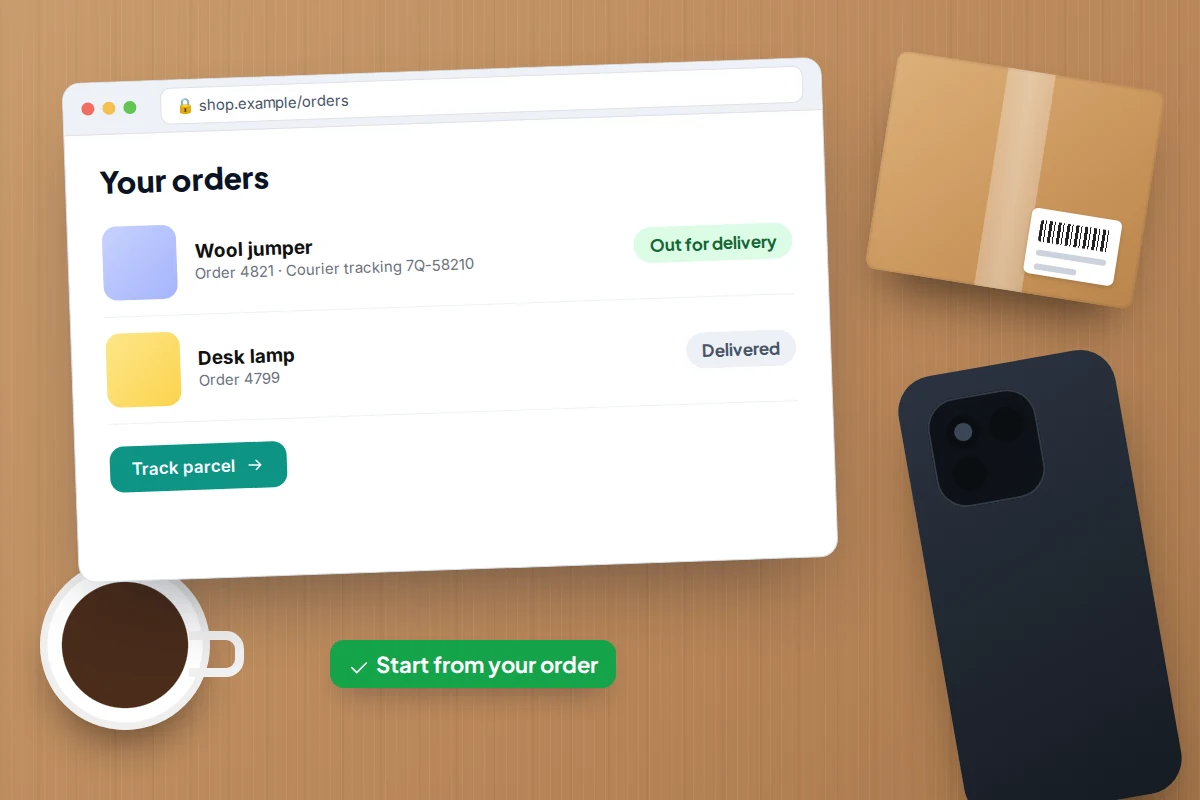
- Open the shop or marketplace where you placed the order, either through its app or by typing its address, and go to your order history. The order page normally names the courier and gives the real tracking number.
- Open that courier’s official app, or type its web address into your browser, and enter the tracking number from your order. Avoid searching for the courier and tapping the first advert, as fake sites sometimes buy ads.
- If the courier’s own tracking shows no problem, the text was fake. Report it and delete it.
- If the courier’s site does show a missed delivery or a charge, deal with it there. You can also phone the courier using a number from its official website.
If you are not expecting anything, you can stop at step 1. A parcel you never ordered cannot need a fee.
Why “reply Y” and “text STOP” are traps
Some messaging apps disable links in texts from unknown senders as a safety measure. Scammers have worked around this by asking you to reply with “Y” and then reopen the message. Replying can make the app treat the conversation as trusted, which switches the link back on, and it also tells the sender that your number is active and that you respond.
The same applies to “reply STOP to opt out” in an unexpected message. Ofcom advises not replying to unknown senders at all, even to opt out, because any reply confirms that a real person reads the number. Report and delete instead.
How to report a fake delivery text
Reporting takes about a minute and helps networks block the sender for everyone else. Report first, then delete the message.
In the UK
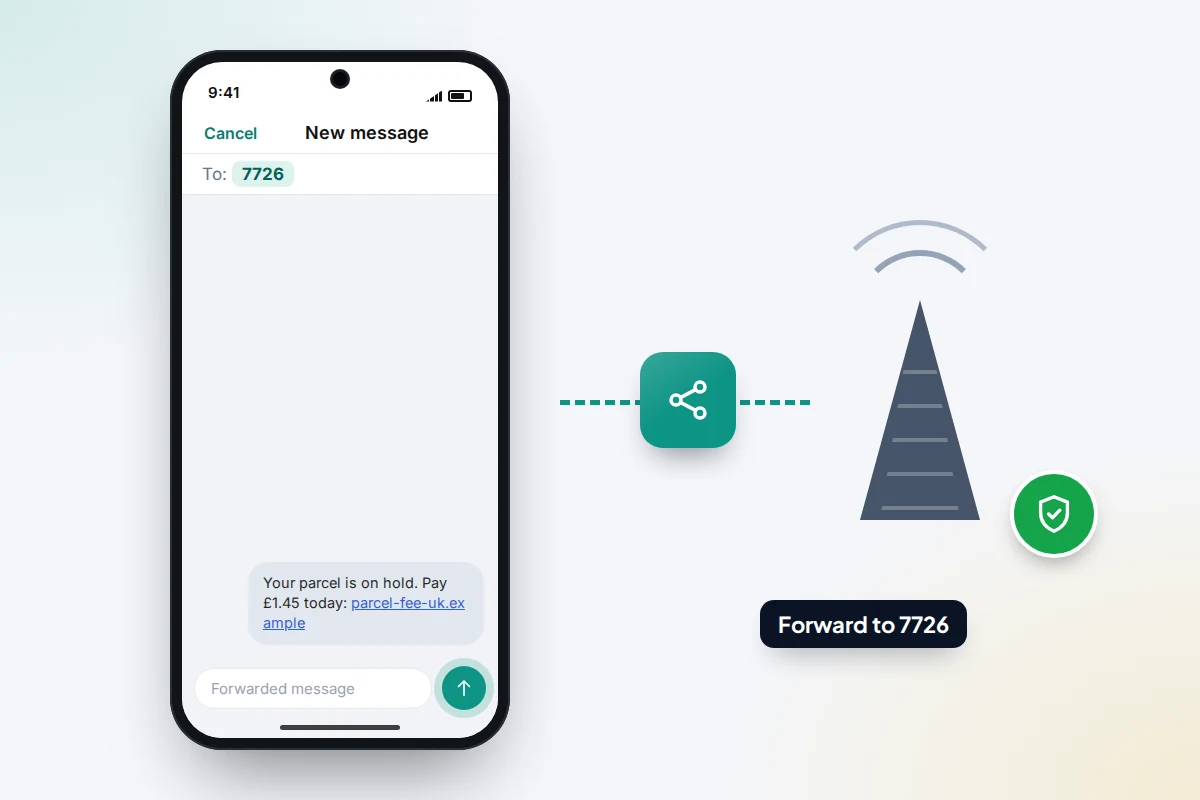
- Forward the text to 7726. It is free on UK networks. On iPhone, touch and hold the message, tap More, then the forward arrow, and enter 7726. On Android, touch and hold the message, tap Forward (on some phones it is under the three-dot menu), and enter 7726.
- Your network may reply asking for the sender’s number. Copy it from the original message and send it back.
- Use your phone’s own report option as well (see the next section).
- If you lost money or entered details, report it to Report Fraud, the national service that replaced Action Fraud in December 2025, at reportfraud.police.uk or on 0300 123 2040. It covers England, Wales and Northern Ireland. In Scotland, call Police Scotland on 101.
In the US
- Forward the text to 7726 (SPAM) so your wireless carrier can spot the pattern.
- Use the Report Junk or Report spam option in your messaging app.
- Report the scam to the Federal Trade Commission at ReportFraud.ftc.gov, especially if you paid or shared information.
Elsewhere
In Canada you can also forward spam texts to 7726, and report fraud to the Canadian Anti-Fraud Centre’s online reporting system. In Australia, report scams through Scamwatch; some networks also run their own forwarding numbers, so check your provider’s website. In other countries, your mobile network’s website is the best place to find the right route.
Turn on your phone’s spam filtering
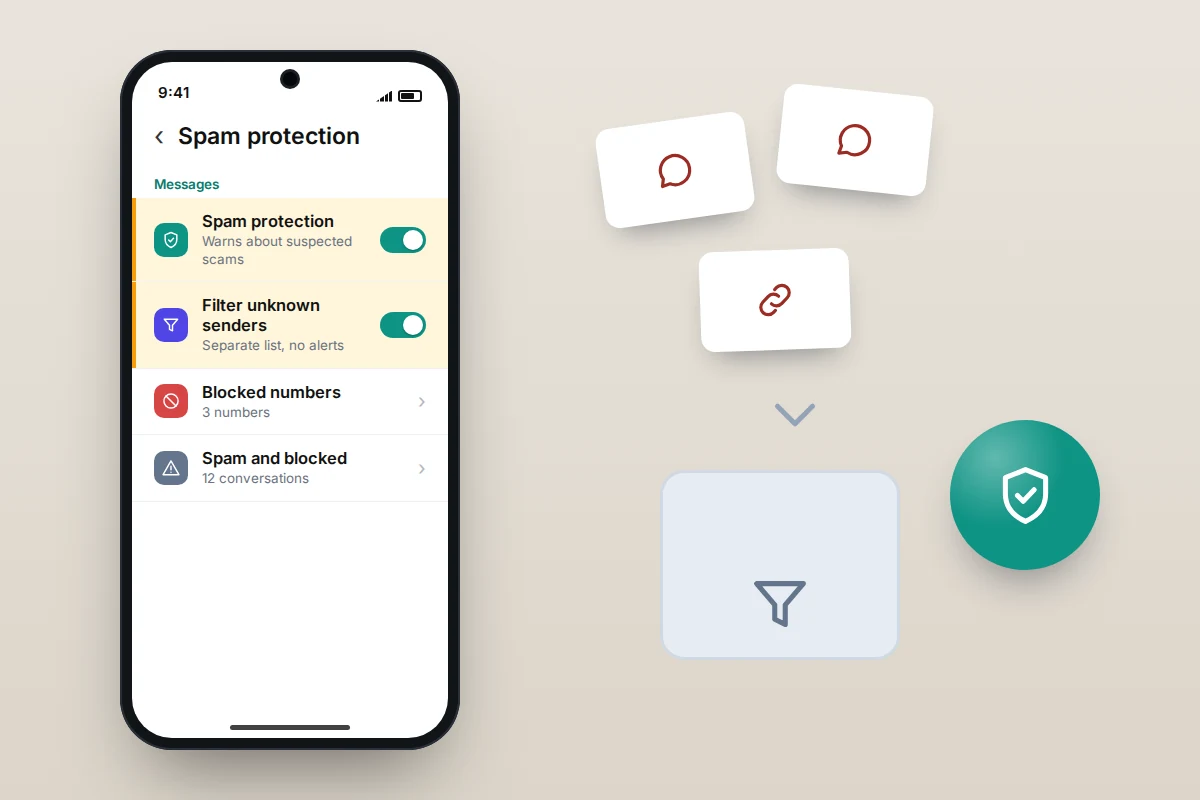
Both major phone systems can move suspected scam texts out of your main inbox. It will not catch everything, but it cuts down how many you see. Menu names vary by phone maker and software version.
Android (Google Messages)
- Open Messages and tap your profile picture or initials at the top right.
- Go to Messages settings → Protection & Safety → Spam protection.
- Turn on Enable spam protection.
- To report a message, touch and hold the conversation, tap Block, tick Report spam and confirm.
Some phones use the maker’s own messaging app instead; look for a similar spam or block setting in its settings menu.
iPhone
- Go to Settings → Apps → Messages.
- Under the unknown senders options, turn on Screen Unknown Senders (called Filter Unknown Senders on older versions of iOS).
- Check that Filter Spam is on if your version shows it.
- To report a message from someone not in your contacts, open it and tap Report Junk or Report Spam, or swipe left on it in the list and choose the delete-and-report option.
What to do if you already tapped the link
Tapping a link on its own is usually less serious than people fear. The main risk comes from what you typed into the page afterwards. Work through the rows that apply to you, starting at the top.
| What happened | What to do now |
|---|---|
| Entered card details or paid a fee | Call your bank or card provider straight away using the number on the back of your card. In the UK you can also dial 159 to reach many banks’ fraud lines. Ask them to block the card and review recent payments. |
| Entered online banking login details | Call your bank on a trusted number, then change your banking password from the official app or website. |
| Typed an email or other password | Change that password, and any other account that uses the same one. Turn on two-step verification where offered. |
| Gave your name, address or date of birth | Be extra wary of calls, texts and emails that use those details to sound convincing. Consider checking your credit report for applications you did not make. |
| Installed an app or file from the link | Delete it, run a Google Play Protect scan on Android, and change passwords from a different device if you can. |
| Only tapped the link, entered nothing | Close the page, report the text, and keep your phone’s software up to date. |
Bank first, then passwords
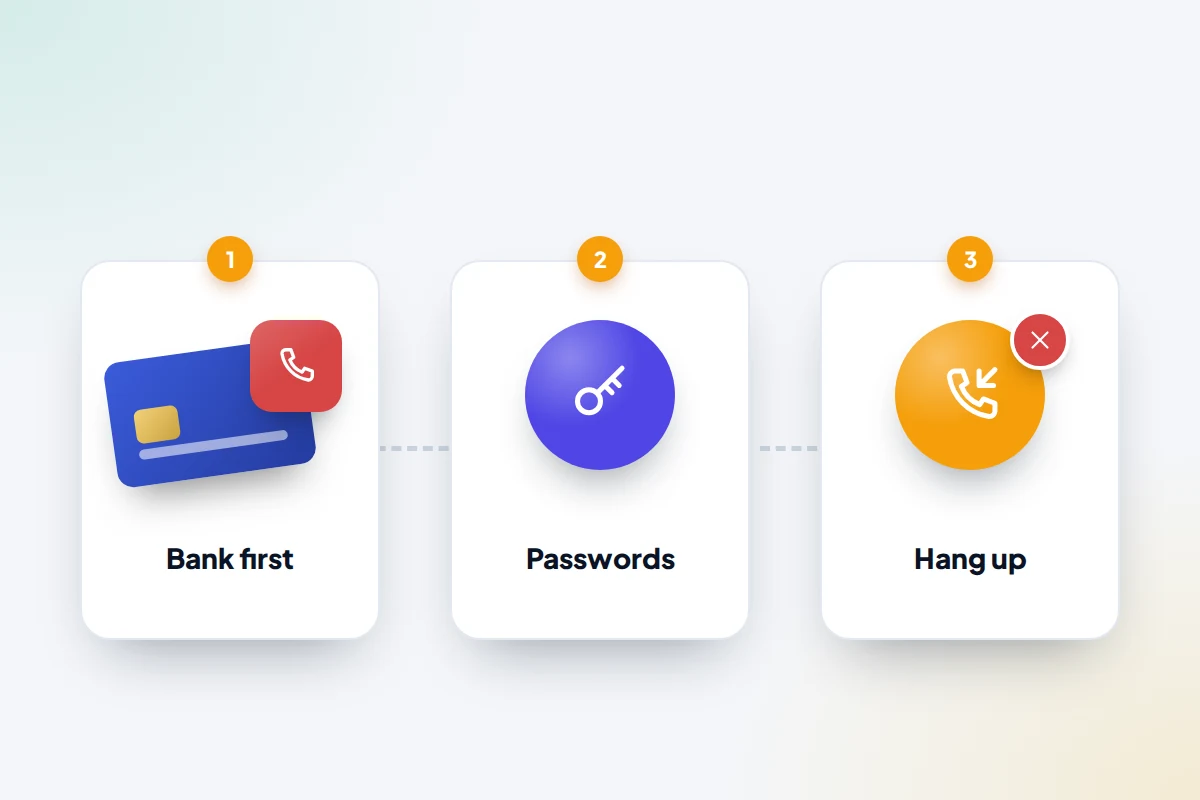
The order matters. Card fraud can happen within minutes, so the call to your bank comes before anything else. Once the card is blocked, change passwords, starting with email, because access to your email can be used to reset other accounts. If you use Google on your phone, it is worth checking which devices are signed in to your Google account afterwards.
Watch for the follow-up call
People who enter details on a fake delivery page are often contacted days later by someone claiming to be from their bank’s fraud team. The caller may already know your name, address and the last digits of your card, all taken from the fake page. They may say your account is at risk and ask you to move money to a “safe account” or read out a code. A genuine bank will never ask for either. Hang up, wait a few minutes or use a different phone, and call your bank on a number you already trust.
Helping family members spot fake delivery texts
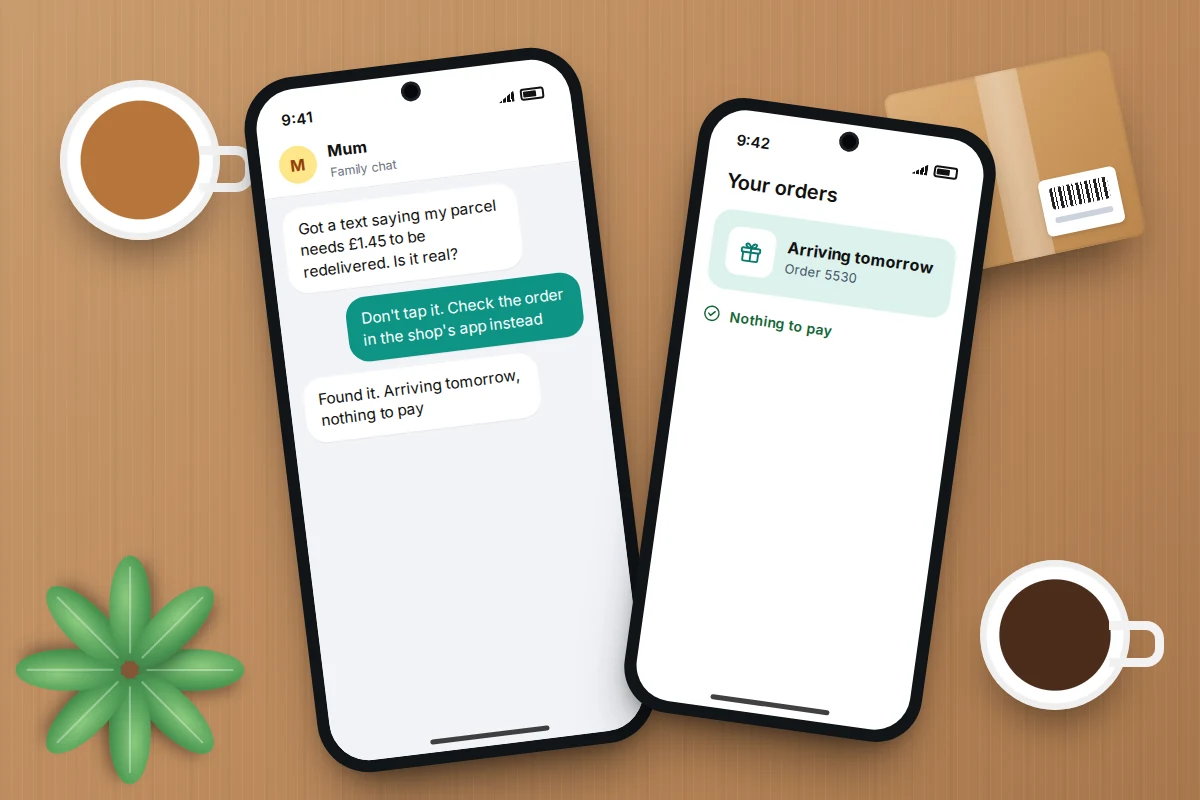
Older relatives who shop online and teenagers who order things with their own cards are both common targets. A calm, practical conversation works better than a warning lecture. Agree one simple household rule, such as “we never pay a delivery fee from a text; we check the order in the app instead”, and make it normal to ask before tapping.
It also helps to show someone how to forward a message to 7726 once, on their own phone, so they know how when it matters. Turning on spam filtering for them takes a couple of minutes. For wider advice on the scams that reach families, see our guide on protecting your family from online scams.
Frequently asked questions
How did scammers get my number?
Often they did not target you personally. Many fake delivery texts are sent to huge batches of numbers, some generated automatically and some from past data leaks. Receiving one does not mean your phone has been hacked.
Is it safe to open a scam text without tapping the link?
Reading the message itself is generally fine. The risk comes from tapping the link, replying, calling a number in it, or entering details on the page it leads to.
The text used my real name. Does that mean it is genuine?
No. Names and addresses can come from earlier data breaches or public sources. A personal detail makes a message more convincing but does not prove who sent it. Check the parcel through the retailer or courier directly.
Will my bank refund money I paid on a fake delivery site?
It depends on how the payment was made and your bank’s rules, so contact your bank as soon as possible and explain exactly what happened. Reporting quickly gives you the best chance of the payment being stopped or recovered.
Should I block the number as well as reporting it?
You can, but it helps less than you might expect, because scammers change numbers constantly. Reporting to 7726 and through your messaging app is more useful, because it helps networks block the sender for everyone.
Sources and further reading
- Ofcom: how to report scam texts and calls to 7726
- Report Fraud: how to report suspicious texts, emails and calls
- National Cyber Security Centre: report a scam text message
- FTC: how to recognise and report spam text messages
- FTC Data Spotlight: top text scams of 2024
- Citizens Advice: what to do if you have been scammed
- Get Cyber Safe (Government of Canada): reporting spam texts to 7726
- Apple Support: conversations from unknown senders in Messages
Using a monitoring app for this? TheTruthSpy is a free parental control app for Android that stays visible on the child's phone. If it fits your family, see what the app does.
Related guides
Is My Phone Listening to Me? What’s Real
What research and regulators have found about phones listening for ads, why ads still feel uncanny, and how to check…
Was Your Email Hacked? The Evidence Inside Your Own Inbox
How to tell if your email was hacked using evidence you can check yourself: sign-in history, the Sent folder, hidden…
Hacked Email Account Recovery for Gmail, Outlook and Yahoo
How to recover a hacked email account on Gmail, Outlook or Yahoo: the official recovery page for each, how to…
Free parental control app for Android
GPS tracking, screen time limits, web filtering, SMS and call monitoring — visible on your child's phone. Pair a phone in about ten minutes.
Android · Free to set up · Visible on your child's phone