How to Recover Deleted Photos on Your Phone


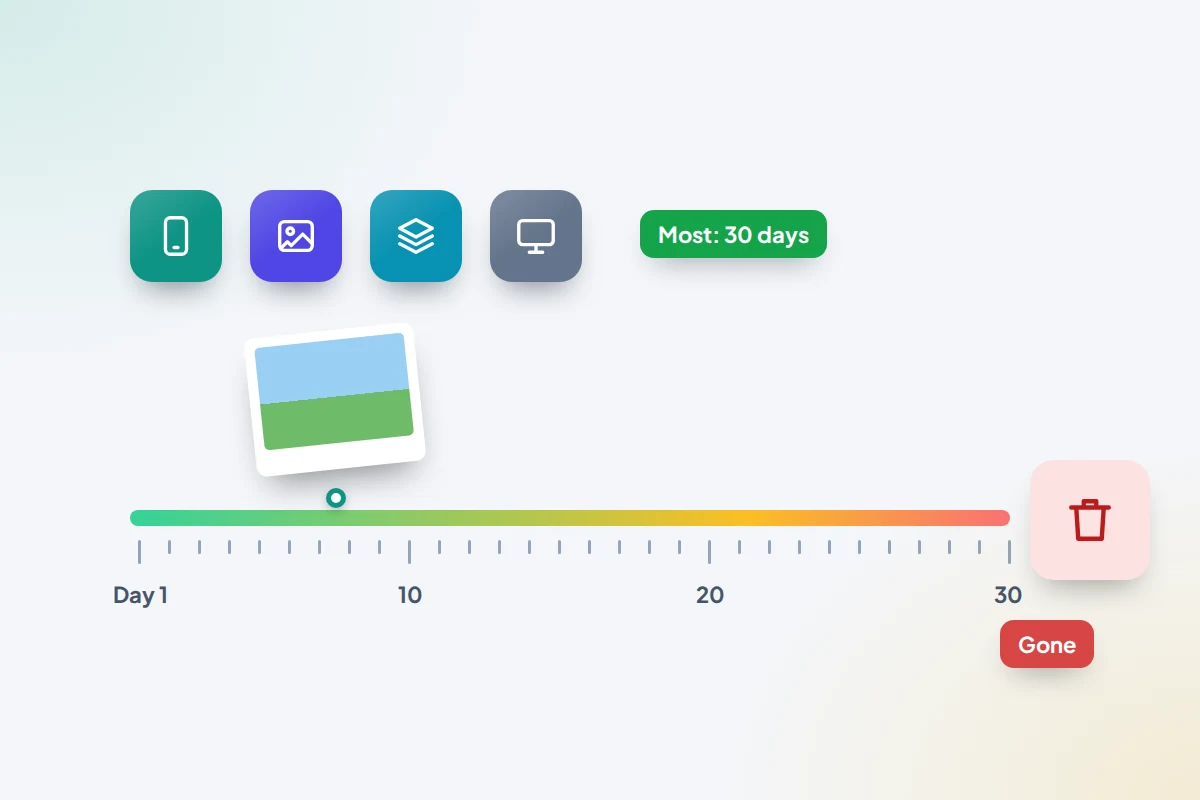
You clear out a few blurry shots and realise a moment later that the one good picture from the birthday party went with them. Or a whole month of photos seems to have vanished after a new phone, a tidy-up or a child let loose on the gallery. On almost every modern phone, a deleted photo isn’t gone yet. It sits in a bin with a countdown, usually 30 days.
The order you look in matters. Photos live in more places than the gallery: the cloud, your chats, a computer, other people’s phones. Working through them in order often turns up a copy. Paying for an “undelete” app usually doesn’t.
The short version
- Look in the phone’s bin first: Recently Deleted on iPhone, Bin in Google Photos, Recycle bin in Samsung Gallery. Each keeps photos for 30 days.
- Google Photos cut its bin from 60 days to 30 in September 2026, so older advice may give you the wrong deadline.
- Photos that look deleted may be hidden, archived, in a Locked Folder or signed in to another account.
- Check copies elsewhere: chats, shared albums, a computer, and camera uploads to OneDrive or Dropbox.
- Once a bin is emptied, recovery apps generally can’t help on a modern phone. Prevention is the real fix.
Where to look, in order
Start at the top and stop when you find it. The middle column is your deadline, counted from the day the photo was deleted.
| Place | How long it keeps them | How to restore |
|---|---|---|
| iPhone: Recently Deleted | 30 days | Photos → Utilities → Recently Deleted → select → Recover |
| iPhone: Hidden album | Not deleted | Utilities → Hidden → select → Unhide |
| iCloud.com Photos | 30 days (the same bin, synced) | icloud.com/photos → Recently Deleted → Recover |
| Google Photos: Bin | 30 days | Collections → Bin → select → Restore |
| Google Photos: Archive and Locked Folder | Not deleted | Collections → Archive or Locked |
| Samsung Gallery: Recycle bin | 30 days, if the bin was on | Gallery → Menu → Recycle bin (or Trash) → Restore |
| OneDrive recycle bin | 30 days for personal accounts | onedrive.com → Recycle bin → Restore |
| Dropbox deleted files | 30 days on Basic, Plus and Family; 180 or 365 days on other plans | dropbox.com → Deleted files → Restore |
| Chats, shared albums, relatives, a computer | As long as the copy is kept | Save it again, or ask for it back |
| A full phone backup | Until replaced | Last resort: restoring replaces the whole phone |
Menu names vary a little by phone maker and software version, but the bins themselves are in similar places.
iPhone: Recently Deleted and the places photos hide
- Open Photos and scroll down to Utilities.
- Tap Recently Deleted and unlock it with Face ID, Touch ID or your passcode.
- Tap Select, choose the photos and tap Recover.
Each item shows how many days it has left. Apple says that after 30 days a photo is permanently deleted, so recover first and sort later.
If it isn’t there, it may not have been deleted at all. Check Utilities → Hidden, which is locked with Face ID or your passcode by default. If you use an iCloud Shared Library, tap your profile button and switch between Personal Library and Shared Library: a photo can be in one view and not the other. Apple also says only the person who added a photo to a Shared Library can recover it from Recently Deleted, so ask them.
iCloud Photos: deleting on one device deletes everywhere
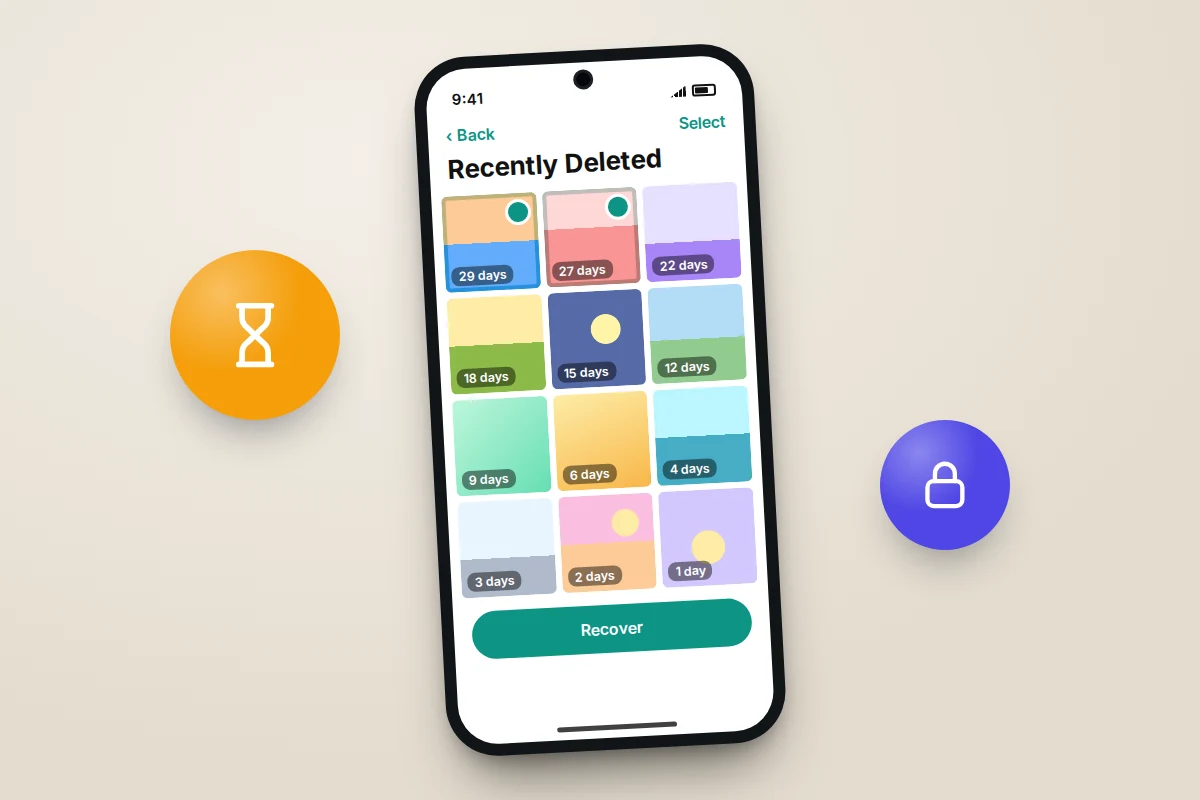
With iCloud Photos on, Apple says that deleting a photo on one device deletes it on every device signed in to the same Apple Account. So the family iPad or your Mac won’t be hiding a spare copy. Sync keeps things the same everywhere; it isn’t a backup you can go back to.
The same Recently Deleted album appears at icloud.com/photos, which helps when the phone itself is broken or lost. Sign in, open Recently Deleted in the sidebar, select the photos and choose Recover. Recovering there puts them back on all your devices.
Android: the Google Photos bin
- Open Google Photos and tap Collections.
- Tap Bin (called Trash in some regions).
- Touch and hold the photos you want, then tap Restore.
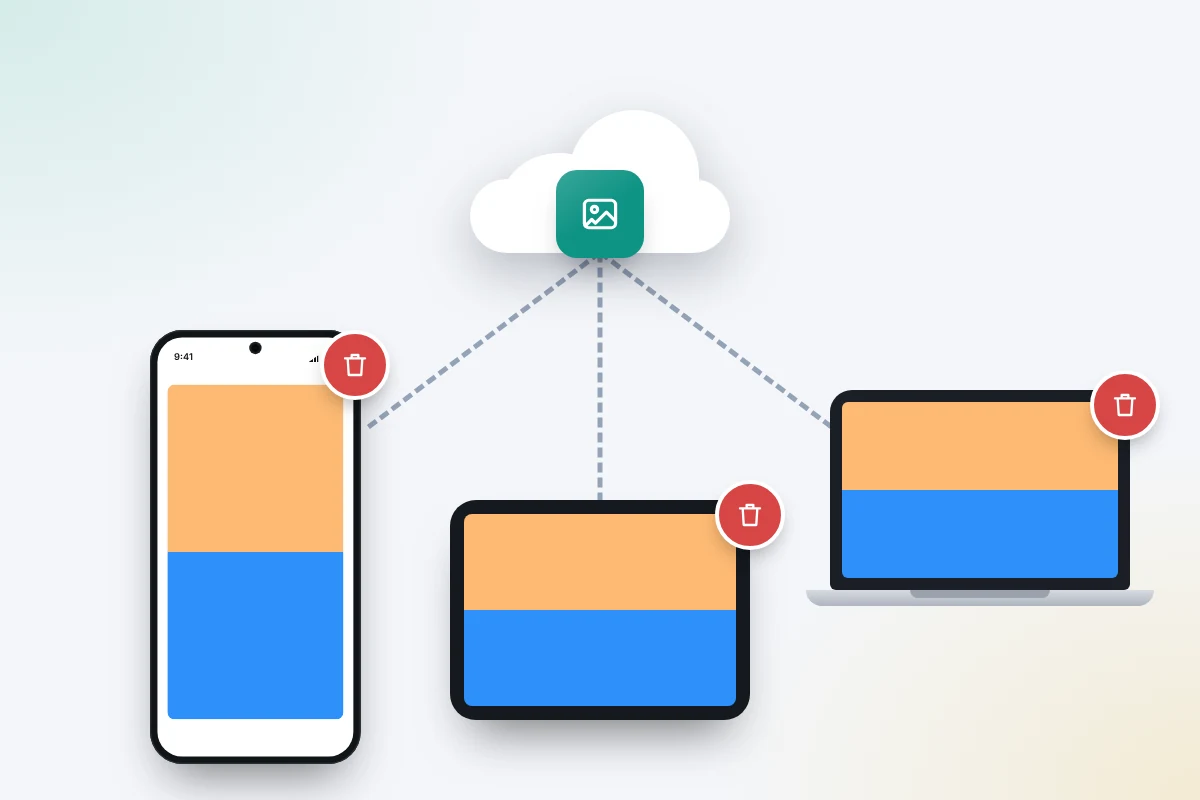
Google shortened the bin in early September 2026: deleted photos and videos now stay for 30 days, down from 60 for backed-up items. Some of Google’s help pages, including the UK English versions, still say 60 days, so work to 30. With backup on, deleting a photo in Google Photos removes it from the phone, your account and your other devices. If you use Google Photos on an iPhone, check both its Bin and the iPhone’s Recently Deleted album.
Not deleted, just out of sight
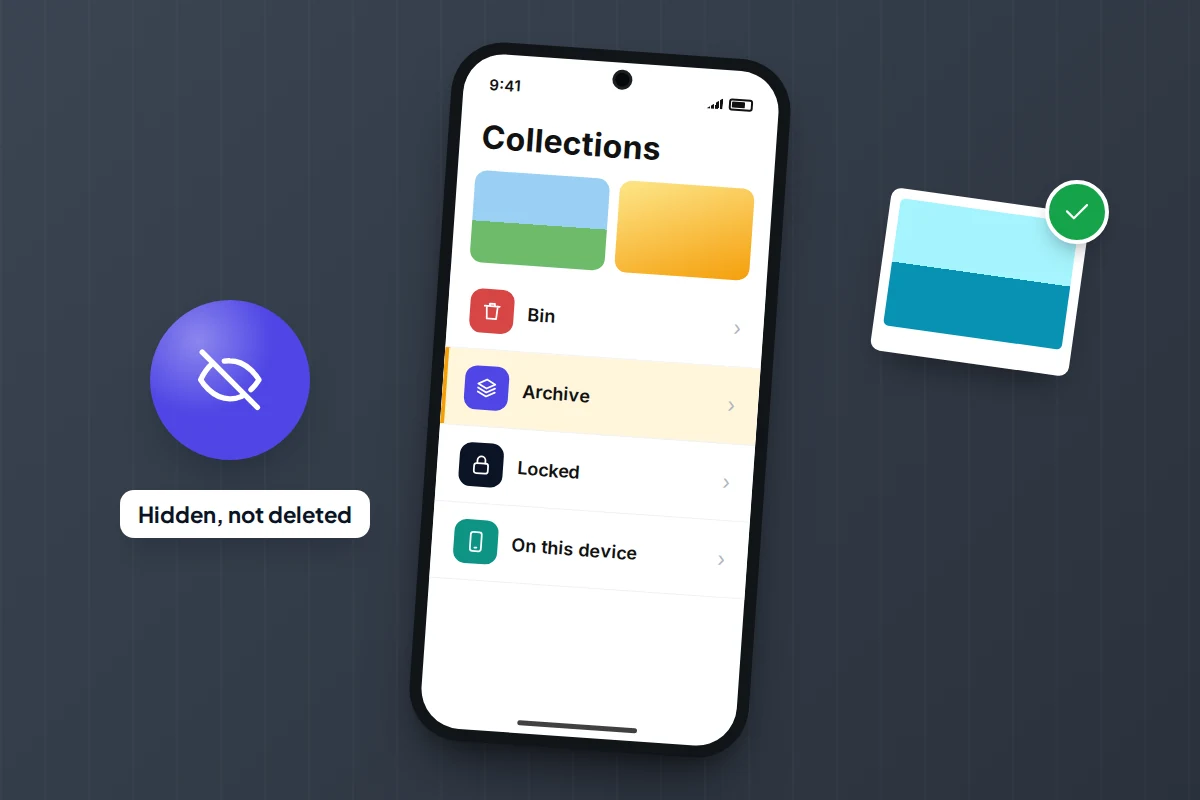
- Archive: archived photos drop out of the main Photos view but stay in albums and search. Open Collections → Archive, select them, tap More → Unarchive.
- Locked Folder: open Collections → Locked and unlock with your screen lock. Google says Locked Folder items are not backed up unless you turn on Back up Locked Folder, and that without it they are deleted if you uninstall the app, clear its data or reset the phone.
- The wrong account: tap your profile picture to see which Google Account you’re in. Photos backed up to a different account won’t show here.
- Folders not backed up: Collections → On this device lists folders such as Screenshots or downloads, which may not be included in backup.
Samsung Gallery: Recycle bin or Trash
- Open Gallery and tap the menu (three lines).
- Tap Recycle bin (Trash on some versions).
- Select the photos and tap Restore.
Samsung keeps deleted items for 30 days. On some phones the bin is a switch in Gallery’s settings, and Samsung’s UK help says it must be on before you delete; if it was off, the photos skipped the bin. Samsung has moved Gallery sync from Samsung Cloud to Microsoft OneDrive, so if you turned that on, OneDrive’s recycle bin is another place to look.
Many Galaxy owners use Google Photos as well as Gallery. Each app has its own bin, so check both.
Copies you may have forgotten
If the bins are empty, think about where the photo went after you took it. Pictures worth keeping have often been shared with someone.
- Chats: a photo you sent or received may still be in the conversation. In WhatsApp, open the chat, tap its name and look in Media, links and docs, then save it again. If the chat itself was deleted, a chat backup may help; our guide to backing up WhatsApp chats explains what it holds. Messaging apps may compress photos, so a returned copy can be smaller than the original.
- Shared albums: an iCloud shared album keeps its own copies, so check any album you added the photo to. Google Photos works differently: deleting a backed-up photo also removes it from albums and conversations you shared it in.
- Relatives: grandparents often save every picture they’re sent. Ask.
- Email: photos you emailed are attachments in your Sent folder.
- Camera uploads: if OneDrive or Dropbox uploads your photos, deleting them from the phone may not delete them there. If it did, their own bins apply: 30 days for personal OneDrive accounts, 30 days on Dropbox Basic, Plus and Family, and 180 or 365 days on Dropbox’s professional and business plans.
A computer, an old phone or a memory card
If you have ever copied photos to a computer, look in its Pictures folder and any folders named by date. If you followed our steps for copying photos from a phone to a computer, the files are probably still there at full quality. Old phones in a drawer and digital cameras are worth charging up too.
Some Android phones save photos to a microSD card. A card used as ordinary portable storage isn’t always encrypted, so desktop tools can sometimes recover photos deleted from it. Take the card out and stop saving to it until you’ve tried.

Restoring a whole phone backup: the last resort
A full device backup, such as iCloud Backup or Google backup, can’t give you back one photo. It restores the whole phone during set-up, which means erasing the phone first and losing anything newer than the backup that isn’t stored elsewhere.
It often won’t contain the photo anyway. On iPhone, photos are only in an iCloud backup if iCloud Photos was off. On Android, photos are handled by Google Photos rather than the device backup. It is worth considering only if all three are true: the photos were in the backup, the backup is older than the deletion, and everything newer is safely copied. Even then, restore onto a spare phone if you can. Our guide to checking your phone backup actually works explains what backups contain and how to restore onto a spare.
Recovery apps and services: what they can’t do
Search for lost photos and you’ll find apps promising to bring back anything. On a modern iPhone or Android phone, they generally can’t. Storage is encrypted, Google says photos permanently deleted from the bin can’t be restored, and Apple describes photos gone from Recently Deleted as permanently deleted. An app can’t get round that.
- Don’t pay for an app or program that scans first and asks for money to show results.
- Don’t root or jailbreak the phone on an app’s advice. It weakens the phone’s security and won’t bring back encrypted data.
- Don’t hand over your Apple or Google password to a recovery program.
Professional data recovery services are for a different problem: a phone that is physically broken, such as water-damaged or not turning on, where the photos were never deleted. Ask for a quote first, and what you pay if nothing is recovered.
A two-minute prevention checklist
Most of what makes a deleted photo recoverable is set up before you lose it. Run through this now.
- Photo backup is on and complete. iPhone: Settings → [your name] → iCloud → Photos, with Sync this iPhone on. Google Photos: profile picture → Photos settings → Backup, which should say it’s complete.
- Cloud storage isn’t full. A full account quietly stops backing up.
- Locked Folder is backed up, if you use it.
- Samsung’s bin is on, if your Gallery settings offer the switch.
- A second copy exists. Copy photos to a computer or drive a few times a year, because sync copies deletions too.
- Bins are checked before they’re emptied. Emptying a bin to free up space is how many photos are lost for good.

Frequently asked questions
Can I recover photos deleted more than 30 days ago?
Not from the phone’s bin. Check the other copies: chats, shared albums, relatives, a computer, camera uploads with longer retention, or an old backup.
I emptied Recently Deleted by mistake. Is there anything left?
Not on the phone or iCloud.com, as the bin is synced. Go straight to the copies elsewhere, starting with chats and anyone you shared the photo with.
Does freeing up space in Google Photos delete my photos?
No. Free up space removes phone copies of photos that are already backed up; they stay in your Google Account. Deleting a photo is different, and removes it everywhere.
Why did photos disappear after I got a new phone?
Usually the new phone is signed in to a different account, or sync hasn’t finished. Check the account, stay on Wi-Fi and give it time before deleting anything.
Sources and further reading
- Apple Support: How to recover deleted photos on your iPhone, iPad, Mac or Apple Vision Pro
- Apple Support: Delete photos on your iPhone or iPad
- iCloud User Guide: Delete and recover photos and videos on iCloud.com
- Google Photos Help: Delete and restore photos and videos
- Google Photos Help: Hide sensitive photos and videos in Locked Folders
- Samsung Support: Use the trash feature of the Gallery app
- Microsoft Support: Restore deleted files or folders in OneDrive
- Dropbox Help: How to recover deleted files or folders
Looking for a tool to go with this? TheTruthSpy is a free parental control app for Android that stays visible on the child's phone. If it fits your family, see what the app does.
Related guides
How to Transfer Your Contacts to a New Phone
Find where your contacts are really stored, move phone-only and SIM contacts to the cloud, and transfer them between iPhone…

How to Take Screenshots and Record Your Screen on Any Phone
Screenshots and screen recordings on iPhone, Pixel and Samsung: button combos, long captures, adding your voice, hiding private details and…

How to Fix Bluetooth Pairing Problems
Fix Bluetooth pairing problems with headphones, earbuds, cars, speakers and watches on iPhone and Android, using a symptom table and…
Parental controls your child can see
Location, screen time limits, a web filter and alerts from notifications — free, and visible on your child's phone. Pair a phone in about ten minutes.
Android · Free to set up · Visible on your child's phone