What to Do If Your Phone Gets Wet

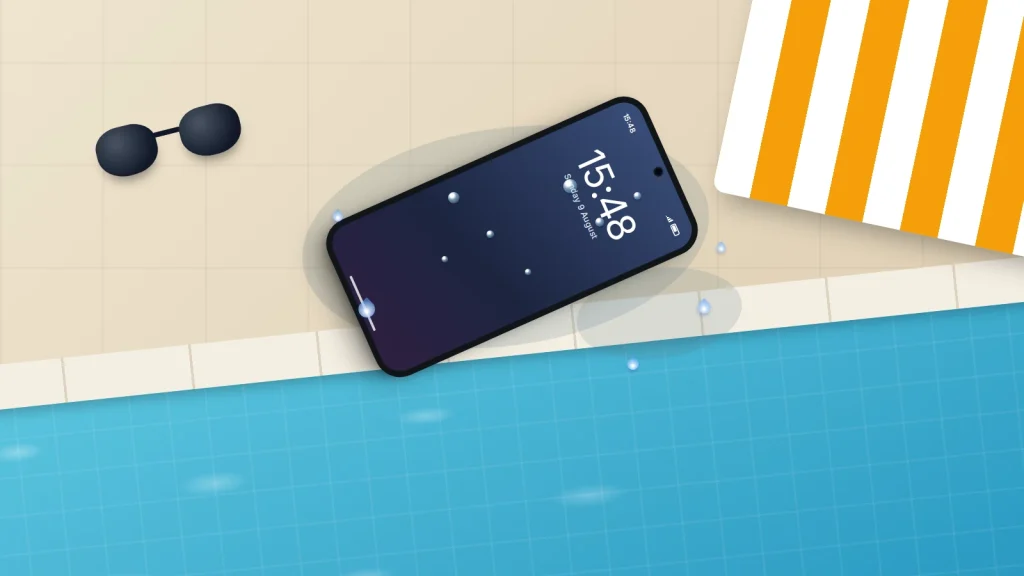
It slips out of a pocket into the bath, gets knocked into the washing-up, or comes out of the pool in a bag that turned out not to be waterproof. What you do in the next few minutes matters more than anything you do the next day, and the most popular fixes, a hairdryer and a bowl of rice, are the ones phone makers tell you to avoid.
Many recent phones survive a dunk in fresh water with no lasting harm. Salt water, pool water and drinks are a different story, and a phone with no water-resistance rating needs quicker action still. The steps below work for any phone, with Apple’s, Samsung’s and Google’s own advice noted where it differs.
The short version
- Get it out, unplug it and take the case off. If it is not water resistant, or is behaving oddly, switch it off.
- If the liquid was anything other than fresh water, Apple and Samsung both say to rinse a water-resistant phone gently with tap water, then dry it with a soft cloth.
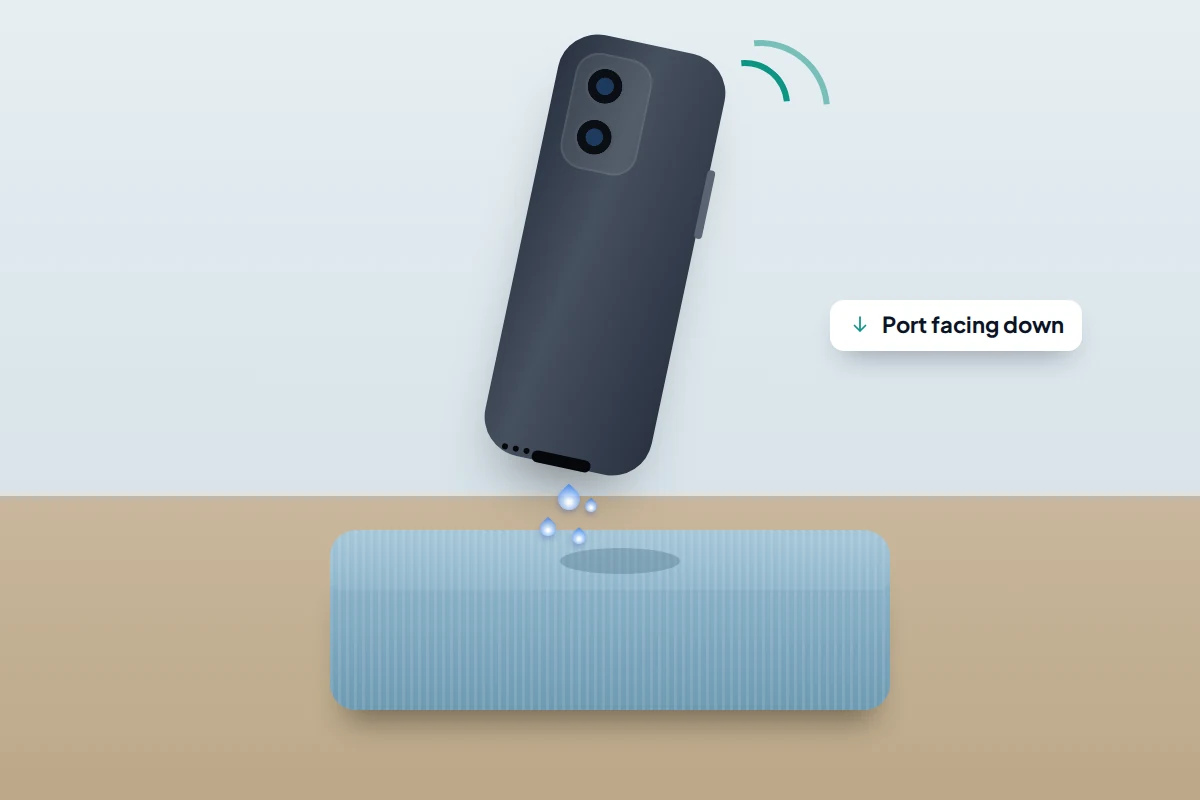
- Tap it gently, port facing down, and leave it somewhere dry with airflow. No heat, no compressed air, nothing poked into the port, no rice.
- Do not charge it by cable until it is completely dry. Apple says to allow at least 5 hours after the phone has been wet.
- Liquid damage is not covered by Apple’s or Samsung’s warranty. If anything seems wrong after drying, see a repairer promptly and back up as soon as it works.
The first five minutes
- Get it out straight away, and unplug any charger or headphones. Water plus a live connection is the worst combination.
- Decide whether to switch it off. If the phone has no water-resistance rating, or it flickers, restarts, gets warm or behaves strangely, switch it off: less current through wet components means less chance of a short circuit. Google gives the same advice to Pixel owners who see a liquid warning. A water-resistant phone that was briefly in fresh water and is behaving normally can stay on, but do not start testing every button.
- Take the case off. Cases trap water against the phone for hours.
- Rinse if it was not fresh water. For a water-resistant phone that met sea water, pool water, a drink or soapy water, Apple and Samsung both advise rinsing gently with fresh tap water. Skip this for an older phone with no rating; get it to a repairer instead.
- Wipe it with a soft, lint-free cloth, then tap it gently against your hand with the charging port facing down to let water run out. Samsung suggests a few gentle shakes, port down.
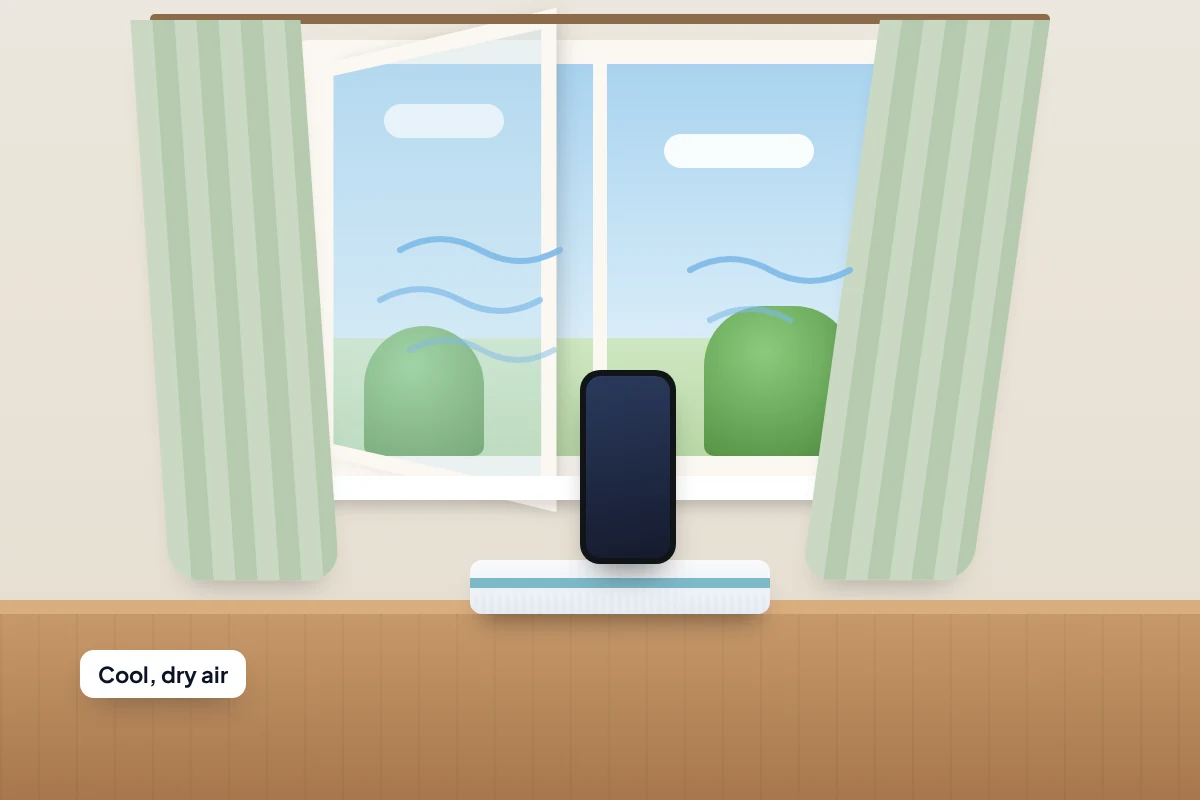
- Put it somewhere dry with some airflow. Apple says a fan blowing cool air into the connector may help.
Leave the SIM tray alone for now. Apple says to make sure an iPhone is dry before opening the tray; opening it early only gives water another way in.
The first hour, first day and first 48 hours
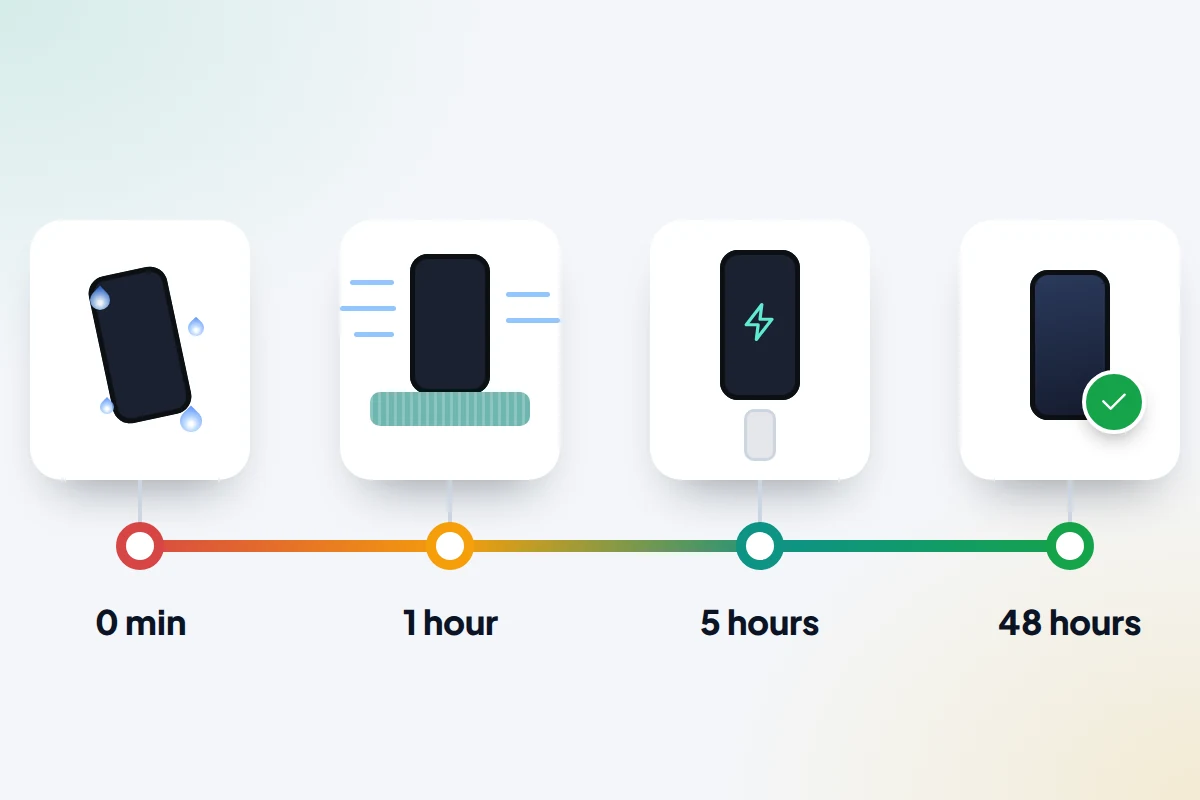
0–5 minutes: rescue
The six steps above, and nothing more. The urge to “check it works” by opening apps, playing music or plugging it in does more harm than good while water is still inside.
5–60 minutes: leave it alone
Stand it upright or on its edge, port facing down, on a dry towel in a room with airflow: near an open window or in front of a fan on a cool setting. Do not put it on a radiator or in the sun.
Hours 1–24: hold off on charging
Apple gives two waiting times, and they answer different questions. At least 5 hours is how long to wait after an iPhone has been wet before plugging in a cable or accessory. At least 30 minutes applies to the liquid-detection alert: when the sensor finds moisture in the connector, that is the minimum before you try the cable again, and the connector can take up to 24 hours to dry fully. The sensor only checks the connector, so after a dunk go by the 5-hour figure even if no alert appears.
Samsung gives no fixed wait. It says water in the port evaporates naturally in about one to two hours, and not to connect a charger until the phone is completely dry. Whatever your phone, Apple’s 5 hours is a sensible minimum after a proper soaking.
A wireless charger bypasses the port and can be used once the outside of the phone is thoroughly dry. If a liquid warning appears when you do plug in, unplug and give it longer; our guide to fixing a phone that won’t charge explains what each maker’s warning means and when Apple’s emergency override is worth using.
After 48 hours: check for lasting damage
By now a water-resistant phone that met only fresh water should be back to normal. Test the speaker, microphone, both cameras, the touchscreen across its whole surface and a full charge. Anything still wrong is a job for a repairer, not more waiting.
What IP67 and IP68 actually mean
The IP code comes from an international standard, IEC 60529. The first digit is protection from dust, where 6 means dust-tight. The second is protection from water: 7 means the device survived immersion to 1 metre for 30 minutes, and 8 means it passed a tougher test whose depth and time the manufacturer sets.
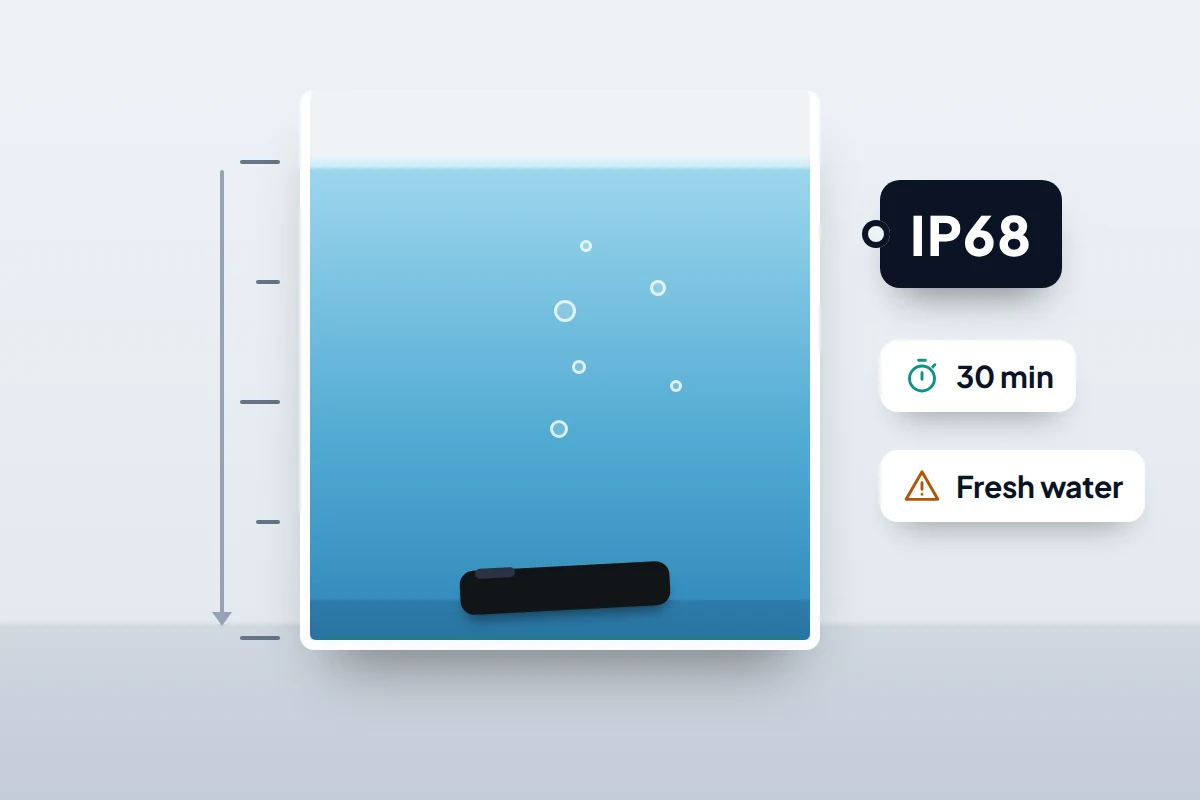
That is why two phones both labelled IP68 can have different limits:
- iPhone 12 and later (including the 16e, 17 and Air): IP68, up to 6 metres for up to 30 minutes. iPhone 11 Pro models are IP68 at 4 metres, and iPhone 11, XS and XS Max at 2 metres; iPhone 7, 8, X, XR and the second- and third-generation SE are IP67 at 1 metre.
- Samsung Galaxy phones rated IP68, such as the S series: fresh water up to 1.5 metres for up to 30 minutes. Samsung’s recent Z Fold and Z Flip models are rated IP48, which means far less protection from dust.
- Other makers: check the specifications for your model. Many budget phones have a lower rating or none.
Three limits apply to all of them. The tests are done in controlled laboratory conditions, in still water. Apple says resistance is not permanent and may decrease with normal wear, and Samsung warns that a drop can damage the seals. And Apple tells you to avoid swimming, pressurised water and steam rooms, while Samsung warns against high water pressure, saunas and steam rooms.
Most importantly, the rating is not a warranty promise. Apple states that liquid damage is not covered under warranty, though you may have rights under consumer law. Samsung UK says a fault after exposure to water would void the warranty. Treat the rating as a safety margin for accidents, not permission to take the phone swimming.
Why salt water, pools and drinks are worse
Fresh water that dries out leaves little behind. Other liquids leave residue, and residue is what causes damage days or weeks later.
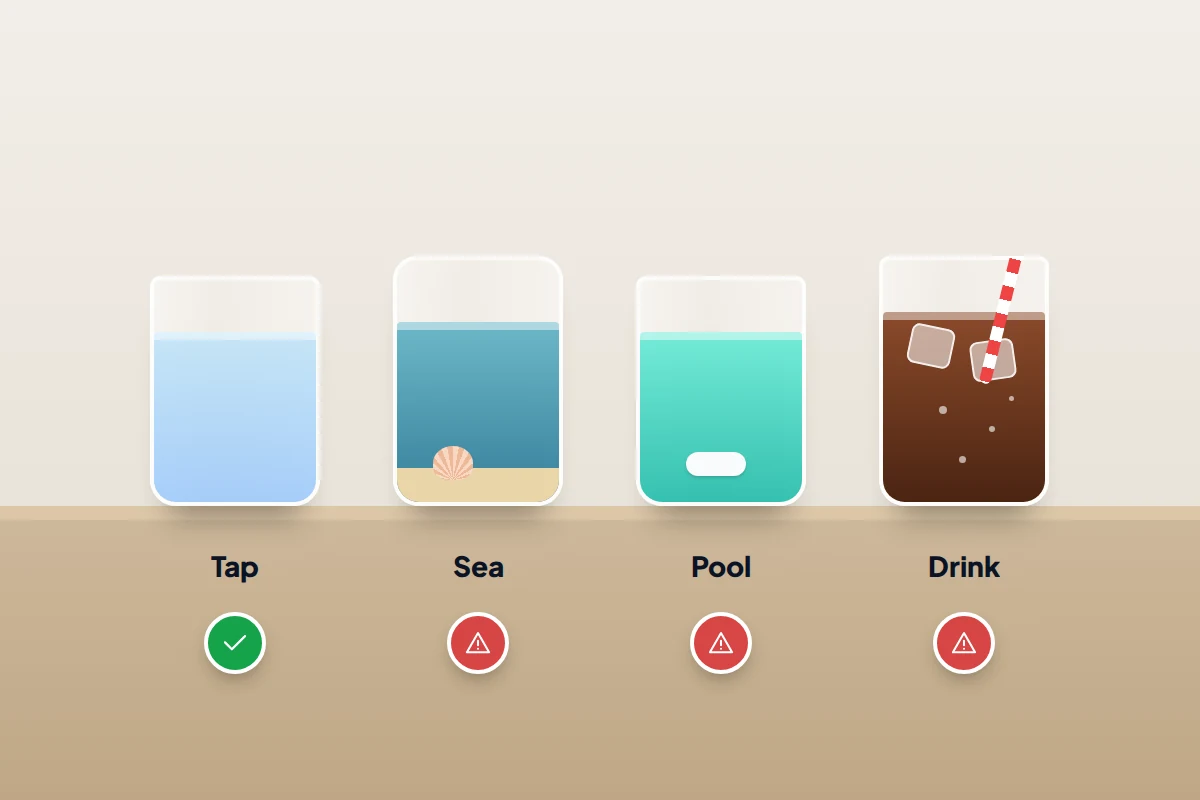
- Sea water leaves salt behind, which draws in moisture and speeds up corrosion on metal contacts.
- Pool water contains chlorine and other treatment chemicals. Samsung lists it alongside salt water, soapy water, sunscreen and perfume as liquids to keep away from.
- Drinks leave sugar, acid or milk behind. Apple lists acids and acidic foods among the liquids that can affect water resistance, and a sticky film can gum up buttons and speaker meshes.
That is why the rinse in step four matters for a water-resistant phone. It swaps a harmful liquid for a harmless one before either dries.
The rice myth, and what to use instead
Apple says it plainly: do not put your iPhone in a bag of rice, because small particles of rice could damage it. Grains and starch dust can lodge in the charging port and speaker grilles, and rice is not especially good at drawing moisture out of a sealed phone. Moving air at room temperature does as much, without the debris.
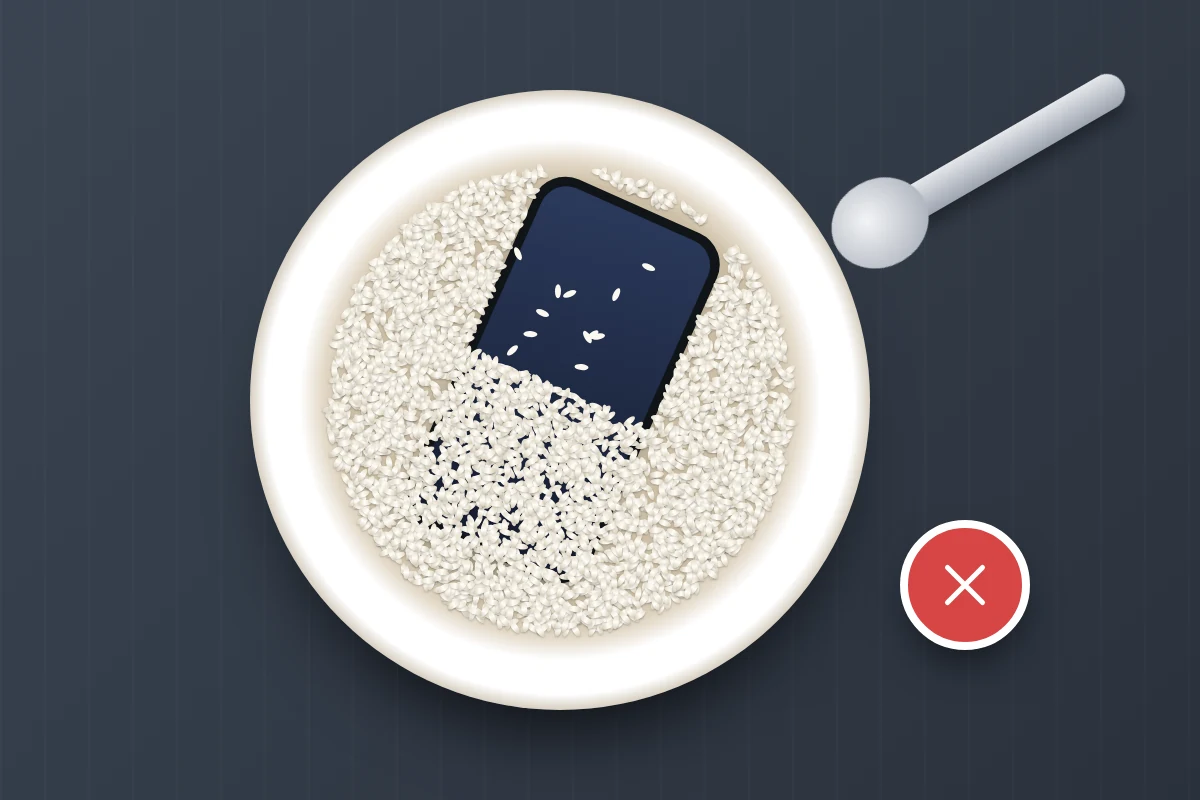
Silica gel sachets, the kind packed with new shoes, at least shed no grains, but no phone maker recommends them either, and nothing placed next to a phone can draw out water sealed inside the body. Airflow and time do the real work.
Do and don’t: a quick reference
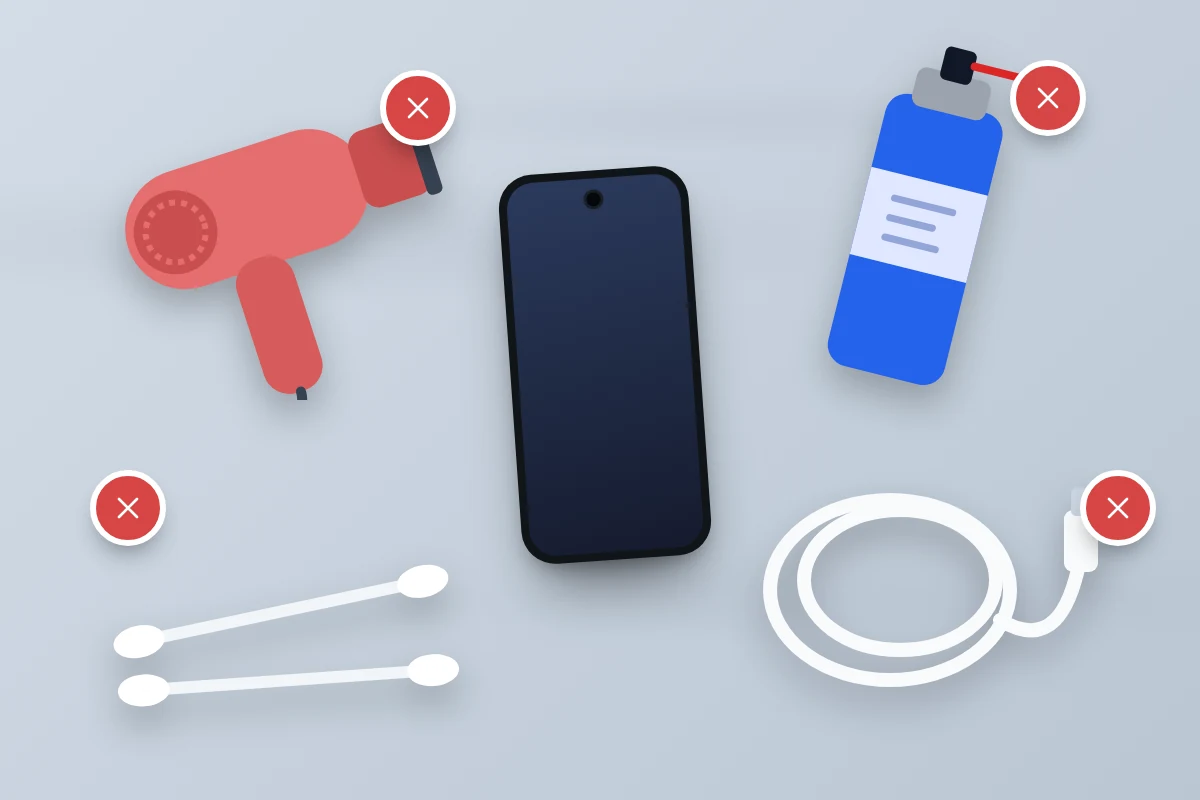
| Do | Don’t |
|---|---|
| Get it out and unplug it straight away | Charge it by cable while it is wet or a liquid alert shows |
| Switch it off if it is not water resistant or is acting oddly | Keep switching it on and off to see if it works |
| Rinse a water-resistant phone in tap water after salt water, pool water or a drink | Rinse an older phone with no water-resistance rating |
| Wipe it and tap it gently, port facing down | Push cotton buds, paper towel or anything else into the port |
| Leave it in a dry place with airflow or a cool fan | Use a hairdryer, radiator, oven, microwave or sunny windowsill |
| Wait until it is dry before opening the SIM tray | Use compressed air, which can push water further in |
| See a repairer promptly if anything is wrong | Put it in rice or open it up yourself |
When to take it to a repairer
Go the same day if the phone has no water-resistance rating and was submerged, if it met salt water or a drink and you could not rinse it, or if it will not switch on. Liquid inside the phone keeps corroding contacts after the outside is dry, so waiting a week to “see if it recovers” can turn a cleaning job into a board repair.
Go within a day or two for a liquid alert that will not clear, fogging behind the camera lens, or any of the signs below. Tell the repairer what the liquid was and when it happened.
Liquid damage is paid work at Apple and Samsung, but if you have an accidental damage plan such as AppleCare+ or Samsung Care+, or phone insurance through your bank, home contents policy or network, check whether it covers liquid damage and what the excess is before booking. Some insurers require you to use their repair network, so ask before anyone opens the phone.
Signs the water did lasting damage
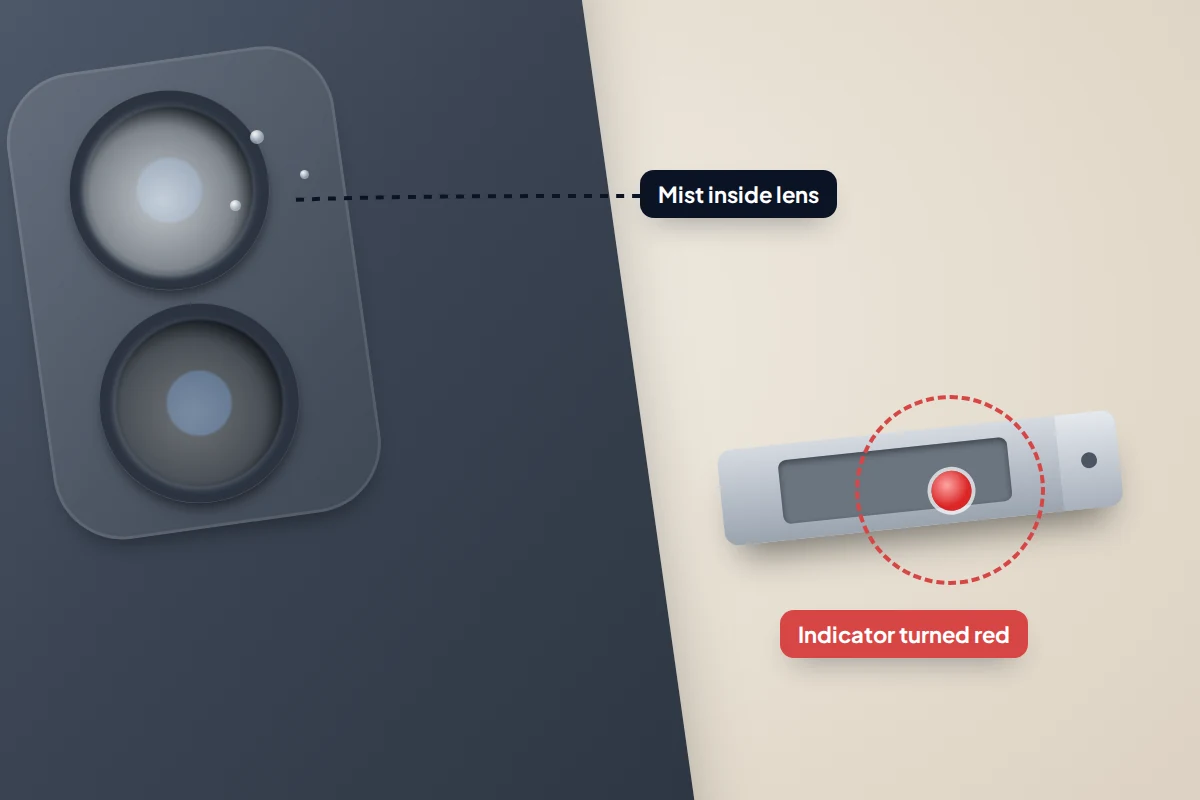
- Fog or droplets inside a camera lens or under the screen. Water is inside the body, not just in the ports.
- A speaker or microphone that stays muffled after a day or two. Water in the grilles often clears as it dries; damage does not.
- Screen problems: patches, lines, flicker or areas that do not respond to touch.
- Charging faults: repeated liquid alerts, a loose connection, or a port that only works at an angle.
- Battery trouble: fast drain, unexpected shutdowns or the phone getting warm while idle.
Phones also contain liquid contact indicators. Apple says its indicators are normally white or silver and turn fully red when they touch water or a liquid containing water; ordinary humidity does not set them off. Samsung puts liquid ingress markers on the inside of the SIM tray. Repairers check these, and a triggered indicator normally means the repair will not be covered by the warranty.
Back up the moment it works
A phone that recovers can still fail days or weeks later as corrosion spreads. As soon as yours is working and dry, make a fresh backup of photos, messages and contacts, then check that the backup actually works. If the phone later fails for good, you will lose nothing more than the handset.
Frequently asked questions
My phone is IP68. Do I need to do anything after it gets wet?
Yes, though less. Rinse it in tap water if the liquid was not fresh water, wipe it, let the port dry and wait before charging by cable. The rating protects against accidents; it does not remove the need to dry the port.
Can I use a hairdryer on the cool setting?
No. Apple says not to dry an iPhone with any external heat source, and Samsung says not to use heating devices such as hairdryers. A fan blowing cool air, which both makers suggest, is the better choice.
Is a phone safe to use in the rain?
A water-resistant phone copes with rain and splashes. Wipe it dry afterwards and wait before plugging a cable into a wet port.
The phone works but the speaker sounds muffled. What should I do?
Leave it port-down in a dry, airy place. Water in the speaker grille often clears within a day. If it is still muffled after 48 hours, have it checked.
Will my phone insurance cover water damage?
Many policies and accidental damage plans do, usually with an excess, but terms vary. Check your policy wording and report the claim promptly.
Sources and further reading
- Apple Support: About splash, water and dust resistance of iPhone
- Apple Support: If you see a liquid-detection alert on your iPhone
- Apple Support: Water and other liquid damage to iPhone isn’t covered by warranty
- Samsung UK: What to do if there is moisture in your water-resistant phone or tablet
- Samsung UK: Galaxy phone water resistance
- Samsung UK: What is the warranty status of my mobile device?
- Pixel Phone Help: Fix “Unplug charger” or “Liquid or debris” message
Looking for a tool to go with this? TheTruthSpy is a free parental control app for Android that stays visible on the child's phone. If it fits your family, see what the app does.
Related guides
Phone Not Charging? How to Find the Cause and Fix It
A ten-minute elimination test for a phone that won't charge: cable, adapter, port, software and battery, plus what liquid, heat…
Why Is My Phone Overheating? Causes and Fixes
Warm, hot or dangerous? Why phones heat up when charging, gaming or in the sun, how to cool one safely,…
How to Transfer Photos From Your Phone to a Computer
The best way to copy photos from iPhone or Android to Windows or Mac, what happens to HEIC files, dates…
Parental controls your child can see
Location, screen time limits, a web filter and alerts from notifications — free, and visible on your child's phone. Pair a phone in about ten minutes.
Android · Free to set up · Visible on your child's phone