Free vs Paid Parental Control Apps: What the Money Actually Buys

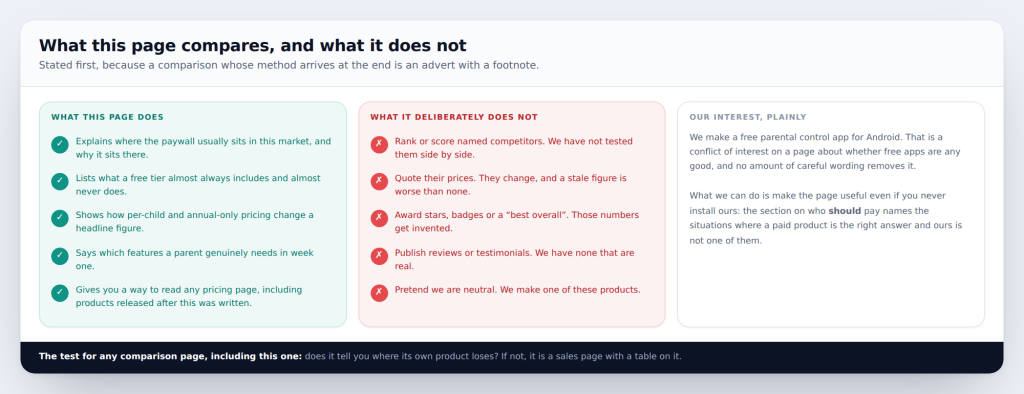
Every comparison of parental control apps is written by someone with a stake in the answer, and most of them bury that at the bottom. So here it is first: we make one of these products, and it is free. That is a conflict of interest on a page about whether free apps are any good, and no amount of careful wording removes it. What follows is written to be useful even if you never install ours — including the section naming the situations where a paid product is the right answer and ours is not one of them.
The method, and its limits
What this page will not do. Rank or score named competitors, quote their prices, or award a “best overall”. We have not tested them side by side, and inventing the numbers is the thing this whole site exists to avoid. What it does instead is explain how this market prices things, so you can read any pricing page — including for a product released after this was written.
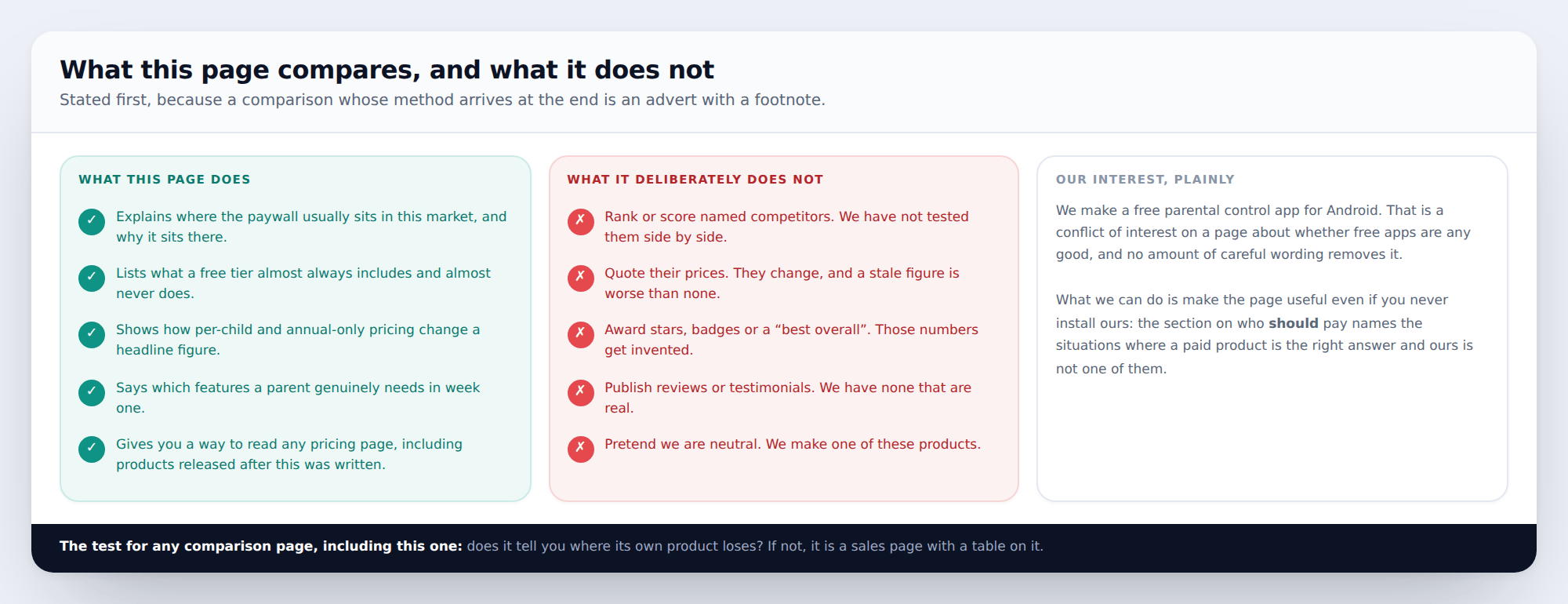
A fair test for any page like this, including this one: does it tell you where its own product loses? If it does not, it is a sales page with a table on it. Two of the five boxes further down this page point away from us.
What a free tier includes, and what it does not
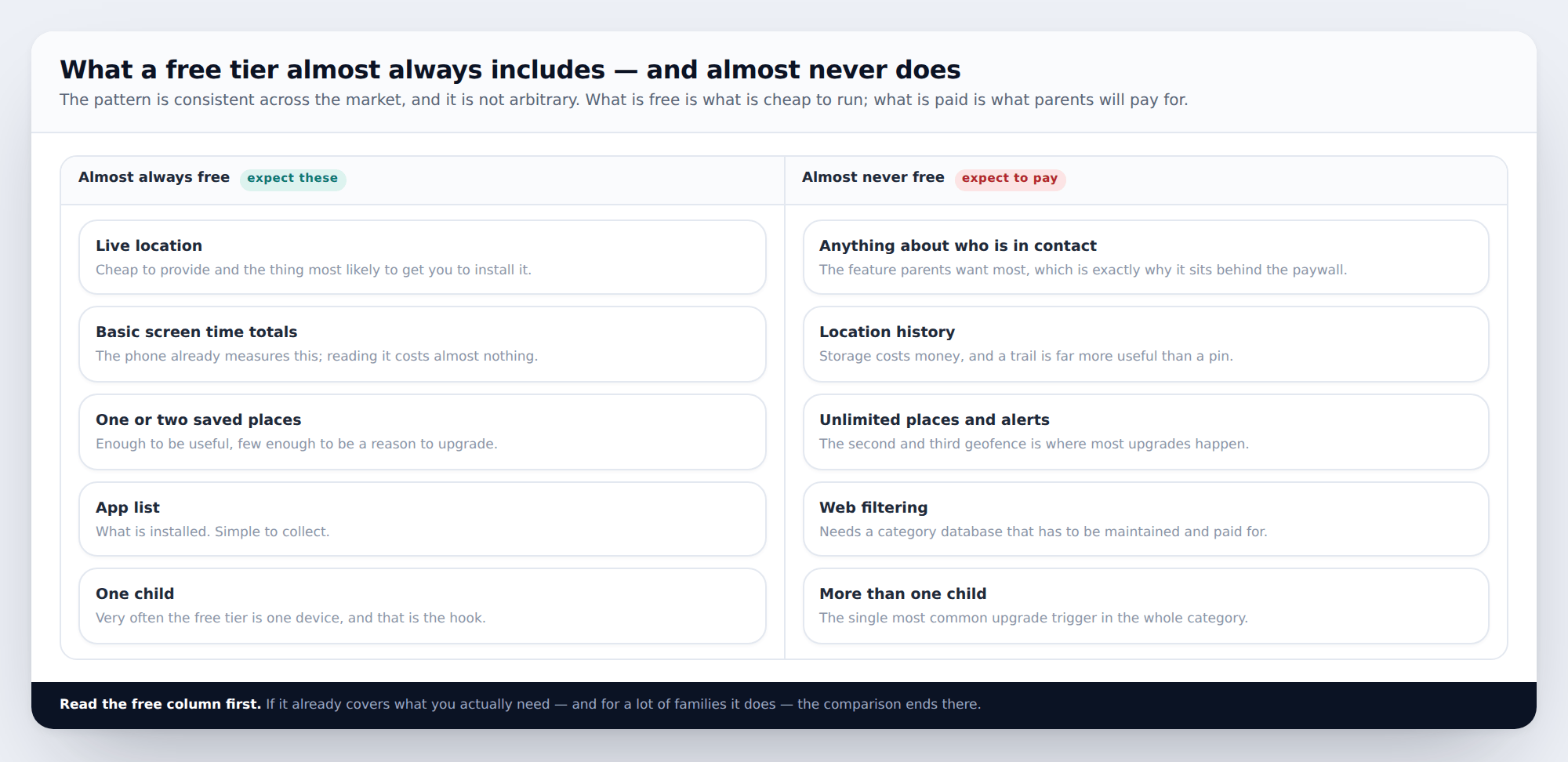
The pattern follows two forces. What is cheap to run tends to be free — a live position is a single coordinate; reading screen time is the phone doing the work. What parents will pay for sits behind the paywall — and the thing parents want most is information about who their child is in contact with, which is precisely why almost nobody gives it away.
Location history is the other consistent one, for a duller reason: storage costs money every month, for every child, forever. A live pin costs almost nothing; twenty-one days of trail does not.
And the most common upgrade trigger in the entire category is the second child. A free tier covering one device is a deliberate shape, not a limitation someone forgot to remove.
What you actually need in week one
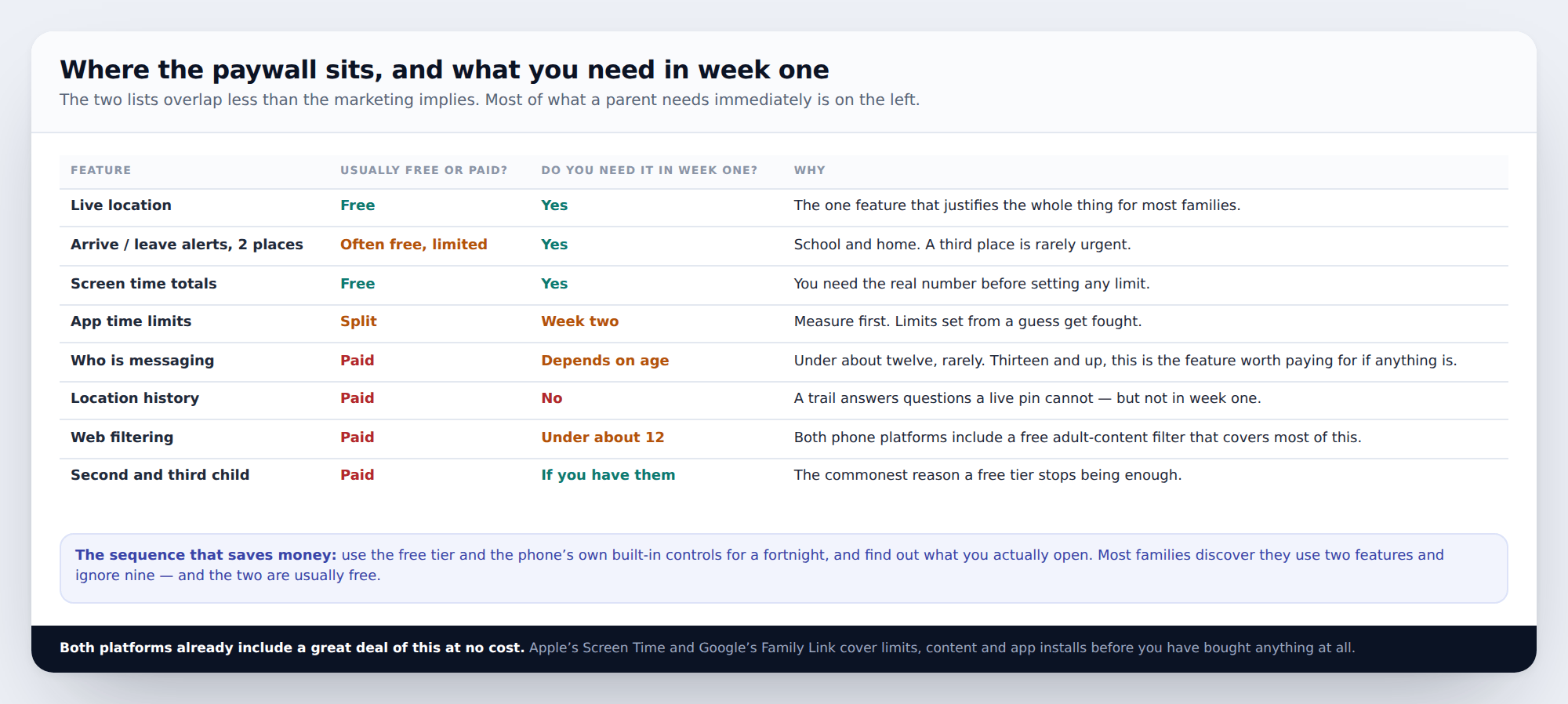
The sequence that saves money is simple and almost nobody follows it: run free for a fortnight first, using the free tier alongside the phone’s own built-in controls, and find out what you actually open. Most families discover they use two features and ignore nine — and the two are usually the free ones.
It is also worth being clear about how much both platforms already give you at no cost. Apple’s Screen Time and Google’s Family Link cover time limits, app installs, content ratings and adult-content filtering before you have bought anything. A substantial share of people paying for a parental control subscription are paying for features their phone already has, which is a fact the category does not go out of its way to advertise.
The one genuine gap in both platform toolsets is contact: neither Apple nor Google will tell you who is messaging your child. That is the feature worth paying for if anything is, and it is the one behind almost every paywall.
Four things that change the headline price
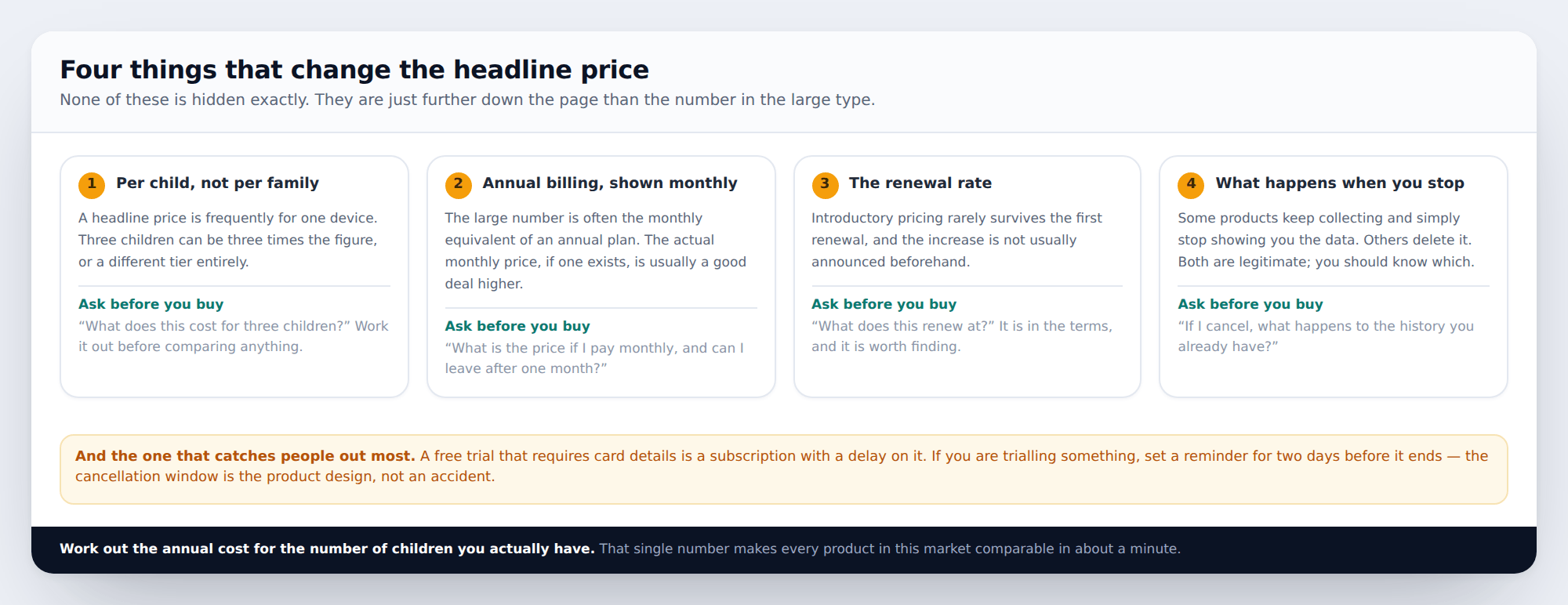
Four questions make every product in this market comparable in about a minute:
- What does this cost for the number of children I actually have? A headline price is frequently one device.
- What is the monthly price if I pay monthly? The large number is often the monthly equivalent of an annual commitment.
- What does it renew at? Introductory pricing rarely survives the first renewal, and the increase is not usually announced.
- If I cancel, what happens to the history you already hold? Some keep it, some delete it. Both are legitimate; you should know which.
Work out the annual cost for your actual family size and write that single number down. It is the only figure that compares like with like, and it frequently reorders the shortlist.
One more worth naming: a free trial requiring card details is a subscription with a delay on it. The cancellation window is the product design, not an accident. If you are trialling something, set a calendar reminder for two days before it ends.
Who should pay, and who should not
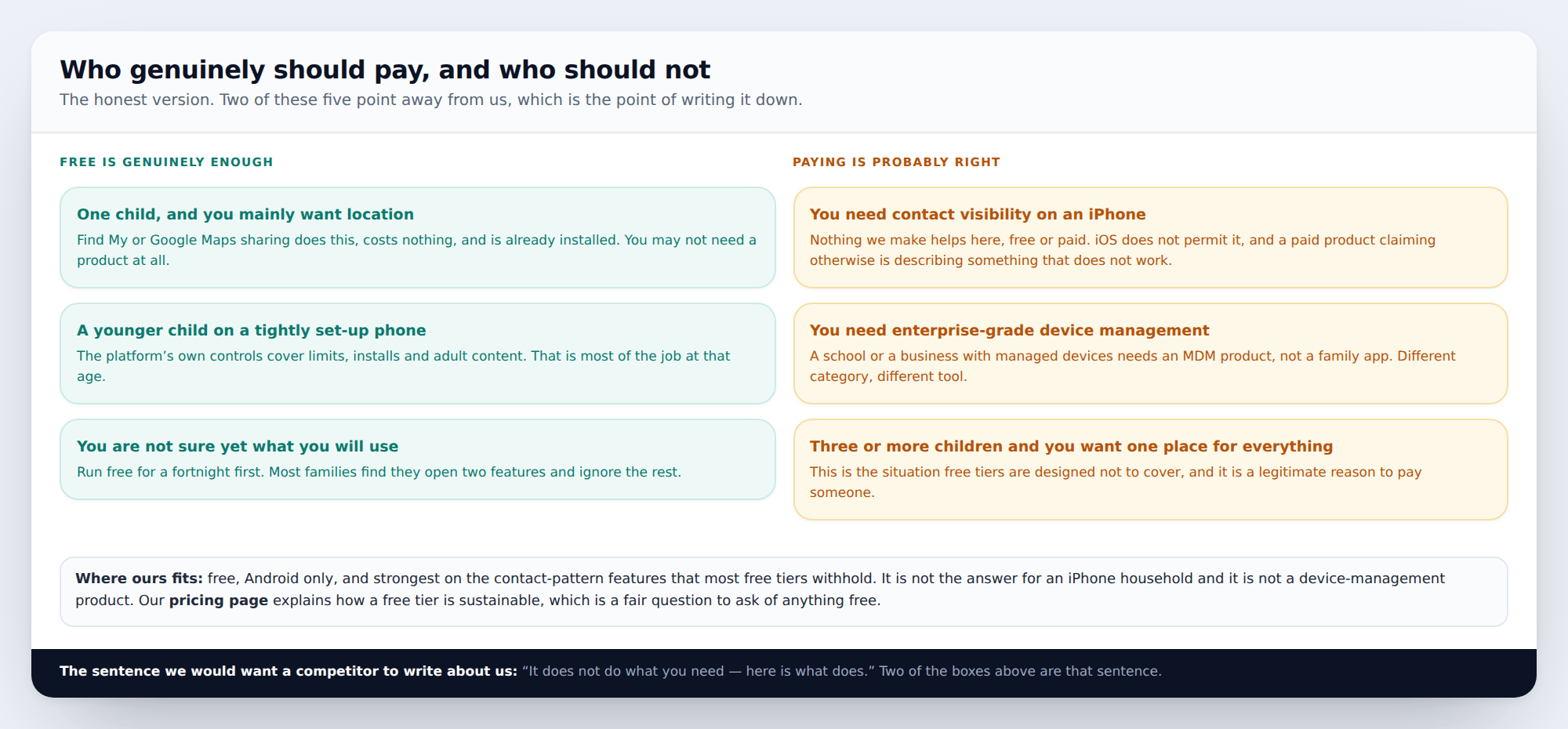
If you need contact visibility on an iPhone, nothing we make helps — free or paid. iOS does not permit third-party apps to read notifications, so there is no route to it. Any product advertising it for iPhone is describing something that does not work. Your options there are Apple’s own tools and the apps’ individual parental controls, and that is genuinely the whole toolkit.
If you need to manage devices for a school or a business, that is mobile device management, not a family app. Different product category, different price, and a consumer parental control app will disappoint you.
If you have three or more children and want one place for everything, that is the exact situation free tiers are designed not to cover, and paying someone is a reasonable answer.
Where ours fits: free, Android only, and strongest on the contact-pattern features most free tiers withhold. It is not the answer for an iPhone household. Our pricing page explains how a free tier is sustainable, which is a fair question to ask of anything free, and the feature index lists what is actually included.
How to read any pricing page in four minutes
The durable skill, since products change and this page will not keep up with them.
- Find the per-child figure first. Multiply by your actual number of children before reading anything else.
- Look for the word “up to”. “Up to 5 devices” and “up to 5 children” are different claims, and the difference matters when a child has a phone and a tablet.
- Check which tier has the contact features. If who-is-messaging is in the top tier only, the middle tier is usually not worth buying.
- Find the renewal terms. They are in the terms of service, they are always findable, and they are frequently a different number.
- Ignore the comparison table on their own site. It was built to make one column look obvious.
- Check whether the platform already does it. Genuinely — go and look at Screen Time or Family Link first. It is the step that saves the most money and almost nobody takes it.
How this page was put together
This describes the shape of the market rather than specific products, and that is a deliberate choice rather than a shortcut. We could have built a table of named competitors with prices and scores in it. It would have got more traffic, and it would have required either testing a dozen products properly over months or making the numbers up — and the second is what most pages in this category quietly do.
What is here instead is the structure: where paywalls sit and why, how per-child and annual pricing work, and which features matter in the first week. That stays true when a product changes its prices, which a table would not.
We have named our own product once, said plainly where it does not help, and linked our pricing page so you can check the claim. How we write and check these guides, and how to tell us we have got something wrong.
Common questions
Are free parental control apps any good?
For location, time limits and content filtering, often yes — and both phone platforms include versions of all three at no cost. The place free tiers consistently stop short is contact: who is messaging your child. Whether that matters depends almost entirely on their age.
What is the catch with a free app?
It is a fair question and worth asking of anything free. The usual answers are: a limited tier designed to convert you, advertising, or data. Ask which one applies, and if a product will not tell you how it is funded, that is informative in itself.
Is the paid version of a free app worth it?
Decide after a fortnight on the free one, not before. The features you will actually use become obvious quickly, and for most families the answer is that two of them matter and both were already free.
Why is everything per child?
Because costs genuinely do scale with children — storage, location updates, notification processing — and because the second child is the point at which a parent has already decided the product is worth having. Both things are true at once.
Can I use the phone’s own controls instead of an app?
For a lot of families, yes, and it is the first thing to try. Apple’s Screen Time and Google’s Family Link cover time, content and installs well. The gap is contact visibility, which neither provides.
Do any of these work across iPhone and Android?
For location, several do, and Google Maps sharing does it free. For anything beyond location on an iPhone, no third-party product works properly, whatever it claims — which makes mixed households the hardest case in this whole category.
How do I cancel if I change my mind?
Through the app store subscription you bought it from, not through the app itself — this catches people out constantly. Check the subscription list on your phone rather than assuming deleting the app has cancelled anything.
Looking for a tool to go with this? TheTruthSpy is a free parental control app for Android that stays visible on the child's phone. If it fits your family, see what the app does.
Related guides
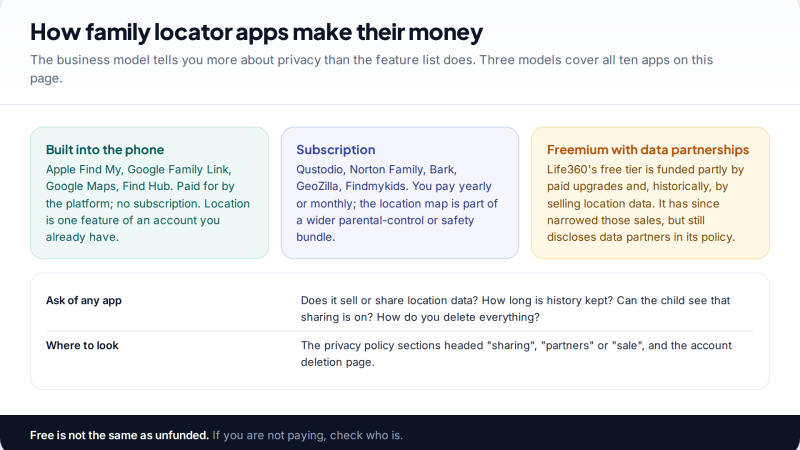
The 10 Best Family Locator Apps: Features, Privacy and Price
Ten family locator apps compared on the three things that matter most: what they show, what they keep and share…
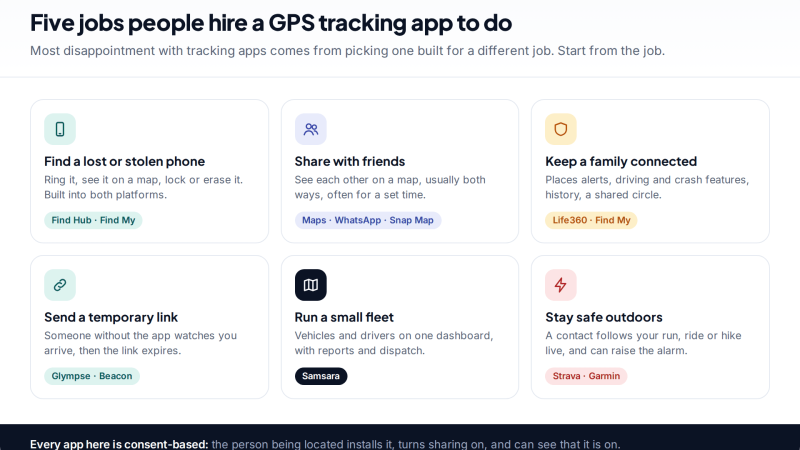
10 GPS Tracking Apps for Android and iPhone, Compared by Use Case
Ten GPS tracking apps for Android and iPhone grouped by job: finding a lost phone, sharing with friends and family,…
Parental controls your child can see
Location, screen time limits, a web filter and alerts from notifications — free, and visible on your child's phone. Pair a phone in about ten minutes.
Android · Free to set up · Visible on your child's phone