Why Is My Phone Overheating? Causes and Fixes

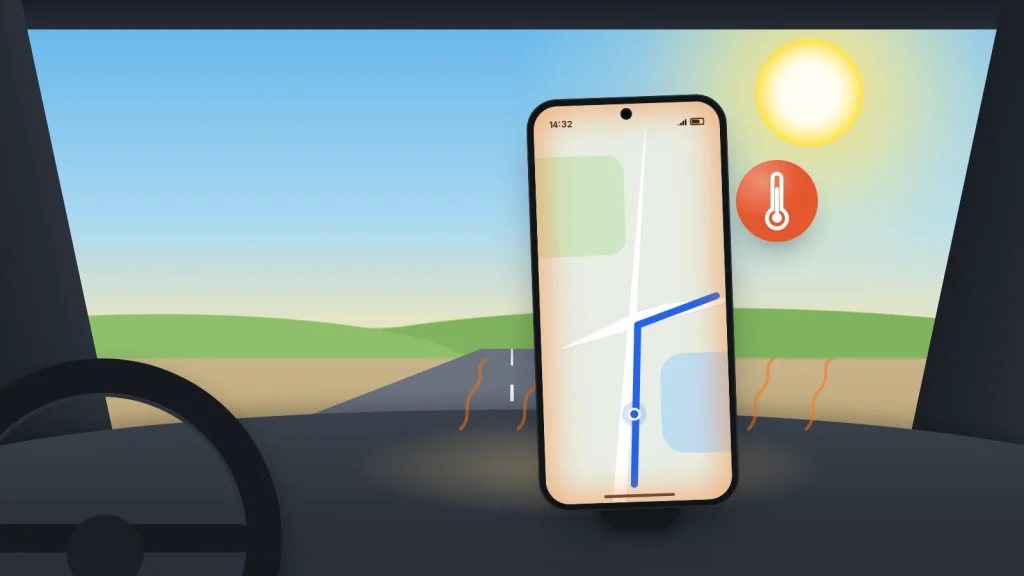
You pick your phone up off the charger and it feels hot through the case. Or you are twenty minutes into a video call and the back of it is uncomfortable to hold. Is that a fault, or just what phones do?
Most of the time it is just what phones do. Charging, gaming, navigation and video all turn battery power into heat. The phone also protects itself: long before it gets dangerous, it slows down, pauses charging and, if it has to, switches itself off.
What matters is telling ordinary warmth apart from a phone that is too hot for its surroundings, and both apart from the rare battery problem that needs action straight away. The triage table below sorts one from the other; the sections after it explain what causes each and what fixes it.
The short version
- Warm during charging, gaming, navigation, video calls or the first day after setting up a new phone is normal.
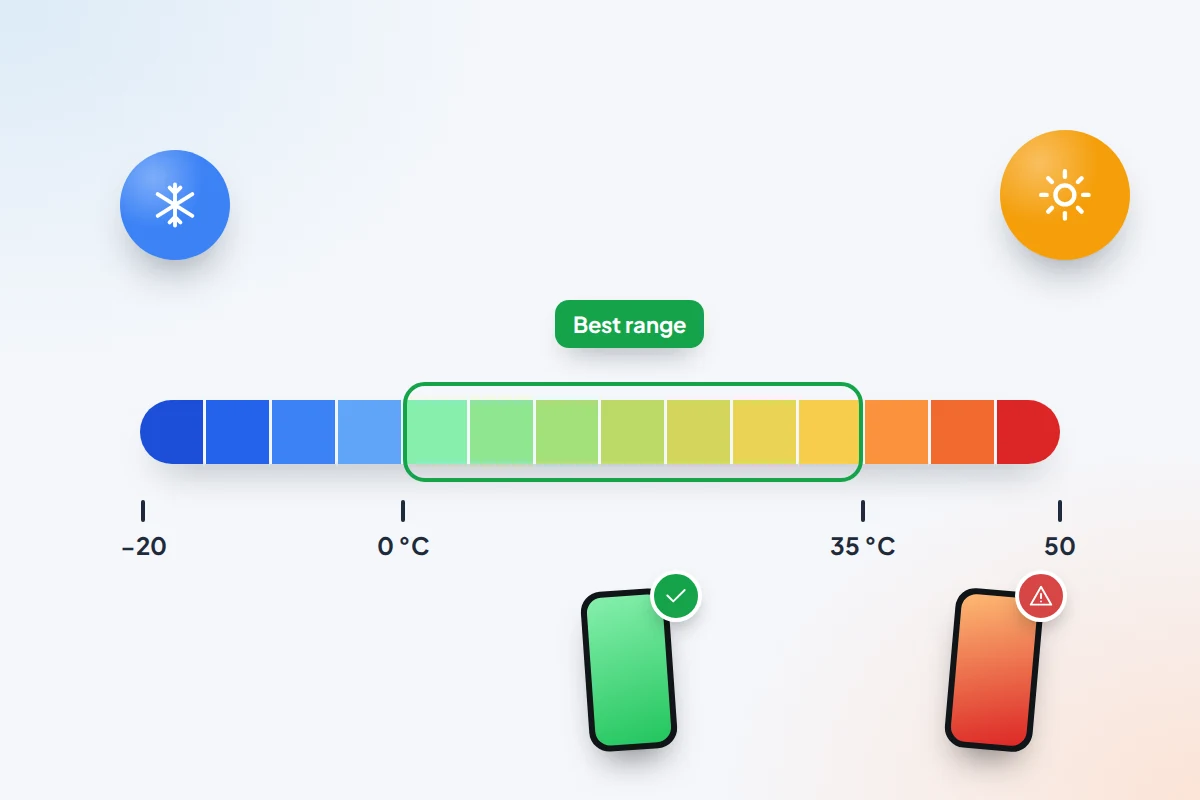
- Apple says iPhones work best in surroundings between 0 and 35 °C. A sunny dashboard or a parked car goes well beyond that.
- Hot while idle points to an app working in the background. Check battery usage, restart and update; on Android, safe mode shows whether a downloaded app is to blame.
- To cool it: unplug, take the case off, move it into the shade and let it cool at room temperature. Never use the fridge or freezer.
- Swelling, a chemical smell, hissing or smoke are danger signs. Stop using it, do not charge it and keep it away from anything that can burn.
How warm is normal?
A phone has no fan. Heat from its processor, screen, radio and battery escapes through the glass and frame, so the outside is where you feel it. Apple’s and Google’s support pages list much the same situations in which a phone gets warm without anything being wrong:
- Charging, especially fast charging and wireless charging.
- Games and graphics-heavy apps, and recording or streaming high-quality video.
- Navigation, which keeps the screen, GPS and mobile data busy at once.
- Video calls and using the phone as a hotspot.
- Setting up a new phone or restoring a backup, when it downloads and indexes apps and photos for hours.
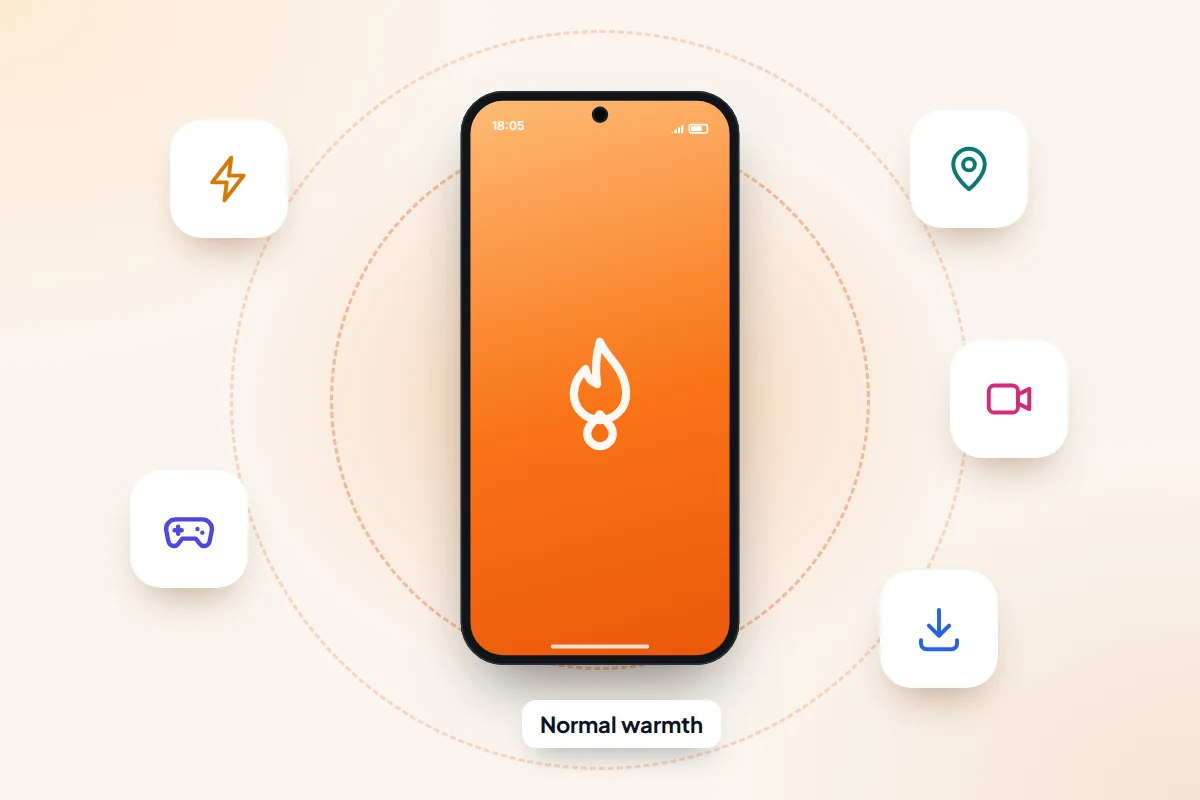
The trouble comes from stacking them. Navigation while charging, in a windscreen mount, in July, puts three heat sources in one place. So does gaming on a fast charger inside a thick case.
Your surroundings matter as much as what the phone is doing. Apple says iPhones work best at ambient temperatures between 0 and 35 °C, should be stored between −20 and 45 °C, and should not be left in a car on a hot day. Samsung gives the same 0–35 °C range for Galaxy phones. Apple also warns that temperatures above 35 °C can permanently damage battery capacity, and that charging in that heat makes it worse.
Warm, hot or dangerous: a quick triage
Start with what you can see, hear and smell, then match it to the likeliest cause.
| What you notice | Likely cause | What to do now |
|---|---|---|
| Warm while charging, gaming, on a video call or navigating | Normal load | Nothing, unless it is uncomfortable to hold. Take the case off while charging. |
| Warm for a day or two after setting up or restoring a phone | Downloading and indexing in the background | Leave it on Wi-Fi and charge somewhere cool. Check again in a couple of days. |
| Hot after time in the sun or a parked car | Surroundings above 35 °C | Move it to the shade, stop using it, let it cool at room temperature. |
| Charging stops around 80% and the phone is warm | Heat protection pausing the charge (or a charge limit you set) | Move phone and charger somewhere cooler; charging resumes once it cools. If it always stops at 80%, check the charge limit below. |
| A temperature warning, dim screen or camera flash disabled | The phone protecting itself | Unplug, close apps, remove the case and wait until the warning clears. |
| Hot while idle in a cool room, battery draining fast | An app stuck working in the background | Check battery usage, restart, update; try safe mode on Android. |
| Hot while charging on a bed, sofa or under a pillow | Heat trapped by soft fabric | Unplug and move it to a hard surface. Do not charge it there again. |
| Screen lifting, back bulging, chemical smell, hissing or smoke | Damaged or failing battery | Stop using it, do not charge it, move it away from anything flammable. See the danger signs below. |
What your phone does when it gets too hot
Phones measure their own temperature and step in well before the battery is at risk.
iPhone. Charging, including wireless charging, slows or stops; the display dims or goes black; mobile signal may weaken; the camera flash may be disabled; and demanding apps slow down. If it keeps heating up, a screen appears saying Temperature: iPhone needs to cool down.
Pixel. Pixel 6 and later reduce processor speed and charging speed, turn off the flash and then the camera, may turn off mobile data or Wi-Fi, enter a low-power mode and, as a last resort, switch off after a warning.
Samsung Galaxy. A Device cooling down message appears while the phone dims the screen, limits performance, stops charging and closes apps. If that is not enough, it warns that it is overheating and powers off.
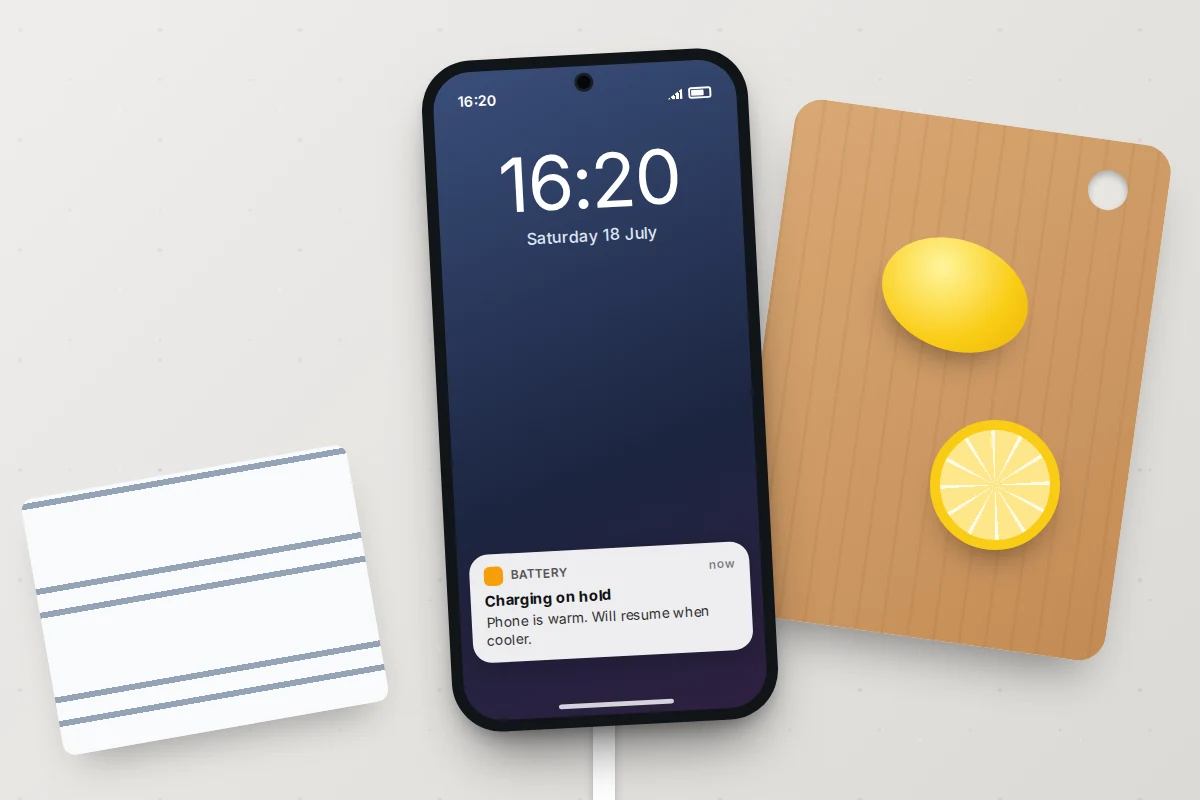
This is also why a hot phone feels slow: the throttling is deliberate, and it stops once the temperature comes down. Apple adds that if an iPhone’s battery gets too warm while charging, software may limit charging above 80% until it cools, which explains a phone that seems stuck at 80%.
How to cool a hot phone safely
- Unplug it, and stop whatever is working it hardest: the game, camera, navigation or hotspot.
- Take the case off so heat can escape through the back, as Samsung recommends.
- Move it out of direct sun and on to a hard surface such as a table, not a cushion or car seat.
- Leave it alone until the warning clears, usually a few minutes. Switching it off speeds this up.
Let it cool at room temperature. A sudden drop in temperature causes its own problems, explained in the myths section.
Fixes for a phone that gets hot while charging
Charge somewhere heat can escape
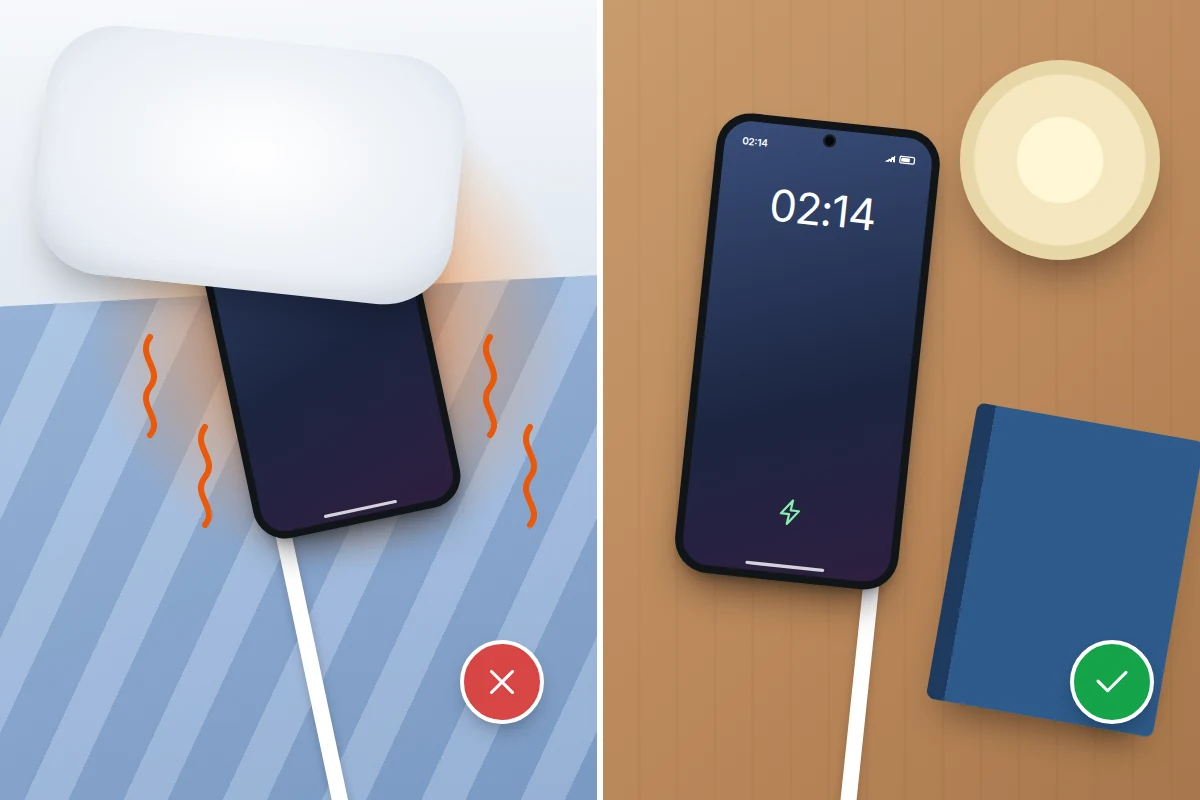
Apple’s safety guidance says not to sleep on a phone, power adapter or wireless charger, or put them under a blanket, pillow or your body while connected to power, and to keep them somewhere well ventilated. Scottish Fire and Rescue Service gives the same advice for any battery: do not cover it while it charges. A bedside table is fine; the bed is not.
Check the case, the charger and the pad
- Apple notes that charging inside certain styles of case can generate excess heat. If yours only gets hot when charging in its case, take the case off to charge.
- Use the charger and cable that came with the phone or a reputable replacement. Samsung links overheating to unapproved and damaged chargers and cables.
- On a wireless pad, line the phone up and remove anything metal or magnetic between them, such as a card holder or grip.
- Avoid heavy gaming or video while charging. That combination is the commonest route to the warning screen.
Use your phone’s charge limit
Holding a warm battery at 100% adds wear. These features reduce the time it spends full:
- iPhone 15 and later: Settings → Battery → Charging, then choose a limit between 80% and 100%. At 100%, Optimised Battery Charging is available.
- iPhone 14 and earlier: Settings → Battery → Battery Health & Charging → Optimised Battery Charging.
- Pixel: Settings → Battery → Battery health → Charging optimisation, then Adaptive Charging or, on Pixel 6a and later, Limit to 80%.
- Samsung Galaxy (One UI 6.1 and later): Settings → Battery → Battery protection, then Basic, Adaptive or Maximum, which stops at 80%.
Other Android makers offer similar options under different names in their battery settings.
Hot for no obvious reason: finding the cause
A phone that is hot while it sits untouched in a cool room is working when it should not be. Work through these in order.
1. Look for a runaway app
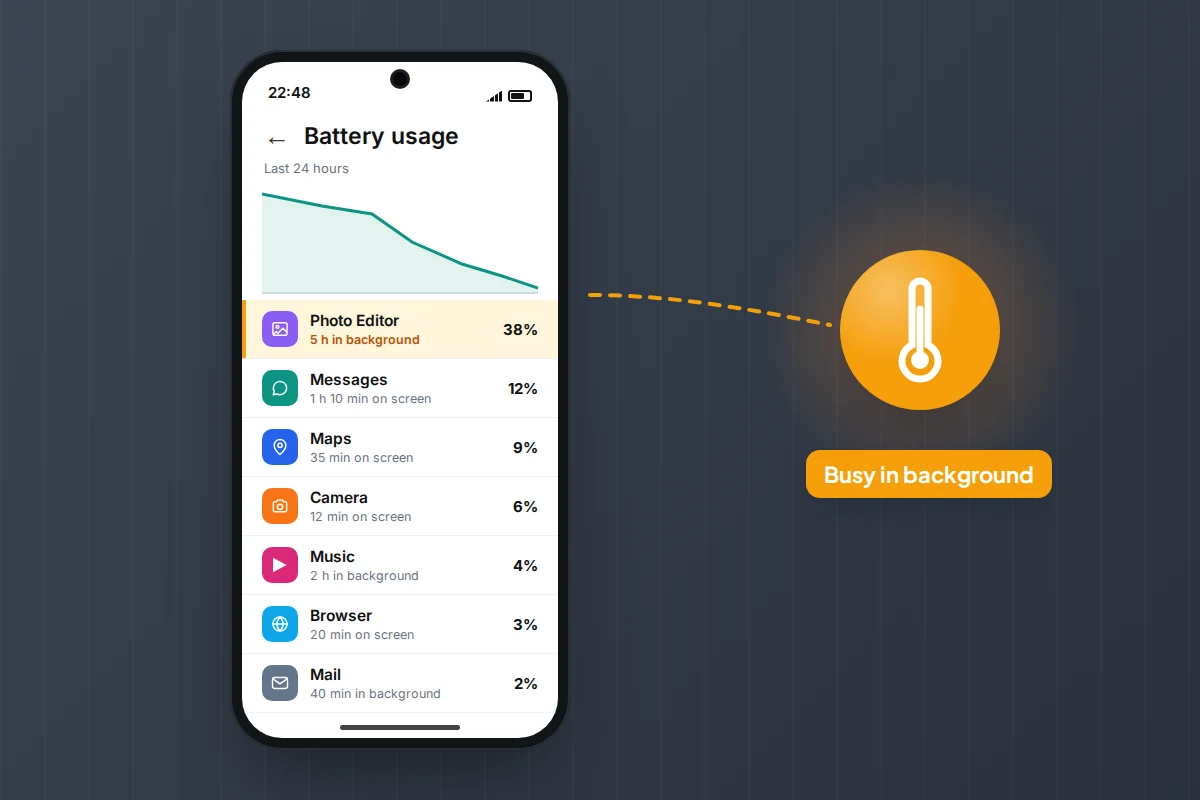
Open Settings → Battery and look at the app list. An app with heavy background use that you barely opened is the first suspect. Our guide to working out why a phone battery is draining fast explains that screen on iPhone, Pixel and Samsung. On a Samsung, Settings → Device care also flags apps using unusual amounts of battery. Update or force-stop the app, and uninstall it if the heat returns.
2. Restart and update
A restart clears stuck processes. Then install any system and app updates: Samsung points out that updates include thermal management improvements, and a bug in one app is often fixed in its next version. After a major update, allow a few days for background work to finish.
3. Try safe mode on Android
Safe mode starts the phone with only its built-in apps. If it stays cool there, a downloaded app is the cause.
- Pixel 6 and later: press and hold Power and Volume up, touch and hold Power off or Restart, then tap OK.
- Samsung Galaxy: open the power menu, touch and hold Power off until Safe mode appears, then tap it.
Restart normally to leave safe mode, then remove recent apps one at a time until the heat stops. iPhone has no equivalent; remove any recent app you suspect instead.
4. Check battery health
A worn battery holds less charge, so the phone charges more often and spends more time warm. On iPhone 15 and later, check Settings → Battery → Battery Health (Battery Health & Charging on iPhone 14 and earlier). On a Pixel, it is Settings → Battery → Battery health; on a Galaxy, the battery test in the Samsung Members app. If it is badly worn, have it replaced by the manufacturer or an authorised repairer.
Danger signs: swelling, smell, hissing or smoke
Very occasionally, heat is a symptom of a damaged battery rather than a busy phone. Fire services list the warning signs: a battery that looks swollen or lumpy, feels extremely hot, smells unusual, makes a hissing or cracking sound, leaks or smokes. On a phone, swelling often shows as the screen lifting from the frame or the back bulging.
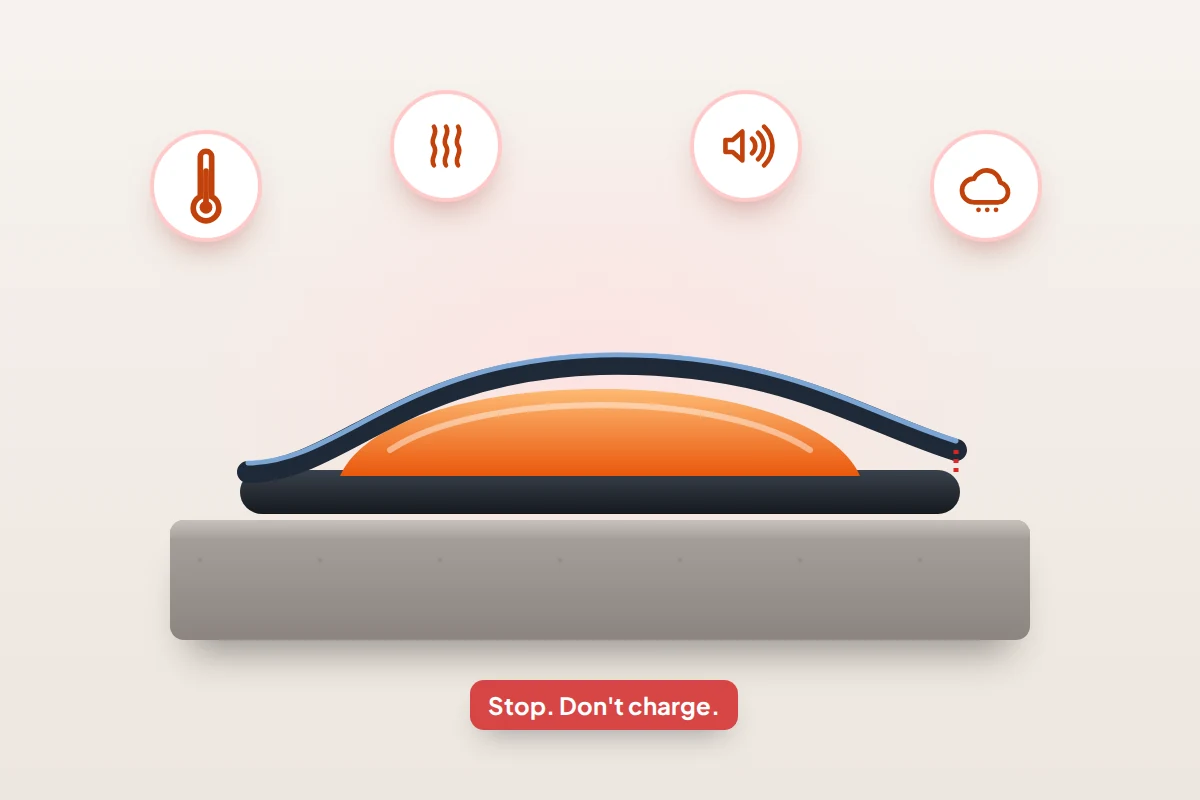
- Stop using it and do not charge it, even if it still works. Unplug it if you can do so safely.
- Move it away from anything that can burn, on to a hard, non-flammable surface where you can see it. Do not carry it in a pocket or bag.
- Do not press, puncture, bend or try to open it. Damaging a swollen cell can cause a fire.
- If it smokes or catches fire, get out, stay out and call 999 (911 in the US). Do not try to put it out yourself.
- Get it seen by the manufacturer or an authorised repairer, and tell them it is swollen before you bring it in.
Recycling a phone with a damaged battery
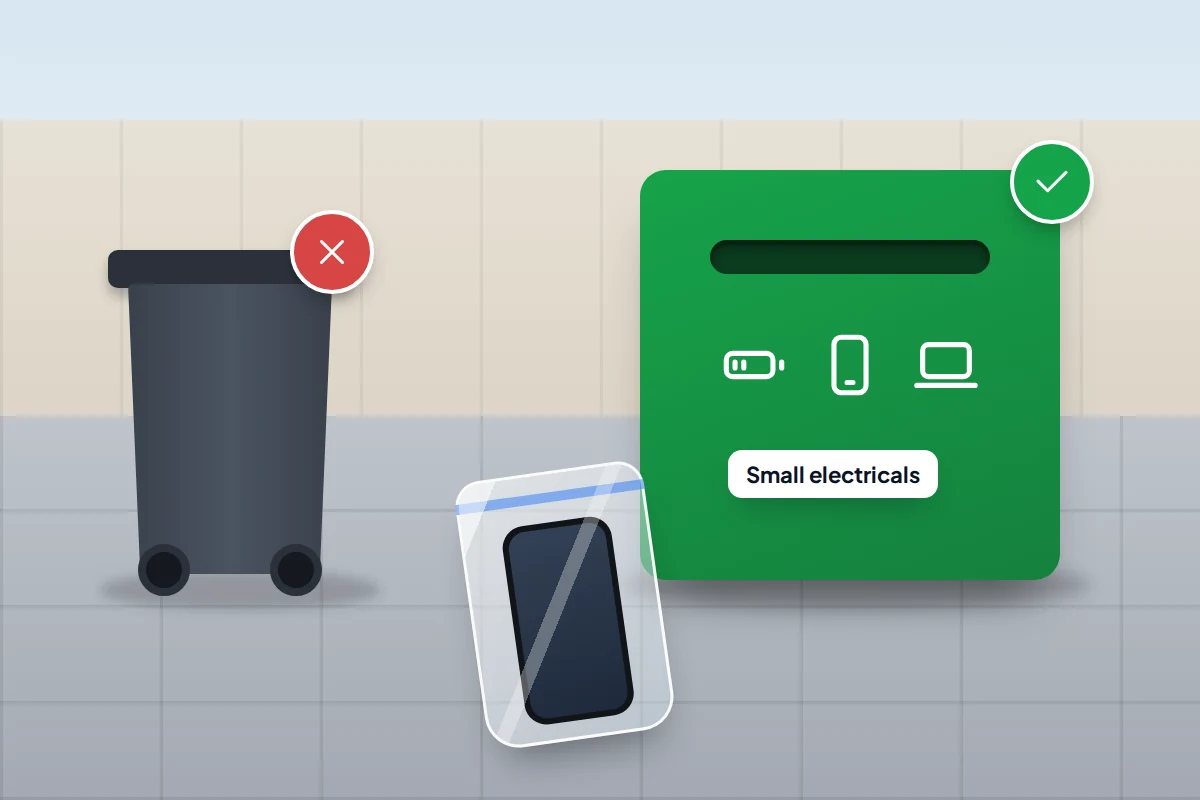
Never put a phone or its battery in a household or recycling bin; crushed batteries cause fires in bin lorries and recycling centres.
- UK: the postcode search on Recycle Your Electricals finds drop-off points, usually your household waste recycling centre. For a swollen battery, ask the manufacturer or repairer first, and tell staff it is damaged when you hand it over.
- US: the EPA says lithium-ion batteries go to household hazardous waste collections, certified electronics recyclers or retailer take-back schemes, each device in its own plastic bag. Call2Recycle and Earth911 list drop-off points. For a damaged battery, the EPA says to ask the device maker how to handle it.
Cooling myths that make things worse
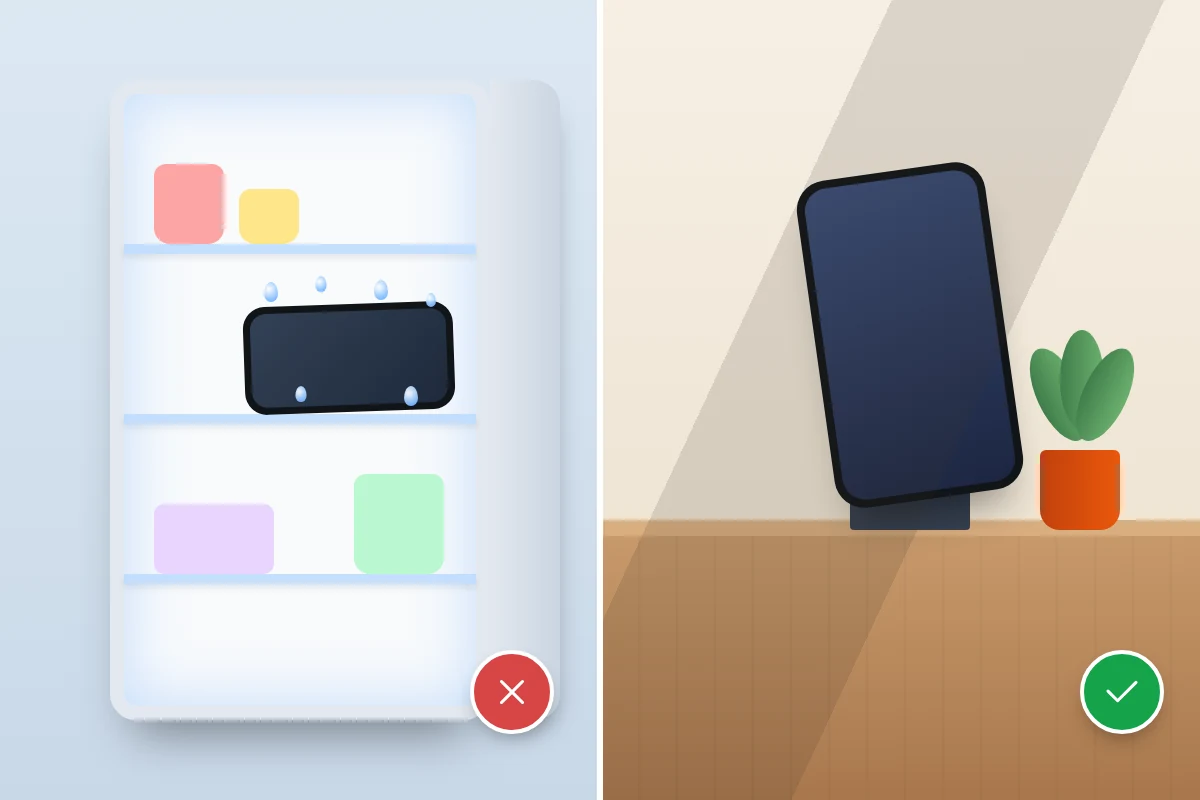
The fridge or freezer. Chilling a hot phone quickly in a cold, humid space invites condensation: moisture from the air can form inside it as it cools. Ice packs and cold taps carry the same risk. Room-temperature air is slower but safe.
“Phone cooler” apps. An app cannot remove heat. Most simply close background apps, which the phone already manages itself, and some show adverts, which adds to the load.
“A hot phone means a virus.” Rarely. Almost all overheating comes from charging, heavy use or the weather. If heat comes with pop-ups, apps you did not install or settings you did not change, our guide on how to tell if your phone has malware explains what to check.
Frequently asked questions
Is it safe to use my phone while it charges?
Yes, for ordinary use such as messaging or browsing. Heavy gaming or video while fast charging produces the most heat, so if it gets uncomfortably hot, stop one or the other.
Why is my new phone so hot on the first day?
Setting up and restoring a backup keeps it busy downloading and indexing apps and photos. Apple and Google both mention this. It should settle within a day or two.
My phone switched itself off because it was hot. Is it broken?
Usually not. Shutting down is the last stage of its own protection. Let it cool fully at room temperature before switching it back on. If it keeps happening in normal conditions, contact the manufacturer.
Does a phone overheat more in a car?
It can. Navigation, charging and sun through the windscreen add together, and a parked car gets far hotter than 35 °C. Keep the phone out of direct sun while driving where you can, and take it with you when you leave the car.
Sources and further reading
- Apple Support: If your iPhone or iPad gets too hot or too cold
- Apple: Maximising battery life and lifespan
- Apple Support: About Charge Limit and Optimized Battery Charging on iPhone
- Pixel Phone Help: Help keep your Pixel phone from feeling too warm or hot
- Samsung Support: Keep your Galaxy device at its normal operating temperature
- Scottish Fire and Rescue Service: Lithium-ion batteries
- US Environmental Protection Agency: Used lithium-ion batteries
- Recycle Your Electricals: find a drop-off point near you (UK)
Looking for a tool to go with this? TheTruthSpy is a free parental control app for Android that stays visible on the child's phone. If it fits your family, see what the app does.
Related guides
How to Transfer Photos From Your Phone to a Computer
The best way to copy photos from iPhone or Android to Windows or Mac, what happens to HEIC files, dates…

How to Back Up WhatsApp Chats
Set up WhatsApp backups on Android and iPhone, keep an encryption key safe, check the backup exists, and fix the…
How to Wipe a Phone Before Selling It
Wipe a phone before selling it in the right order: back up, move sign-in codes, sign out to release the…
Parental controls your child can see
Location, screen time limits, a web filter and alerts from notifications — free, and visible on your child's phone. Pair a phone in about ten minutes.
Android · Free to set up · Visible on your child's phone