Photos are not the whole story on a phone. Children record clips constantly — of friends, of games, of things they film and never mention. Device videos makes that part of the phone as visible to you as the flagged stills. This page keeps it practical: what the feature indexes, how clips show up, what it needs, and where the limits sit.
What device videos actually shows you
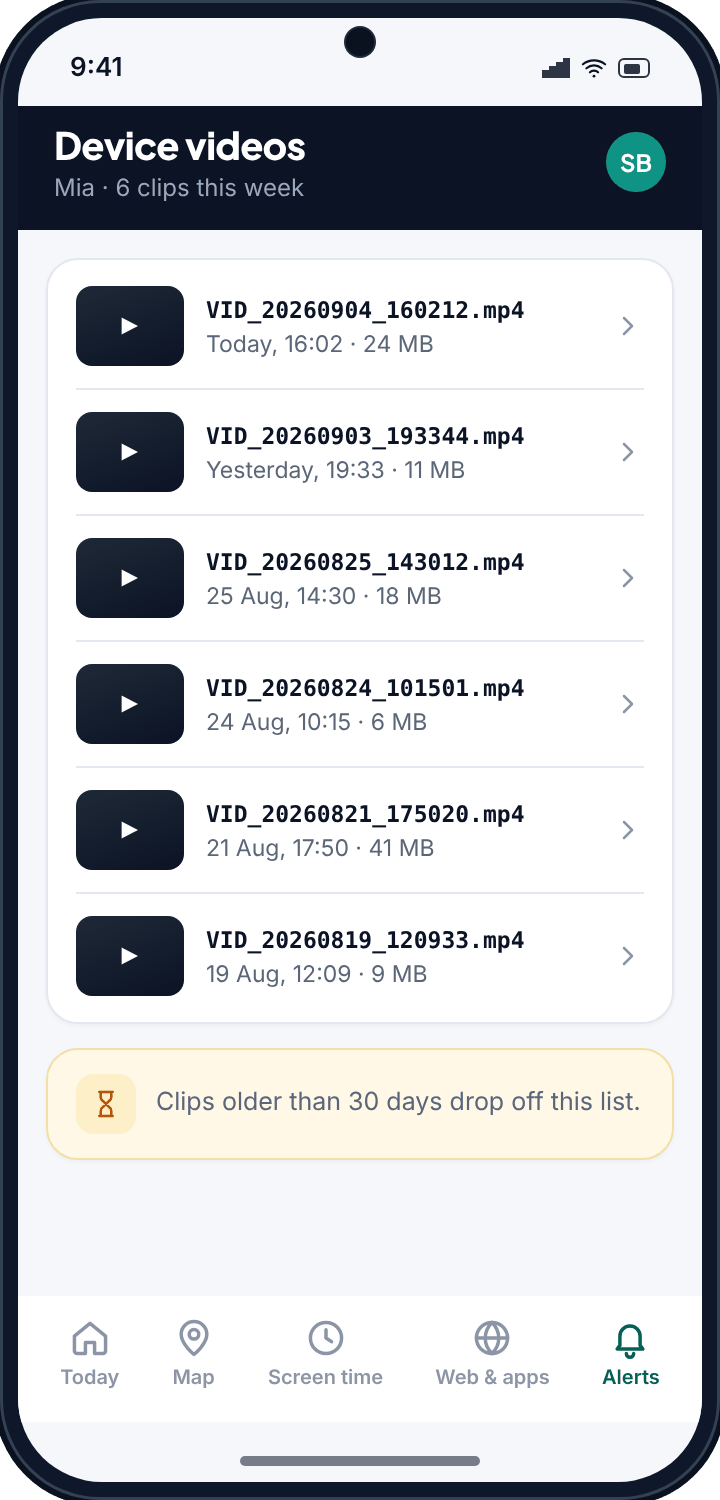
TheTruthSpy indexes the video files stored on the child's phone and lists them in your panel so you can view them. These are the clips the camera and apps save to the device, with names like VID_20260825_143012.mp4.
That filename already tells you something. The date and time are baked in: 25 August 2026, recorded at 14:30. TheTruthSpy reads that and shows each video with its capture time and file size, so you are not staring at a wall of identical thumbnails trying to work out which is which.
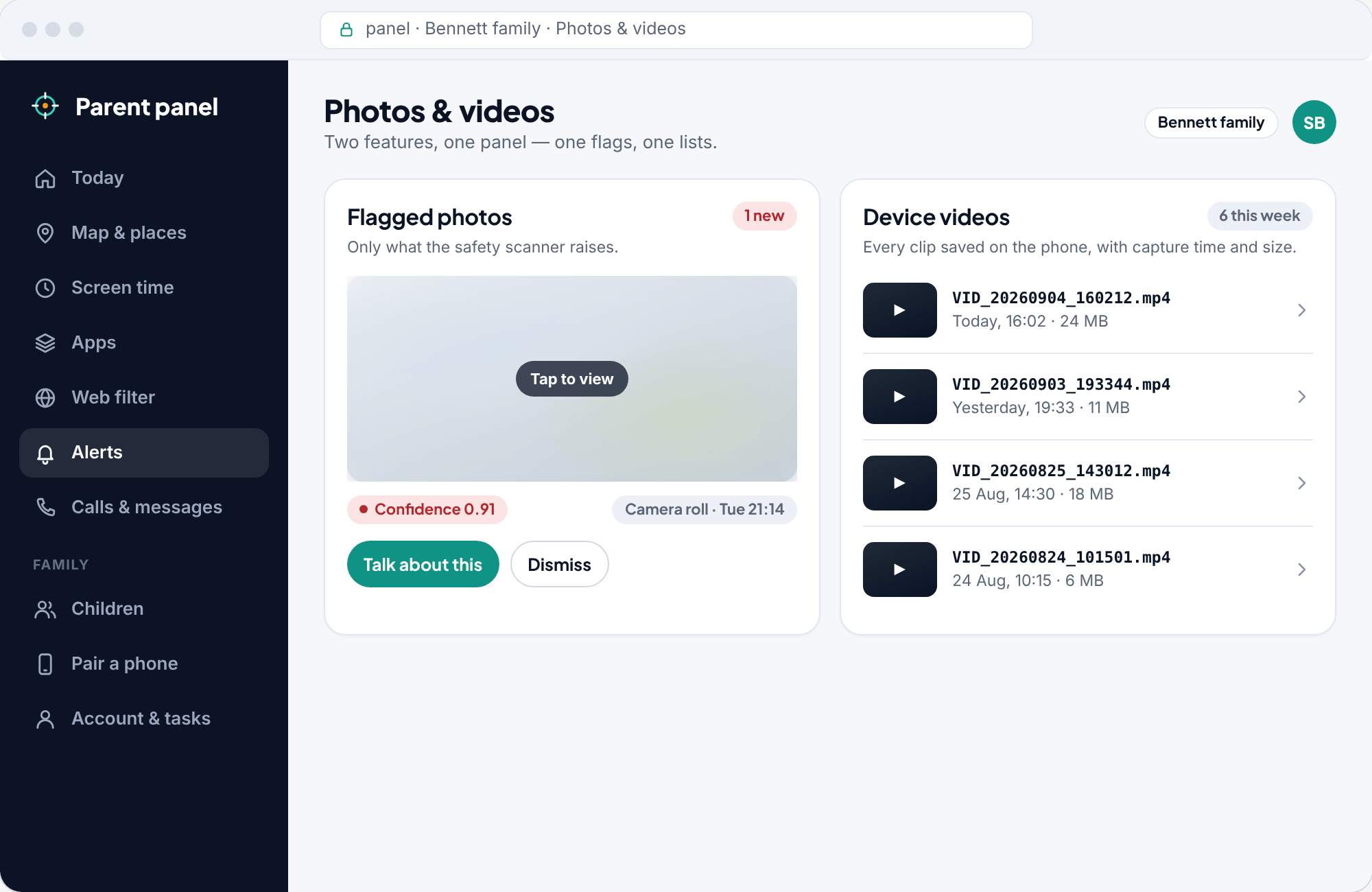
Where flagged photos is selective by design, videos is a straightforward index. You get a view of what has been captured on the phone, sorted so the recent clips are easy to find.
How videos appear in your panel
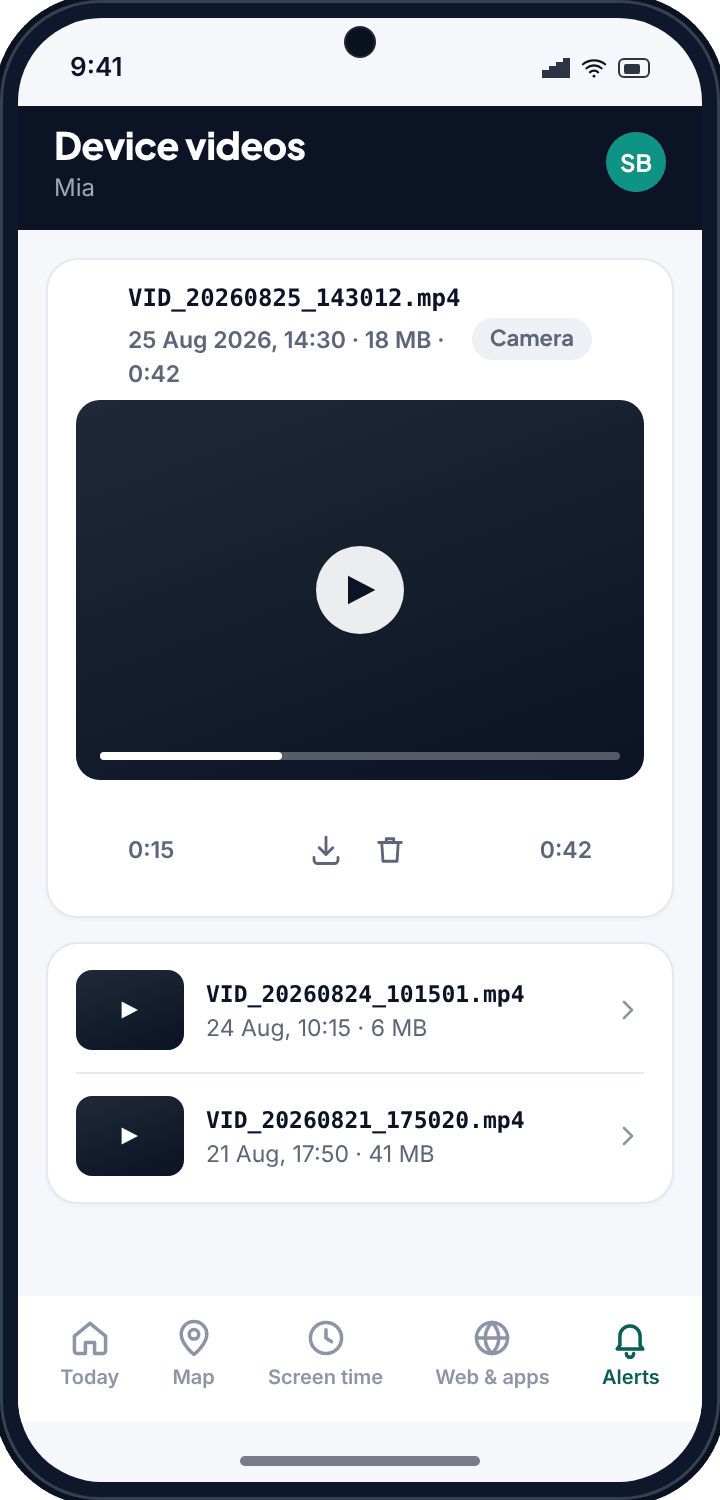
Open the videos view and each clip is a row you can tap to watch. Every entry carries a small set of details:
- The filename, so you can match it to what the camera saved.
- The capture time, pulled from the file, so you know when it was recorded rather than when it was found.
- The file size, which is a quick hint at length and quality. A few megabytes is a short clip; a large file is a long or high-resolution one.
The capture time is the detail most parents lean on. A clip recorded at three in the afternoon on a school day sits differently in your mind than one from a Saturday. You are not judging from the timestamp alone, but it gives context a bare thumbnail never could.
Older captures expire
The videos view is not a permanent archive, and that is on purpose. Clips older than 30 days drop out of your panel. It keeps the list focused on what is recent, and it means the feature is not quietly hoarding a child's entire video history.
The practical upshot: if a clip matters to you, look at it when you see it. For most parents this is the right trade. You want to know what is happening now, not build a years-long dossier of your child's home videos.
It also sits well with the rest of the app. A tool that keeps everything indefinitely feels like surveillance. One that shows you recent captures and lets the old ones go feels like keeping an eye out, which is what this is meant to be.
Videos and flagged photos, working together
These two features cover different ground and are stronger side by side. Flagged photos runs a scanner over still images and raises a flag only on the concerning few, with a confidence score. Device videos does not score or flag; it gives you a plain, viewable index of the clips on the phone.
Together they answer two different questions. Flagged photos asks “is there a specific image I should look at right now?” Device videos asks “what has the phone been recording, and can I see it?” One is a targeted alert, the other is a window.
What TheTruthSpy needs, and what it is honest about
- The direct-download Android build. Nothing hidden, nothing disguised as another app.
- The photos and media permission granted on the child's phone. That permission covers the media the app reads, videos included. Without it, there is nothing to index.
- The app is visible on the device and lists what it shares, so your child can see that videos is switched on.
- Setup is free.
Two honest limits are worth naming. The feature shows videos already saved on the phone; it is not a live feed and it is not recording anything itself. And because older captures expire, it is not a complete history. What it is: a useful way to see the videos on a child's phone that you can be open about.
Common questions
Can I watch the actual videos, or just see that they exist?
You can watch them. Each clip appears in your panel and can be played, alongside its capture time and file size.
Does it record video or show a live feed?
No. Device videos indexes and shows clips already saved on the phone. It does not turn on the camera, record anything itself, or stream live.
Why did an old video disappear from my panel?
Clips older than 30 days drop off by design, so the list stays focused on recent recordings rather than becoming a permanent archive.
Does it use a lot of data on the phone?
Thumbnails and details sync as clips appear. A full video is only uploaded when you tap to play it, and you can set TheTruthSpy to do that on Wi-Fi only.
Will my child know videos is switched on?
Yes. TheTruthSpy is visible on the phone and lists what it shares, so device videos is something you can be open about.