How to Find a Lost Smartwatch

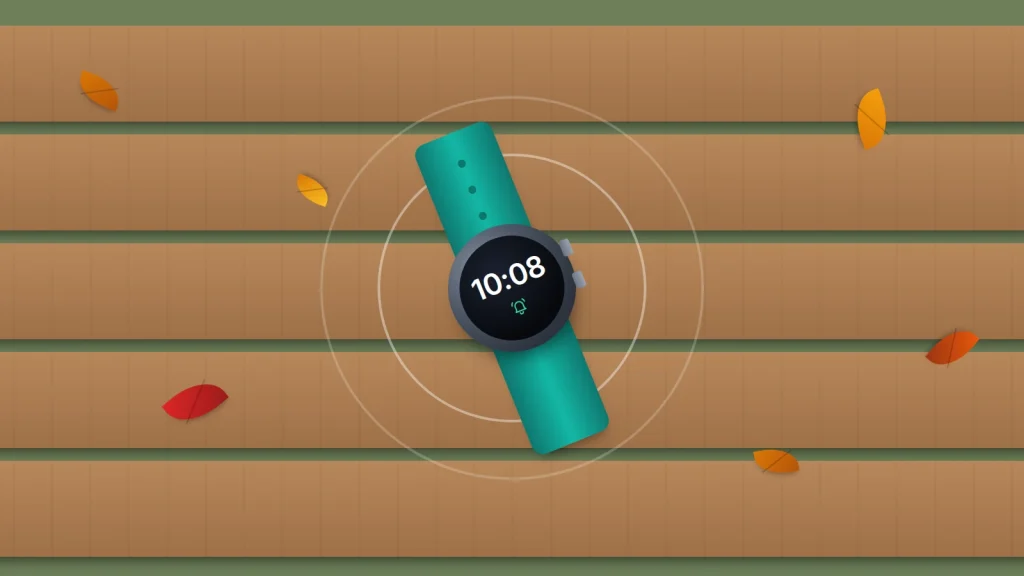
You reach for your wrist and the watch isn’t there. It could be on the bathroom shelf, in a gym bag, or on a bench in the park. Whether your phone can find it depends on three things: the brand, whether the watch still has charge, and whether it can reach the internet through your phone, Wi-Fi or its own mobile connection.
Apple Watch, Pixel Watch and Galaxy Watch can all ring, show a location and be locked remotely, but each needs something different to work. Many fitness trackers can only tell you when they last synced. Start with the table, then follow the steps for your watch, and if it has been stolen, lock it and protect the payment cards on it before anything else.
The short version
- Apple Watch: use Find My on your iPhone or at icloud.com/find to play a sound, see it on a map or mark it as lost.
- Pixel Watch and other Wear OS watches: use the Pixel Watch app or Find Hub to ring it, see its last known location, lock it or erase it.
- Galaxy Watch: use Galaxy Wearable, Samsung Find or SmartThings Find to ring, locate, lock or reset it.
- Fitbit and many other trackers can’t be located on a map; check when they last synced and search from there.
- If it has been stolen, lock it, remove its payment cards and report it to the police with the serial number.
Your watch, what you can do, and what it needs
Find your row first. The last column is what has to be true for those options to work.
| Your watch | What you can do | Needs |
|---|---|---|
| Apple Watch (GPS) | Play Sound, see location, Mark As Lost (locks it and suspends Apple Pay), Erase | Find My switched on (it is automatic with the iPhone); charge; a connection through your iPhone or known Wi-Fi, or nearby Apple devices through the Find My network |
| Apple Watch (GPS + Cellular) | As above | As above, or an active mobile plan on the watch |
| Pixel Watch and other Wear OS watches | Ring, last known location, Mark as lost (locks it with your PIN), Factory reset | Paired with a phone with Location on; Find Hub on the watch; Wi-Fi or mobile data to lock or erase |
| Galaxy Watch | Ring, see location, lock, reset | Device finding turned on in Samsung Find or SmartThings Find beforehand; a Bluetooth link to your phone or a network connection such as Wi-Fi |
| Fitbit | See when it last synced in the Google Health app; Inspire 2 can use the Tile app | A Google Account (old Fitbit accounts stopped working in May 2026); your phone nearby to try syncing |
| Garmin and other brands | Varies; often a buzz or beep while connected by Bluetooth | The maker’s app, with the watch in range and charged |
Two things apply to all of them. Finding features only work if they were on before the watch went missing. And once the battery is flat, a watch can’t ring or report anything new; you are left with its last reported location.
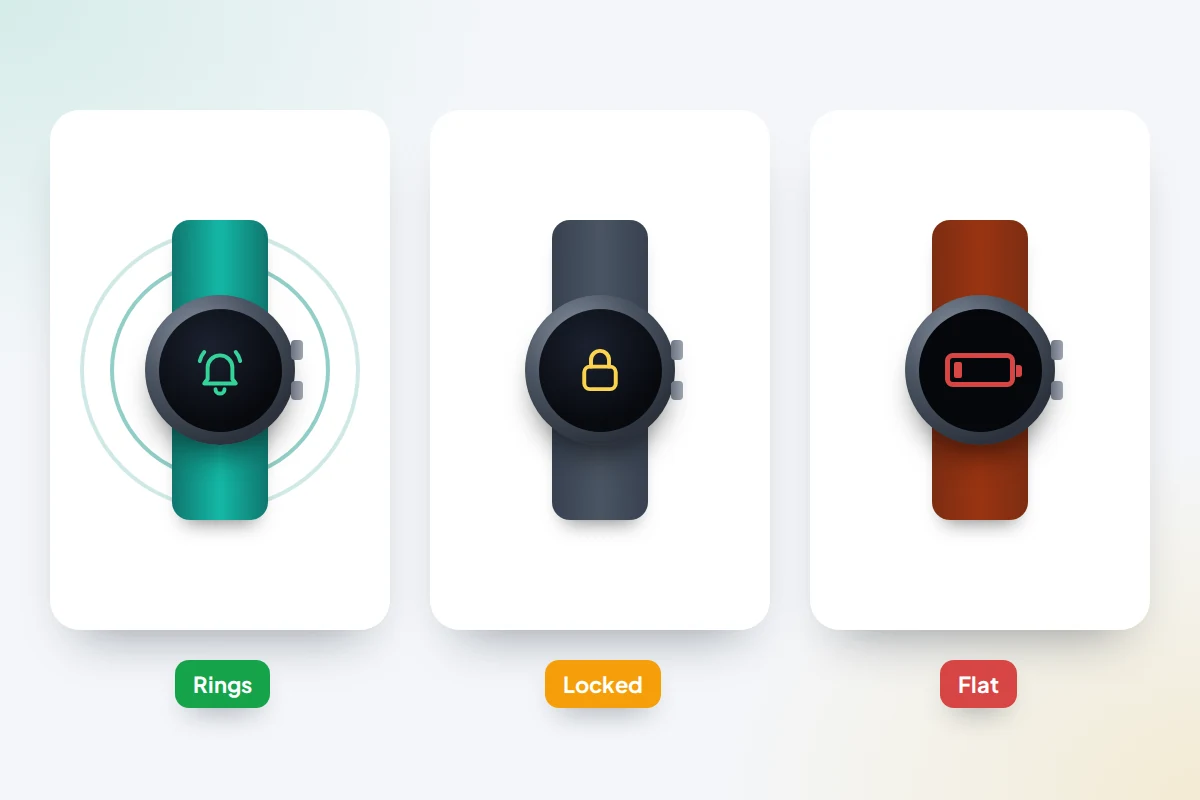
Apple Watch: Find My, Mark As Lost and Activation Lock
When you turn on Find My on your iPhone, it is turned on for your paired Apple Watch too. You can use the Find My app on another Apple device, or any web browser at icloud.com/find if your iPhone is lost as well.
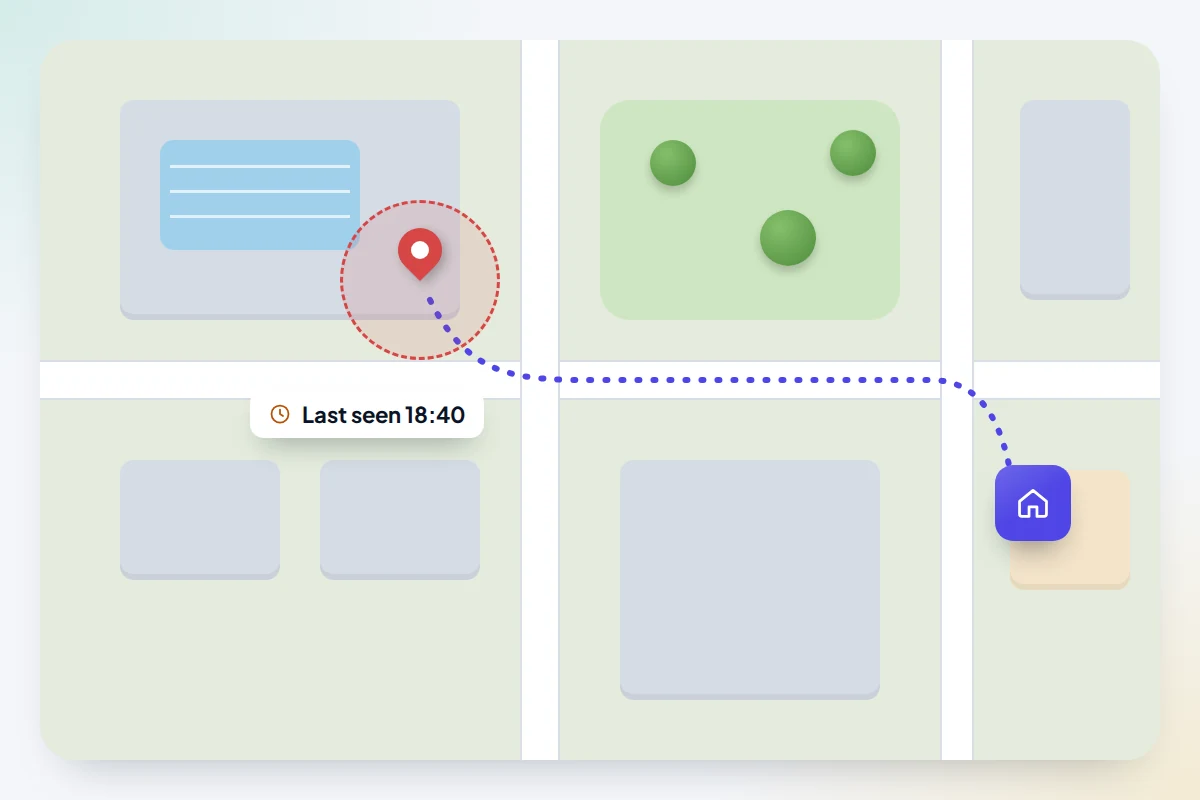
- Open Find My, tap Devices and choose your watch. You’ll see its location, or its last known location if it is offline.
- If it is nearby, tap Play Sound. The watch rings until someone taps Dismiss, so walk slowly from room to room and listen.
- If it is somewhere else, or you think someone has it, choose Mark As Lost, then Continue. Add a phone number and a short message, and tap Activate.
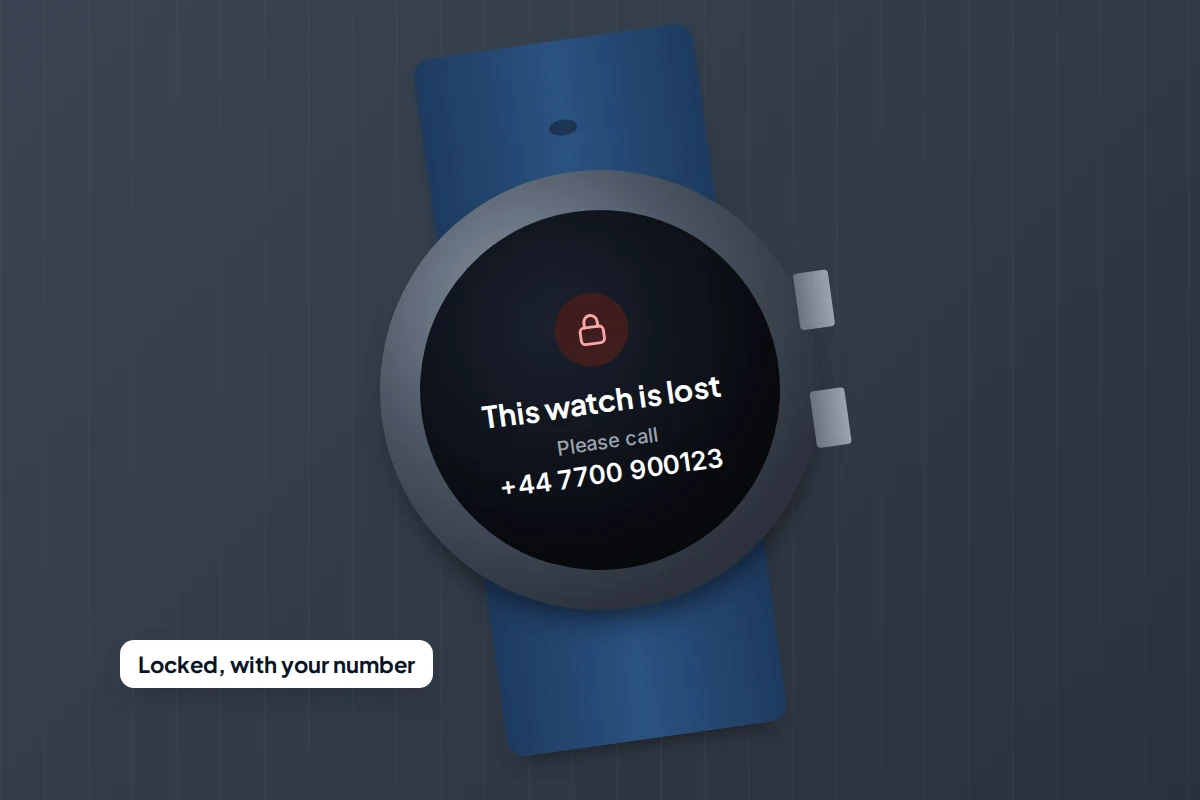
Mark As Lost (called Lost Mode in some Apple guides) locks the watch with its passcode, suspends Apple Pay and shows your message on the screen. If the watch is offline, it takes effect the next time it connects.
Why GPS and cellular models behave differently
A GPS-only Apple Watch has no connection of its own. It reports its location through your paired iPhone or a Wi-Fi network it already knows. A cellular model with an active plan can also report over the mobile network, so it stays findable after it leaves Wi-Fi. Either way, if Find My network is on (on the watch, Settings → [your name] → [your watch] → Find My Watch), nearby Apple devices may also be able to report it.
Activation Lock is on whenever Find My is. It means your Apple Account password is needed before anyone can erase the watch and pair it with their own iPhone. That is why a stolen Apple Watch is hard to resell, and why you should leave it on your account until you have given up hope of getting it back.
Erase This Device wipes the watch, but after that you can’t locate it or play a sound, so try everything else first.
Pixel Watch and other Wear OS watches: Find Hub
Google’s Find Hub (formerly Find My Device) handles Pixel Watch and most other Wear OS watches.
- If the watch may be close by, open the Pixel Watch app and tap Find device to ring it. The sound starts quietly and rises over about 20 seconds, so wait before you move on.
- If it is disconnected, tap Last known location, or open the Find Hub app, or go to google.com/android/find in a browser. You’ll see where the watch last connected to your phone, not a live position.
- If you think someone has it, choose Mark as lost, which locks it with your PIN, pattern or password, or Factory reset if you won’t get it back.
Locking and erasing only take effect once the watch is on Wi-Fi or mobile data, so a watch without its own mobile connection may not respond until it is back near a network it knows. After a factory reset the watch disappears from Find Hub. Other Wear OS brands may add their own app, so check theirs too.
Galaxy Watch: Samsung Find, SmartThings Find and Galaxy Wearable
Samsung offers three routes; Galaxy Wearable has the most options. Menu names vary by phone and software version.
- Galaxy Wearable: tap Find my watch → Start to make it ring and vibrate. Swipe up on Stop on the watch when you find it. Set security offers Lock watch and Reset watch.
- Samsung Find: choose your watch from the device list and tap Ring.
- SmartThings: go to Life → Find, choose the watch and tap Ring.
Samsung says these features work only while the watch has a Bluetooth link to your phone or a network connection such as Wi-Fi, and only if device finding was turned on in Samsung Find or SmartThings Find before the watch went missing. Samsung Find and SmartThings Find need Android 10 or later.
Fitbit, Garmin and other brands
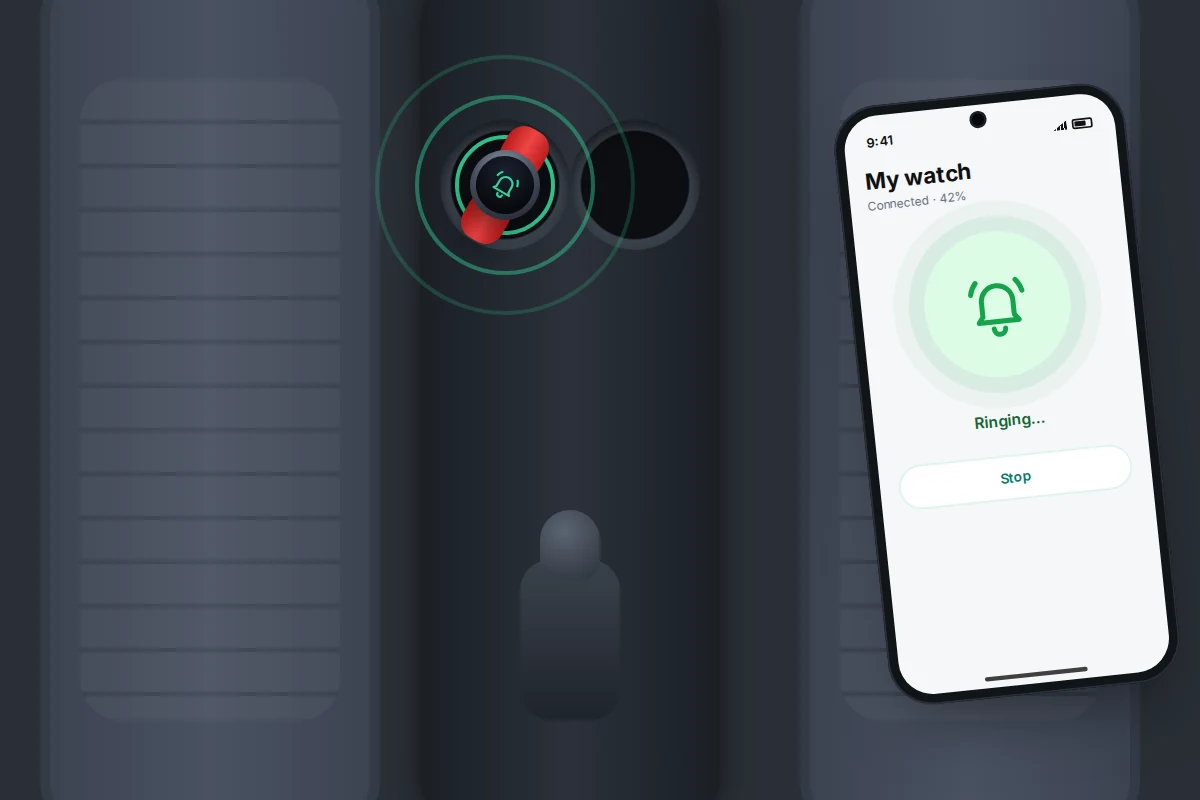
Most fitness trackers have no finding network. The Fitbit app, now the Google Health app, shows when your tracker last synced. If that was recent, the tracker is probably within Bluetooth range of your phone. Take your phone to places you suspect and open the app to see if it syncs, or use a Bluetooth scanner app, which shows a stronger signal as you get closer. Fitbit’s Inspire 2 includes Tile, so it can be seen in the Tile app.
Since 19 May 2026 you can no longer sign in with an old Fitbit account, and Google began processing deletions of unmoved Fitbit-account data on 15 July 2026. If you never moved yours to a Google Account, your tracker may not appear in the app at all; check Fitbit Help for whether your account can still be moved.
Garmin, Huawei, Amazfit and other makers each have their own apps, and what they offer varies by model. Many can make a connected watch buzz or beep; few can show a location once it is out of range.
Flat battery, off the wrist: what still protects you
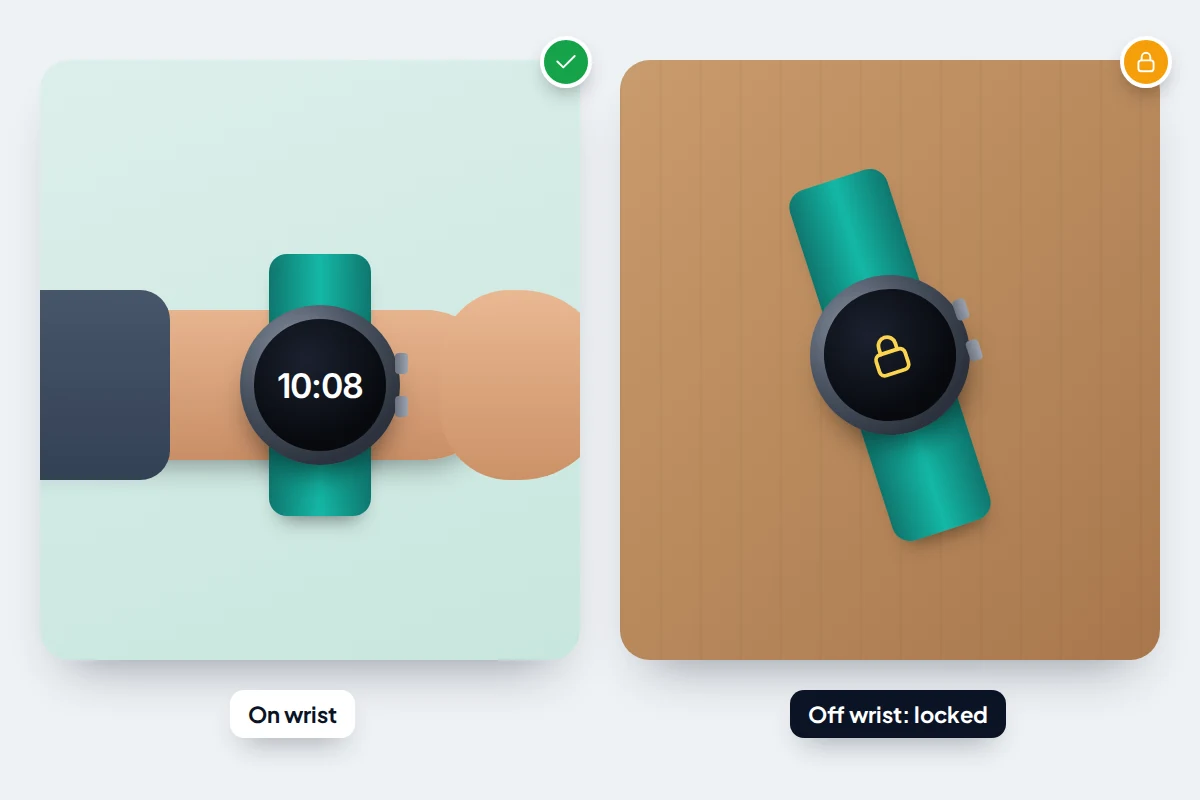
A watch is most likely to be lost when it is off your wrist, and that is exactly when its protections switch on. With wrist detection, an Apple Watch locks as soon as you take it off, and needs its passcode again. Pixel and Galaxy watches have a screen lock too, and Google Wallet needs one before it will pay from a watch. So a lost watch with a passcode is a nuisance to its finder, not an open wallet.
A flat battery ends the search tools, but not the clues. Your phone’s health or fitness app shows the last heart-rate reading, steps or workout it recorded. That tells you roughly when it came off your wrist, which you can match to where you were.
Searching methodically
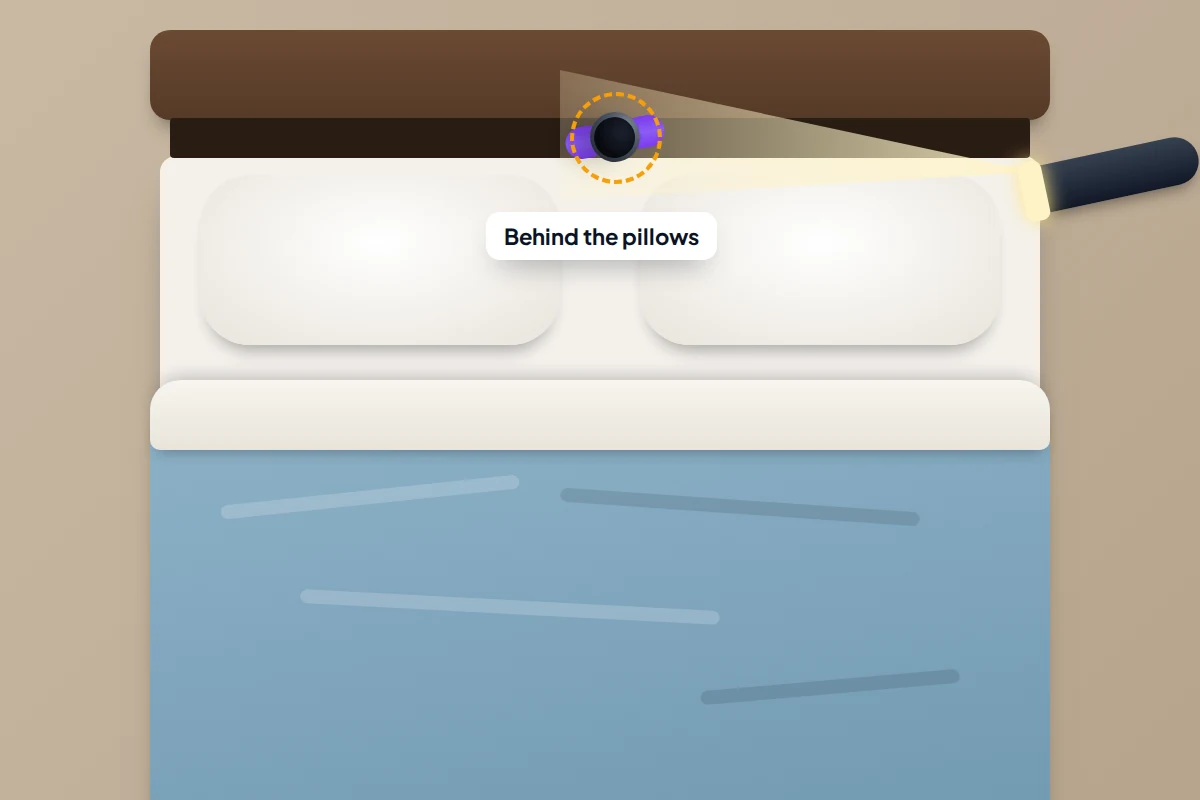
If the map points to home, the gym or the car, search one place thoroughly before moving on. The room-by-room method in finding lost earbuds works just as well for a watch. Start with the places watches usually come off.
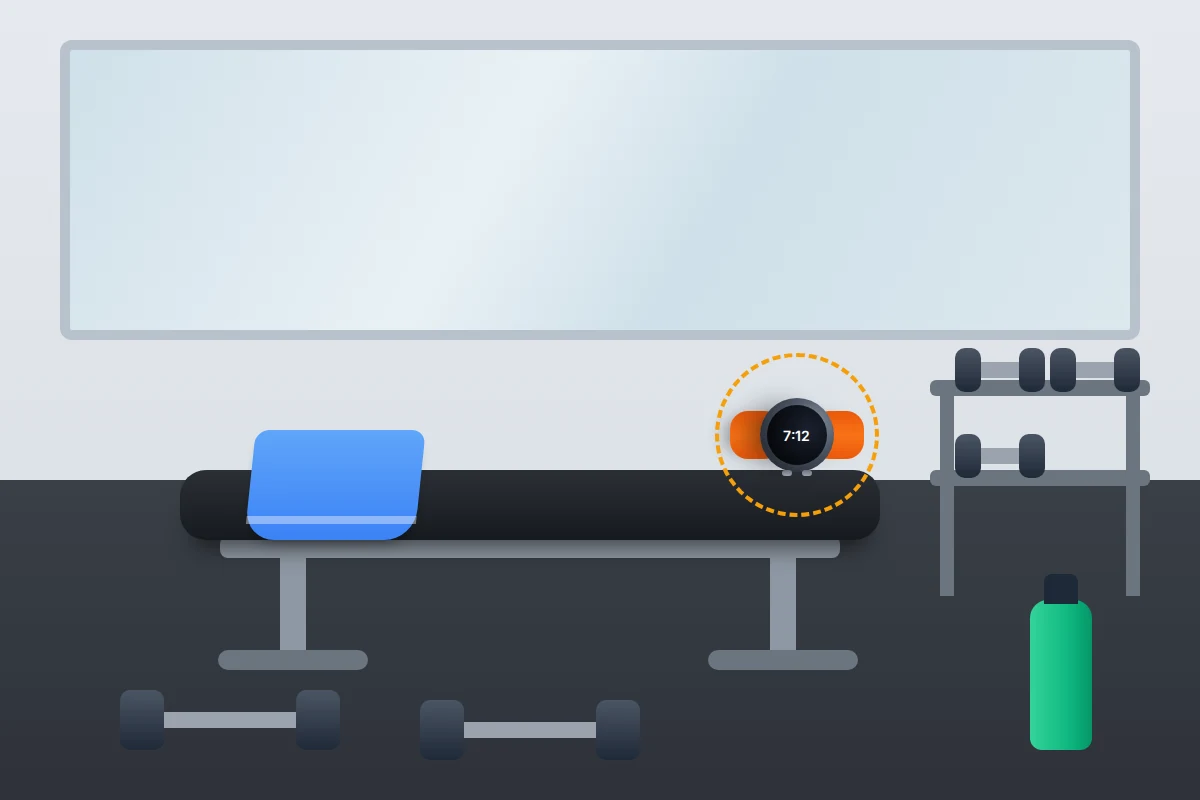
- The gym: benches, the floor under weight racks, lockers and the changing-room shelf. Ask at reception, since staff often keep found watches behind the desk.
- The bedroom: under the pillow, between the mattress and headboard, and inside the duvet cover if you took it off in the night.
- The bathroom and kitchen: beside the sink, where people take a watch off to wash their hands.
- The car: cupholders, door pockets and the gap beside the seat.
- Laundry: sleeves and pockets of anything you wore since you last had it.
Children’s watches
If it is your child’s watch, look in the app you used to set it up; child watches managed from a parent’s phone usually show there rather than on the child’s own account. Talk to your child about where they last had it before you check the map, so the search feels shared rather than like tracking. For choosing and setting up a watch for a child, see kids and smartwatches.
If your watch has been stolen
Act in this order, since each step protects something different.
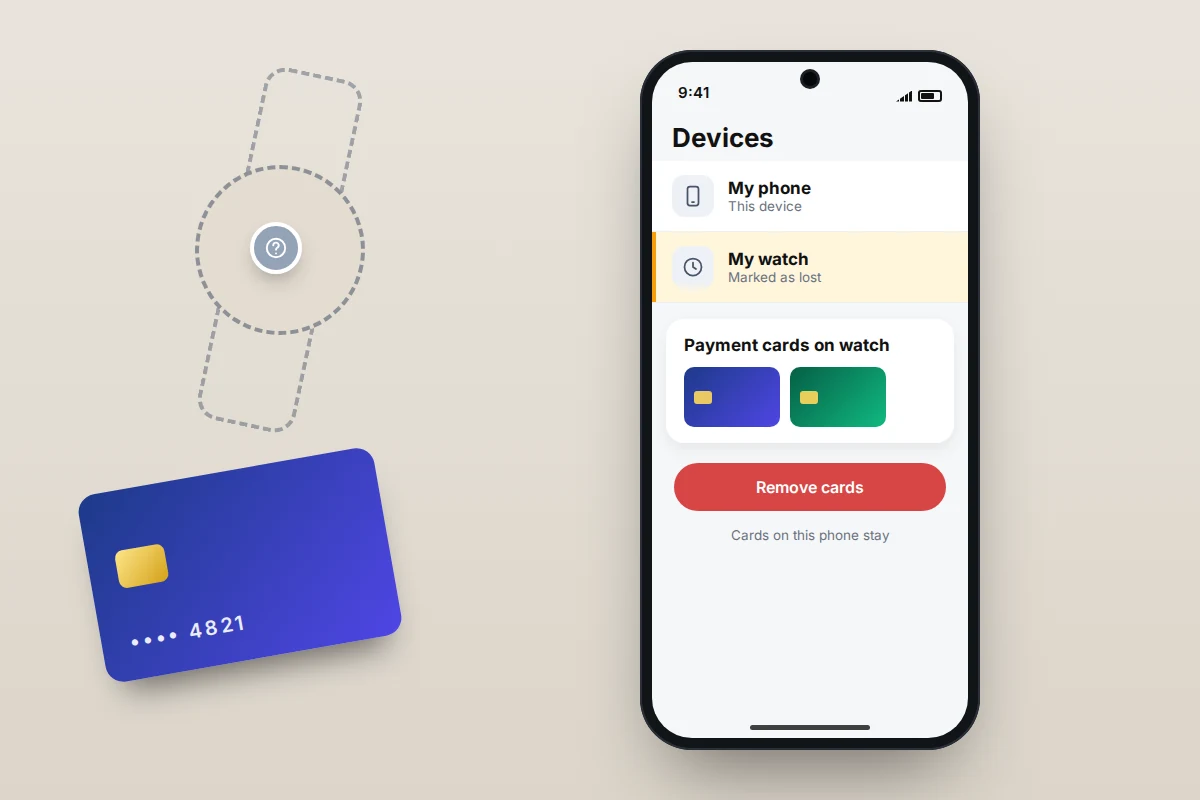
- Lock it. Mark As Lost on Apple Watch, Mark as lost in Find Hub, or Set security → Lock watch in Galaxy Wearable.
- Protect the payment cards. On Apple Watch, Mark As Lost suspends Apple Pay; to remove the cards completely, go to account.apple.com → Devices, choose the watch and select Remove Items under Wallet and Apple Pay. On Wear OS, a factory reset through Find Hub wipes the watch, cards included. For a Galaxy Watch, or if you can’t do any of these, call your bank on the number on your card and ask it to block the card on the watch.
- Suspend the mobile line of a cellular watch with your network, so nobody runs up charges.
- Report it to the police: 101 or online in the UK, or 999 if the theft is happening now; the local non-emergency line in the US. Give the serial number. For an Apple Watch, it is in the Watch app on your iPhone under My Watch → General → About, and inside the band slot. For other brands, check the companion app or the box.
- Tell your insurer. Home contents policies with personal possessions cover, and some phone policies, can include watches. Insurers usually want a crime reference number and reports made quickly, so check your policy’s time limits and excess.
Don’t go to a location to recover the watch yourself. Give it to the police.
Set up now: a checklist
Five minutes today decides what you can do later.
- Your watch appears in Find My, Find Hub, Samsung Find or your maker’s app. Open it and check.
- Find Hub is on in the watch’s security settings (Wear OS), device finding is allowed (Galaxy), or Find My network is on (Apple Watch).
- The watch has a passcode or screen lock, and on Apple Watch, wrist detection is on.
- You have noted the serial number somewhere other than the watch and its phone.
- You know your Apple, Google or Samsung account password, so you can sign in from another device.
- Left-behind alerts are on, if your watch’s app offers them.
- A Fitbit is signed in to the Google Health app with your Google Account and syncing.
Frequently asked questions
Can I find my Apple Watch without my iPhone?
Yes. Sign in at icloud.com/find in any web browser, or use Find My on another Apple device signed in to your Apple Account.
Will my watch show up if the battery is dead?
Not with a new location. You will see where it last reported, and Mark As Lost on Apple Watch takes effect when it next connects.
Can a thief reset my Apple Watch and use it?
Not while Activation Lock is on. Your Apple Account password is needed to erase it and pair it with another iPhone, so leave the watch on your account.
I have a Galaxy Watch and my phone is lost too. What now?
Sign in to the Samsung Find website on a computer with your Samsung account and see what it offers for your watch. If you can’t lock it from there, call your bank about any cards on it.
My watch was found but it is locked in lost mode. How do I unlock it?
Enter your passcode on the watch. On Apple Watch, also turn off Mark As Lost in Find My so the message clears.
Sources and further reading
- Apple Support: If your Apple Watch is lost or stolen
- Apple Watch User Guide: Protect a lost Apple Watch
- Apple Support: Find the serial number or IMEI for your Apple Watch
- Google Pixel Watch Help: Find your Pixel Watch
- Android Help: Find, secure or erase a lost Android device or Wear OS watch
- Samsung UK: How to find your Galaxy Watch when it is lost
- Fitbit Help: What should I do if I lose my Fitbit device?
- Fitbit Help: How to move your Fitbit account to a Google Account
Looking for a tool to go with this? TheTruthSpy is a free parental control app for Android that stays visible on the child's phone. If it fits your family, see what the app does.
Related guides
How to Use a Bluetooth Tracker on Your Keys and Bags
Which Bluetooth tracker tag works with your phone, how to set it up so it can be found, coin battery…

What to Do If You Lose Your Wallet
Lost your wallet? Freeze your cards first, then use this 30-minute checklist, a who-to-contact table for UK and US cards…
How to Find Your Parked Car With Your Phone
How to make your iPhone or Android phone remember where you parked, why pins drift in multi-storeys, and what to…
Parental controls your child can see
Location, screen time limits, a web filter and alerts from notifications — free, and visible on your child's phone. Pair a phone in about ten minutes.
Android · Free to set up · Visible on your child's phone