How to Use a Bluetooth Tracker on Your Keys and Bags

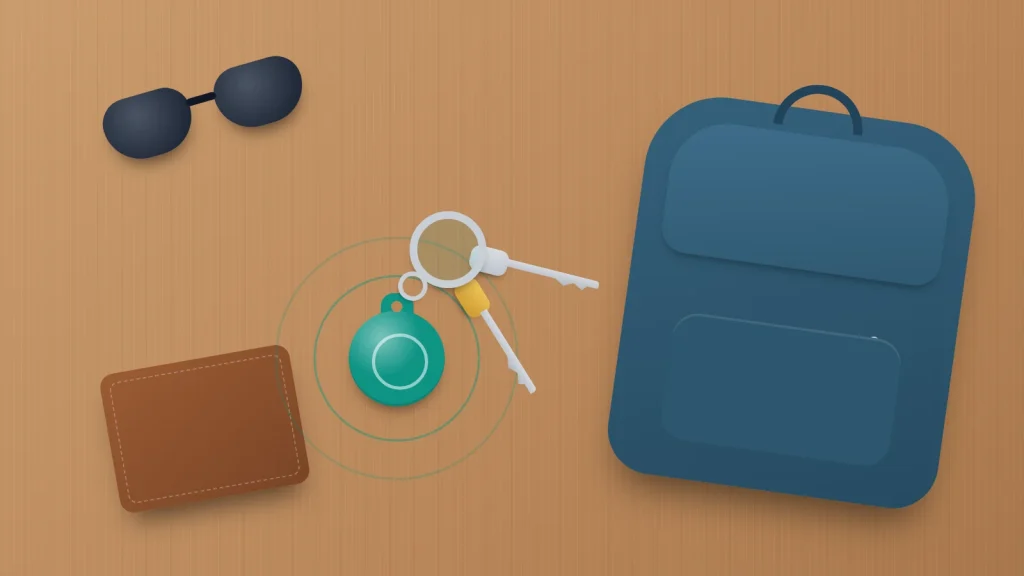
A Bluetooth tracker tag has no screen, no GPS and no SIM, yet it can show you where your keys are on a map. It does that by borrowing other people’s phones: any compatible phone that passes within range quietly reports the tag’s position to you, encrypted, without the passer-by knowing.
That design explains nearly everything about living with one: why the tag has to match your phone, why it updates quickly in a railway station and slowly on a country lane, and why phones warn people when someone else’s tag travels with them. Tags suit keys, bags and luggage. They are not built for tracking people or pets.
The short version
- Match the tag to your phone: AirTag needs an iPhone or iPad, Galaxy SmartTag2 needs a Samsung Galaxy phone, and Find Hub tags work with Android 9 or later. A few tags work with either system, but only one at a time.
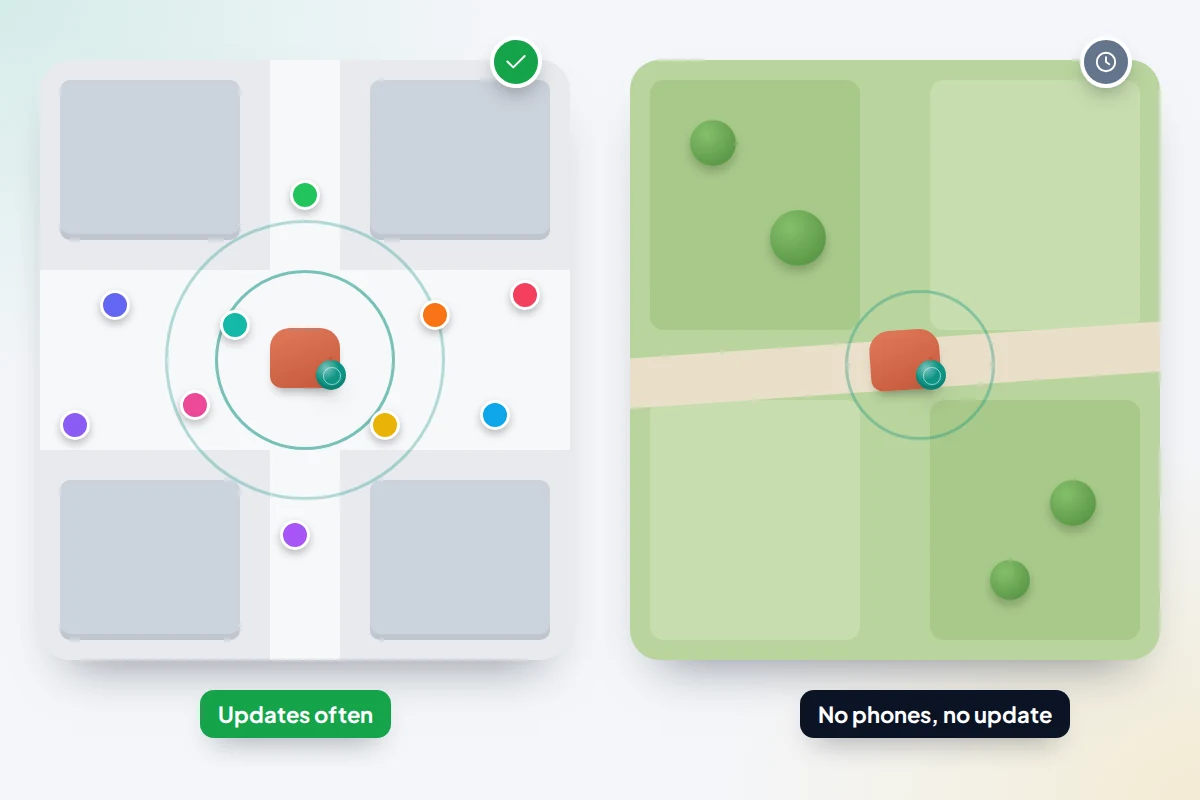
- Tags have no GPS. They are located when a compatible phone passes, so updates are frequent in busy places and rare in quiet ones.
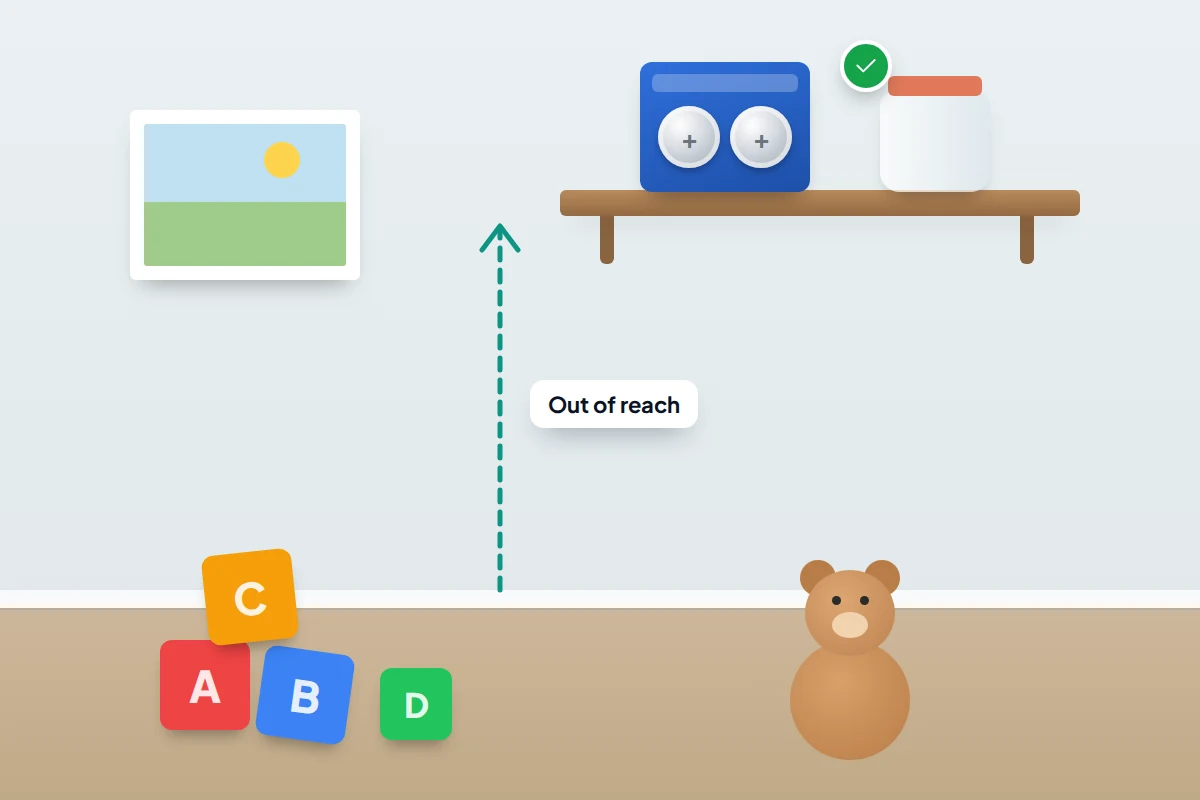
- Most tags use a CR2032 coin battery, which is seriously dangerous if a child swallows it. Store spares out of reach.
- You can share a tag with family, and send an airline a temporary link to a delayed bag.
- If your phone says an unknown tracker is moving with you, find it, note its details, and contact the police if you feel unsafe.
How a tag reports its location without GPS
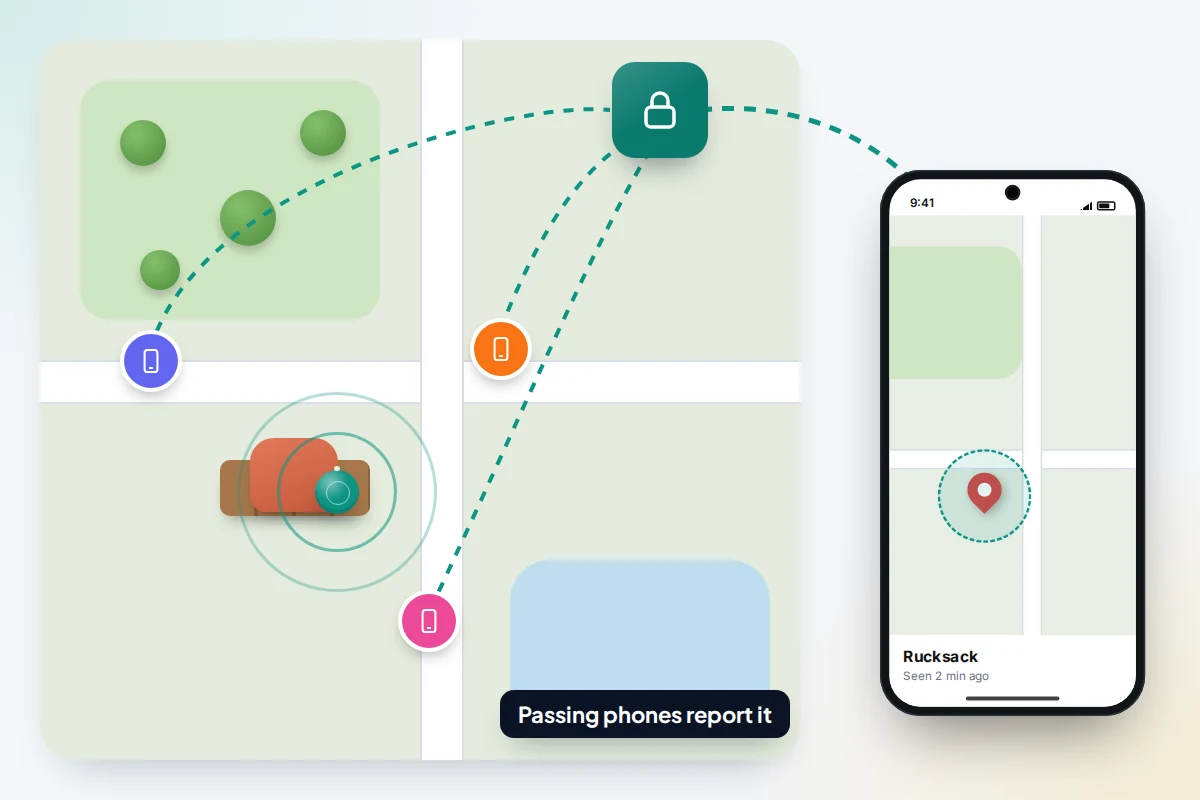
A tag sends out a short Bluetooth signal every so often. Near your own phone, that is enough to make it ring. Further away, it relies on a finding network: the huge number of phones already running Apple’s Find My, Google’s Find Hub or Samsung’s SmartThings Find.
When one of those phones hears your tag, it attaches its own location, encrypts the report and uploads it. Only you can read it. You see a pin and a time, such as “Seen 12 minutes ago”.
Some tags add Ultra Wideband (UWB), a short-range radio that measures distance and direction. With a UWB phone, the app shows an arrow and a distance in metres, turning “somewhere in this flat” into “under that cushion”. Without UWB you get a ring and a map pin, and you search by ear.
Which tag works with which phone
This matters most, because a tag on the wrong network won’t set up at all. As of September 2026:
| Tag | Works with | Network | Precision finding | Sharing |
|---|---|---|---|---|
| AirTag | iPhone or iPad only; the second-generation model (January 2026) needs iOS 26 or later | Apple Find My | iPhones with UWB (iPhone 11 and later, except SE and “e” models). The second-generation model can be found from up to 50% further away with iPhone 15 or later or iPhone Air, and also with Apple Watch Series 9 or Ultra 2 or later | Up to five other people |
| Find Hub tags (Chipolo, Pebblebee, Moto Tag and many others) | Android 9 or later, any make | Google Find Hub | Only UWB tags such as Moto Tag, with a UWB Android phone | Up to 10 people |
| Pixel Tag (on sale from 11 November 2026) | Android 9 or later | Google Find Hub | Yes, with a UWB Android phone | Up to 10 people |
| Galaxy SmartTag2 | Samsung Galaxy phones and tablets only | SmartThings Find | Compass View on UWB Galaxy phones | Through the SmartThings app |
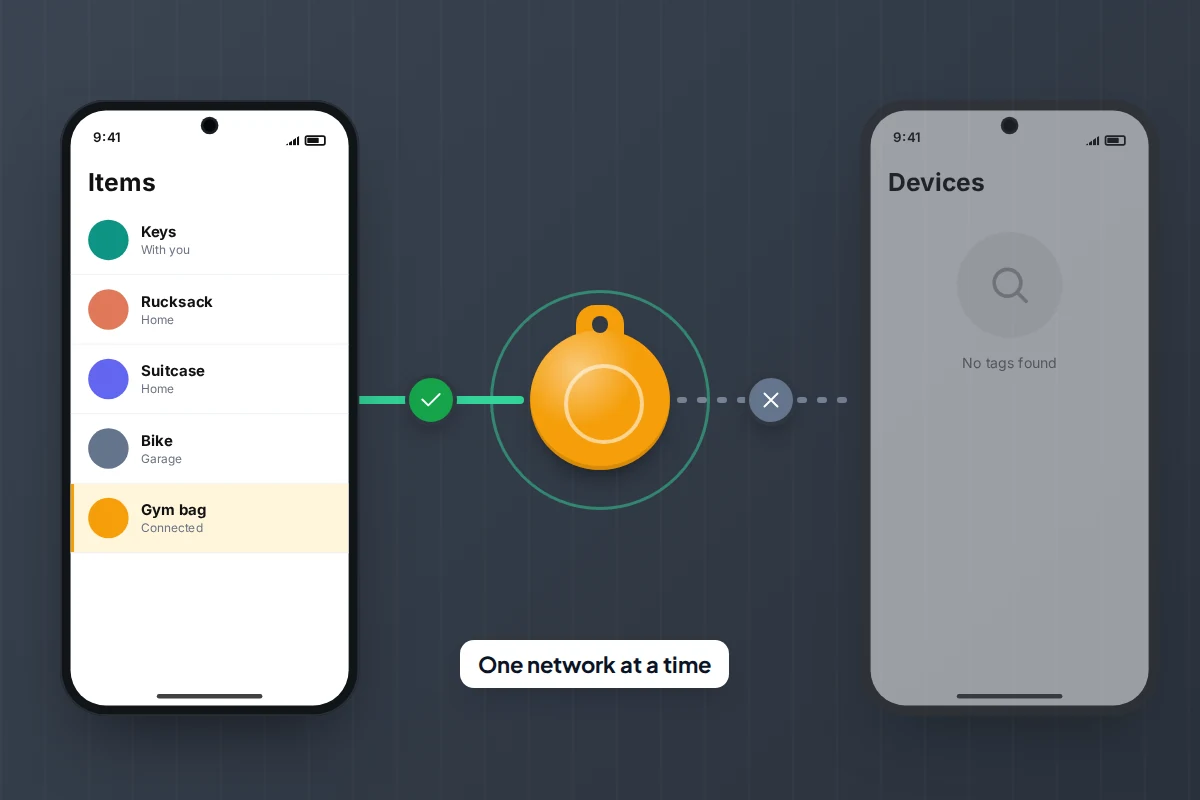
| Dual-network tags (for example Chipolo POP) | iPhone or Android | Find My or Find Hub, one at a time | Usually none | Follows the chosen network |
Tile is the exception: it uses its own app (Tile is owned by Life360) on iPhone and Android, not your phone’s built-in network.
Dual-network tags suit a mixed household, with a catch. A Chipolo POP registered to Find Hub has to be removed from it (or reset) before it can join Find My, so it can’t be seen on an iPhone and an Android phone at once. If your family is split, buy tags for each person’s phone.
Setting up a tag so it can actually be found
Setup takes a minute; the settings people skip decide whether the tag is found away from home.
AirTag on iPhone
- Pull the tab out of a new AirTag and hold it next to your unlocked iPhone.
- Tap Connect, pick a name such as “Keys” or “Blue rucksack”, and tap Continue. It now appears in Find My → Items.
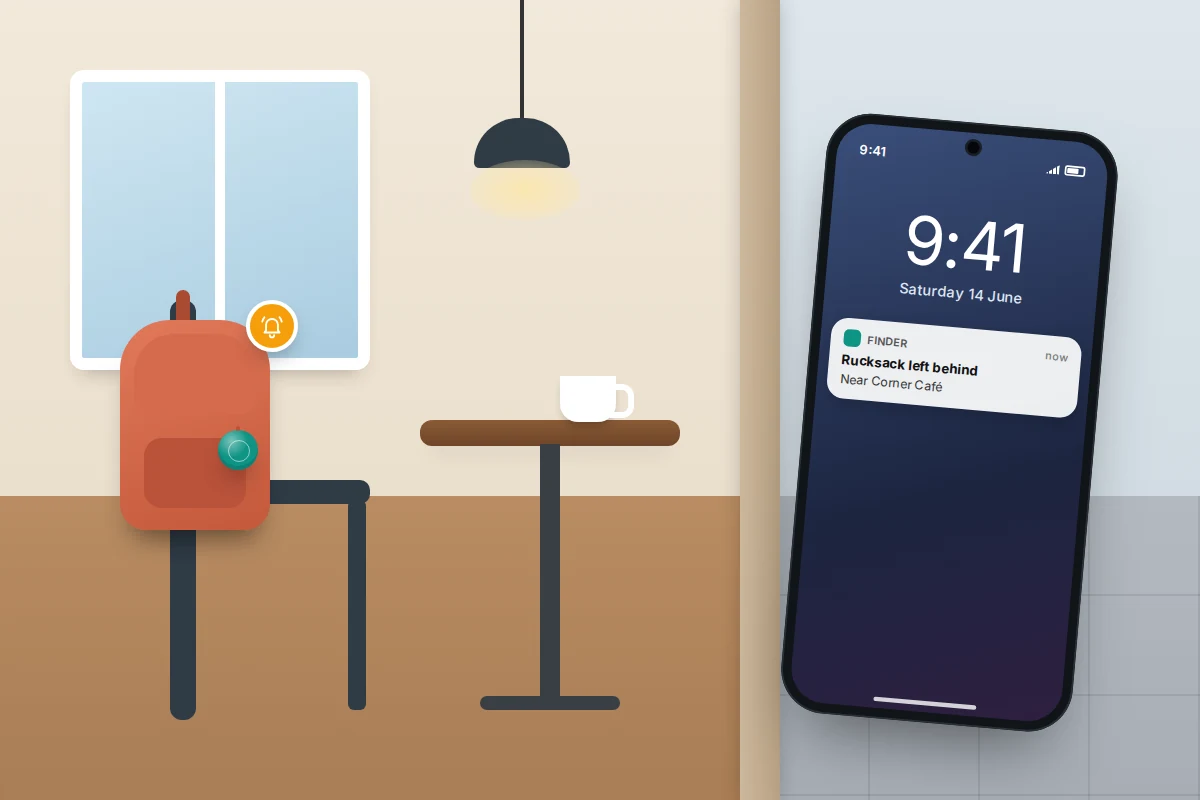
- On the item’s page, turn on Notify When Left Behind and add home as a place where you don’t want alerts.
Find Hub tag on Android
- Turn on Bluetooth and Location, and open the Find Hub app.
- Wake the tag (often a press of its button), wait for the pop-up on your phone, tap Connect and follow the prompts.
- Go to Settings → Google → All services → Find Hub → Find your offline devices. Menu names vary by phone maker and Android version.
The two “with network” options are the ones that matter. With network in busy places only lets other Android phones help locate your offline devices in places such as airports and busy streets, so a tag dropped on a quiet road may never show up. With network everywhere extends that to remote areas.
Galaxy SmartTag2
Add it from the SmartThings app, then check it appears under Items in Samsung Find. Turn on Lost Mode if it goes missing: anyone who finds it can tap it with an NFC phone, iPhone or Android, to see your message and number.
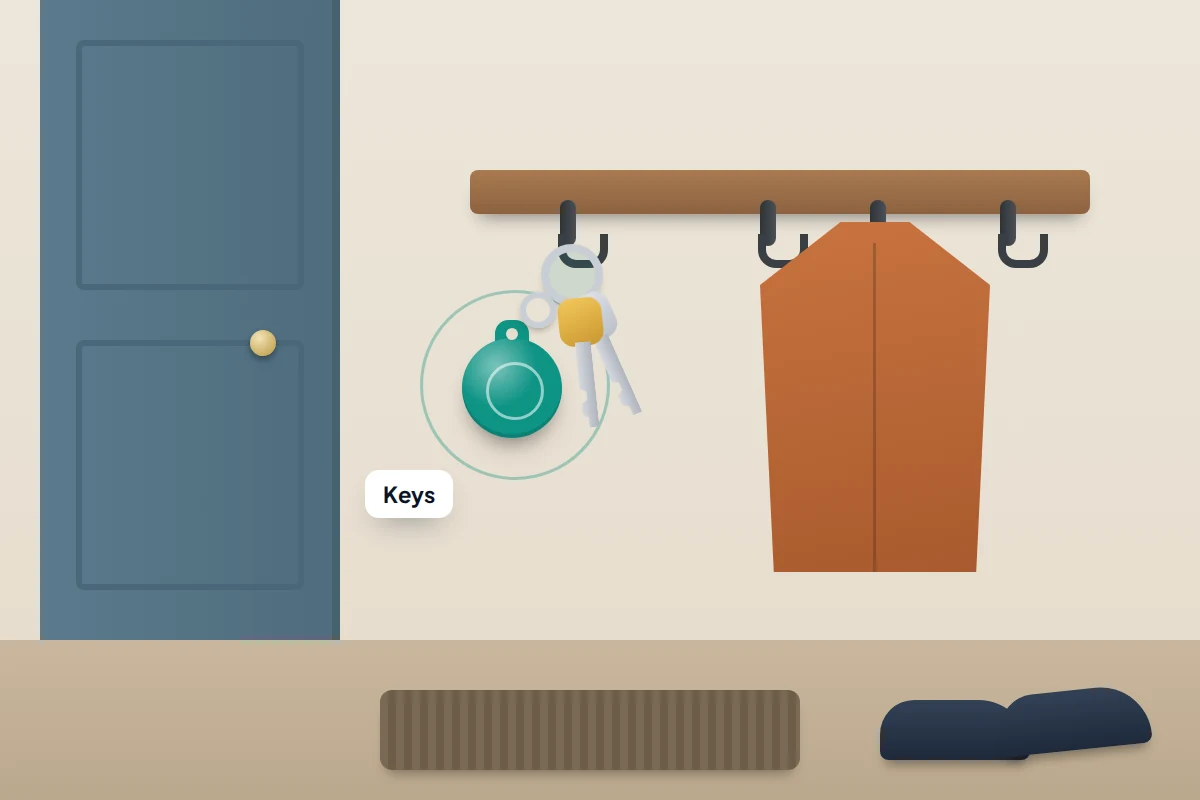
Fix the tag to keys with a keyring holder, or zip it into an inner pocket of a bag or suitcase rather than the outside handle, where it can be cut off with the label. Tags sit alongside your phone and other devices on one map, so check them in the same routine as setting up your phone so you can find it later.
Coin batteries: replacing them and keeping them from children
Most tags, including AirTag, Moto Tag, SmartTag2, Pixel Tag and Chipolo POP, use a CR2032 lithium coin battery that lasts a year or more, and the app warns you when it is low. On an AirTag, press and twist the steel cover anticlockwise, fit the new battery positive side up and twist it back. Some tags, such as Chipolo LOOP, are rechargeable instead.
Many CR2032s now have a bitter coating to discourage swallowing. Apple recommends these for AirTag, but not every coated battery makes good contact; look for a pack marked as compatible with AirTag.
A swallowed coin battery can cause internal chemical burns in as little as two hours, as the warning in Apple’s AirTag battery guide puts it. Keep spares in their packaging in a high cupboard, tape over used ones and take them to a battery recycling point, and don’t give a toddler a tagged keyring to play with.
If you think a child has swallowed one, go straight to A&E or call 999, taking the packaging if you can. Don’t give them anything to eat or drink, don’t try to make them sick, and don’t wait for symptoms, which can look like an ordinary bug. In the US, go to the emergency room and call Poison Help on 800-222-1222 or the National Battery Ingestion Hotline on 800-498-8666.
Sharing a tag with your family
Sharing suits things several people use, such as the car keys or the family suitcase. Everyone in the group can see the item and ring it.
- AirTag: in Find My → Items, choose the item and tap Add Person. Up to five people can be added, and each must accept.
- Find Hub: open the tag, tap Share ownership and send the invitation, which must be accepted within 24 hours on Android 9 or later. Up to 10 people can share.
People you share an AirTag with no longer get unknown-tracker alerts for it, since the tag is expected to travel with them. That is why sharing should be agreed and open. When someone leaves the household, remove them from the group so their alerts resume.
Trackers in luggage and airline links
Airlines generally allow tags in checked bags. In the US, the FAA permits luggage trackers with lithium metal batteries of no more than 0.3 grams of lithium, which covers a typical CR2032, and tells you to check with your airline. Rules elsewhere can differ.
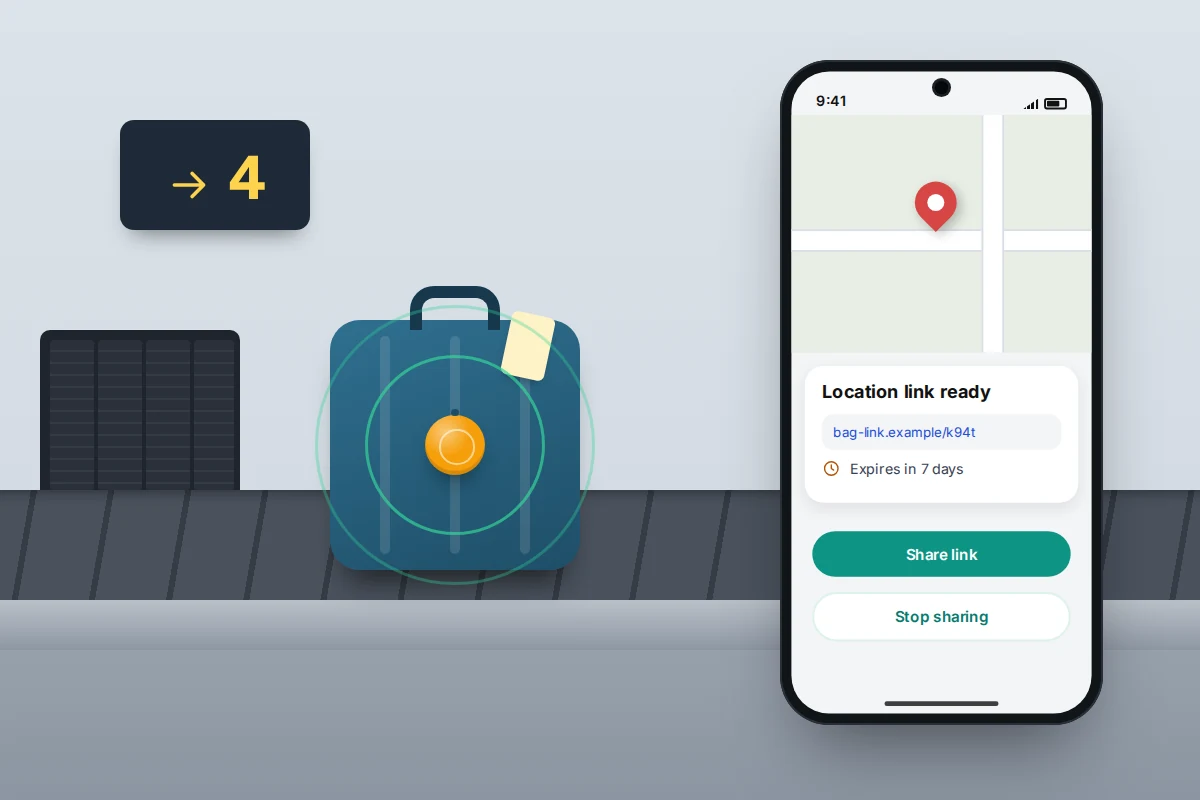
A tag shows where a delayed bag is; the airline still has to fetch it. Both platforms let you give the airline a temporary, private link:
- iPhone (iOS 18.2 or later): in Find My → Items, choose the tag, tap Share Item Location, then Continue. Paste the link into the airline’s lost-baggage report. Apple says more than 50 airlines accept these links, including Delta, Lufthansa, Singapore Airlines and United.
- Android: in Find Hub, open the tag and tap Share item location. Google added this in March 2026 and says more than ten airlines accept it, including the Lufthansa Group airlines, Turkish Airlines and Scandinavian Airlines.
Both links expire after seven days, or sooner when your phone detects the bag is back with you, and you can stop sharing at any time. Give the link only to the airline, through its own lost-baggage report or app.
What a tag cannot do
- It has no GPS. The pin shows where a passing phone was when it heard the tag, and can be older than you think. Always check the time beside it.
- It needs people nearby. A bag in a busy station may update every few minutes; one in a field or a locked garage may not update at all.
- It warns other people. A thief with a phone may be told a tag is travelling with them, and an AirTag separated from its owner for a while plays a sound when moved.
- It is not a people or pet tracker. Apple says AirTag is designed to help you find belongings, not to track people. On a dog’s collar, a tag reports only when a compatible phone passes and can’t tell you the animal is safe. Pet GPS trackers have their own GPS and mobile connection, and in the UK microchipping is compulsory for dogs, and for cats in England.
Never go to recover a stolen item yourself. Give the location to the police.
If you get an alert about a tracker that isn’t yours
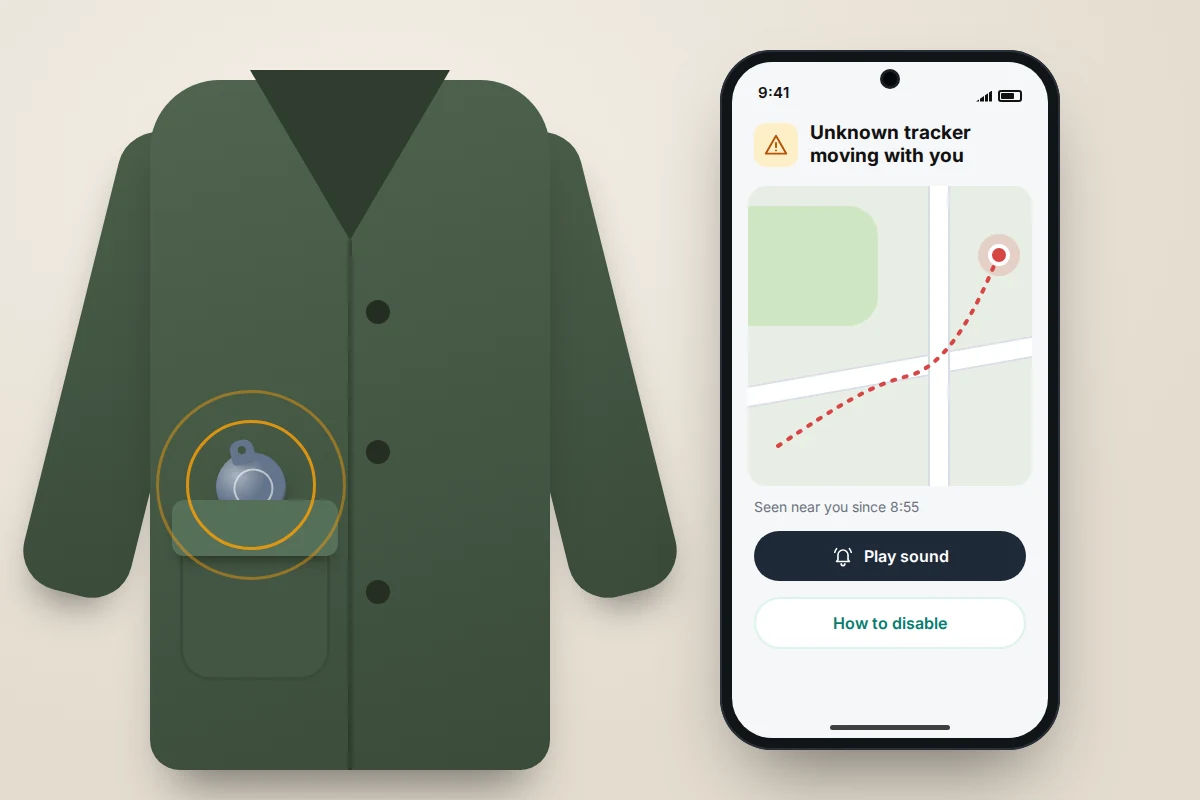
Since May 2024, a standard agreed by Apple and Google means iPhones (iOS 17.5 or later) and Android phones (Android 6 or later) warn you about each other’s tags and those of other brands that have signed up. On iPhone the alert reads “[Item] Found Moving With You”. It appears only after a tag away from its owner has moved with you for some time.
Many alerts are innocent, such as a relative’s keys in your car. But if you think someone who could harm you may have hidden it, your safety comes first: go somewhere safe and contact the police or a support service before you disable the tag, because the person may notice when its updates stop.
- Tap the alert and choose Play Sound. On Android you can also scan at any time from Settings → Safety & emergency → Unknown tracker alerts → Scan now; menu names vary by phone maker.
- Search pockets, bag linings, the car (under seats, the boot) and anything you were given.
- Record its details. Holding your phone near an AirTag’s white side shows its serial number and the last four digits of the owner’s phone number. Take a screenshot.
- Disable it when it is safe to, by following the on-screen steps, usually by removing the battery. The owner then stops getting location updates.
If you feel unsafe, call the police: in the UK, 999 in an emergency or 101 otherwise; in the US, 911. Keep the tag, because police can ask the manufacturer for details of whoever registered it. In the UK, Refuge’s free 24-hour National Domestic Abuse Helpline is on 0808 2000 247. If you are also worried about your phone itself, how to tell if your phone is listening to you covers stalkerware.
Set it up right: a checklist
- The tag matches your phone, or a dual-network tag is registered to the phone that will do the finding.
- Each tag has a clear name and shows in Find My, Find Hub or Samsung Find.
- Left-behind alerts are on, with home excluded.
- On Android, you have chosen a Find your offline devices setting deliberately.
- The tag is fixed to the item or zipped inside the bag.
- Spare batteries are stored high up, in their packaging.
- Tags are shared only with people who have agreed to it.
- You have hidden the item at home once and found it with the app, so you know how it behaves.
Frequently asked questions
Can I use an AirTag with an Android phone?
No. An AirTag can only be set up and located with an iPhone or iPad. Android phones can detect an unknown AirTag travelling with you, but can’t track one you own. Choose a Find Hub or dual-network tag instead.
How far away can I find my tag?
Ringing works within Bluetooth range, typically tens of metres. Beyond that there is no limit, as long as a compatible phone passes and reports it.
Can I use a tracker to keep an eye on my child?
Tags aren’t designed for that, and anti-stalking alerts would warn other people nearby that a tracker is present. For children, agreed location sharing on a phone or watch they know about is the better tool.
Why does my tag show an old location?
Because no compatible phone has passed it since. It may be indoors, underground or somewhere quiet. Go to the last location and use Play Sound or precision finding once you are close.
Sources and further reading
- Apple Newsroom: Apple introduces new AirTag with expanded range (January 2026)
- Apple Support: What to do if you get an alert that an AirTag or tracker is with you
- Apple Support: How to replace the battery in your AirTag
- Android Help: Share and manage devices with Find Hub
- Android Help: Find unknown trackers
- Google: Use Find Hub to find lost luggage with airline partners
- FAA PackSafe: Baggage equipped with lithium batteries
- Child Accident Prevention Trust: What to do if a child swallows a button battery
Looking for a tool to go with this? TheTruthSpy is a free parental control app for Android that stays visible on the child's phone. If it fits your family, see what the app does.
Related guides
What to Do If You Lose Your Wallet
Lost your wallet? Freeze your cards first, then use this 30-minute checklist, a who-to-contact table for UK and US cards…
How to Find Your Parked Car With Your Phone
How to make your iPhone or Android phone remember where you parked, why pins drift in multi-storeys, and what to…
How to Find a Lost or Stolen Laptop
What Windows, Mac and Chromebook can each do to locate, lock or erase a lost laptop, why encryption matters more…
Parental controls your child can see
Location, screen time limits, a web filter and alerts from notifications — free, and visible on your child's phone. Pair a phone in about ten minutes.
Android · Free to set up · Visible on your child's phone