How to Protect Yourself From SIM Swap Fraud

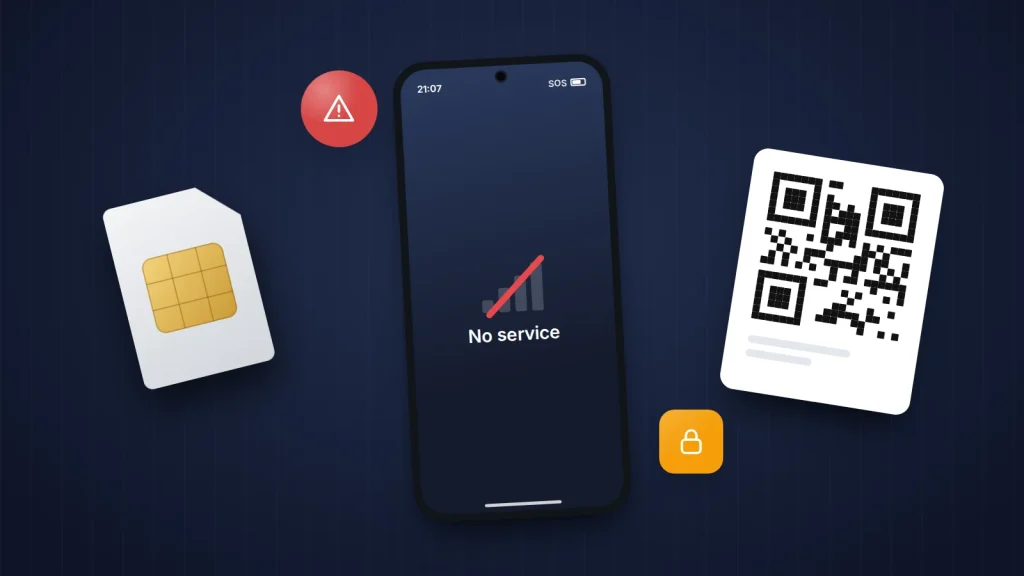
In 2024, UK organisations reported nearly 3,000 unauthorised SIM swaps to the fraud prevention service Cifas, a rise of 1,055% on the year before. Its Fraudscape 2026 report found they rose by a further 38% in 2025. Each case follows the same idea: someone persuades your mobile network that they are you, and your phone number moves to their SIM card or eSIM.
Your number matters more than it seems. It receives the sign-in codes for your email, your bank and your social media, so whoever controls it can often reset those accounts. But the attack depends on a handful of things you can take away, and the warning signs usually give you a short window to act. This article covers both: what to do in the first half hour, and a 15-minute checklist to lock down your number before anyone tries.
The short version
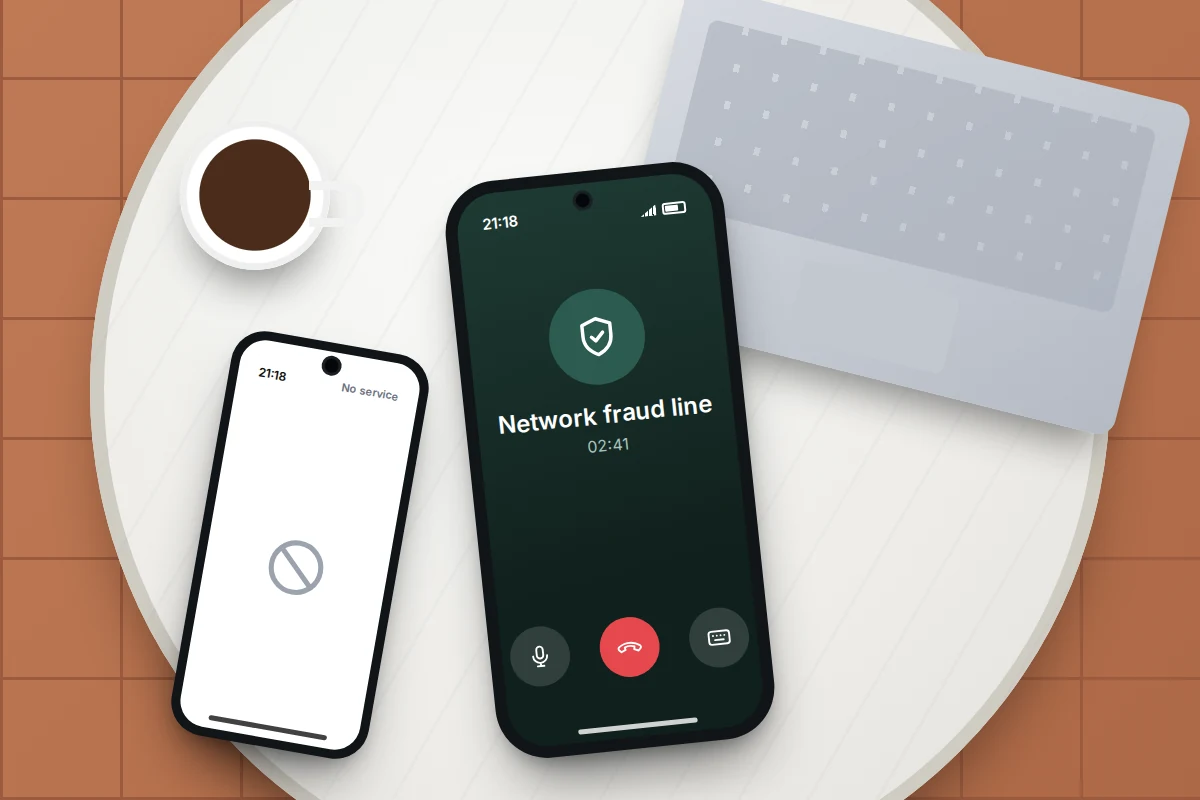
- If your phone suddenly shows “No service” or “SOS only” while other phones nearby have signal, and a restart does not fix it, treat it as a possible SIM swap.
- Call your network’s fraud line from another phone straight away, then your bank, then change your email password from a device you trust.
- Set a password or PIN on your mobile account and turn on any SIM-change or number lock your network offers.
- Move important accounts from text-message codes to an authenticator app or passkey, so your number stops being the key to everything.
How SIM swap and port-out fraud work
A SIM swap happens when a criminal convinces your network to issue a replacement SIM card or eSIM for your number and activate it on their device. They might phone customer services claiming a lost phone, visit a shop with fake ID, or sign in to your online account and order an eSIM themselves. The moment the new SIM goes live, yours stops working.
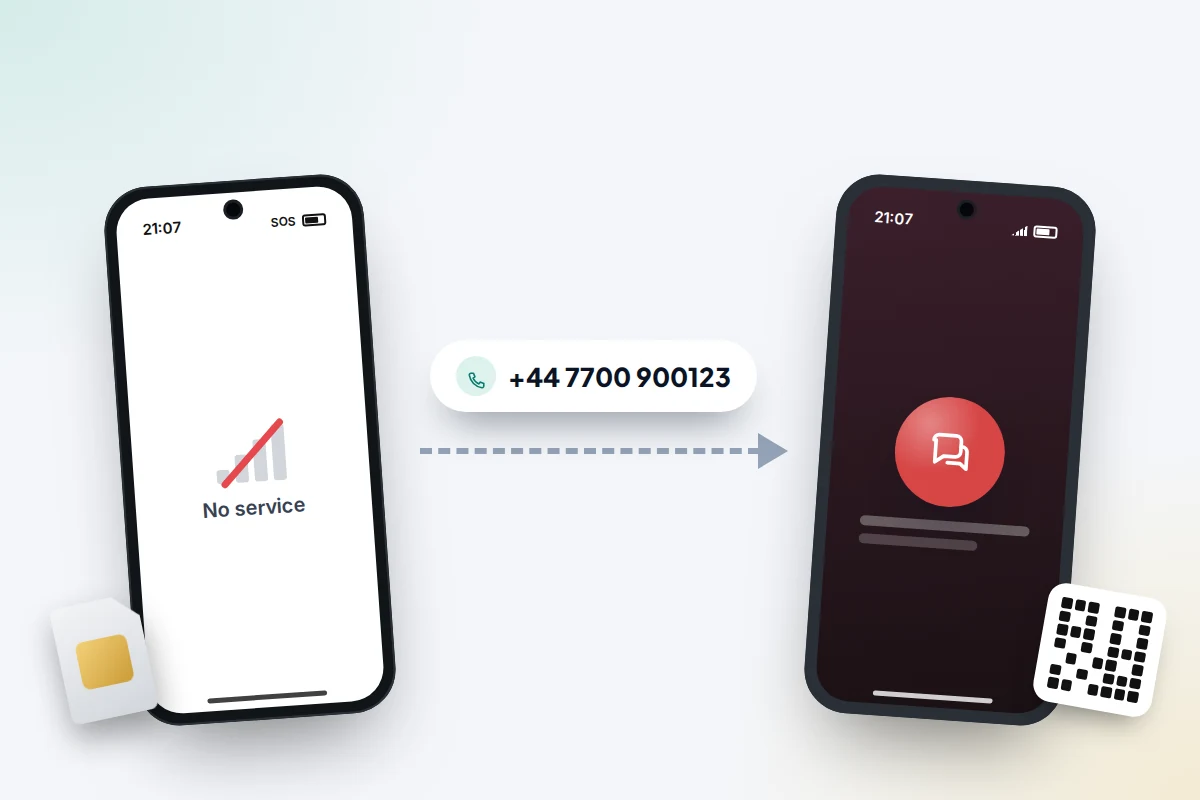
A port-out is similar, but moves your number to a different network. In the UK, switching needs a PAC code, usually requested by texting PAC to 65075; your network texts the code back to your number within a minute, so a PAC message you did not ask for is a strong warning. In the US, port-outs usually need your account number and a transfer PIN, which is why carriers now offer locks against them.
Either way, the criminal is not after your phone. They want the texts and calls that arrive on your number: one-time codes, password resets and bank verification calls. If you are unsure how an eSIM differs from a physical card, our guide to eSIMs explained covers the basics.
The signs, in the order they usually appear
- A message you did not expect. A text or email from your network about a SIM change, eSIM activation, new device or PAC request. Networks usually send one when a change is requested. Read it carefully, even if it looks routine.
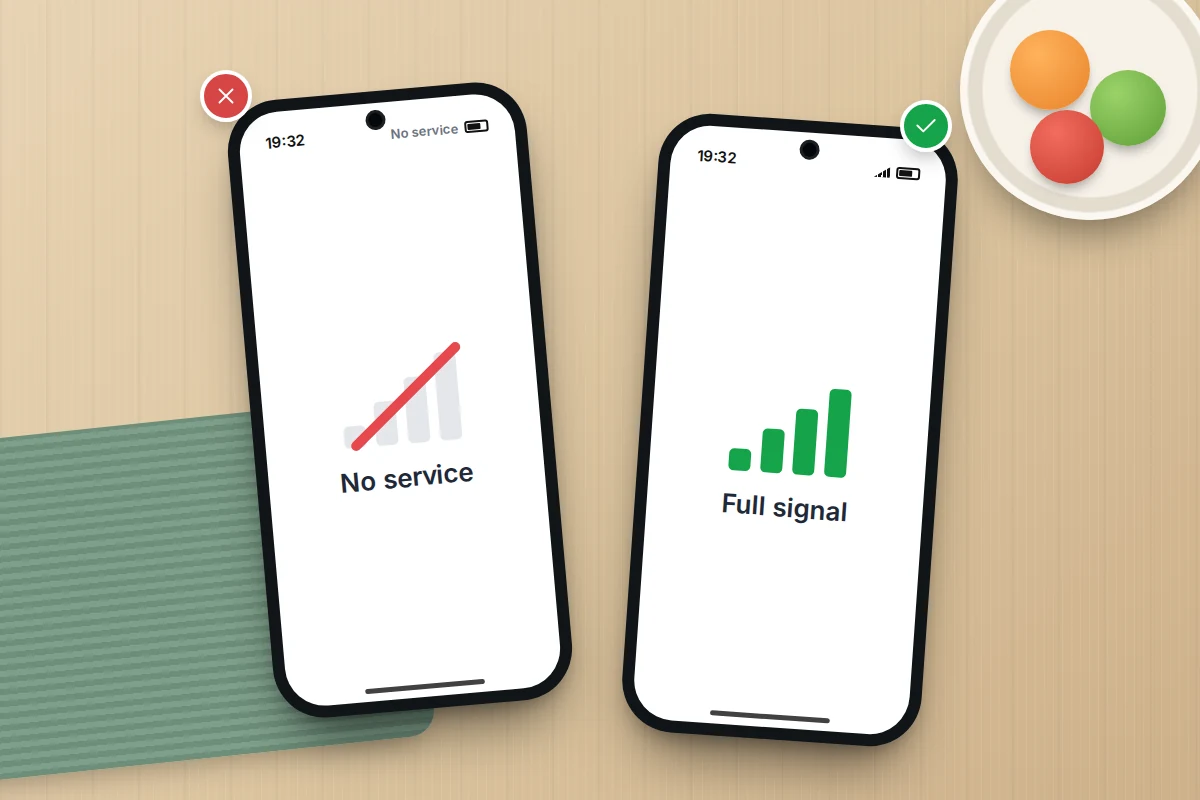
- “No service” out of nowhere. Your phone shows no bars, “No service”, “Emergency calls only” or “SOS” in a place where it normally works, while other people nearby on the same network have signal. Turning the phone off and on again does not help.
- Calls and texts stop. Friends say your phone rings out or goes straight to voicemail, or someone else answered.
- Account alerts. Password reset emails, “new sign-in” warnings or two-step codes you did not request, then being locked out of email or social media.
- Money moves. Bank alerts about new payees, payments or a new device added to your banking app.
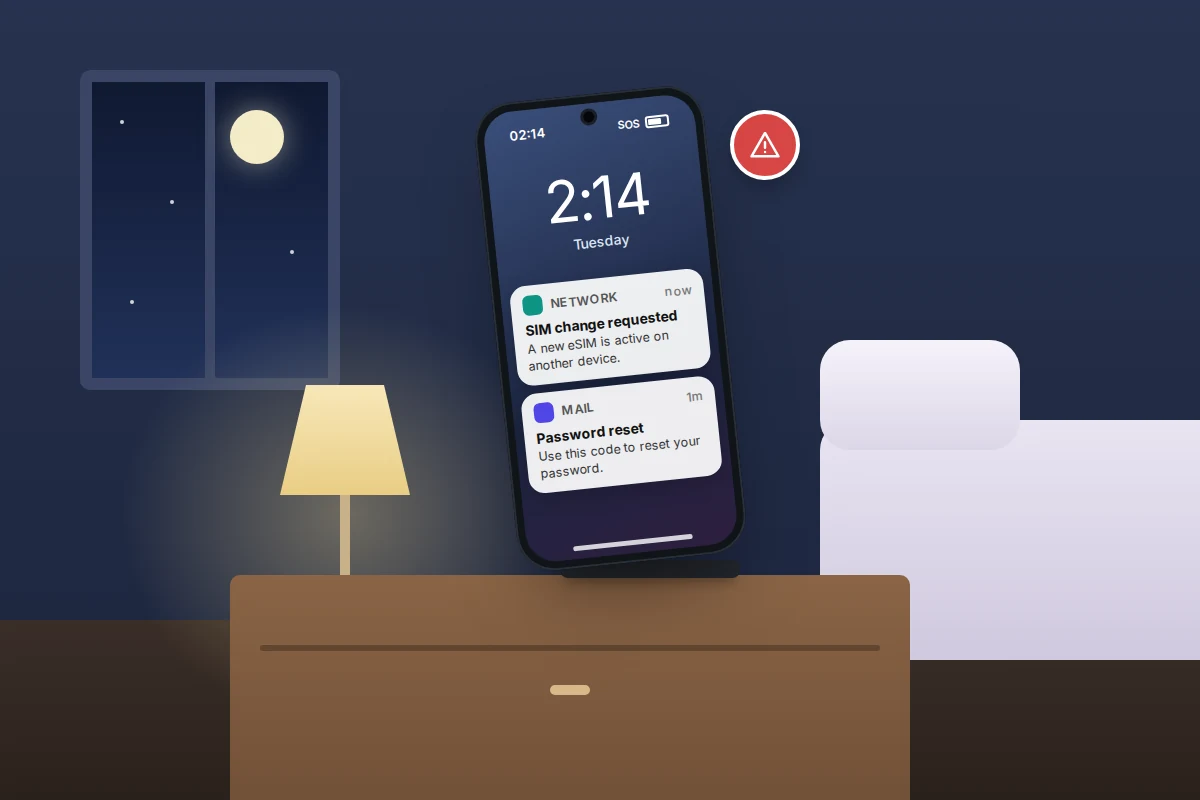
The first two signs are the ones that give you time. An ordinary outage affects everyone on your network in the area and usually shows on the network’s status page. A SIM swap affects only you. If you are on Wi-Fi, your apps may keep working normally, so look at the signal indicator, not just whether messages arrive.
The first 30 minutes: what to do, in order
Speed matters because the criminal is racing to reset your accounts. You will need another phone, a landline or a computer, since yours may not make calls.
- Call your network’s fraud or customer services line from another phone. Find the number on your network’s website or a bill, not from a message you received. Say: “I think my number has been moved to another SIM without my permission. Please block the SIM change and any number transfer, and put a fraud note on my account.” Ask for a reference number.
- Call your bank on the number on the back of your card, or 159 in the UK. Tell them your number may be controlled by someone else, so any code or call to it is not you. Ask them to check for new payees and devices.
- Secure your main email from a computer or device you trust. Change the password, sign out all other sessions, and check the recovery phone number and email have not been changed.
- Work through other accounts in order of damage: banking apps, payment apps, anything holding money or crypto, then social media.
- Report it. In England, Wales and Northern Ireland, report to Report Fraud at reportfraud.police.uk or 0300 123 2040; in Scotland, call Police Scotland on 101. In the US, report at IdentityTheft.gov, which gives a recovery plan.
Once your number is back, check your accounts for changes made while it was gone, such as new recovery details, forwarding rules in your email or new devices signed in.
What the attacker needs, and how to take it away
A SIM swap is a chain. Break any link and it fails, and most of the links are ones you control.
| What the attacker needs | How to take it away |
|---|---|
| Enough personal details to pass as you: name, address, date of birth, account number | Share less publicly, and set a network account password that is not based on any of these |
| Access to your online account with your network | A strong, unique password and two-step verification on that account |
| To get past customer services or a shop | An account PIN or password on file, plus any SIM-change or port-out lock your network offers |
| A PAC code or transfer PIN to move your number | Never share one with anyone who contacts you, whatever reason they give |
| Your physical SIM, from a lost or stolen phone | A SIM PIN, so the card will not work in another phone |
| Accounts that trust a text message on its own | Authenticator apps or passkeys for email, banking and anything holding money |
| Time before you notice | Take network alerts and sudden “No service” seriously, and call straight away |
Lock your account with your network
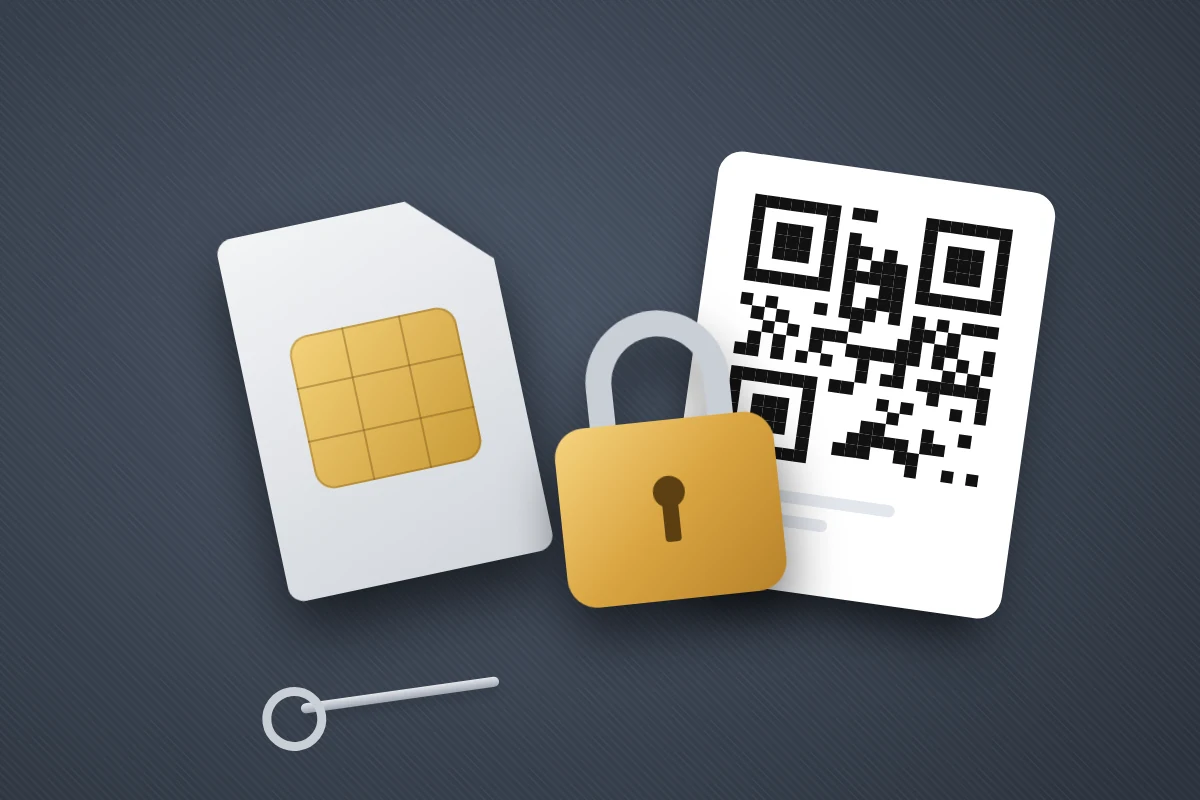
What is available depends on your country and network, and features change, so check your network’s security or fraud pages. As a minimum, every network lets you set some form of account password, PIN or memorable word that staff must ask for.
In the UK
UK networks describe their protections in different ways. Vodafone, for example, said in 2025 that SIM swaps requested by phone need approval from a senior team member, that legitimate requests should come through the My Vodafone account with a username, password and one-time code, and that customers are told about every SIM swap request. Even so, Which? reported in April 2026 that victims still faced gaps, including one who waited ten days to get her number back. Ofcom has not set a deadline for networks to restore a stolen number.
- Sign in to your network’s app or website and set a strong, unique password, with two-step verification if it is offered.
- Ask customer services to add or update a security PIN or password on the account, and ask what extra protection it offers against SIM swaps and eSIM changes.
- Check that notifications for account changes go to an email address, not only to your phone.
In the US
The major carriers offer free locks. T-Mobile has SIM Protection and Port Out Protection, turned on in the T-Life app or on its website. Verizon offers Number Lock, which blocks SIM changes and number transfers, through My Verizon. AT&T has Wireless Account Lock in the AT&T app, which blocks SIM and eSIM changes, number transfers and several other account changes. Turn the lock off yourself before upgrading your phone, then back on.
In November 2023 the Federal Communications Commission adopted rules requiring carriers to authenticate customers securely before a SIM change or port-out, notify them immediately of such requests, and offer a free account lock. Parts of the rules were put on hold pending a federal paperwork review, and we could not find any announcement that they have since taken full effect. Either way, a lock only protects you once you have switched it on.
Make your number less valuable
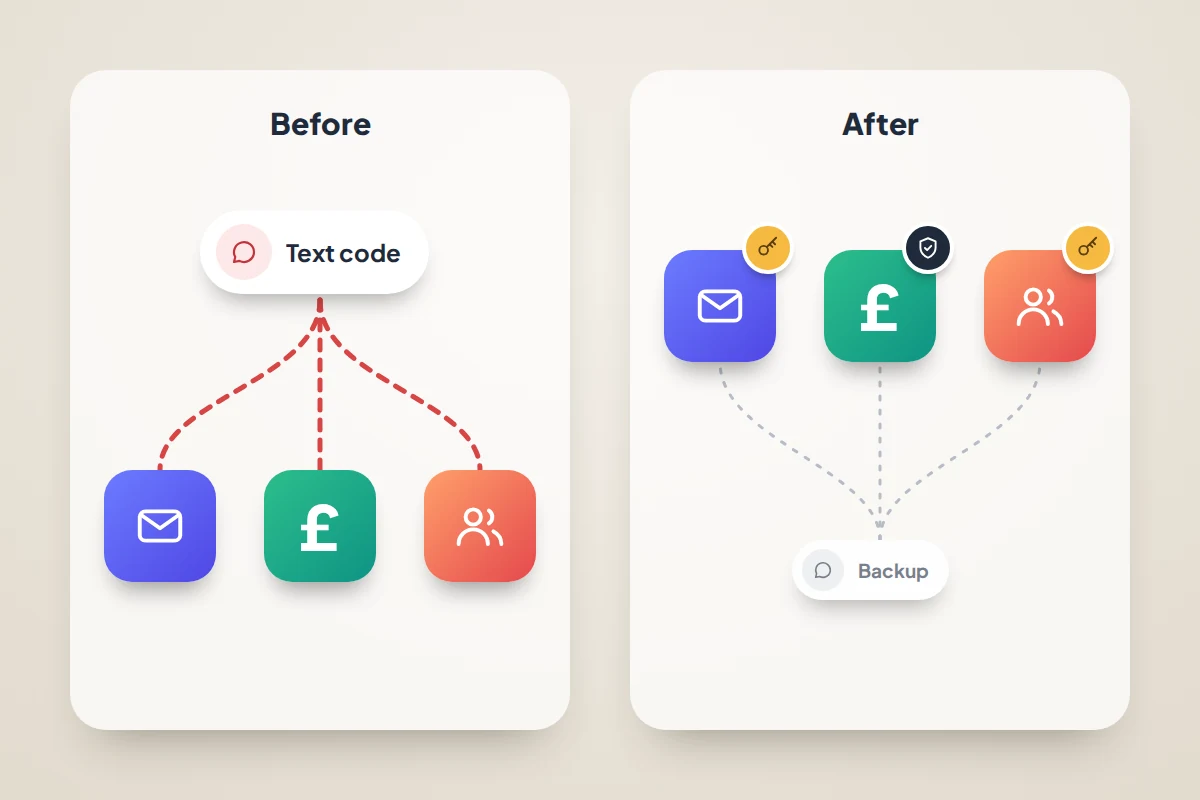
The more accounts trust your phone number on its own, the more a SIM swap is worth. Our guide to setting up two-factor authentication everywhere explains which methods to choose and the order to work through; for SIM swap protection, the priority is simple. Move your main email, banking and any account that holds money from text-message codes to an app prompt, authenticator app or passkey. Then check each account’s recovery options: if a text message alone can reset the password, that is the weak point.
Limit what someone can learn about you. Criminals use details from data breaches and social media to pass security checks, so keep your date of birth, phone number and address off public profiles, and avoid security answers such as a pet’s name that you have posted about. If you know your details have already been stolen, Cifas Protective Registration flags your name so member organisations run extra checks before approving applications; it costs £30 for two years.
Finally, never read out a code or PAC to someone who calls you, even if they say they are from your network and are “upgrading your SIM”. Vodafone’s one-time codes come with a warning not to share them with anyone claiming to be from Vodafone, and the same applies to every network.
Your 15-minute “lock down your number” checklist
Do this once, on a quiet evening, with your phone and a computer.
- Minutes 0–3: Sign in to your network’s app or website. Change the password to a strong, unique one and turn on two-step verification if offered.
- Minutes 3–6: Find the security settings. In the US, turn on your carrier’s SIM and port-out lock. In the UK, note what is offered, and plan a call to set or change your account PIN or memorable word.
- Minutes 6–8: Check the contact email on the account is current, so alerts reach you even if your number does not.
- Minutes 8–10: Turn on a SIM PIN if you use a physical SIM. Our guide to setting up your phone so you can find it later has the steps for Android and iPhone.
- Minutes 10–13: Open your main email account’s security settings. Add an authenticator app or passkey, and save its backup codes somewhere away from your phone.
- Minutes 13–15: Save your network’s fraud number and your bank’s number somewhere you can reach without your phone, such as a note in your wallet.
If your network is slow to give your number back
Recovery can take hours, and in one case reported by Which? it took ten days. While you wait:
- Ask your bank to stop using text messages to verify you until your number is restored, and use its app or card reader instead.
- Use Wi-Fi messaging and email to tell close contacts not to trust calls or texts from your number for now.
- Keep a log of every call to your network, with times and reference numbers.
- In the UK, if your complaint is not resolved, you can take it to your network’s alternative dispute resolution scheme after six weeks (reduced from eight in April 2026), or sooner if the network issues a deadlock letter.
Frequently asked questions
Does an eSIM protect me from SIM swap fraud?
Not on its own. An eSIM cannot be pulled out of a stolen phone, but a criminal can still ask your network to move your number to a new eSIM on their device. The protection comes from your account password, PIN and any lock your network offers.
Does a SIM PIN stop SIM swaps?
No. A SIM PIN stops someone using your physical SIM in another phone. A SIM swap gets your network to issue a brand-new SIM or eSIM, which the PIN does not affect. It is still worth having for lost or stolen phones.
My phone shows “SOS only”. Is that always a SIM swap?
No. It usually means the phone cannot reach your network but can make emergency calls, which happens in poor coverage, during outages, or when a SIM is faulty or unpaid. The warning sign is losing service suddenly where it normally works, while others on your network nearby still have signal.
Should I remove my phone number from my accounts altogether?
Not necessarily. A phone number is still useful as a backup way to recover an account. The aim is that your number is not the only thing needed to get in, so add stronger methods and keep the number as one option among several.
Sources and further reading
- Cifas: 1,055% surge in unauthorised SIM swaps
- Cifas: Fraudscape 2026 findings
- Which?: how weak security checks leave the door open to SIM swap scammers
- Vodafone UK: how to protect yourself from SIM swap fraud
- FTC Consumer Advice: SIM swap scams and how to protect yourself
- Federal Register: FCC rules protecting consumers from SIM swap and port-out fraud
- T-Mobile Support: SIM Protection and Port Out Protection
- AT&T Support: Wireless Account Lock
Looking for a tool to go with this? TheTruthSpy is a free parental control app for Android that stays visible on the child's phone. If it fits your family, see what the app does.
Related guides
How to Spot a Fake Online Shop Before You Pay
Two-minute checks to spot a fake online shop: domain age, reviews, scam checkers and company details, plus how to pay…
How to Secure Your Home Wi-Fi Network
A 20-minute router check-up: log in, change the admin password, pick WPA3 or WPA2, turn off WPS, add a guest…
How to Recover a Hacked Instagram Account
Get a hacked Instagram account back: use the revert email, instagram.com/hacked and the video selfie check, avoid recovery scams, then…
Parental controls your child can see
Location, screen time limits, a web filter and alerts from notifications — free, and visible on your child's phone. Pair a phone in about ten minutes.
Android · Free to set up · Visible on your child's phone