eSIM Explained: How to Switch, Transfer and Travel With One

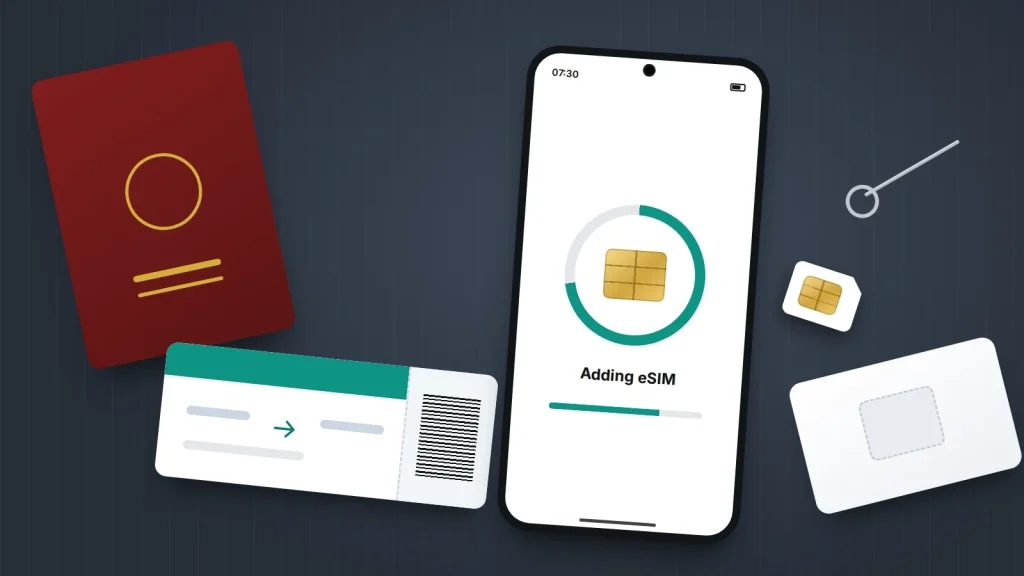
Look for a SIM tray on an iPhone Air, or on any iPhone sold in the US since the iPhone 14, and you won’t find one. The phone number lives on an eSIM instead: a chip built into the phone that your network loads with your details over the internet. The UK is heading the same way more slowly, and most new phones here take both.
An eSIM matters at three moments: a new phone, a lost or broken phone, and a trip abroad. Each has a step that catches people out. Below are those steps, a table for your situation and a pre-trip checklist.
The short version
- An eSIM does the same job as a SIM card, but you download it rather than slot it in. Your number, plan and bill don’t change.
- Moving to a new phone is easiest while you still have the old one: iPhones and many Android phones can transfer the eSIM during setup.
- If the phone is lost or broken, your network has to issue a new eSIM, so keep your network account login somewhere other than your phone.
- For travel, a data-only travel eSIM can sit alongside your usual number. Turn off data roaming on your main line so it can’t run up charges.
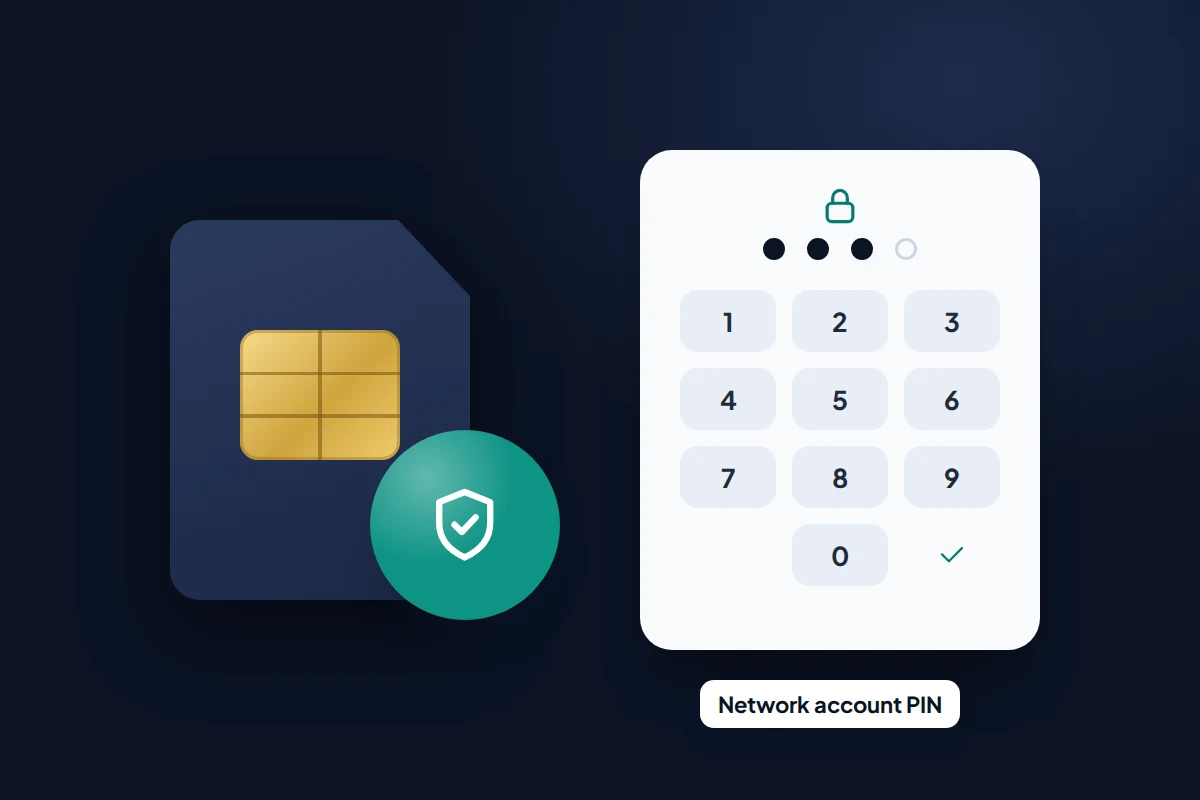
- An eSIM doesn’t stop SIM-swap fraud. A strong network account password or PIN does more.
What an eSIM is, and what it isn’t
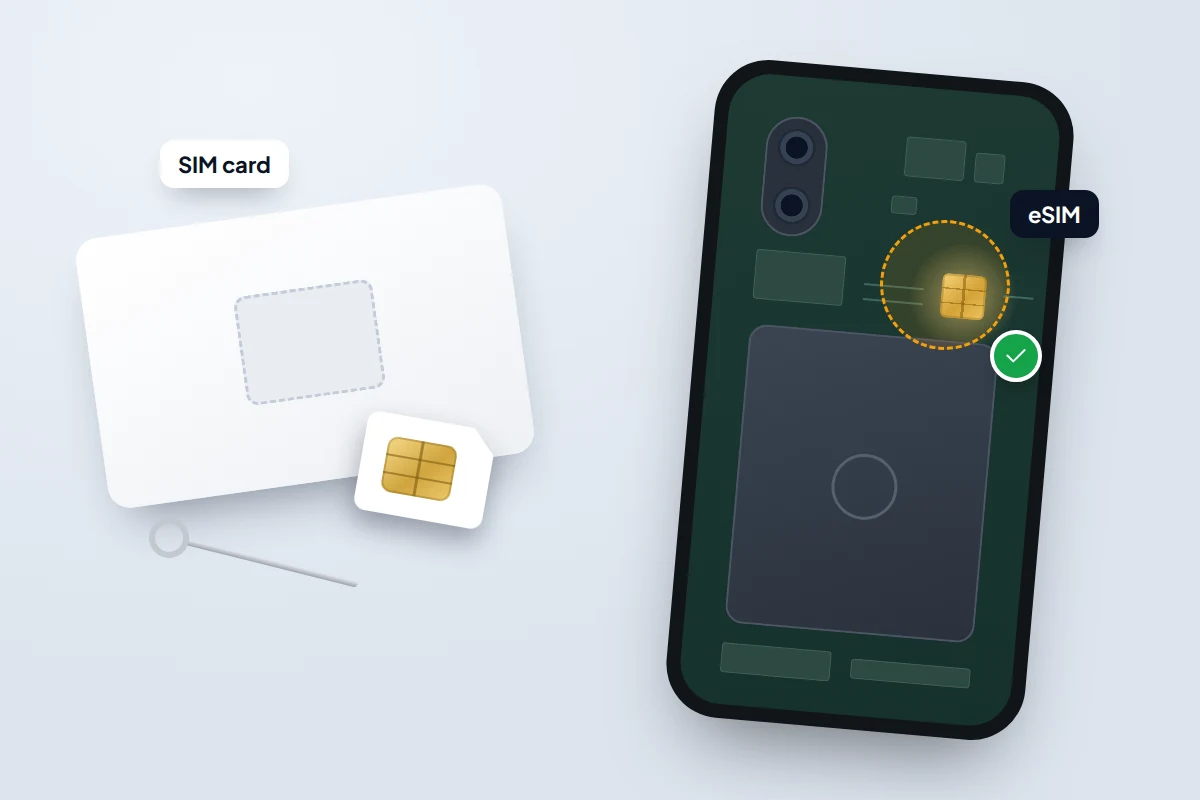
A SIM card holds a profile that identifies you to your network. An eSIM holds the same profile on a chip soldered inside the phone, and the network sends it over the internet instead of posting a card.
Your number and plan stay the same. What changes is how the number moves. You can’t pop it out into another phone, and a QR code usually works only once: EE’s, for example, can’t be reused.
Most eSIM phones can store several profiles, which is what makes travel eSIMs and second numbers easy. To check whether your phone supports eSIM, look for an EID number in Settings → General → About on an iPhone or under Settings → About phone on Android. On many phones, dialling *#06# also shows it next to the IMEI.
Which phones are eSIM-only in 2026
Every iPhone from the XS and XR onwards supports eSIM. Whether it also has a SIM tray depends on where it was sold:
- iPhone Air is eSIM-only everywhere, including the UK. So is the foldable iPhone Duo, which Apple says goes on sale on 23 October 2026.
- iPhone 17, 17 Pro and 18 Pro models are eSIM-only in the US, Canada, Japan, Mexico and several Gulf states. UK and European models keep a nano-SIM tray as well.
- US iPhones since the iPhone 14 have had no SIM tray at all.
Google’s Pixel 10 and Pixel 11 phones sold in the US are eSIM-only too, apart from the foldable Pro Fold; elsewhere they keep a SIM slot. Samsung lists its recent Galaxy S and Z phones, and some A-series models, as eSIM-compatible in the UK.
Getting an eSIM from your network
EE, O2, Three and Vodafone all offer eSIMs, as do many smaller networks such as giffgaff, Sky Mobile and Tesco Mobile. A few budget brands have been slower, so check. There are three usual routes:
- Carrier activation: the network links the eSIM to your phone when you order, and a prompt appears during setup.
- The network’s app: sign in and choose to download or replace your eSIM.
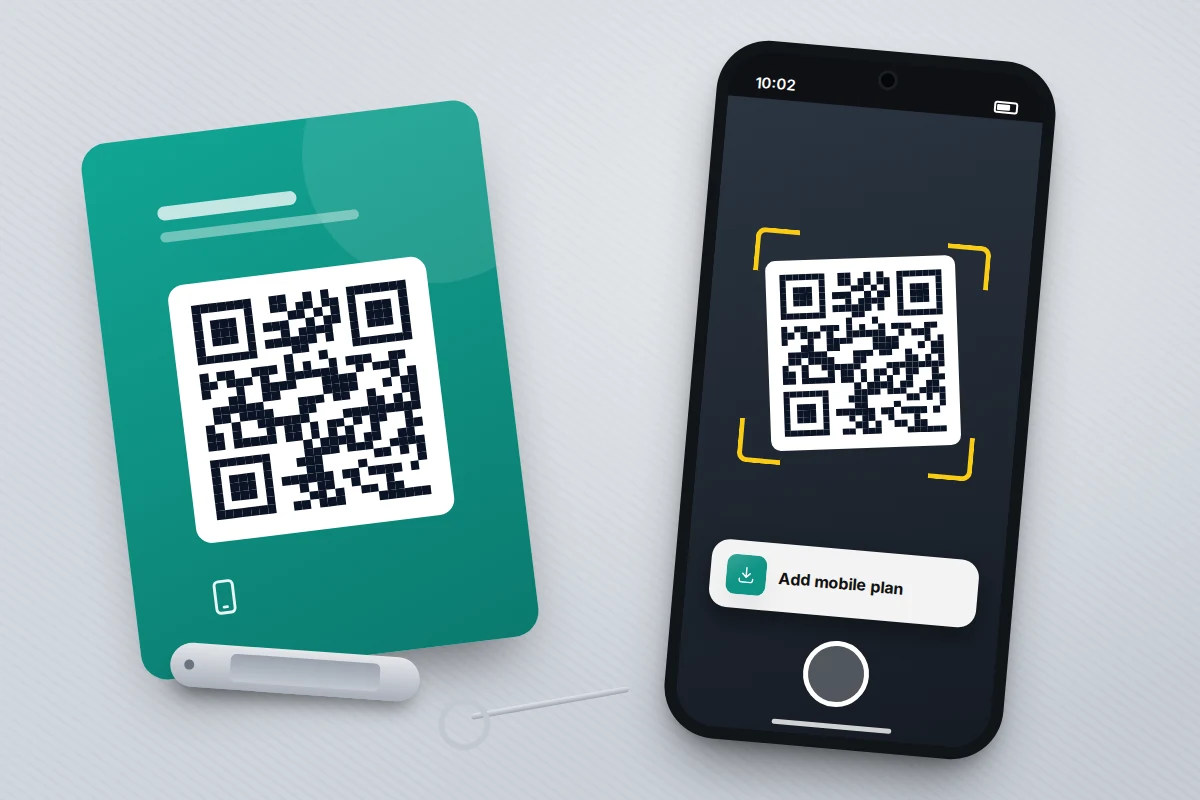
- A QR code: sent by email, shown in your online account or posted as a card.
To add one by QR code on an iPhone, open the Camera app and point it at the code, then tap the notification. Or go to Settings → Mobile Service → Add eSIM (Mobile Data on older versions of iOS). On a Pixel, go to Settings → Network & internet → SIMs → Add SIM. On a Samsung Galaxy, go to Settings → Connections → SIM manager → Add eSIM. Do it on Wi-Fi, because the phone has no mobile signal until the eSIM is installed.
The phone also needs to be unlocked if the eSIM comes from a different network. Ofcom banned UK networks from selling locked phones in December 2021, but older and second-hand phones can still be locked to one network.
Which situation, what to do
The right-hand column is the step that catches people out.
| Your situation | What to do | Watch out for |
|---|---|---|
| New iPhone, old iPhone in hand | Accept the transfer offered during setup, or use Add eSIM → Transfer From Nearby iPhone | Both phones need the same Apple Account, and the old one must be nearby and unlocked; its eSIM stops working once the move completes |
| New Android phone, old Android in hand | Transfer during setup, or use Add SIM → Transfer SIM from another device | Only some networks support it (in the UK, Google and Samsung list EE and O2); otherwise ask for a new eSIM |
| Switching between iPhone and Android | Use the built-in cross-platform transfer if your network supports it; otherwise use the network’s app | In the UK, Apple, Google and Samsung list only EE so far |
| Phone lost, stolen or broken | Bar the line, then ask the network for a replacement eSIM through its app, website or a store | Identity checks, and you’ll need your account login |
| Travelling abroad | Add a data-only travel eSIM and keep your main line for calls and texts | Turn off data roaming on the main line |
| Adding a second number | Add a second eSIM, label both lines and choose a default for calls | Only one line can use mobile data at a time |
Moving your eSIM to a new phone
A transfer moves your number without calling the network, but the old phone has to be working and in your hands. So do it before you wipe, sell or trade in the old phone, and check the number works on the new one first.
iPhone to iPhone
- Sign both iPhones in to the same Apple Account, unlock the old one, turn on Bluetooth on both and keep them together.
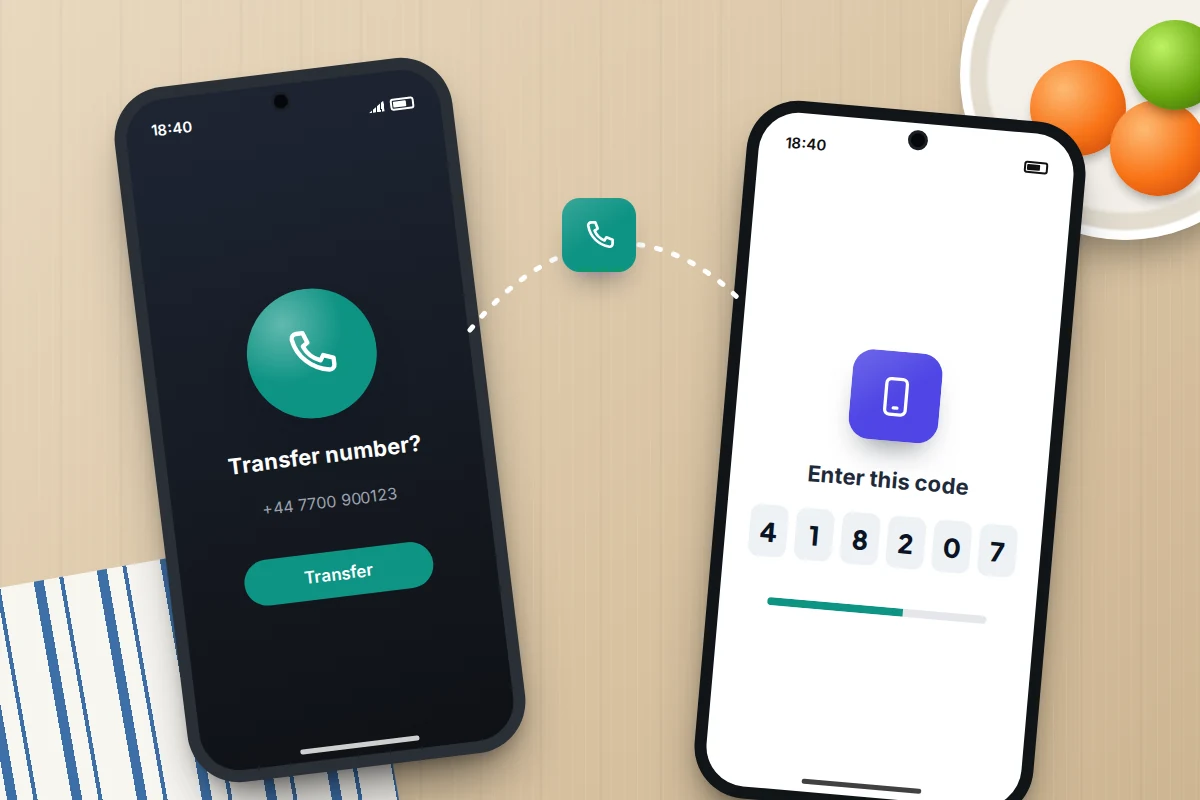
- During setup, choose to transfer your number when prompted. After setup, go to Settings → Mobile Service → Add eSIM → Transfer From Nearby iPhone.
- On the old iPhone, tap Transfer and, if asked, type in the code the new iPhone shows.
- Wait for the new phone to show a signal, then make a test call.
If the transfer option doesn’t appear, your network probably handles it through its own app or website instead.
Android to Android
Google says Android’s own eSIM transfer needs Android 12 or later on both phones, up-to-date Google Play services and a screen lock. It appears during setup, or later under Settings → Network & internet → SIMs → Add SIM → Transfer SIM from another device on a Pixel, or Settings → Connections → SIM manager → Add eSIM on a Galaxy.
Network support is the limit. In the UK, Google’s list of networks that support transfer to a Pixel names EE and O2, and Samsung’s list for Galaxy phones includes the same two. On other networks, the new phone tells you to contact the network, which issues a fresh eSIM through its app or a QR code.
Between iPhone and Android
Cross-platform transfer is new and patchy. Apple’s Android-to-iPhone transfer needs iOS 26 or later and Android 16 or later, and in the UK it lists only EE. Google’s iPhone-to-Pixel transfer also needs iOS 26, and Google and Samsung likewise list only EE in the UK for moves from an iPhone. On any other network, ask for a new eSIM. Our guide to moving from Android to iPhone covers everything else that needs to come across.
If your phone is lost, stolen or broken
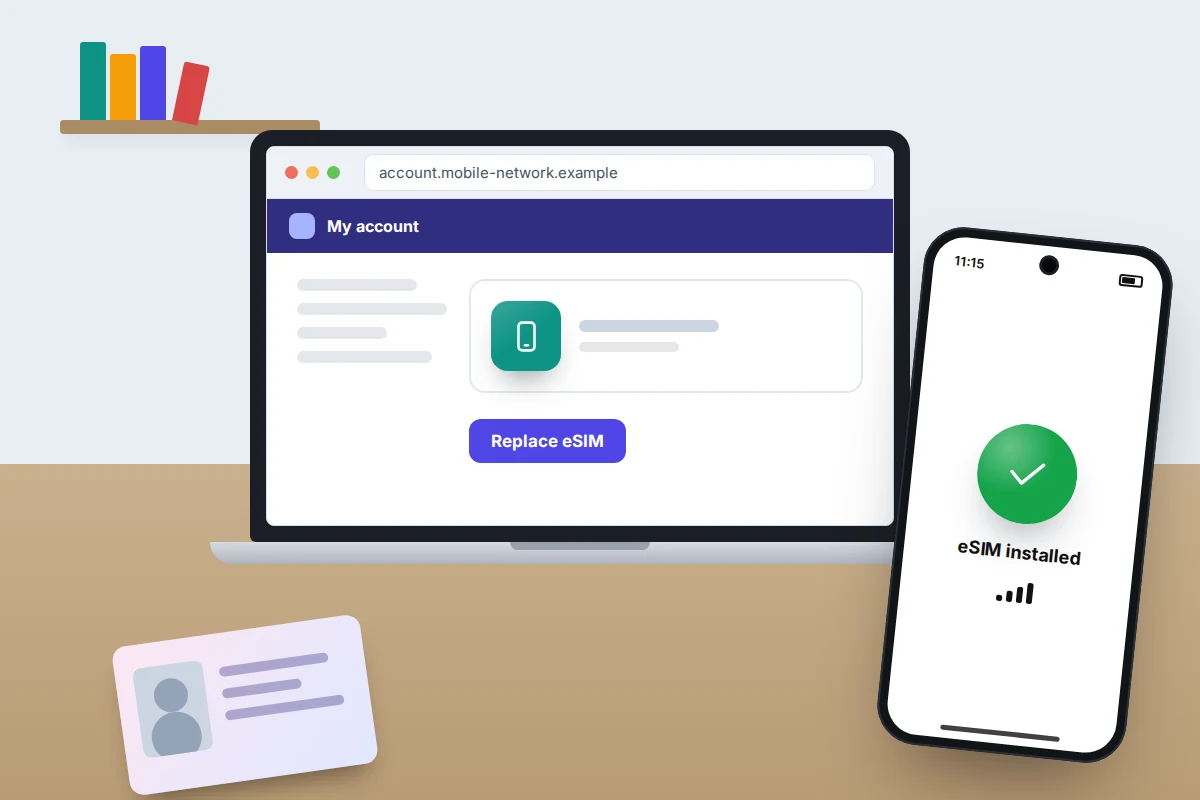
With an eSIM there’s no card to move into a spare phone, so the network has to issue a replacement. EE, for example, lets you download a replacement in its app if you have another eSIM phone; otherwise you visit a store or order a physical SIM.
So keep your network account login somewhere other than the phone, such as a password manager you can open on a computer. Without it, you’re left with slower identity checks by phone or in a shop.
If the phone was stolen, bar the line first. That stops calls, data and text-message codes reaching whoever has it. Our article on a phone stolen abroad gives the order to do things in, which works at home too, and the main UK networks’ lost-and-stolen numbers.
Two numbers on one phone
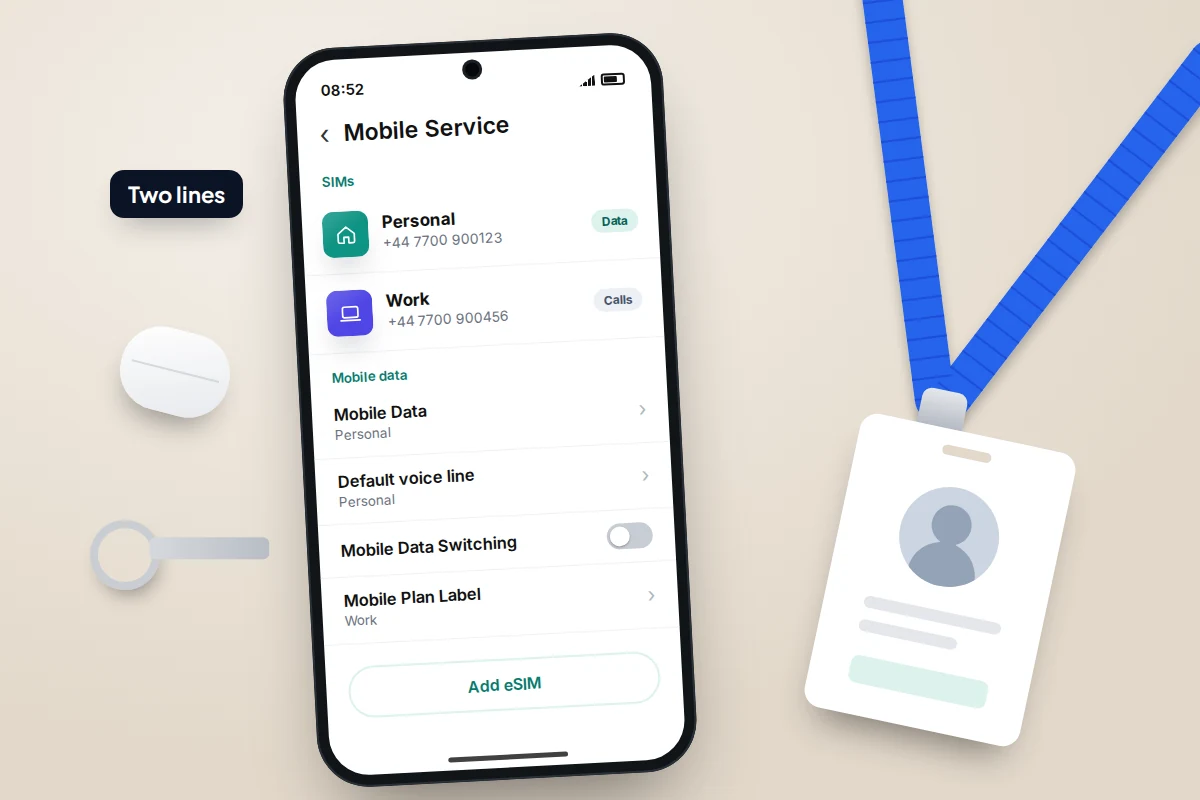
Dual SIM means two lines on one phone, such as a personal number and a work number. You can use a SIM card with an eSIM, or two eSIMs. Apple says iPhone 13 and later models can run two eSIMs at the same time, and Google says the same of the Pixel 7 and later if your network allows it. On Galaxy phones, it depends on the model.
Both numbers can receive calls and texts, but only one line uses mobile data at a time. On an iPhone, choose it in Settings → Mobile Service → Mobile Data. Tap each number and use Mobile Plan Label to name it, such as “Personal” and “Work”. On Android, the equivalent choices are under Settings → Network & internet → SIMs (Pixel) or Settings → Connections → SIM manager (Samsung).
Travel eSIMs: data abroad without losing your number
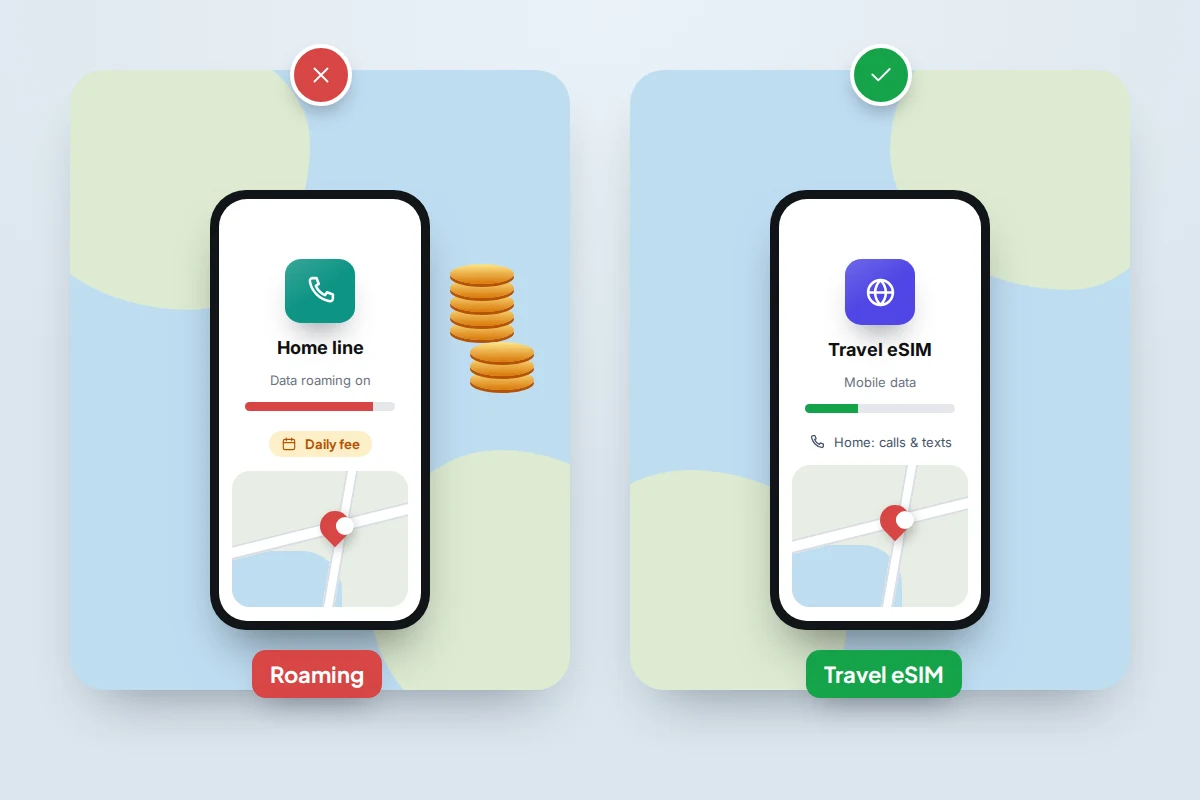
Using your UK plan abroad is roaming. Since Brexit, many UK networks charge a daily fee to use your allowance in Europe, though some plans still include it, and further afield it often costs more. Check your network’s roaming page for your destination.
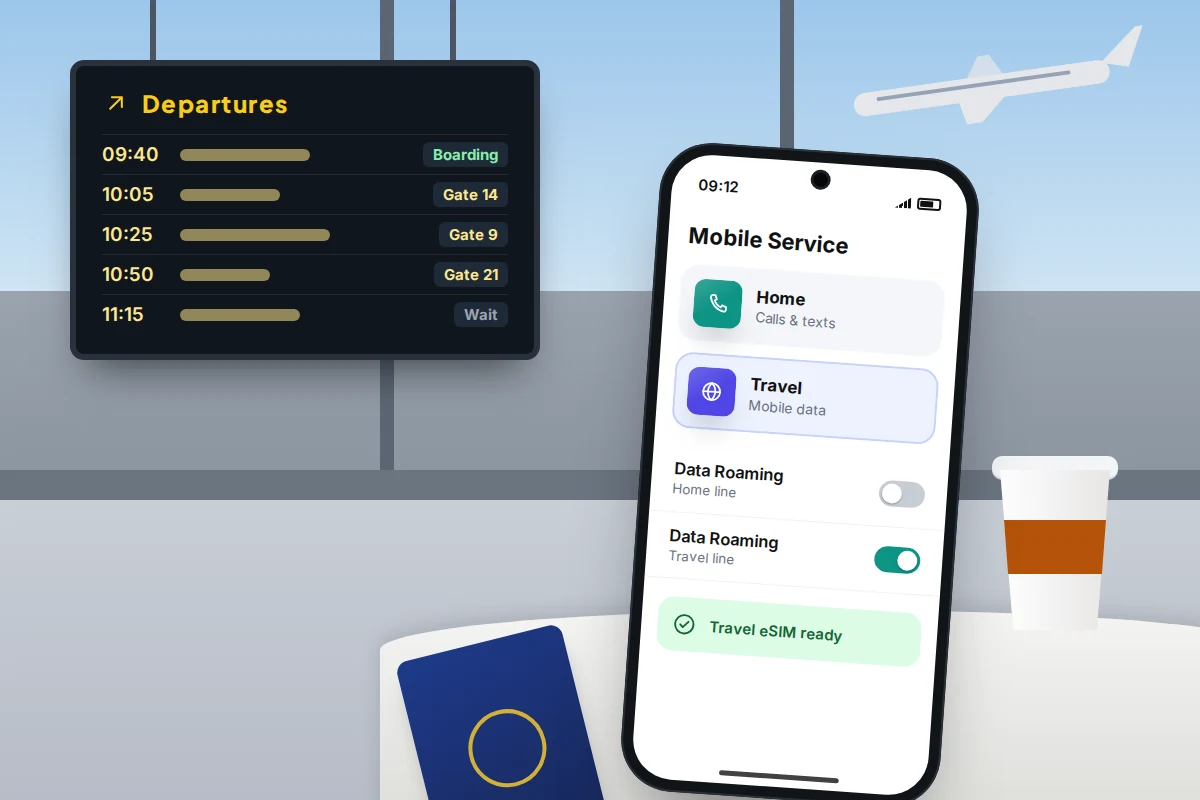
The alternative is a travel eSIM: a data-only plan for a country or region, installed from an app or QR code. Your usual line stays on for calls and texts, including your bank’s security codes, while data goes through the travel eSIM.
The setting that matters is data roaming, and it is set separately for each line. Most travel eSIMs work by roaming on local networks, so they need data roaming on. Your main line needs it off, so it can’t use data abroad by accident.
- iPhone: go to Settings → Mobile Service. Under Mobile Data, choose the travel line and turn off Allow Mobile Data Switching. Then tap your main number and turn off Data Roaming. On iOS 26, a Turn On Travel eSIM notification may also appear when you land and let you choose.
- Pixel: go to Settings → Network & internet → SIMs. Pick the travel eSIM and turn on Mobile data, then pick your main SIM and turn off Roaming.
- Samsung: set the data line in Settings → Connections → SIM manager → Mobile data. Data roaming is under Settings → Connections → Mobile networks.
Pre-trip checklist
- A week before: check your phone is unlocked and supports eSIM, and look up what your network charges to roam where you’re going.
- Before you leave home: install the travel eSIM on your home Wi-Fi, label it “Travel”, and leave it switched off. Check when its validity period starts: some begin on installation, others when they first connect abroad.
- Codes and accounts: decide how bank and email codes will reach you. Keep the main line on for texts, or set up an authenticator app before you go.
- Emergencies: write down your network’s lost-and-stolen number and your network account login, and keep them away from the phone.
- Maps: download offline maps in case the travel eSIM is slow to connect.
- On arrival: switch data to the travel line, check your main line’s data roaming is off, and load a web page to confirm it works.
eSIM and SIM-swap fraud
SIM-swap fraud doesn’t need your phone: a criminal pretends to be you and persuades your network to move your number onto a SIM or eSIM they control. From then on, your texts, including bank codes, go to them.
The protections sit with your accounts: set a password or PIN on your mobile account, use an authenticator app or passkeys where your bank and email allow it, and treat sudden loss of signal with no explanation as a warning sign. Our guide to SIM-swap fraud explains the signs and what to do in the first 30 minutes.
What if the eSIM won’t activate
- “Unable to complete” or a QR code that won’t scan: connect to Wi-Fi and try again. If the code has already been used, even on a failed attempt, ask the network for a new one.
- No signal after a transfer: restart the phone, then check the line is switched on in the SIM settings.
- “This phone is locked” or the plan won’t install: the phone may be locked to another network. Ask the original network to unlock it.
- Deleted the eSIM by mistake: it can’t be restored from the phone. Download a replacement through your network’s app or ask for a new QR code.
Frequently asked questions
Can I switch back from an eSIM to a physical SIM?
Yes, if your phone has a SIM tray. Ask your network for a SIM card, and the eSIM stops working when the new card is activated. On eSIM-only phones such as the iPhone Air, there is no tray to go back to.
Does an eSIM drain the battery or get a weaker signal?
No. The eSIM only identifies you to the network; the antennas and modem are the same either way. If anything, it helps: Apple says the iPhone Duo’s eSIM-only design saves internal space to maximise battery capacity.
Will a travel eSIM let me make ordinary phone calls?
Usually not, because most are data-only, though internet calling in apps such as WhatsApp works. Ordinary calls and texts go through your main line, at your network’s roaming rates.
Is an eSIM more secure than a SIM card?
Slightly: a thief can’t pull it out and use your number in another phone. It makes no difference to SIM-swap fraud through your network, which is why the account PIN matters.
Sources and further reading
- Apple Support: Set up eSIM on iPhone
- Apple Support: Transfer your eSIM from Android to iPhone
- Apple Support: Use eSIM while travelling internationally with your iPhone
- Pixel Phone Help: Transfer a SIM to a new phone
- Pixel Phone Help: Carriers that support eSIM features
- Samsung UK: Galaxy eSIM and supported network carriers
- EE Help: Download and use an EE eSIM
- Ofcom: Mobile companies now banned from selling locked handsets
Looking for a tool to go with this? TheTruthSpy is a free parental control app for Android that stays visible on the child's phone. If it fits your family, see what the app does.
Related guides
How to Reduce Mobile Data Usage on Your Phone
Find which apps are really using your mobile data, then fix the settings that matter on iPhone and Android, with…
How to Fix a Phone That Keeps Freezing or Restarting
Fixes for a frozen or rebooting iPhone or Android phone, from a one-minute force restart to recovery mode, with a…
What to Do If Your Phone Gets Wet
Dropped your phone in water? What to do in the first five minutes, hour and day, what IP68 really means,…
Parental controls your child can see
Location, screen time limits, a web filter and alerts from notifications — free, and visible on your child's phone. Pair a phone in about ten minutes.
Android · Free to set up · Visible on your child's phone