How to Spot a Fake Online Shop Before You Pay

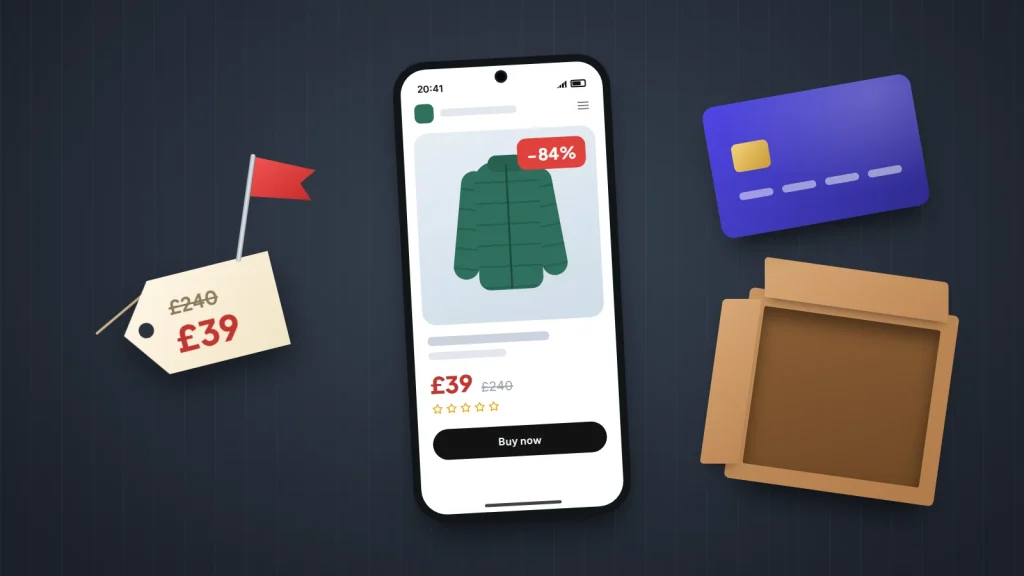
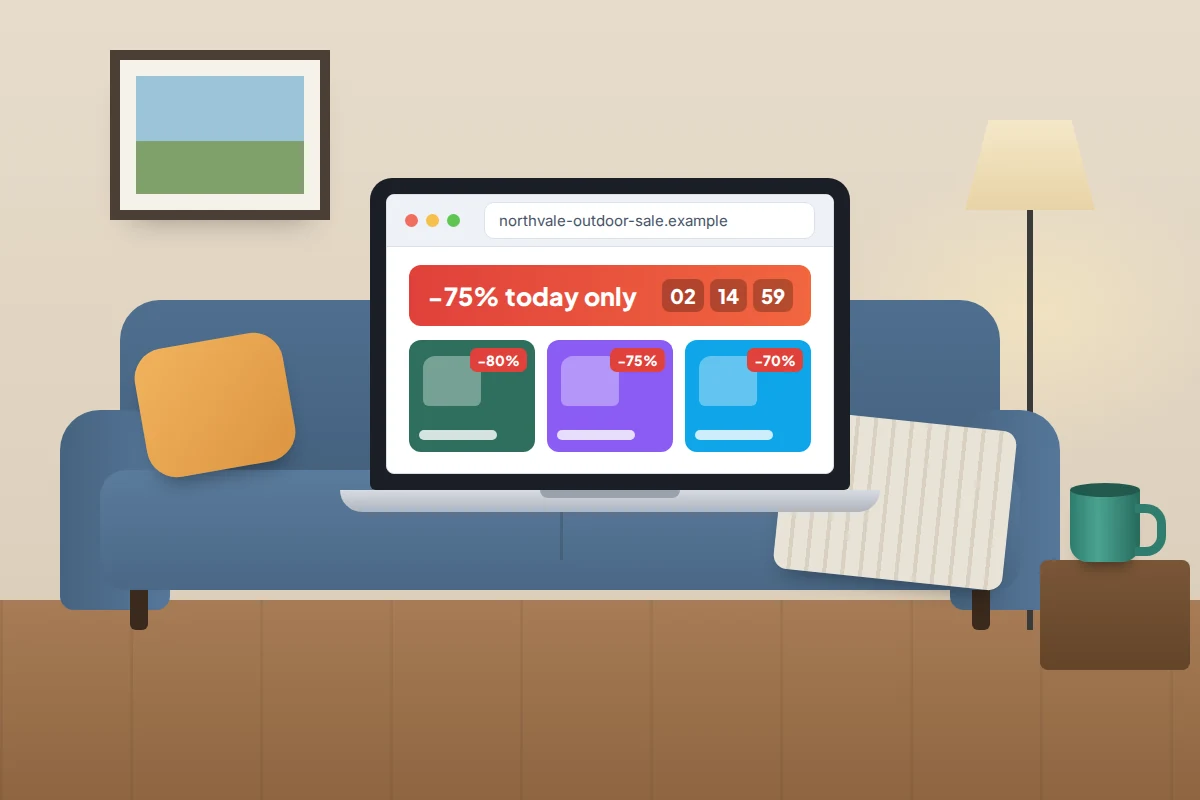
An advert slides into your social feed: the winter coat you have been watching, or this season’s most-wanted trainers, at 70% off from a shop you have never heard of. The site looks polished, there is a countdown timer, and the checkout only takes a minute. The question is whether anything will ever arrive.
Fake online shops are built to pass a quick glance, not a careful one. Most give themselves away within two minutes if you know where to look: how old the web address is, whether the business can be traced, what others say about it and how it wants to be paid. If you have already paid, skip to the steps near the end; speed matters.
The short version
- Big discounts on popular items, a brand-new web address and no traceable address or returns details are the classic combination.
- Before paying, look up when the domain was registered, search the shop’s name with “scam” and “reviews”, and run it through Get Safe Online’s Check a website tool.
- Pay by credit card where you can. In the UK, Section 75 makes the card company jointly responsible for purchases costing over £100 and up to £30,000.
- Never pay an unfamiliar seller by bank transfer, gift card or cryptocurrency, however good the discount for doing so.
- If you have already paid, call your bank or card provider first, then report the shop and the advert.
What fake shops get right, and where they slip
A fake shop only needs to fool you long enough to take a payment. So it copies what you notice first, such as product photos, logos and a smart layout, and skimps on the parts that take effort to fake.
- Prices that make no sense. 70–90% off items that are sold out or rarely discounted elsewhere.
- A new web address with an old story. “Family business since 1998” on a domain registered last month.
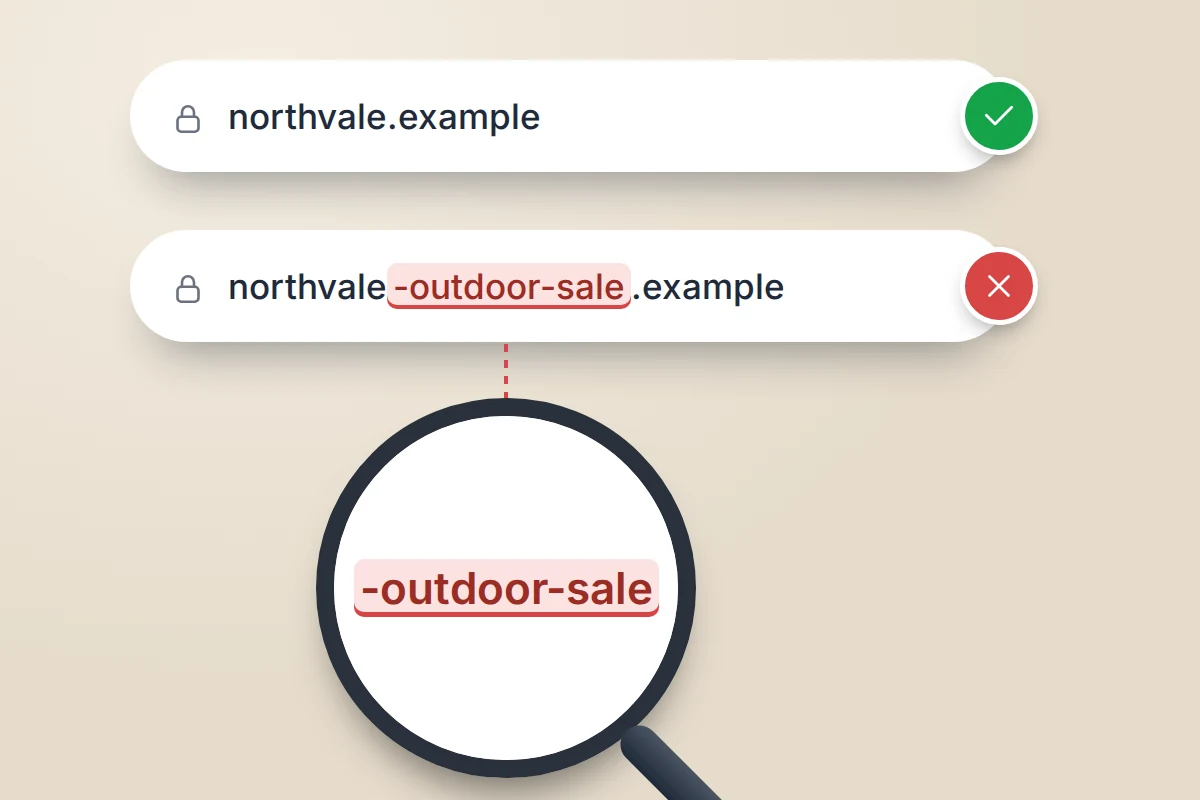
- Copied branding and look-alike domains. A real brand’s name with extra words such as “outlet” or “sale”, or a letter swapped.
- No way to reach a person. Only a contact form or a free email address, no phone number, no street address and no returns address. Citizens Advice advises looking for a street address, not just a PO box.
- Payment that steers you away from cards. A checkout where the card option “fails” and a bank transfer is offered instead, often with an extra discount.
- Reviews and badges that only exist on the site. A wall of five-star reviews, “verified secure” and “trusted shop” badges that are just images and do not link to anything.
The two-minute check
One odd result is not proof of a scam; the pattern is what matters. Three or more red flags together is a good reason to walk away.
| Check | How to do it | What a red flag looks like |
|---|---|---|
| Price | Search the exact product name and compare with well-known retailers | Far below every other seller, especially on sold-out or new items |
| Web address | Read the address bar letter by letter | A brand name plus extra words, hyphens or odd endings; a letter swapped |
| Domain age | Look the address up in a WHOIS or domain registration lookup | Registered weeks or a few months ago, while the site claims years of trading |
| Other people’s experience | Search the shop name with “scam”, “reviews” and “complaints” | Posts about orders that never arrived, or no trace of the shop at all |
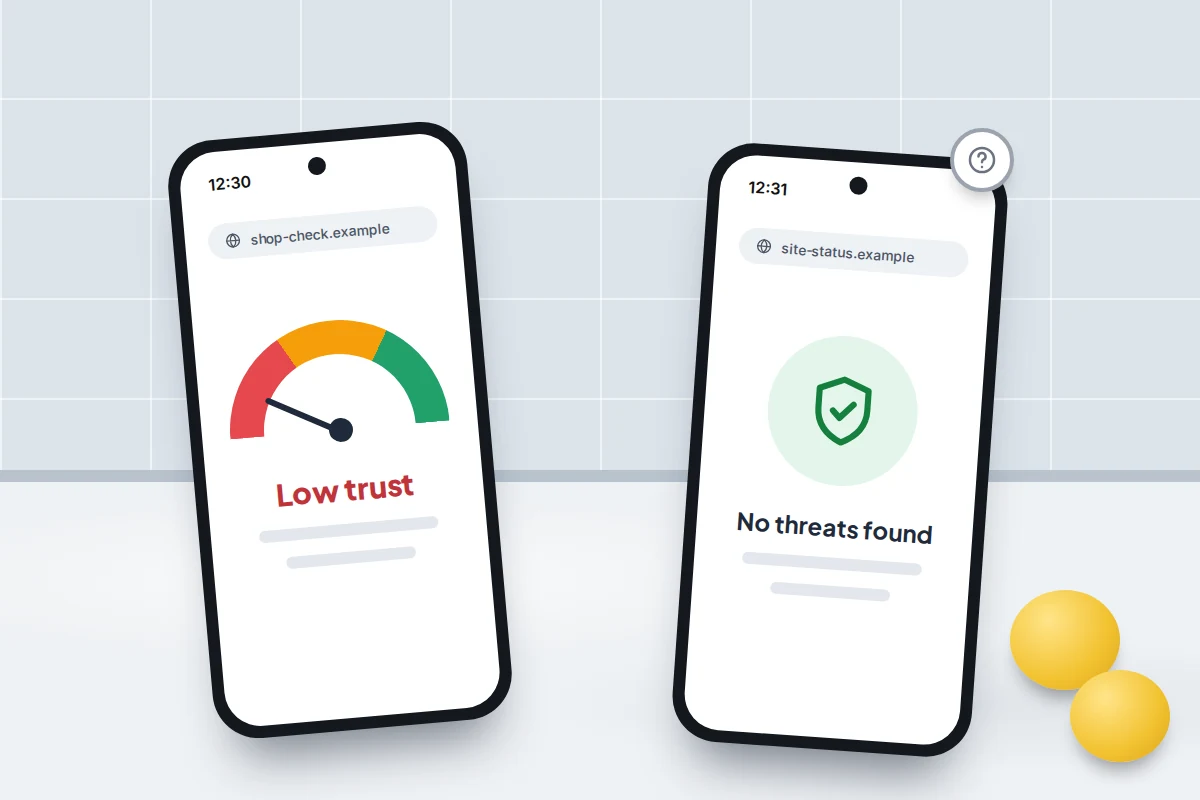
| Scam checker | Enter the address in Get Safe Online’s Check a website tool | A low trust score or a warning |
| Safe Browsing | Enter the address in Google’s Safe Browsing site status page | Marked as dangerous or deceptive (a clean result proves little) |
| Contact and returns | Read the Contact, About and Returns pages | No street address, no phone number, returns “to be arranged by email” |
| Company details | Search any company name or number on the official register | No match, a dissolved company, or a name and address that do not match the site |
| Payment | Go to checkout without paying | Bank transfer only, or a discount for paying by transfer, gift card or crypto |
Domain age: how a WHOIS lookup works
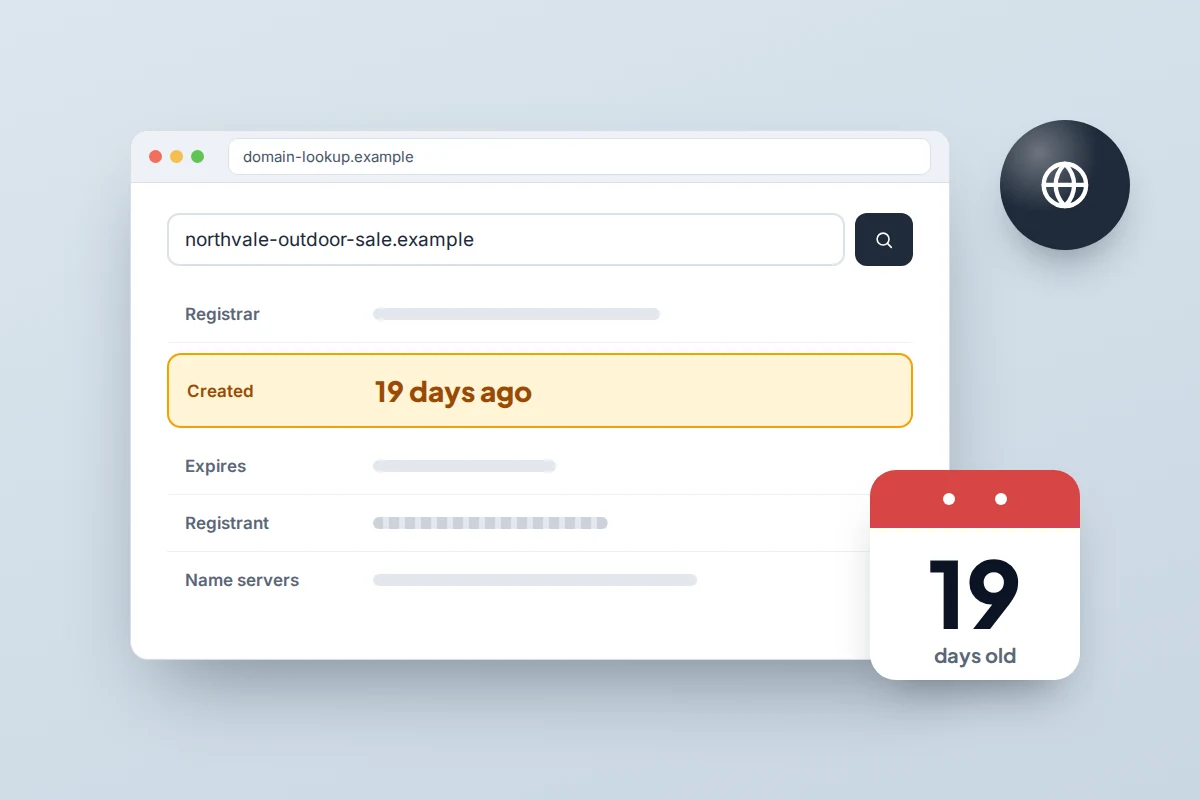
Every web address is registered through a registrar, and the registration date is public. Free WHOIS or registration data lookups, such as ICANN’s lookup tool, show it: type in just the domain (shop-name.example, not the full page address) and look for “Created”, “Registered on” or “Creation date”. Addresses ending in .uk are handled by Nominet, which has its own lookup.
A recent date is not proof of fraud; every business starts somewhere. The red flag is a mismatch: decades of claimed trading on a domain a few weeks old. Hidden owner details are normal, because most registrars redact personal information by default.
Reviews, and what they cannot tell you
Independent review sites help, within limits. A shop that opened three weeks ago may have no reviews yet, some fake reviews get through, and a cluster of glowing reviews posted in the same week is itself a warning. Stars on the shop’s own pages prove nothing. The most useful signal is often a plain search that turns up forum posts from people still waiting for an order.
Get Safe Online and Google Safe Browsing
Get Safe Online, a UK online safety organisation, runs a free Check a website tool with Cifas and ScamAdviser. It gives a trust score based on more than 40 data sources and reports from law enforcement. It cannot check shortened links, and a good score means “probably legitimate”, not “guaranteed”.
Google’s Safe Browsing site status page shows whether Google lists a site as unsafe. It looks mainly for malware and phishing, so a shop that simply takes your money may well show “No unsafe content found”. Treat a warning as serious and a clean result as neutral.
Company details
In the UK you can search any company name or number free on the Companies House register on GOV.UK. Check that it exists, is active, and that its name and address match the website. Registration is not proof of honesty: setting up a company is quick and cheap, and fake shops sometimes quote the number of a real, unrelated business.
A worked example: checking a shop you have never heard of
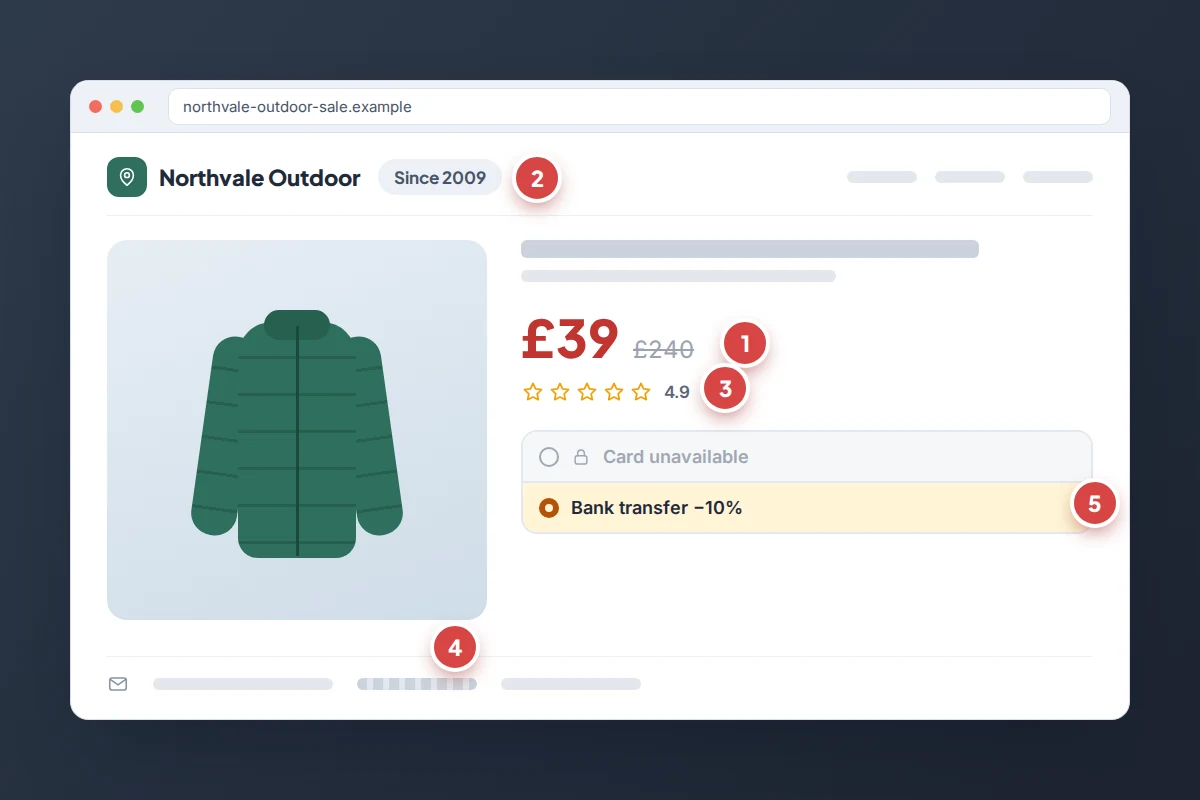
Say an advert shows a popular down jacket for £39 instead of the usual £240, from “Northvale Outdoor” at northvale-outdoor-sale.example. (The shop and address are invented.)
- Price (15 seconds). The same jacket is £220–£240 at every retailer you recognise. An 84% discount on a current model is the first flag.
- Domain age (30 seconds). The registration lookup shows the domain was created 19 days ago. The About page says “trusted by walkers since 2009”. Second flag.
- Search (30 seconds). “Northvale Outdoor reviews” finds nothing independent at all; “Northvale Outdoor scam” finds two recent posts from people whose orders never arrived. Third flag.
- Contact and company (30 seconds). Only a contact form and a free email address. The footer quotes a company number, which on the register belongs to a dissolved business with a different name in another city. Fourth flag.
- Checkout (15 seconds). The card option shows “temporarily unavailable” and offers 10% off for paying by bank transfer. That alone would be enough to stop.
Five flags in two minutes. The price was the bait; the checkout was the giveaway.
Pay in a way you can undo
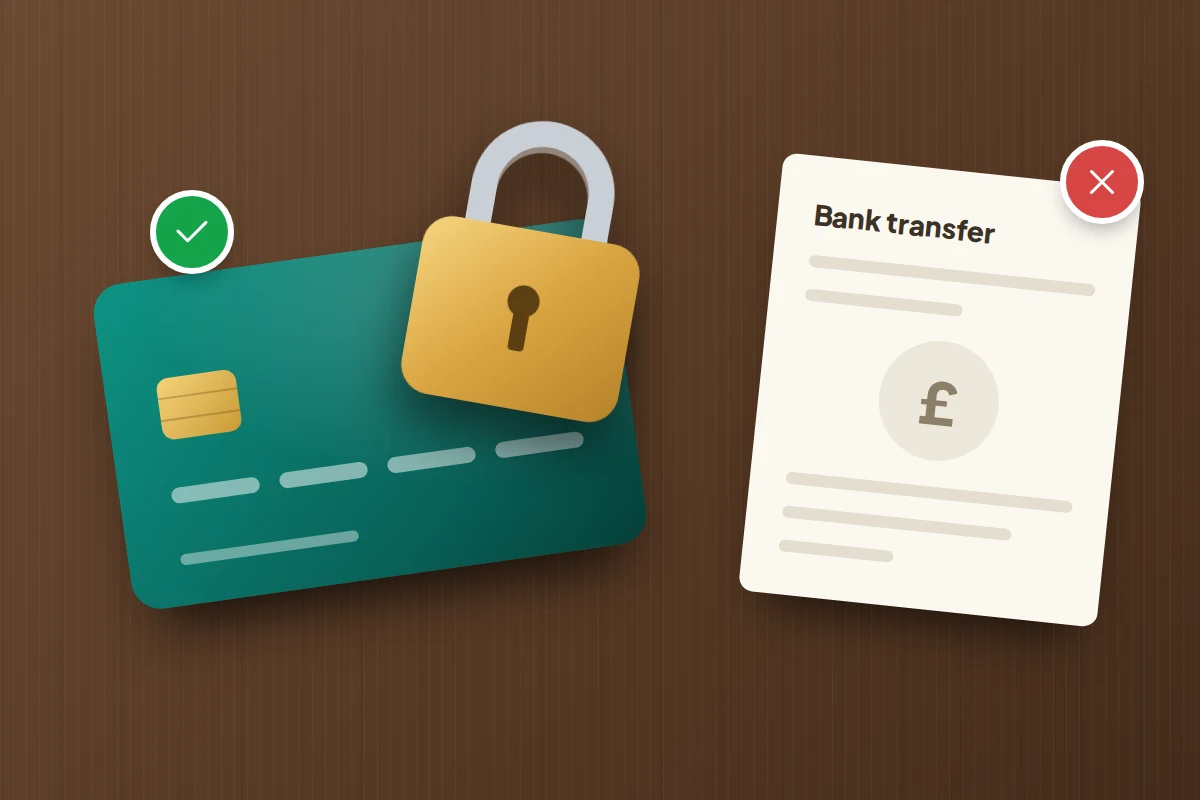
Even careful checks miss some fakes, so choose a payment method where someone other than the seller can give your money back.
Credit card
In the UK, Section 75 of the Consumer Credit Act makes the card provider jointly liable with the seller for single items costing more than £100 and no more than £30,000. According to Which?, it applies even if you only put part of the price, such as a deposit, on the card. For purchases under £100, you can use chargeback instead. In the US, the FTC says a credit card gives you the right to dispute charges for items you did not receive.
Debit card
Debit cards have no Section 75 protection, but you can ask your bank for a chargeback. This is not a legal right; it is a voluntary scheme run under the card networks’ rules. Which? says the usual time limit is 120 days from the transaction, or from when you expected the goods.
PayPal
PayPal’s Buyer Protection in the UK covers items that do not arrive or are significantly not as described, with 180 days from payment to claim for a missing item. It does not cover “Friends and Family” or personal payments, which is why a fake seller may ask for one. Paying a card purchase through PayPal may also mean you cannot use Section 75, so treat PayPal’s scheme as your main protection.
Bank transfer, gift cards and cryptocurrency
Never use these to pay a shop you do not know. A bank transfer usually lands within seconds and cannot simply be reversed, and the FTC tells shoppers never to buy from sellers who insist on gift cards, wire transfers or cryptocurrency. UK banks must reimburse most victims of authorised push payment fraud, up to £85,000 if reported within 13 months, and that can include a deliberately fake shop. It does not cover disputes with a genuine seller, card payments or cash, and getting money back is never as good as not sending it.
Social media adverts and pop-up shops
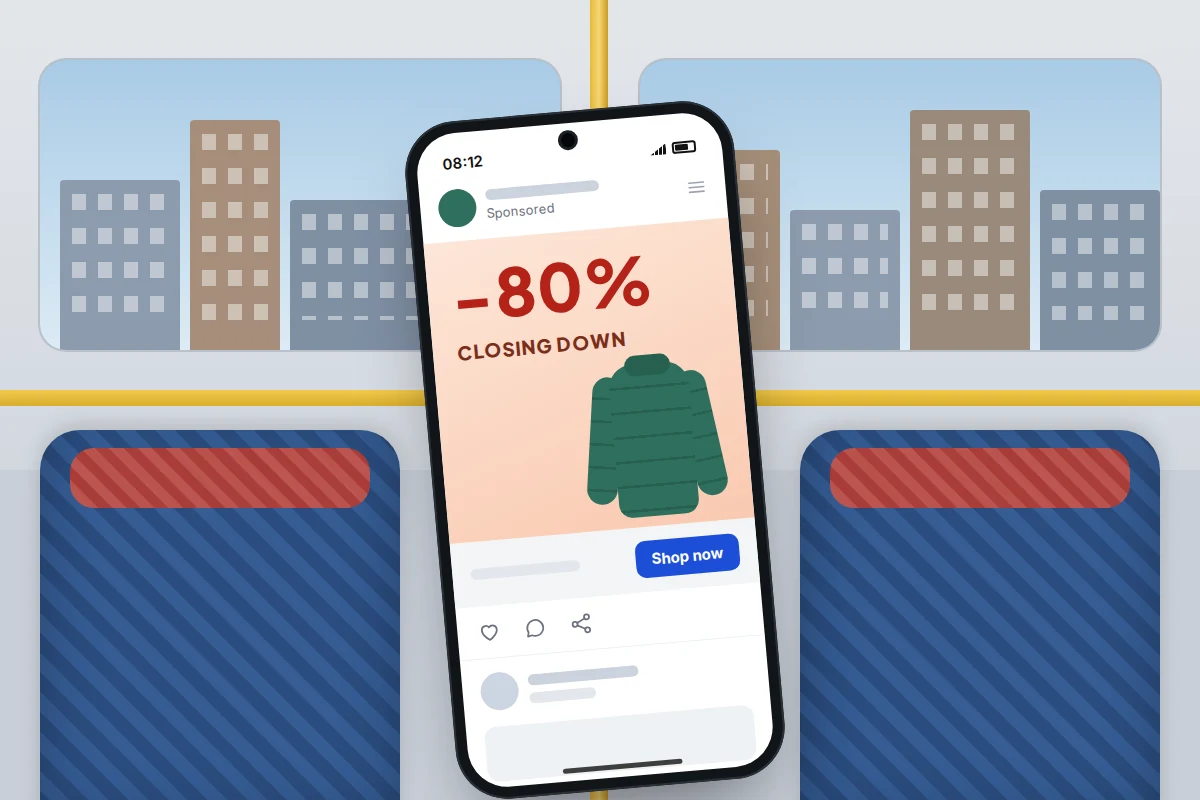
Many fake shops never appear in search results. They find you through paid social media adverts, disappear after a few weeks and return under a new name.
- Tap the page, not the advert. Many platforms show when a page was created and any name changes, in a section such as “Page transparency” or “About this account”.
- Check the comments. Comments switched off on a huge sale is unusual for a real brand.
- Be wary of sad stories. “Closing down after 30 years” is a common hook to make an absurd price believable.
A fake shop that has your number may use it again, for example in a “missed delivery” text about the order that never existed. Our guide to spotting fake delivery texts shows what those look like.
If you have already paid
Act quickly, in this order. The sooner your bank knows, the better the chance of recovering the payment.
- Contact your bank or card provider using the number on the back of your card or in its app. Tell them it was a fake shop, and ask about a chargeback, a Section 75 claim, or a fraud claim if you paid by bank transfer. If you entered card details on the site, ask them to cancel the card.
- If you paid through PayPal, open a dispute in the PayPal app or website under the Resolution Centre.
- Save the evidence. Screenshot the shop, the advert, your order confirmation and the payment. Fake sites often vanish within days.
- Change passwords if you created an account on the site using a password you use elsewhere.
- Be ready for a follow-up call. People who pay fake shops are sometimes phoned later by someone claiming to be their bank’s fraud team. Our guide to scam calls pretending to be your bank explains how to handle them.
- Report it. In England, Wales and Northern Ireland, report to Report Fraud at reportfraud.police.uk or on 0300 123 2040. In Scotland, call Police Scotland on 101. In the US, report at ReportFraud.ftc.gov.
- Report the website and the advert. In the UK, report the site to the National Cyber Security Centre using its “Report a suspicious website” form, and report paid adverts to the Advertising Standards Authority, which shares them with platforms so they can be taken down. Report the advert on the social platform itself too.
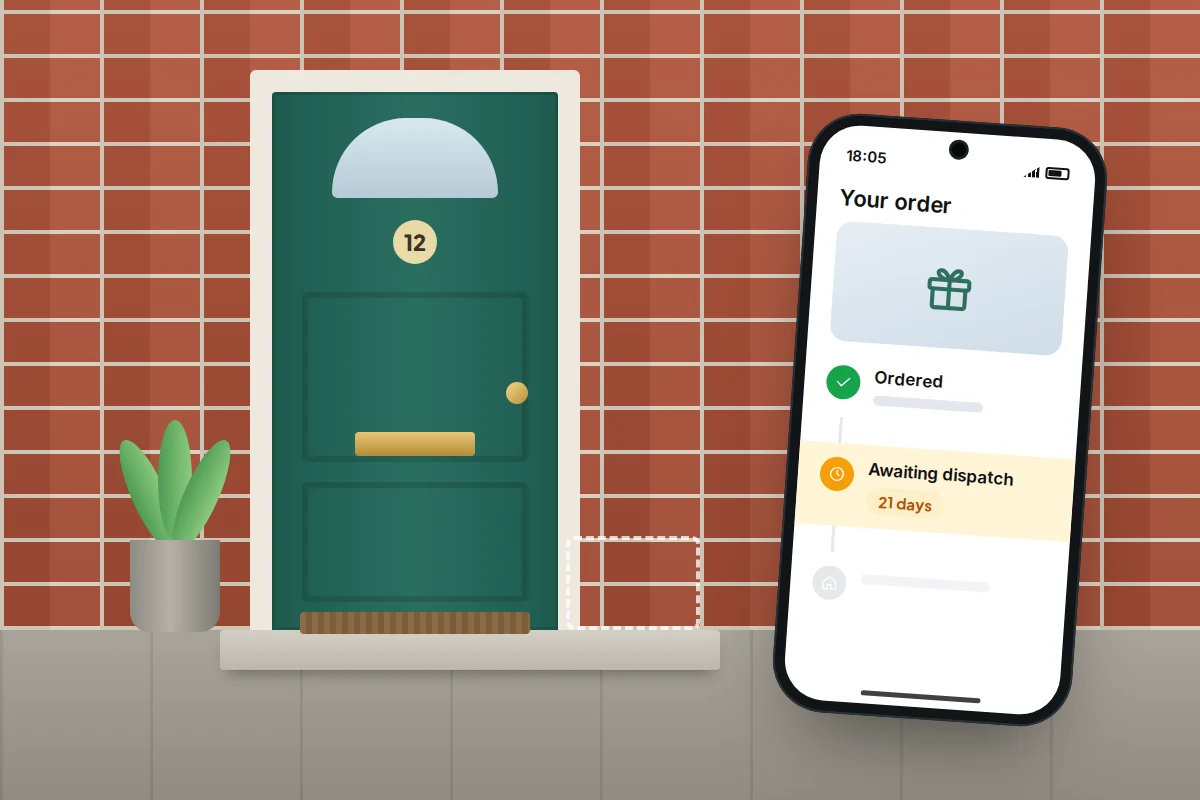
When the checks disagree
A genuine independent shop can be new, with few reviews and a low trust score simply because it has no history. A fake can score well for a few days before reports catch up.
- New, but everything else is solid (real address, company that matches, card payments, sensible prices): the risk is lower. Pay by credit card or PayPal and keep your records.
- Clean score, but the price is unbelievable and the only payment is bank transfer: trust the payment method over the score. No genuine shop needs you to give up your protection.
- A shop claims to be a brand’s official outlet: go to the brand’s own website by typing its address, and look for a list of official stockists or outlets.
Frequently asked questions
The site has a padlock and “https”. Doesn’t that mean it is safe?
No. The padlock means your connection is encrypted. It does not tell you who runs the site or whether they will send your order, and fake shops routinely have one.
Is a shop safe if it sells through a big marketplace?
Marketplaces usually have their own buyer protection, but only if you pay through their checkout. A seller who asks you to pay them directly is stepping outside that protection, which is a red flag in itself.
What if the goods arrive but they are fake?
Counterfeit or significantly different goods are still grounds for a claim. Contact your card provider or PayPal, and in the UK you can report counterfeits to Trading Standards through the Citizens Advice consumer helpline.
Can I get my money back if I paid by bank transfer?
Possibly. If the shop was a deliberate scam, the UK reimbursement rules described above should apply, but your bank will first decide whether it was fraud or a dispute with a real seller. Call its fraud line straight away and keep your screenshots.
Sources and further reading
- Get Safe Online: Check a website tool
- Google Transparency Report: Safe Browsing site status
- Citizens Advice: check if something might be a scam
- Which?: Section 75 of the Consumer Credit Act
- Which?: how to use chargeback
- PayPal UK: Buyer Protection programme
- NCSC: report a scam advert or suspicious website
- FTC Consumer Advice: online shopping
Looking for a tool to go with this? TheTruthSpy is a free parental control app for Android that stays visible on the child's phone. If it fits your family, see what the app does.
Related guides
How to Secure Your Home Wi-Fi Network
A 20-minute router check-up: log in, change the admin password, pick WPA3 or WPA2, turn off WPS, add a guest…
How to Recover a Hacked Instagram Account
Get a hacked Instagram account back: use the revert email, instagram.com/hacked and the video selfie check, avoid recovery scams, then…
How to Spot a Scam Call Pretending to Be Your Bank
Recognise fake bank fraud-team calls, know the exact words to end them, call back safely on 159 or your card's…
Parental controls your child can see
Location, screen time limits, a web filter and alerts from notifications — free, and visible on your child's phone. Pair a phone in about ten minutes.
Android · Free to set up · Visible on your child's phone