How to Remove Your Personal Information From Google Search

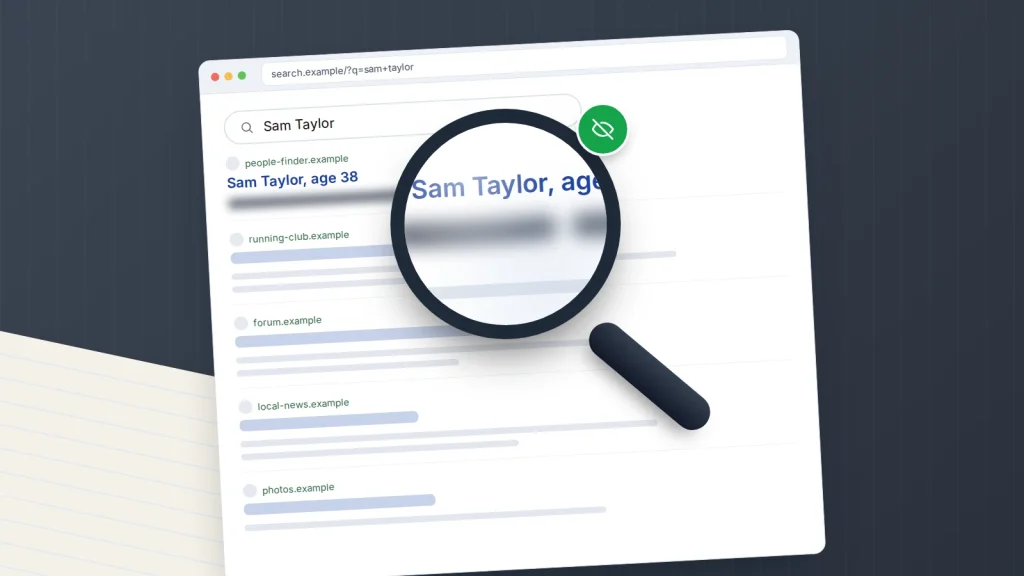
Search your own name and you may find more than you expected: a people-search page with your home address and age, an old forum post with your mobile number, a photo of your house. Some of that can be taken out of Google quickly. Some needs removing at the source before Google’s copy will go.
Here is what is actually possible as of September 2026: Google’s removal tools, people-search sites in the US and UK, the right to be forgotten, blurring your home in Street View, and keeping watch afterwards. If someone is using your details to harass or threaten you, start with the safety section further down.
The short version
- Removing a result from Google does not delete the page. Where you can, ask the website to remove it first.
- Google’s Results about you tool finds and requests removal of results showing your home address, phone number or email address. Separate policies cover ID numbers, bank details, intimate images and doxxing.
- People-search sites need an opt-out at each site. Californians can use the state’s free DROP platform to reach every registered data broker at once.
- In the UK and EU you can ask Google to delist outdated or irrelevant results for your name, and complain to the regulator if it refuses.
- Save evidence before anything is removed if you are being harassed.
Google is a catalogue, not the library
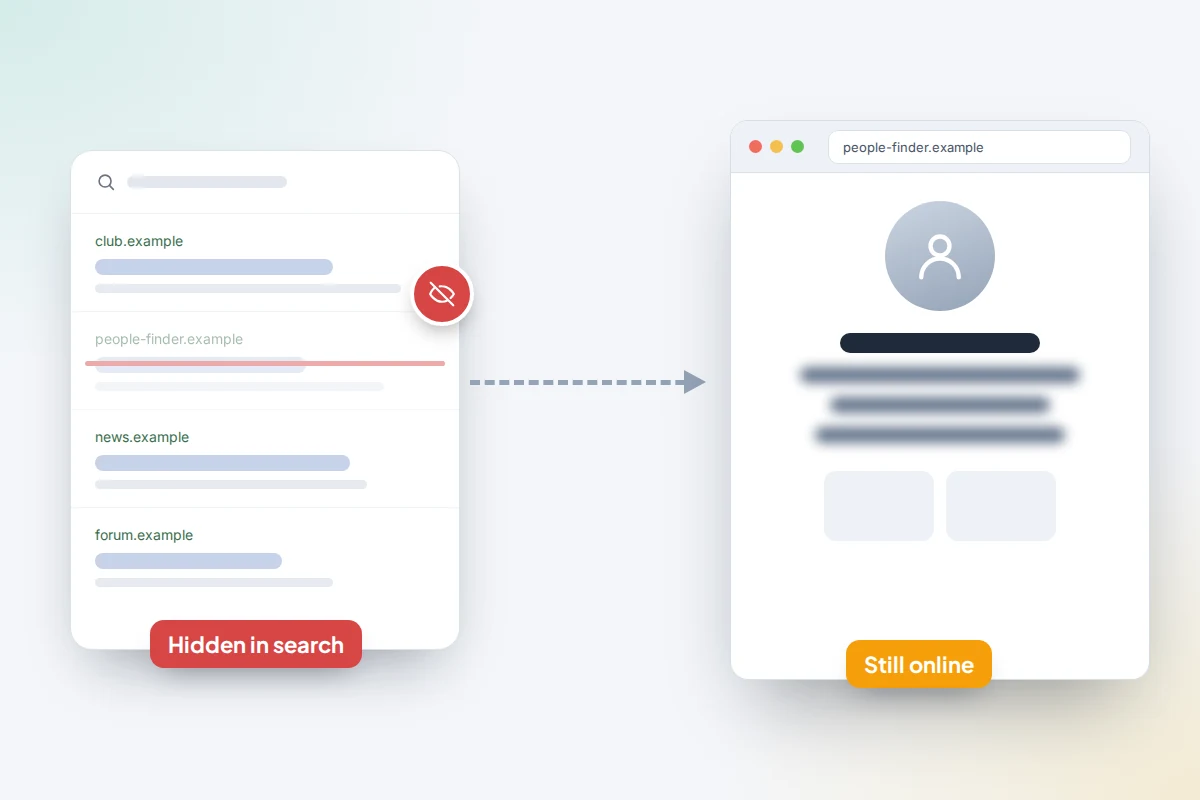
Google lists pages that live on other people’s websites. When it removes a result, the page stays online, reachable through other search engines, social media or a direct link.
So the most complete fix is at the source. Look for a “Contact us” link or email on the site. If there is none, Google suggests a WHOIS lookup for the domain to find the owner or hosting company. Once the owner removes or edits the page, Google drops the old version as it re-crawls, and you can speed that up.
Results about you: address, phone number and email
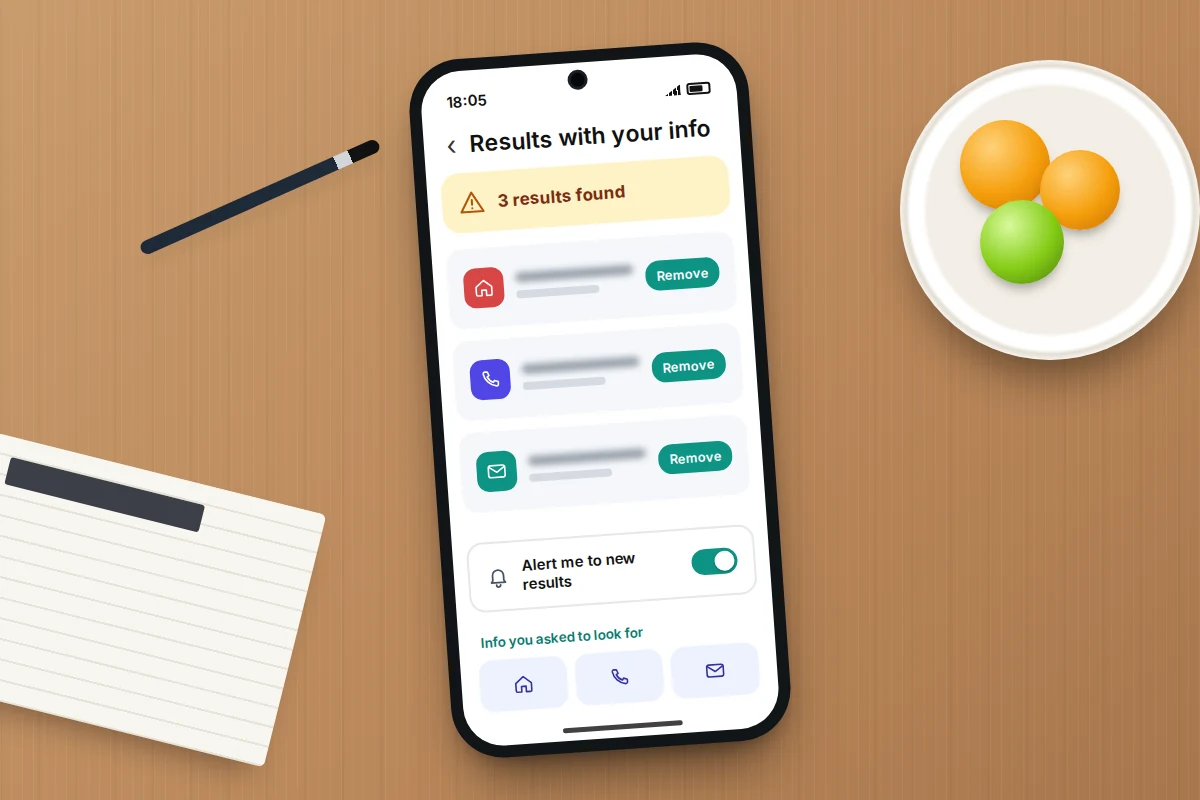
You give Google’s Results about you tool the contact details to look for. It shows search results containing your home address, phone number or email address, lets you request removal of each, and can alert you when new ones appear.
- Open the Google app on Android or iPhone, tap your profile picture, then Results about you (it may sit under a menu). On a computer, go to myactivity.google.com/results-about-you.
- Add the name, addresses, phone numbers and email addresses you want Google to look for. You can add variations, such as a maiden name.
- Turn on notifications so Google tells you about new matches.
- Review the results it finds, choose any you want gone and tap Request to remove.
You can also start from any search result: tap the three dots next to it, then Remove result.
Availability varies. Google’s help page says the features are rolling out to adults over 18 “in certain markets” but does not list them; TechCrunch reported the UK among them in February 2025. In February 2026 Google added government ID numbers, such as passport, driving licence and Social Security numbers, to what the tool looks for, starting in the US with other regions promised later. If you are under 18 or the tool is not offered to you, use Google’s standard removal request form instead.
If Google agrees, the page stops appearing in results, or, for content with some public value, only in searches that include your name. Google confirms your request within hours but sets no deadline for a decision; you hear by email or in the tool.
What else Google will remove, and what it won’t
Google’s policies also cover these, whether or not the site owner co-operates:
- Government ID numbers, such as Social Security, tax ID or resident ID card numbers.
- Bank account and card numbers.
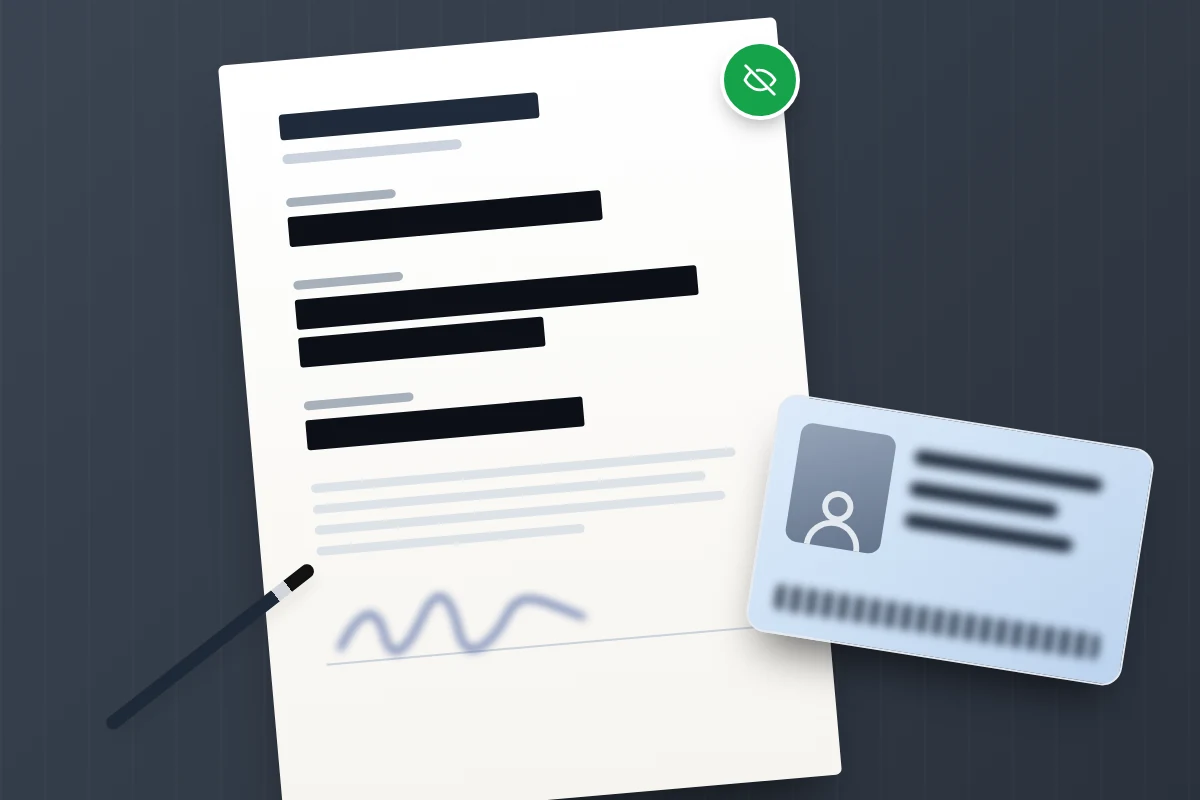
- Images of your signature or ID documents.
- Confidential login details and private records such as medical records.
- Doxxing: your contact details shared alongside explicit or implicit threats, or a large amount of your personal information gathered together without a legitimate purpose.
- Intimate images shared without consent, and fake explicit images that falsely depict you.
- Images of anyone under 18, at the request of the young person or a parent or other representative, removed from image results unless newsworthy or of public interest.
- Content on sites that charge to remove it, which Google calls exploitative removal practices.
Google weighs newsworthiness and public interest, so a news report, a company director listing or a court record is unlikely to go under these policies. UK and EU residents have a separate route, covered below.
When the page has changed but Google has not caught up
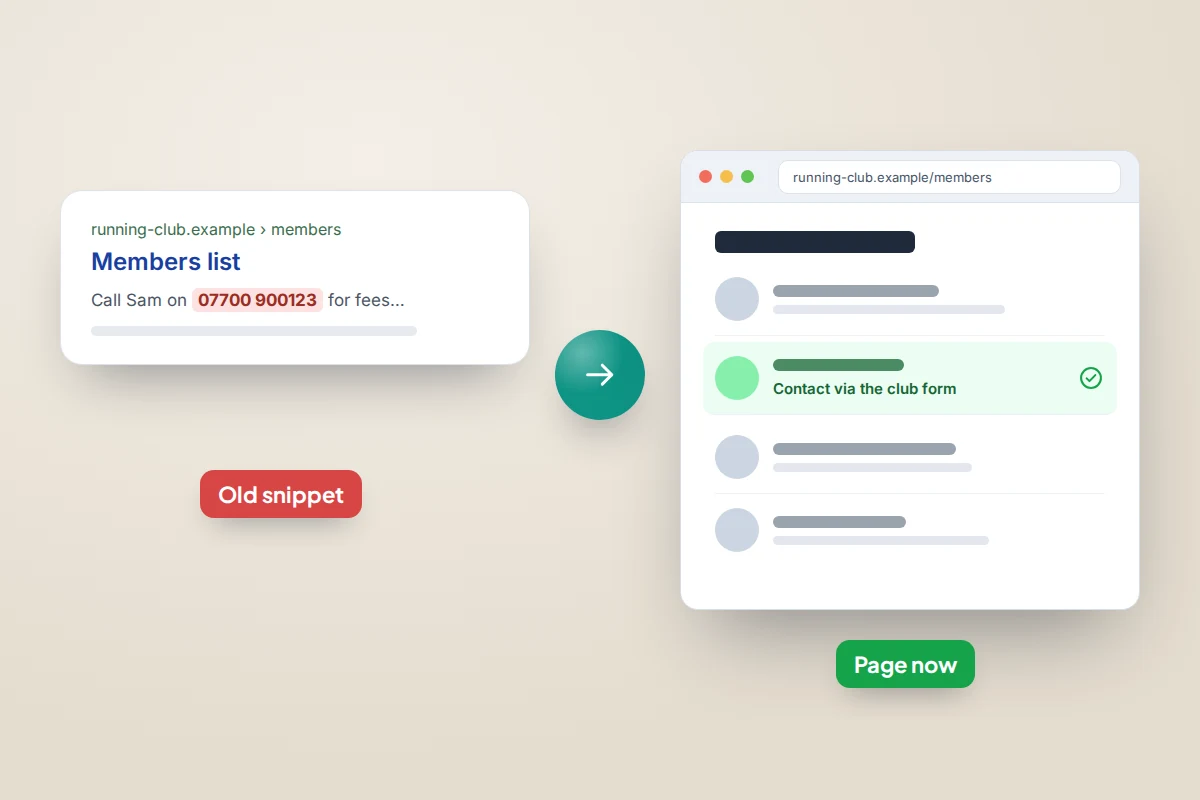
Say a club removes your phone number from its members’ page, but Google’s snippet still shows it. That is what the refresh tool is for.
- Go to Google’s Refresh outdated content tool at search.google.com/search-console/remove-outdated-content and select Request refresh.
- Paste the page address and submit. Google recrawls the page and updates or drops the result.
It only works when the live page really has changed or gone; if the details are still there, go back to the site owner.
People-search and data broker sites
People-search sites build profiles from public records, marketing lists and other data brokers, and often rank highly for name searches. Removing their Google result leaves the listing on their site and in the data they sell, so opt out at the source.
In the US
Most people-search sites have an opt-out page, often linked in small print. Each is separate, and a listing can reappear when the site refreshes its data, so note where you opted out and check again every few months.
California has gone further. Under the Delete Act, residents can use the free Delete Request and Opt-out Platform (DROP) at privacy.ca.gov/drop, open since 1 January 2026. One verified request goes to every data broker registered in California. Brokers began processing requests on 1 August 2026 and must then process deletions every 45 days, so data they pick up later is caught too. Status updates can take up to 90 days to appear, and data covered by a legal exemption can be kept.
In the UK
Some UK people-search sites draw on the open electoral register, which anyone can buy. You can opt out through the register to vote service or your council’s electoral registration office. Opting out does not affect your right to vote, and credit checks use the full register, which you stay on. You can also ask a site to delete your data under UK GDPR; the ICO says organisations have one calendar month to respond, extendable by up to two months in some cases.
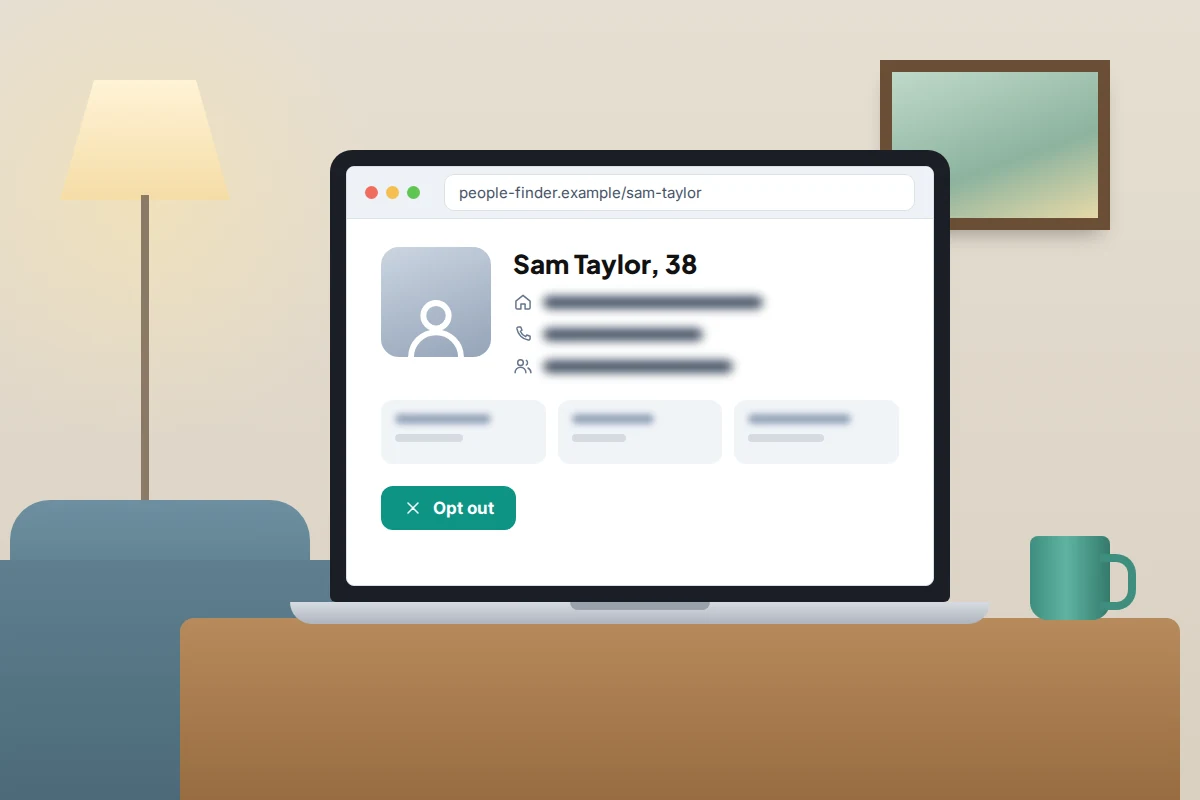
Be wary of sites that ask for payment or more personal data to “unlock” or remove a listing. Our guide to phone-number tracking sites explains how some lookup services trade on exactly that worry.
The right to be forgotten in the UK and EU
If you live in the UK or EU, you can ask Google to delist results for searches of your name when the information is inaccurate, inadequate, irrelevant or excessive, and there is not enough public interest to keep it. In the UK this comes from the right to erasure in UK GDPR, which still applies after Brexit. It can cover an old news story or a years-old post.
- Use Google’s right to be forgotten form at reportcontent.google.com/forms/rtbf.
- Give the exact web addresses and search terms (usually your name), explain why each page should go, and include evidence of anything inaccurate.
People review these requests, weighing your role in public life, the source (news and government sites get more weight), the age of the information and how sensitive it is. Delisting applies only to searches that include your name, made from within Europe. If Google refuses, the ICO says you can report your concern to it; in the EU, go to your national data protection authority.
Your house on Street View
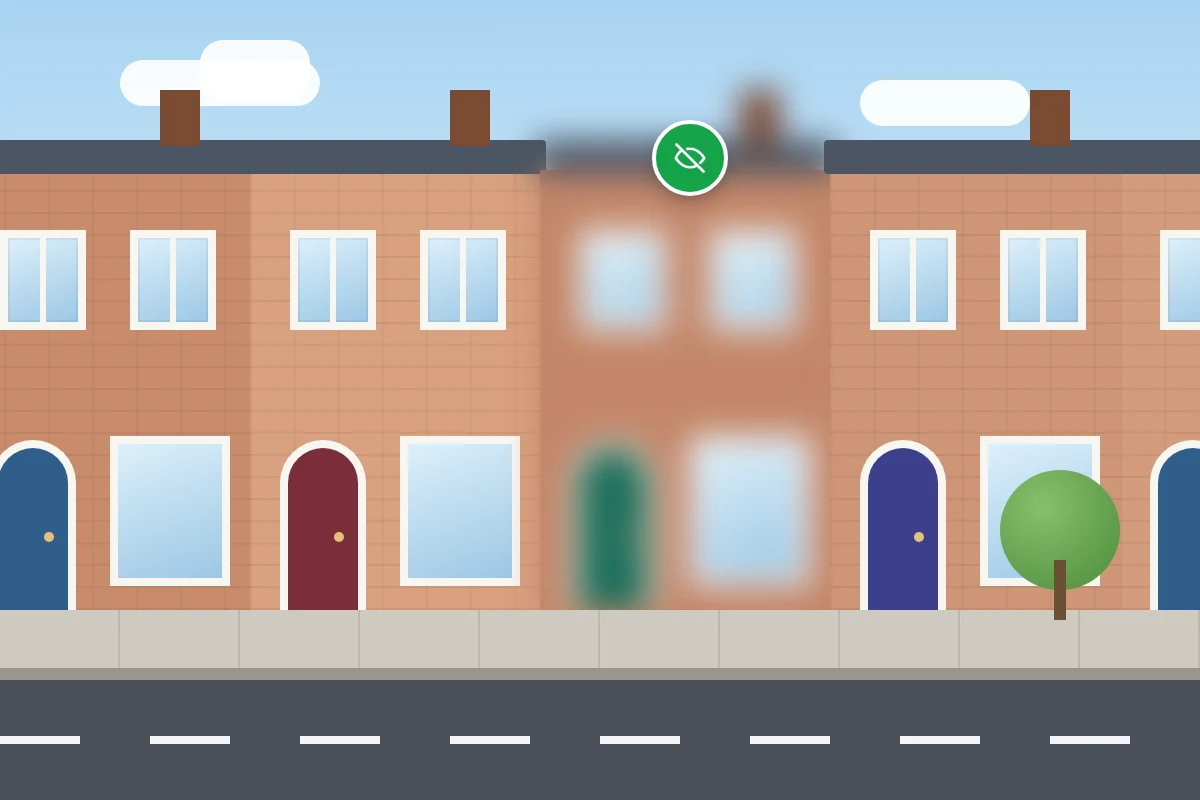
Google will blur your home in Street View if you ask, and says the blur is permanent. It also applies for anyone who lives there after you, so think before requesting it.
- In Google Maps, find your home and open its Street View image.
- Select Report a problem in the bottom right of the image.
- Choose My home, confirm you have the authority to make the request, enter the address and upload proof of address, such as a utility bill or bank statement from the last six months.
- Submit and wait for Google’s email.
Your own Google profile
Your Google Account can show other people details such as your birthday, work or places you have lived. To check:
- Open your Google Account. On Android: Settings → Google → Manage your Google Account. On iPhone: open the Gmail or Google app and tap your profile picture → Manage your Google Account.
- Go to Personal info → Choose what others see → Go to About me.
- Set anything you do not want shared to Only you.
Keep watch: alerts for your name
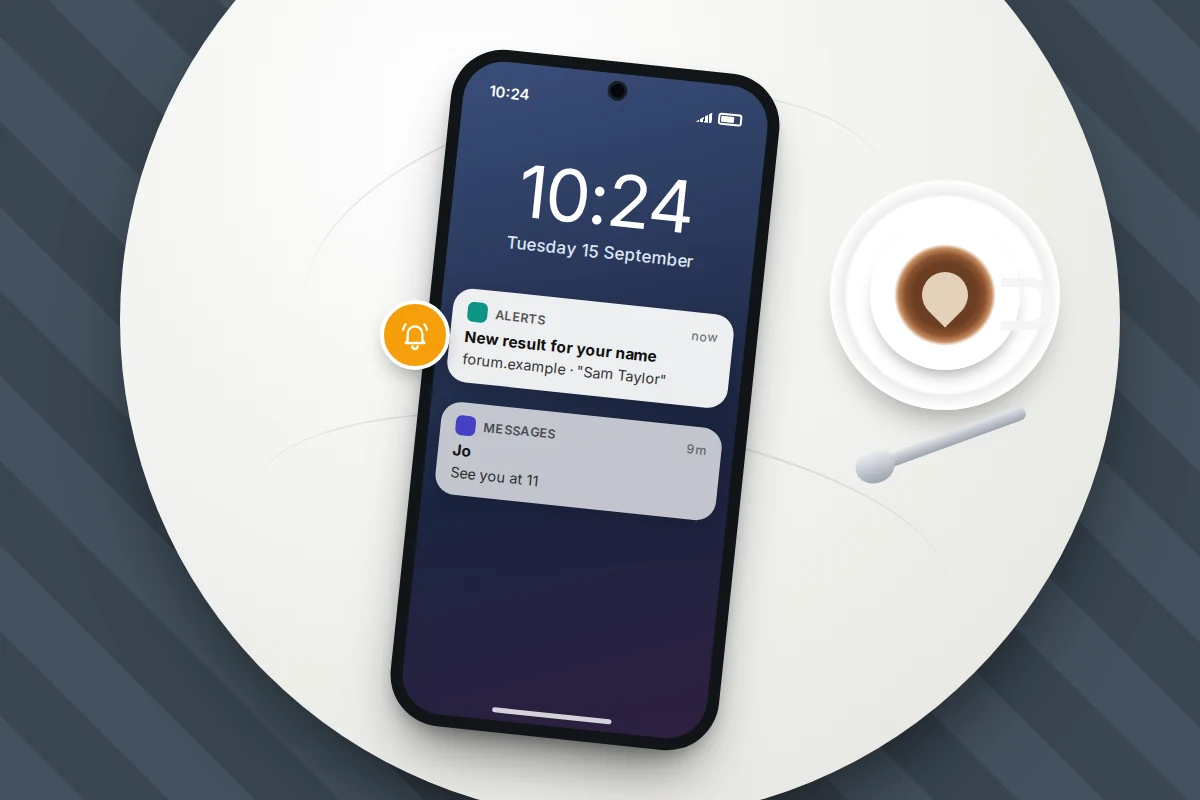
Two free alerts tell you when something new appears:
- Results about you notifications, if available where you live, flag new results with your contact details.
- Google Alerts: go to google.com/alerts, type your name in quotation marks, choose Show options to set how often, and select Create alert. Add a second alert with your name and town.
If your email address or phone number keeps turning up on sites you never used, it may have come from a leak. Our guide to checking whether your email was in a data breach shows how to find out and what to change.
What you found, and where to go
| What you found | Where to request removal | What to expect |
|---|---|---|
| Your address, phone number or email on a website | The site owner first, then Results about you or Google’s personal information form | No fixed time; may be hidden only from searches for your name |
| ID numbers, bank or card details, signature, login details, medical records | Google’s personal information form; the site owner; your bank for financial details | Clearly covered by policy; newsworthy content may stay |
| Your details posted with threats | Google’s doxxing form, plus the police | Needs threats, or a harmful collection of your details |
| Intimate images, real or fake | Google’s personal sexual content form; StopNCII.org for adults | Google also looks for duplicates and can filter similar results |
| A photo of your child | Google’s images of minors form | Image results only; newsworthy images may stay |
| Old snippet for a page that has changed | Refresh outdated content | Works only if the live page has changed |
| People-search listing | The site’s opt-out; DROP in California; a UK GDPR erasure request | Site by site; UK sites have a month to respond; listings can return |
| Old news story or post (UK or EU) | Google’s right to be forgotten form; the ICO or your EU regulator if refused | Case by case; name searches in Europe only |
| Your house on Street View | Report a problem on the Street View image | Permanent once applied |
If you are being harassed or doxxed
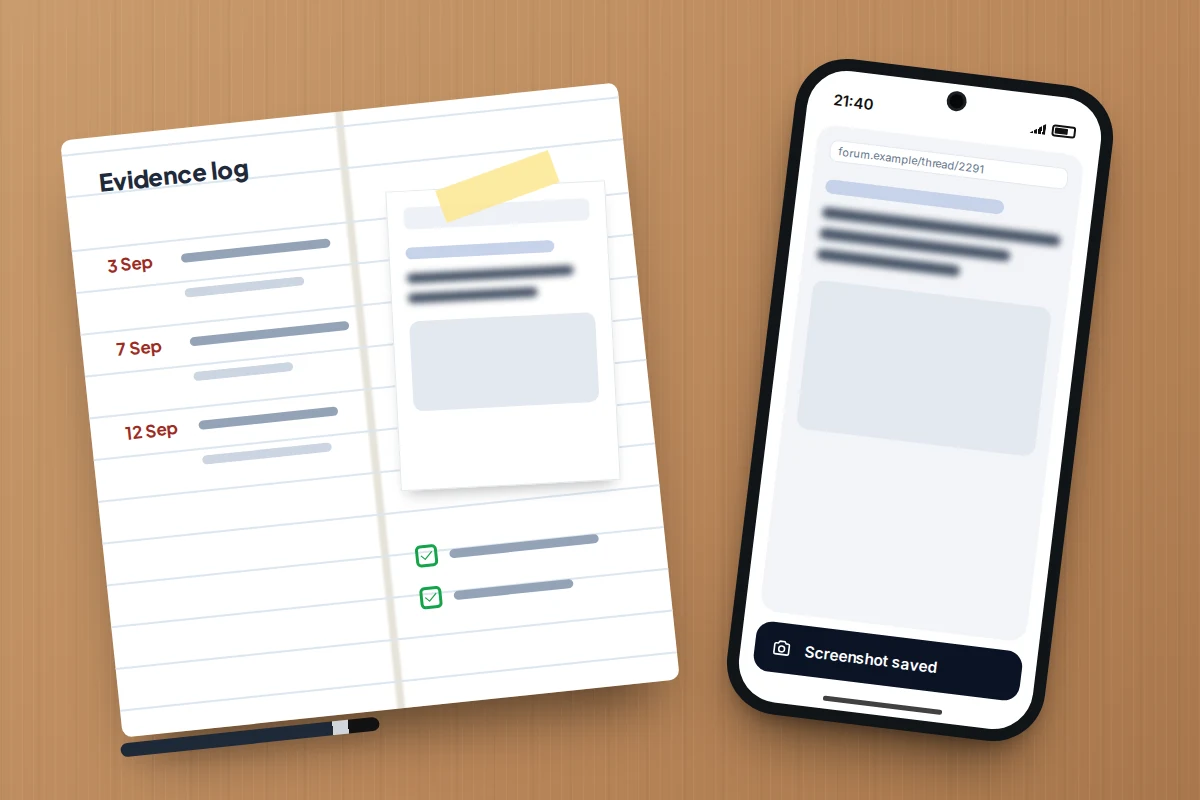
Before asking for anything to be removed, save evidence: screenshots showing the web address, date and content, and a note of when you found each item. Once a page is gone, it is much harder for the police or a court to act on it.
- If you are in immediate danger, call 999 in the UK or 911 in the US.
- UK: the National Domestic Abuse Helpline, run by Refuge, is free and open 24 hours on 0808 2000 247. Refuge’s tech safety site has guides to securing devices and accounts. Adults whose intimate images have been shared can contact the Revenge Porn Helpline; under-18s can use Report Remove, run by Childline and the Internet Watch Foundation.
- US: the National Domestic Violence Hotline is on 1-800-799-7233, or text START to 88788, at any time.
- Anywhere: StopNCII.org lets adults create a digital fingerprint of an intimate image on their own device, so participating platforms can block copies without the image being uploaded.
If Google says no
- Removed only from name searches. Google has judged there is some public value. Contact the site owner, or in the UK and EU try the right to be forgotten form.
- Refused outright. Read the reason, then resubmit with the exact web address, a screenshot and a clearer explanation of the harm. For right to be forgotten refusals, complain to the ICO or your EU regulator.
- A listing came back. People-search sites refresh their data. Opt out again and keep a dated record.
- A service offers to clean it all up for a fee. Paid removal services mostly send the same opt-outs you can send yourself, though they save time. Never pay a site that holds your data to remove it; report that site to Google instead.
Frequently asked questions
Does removing a result from Google remove it from other search engines?
No. Other search engines run their own removal processes. Getting the page removed at the source fixes it everywhere.
Is Results about you available in the UK?
Google does not publish a country list, but TechCrunch reported in February 2025 that the UK was included. The ID number search added in 2026 started in the US. If you cannot see the tool, the standard removal form covers the same types of information.
Can I get a news article about me removed?
Rarely under Google’s standard policies. In the UK and EU, a right to be forgotten request can succeed for old, inaccurate or irrelevant stories about private individuals.
Can I remove my details for a family member?
For a child’s images, yes, as a parent or representative. For an adult, they usually need to make the request themselves or authorise you to do it.
Sources and further reading
- Google Search Help: Find and remove personal info in Google Search results
- Google Search Help: Remove my private info from Google Search
- Google Search Help: Refresh outdated content
- Google Legal Help: Right to be forgotten overview
- ICO: Internet search results
- California Privacy Protection Agency: Delete Request and Opt-out Platform (DROP)
- Google Maps Help: Blur Street View imagery
- TechCrunch: Google expands tools to remove sensitive personal data from Search
Looking for a tool to go with this? TheTruthSpy is a free parental control app for Android that stays visible on the child's phone. If it fits your family, see what the app does.
Related guides
How to Protect Yourself From SIM Swap Fraud
How SIM swap fraud works, the signs your number has been moved, what to do in the first 30 minutes,…
How to Spot a Fake Online Shop Before You Pay
Two-minute checks to spot a fake online shop: domain age, reviews, scam checkers and company details, plus how to pay…
How to Secure Your Home Wi-Fi Network
A 20-minute router check-up: log in, change the admin password, pick WPA3 or WPA2, turn off WPS, add a guest…
Parental controls your child can see
Location, screen time limits, a web filter and alerts from notifications — free, and visible on your child's phone. Pair a phone in about ten minutes.
Android · Free to set up · Visible on your child's phone