How to Spot a QR Code Scam

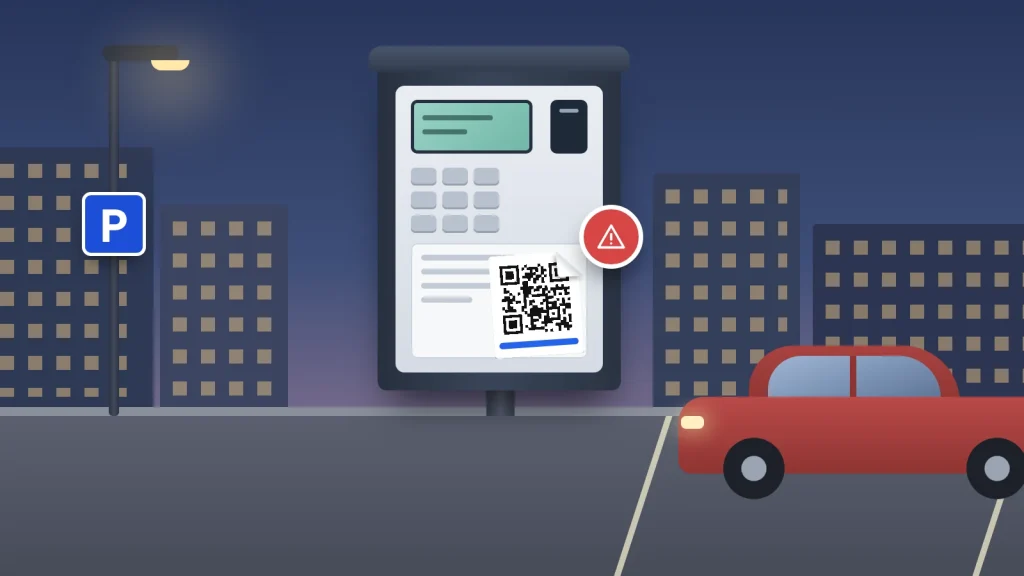
You pull into a car park, the machine is out of order or wants coins you do not have, and a sticker on the sign says “Scan to pay”. Thirty seconds later you have typed your card number into a page you know nothing about. That is the whole trick behind most QR code scams: a code hides its web address until you scan it, and you scan it in a hurry.
Action Fraud, since replaced by Report Fraud, received 784 reports of QR code fraud between April 2024 and April 2025, with almost £3.5 million lost, and said car parks were where it happened most. The same trick can appear on electric car chargers, in emails asking you to “re-verify” an account, and on letters or parcels you never expected. Most of it can be caught in the few seconds between pointing your camera and tapping the link, once you know what to look at.
The short version
- Your phone shows the web address before it opens a QR code. Read it, and if it is not clearly the organisation named on the sign, do not tap.
- In car parks and at chargers, look for a sticker stuck over the original. Pay through the app, phone number or card reader the sign already names instead.
- Never type card details, install an app or log in to an account because of a QR code you did not go looking for.
- Be most suspicious of codes in unexpected emails, letters and parcels. Codes printed on a menu in a café or pub are usually fine.
- If you paid, call your bank first, check your statement for small repeat charges, then report it.
Why a QR code suits a scammer
A QR code is just a web address written in squares. You cannot read it by eye, so a scam code looks exactly like a genuine one. A sticker costs pennies to print, takes seconds to put up, and can stay on a busy sign for days before anyone reports it.
In emails, codes have a second advantage for criminals. The National Cyber Security Centre (NCSC) points out that people have learned to distrust links, that some email security tools do not read the contents of an image, and that a code in a work email is often scanned on a personal phone that lacks the protection of the work computer. It calls this “quishing”, a mix of QR and phishing.
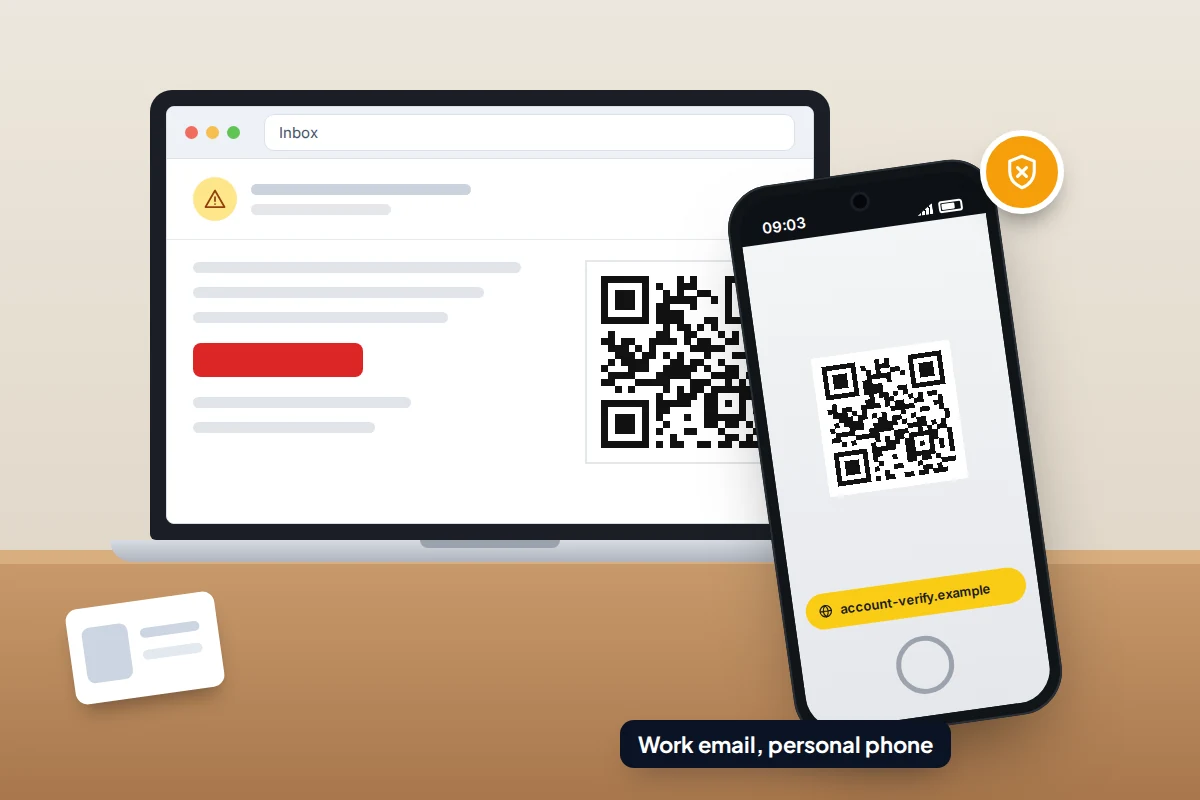
The NCSC also stresses that QR fraud is small compared with other cyber fraud. There is no need to avoid codes altogether, only to know which ones deserve a second look.
Where you’ll see QR codes: safe, suspicious, and what to do instead
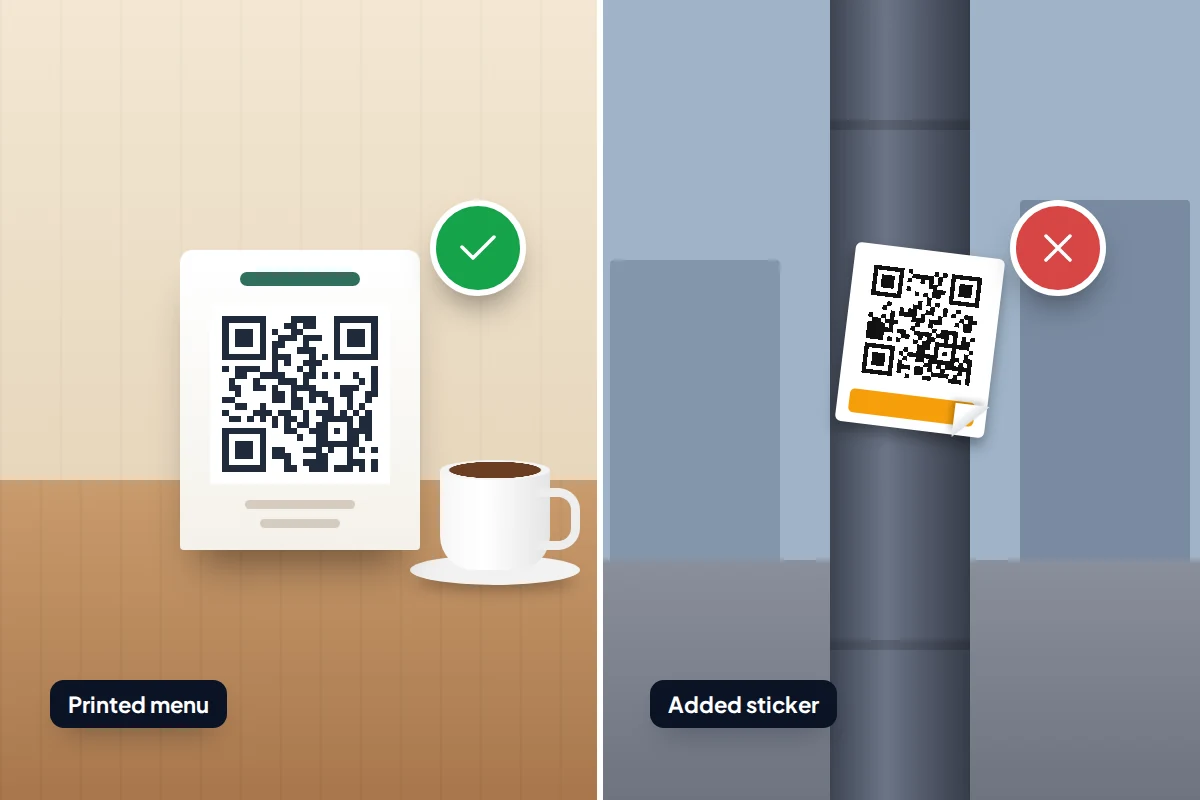
Context tells you most of what you need. A code printed into a café menu has been there since the menus were made; a sticker on a lamppost could have been added this morning.
| Where you see it | Usually | What to do instead of scanning |
|---|---|---|
| Printed on a menu or table card in a café, pub or restaurant | Low risk, according to Action Fraud and the NCSC | Scan if you like, but do not install anything; ask staff if the page asks for more than an order |
| Parking machine, pay sign or lamppost | Suspicious, especially a separate sticker | Use the parking app, phone number or text service printed on the sign, or pay at the machine |
| Electric car charger | Check carefully; some genuine chargers use codes | Use the operator’s app you already have, or tap your bank card on the charger’s reader |
| Email asking you to scan to keep an account, sign a document or reset security | Suspicious | Open the account through its app or a web address you type yourself |
| Letter about a fine, refund or missed delivery | Suspicious unless you can confirm it | Look up the organisation’s contact details independently and ask |
| Card inside a parcel you did not order | Suspicious | Do not scan; keep the packaging and report it |
| Poster or flyer offering a big discount or giveaway | Mixed | Search for the offer on the company’s own website |
| Code a buyer or seller sends you “to pay” or “to receive money” | Suspicious | Receiving money never needs your card details; pay only through the platform’s own checkout |
If a code leads to a shop with prices that seem too good, run the same checks you would for any unfamiliar site; our guide to spotting a fake online shop covers them.
Read the address before you open it
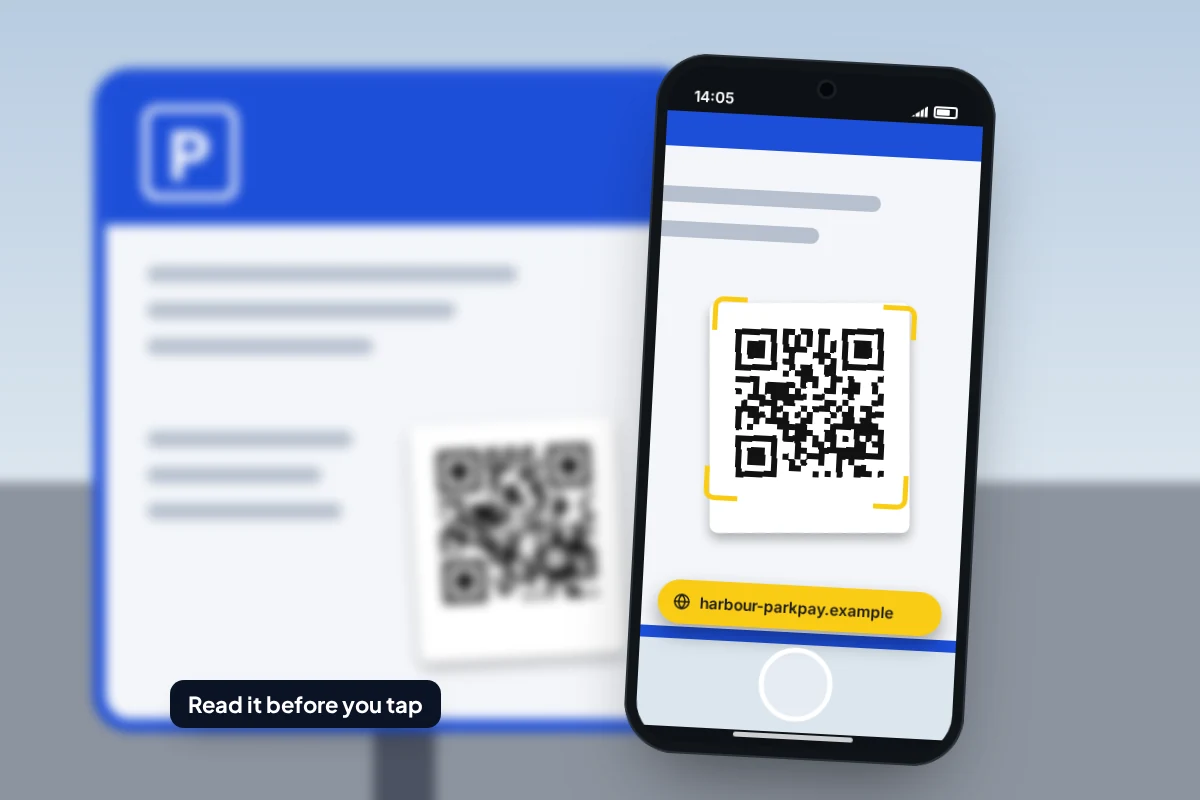
The built-in camera on iPhones and on most Android phones shows a link for you to tap rather than opening the page straight away, so you get a chance to read it. Use that built-in scanner rather than a separate app from the store, as Action Fraud, the NCSC and the FBI all advise.
iPhone
- Open Camera (or Code Scanner in Control Centre) and hold the code in view.
- A link appears on screen; on recent versions it is a small yellow button showing the website’s name. Apple’s instructions say to tap it to open the content. Do not tap it yet.
- Read the name. Only tap if it clearly belongs to the organisation you expect.
Android
- Open the Camera app and point it at the code. On some phones you first tap a Lens or QR button, or open the Google Lens app.
- When the code is recognised, the link usually appears in a small pop-up or banner. Do not tap yet.
- Read the address, then decide.
Button names differ between phone makers and software versions, but the habit is the same: read first, tap second.
What a bad address looks like
- A different name from the sign. The sign names a council or a parking app; the code leads somewhere with “pay”, “parking” or “secure” in a name you have never seen.
- A shortened link. Link-shortening services hide the real destination. A genuine parking sign has no reason to use one.
- Extra words or odd endings. A familiar name with hyphens, numbers or words bolted on, like the look-alike addresses described in our guide to fake delivery texts.
A correct-looking address is not a guarantee, but a wrong one is a reason to stop. Whatever the address, a page that immediately asks for your full card details, wants you to install an app, or asks you to log in to an unrelated account is not worth continuing.
At the parking machine: check the sign, not just the code
Car parks are the best-known target. In June 2025 the Bureau of Investigative Journalism reported that 123 of the 373 UK councils that answered its questions had received reports of fake codes in their car parks in the past year. Some councils, such as Dorset, do not use QR codes for parking at all, so any code on their machines is fake. The US Federal Trade Commission (FTC) warned about the same trick on parking meters in September 2026.
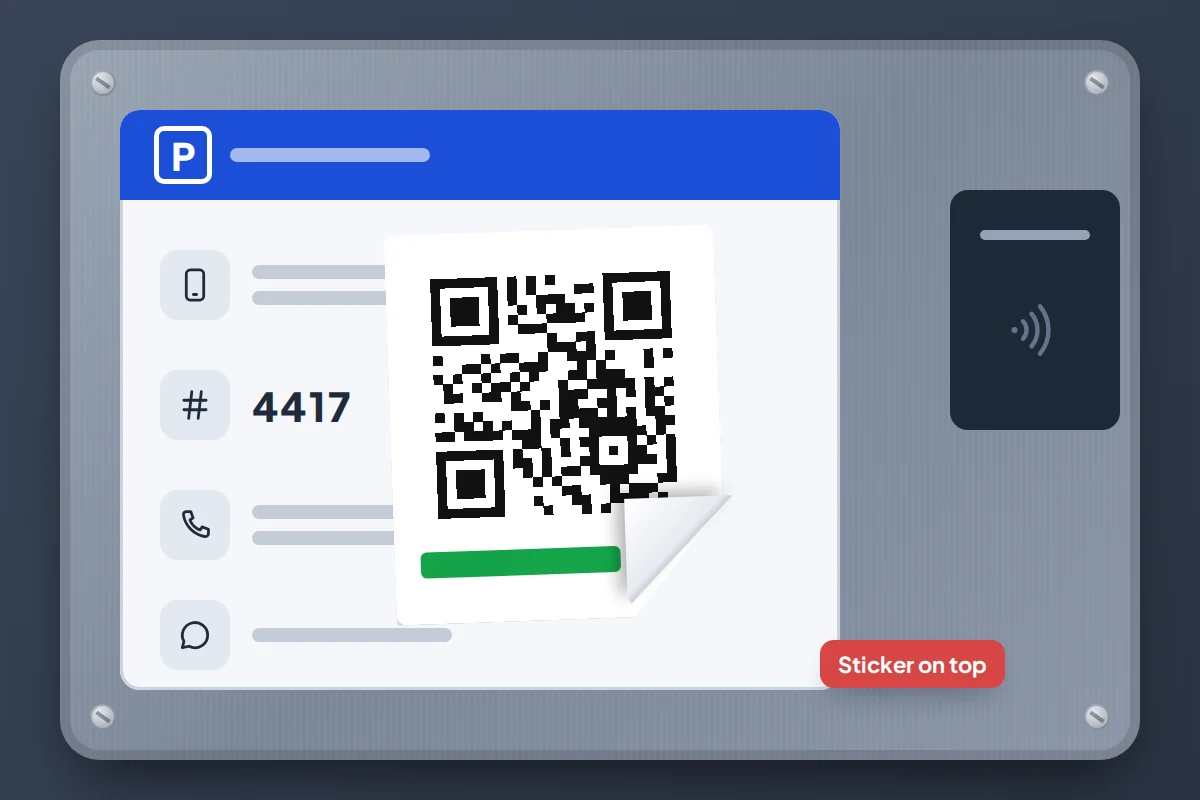
- Look for a sticker. Run a finger over the code. A raised edge, a code that sits at a slight angle, a different colour or finish from the rest of the sign, or a second code nearby are all warning signs.
- Read the rest of the sign. Genuine signs usually name a parking app, a location code and a phone number. If the sign says “pay by app, location 4417” and a separate code says “scan to pay”, trust the printed text.
- Use the app you already have. Many councils use services such as RingGo, PayByPhone or JustPark. If you have the one named on the sign, open it and enter the location code. If not, install it from your phone’s official app store, never from a link in a code.
- Pay at the machine by card or cash if it takes them, or phone the number on the sign.
If you find a sticker, take a photo and tell the council or car park operator using contact details from its own website.
At an electric car charger
A public charger can be tampered with in exactly the same way as a parking machine, and it is harder to judge, because UK rules allow genuine chargers to offer a QR code or app alongside other ways to pay. Two things help.
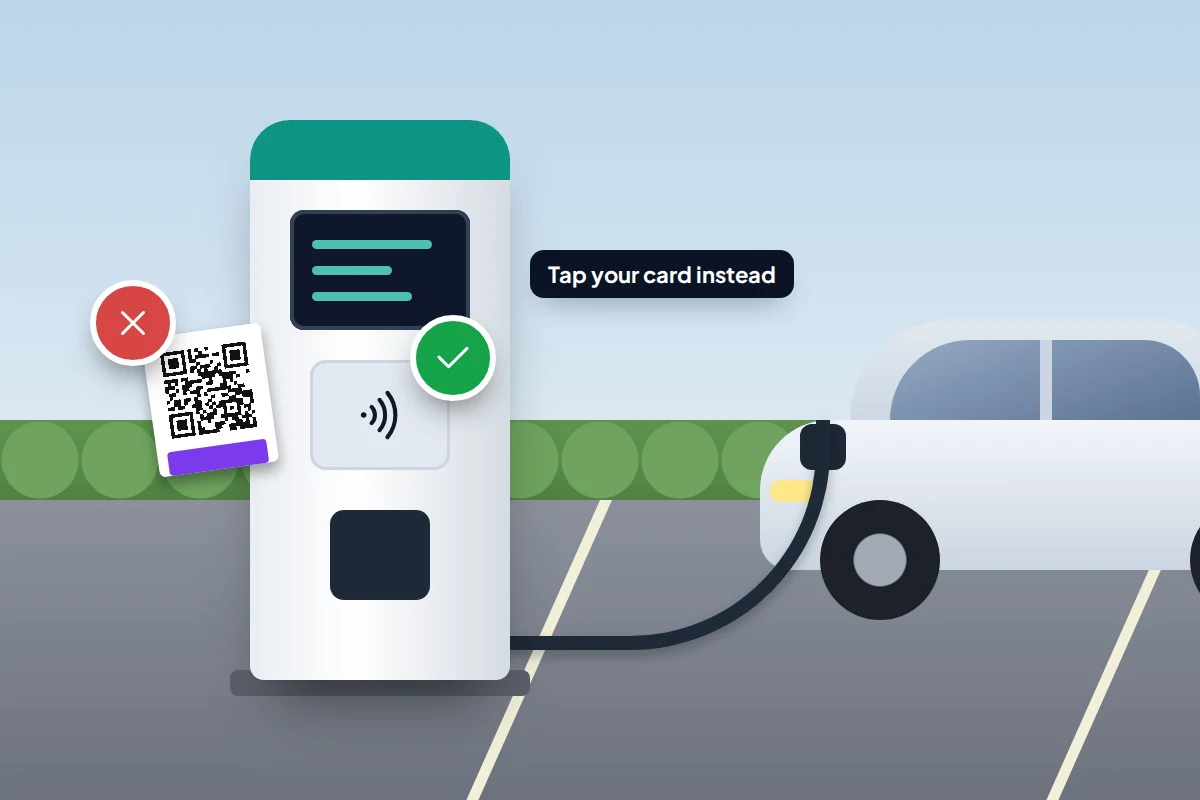
- Tap your card instead. Under UK rules, every public charger of 50kW and above, and every new public charger of 8kW and above installed since 24 November 2024, must accept contactless card payment. If there is a card reader, use it.
- Use the network’s app. If you regularly charge on one network, its official app avoids scanning altogether.
A genuine code is usually printed into the charger’s own panel, alongside a charger ID you can check in the network’s app. A plain sticker on the casing, the post or a nearby sign deserves the same suspicion as one on a parking machine.
A worked example: the Harbour Street car park
Say you park in a council car park on Harbour Street. (The car park, council and web addresses are invented.) Two hours cost £3.40, and the machine’s card reader is taped over with “out of order”.
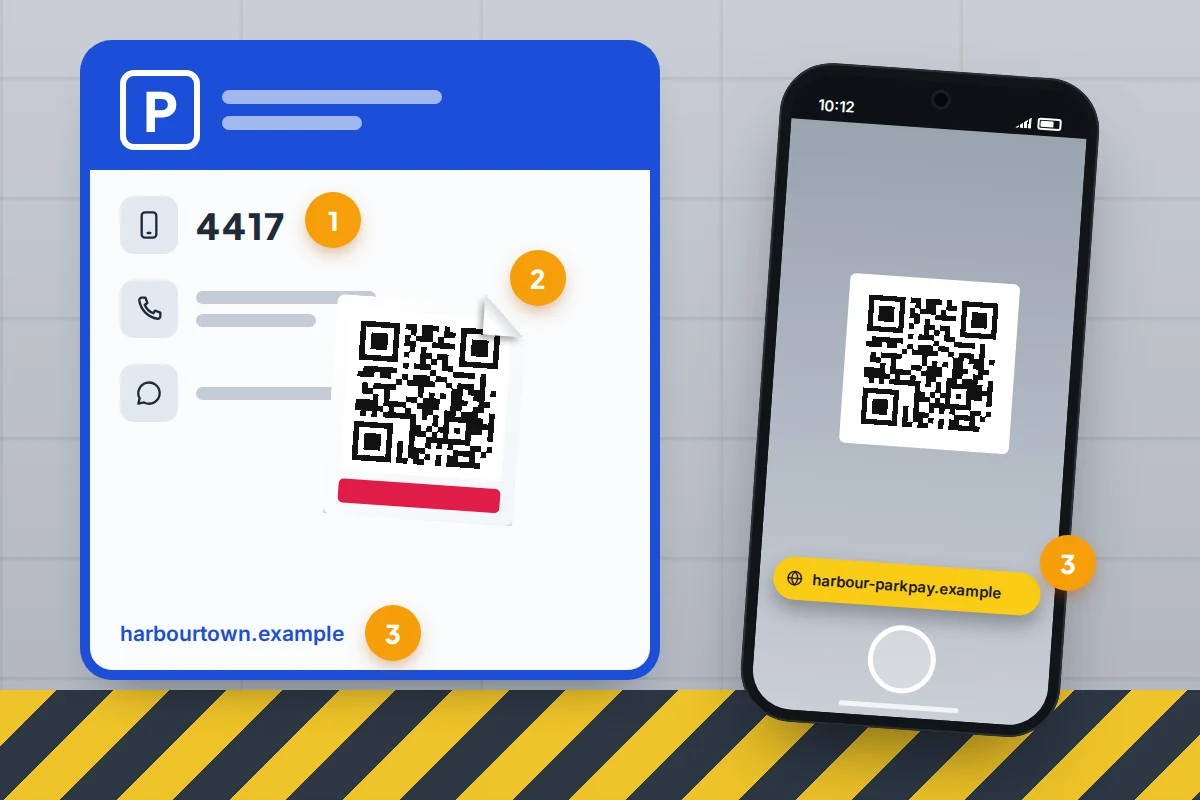
- The sign. It says “Pay by app: location 4417, or call the number below”. Below that is a glossy QR sticker reading “Quick pay – scan here”. The printed sign does not mention a QR code at all. First flag.
- The sticker. One corner lifts slightly under your fingernail. Second flag.
- The preview. Your camera shows harbour-parkpay.example. The council’s website, printed at the bottom of the sign, is harbourtown.example. Third flag, and enough to stop.
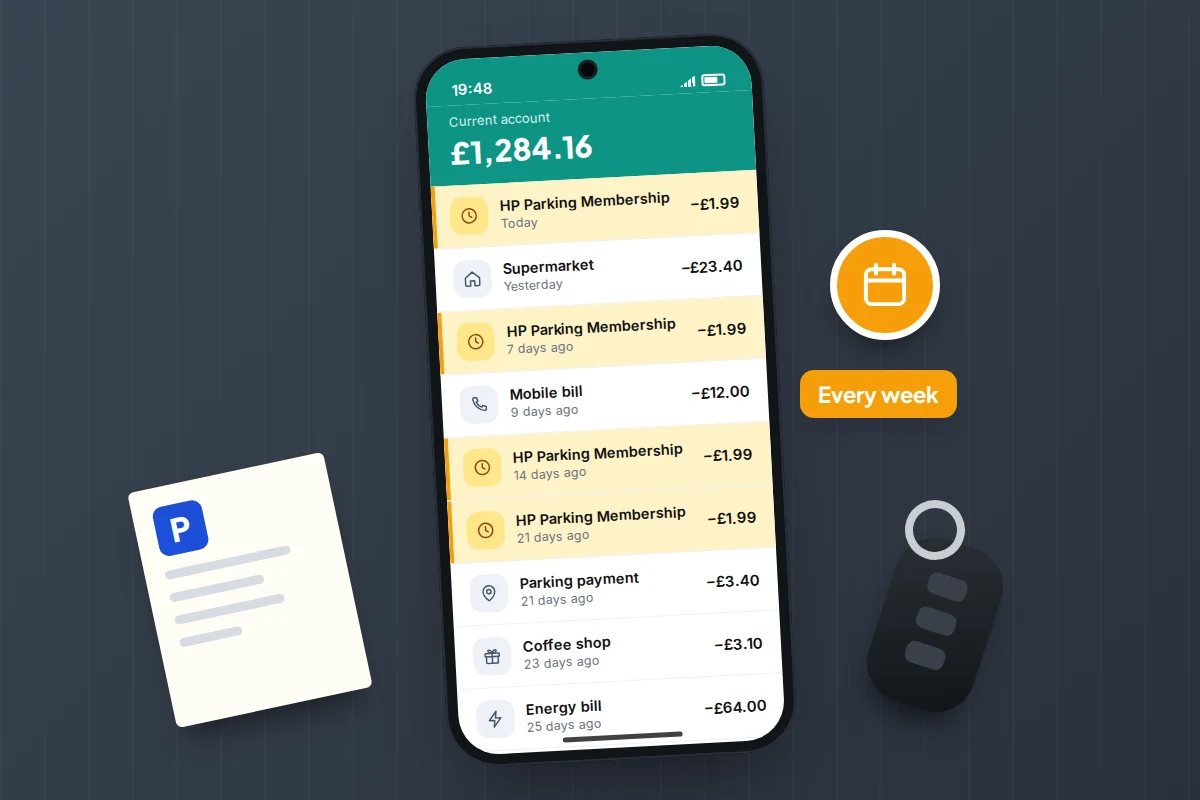
- What the page would have done. Had you opened it, it would have asked for your registration, card number, expiry date and security code, with a pre-ticked box for a “£1.99 weekly parking membership”. The £3.40 looks normal. The membership is the part that keeps taking money.
Instead, you open the parking app named on the sign, enter location 4417 and pay £3.40, then photograph the sticker and send it to the council.
QR codes in emails, letters and parcels
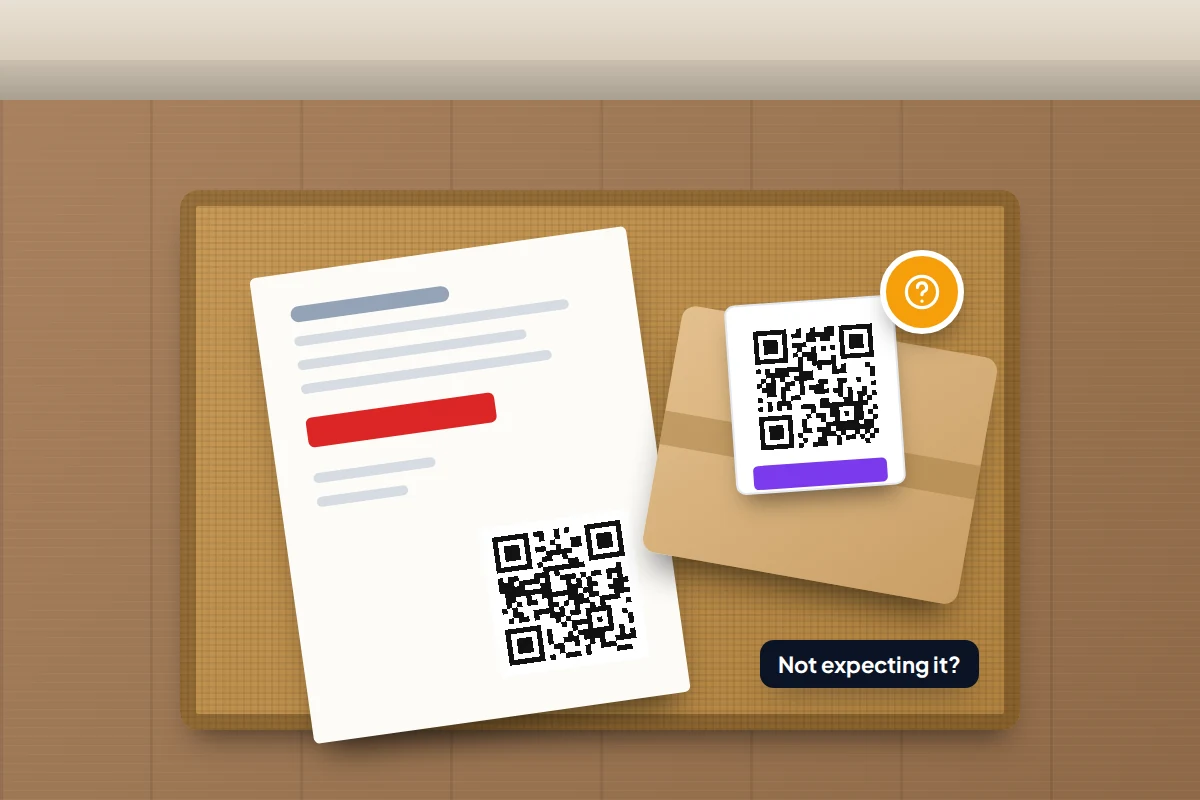
These codes arrive with a story attached: your account will be closed, your document needs signing, your refund is waiting. The FTC warns that scammers invent reasons like a missed delivery or suspicious account activity, and advises never scanning a code in a message you were not expecting, especially one that urges you to act immediately.
- Emails. Many “scan to re-verify” emails are after your email or work login. Open the service through its app or a bookmark instead. In the UK, forward suspicious emails to [email protected].
- Letters. A letter about a parking charge, refund or missed delivery can be checked without its code: contact the organisation using details from its own website or from earlier letters you know are genuine.
- Parcels you never ordered. In July 2025 the FBI warned of unsolicited parcels containing QR codes, a twist on “brushing”, where sellers send unrequested items. The code may lead to a page asking for personal and financial details, or trick you into downloading software that steals data from your phone. Do not scan it.
If you already scanned the code or paid
Scanning alone rarely causes harm; what matters is what you did next. Work through whichever of these applies, in order.
- Entered card details or paid: call your bank or card provider on the number on the back of your card, or dial 159 in the UK to reach most banks’ fraud lines. Ask them to cancel the card and check for recurring payments.
- Check your statement for unfamiliar or repeat charges. A fake page can take more than the one payment you saw, including a small recurring “membership” like the one in the worked example.
- Logged in to an account: change that password from the official app or website, and anywhere else you use it, and turn on two-step verification.
- Installed an app: uninstall it, and on Android run a Google Play Protect scan.
- Report it. In England, Wales and Northern Ireland, report to Report Fraud, which replaced Action Fraud, at reportfraud.police.uk or on 0300 123 2040. In Scotland, call Police Scotland on 101. In the US, report to ReportFraud.ftc.gov or the FBI’s ic3.gov.
- Tell the council or car park operator so the sticker comes down, and pay for your parking through the genuine route so you are not also fined.
Be wary of calls or texts that follow, claiming to be your bank’s fraud team: the people behind the fake page now have your name and card details, which make that call sound convincing. Hang up and call your bank on a number you already trust.
Frequently asked questions
Can scanning a QR code on its own hack my phone?
For an up-to-date phone, the scan itself is very unlikely to cause harm. The risk comes from opening the page and then typing details, logging in or installing something. Keeping your phone’s software updated closes most of the remaining gaps.
Should I use a QR scanner app from the app store?
There is no need. Action Fraud, the NCSC and the FBI all recommend your phone’s built-in camera scanner; the FBI notes that downloading a scanner app adds a chance of installing malware.
The web address had a padlock. Does that mean it is safe?
No. The padlock means the connection is encrypted, not that the site is honest. Scam pages routinely have one.
I only scanned it and closed the page. Do I need to do anything?
No. If you entered nothing, close the tab. Reporting the sticker to the council still helps the next person.
Sources and further reading
- National Cyber Security Centre: QR codes – what’s the real risk?
- FTC consumer alert: scammers hide harmful links in QR codes
- FTC consumer alert: see a QR code parked somewhere? Don’t scan it yet (September 2026)
- FBI Internet Crime Complaint Center: unsolicited packages containing QR codes
- Action Fraud press release (via Wired-Gov): new quishing alert, £3.5 million lost (June 2025)
- Bureau of Investigative Journalism: quishing scam sweeps UK car parks
- Dorset Council: scam QR code stickers found on parking machines
- GOV.UK: Public Charge Point Regulations 2023 guidance
Looking for a tool to go with this? TheTruthSpy is a free parental control app for Android that stays visible on the child's phone. If it fits your family, see what the app does.
Related guides
How to Spot a Romance Scam
The patterns romance scammers follow, what their lines really mean, checks that don't accuse anyone, what to do if you…
How to Remove Your Personal Information From Google Search
What Google will and won't remove, how Results about you works, people-search opt-outs, the right to be forgotten, Street View…
How to Protect Yourself From SIM Swap Fraud
How SIM swap fraud works, the signs your number has been moved, what to do in the first 30 minutes,…
Parental controls your child can see
Location, screen time limits, a web filter and alerts from notifications — free, and visible on your child's phone. Pair a phone in about ten minutes.
Android · Free to set up · Visible on your child's phone