Schedules: school time, homework and bedtime
Create schedules that limit the phone to certain apps at set times, including overnight bedtimes and holiday breaks.
A schedule limits the phone to a short list of apps during set hours. Schedules run on the phone itself, so they keep working without internet.
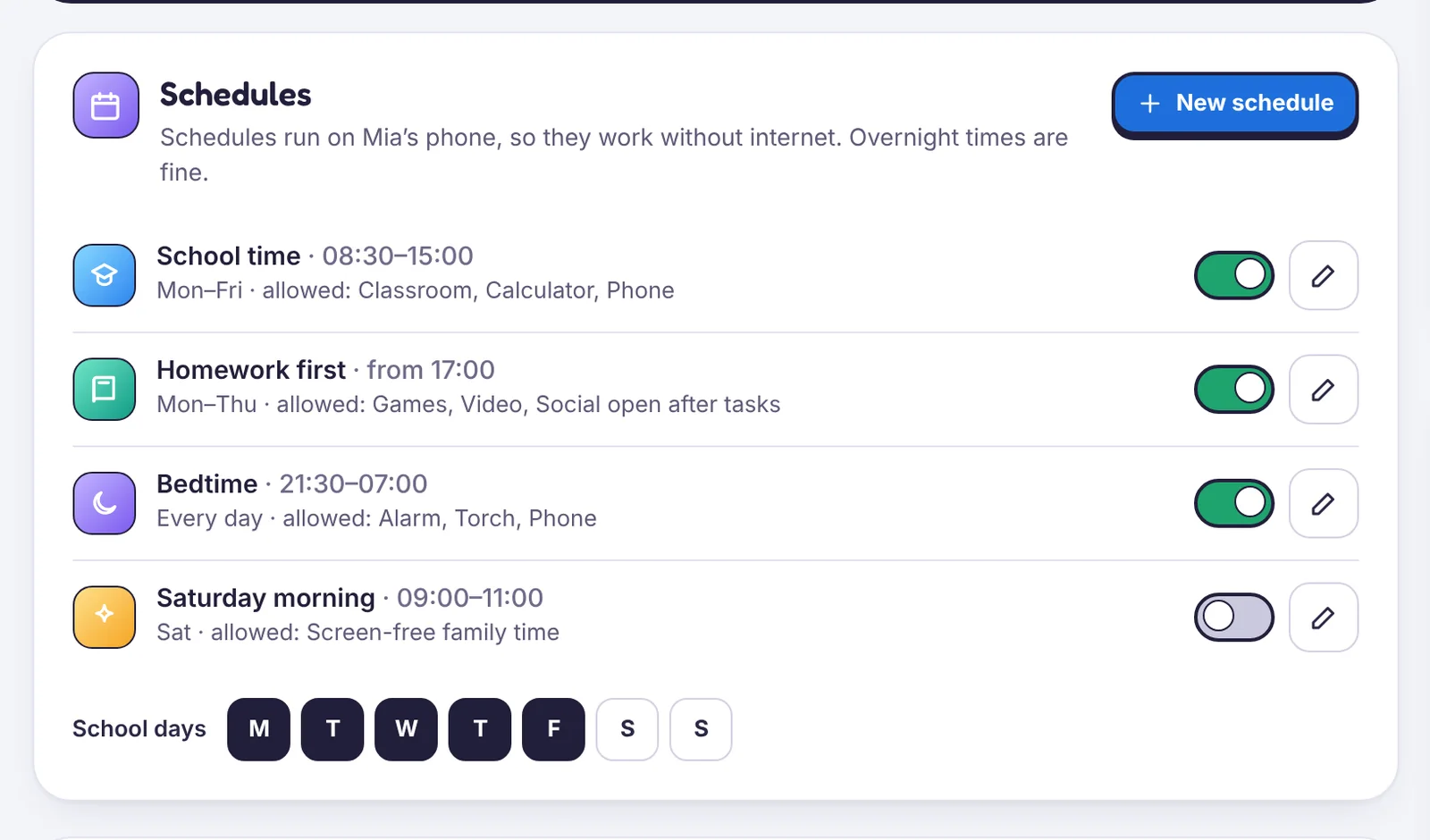
Built-in schedules
- School time: school days, school hours. Only school apps, the phone app and the calculator.
- Homework first: from a time you choose, games and video stay closed until a homework chore is approved.
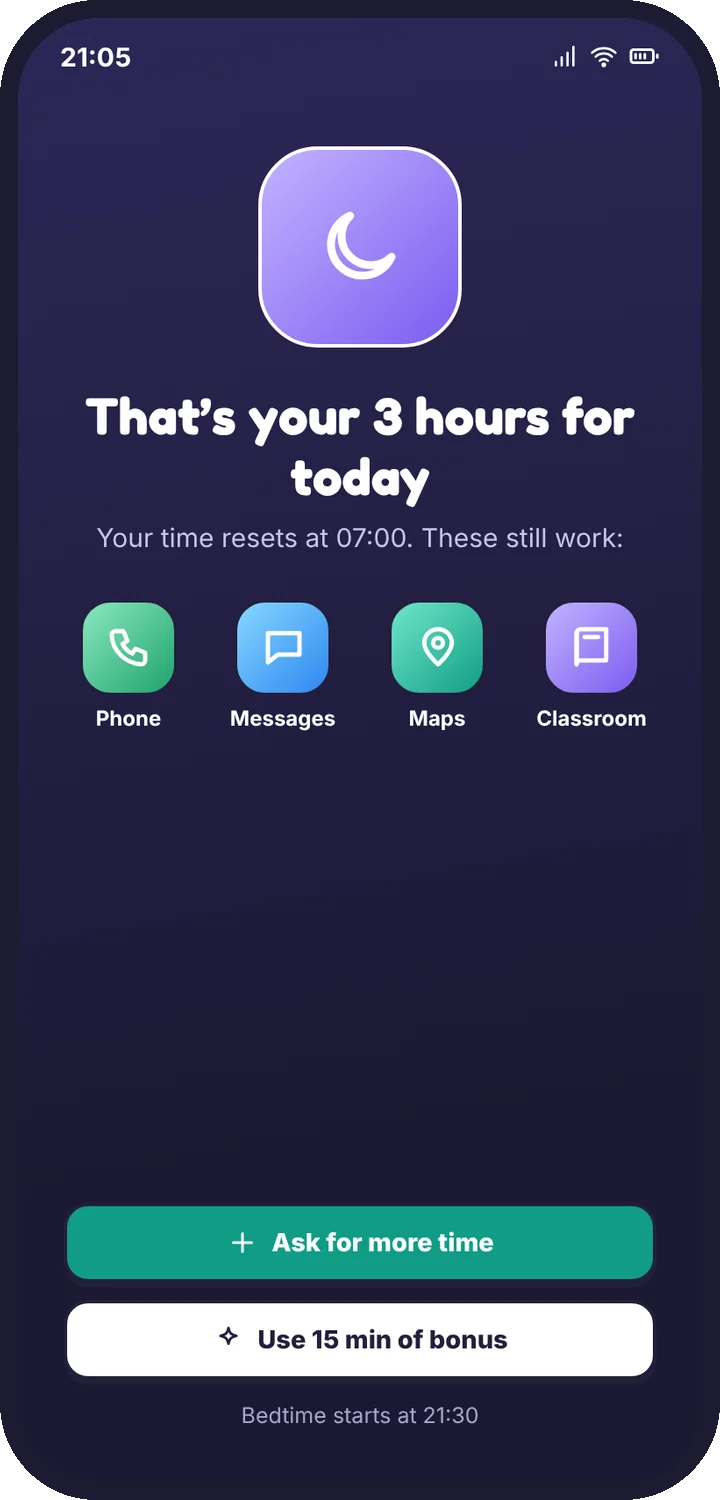
- Bedtime: overnight, for example 21:30 to 07:00. The alarm, the torch and calls from family still work.
Create your own
- Open Screen time → Schedules → New schedule.
- Name it, pick the days and the start and end times. Overnight times are fine.
- Choose the apps that stay allowed.
- Save. Your child sees “School time until 15:00” on their phone while it runs.
Special days
Use Special days to switch rules for a day or a date range: Sick day, No bedtime tonight, Weekend rules today or Holiday mode. They end by themselves.
Tip
Start bedtime early from the remote controls if the evening needs it. Your child sees a note with your name.
Still stuck?
Contact support
Tell us which step you reached and what you see on screen. Screenshots help.