Set a daily screen time budget
Weekday and weekend budgets, what counts towards them, Teen mode, and the warnings before time runs out.
The daily budget is the total time your child can spend on their phone each day. It is counted across all their devices.
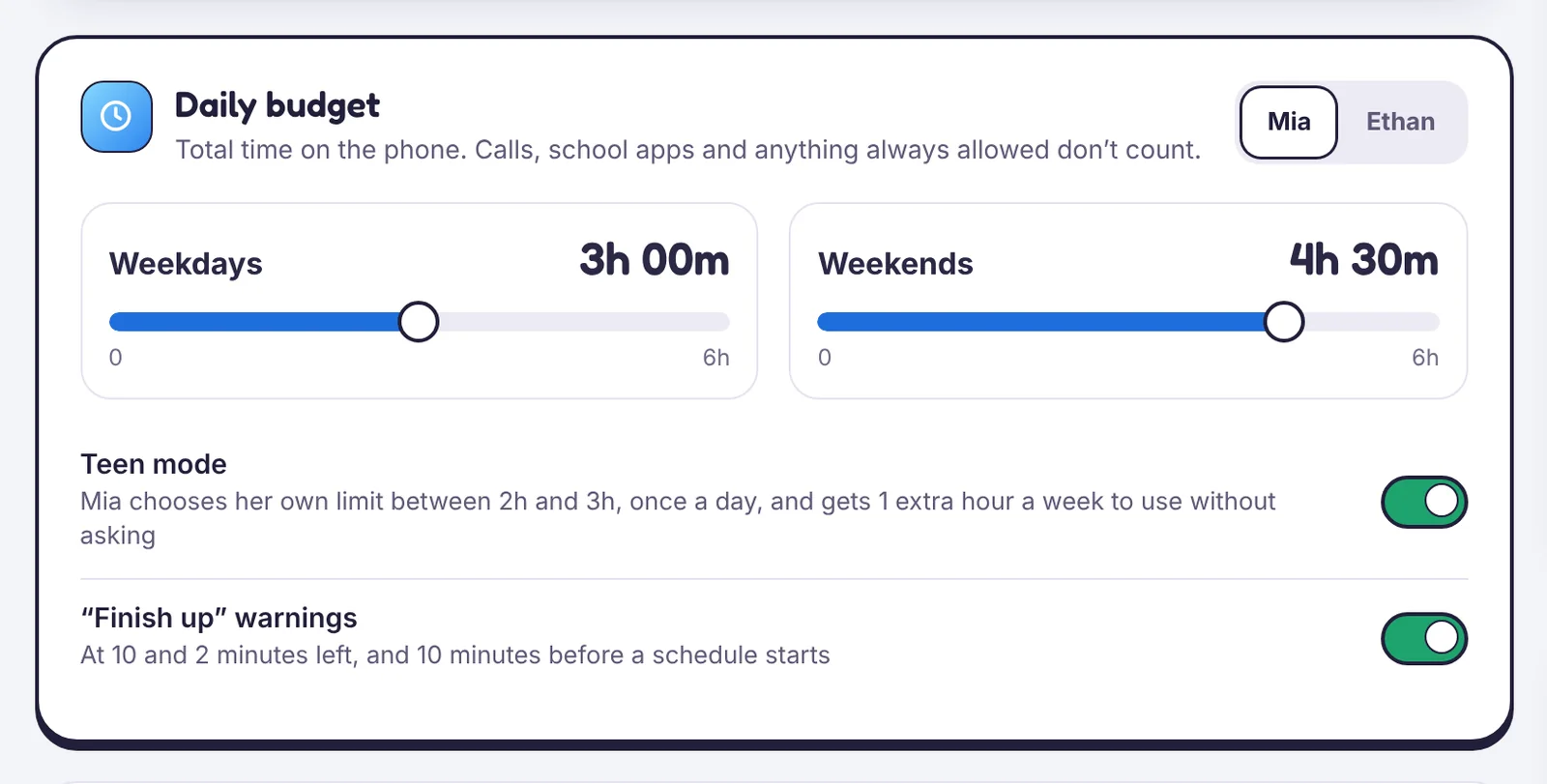
Set the budget
- Open Screen time and pick the child.
- Drag the Weekdays and Weekends sliders.
- Choose which apps are Always allowed. Calls, messages, maps and school apps usually go here. Always-allowed apps never count and never get blocked.
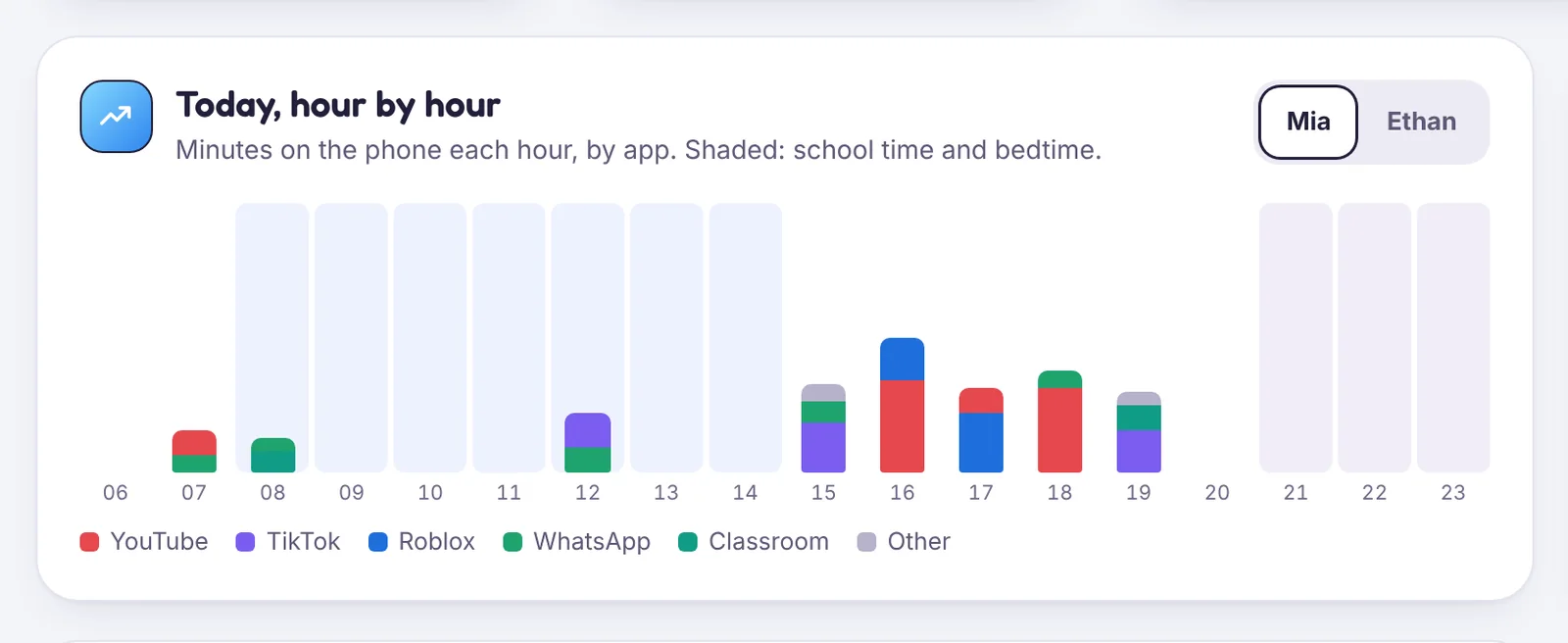
Warnings
With Finish up warnings on, your child sees a notice at 10 minutes and 2 minutes left, and 10 minutes before a schedule like bedtime starts.
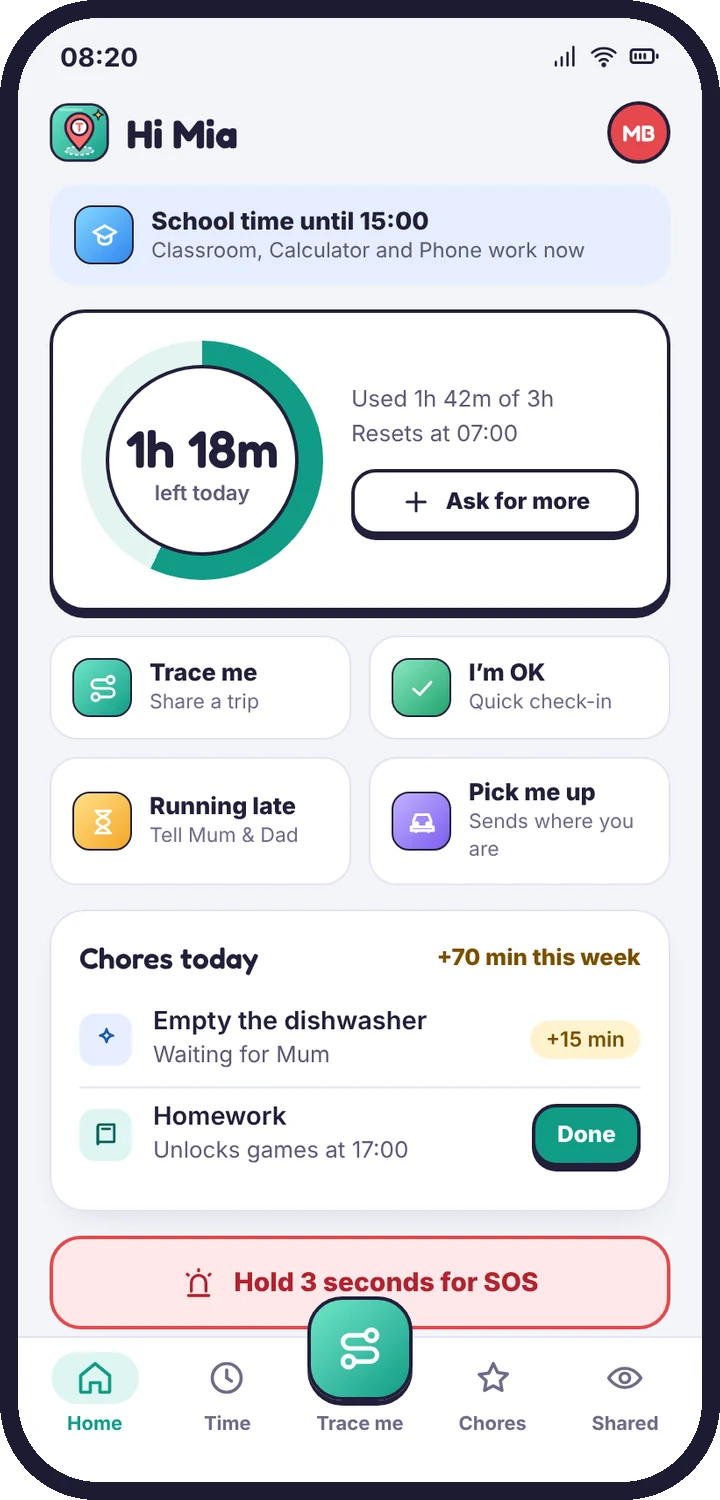
When time runs out
Everything except always-allowed apps closes, and your child sees a plain screen with an Ask for more time button. They are never left with a phone that just stops working.
Teen mode
Teen mode hands over some control. Your child picks their own limit within a range you set (for example 2 to 3 hours), once a day, and gets a weekly allowance of extra time they can use without asking. It is a good step before removing limits altogether.
Bonus time
Tap Add bonus time to give extra minutes for today only. Your child is told who added it.
Tell us which step you reached and what you see on screen. Screenshots help.