The app was removed or a permission was turned off
What you see when your child turns something off, how to send the fix, and how to talk about it.
TheTruthSpy doesn’t hide from your child and doesn’t force permissions back on. When something changes, it tells you, so you can talk about it.

What you see
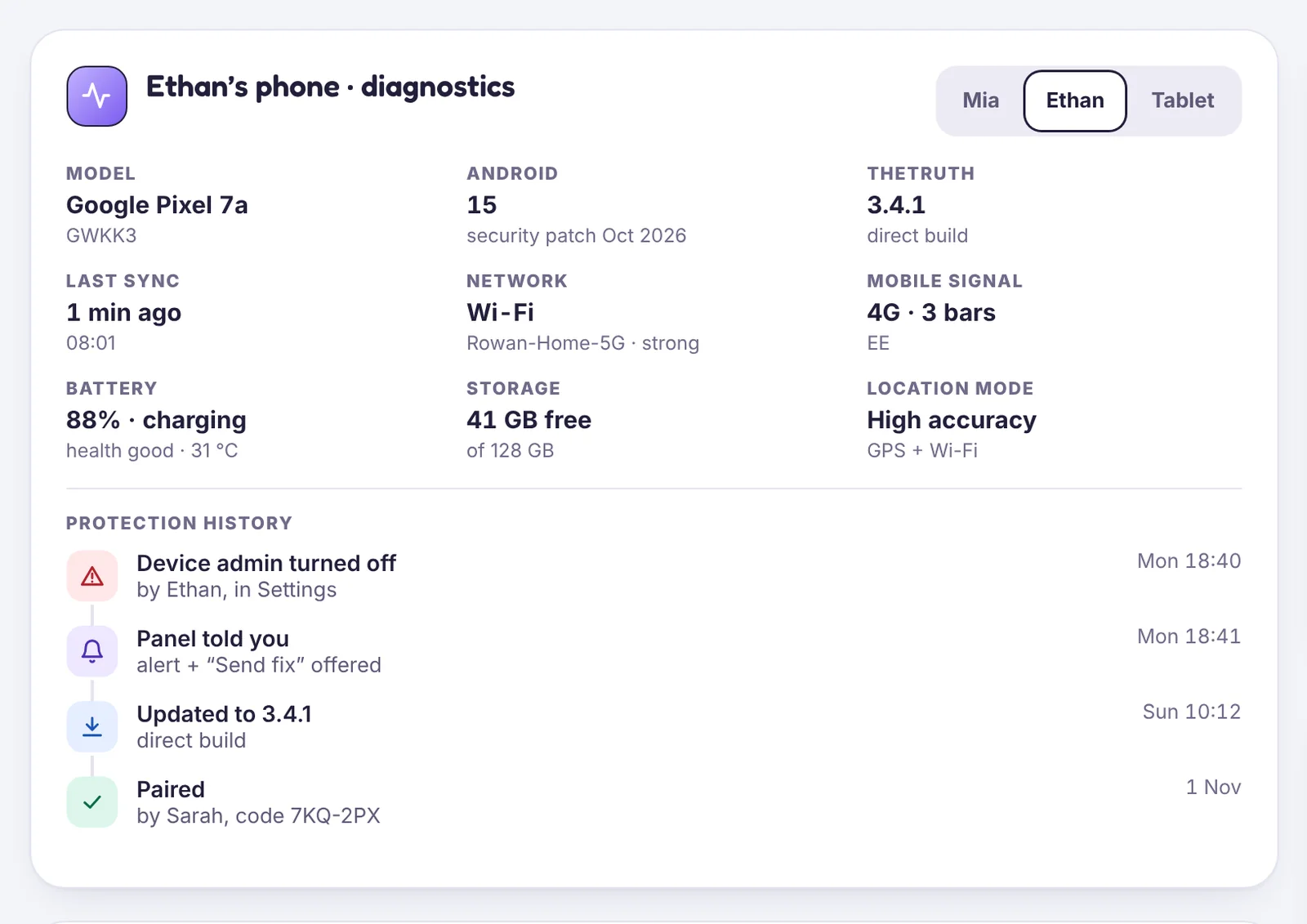
- Device health turns amber or red for that phone and names the permission that changed.
- If Device admin is on, you get an alert the same day if the app is removed.
- Last seen stops updating if the app can’t run.
Send the fix
On the phone’s card, choose Send fix to phone. Your child gets a notification that opens the right settings screen, with one step to follow.
If the app was removed
Reinstall it together and pair with a new code. Your rules and history are still in your account.
Talk first
A switched-off permission is often curiosity, or a battery-saving tip from a friend. Ask what happened before deciding what it means. If they want more privacy, Teen mode and the Growing up plan are a way to give it on purpose.
Tell us which step you reached and what you see on screen. Screenshots help.