Alerts aren’t arriving
Check notification access on your child’s phone, then the alert settings and notifications on your own phone.
There are two ends to an alert: your child’s phone has to spot it, and your phone or email has to receive it.
On your child’s phone
- Notification access must be on for social alerts: Settings → Apps → Special app access → Notification access → TheTruthSpy.
- Alerts can only come from notifications that appear. Muted chats, or a chat open on screen while the message arrives, aren’t checked.
In your panel
- Check the category isn’t set to Off in Social alerts → What to watch for.
- For place alerts, check the place has the alert type switched on.
On your phone
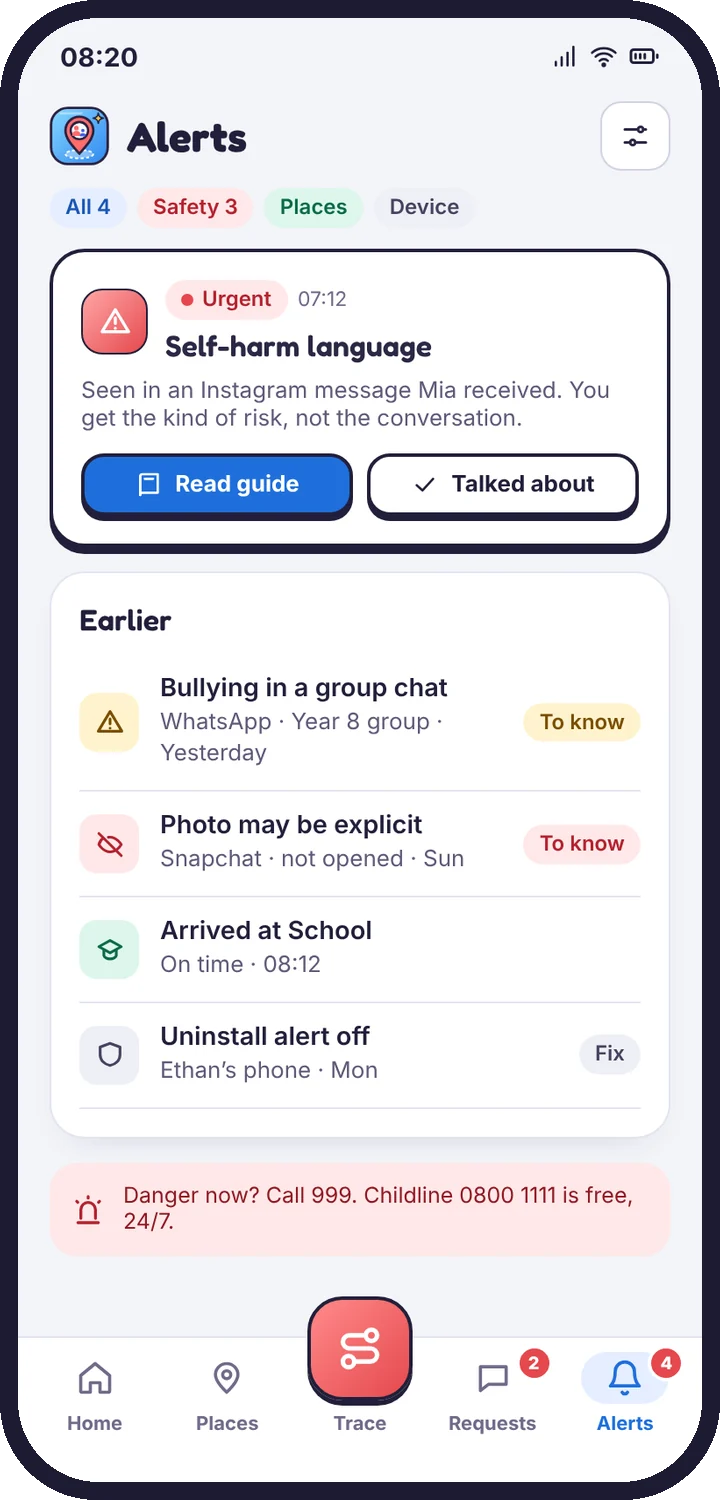
- In the parent app, open Alerts → settings and choose which alerts send a push notification.
- In Android settings, make sure notifications are allowed for the parent app.
- For email alerts, check your spam folder and add TheTruthSpy’s address to your contacts.
Still stuck?
Contact support
Tell us which step you reached and what you see on screen. Screenshots help.