How to Clean Your Phone Safely

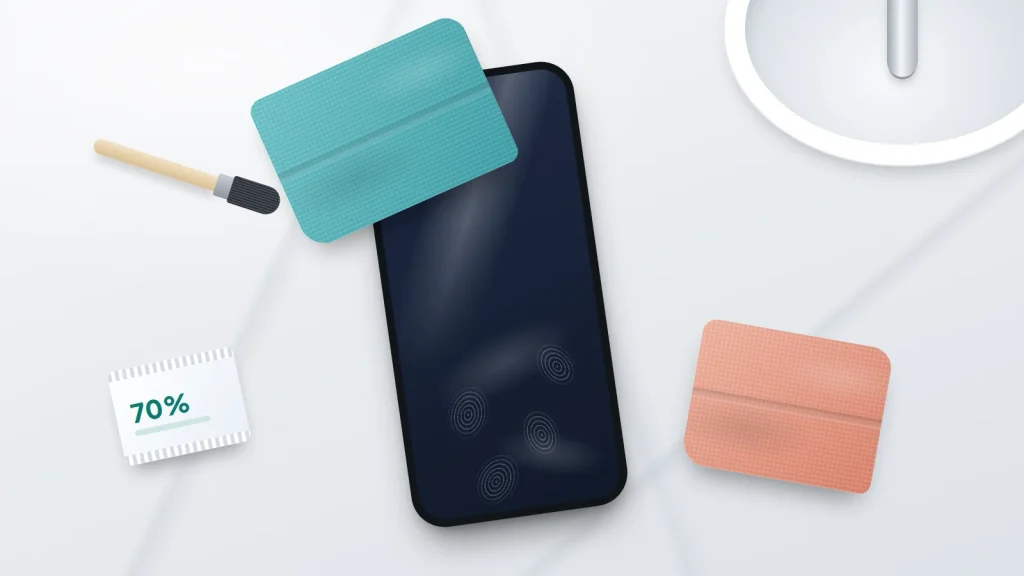
Apple, Samsung and Google now give surprisingly similar advice on cleaning a phone. A 70% isopropyl alcohol wipe on the outside is fine. Bleach, window cleaner and compressed air are not. The risk lies mostly in what you clean with: products that are fine on a worktop can wear the screen’s coating or get into the ports.
Below is what those three makers say as of September 2026, turned into steps for the screen, camera, grilles, case and charger. There is a reference table, a five-minute weekly routine, and advice for the awkward jobs: beach sand, a sticky drink, foundation on the screen and a phone that has been by a sickbed.
The short version
- Switch the phone off, unplug it and take the case off before you clean it.
- A soft, lint-free microfibre cloth does most of the work, dry or slightly damp with water.
- To disinfect, all three makers accept a 70% isopropyl alcohol wipe on the outside. Never use bleach, and keep moisture out of ports and openings.
- No window cleaner, household sprays, abrasive powders, compressed air or anything pushed into the grilles.
- Keep alcohol and disinfectant wipes off leather and fabric cases. A clear case that has yellowed right through usually cannot be cleaned back to clear.
What Apple, Samsung and Google actually say
- Apple (iPhone): use a soft, slightly damp, lint-free cloth and keep moisture out of openings. To disinfect, you may gently wipe the exterior with a 70% isopropyl alcohol wipe, a 75% ethyl alcohol wipe or disinfectant wipes (the US page names a bleach-free brand), then wipe with a cloth slightly damp with water. Apple rules out window cleaners, household cleaners, compressed air, aerosol sprays, solvents, ammonia, abrasives, bleach and hydrogen peroxide, and says not to submerge the phone.
- Samsung (Galaxy): switch off, unplug, and remove any case or stickers. Wipe with a lint-free microfibre cloth dampened with distilled water or an alcohol-based disinfectant such as 70% isopropyl or ethyl alcohol. Do not submerge the phone, keep moisture out of openings such as the charging port, never use bleach and avoid compressed air.
- Google (Pixel): a dry cloth for smudges, a damp cloth for colour transfer such as make-up, screen wipes or glasses cleaner for the screen, and household soap or bleach-free wipes for the back and sides. To disinfect, household disinfecting wipes or 70% isopropyl alcohol wipes, but not wipes containing bleach. Google also says to avoid harsh cleaners, rough scrubbing, spraying cleaners or compressed air at the phone, and moisture or soap in the openings.
The pattern is consistent: liquid goes on a cloth or wipe, never sprayed at the phone, and bleach is out. If your phone comes from another maker, follow the same principles and check its support site.
What actually damages a phone
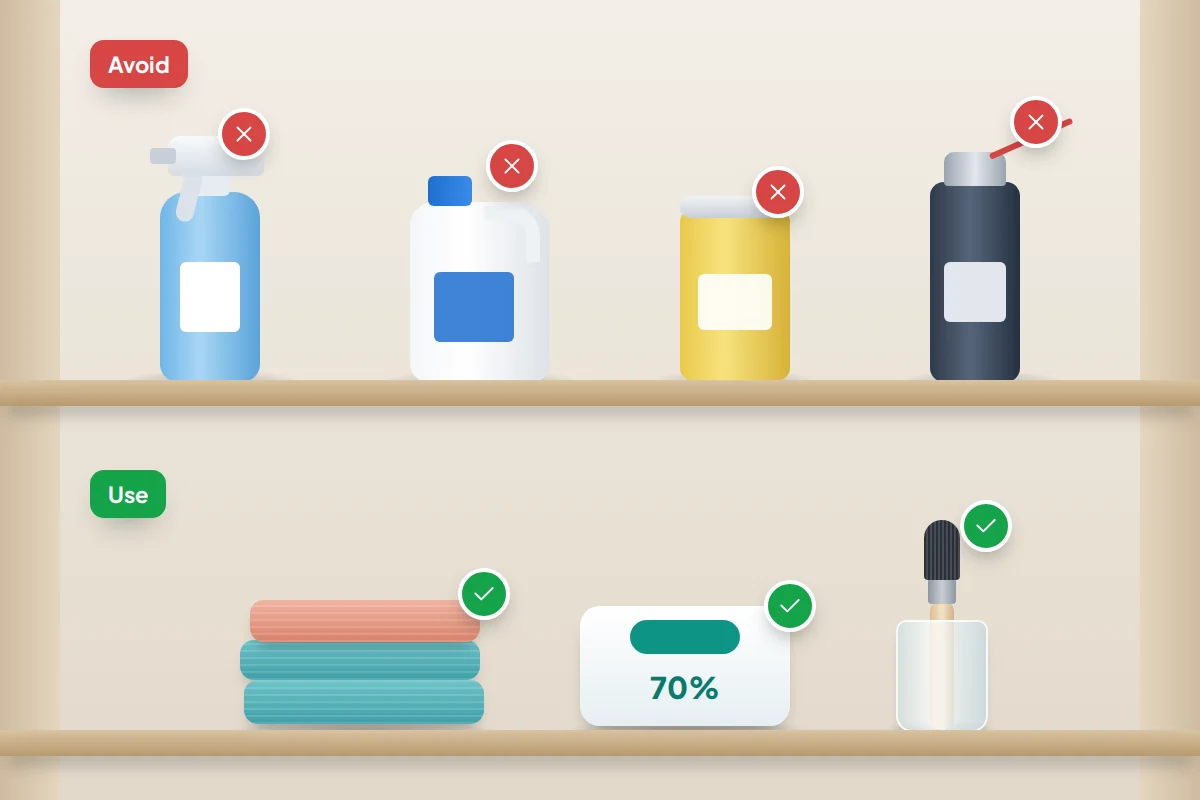
- Household sprays and window cleaner. Many contain ammonia or solvents, which Apple names specifically, and a spray drifts into speaker holes and ports.
- Bleach and hydrogen peroxide. All three rule out bleach; Apple adds hydrogen peroxide.
- Abrasives. Scouring powder, the rough side of a sponge, toothpaste and kitchen roll leave fine scratches, and Apple says abrasive materials wear down the screen coating.
- Compressed air. All three makers advise against it. A blast can push dust and moisture deeper and, Samsung says, damage parts inside the speaker and microphone. It is the same reason our guide to what to do when your phone gets wet warns against it.
- Soaking. Water resistance is not a licence to wash a phone under the tap. Apple and Samsung both say not to submerge it, and Samsung rules out soap and detergents for cleaning.
The coating you are protecting
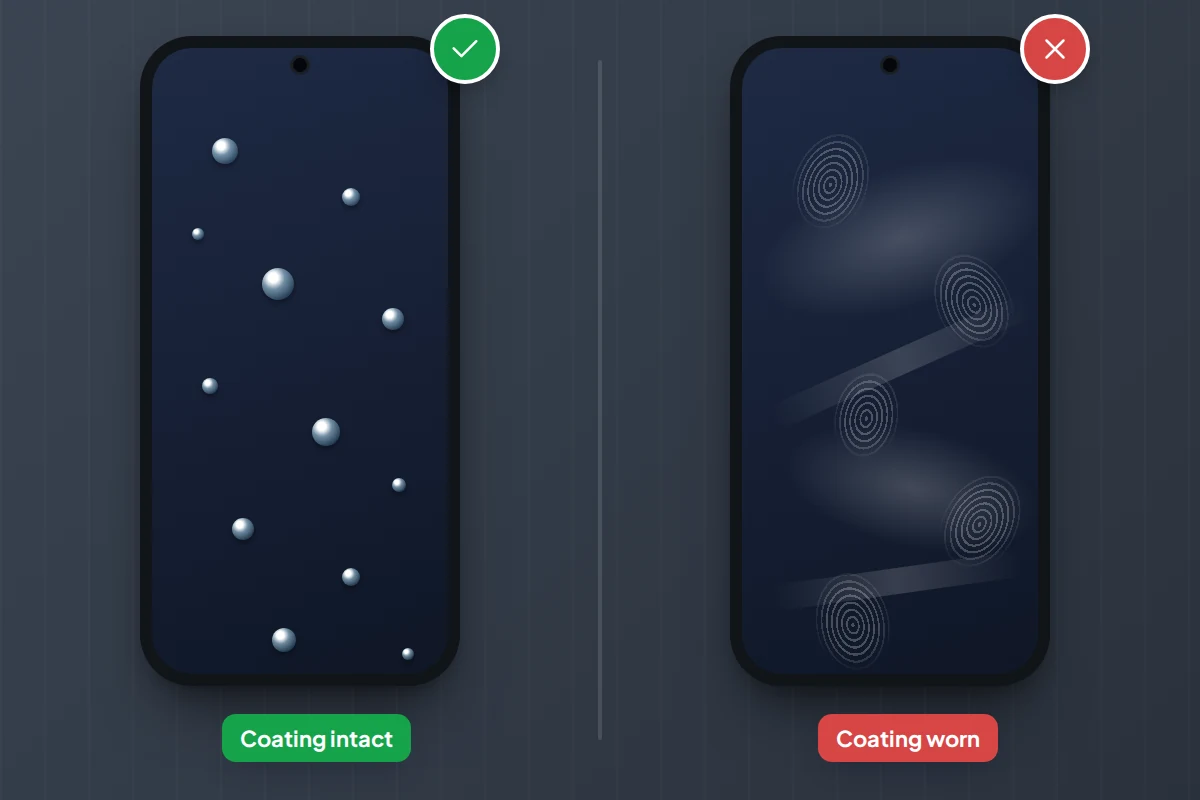
Most phone screens have an oleophobic coating: a very thin oil-repelling layer that makes fingerprints easy to wipe away. Apple says cleaning products and abrasive materials will diminish it. Once it has worn, the screen smears more, feels slightly draggy and never looks quite clean.
Normal use wears it slowly anyway. An alcohol wipe when there is a reason to disinfect is fine; as your everyday screen cleaner, alcohol only adds wear.
Surface by surface: use this, never that
“Slightly damp” means moistened with water and wrung out so nothing drips.
| Surface | Use | Never use |
|---|---|---|
| Screen (glass) | Dry microfibre; slightly damp cloth; 70% alcohol wipe to disinfect | Window cleaner, kitchen roll, spray aimed at the phone |
| Back and sides | Microfibre; slightly damp cloth; 70% alcohol wipe | Bleach, scouring powder, abrasive sponges |
| Camera lenses | Clean, dry microfibre or glasses cloth | Clothing, tissues, anything gritty |
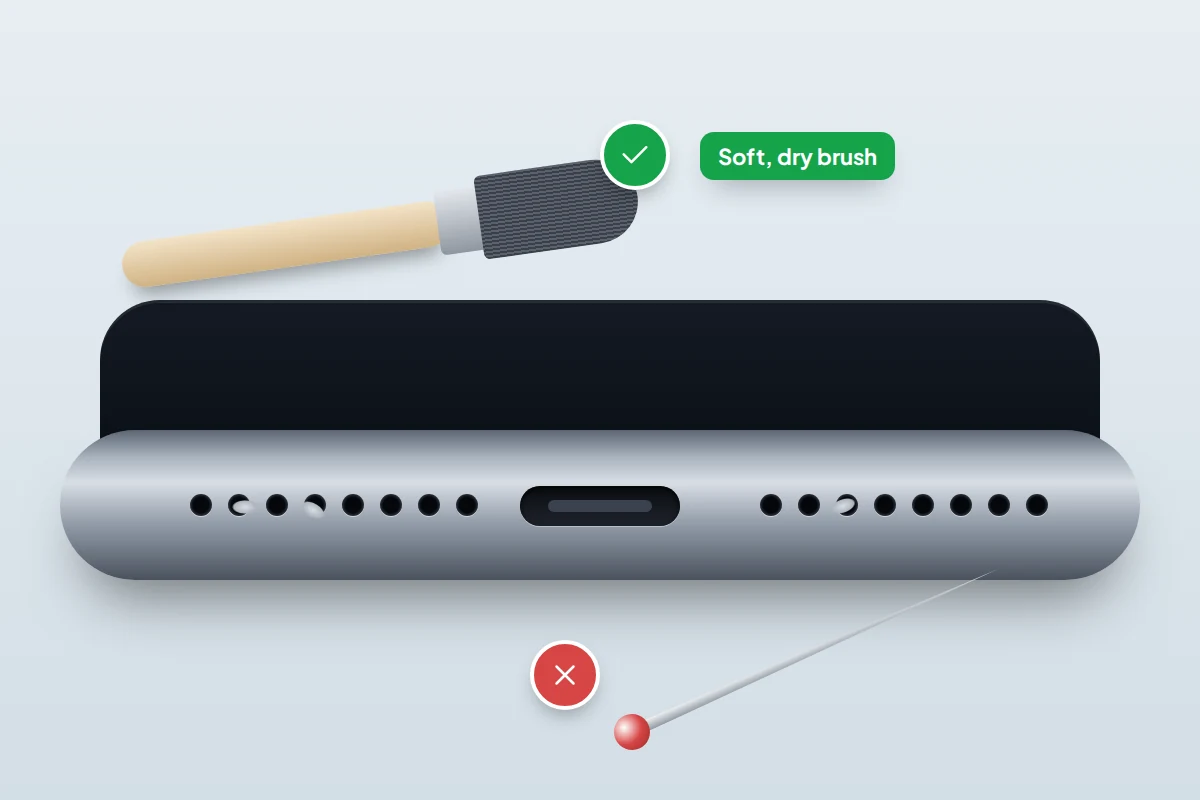
| Speaker and microphone grilles | Soft, dry brush, brushed gently across | Pins, needles, compressed air, liquid |
| Charging port | Torch to look; wooden toothpick only if lint blocks the plug | Metal tools, liquid, compressed air |
| Silicone or clear case | Damp cloth inside and out; dry fully before refitting | Soaking, laundry detergent, harsh cleaners |
| Leather case | Cloth with warm water and a little mild hand soap | Disinfectant or alcohol wipes; leather cleaners or conditioners (they can change the colour) |
| Fabric case | Wrung-out cloth dipped in water with a little liquid laundry detergent (Apple’s method) | Disinfectant or alcohol wipes, soaking, scrubbing |
| Magnetic wireless charger | Brush debris off the ring; 70% alcohol on a microfibre cloth for the pad, unplugged | Liquid near the cable end, spraying |
Cleaning the screen and body, step by step
- Switch the phone off and unplug it, which also stops the screen registering taps. On Android, hold the side button (on some models with volume up) and tap Power off; combinations vary by maker. On an iPhone with Face ID, hold the side button and either volume button, then drag the slider.
- Take the case off. Grit collects between case and phone and scratches the back.
- Wipe with a dry microfibre cloth first, lightly, to lift grit rather than grind it across the glass.
- Use a slightly damp cloth for anything left, wiping away from the ports and grilles.
- Disinfect only if there is a reason. Wipe the outside with a 70% isopropyl alcohol wipe that is not dripping, keeping clear of openings. Then, as Apple suggests, go over it with a water-damp cloth and dry it.
- Let it dry before switching on or charging.
Camera lenses
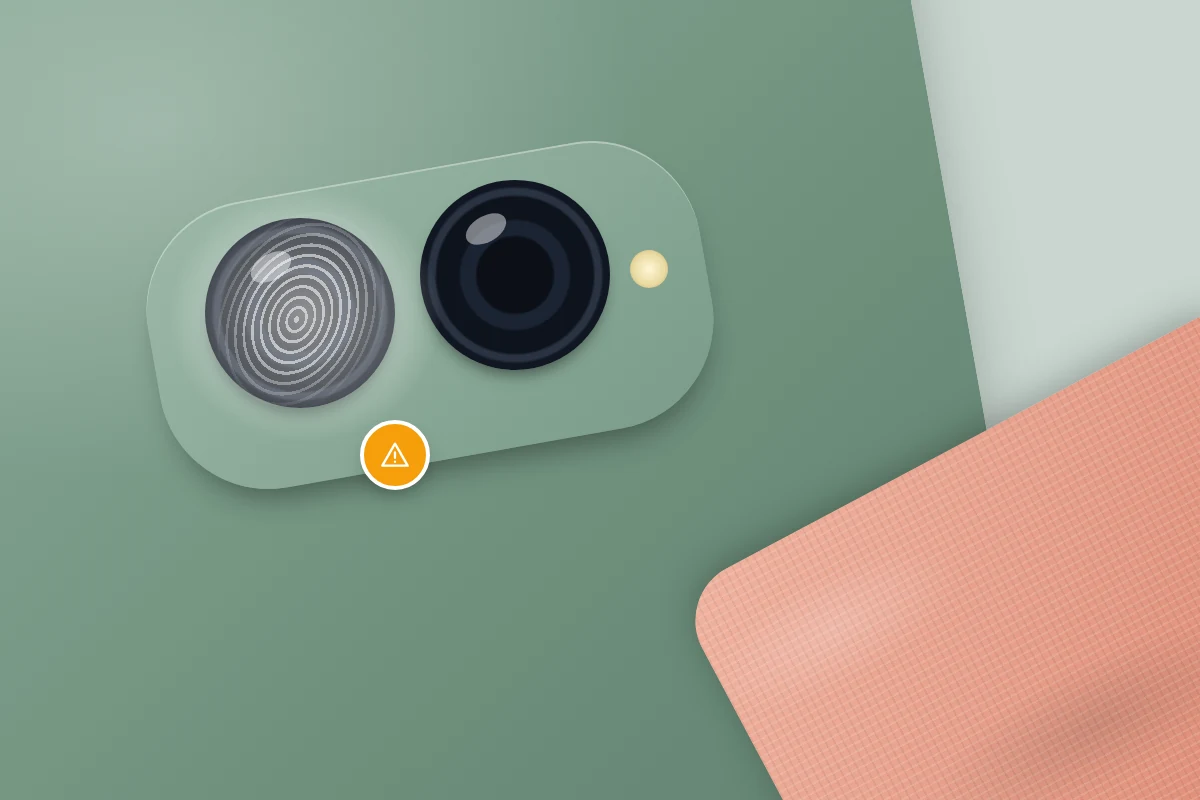
A hazy photo or a glow around lights at night usually means a fingerprint on the lens, not a faulty camera; the lenses sit where your finger rests when you hold the phone sideways.
Use a clean corner of a microfibre or glasses cloth and wipe gently in small circles. For a stubborn greasy mark, breathe on the lens and wipe again. If the haze is inside the lens rather than on it, that is condensation or damage, and cleaning will not help.
Speaker and microphone grilles
Grilles slowly fill with pocket lint, skin oil and dust, which can make calls sound muffled. Samsung warns that a strong blast of air can damage parts inside the speaker and microphone, and suggests brushing lightly with a soft brush instead. A clean, dry, soft toothbrush or small make-up brush works.
- Switch the phone off and hold it with the grille facing down, so loosened dirt falls out rather than in.
- Brush gently across the holes, not into them.
- Do the earpiece grille at the top of the screen too, which collects make-up and skin oil.
Never push a pin, needle or SIM tool into the holes; the mesh behind them is thin. If a speaker is still muffled after brushing, it is a job for a repairer.
The charging port is a separate job. If a cable feels loose or charging is patchy, our guide to fixing a phone that won’t charge explains how to clear lint safely. Otherwise, leave the port alone.
Cases, screen protectors and chargers
Silicone, clear and plastic cases
Wipe the case inside and out with a soft, slightly damp cloth. For its own cases, Google suggests rubbing gently in circles with a damp cloth or sponge and rinsing with cold water, avoiding laundry detergent, harsh cleaners, scrubbing and soaking. Let the case dry completely before refitting it.
Leather and fabric cases
Apple says alcohol and disinfectant wipes should not be used on fabric or leather. For leather it suggests a clean cloth with warm water and mild hand soap, and warns that leather cleaners and conditioners can change the colour. For its fabric cases it suggests a wrung-out cloth dipped in 1 teaspoon (5 ml) of liquid laundry detergent mixed into a cup (250 ml) of water, then a wipe with fresh water. Google says to avoid detergent on its own cases, so follow your case maker’s advice and test on the inside first.
Why clear cases turn yellow
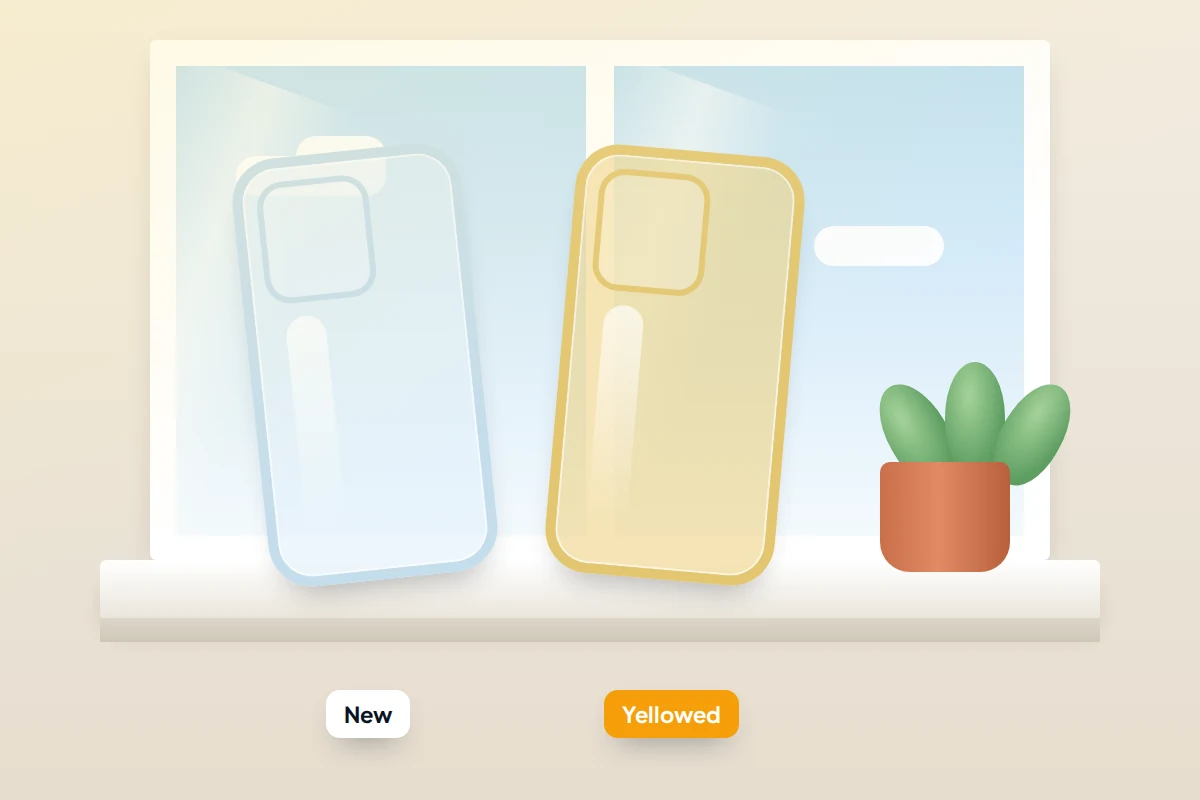
Many clear cases are made from soft plastics that gradually yellow with exposure to sunlight and heat, and case makers generally say the change is in the material itself. Grime on the inside edges will wipe away, but a tint that has spread evenly through the plastic usually will not. Scrubbing with bicarbonate of soda, or soaking in bleach as some online tips suggest, risks scuffing or weakening the case; replacing it is the realistic fix.
Screen protectors
Clean a protector like the screen, wiping from the middle outwards so you do not lift the edges. Dust that has crept underneath cannot be cleaned out; replacing the protector is the fix. Foldables are different: Google warns Pixel Fold owners never to pick at the edges of the inner screen’s protective film or try to remove it; on other foldables, check the maker’s advice first.
Magnetic and wireless chargers
Unplug the charger first. For MagSafe accessories, Apple says to brush debris off, then wipe the silicone middle of the charging area with a microfibre cloth dampened with 70% isopropyl alcohol. For other pads, check the maker’s instructions; at the least, keep them free of grit, which scratches the back of the phone.
Beach sand, sticky drinks, make-up and illness
Sand after a beach day
Apple says to clean the phone straight away if it touches sand or dirt. Do not wipe first: a cloth drags grains across the glass like sandpaper.
- Take the case off and shake it out separately.
- Hold the phone grille-side down and tap it gently against your palm.
- Sweep sand from the edges, buttons and grilles with a soft, dry brush.
- Only then wipe with a microfibre cloth. If it also met sea water, see the rinse advice in the water-damage guide, which applies to water-resistant phones only.
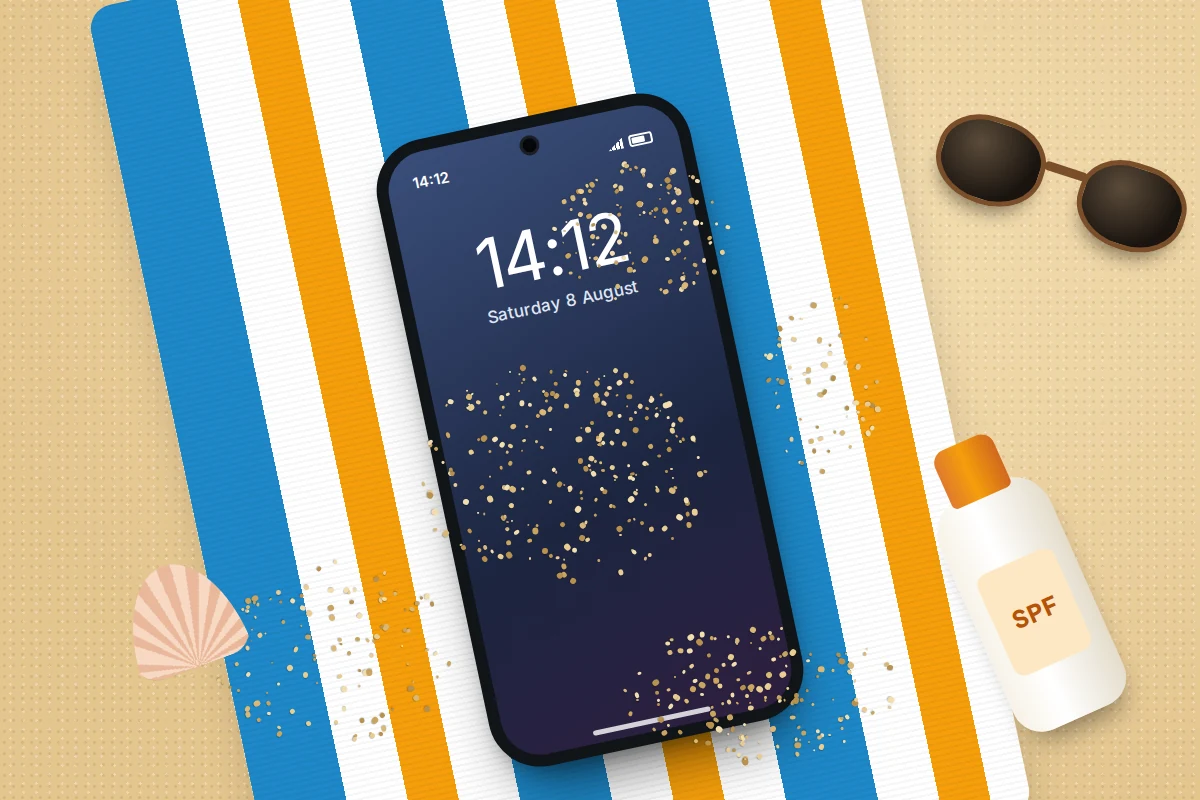
Samsung lists sun cream among substances to keep off its phones. Wipe it off the same day with a slightly damp cloth.
A sticky drink
If liquid went into the phone, deal with that first. For a sticky film on the outside, wipe with a water-damp cloth, turning to a clean face each time. Apple lists acids and acidic foods among things to clean off immediately, so do not leave cola or juice to dry.
Make-up on the screen
Apple lists make-up and lotions among things to clean off promptly, and Google suggests a damp cloth for make-up transfer. A dry cloth just spreads the oil. If a film remains, use a 70% alcohol wipe, then a water-damp cloth and a dry one.
After illness in the house
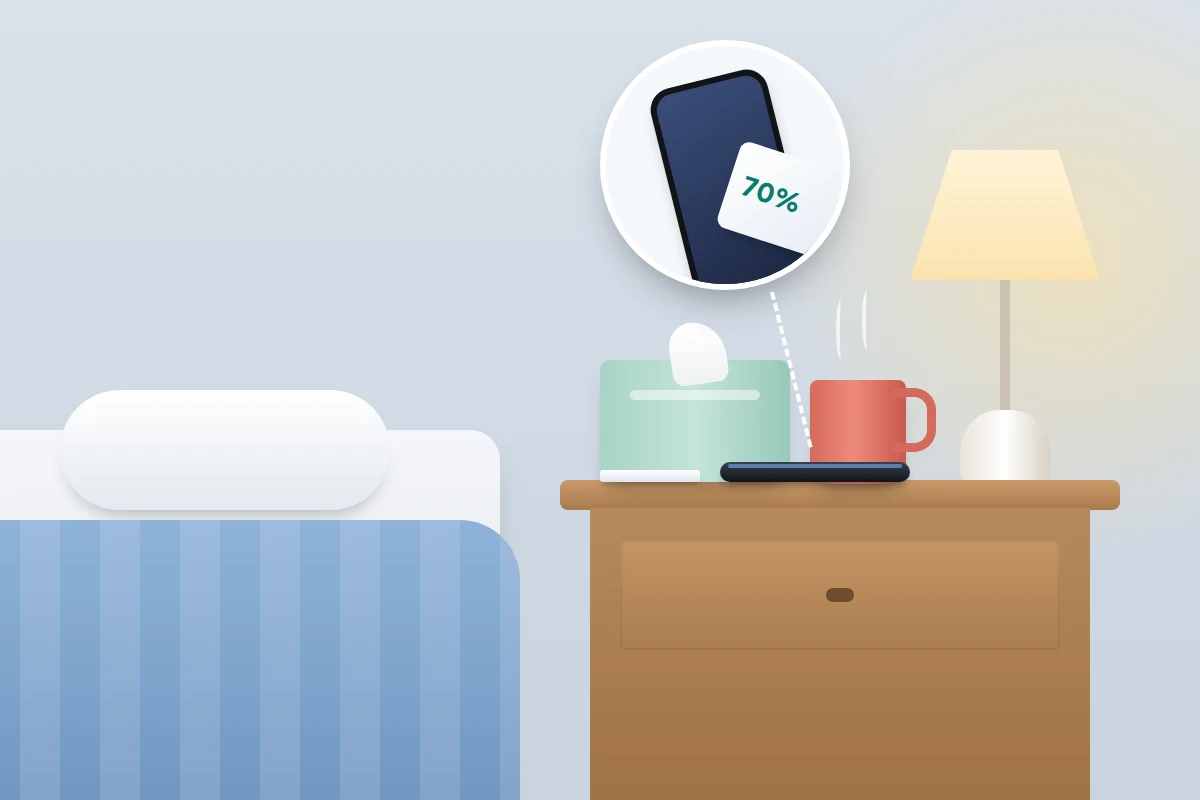
Phones do carry microbes. A 2020 scoping review in Travel Medicine and Infectious Disease covered 56 studies from 24 countries, and 54 of them found bacteria on phones. That shows phones can carry germs, not that yours is likely to make you ill. After a stomach bug or flu at home, wipe the phones the sick person handled with a 70% alcohol wipe, then wash your hands, which are how germs reach the phone in the first place.
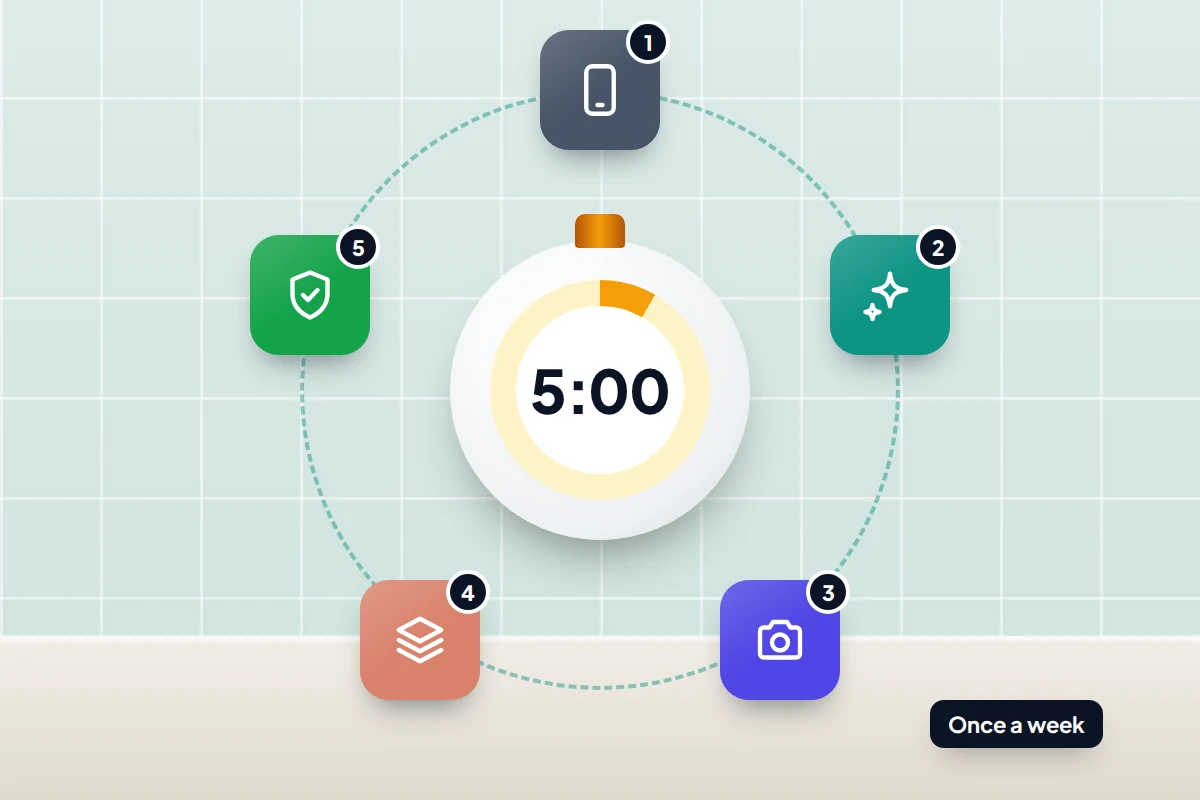
A five-minute weekly routine
No maker sets a schedule, but a weekly routine keeps grit off the glass and lint out of the grilles. Do it more often if you work outdoors or share the phone with small children.
- Minute 1: switch off, unplug, take the case off.
- Minute 2: dry microfibre over the screen, back and sides, then a slightly damp cloth for anything left.
- Minute 3: clean cloth corner on each camera lens; soft brush across the speaker and microphone grilles.
- Minute 4: damp cloth over the case, inside and out, and over the charging pad if you use one.
- Minute 5: alcohol wipe only if someone has been ill or the phone has been somewhere grubby. Refit the case once dry.
If something looks wrong after cleaning
- Streaks on the screen. Usually residue from a wipe. Go over it with a water-damp cloth, then a dry one.
- The screen feels draggy or smears easily. The coating may be worn. It cannot be restored at home; a glass screen protector gives you a fresh surface.
- The touchscreen acts oddly. Moisture on the glass confuses touch. Dry it completely and restart.
- A liquid warning appears when charging. Moisture reached the port. Unplug and wait for it to dry.
Frequently asked questions
Can I use hand sanitiser on my phone?
No maker recommends it, and Samsung lists hand sanitiser among the substances to keep off its phones. Many sanitisers contain gels, fragrance and moisturisers that leave a film and can run into openings. Use a 70% isopropyl alcohol wipe instead.
Are baby wipes or make-up remover wipes safe?
None of the three makers lists them. Many contain oils and lotions that leave a smeary layer; a slightly damp microfibre cloth leaves none.
Is 99% isopropyl alcohol better than 70%?
The makers specify 70% isopropyl or 75% ethyl alcohol wipes. A stronger solution is not on their lists, so stick with what they name.
Can I rinse my water-resistant phone under the tap?
Apple and Samsung suggest rinsing with fresh water only in specific cases, such as after salt water or a drink. For everyday cleaning a damp cloth is safer, and soap should never go into the openings.
Sources and further reading
- Apple Support: Cleaning your iPhone
- Apple Support: How to clean your Apple products
- Samsung UK: How to clean your Galaxy device
- Samsung UK: Galaxy phone water resistance
- Samsung Support (Africa): There is noise in the speaker sound of the device
- Pixel Phone Help: Clean your Pixel phone
- Pixel Phone Help: Clean your Pixel case
- Travel Medicine and Infectious Disease: Mobile phones represent a pathway for microbial transmission, a scoping review
Looking for a tool to go with this? TheTruthSpy is a free parental control app for Android that stays visible on the child's phone. If it fits your family, see what the app does.
Related guides
How to Reduce Mobile Data Usage on Your Phone
Find which apps are really using your mobile data, then fix the settings that matter on iPhone and Android, with…
eSIM Explained: How to Switch, Transfer and Travel With One
What an eSIM is, which phones are eSIM-only, how to move one to a new iPhone or Android phone, what…
How to Fix a Phone That Keeps Freezing or Restarting
Fixes for a frozen or rebooting iPhone or Android phone, from a one-minute force restart to recovery mode, with a…
Parental controls your child can see
Location, screen time limits, a web filter and alerts from notifications — free, and visible on your child's phone. Pair a phone in about ten minutes.
Android · Free to set up · Visible on your child's phone