Trace me, check-ins and SOS
Your child can start a Trace themselves, send quick check-ins, or hold SOS to send their location with a loud alert.
Safety works best when your child can ask for it too. Three tools on the child’s phone send information to you, never the other way round.
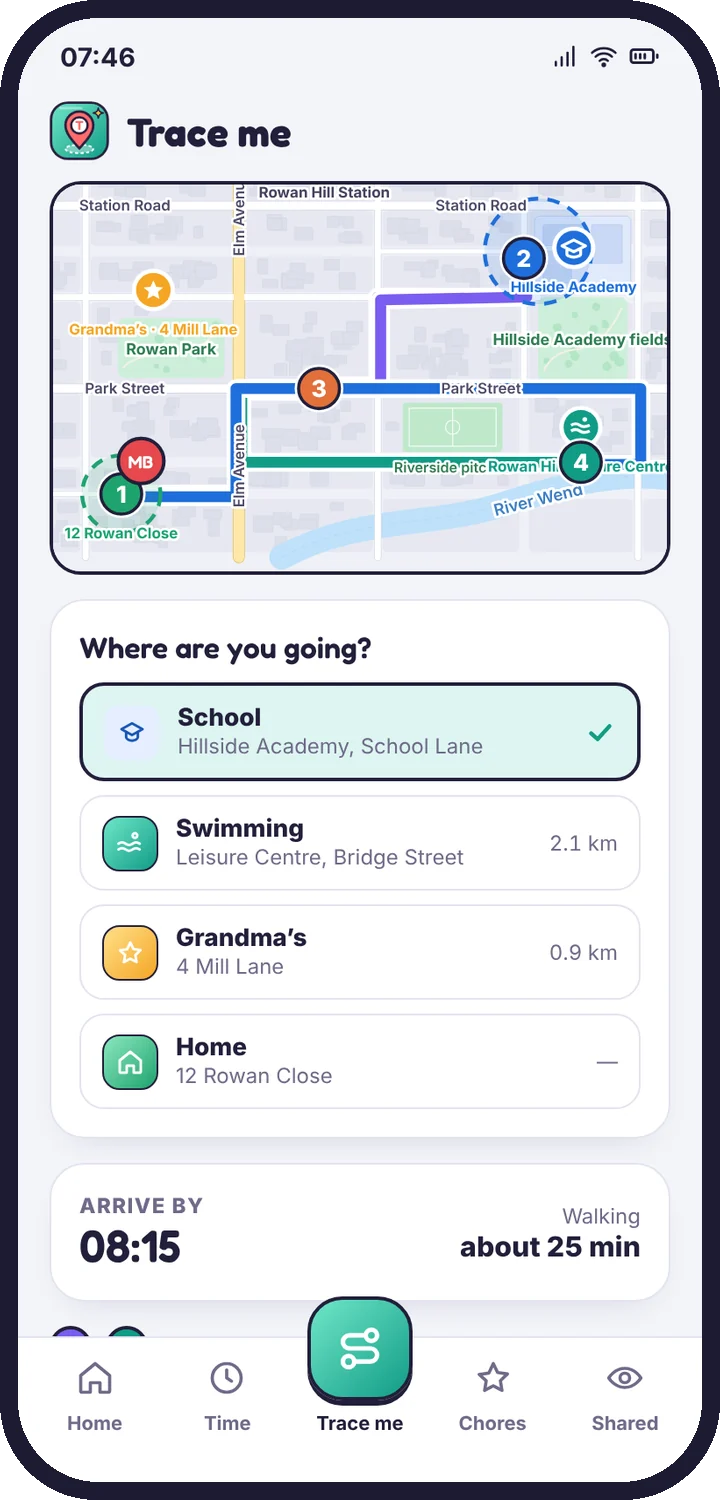
Trace me
Your child picks a destination and an arrive by time, then taps Trace me. You see the trip live with an estimated arrival. If they aren’t there by the time they chose, you get an alert with where they were last seen. The Trace ends when they arrive.
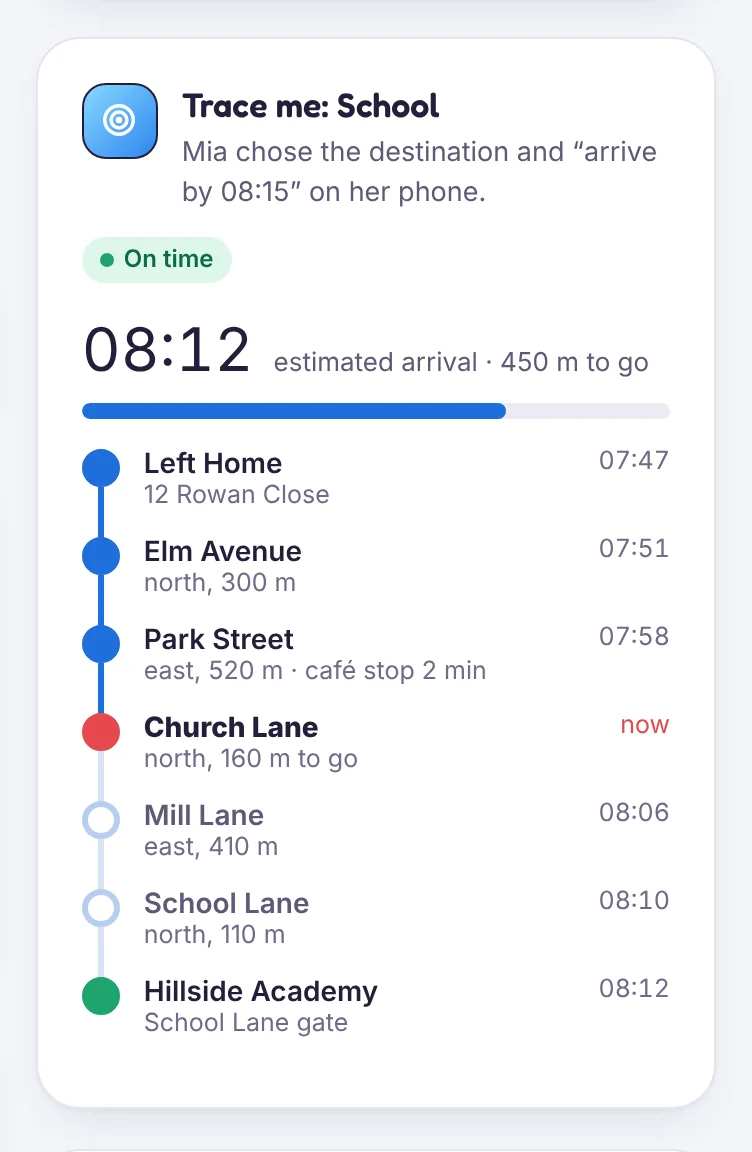
Check-ins
One tap sends a short message with their location:
- I’m OK
- Running late
- Pick me up
Check-ins appear in the trip feed and as a notification in the parent app.
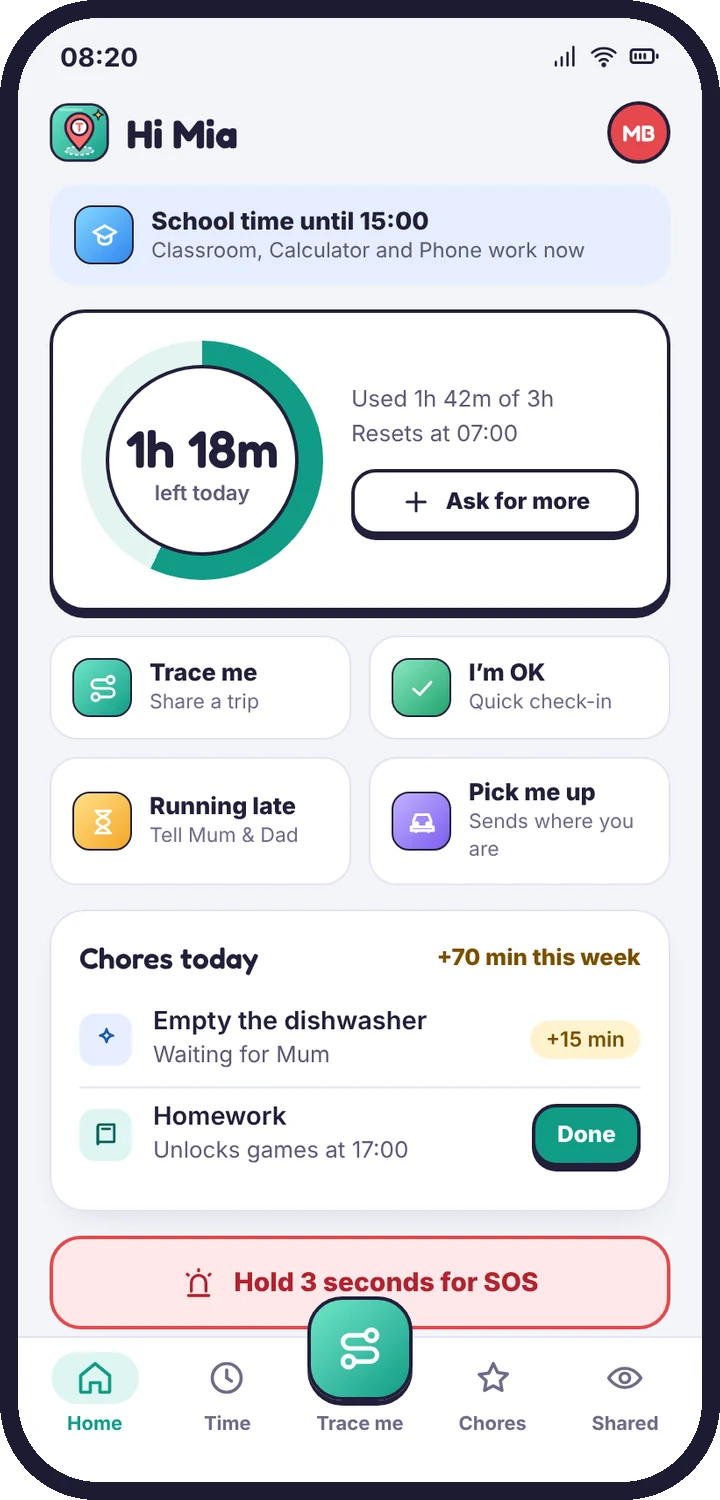
SOS
Holding the SOS button for three seconds sends their exact location to every adult on the account, with a loud alert that sounds even if your phone is on silent in the parent app. It also starts a 30-minute Live Trace so you can follow them.
SOS is not an emergency service. If your child is in danger, call your local emergency number first.
Turning these on or off
They are on by default. You can switch each one off in Location history → Location settings, but we recommend leaving SOS on.
Tell us which step you reached and what you see on screen. Screenshots help.