App limits or blocks aren’t working
Why an app keeps opening after its limit, and how to close the usual gaps: usage access, accessibility, time changes and second accounts.
Check the permissions
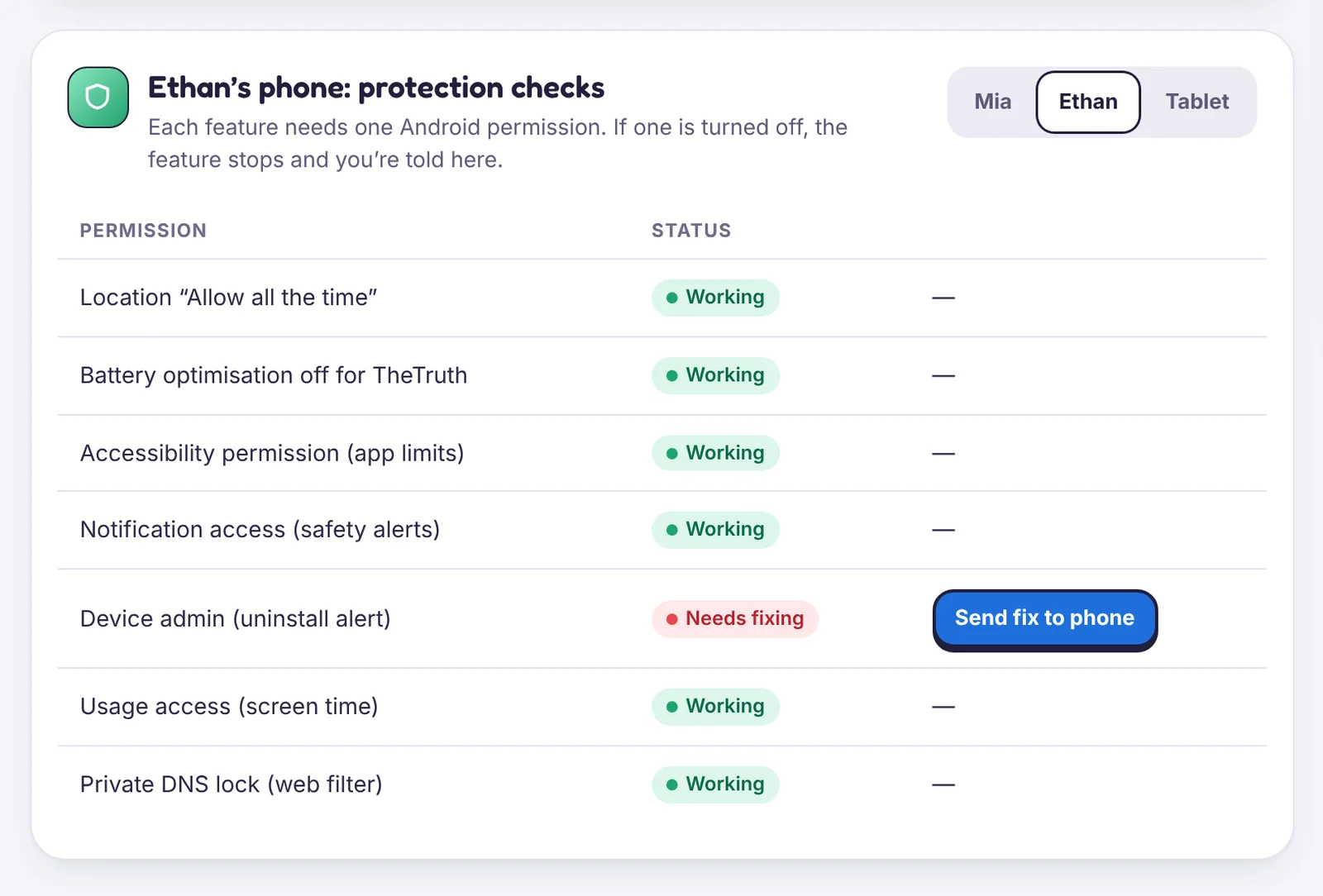
App limits need Usage access and the Accessibility service. Open Device health: if either is amber, use Send fix to phone.
The clock was changed
If the phone’s time is changed by hand, Android can miscount usage. TheTruthSpy notices and tells you in Device health. Set Date & time → Set time automatically on the phone.
A second user or work profile
Apps installed in a second user, guest mode or a work profile are outside the child’s main profile. On the phone, check Settings → System → Multiple users and remove ones that aren’t needed.
Apps installed outside Google Play
Turn on Block installs from outside Google Play in Apps → New apps. New apps then wait for your approval.
The app is a web version
Many apps have a website (YouTube, TikTok, Instagram). If you limit the app, consider blocking the site in the web filter too, or the time moves to the browser.
Still opening?
Make sure the app is set to Limited or Blocked for the right child. Rules are per child, not per family.
Tell us which step you reached and what you see on screen. Screenshots help.