Invite another parent, a grandparent or a carer
Add adults to your family with Owner, Can see and act, or Location only access. Your child sees everyone you add.
Invite
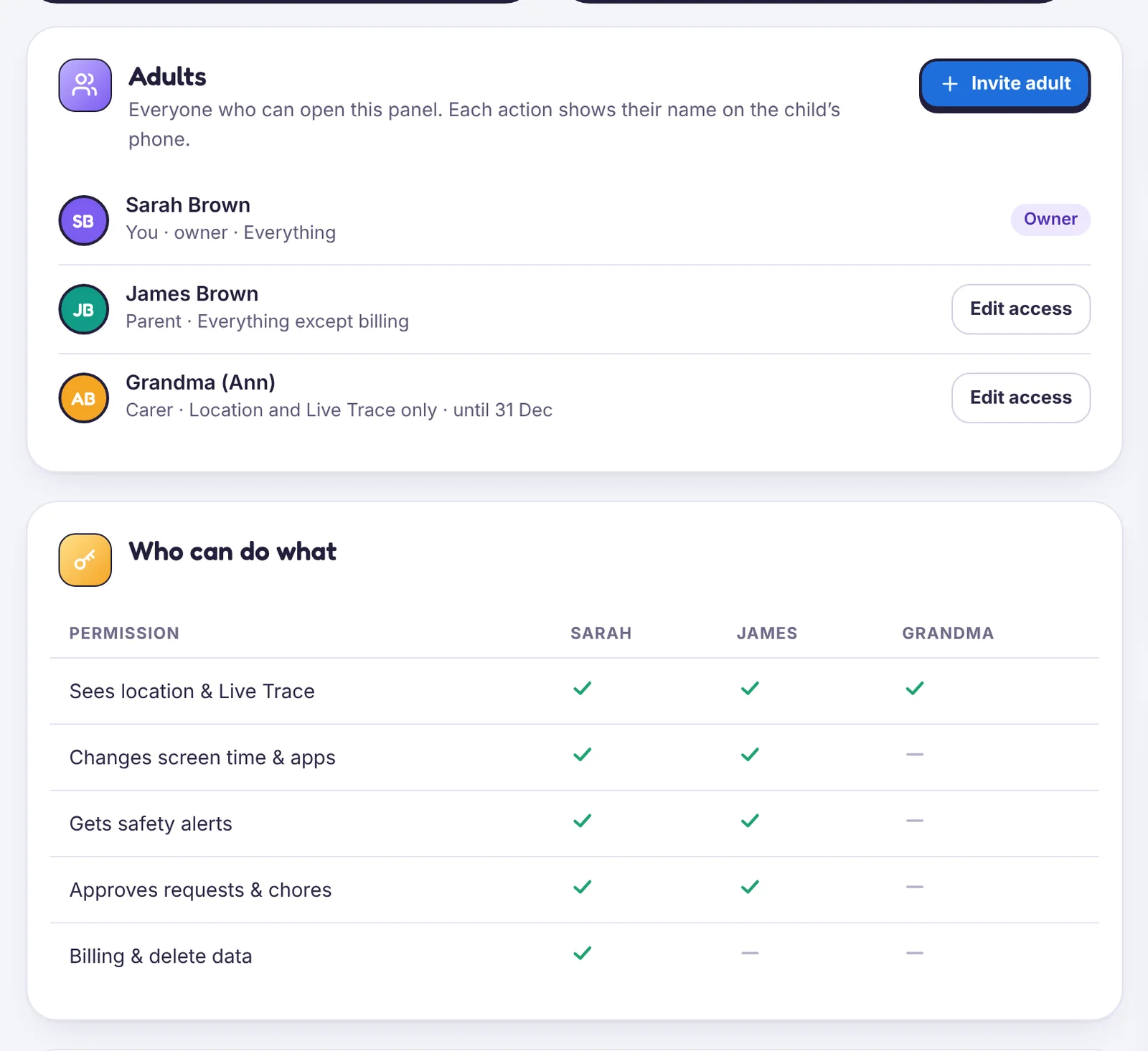
- Open Family & sharing → Invite adult.
- Type their email and choose an access level.
- They get an email with a link to create their own sign-in.
Access levels
| Level | Can do |
|---|---|
| Owner | Everything, including pairing and unpairing phones, billing and deleting data |
| Can see and act | Every screen and every remote control, but can’t remove a parent or close the account |
| Location only | The map, places, Live Trace and place alerts. Nothing else |
Location only is built for a grandparent who does the school run. You can give it an end date.
Your child sees everyone
Every adult on the account is named on your child’s What’s shared screen, and every action shows who did it. There is no way to give an adult hidden access.
Remove someone
Open their row and choose Remove. Their access ends at once and their sessions are signed out.
Still stuck?
Contact support
Tell us which step you reached and what you see on screen. Screenshots help.