Google Play build or direct download: which one?
What each build includes, why the call and text logs are only in the direct build, and how to switch without losing settings.
There are two builds of the child app. Both are visible on the phone, both show the What’s shared screen, and both work with the same panel and the same rules.
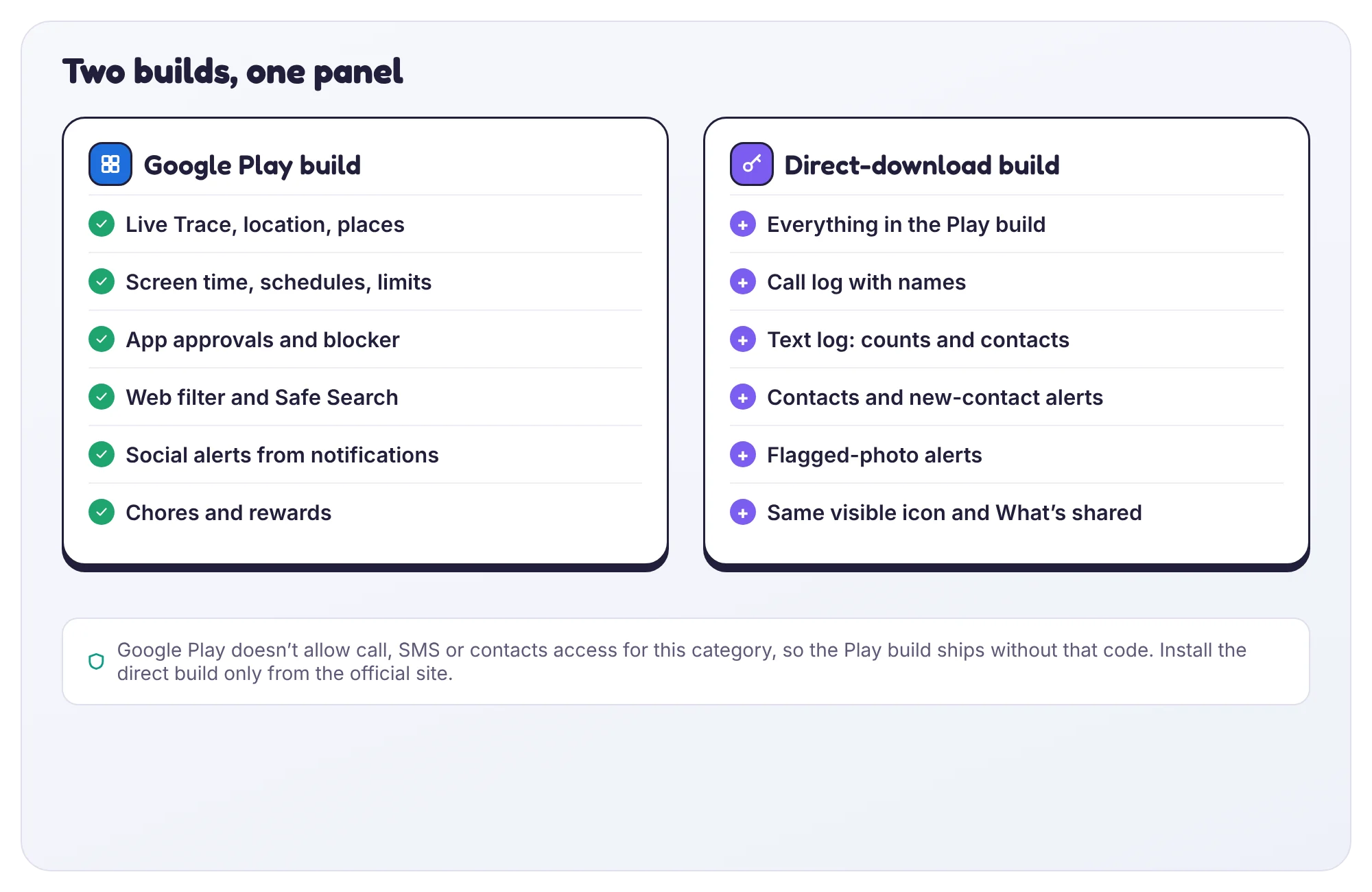
| Feature | Google Play build | Direct build |
|---|---|---|
| Location, places and Live Trace | Yes | Yes |
| Screen time, schedules and app limits | Yes | Yes |
| Web filter and Safe Search | Yes | Yes |
| Social alerts and notification counts | Yes | Yes |
| Chores and rewards | Yes | Yes |
| Call log and text log | No | Yes |
| Contacts and new-contact alerts | No | Yes |
| Flagged-photo alerts | No | Yes |
Why the difference
Google Play doesn’t allow apps in this category to read call logs, text messages or contacts. The Play build ships without that code, so it cannot read them even if you want it to.
Which should I pick?
Most families only need the Play build. Pick the direct build if the call and text logs matter to you, for example when a younger child has their first phone and you want to see new numbers.
Switching builds
Install the other build over the top, open it and sign in with a new pairing code. Your rules and history stay in your account; nothing is lost.
Tell us which step you reached and what you see on screen. Screenshots help.