How to Check If a Used Phone Is Stolen Before Buying

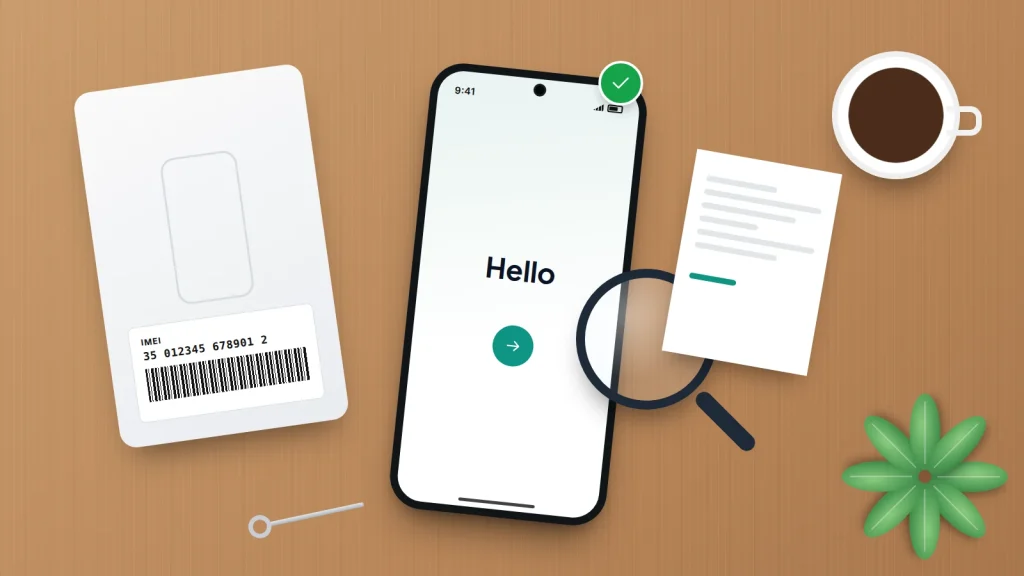
A second-hand phone can be a very good deal. It can also turn out to be a phone that was reported stolen, still tied to someone else’s account, or blocked by a network the week after you buy it. In each case you lose the money, and you may have to hand the phone to the police.
Whether you are buying from a private seller, a marketplace listing or a small shop, and whether the phone is for you or a child’s first, the checks are the same. They take about fifteen minutes, work on Android and iPhone, and all happen before any money changes hands.
The short version
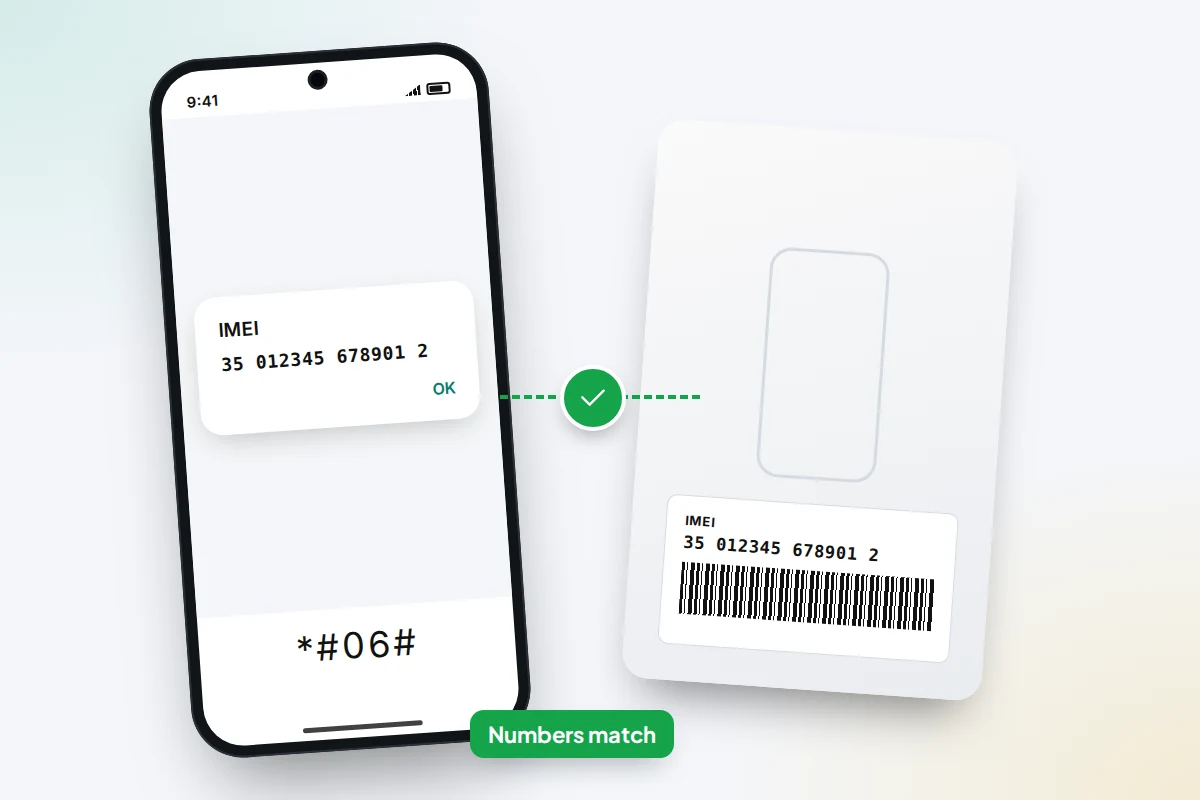
- Get the IMEI from the phone itself (dial *#06#) and check it matches the box and, where printed, the SIM tray.
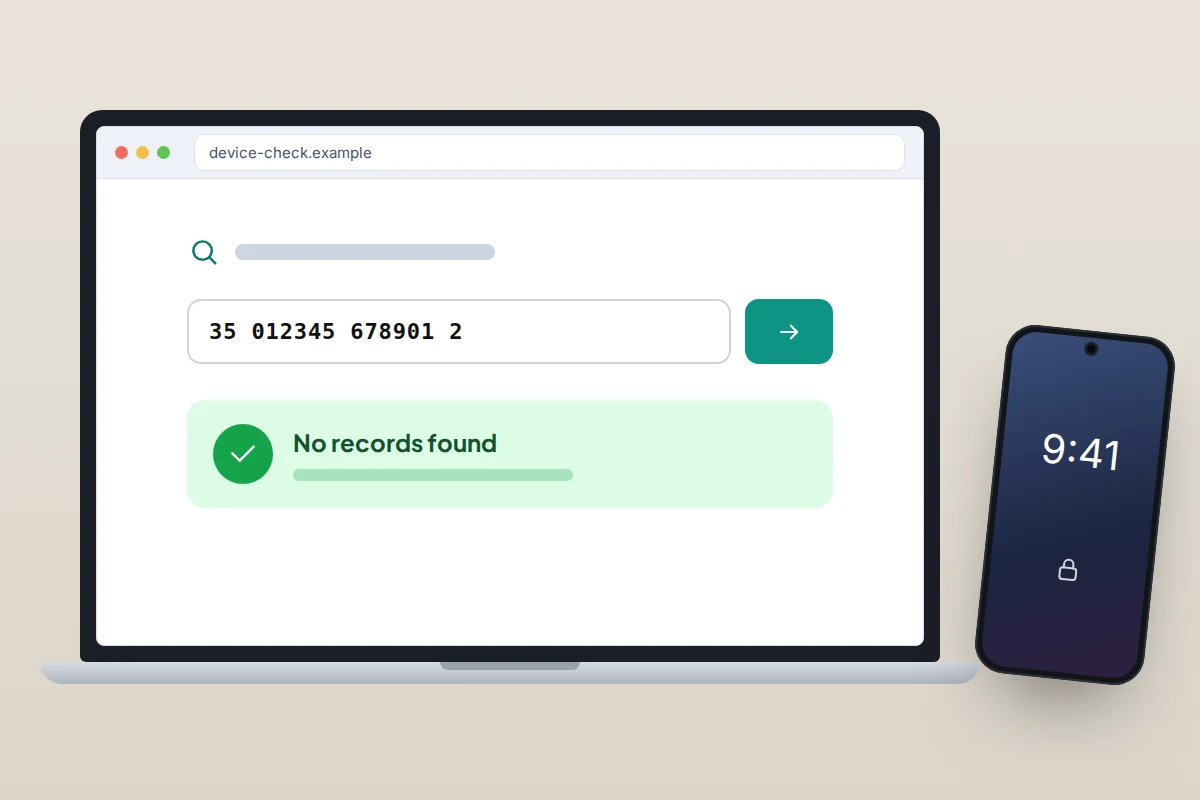
- Run the IMEI through a recognised checker, such as CTIA’s Stolen Phone Checker in the US or CheckMEND in the UK, but treat a clean result as one check among several.
- Watch the seller remove their account and erase the phone in front of you, then confirm it reaches the setup screen without asking for anyone else’s login.
- Put your own SIM in and make a call before paying.
- Meet somewhere public and pay in a way that leaves a record.
Why checking matters before you pay
When a phone is reported lost or stolen, the owner’s network can add its IMEI to a shared blocklist. A blocked phone may still turn on and connect to Wi-Fi, but it will not work on participating mobile networks. If the owner also left their account signed in, the phone may refuse to set up for anyone else at all.
Buying a stolen phone unknowingly is not a crime in itself, but it is still not yours. In the UK, Citizens Advice explains that you should not keep it or give it back to the seller, because that could count as handling stolen goods. Checking first is far easier than untangling it afterwards.
Step 1: get the IMEI and check it matches
The IMEI is a 15-digit number that identifies the phone itself. Every check in this guide starts with it, so get it from the phone, not from the listing or the seller’s message.
- Open the phone app, type *#06# and note the number shown. Phones with two SIMs or an eSIM show two IMEIs; note both.
- Check the same number in Settings: Settings → About phone on Android (sometimes under Status), or Settings → General → About on iPhone. Menu names vary by phone maker.
- Compare it with the label on the box, if there is one. The IMEI, model and storage size should all match.
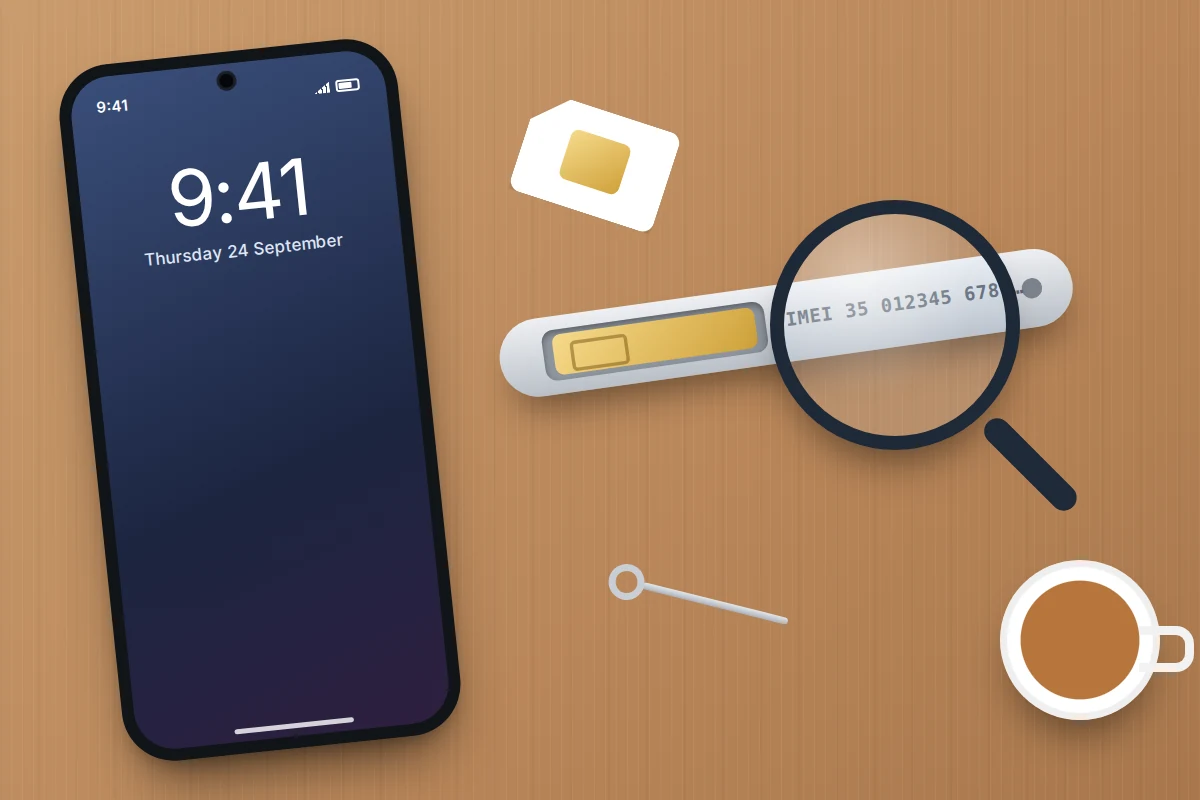
- On some phones the IMEI is also printed on the SIM tray. Apple lists this for several models, from iPhone 6s to iPhone 13 and the second and third-generation iPhone SE. iPhone 14 and later do not carry it on the tray or case.
A mismatch is not always sinister, since boxes get swapped, but it removes one of your best proofs that the phone came from where the seller says. If the number on screen does not match the box, ask why, and be ready to walk away.
Step 2: run the IMEI through a checker
Several services compare an IMEI with lists of phones reported lost or stolen. Plenty of free “IMEI check” sites exist; stick to ones whose data sources you can identify.
- United States: CTIA’s Stolen Phone Checker at stolenphonechecker.org is run by the US wireless industry association and uses the GSMA Device Registry, which gathers reports from mobile operators and some other contributors in dozens of countries. It is free for US consumers, limited to five checks a day.
- United Kingdom: CheckMEND checks whether a device is recorded as stolen, lost, subject to an insurance claim or blocked, and reports can include finance records. It charges a small fee per check, and the PDF report has a number that can be verified later, which is useful as proof.
Ask the seller if you can run the check together, on your phone, while you have the handset in front of you.
What a checker cannot tell you
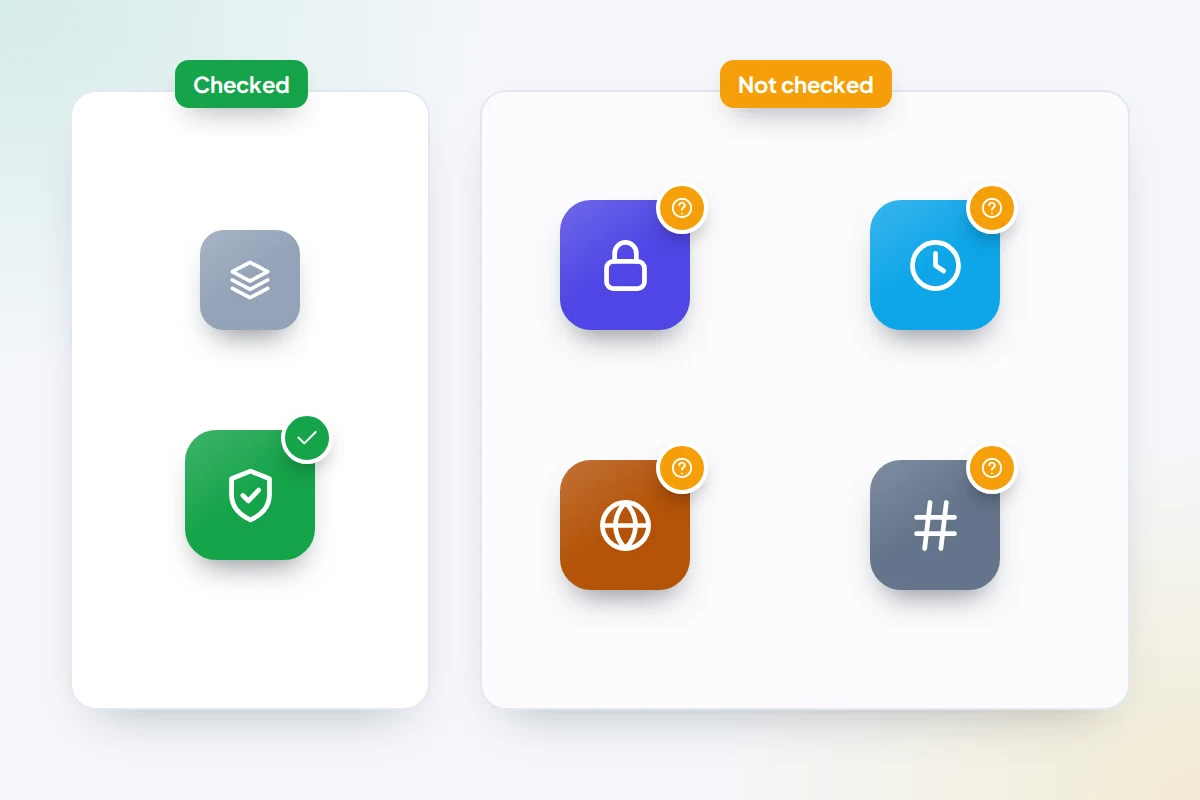
- That the seller owns it. A phone stolen this morning may not be reported yet, and a phone can be reported after you buy it.
- Whether the account lock is off. Checkers do not show Activation Lock or Google’s Factory Reset Protection. Apple removed its public Activation Lock status tool in 2017, so the only reliable test is on the phone itself (Step 3).
- Whether the IMEI is genuine. CTIA notes its checker cannot detect a tampered IMEI or a device that does not match its description.
- Everything, everywhere. Coverage depends on which networks and organisations report to that database.
Step 3: make sure the seller’s account is removed
This is the check that catches the most problems, and the one sellers most often want to skip. Both Apple and Google tie a phone to the owner’s account so that a thief who erases it still cannot set it up. That is excellent protection for owners, and it means a phone still linked to someone else is close to useless to you.
iPhone: Activation Lock
Apple’s advice to buyers is clear. When you turn on or wake the phone:
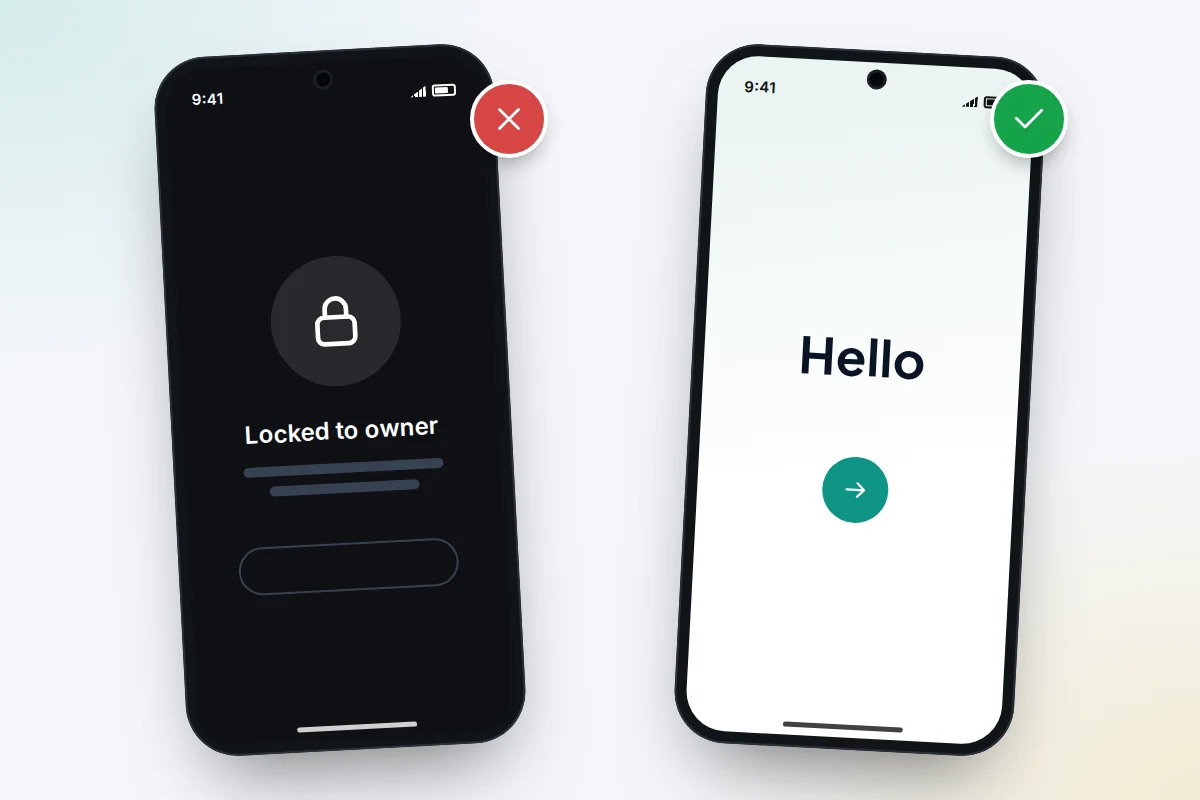
- If you see the passcode Lock Screen or the Home Screen, the phone has not been erased. Ask the seller to erase it in front of you, from Settings → General → Transfer or Reset iPhone → Erase All Content and Settings, which will ask for their Apple Account password.
- If you see an iPhone Locked to Owner screen, or setup asks for the previous owner’s Apple Account, it is still locked. Hand it back and ask them to enter their password, or to remove it from their account at icloud.com/find.
- If you see the Hello screen and setup continues without asking for anyone else’s account, the phone is ready for you.
Android: Factory Reset Protection
On Android, Factory Reset Protection means that after a reset the phone asks for a Google Account that was previously on it. A seller who says it has “just been reset” but cannot unlock it may not own it, or may have forgotten to remove their account.
- Ask the seller to remove their Google Account first: Settings → Passwords & accounts (or Accounts, or Accounts and backup on Samsung) → [their account] → Remove account. On Samsung phones, the Samsung account should be removed too.
- Then ask them to factory reset it: on Pixel phones Settings → System → Reset options → Erase all data (factory reset), and on Samsung Settings → General management → Reset → Factory data reset. Other makers differ.
- Go through the first setup screens yourself. If it asks you to sign in with a Google Account that was previously synced, the account was not removed; do not pay.
Step 4: check the network and any finance
A phone can also be locked to a particular network, or later blocked because the original owner stopped paying for it. In the UK, networks have not been allowed to sell locked phones since December 2021, but older or imported phones may still be locked.
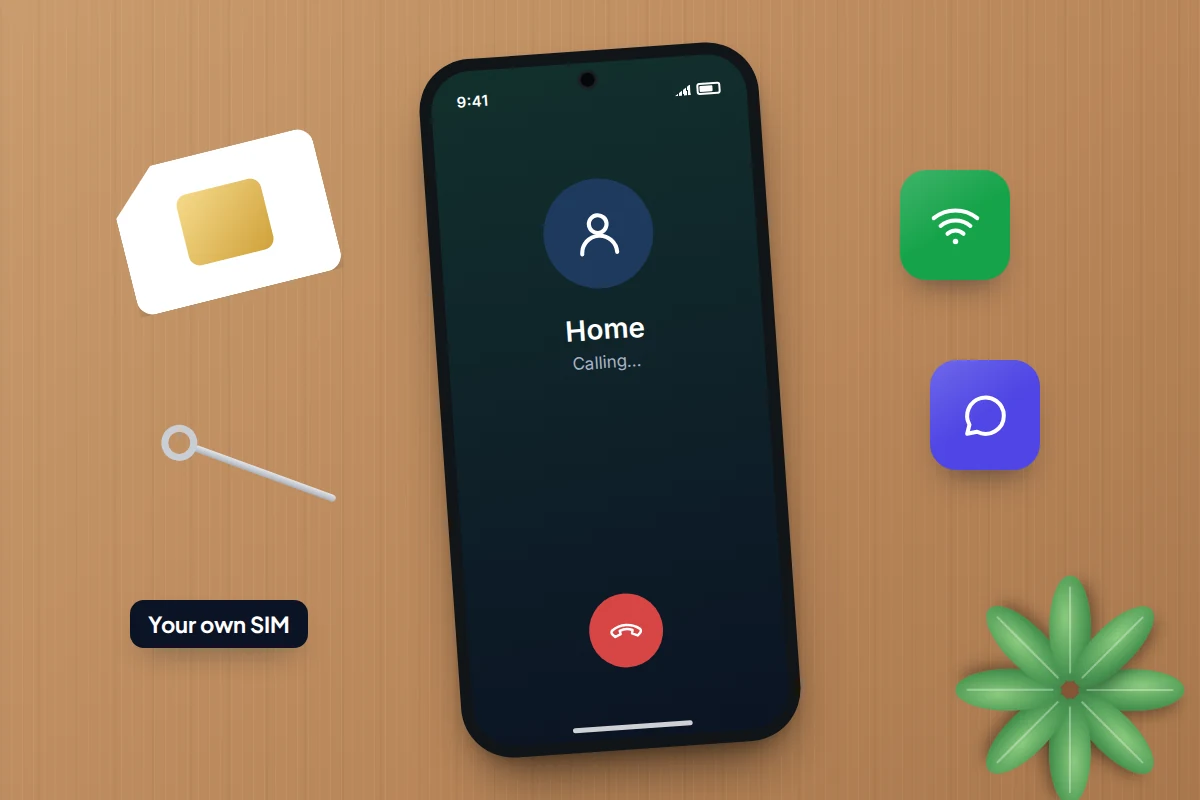
- Put your own SIM in the phone and make a short call and send a text.
- Look for messages such as “SIM not supported” or “Invalid SIM”, which suggest a network lock.
- If the seller bought the phone on a contract or instalment plan, ask whether it is paid off. A paid check such as CheckMEND can show finance records.
Red flags to walk away from
No single sign proves a phone is stolen, and plenty of honest sellers have lost the box. It is the combination that matters, and the way the seller reacts when you ask to run the checks above.
| Red flag | Why it matters | What to do |
|---|---|---|
| Price well below similar listings | Stolen phones are often sold fast and cheap | Compare several listings for the same model and condition |
| No box, receipt or proof of purchase | Removes the easiest way to match the IMEI and ownership | Ask for any proof: order email, contract, bank statement line |
| Phone is locked or “just reset” but still asks for an account | The seller cannot remove the owner’s account | Do not pay until it reaches a clean setup screen |
| Seller will not meet, or only for a hurried handover | No time for checks, no way to trace them later | Insist on meeting in a public place with time to test |
| Wants payment first, by gift card or “friends and family” transfer | Leaves you no buyer protection | Pay only after checking, with a method that leaves a record |
| IMEI on screen does not match the box | The box may belong to a different phone | Ask why; if the answer is vague, leave it |
| Several identical phones for sale | Can indicate stock from theft or fraud | Prefer a seller who can show where each phone came from |
Meeting and paying safely
Buying in person lets you run every check above before you pay, so it is worth the trip.
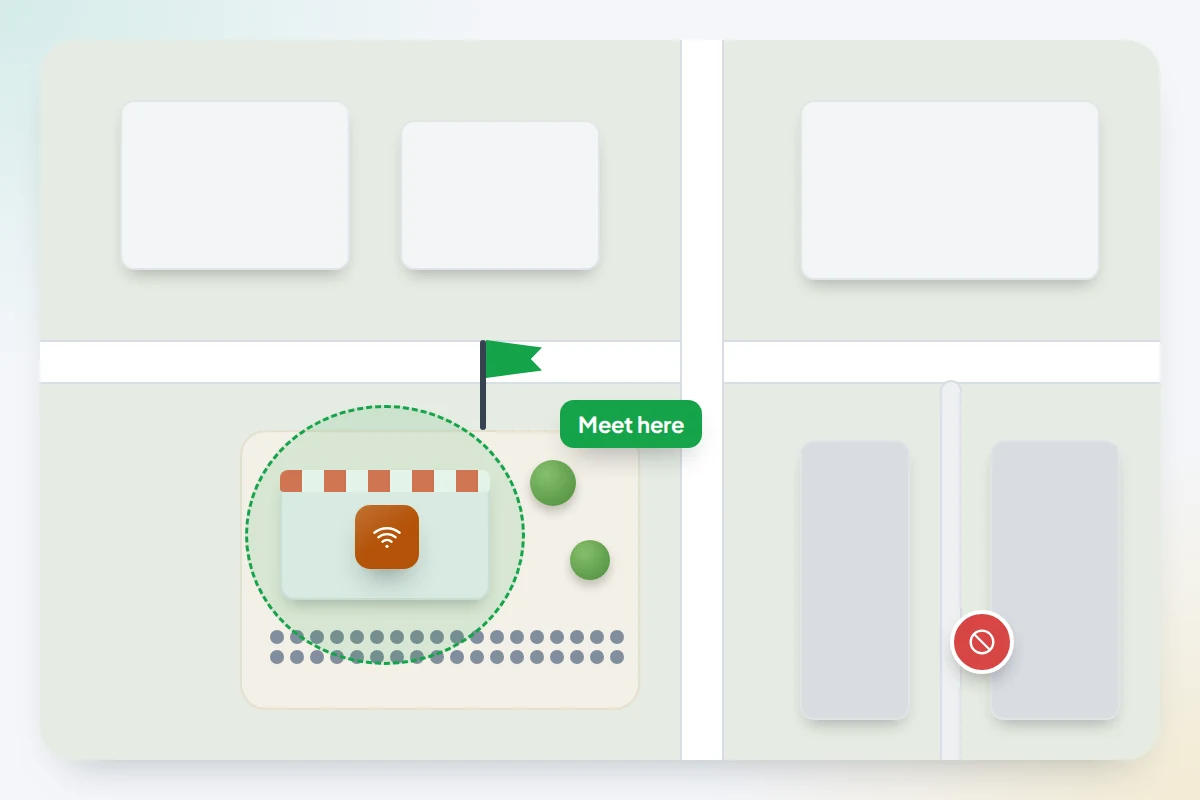
- Meet somewhere busy and in daylight, ideally where you can sit down and connect to Wi-Fi, such as a café. Some police forces offer a designated spot for online-sale handovers; it is worth checking locally.
- Bring someone with you if you can, and tell someone else where you are going.
- Bring your own SIM, a SIM tool and a charged phone to run the IMEI check.
- Pay only after the checks, and by a method that leaves a record: a bank transfer made at the time, or payment through a marketplace that offers buyer protection. Avoid gift cards and payment methods meant for friends and family.
- Get a written receipt with the seller’s name, the date, the price, the model and the IMEI. A photo of the seller’s ID is reasonable to ask for, though they may decline.
If the phone you bought turns out to be stolen
- Stop using it and do not give it back to the seller.
- Contact the police. In the UK, call 101 or go to a police station; in the US, contact your local police non-emergency line. Take the phone, your receipt and any messages from the seller. In the UK you should get a crime reference number.
- Ask the seller for a refund, showing them the police reference. Citizens Advice says you have a legal right to a full refund from the seller.
- If they refuse, contact the marketplace, your bank (for a card chargeback) or your payment provider. In England, Wales and Northern Ireland, if you think you were deliberately scammed, you can report it to Report Fraud, which replaced Action Fraud in December 2025. In Scotland, contact Police Scotland on 101.
If it is your own phone that has gone missing, see our guide on what to do when a phone is lost or stolen. And once you have a phone you trust, it is worth taking ten minutes to set it up so you can find it later.
Frequently asked questions
Is a free IMEI check website enough?
Only if you know where its data comes from. Many free sites give no source for their results. In the US, CTIA’s checker uses the GSMA Device Registry; in the UK, CheckMEND draws on police, network and retailer data and is part of a Metropolitan Police-led safe-selling scheme.
Can Apple or Google remove the lock for me?
Not on a second-hand buyer’s request. Apple has an Activation Lock support request that needs proof of purchase, but you should not rely on it for a private sale. The practical fix is the seller removing the lock before you pay.
What if the seller says they will remove the account later?
Do not pay until it is done. Removing the account takes a minute, and a genuine seller can do it on the spot. If they cannot, they may not be able to later either.
Is buying from a refurbisher safer?
Usually, because an established refurbisher checks devices, erases them and gives you consumer rights and a warranty. Still check the IMEI and that the phone reaches a clean setup screen when it arrives.
Could a phone be blocked after I have bought it?
Yes, if it is reported stolen or the original finance is not paid. That is why a receipt with the seller’s details and the IMEI matters: it is your evidence if you need a refund.
Sources and further reading
- CTIA Stolen Phone Checker: frequently asked questions
- CheckMEND UK: consumer device checking
- Apple Support: Activation Lock for iPhone and iPad
- Apple Support: How to remove Activation Lock
- Apple Support: Find the serial number or IMEI on your iPhone
- Google Android Help: Reset your Android device to factory settings
- Citizens Advice: If you think you’ve bought stolen goods
- Report Fraud: service launch and coverage
Using a monitoring app for this? TheTruthSpy is a free parental control app for Android that stays visible on the child's phone. If it fits your family, see what the app does.
Free parental control app for Android
GPS tracking, screen time limits, web filtering, SMS and call monitoring — visible on your child's phone. Pair a phone in about ten minutes.
Android · Free to set up · Visible on your child's phone