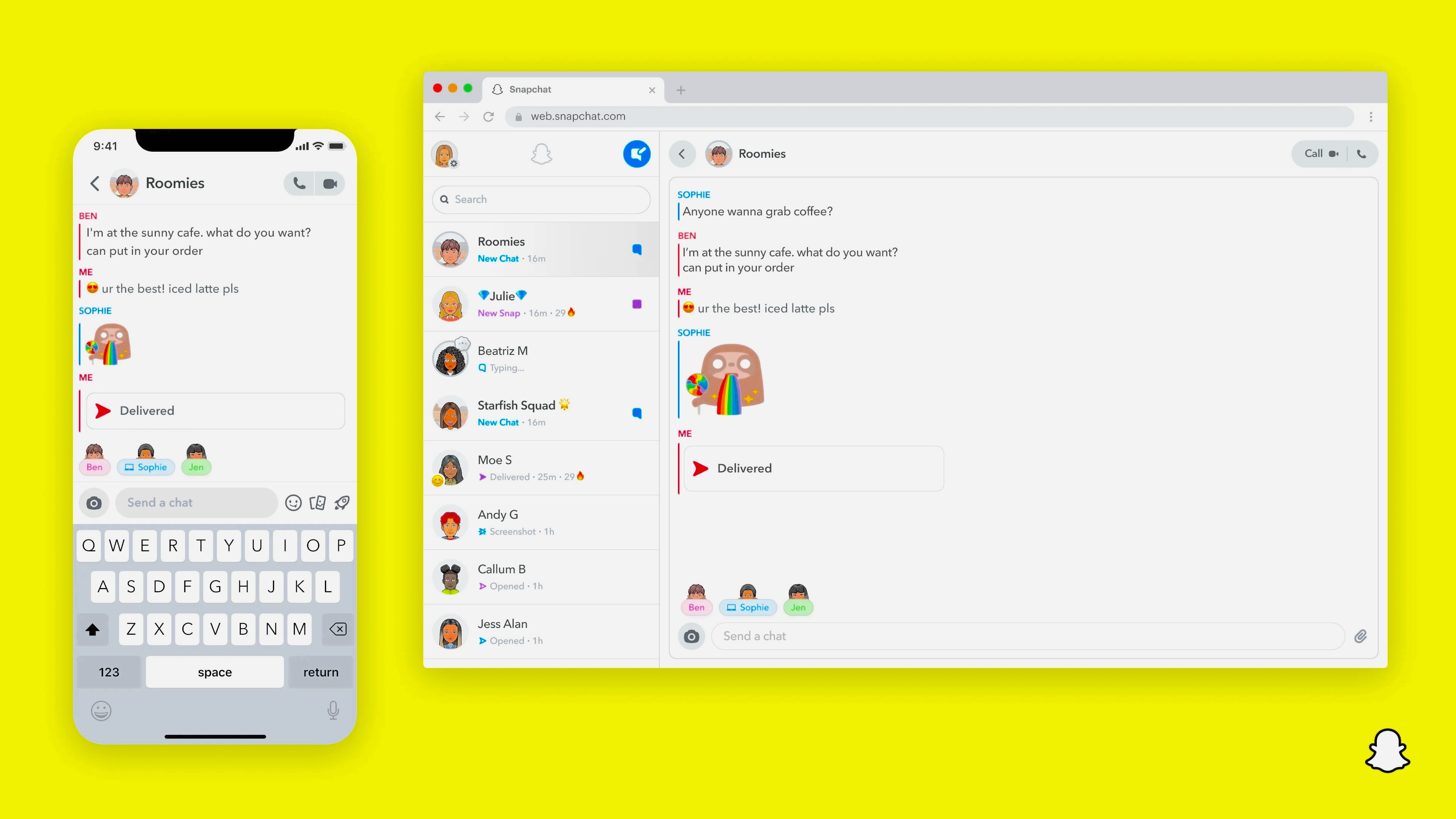

Snapchat has become one of the most widely used social platforms among children and teenagers. With disappearing messages, creative filters, and a fast‑paced communication style, it’s no surprise that young users are drawn to it. However, the same features that make Snapchat fun can also expose kids to cyberbullying, inappropriate content, online predators, scams, and addictive behavior.
Because of these risks, many parents feel the need to monitor their child’s Snapchat activity. But is it right to do so without their knowledge? And if monitoring becomes necessary, what are the safest and most effective ways to do it?
This guide explores the ethics of monitoring Snapchat secretly, the best tools to use, and the essential safety settings every parent should enable.
Should You Monitor Your Child’s Snapchat Without Them Knowing?
Monitoring your child’s Snapchat can help protect them from:
- Cyberbullying
- Sexual exploitation
- Inappropriate content
- Online scams
- Excessive screen time
- Harmful strangers
Snapchat’s disappearing messages can give kids a false sense of privacy, making them believe their actions leave no trace. This can lead to risky behavior.
However, secretly monitoring your child’s Snapchat can damage trust. Children value their privacy, and discovering hidden surveillance may cause emotional distance, rebellion, or secrecy.
A healthier approach is:
- Explaining the dangers of social media
- Setting clear boundaries
- Using parental controls transparently
- Encouraging open communication
Still, some parents may feel secret monitoring is necessary in situations involving safety concerns, behavioral changes, or suspected online threats.
How to Monitor Your Child’s Snapchat
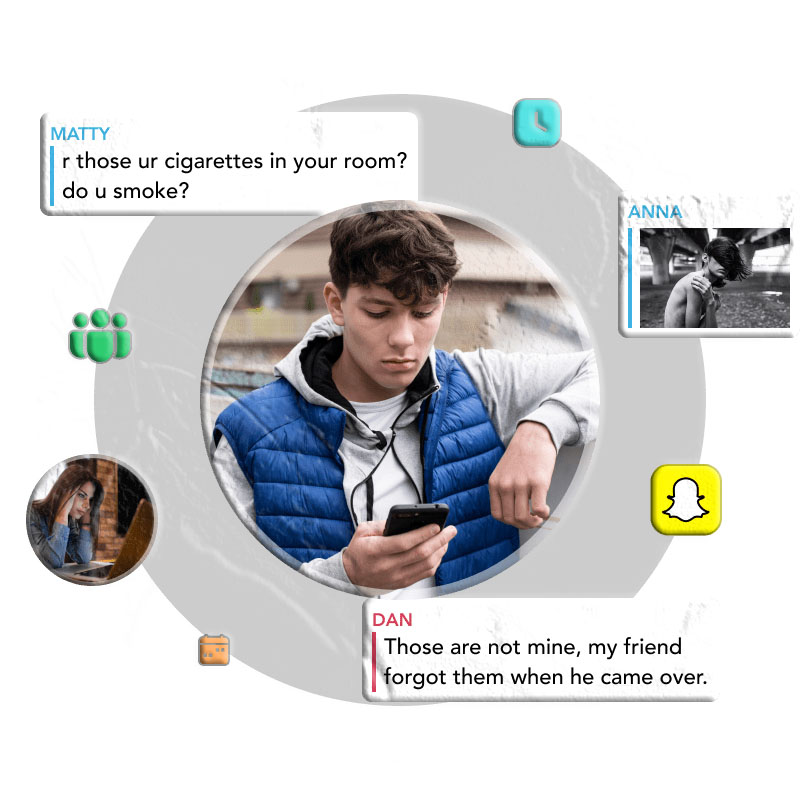
Below are four effective methods parents commonly use to monitor Snapchat activity.
1. Use an Android Parental Monitoring App
TheTruthSpy Parental Control is a popular tool for monitoring Snapchat on Android devices. It helps parents supervise online behavior, manage screen time, and detect harmful interactions.
Key Features
- View your child’s Snapchat activity in real time by mirroring their screen.
- Monitor incoming Snapchat messages (when notifications are enabled).
- Set daily Snapchat usage limits and schedule access times.
- Receive instant alerts when your child opens Snapchat.
- Track how often and how long Snapchat is used.
- Access additional tools such as:
- Remote camera access
- Microphone listening
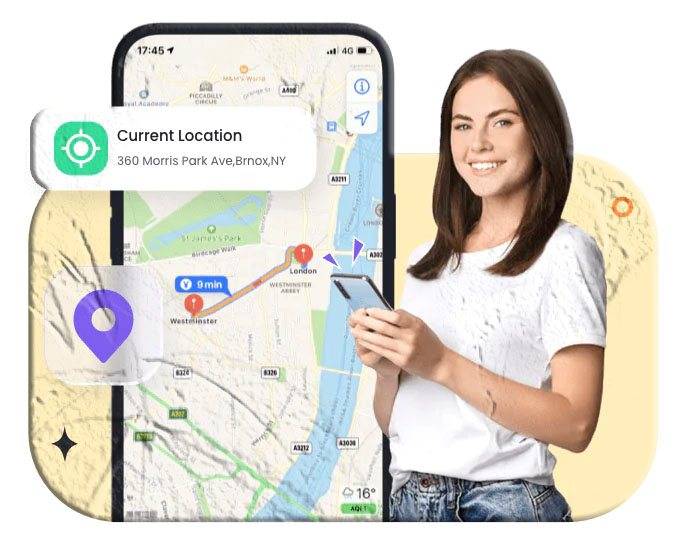
- Location tracking and history
- Geo‑fencing alerts
How to Use PhoneParental
- Install TheTruthSpy Parental Control on your device and create an account.
- Install TheTruthSpy Kids on your child’s Android phone and pair both devices.
- Once connected, you can monitor Snapchat activity remotely.
2. Recover Snapchat Media Through Cache Files (Android)
Even though Snapchat deletes media, some files remain temporarily stored in the device’s cache.
Steps
- Install a File Manager app.
- Open the Android folder.
- Navigate to Data → com.snapchat.android.
- Open the cache folder.
- Check received_image_snaps to view recovered photos.
This method is limited but can help retrieve deleted images.
3. Use a Snapchat Monitoring App for iPhone
For iPhone users, Hoverwatch is a commonly used parental monitoring solution.
Key Features
- Monitor Snapchat activity discreetly.
- Access call logs, text messages, and contacts.
- Receive alerts when the SIM card is changed.
- Track real‑time GPS location.
- View browser history.
- Block websites or keywords.
How to Use Hoverwatch
- Create an account with your email.
- Install Hoverwatch on your device.
- Install it on your child’s iPhone and connect both devices.
- Start monitoring Snapchat activity.
4. Restore Snapchat Media from iCloud Backup (iPhone)
If your child’s iPhone has been backed up, Snapchat media may still be stored in the iCloud backup.
Steps
- Reset or prepare an iPhone for restoration.
- On the Apps & Data screen, select Restore from iCloud Backup.
- Log in to your child’s iCloud account and choose a backup to restore.
This method works only if Snapchat data was included in the backup.
Essential Snapchat Settings to Protect Your Child
Even without monitoring tools, you can improve your child’s safety by adjusting built‑in Snapchat settings.
1. Disable Phone Number Discovery
Prevent strangers from finding your child through their phone number.
Path: Profile → ⚙️ → Mobile Number → Uncheck Let others find me using my mobile number
2. Turn Off Quick Add Suggestions
Stop Snapchat from suggesting your child to strangers.
Path: Profile → ⚙️ → See Me in Quick Add → Uncheck
3. Restrict Who Can Contact Your Child
Limit communication to friends only.
Path: Profile → ⚙️ → Contact Me → Select My Friends
4. Enable Ghost Mode
Hide your child’s location from others.
Path: Profile → ⚙️ → See My Location → Enable Ghost Mode
Why Kids and Teens Love Snapchat
Snapchat appeals to young users for several reasons:
- It’s easy to take photos, add filters, and share moments instantly.
- Messages disappear, creating a sense of privacy and spontaneity.
- They can choose exactly who sees their content.
- They receive quick reactions and feedback from friends.
- Creative tools like lenses, stickers, and doodles make communication fun.
While these features are enjoyable, they also increase the risk of unsafe behavior.
Conclusion
Snapchat offers entertainment, creativity, and social connection for kids—but it also comes with real dangers. Monitoring your child’s Snapchat can help protect them from harmful interactions, inappropriate content, and online threats.
While open communication is always the best approach, there are situations where discreet monitoring may feel necessary. Whether you choose parental control apps, device settings, or backup recovery methods, the goal should always be your child’s safety and well‑being.
Additional FAQs About Monitoring Snapchat
Can parents monitor Snapchat without access to the phone?
Yes. Many parental control apps allow remote monitoring once both devices are paired.
Does Snapchat notify users when someone monitors their account?
No. Snapchat does not alert users about parental monitoring apps.
Can deleted Snapchat messages be recovered?
Some deleted media may be recoverable through cache files (Android) or iCloud backups (iPhone), but not all content can be restored.
Is it legal to monitor my child’s Snapchat?
In most regions, parents are legally allowed to monitor the devices of minors they are responsible for. However, ethical considerations still matter.
What age is appropriate for Snapchat?
Snapchat’s minimum age requirement is 13, but maturity levels vary. Parents should evaluate their child’s readiness and set boundaries accordingly.