

What Is WhatsApp Status and Why Views Are Tracked
WhatsApp Status works similarly to “Stories” on platforms like Facebook and Instagram. Users can post photos, videos, GIFs, or text updates that disappear after 24 hours. When you open someone’s Status, your name appears in their viewer list — unless you take specific steps to avoid detection.
Many people want to check a Status quietly, whether out of curiosity, privacy, or personal reasons. Fortunately, WhatsApp’s design allows several workarounds that let you view Status updates without being seen.
Below are the most reliable methods, explained in detail.
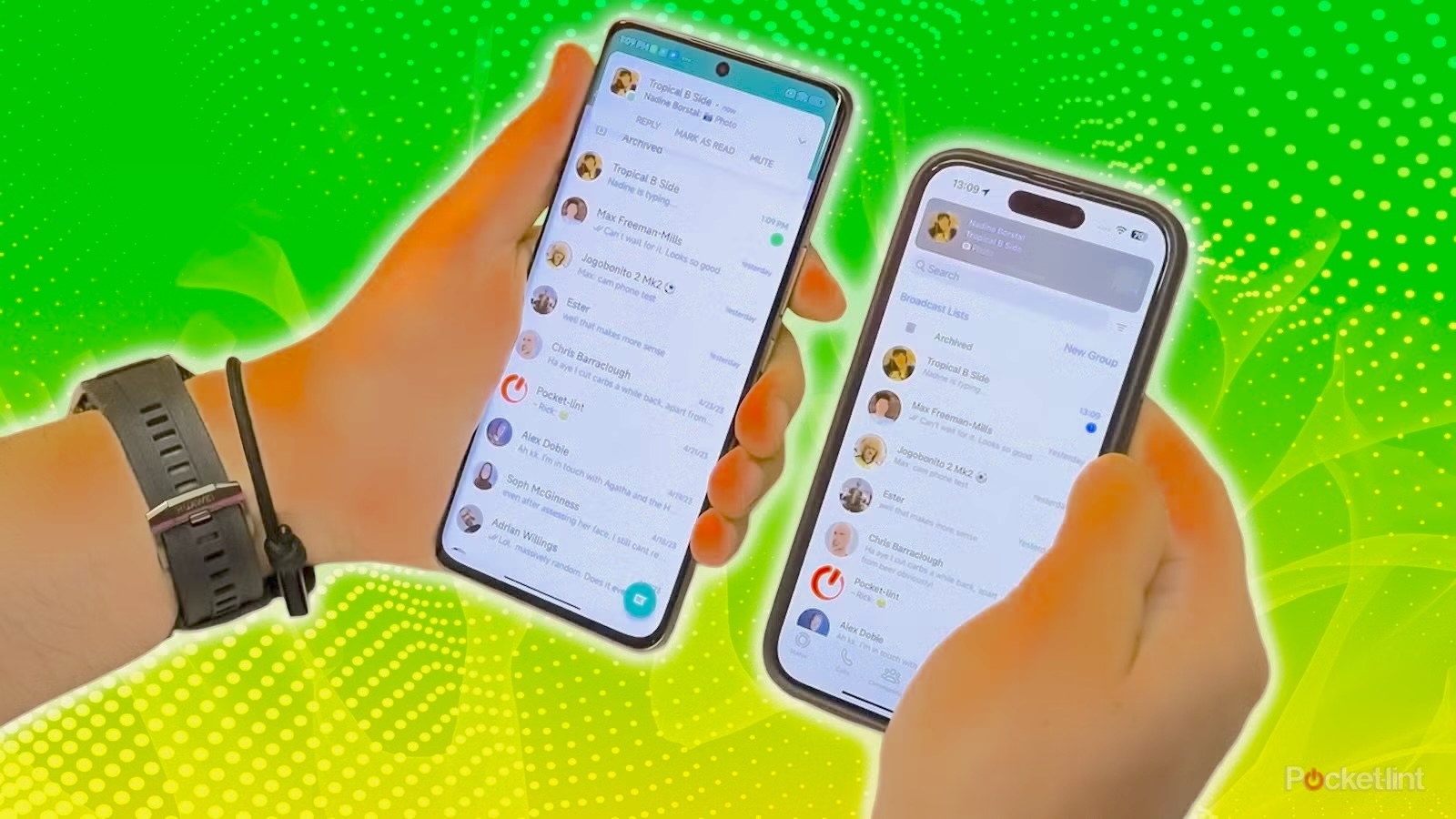
Method 1: Half‑Swipe from an Adjacent Status
This is the simplest method, but it requires careful finger control and works best when the person has posted only one Status.
How to Do It
- Open WhatsApp and go to the Updates tab.
- Tap on a Status you’ve already viewed (or the official WhatsApp Status).
- Gently swipe left or right without lifting your finger.
- Peek at the Status you want to view.
- Swipe back to the original Status before releasing your finger.
If done correctly, the green ring around the Status remains unbroken, meaning it still shows as “unseen.”
Limitations
- Works only for single Status posts.
- You can’t watch videos fully.
- Requires precision.
Method 2: Turn Off Read Receipts
Turning off read receipts is one of the most reliable ways to view Status updates anonymously.
Steps
- Open WhatsApp → Settings.
- Tap Privacy.
- Disable Read Receipts.
- Now view any Status you want.
Important
Do not turn read receipts back on until the Status expires. If you re‑enable it too soon, your view will be sent to the owner.
Trade‑Off
You also lose the ability to see who viewed your Status.
Method 3: View the Hidden WhatsApp Status Folder (Android Only)
Android users have a unique advantage: WhatsApp automatically stores Status media locally.
How to Access It
- Open your phone’s Files app.
- Tap the three dots → Settings → enable Show hidden system files.
- Navigate to: Internal Storage → WhatsApp → Media → .Statuses
- View all image and video Statuses anonymously.
Why It Works
WhatsApp preloads media into this folder even before you open the Status.
Limitations
- Only works for photos and videos, not text Statuses.
- If you use dual WhatsApp accounts, files may appear only for the active account.
Method 4: View WhatsApp Status Offline (With Cache Clearing)
This method works on both Android and iPhone, but you must follow the steps carefully.
Step 1: Load Statuses
- Open WhatsApp while connected to the internet.
- Allow all Statuses to load.
Step 2: Go Offline
- Turn on Airplane Mode or disable WiFi and mobile data.
- View any Status you want.
Step 3: Clear WhatsApp Cache
This prevents WhatsApp from sending your view once you reconnect.
On iPhone
Settings → General → Storage → WhatsApp → Offload App
On Android
Long‑press WhatsApp → App Info → Storage → Clear Cache
Why This Works
WhatsApp stores your view locally and sends it later — clearing the cache deletes that record.
Method 5: Use a WhatsApp Status Viewer App
Some apps claim to let you view Statuses anonymously. Results vary, so here’s what actually works.
5.1 Status Viewer – Save Status (Android)
This app reads the same hidden Status folder mentioned earlier.
How to Use
- Install the app from Google Play.
- Open it and choose WhatsApp Status.
- Grant storage permission.
- View the media files.
Downsides
- Filled with ads.
- Doesn’t work for text Statuses.
- Not different from manually accessing the folder.
5.2 TheTruthSpy WhatsApp Status Viewer
If you’re a parent wanting to monitor your child’s WhatsApp activity for safety, TheTruthSpy offers a more advanced solution.
How It Works
TheTruthSpy uses screen mirroring to show you your child’s WhatsApp screen in real time — including Status viewing and posting.
Steps
- Install TheTruthSpy Parental Control on your phone.
- Follow the setup instructions to pair your child’s device.
- Open Screen Mirroring to see their WhatsApp activity instantly.
Why Parents Use It
- No ads
- Real‑time monitoring
- Works for all WhatsApp activities, not just Status
Additional Information About WhatsApp Status
How to Save WhatsApp Status Without Being Seen
- Open the hidden folder: WhatsApp/Media/.Statuses
- Or turn off read receipts and take a screenshot.
How to See Who Viewed Your Status
- Enable Read Receipts.
- Open your Status → tap the eye icon.
Can You Prevent Screenshots on Your Status?
No. WhatsApp does not notify you when someone screenshots. You can only restrict who sees your Status: Settings → Privacy → Status → Choose your audience.
Can You View the Status of Someone You Blocked?
No. Once blocked, you cannot see their new Status updates.
Frequently Asked Questions
1. Does WhatsApp notify users if I view their Status secretly?
No. WhatsApp only shows your name if you view it normally with read receipts enabled.
2. Is it safe to use third‑party Status Viewer apps?
Most are ad‑heavy and rely on local folders. Avoid apps that request unnecessary permissions.
3. Can I view WhatsApp Status on WhatsApp Web without being seen?
No. WhatsApp Web mirrors your phone’s behavior, including read receipts.
4. Does turning off read receipts affect message delivery?
No. It only affects whether you and others can see “blue ticks.”
5. Why can’t I find the .Statuses folder?
You must enable Show hidden files in your file manager.
Conclusion
You now know five effective ways to view WhatsApp Status without being seen — from half‑swipes to offline viewing and hidden folders. While these methods work, it’s important to respect others’ privacy and use them responsibly. For parents who need a safe monitoring solution, TheTruthSpy offers a reliable way to view and manage WhatsApp activity discreetly.