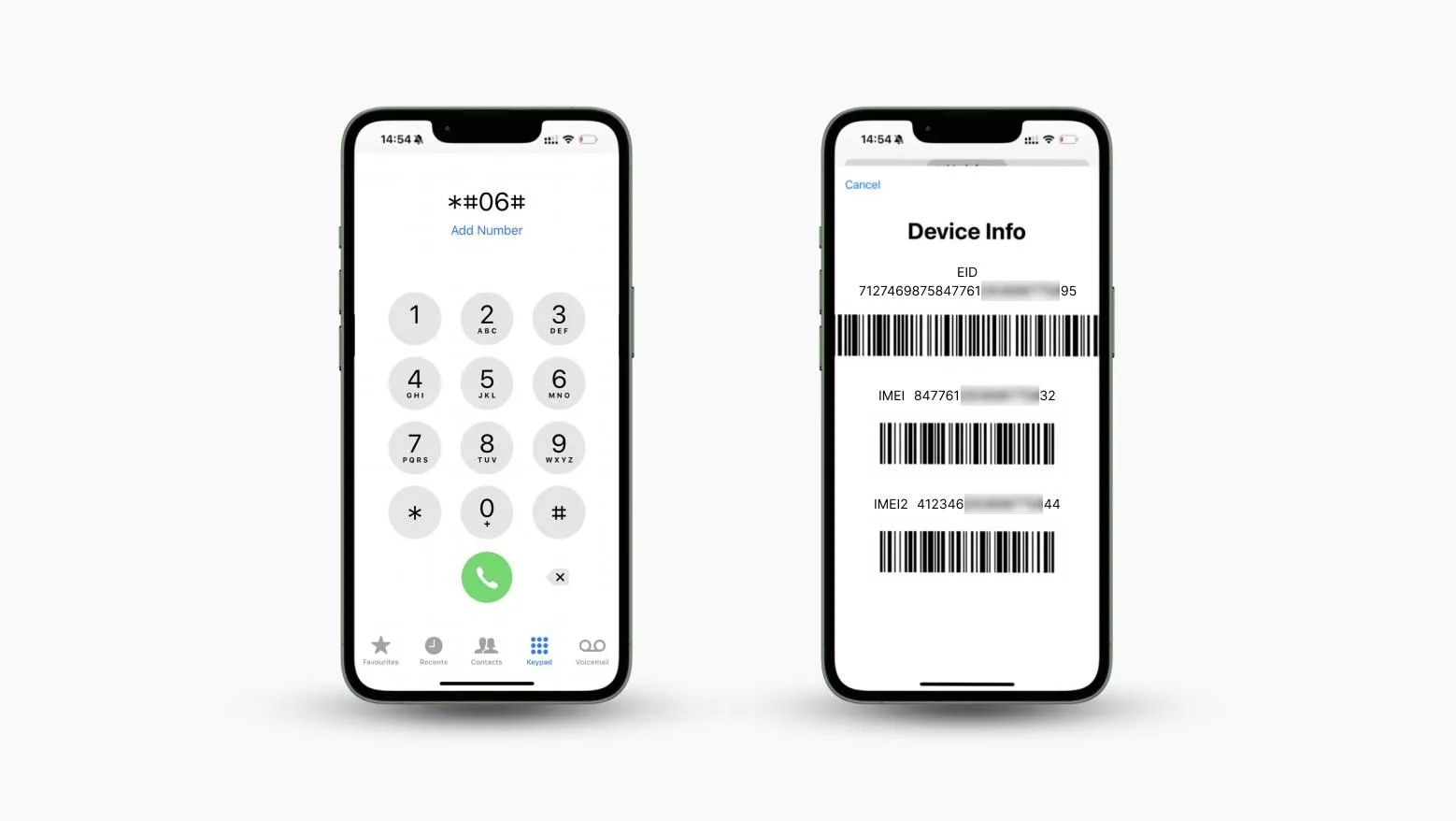

Losing a smartphone can be stressful, especially when it contains personal data, photos, or important contacts. Many people search for ways to track a lost phone using its IMEI number, and some online sources suggest that Google Earth might help. But is that really possible?
In this article, we’ll clearly explain whether Google Earth can track an IMEI number, how Google Earth actually works, its limitations, and the legal alternatives you can use to locate a lost or stolen phone safely.
Can Google Earth Track an IMEI Number?
The short and honest answer is no.
Google Earth cannot track a phone using its IMEI number. An IMEI (International Mobile Equipment Identity) is a unique identifier assigned to a phone’s hardware. While it helps mobile carriers identify devices on their networks, it does not contain location data.
Only mobile network operators and law enforcement agencies, under strict legal authority, can use IMEI numbers to help locate or block a device. Any website or software claiming to track an IMEI number through Google Earth is either misleading or unsafe.
Google Earth itself is a geographic visualization platform, not a tracking service. It displays satellite imagery, terrain, and maps—but it does not access live mobile network data.
Learn more about IMEI numbers from the official GSMA website: https://www.gsma.com/what-is-imei/.
What Google Earth Can Actually Do
Although Google Earth cannot track IMEI numbers, it can display locations if you already have GPS coordinates.
Modern smartphones use GPS satellites to determine their position. If you somehow obtain the phone’s latitude and longitude (for example, from a tracking app), you can manually enter those coordinates into Google Earth to view the location on the map.
Official Google Earth overview: https://www.google.com/earth/.
How to Locate a Position Using Google Earth
View Your Current Location
- Open Google Earth on your device.
- Click the “My Location” icon.
- Google Earth will zoom in on your current position.
Search Using GPS Coordinates
- Open Google Earth.
- Enter the latitude and longitude into the search bar.
- Press Enter to view the exact location.
This method works only if you already have GPS data—not an IMEI number.
Limitations of Google Earth for Phone Tracking
Google Earth has several important limitations when it comes to locating devices:
- It does not provide real‑time tracking
- It cannot access mobile network data
- It cannot locate devices using IMEI numbers
- It lacks features like movement history, alerts, or geofencing
Google Earth is best used for visualizing known locations, not tracking lost phones.
Legal Alternatives to IMEI Tracking
Since Google Earth isn’t designed for phone tracking, here are safe and legal alternatives that actually work.
Google Find My Device (Android)
Google’s official tracking service for Android devices allows you to locate, lock, or erase your phone remotely.
Pros
- Free and built‑in for Android
- Shows last known location
- Allows remote locking and data erasing
Cons
- Requires location services to be enabled
- Works only with Android devices
Official page: https://www.google.com/android/find.
Apple Find My (iPhone)
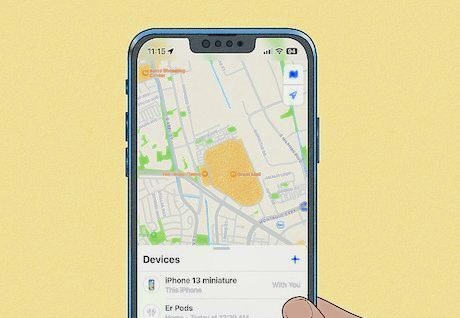
Apple’s Find My network uses GPS, Bluetooth, and nearby Apple devices to locate lost iPhones—even when offline.
Pros
- Works even when the device is offline
- Built into iOS
- Supports multiple Apple devices
Cons
- Only for Apple users
- Requires Find My to be enabled beforehand
Official page: https://www.apple.com/icloud/find-my/.
Family Location Tracking Apps
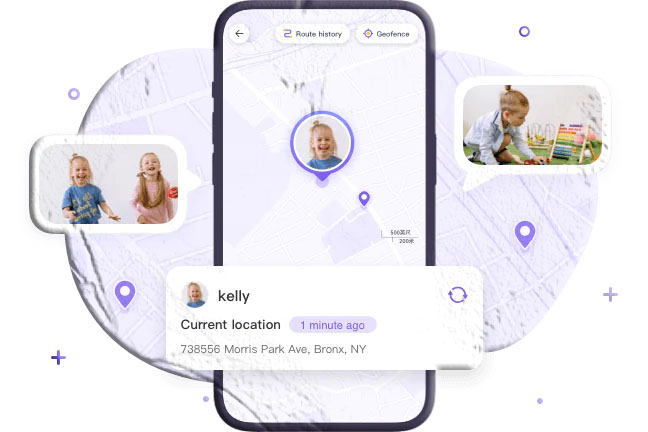
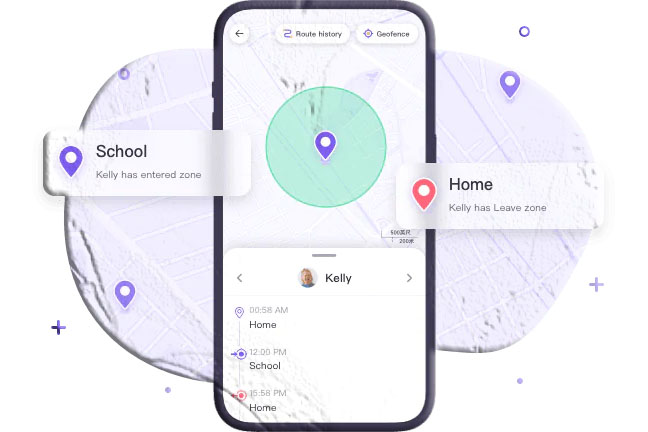
Some family‑oriented apps allow real‑time GPS tracking, location history, and alerts. These tools are designed for consensual tracking, such as monitoring a child’s device.
Always review privacy policies and local laws before using third‑party tracking apps.
Real‑World Experience with Location Tools
Many users initially turn to Google Earth because of its impressive visuals. However, once they understand its limitations, they often switch to dedicated tracking services.
The most important lesson is preparation. Enabling location services, linking your device to an account, and understanding how tracking tools work before losing your phone makes recovery far more likely.
Final Thoughts
Tracking an IMEI number using Google Earth is not possible. Google Earth simply isn’t designed for that purpose. Instead, official tools like Google Find My Device and Apple Find My offer reliable, legal, and user‑friendly ways to locate lost phones.
If your phone is stolen, your best option is to contact your mobile carrier and report the IMEI number so the device can be blocked.
Disclaimer
This article is for educational purposes only. IMEI tracking is restricted to authorized entities such as mobile carriers and law enforcement. Always follow local laws and respect privacy when using location services.
Frequently Asked Questions
Can Google track my IMEI number?
Google does not track IMEI numbers directly. Location tracking depends on enabled services, not the IMEI itself.
Are online IMEI tracking websites legitimate?
Most public IMEI tracking websites are unreliable or unsafe. Avoid sharing personal data with unverified services.
Can someone track me using my IMEI number?
Not legally, unless they are a mobile carrier or law enforcement agency with proper authorization.
Does IMEI reveal browsing or internet activity?
No. IMEI identifies hardware only and does not track internet usage.
Do police use IMEI tracking?
Yes, but only with legal approval and specialized systems unavailable to the public.
Is there a real IMEI tracker for individuals?
No public tool can track IMEI numbers in real time. Consumer tracking relies on GPS‑based services instead.