
Text message privacy is becoming harder to protect in today’s digital world. Cybercriminals, stalkers, and even people close to you can find ways to access your conversations without ever touching your device. The FBI has even warned the public about rising risks involving cross‑platform messaging between iOS and Android devices.
While this sounds alarming, you’re not powerless. By understanding the warning signs early, you can stop unauthorized access before your personal information is exposed.
Below are the three strongest indicators that someone may be reading your text messages remotely—and what you can do to protect yourself.

1. Your Phone Suddenly Becomes Slow, Hot, or Drains Battery Quickly
If your phone’s performance has changed dramatically, it may be more than just age or heavy usage. Spyware and monitoring apps often run silently in the background, consuming system resources.
Common symptoms include:
- Apps take longer to open
- Phone freezes or lags unexpectedly
- Battery drains much faster than usual
- Device overheats even during light use
- Unknown apps appear in your app list
Spyware tools like mSpy, Cocospy, Spyera, XNSPY, Hoverwatch, and SpyBubble can secretly track your messages, calls, and social media activity. Many of these apps require only your iCloud or Google credentials to install remotely.
How to protect your device:
- Install a trusted antivirus and run a full scan
- Delete unfamiliar or suspicious apps
- Close unnecessary background processes
- Perform a factory reset if the issue persists
- Download apps only from official stores (Google Play, Apple App Store)
For more information on malware behavior, you can check resources from CISA or Kaspersky.
2. You Receive Strange or Unsolicited Messages
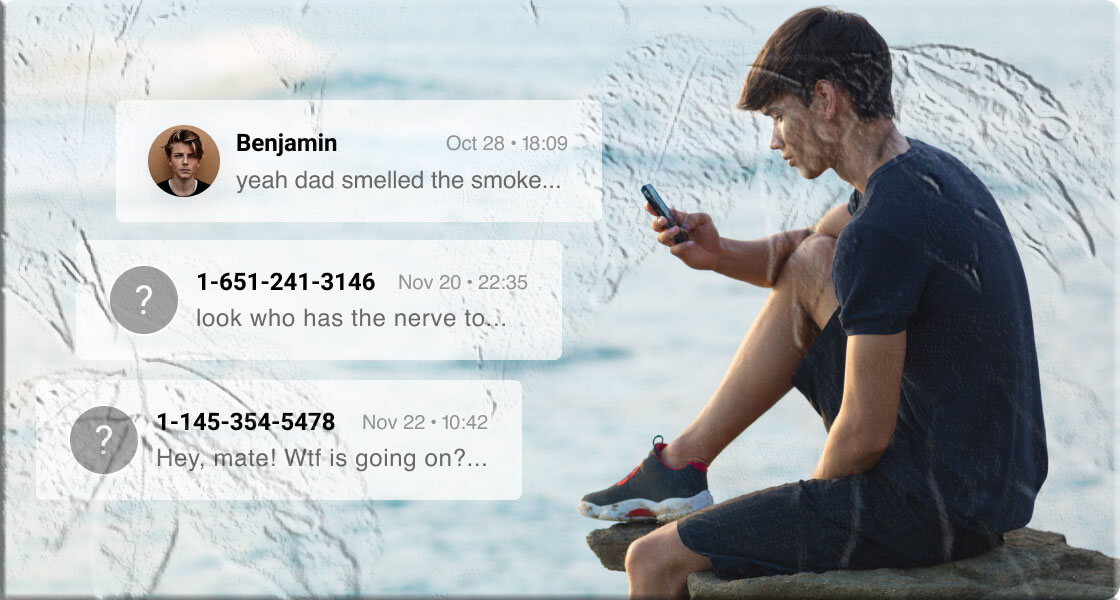
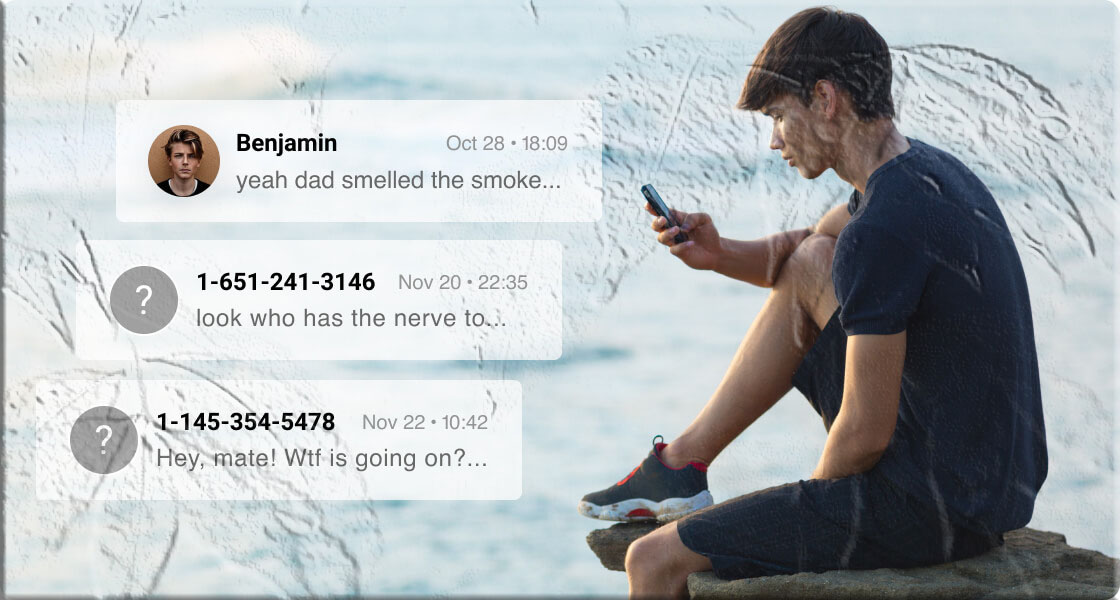
Receiving unusual texts—especially those containing random codes, suspicious links, or personal information—can indicate that someone is trying to trigger or maintain access to your device.
Another red flag is discovering that SMS forwarding is enabled without your knowledge. This feature allows your messages to be mirrored to another device.
How to disable SMS forwarding on iPhone:
- Open Settings
- Tap Messages
- Select Text Message Forwarding
- Turn off any device you don’t recognize
If you’re an Android user, check for connected devices under Messages > Device Pairing.
3. Your Messages Show as “Read” Even When You Haven’t Opened Them
If your messages appear as “read” on apps like iMessage, WhatsApp, Facebook Messenger, or Telegram—even though you never opened them—someone else may be accessing your account.
Possible causes include:
| Suspicious Activity | What It Means | What You Should Do |
|---|---|---|
| Someone shares your Apple ID | They can sync your messages | Create a new Apple ID |
| Cloud backups on shared devices | Your messages may sync elsewhere | Disable iCloud/iMessage sync |
| Multiple devices logged in | Someone is using your account | Change passwords and log out everywhere |
The Positive Side: Monitoring for Child Safety
Not all monitoring tools are harmful. Many parents use parental control apps—with their child’s knowledge—to protect them from cyberbullying, scams, and inappropriate content.
Apps like TheTruthSpy Parental Control allow parents to view:
- Text messages
- Call logs
- Browsing history
- Social media chats
These tools also help block harmful websites, limit screen time, and detect risky behavior. When used responsibly and transparently, monitoring can enhance a child’s online safety.
How to Stop Someone from Monitoring Your Text Messages
1. Enable Two‑Factor Authentication (2FA)
2FA adds a powerful layer of protection to your accounts. Avoid SMS‑based 2FA when possible—use apps like Google Authenticator, Authy, or Duo Mobile.
2. Review App Permissions Regularly
Many apps request access they don’t need. Check permissions for:
- SMS
- Contacts
- Microphone
- Camera
- Location
iPhone: Settings > Privacy & Security Android: Settings > Apps > Permissions
3. Use Encrypted Messaging Apps
Apps like Signal, WhatsApp, and Threema offer end‑to‑end encryption, meaning only you and your recipient can read the messages.
Avoid sending sensitive information like credit card numbers or ID details through any messaging app.
4. Strengthen Your Lock Screen Security
Use:
- Strong passcodes
- Biometric authentication (FaceID, TouchID)
- Short auto‑lock times
- Disabled notification previews
5. Avoid Public Wi‑Fi for Sensitive Communication
Public Wi‑Fi can expose your data to attackers. If you must use it, connect through a reputable VPN such as NordVPN or ExpressVPN.
Final Thoughts
Your text messages contain personal details that deserve protection. By recognizing unusual device behavior, monitoring your account activity, and strengthening your security settings, you can significantly reduce the risk of unauthorized access.
Staying proactive is the key to keeping your digital life private and secure.
Additional FAQs
Can someone read my text messages without installing anything on my phone?
Yes. If someone has your iCloud, Google, or messaging app login credentials, they can access your messages remotely without installing software.
Does opening a text message expose my phone to hacking?
Simply opening a message is usually safe, but clicking malicious links can compromise your device. Always avoid unknown URLs.
Can my phone carrier see my text messages?
Carriers can see SMS metadata (time, number, etc.) but not the content of encrypted messages sent through apps like WhatsApp or Signal.
How do I know if my phone is being monitored?
Look for signs like overheating, fast battery drain, unknown apps, unusual data usage, or messages marked as read without your action.
Should I reset my phone if I suspect spying?
A factory reset is one of the most effective ways to remove spyware, but remember to back up important data first.