
Facebook’s activity status feature can be incredibly useful. Whether you’re waiting for an important reply, checking if someone is online, or monitoring your child’s social media habits, knowing when someone was last active on Facebook can give you valuable insight.
However, Facebook doesn’t always make this information obvious — and depending on privacy settings, you may not always see it. This guide breaks down everything you need to know, from how activity status works to what message icons really mean.
1. How to See When Someone Was Last Active on Facebook
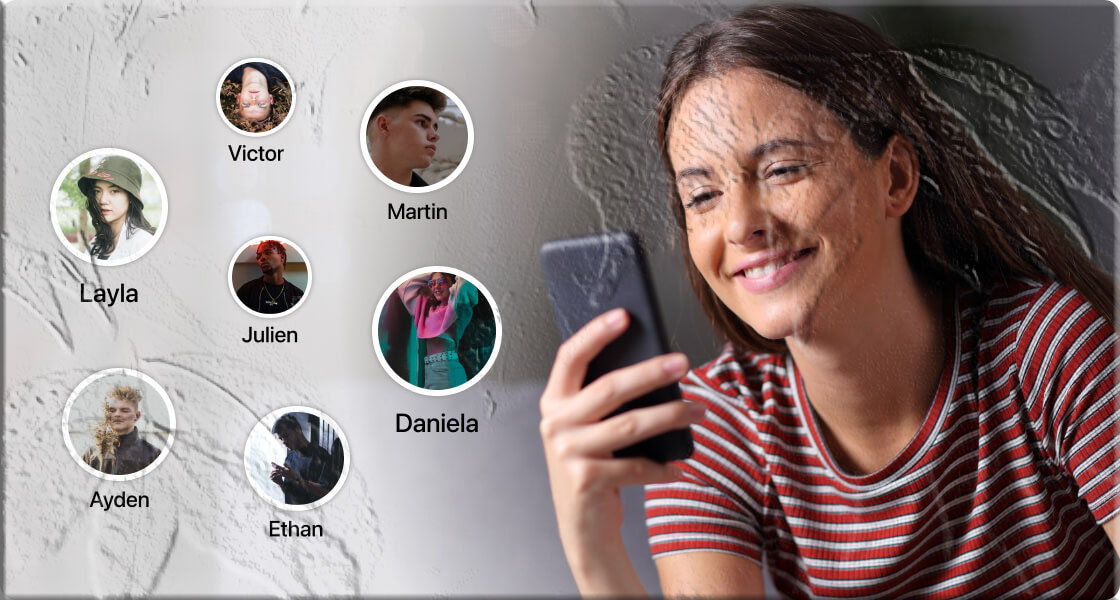
The easiest way to check someone’s last active time is through Facebook Messenger. Messenger displays a small status indicator under the user’s name inside your chat window.
How to Check Someone’s Last Active Status
- Open Facebook Messenger.
- Select the chat of the person you want to check.
- Look under their name for their activity status.
What the Activity Indicators Mean
- Green dot (Active Now): The person is currently online or recently active.
- “Active X minutes ago”: They were online recently but are no longer active.
- “Active X hours ago”: They haven’t been online for a while.
- No status shown: They may have turned off their active status or restricted visibility.
Important Note
The green dot does not guarantee the person is actively using Messenger. It may simply mean:
- Their app is running in the background
- Their device is connected to the internet
- They recently opened Facebook
2. Understanding Facebook Messenger Message Icons
Messenger uses several icons to show the status of your messages. These icons help you understand whether your message was sent, delivered, or seen.
Message Status Icons Explained
- Empty grey circle: Your message is still sending.
- Grey circle with a checkmark: Message sent from your device but not delivered.
- Filled grey circle with a white checkmark: Message delivered to the recipient’s device.
- Small profile picture: The recipient has opened the message.
A “seen” icon only means the message was opened — not necessarily read in full.
3. What If You Don’t Get a Reply?
Not receiving a reply can be frustrating, but it doesn’t always mean something is wrong.
Possible Reasons for No Reply
- The person is busy or away from their device
- They saw the message but haven’t had time to respond
- Their internet connection is unstable
- They turned off their active status
- They muted the conversation
Before assuming anything, check your own internet connection and give them time. People often reply when they’re free.
4. How to Turn Off Your Active Status on Facebook
If you prefer privacy, Facebook allows you to hide your active status.
How to Disable Active Status
- Open Messenger.
- Tap your profile picture.
- Select Active Status.
- Turn off Show when you’re active.
Important Trade-Off
If you turn off your active status:
- Others cannot see when you’re online
- You also cannot see their active status
You can disable active status for:
- Everyone
- Only specific people
- Everyone except selected contacts
5. Can Non‑Friends See When You Were Last Active?
No. Facebook does not allow non‑friends to view your activity status.
This means:
- Strangers cannot see when you were last online
- People messaging you for the first time cannot see your activity status
- You cannot see theirs unless you become friends
This is part of Facebook’s privacy and safety design.
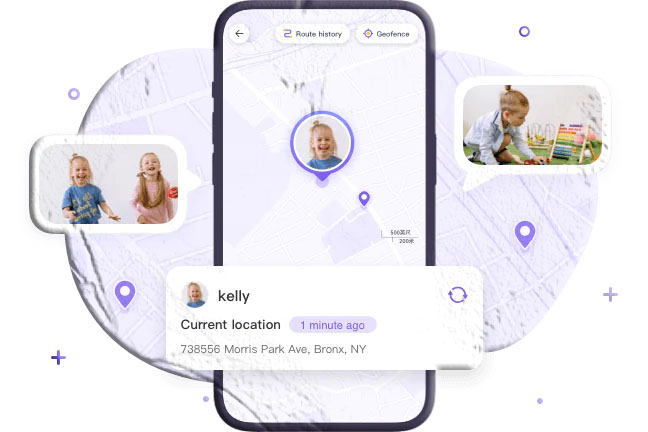
6. How to See If Your Child Is Active on Facebook
If you’re a parent, monitoring your child’s online activity can be important — especially with the risks associated with social media.
Children can easily hide their activity by:
- Turning off active status
- Using secret conversations
- Logging in from multiple devices
Using Parental Control Tools
Apps like TheTruthSpy allow parents to:
- Monitor Facebook activity
- View messages
- Track online time
- See app usage
- Monitor device behavior
These tools help ensure your child stays safe online and avoids harmful interactions.
7. Additional Things to Know About Facebook Activity Status
Activity Status Isn’t Always Accurate
Sometimes Facebook shows someone as active even when they’re not. This can happen due to:
- Background app activity
- Device still connected to the internet
- Messenger running in the background
Activity Status Can Be Disabled
If you don’t see someone’s last active time, they may have turned it off.
You Cannot Force Activity Visibility
Facebook does not allow bypassing privacy settings.
Frequently Asked Questions
1. Why can’t I see someone’s last active time on Facebook?
They may have turned off their active status, blocked you, or restricted visibility.
2. Does Facebook show false “Active Now” statuses?
Yes. Background activity or open sessions can make someone appear active when they’re not.
3. Can I hide my active status from only one person?
Yes. Messenger allows you to disable active status for specific contacts.
4. Can someone see my messages if they turned off active status?
Yes. Turning off active status only hides online visibility — it does not affect messaging.
5. Can I see when someone was last active if they blocked me?
No. Blocking removes all visibility, including activity status.