
Introduction
Smartphones are central to our daily lives, and being able to track loved ones or locate a lost device is more important than ever. With countless tracking apps available for both iPhone and Android, choosing the right one can feel overwhelming.
In this guide, we’ll explore the 5 best tracking apps for iPhone and Android, highlighting their features, pricing, pros and cons, and privacy policies. Whether you’re a parent concerned about your child’s safety, a driver monitoring habits, or someone trying to recover a lost phone, these apps provide reliable solutions.
⚠️ Note: Always respect privacy laws and obtain consent before tracking someone. Misuse of tracking apps can lead to legal consequences.
1. TheTruthSpy Family Locator
TheTruthSpy Family Locator is designed for parents who want peace of mind about their children’s whereabouts.
Key Features
- Real‑time location tracking.
- Timeline of past movements (up to 30 days).
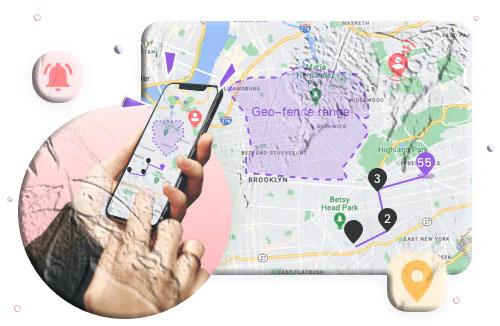
- Geofencing alerts when entering or leaving specific areas.
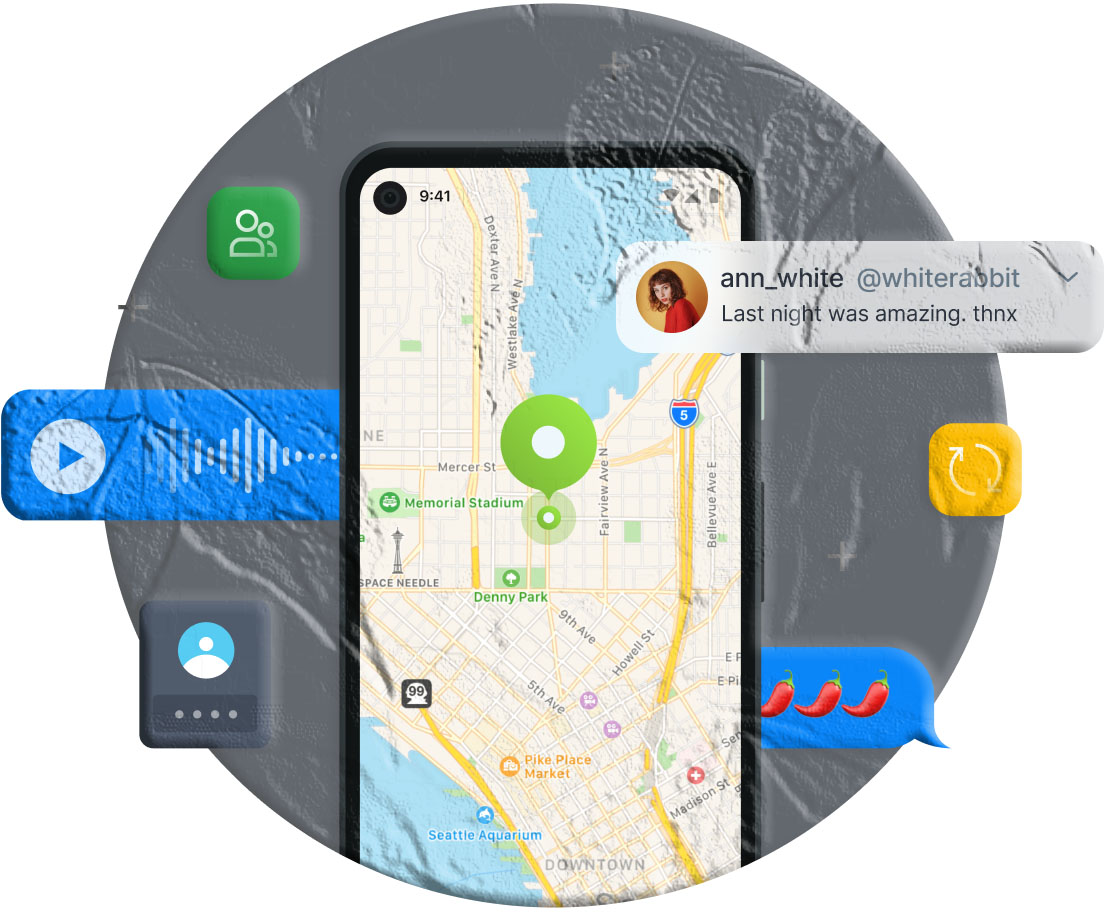
- Remote monitoring of surroundings (Android only).
Pricing
- Monthly: $9.99
- Quarterly: $6.66/month
- Annually: $4.99/month
Privacy Policy
Uses end‑to‑end encryption to protect sensitive data.
Pros
- Strong parental control features.
- Reliable geofencing alerts.
- Works on both iPhone and Android.
Cons
- Higher cost compared to alternatives.
- No driving safety features.
- Live monitoring limited to Android.
2. Life360
Life360 is one of the most popular family safety apps, offering advanced driving and emergency features.
Key Features
- Real‑time family tracking.
- “Bubble” alerts for emergencies.
- Driving safety monitoring (speed, braking).
- SOS emergency calls with one tap.
- Private messaging.
Pricing
- Silver: $14.99/month
- Gold: $24.99/month
- Free version available with limited features.
Privacy Policy
Encrypts user data and does not share location with third parties.
Pros
- Comprehensive family safety features.
- Driving habit monitoring.
- Emergency alerts and SOS calls.
Cons
- More expensive than competitors.
For details, see Life360’s official site.
3. FindMyPhone – Family Locator
FindMyPhone is a simple, user‑friendly app for tracking family members and lost devices.
Key Features
- Real‑time GPS tracking.
- Geofencing alerts.
- Location history (up to 7 days).
- SOS emergency calls.
Pricing
- Weekly: $4.99
- Monthly: $9.99
- Yearly: $49.99
- Free version available with limited features.
Privacy Policy
Data may be shared with third‑party advertisers, but payment information is protected.
Pros
- Affordable and easy to use.
- Emergency alerts included.
- Works on both iOS and Android.
Cons
- Consumes battery when running in background.
4. Google Maps
Google Maps isn’t just for navigation—it also allows location sharing.
Key Features
- Share live location with friends and family.
- Access location history.
- Real‑time traffic and transit updates.
- Free to use.
Privacy Policy
Google encrypts user data and provides privacy controls.
Pros
- Free and reliable.
- Easy to use for occasional tracking.
- Integrated with navigation.
Cons
- Limited tracking features compared to dedicated apps.
- Requires stable internet connection.
Learn more at Google Maps Help.
5. Glympse
Glympse is perfect for temporary location sharing without requiring the recipient to install the app.
Key Features
- Share real‑time location via SMS, email, or social media.
- Set time limits for sharing.
- Background location sharing.
- Public tags for group tracking.
Pricing
- Free version available.
- Premium starts at $9.99/month.
Privacy Policy
Encrypts data and clearly explains what information is collected.
Pros
- Temporary location sharing.
- Works across multiple platforms.
- Easy to share with groups or individuals.
Cons
- Location updates may lag.
Comparison Table
| App | Real‑Time Tracking | Geofencing | Driving Safety | Price Range |
|---|---|---|---|---|
| TheTruthSpy | ✅ | ✅ | ❌ | $4.99–$9.99 |
| Life360 | ✅ | ✅ | ✅ | $14.99–$24.99 |
| FindMyPhone | ✅ | ✅ | ❌ | $4.99–$49.99 |
| Google Maps | ✅ | ❌ | ❌ | Free |
| Glympse | ✅ (temporary) | ❌ | ❌ | Free–$9.99 |
FAQs
Q1: Do tracking apps drain battery? Yes, apps like Life360 and FindMyPhone can consume battery when running in the background. Adjust app permissions to reduce usage.
Q2: Are these apps cross‑platform? Most apps, including Life360, TheTruthSpy, and Glympse, support both iPhone and Android.
Q3: Which app is best for driving safety? Life360 offers advanced driving safety features such as speed and braking alerts.
Q4: Can I use these apps without consent? No. Tracking without consent is illegal in most regions. Always respect privacy laws.
Q5: Which app is best for temporary sharing? Glympse is ideal for short‑term location sharing without requiring installation on the recipient’s device.
Conclusion
Choosing the right tracking app depends on your needs. TheTruthSpy is excellent for parental monitoring, Life360 is best for family safety and driving habits, FindMyPhone offers affordability, Google Maps is perfect for occasional free tracking, and Glympse excels at temporary sharing.
With these apps, you can ensure safety, stay connected, and recover lost devices more easily.