
Facebook remains one of the world’s most active social platforms, connecting billions of people across personal, professional, and social spaces. With such massive visibility, it’s natural to wonder who might be checking your profile. Although Facebook clearly states that users cannot directly see who viewed their profile, there are several indirect signs that can help you understand who might be paying extra attention to your activity.
This guide breaks down the most reliable indicators, explains what they mean, and shows you how to protect your privacy if you suspect someone is monitoring your profile too closely.
Does Facebook Allow You to See Profile Viewers?
According to Facebook’s official policy, the platform does not provide a feature that shows who visited your profile. You can verify this directly from the Facebook Help Center.
However, Facebook does show viewer information for Stories, and it provides engagement data for posts. These insights, combined with behavioral patterns, can help you identify who might be frequently checking your profile.
1. Story Viewers: The Most Direct Indicator
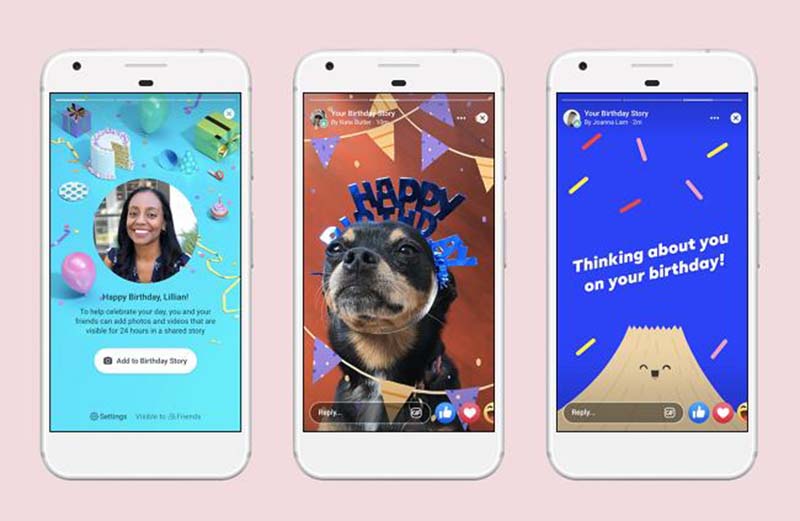
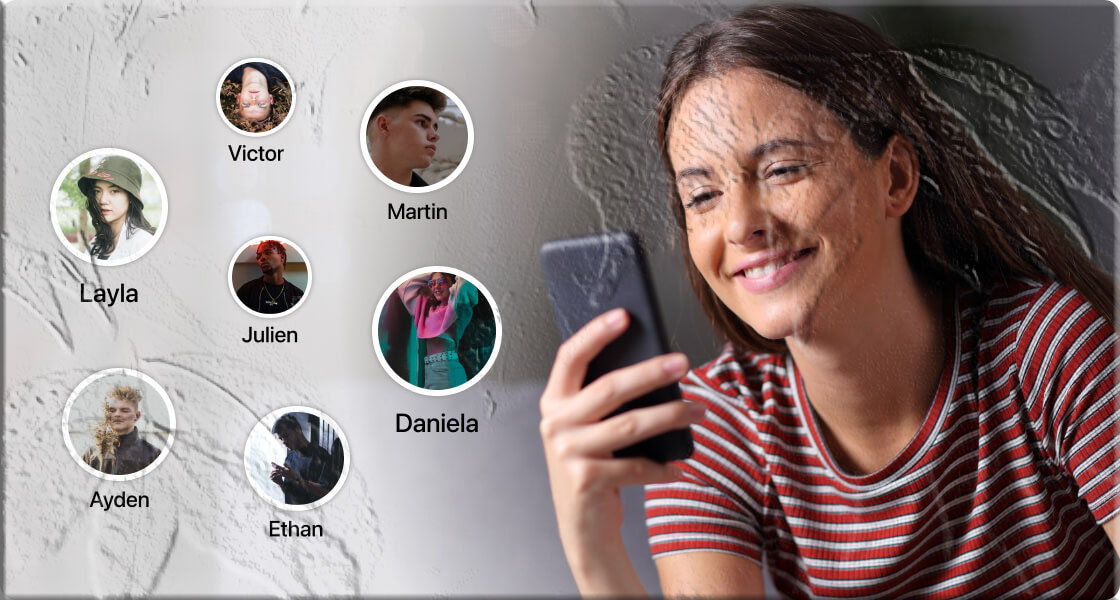
Facebook Stories are visible for 24 hours, and during that time, you can see exactly who viewed them. If you consistently notice the same people at the top of your viewer list — especially those you rarely interact with — it may indicate they frequently check your profile.
How to Check Story Viewers
- Open the Facebook app.
- Tap your Story.
- Swipe up to view the list of people who watched it.
On desktop, click the eye icon at the bottom of the Story.
After 24 hours, Stories move to your archive, where only the number of viewers is shown — not their names.
2. Post Interactions: Likes, Comments, Shares
While Facebook doesn’t show who viewed your posts, it does show who interacts with them. If someone consistently:
- Likes your posts,
- Comments often,
- Shares your content,
- Reacts unusually fast,
…it may indicate they visit your profile frequently.
Video posts also show view counts, though not viewer names.
3. Friend List Order and Smart Lists
Facebook uses an internal algorithm to organize your friends list. Although the exact formula is not public, factors include:
- Frequency of interactions,
- Mutual engagement,
- Profile visits,
- Recent activity.
If certain people always appear at the top of your friend list, it may suggest they interact with or view your profile more often.
4. “People You May Know” Suggestions
Facebook’s “People You May Know” feature uses signals such as:
- Mutual friends,
- Shared groups,
- Location,
- Contact syncing,
- Profile interactions.
If someone repeatedly appears in this section, it may indicate they have visited your profile or interacted with your content indirectly.
You can explore this feature under: Menu → Friends → Suggestions
5. Checking Your Profile’s Source Code (Desktop Only)
Some users look at the source code of their Facebook profile page to find user IDs associated with interactions. While this method does not show profile viewers, it may reveal:
- People you recently interacted with,
- Chat connections,
- Suggested contacts.
How to View Source Code
- Open Facebook on a desktop browser.
- Go to your profile.
- Right‑click and select View Page Source.
- Use Ctrl + F and search for “friend” or “userID”.
This method is not official and should be interpreted cautiously.
Be Careful With Third‑Party Apps Claiming to Show Profile Viewers
Apps or websites that promise to show your Facebook profile visitors are not supported by Facebook and often violate privacy rules. Many of them:
- Collect your personal data,
- Install malware,
- Slow down your device,
- Display intrusive ads.
For safety, avoid granting access to unknown apps. You can review your connected apps in your Facebook Settings or through your device’s app permissions.
What to Do If You Suspect Someone Is Stalking You on Facebook
If you feel uncomfortable or notice suspicious activity, you can take steps to protect your privacy.
1. Make Your Profile More Private
You can limit who sees your:
- Posts,
- Photos,
- Contact details,
- Personal information.
Go to: Profile → About → Edit Privacy
Change visibility to:
- Only Me
- Friends
- Custom lists
2. Adjust Your Post Audience
To control who sees your future posts:
- Go to Settings & Privacy.
- Select Privacy Settings.
- Under “Your Activity,” choose Who can see your future posts?
3. Block Suspicious Accounts
Blocking prevents someone from:
- Viewing your profile,
- Messaging you,
- Seeing your posts,
- Tagging you.
To block:
- Visit their profile.
- Tap the three dots.
- Select Block.
4. Manage Your Logins
If you log in on shared devices, others may access your account. You can:
- Log out remotely,
- Change your password,
- Remove saved login info.
You can manage this under: Settings → Security and Login
For extra protection, enable two‑factor authentication through your Facebook Security Settings.
FAQs
1. Can I use an app to see who viewed my Facebook profile?
No. Facebook does not allow third‑party apps to access profile viewer data. Any app claiming to do so is unsafe.
2. Does Facebook notify someone when I view their profile?
No. Facebook does not send notifications for profile visits.
3. Why do certain people always appear in my Story viewers?
Facebook’s algorithm may place people you interact with — or who interact with you — higher in the list.
4. Can someone see if I screenshot their Facebook Story?
No. Unlike some platforms such as WhatsApp or Snapchat, Facebook does not notify users of screenshots.
5. Does “People You May Know” mean someone viewed my profile?
Not always, but profile visits can be one of the signals Facebook uses.